
FunnelFork – Visual Quiz & Quickscan Builder for Lead Generation
| 开发者 | teqz |
|---|---|
| 更新时间 | 2026年10月24日 21:20 |
| PHP版本: | 8.1 及以上 |
| WordPress版本: | 7.1 |
| 版权: | GPLv2 or later |
| 版权网址: | 版权信息 |
详情介绍:
- Product recommendation quiz – "Which plan, product or service fits me?" Send every visitor to the product that matches their answers.
- Assessment or scorecard – "How ready is your business for…?" Give every answer points and show a result per score range.
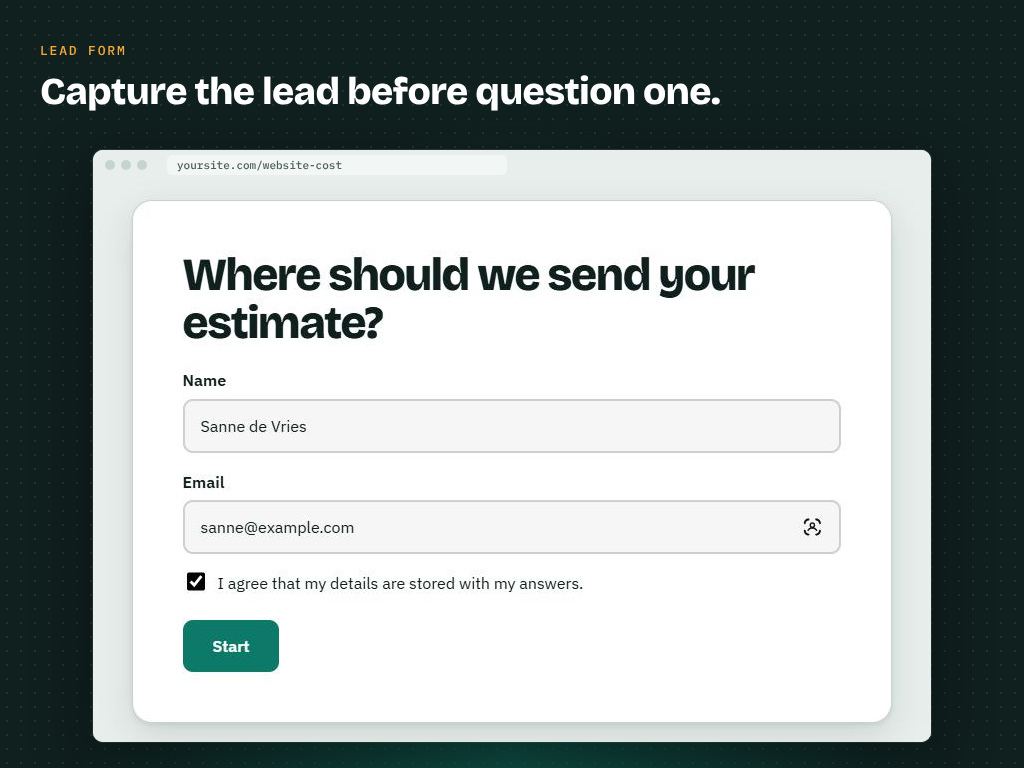
- Lead magnet – a quiz or self-test that visitors actually finish, with a lead form before the first question in FunnelFork Pro.
- Price indication or cost estimate – "What would your new website cost?" Lead visitors to the price range or package that fits.
- Decision tree or eligibility check – "Do I qualify?", "Which option do I need?", troubleshooting and support flows.
- Personality quiz and interactive content – fun quizzes that keep visitors on your site and lead them to the right page.
- Advice tool or product finder – collect labels along the way and show personal advice on the result.
- Visual editor: drag questions and results on a canvas and draw the answer logic with lines. Loops are impossible, so every visitor reaches a result.
- Two kinds of quickscans:
- Flow mode – the lines decide the result, like a decision tree.
- Score mode – every answer has points and every result a score range (for example 0–10, 11–20, 21 or more). Ideal for assessments and "how do you score?" quizzes.
- Unlimited quickscans, questions and results.
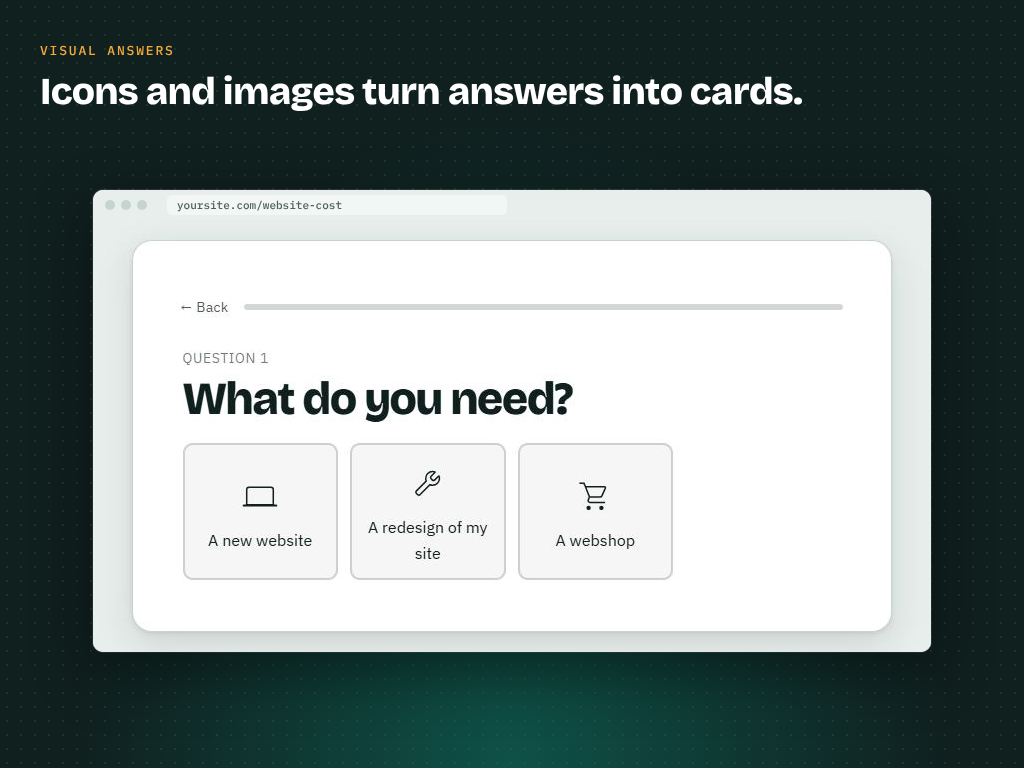
- Yes/no questions and multiple choice questions, each with an optional explanation.
- Multiple results (endpoints), clearly marked, with one default result for answers without a line or a score outside every range.
- Labels: attach labels (for example products or pieces of advice) to answers and show the collected labels as personal advice on the result.
- Optionally show the given answers and the score on the result.
- An optional start screen, then one question per page that slides smoothly into view, with a back button and a progress bar.
- Inherits the colours, fonts and buttons of your theme.
- Accessible: respects "reduced motion", moves the focus to every new step and announces it to screen readers.
- Block and shortcode:
[funnelfork id="123"], so it works in every page builder. - Translation-ready. Translations are delivered through translate.wordpress.org.
- For developers: JavaScript events (
funnelfork:step,funnelfork:answer,funnelfork:complete) for analytics, PHP and JS hooks, and--funnelfork-*CSS custom properties.
安装:
- Upload the plugin and activate it.
- Go to FunnelFork → Add quickscan.
- Build your flow, press Publish and place the "FunnelFork quickscan" block or the shortcode on a page.
屏幕截图:
常见问题:
What happens with an answer that has no line?
It leads to the default result. Every quickscan has exactly one default result, marked in the editor.
Can a flow loop back to an earlier question?
No. Loops are prevented so that every visitor always reaches a result.
What is the difference between flow mode and score mode?
In flow mode the lines decide where a visitor ends up. In score mode every answer gives points and the total score picks the result; lines are optional and only set the order of the questions.
Can I build a product recommendation quiz?
Yes. Make a result per product or package and draw the answers that fit it to that result. With labels you can also collect several products or tips along the way and show them together on the result.
Can I collect email addresses or leads?
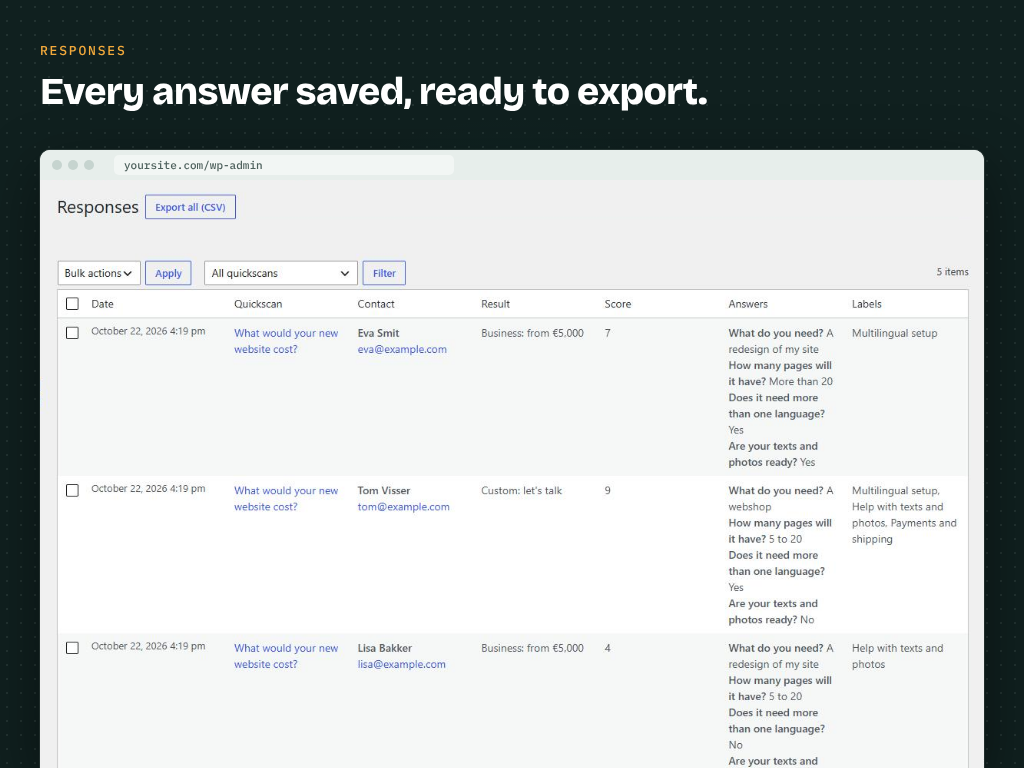
The free plugin does not collect personal data. FunnelFork Pro adds a lead form before the first question (name, email, phone), saves every response with CSV export, and sends an email or a webhook (Zapier, Make, n8n) for every lead and result. You can also show a Gravity Forms form on a result.
Is it a survey or a form builder?
FunnelFork is made for guided flows: every visitor answers one question at a time and ends on a personal result. For long surveys with many open questions a form plugin is a better fit; for quizzes, assessments, product finders and decision trees FunnelFork is.
Does it work with my page builder?
Yes. Use the "FunnelFork quickscan" block in the block editor, or the shortcode [funnelfork id="123"] in any page builder (Elementor, Bricks, Divi and so on).
Does FunnelFork store personal data?
The free plugin does not store or send anything a visitor answers. Saving responses and lead forms are part of FunnelFork Pro, which works with the WordPress privacy export and erase tools.
Can developers react to answers?
Yes. The .funnelfork element fires the funnelfork:step, funnelfork:answer and funnelfork:complete events, for example for Google Analytics or Google Tag Manager. The complete event contains the answers, the collected labels, the score and the endpoint.
Where is the source code of the JavaScript?
The uncompiled source is included in the src folder. Run npm install and npm run build to build the files in build (with @wordpress/scripts).
更新日志:
- New name: FunnelFork – Visual Quiz & Quickscan Builder for Lead Generation.
- First release.