
Fyrebox Quizzes
| 开发者 | cyrilg |
|---|---|
| 更新时间 | 2026年11月21日 14:26 |
| PHP版本: | 5.6 及以上 |
| WordPress版本: | 7.1 |
| 版权: | GPLv2 or later |
| 版权网址: | 版权信息 |
详情介绍:
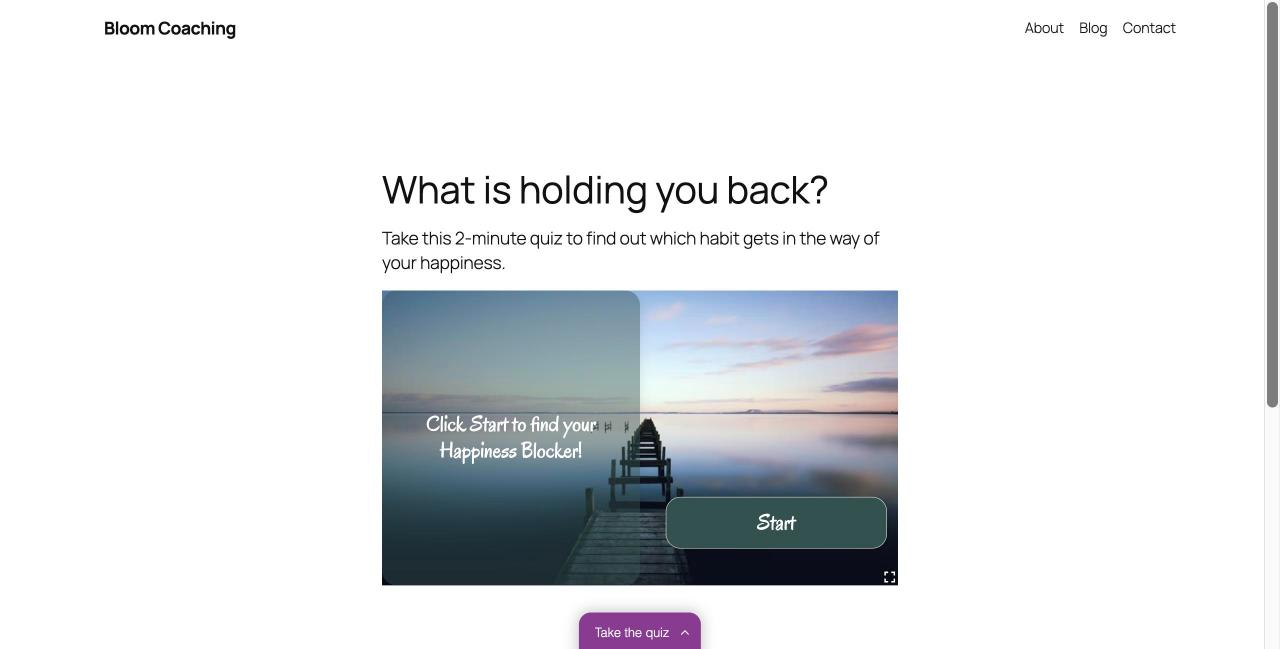
Fyrebox is a quiz maker. Build trivia quizzes, personality quizzes and assessments on fyrebox.com, then use this plugin to put them on your WordPress site.
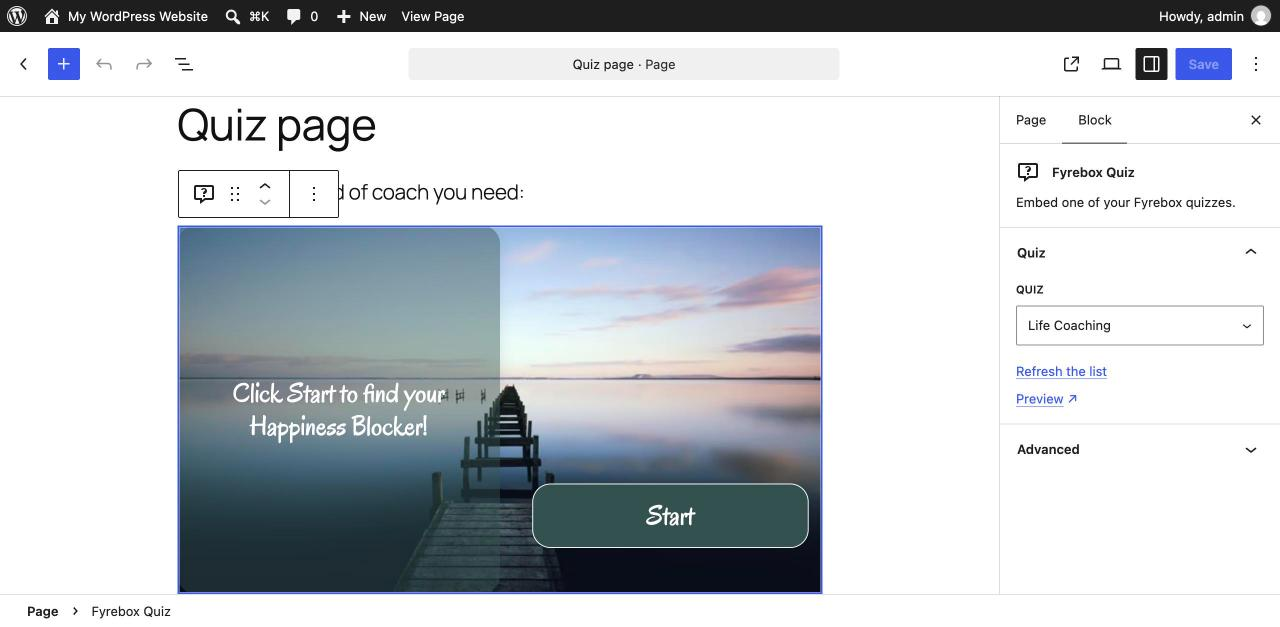
- Fyrebox Quiz block: add the block to a post or page, pick one of your quizzes from the list and see it in the editor.
- Shortcodes too: copy a quiz's shortcode from the plugin settings and paste it into the classic editor, a widget or a page builder. Pasting a Fyrebox shortcode into the block editor turns it into the block.
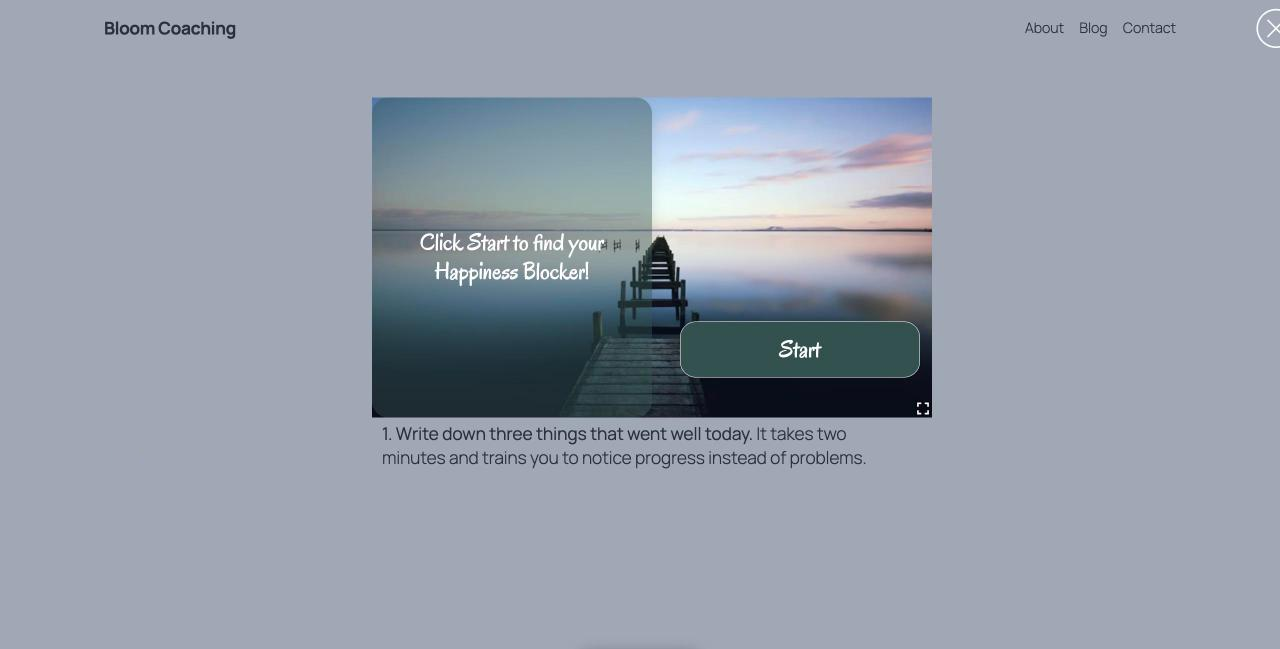
- Show a quiz in a tab: a tab at the bottom of every page opens the quiz of your choice. You pick its label and color.
- Collect leads: quizzes can ask for an email before showing the result, and send the leads to your email marketing tool or CRM.
[fyrebox gid="RBkzEXpGLo" oid="2TKxpeyZpH" /]
安装:
- In WordPress, go to Plugins > Add New, search for "Fyrebox" and click Install, then Activate.
- Go to Settings > Fyrebox and enter your Fyrebox API key. You can find it on your Fyrebox account page.
- In the block editor, add the "Fyrebox Quiz" block and pick a quiz. In the classic editor, copy a quiz's shortcode from Settings > Fyrebox. You can also turn on the tab and pick a quiz.
屏幕截图:
常见问题:
Do I need a Fyrebox account?
Yes. The quizzes are created and hosted on fyrebox.com. Fyrebox has a free plan.
Where do I find my API key?
On fyrebox.com, open your account page. The API key is listed there.
How do I add a quiz to a page?
In the block editor, click + and search for "Fyrebox", then pick your quiz in the block. Elsewhere, paste the quiz's shortcode, which you can copy from Settings > Fyrebox.
Can I turn my existing shortcodes into blocks?
Yes. Select a Shortcode block that holds a Fyrebox shortcode, click its icon in the toolbar and choose Fyrebox Quiz. Shortcodes keep working if you leave them as they are.
How do I contact support?
Send a support request from your Fyrebox dashboard, or see the Fyrebox documentation.
更新日志:
1.0
- First version
- Tested up to 5.2.2
- Update of the readme file
- Tested on WordPress 6.1.1
- Updated Logo
- Updated tags and version
- Tested on WordPress 6.5
- Tested on WordPress 6.8. Fixed all errors raised by audit plugin
- Removed .DS_Store
- refactor code to make it pass the plugin review
- Fixed the error "Link expired" and added bootstrap
- Security: shortcode attributes are validated and escaped (fixes a stored XSS that Contributor-level users could trigger)
- Security: settings are saved through the WordPress Settings API, with nonce, capability checks and per-field sanitization
- Security: the tab settings are re-sanitized and output as JSON
- Quizzes are fetched with the WordPress HTTP API, with a timeout and clearer error messages
- The tab no longer shows a default quiz when none is selected
- Removed the public test API key
- Tested up to WordPress 7.1
- The Fyrebox script now loads only on pages that show a quiz, or on every page when the tab is on
- The settings page uses the standard WordPress admin design and no longer loads Bootstrap or Google Fonts
- New Copy button next to each shortcode
- Deleting the plugin now removes its settings
- Smaller download: removed unused translation files, libraries and images
- New Fyrebox Quiz block: pick a quiz from a list and preview it in the block editor
- Fyrebox shortcodes pasted into the block editor become the block, and Shortcode blocks can be converted to it