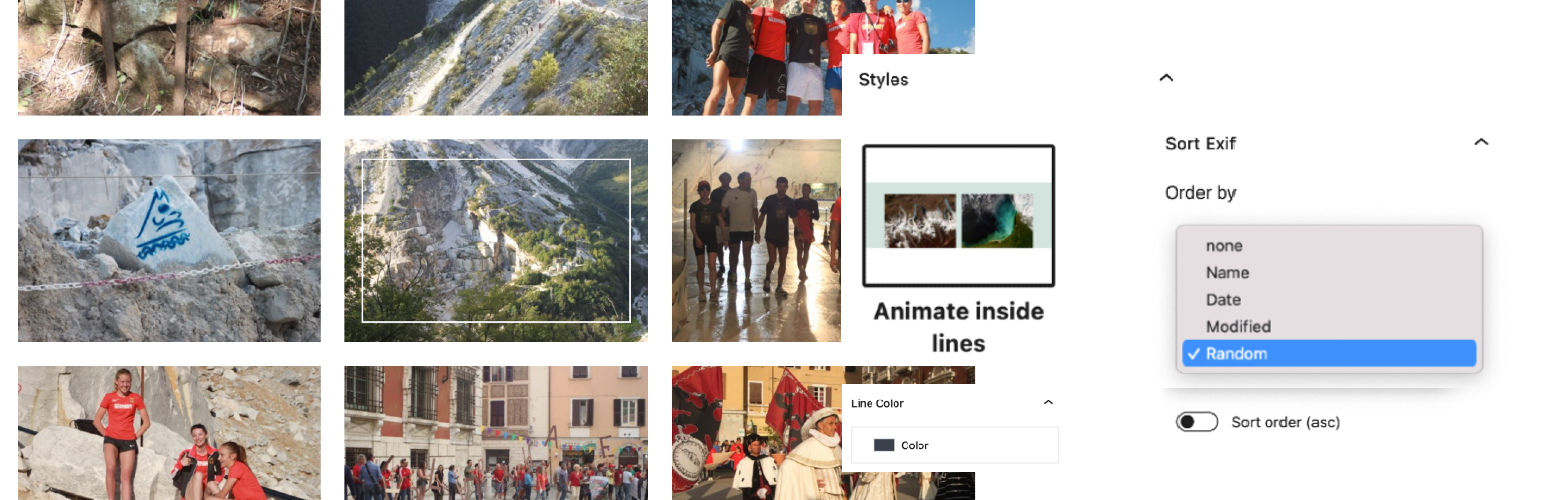
Gallery Styles – Sort & Style the Gallery Block (Exif, Hover, Duotone)
| 开发者 | kometschuh |
|---|---|
| 更新时间 | 2026年9月29日 03:44 |
| 捐献地址: | 去捐款 |
| PHP版本: | 7.2 及以上 |
| WordPress版本: | 7.1 |
| 版权: | GPL-2.0-or-later |
| 版权网址: | 版权信息 |
详情介绍:
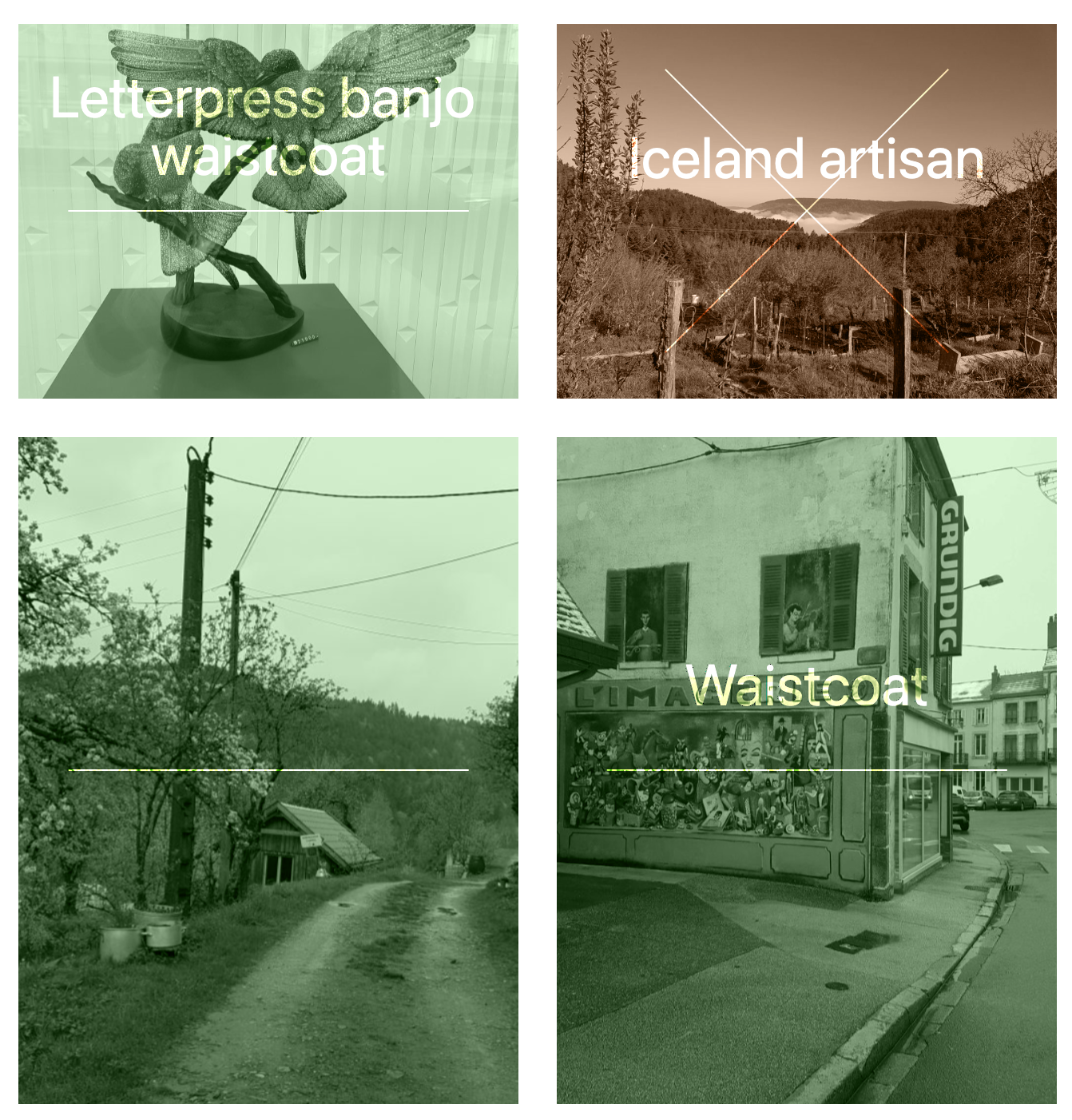
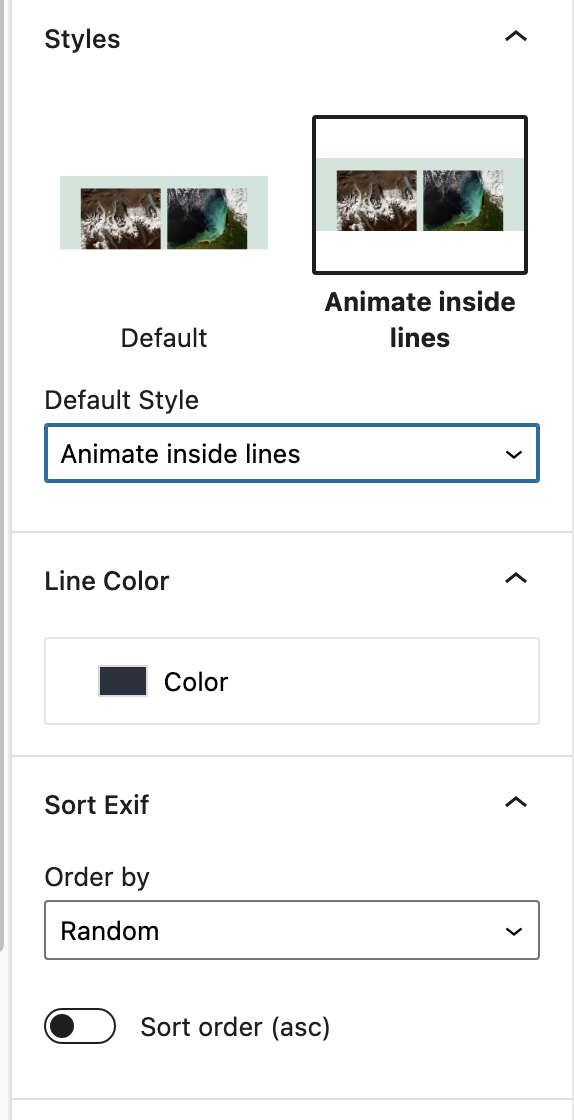
- Animated, inside lines style
- Cross hover style
- Hero style, first image large
- Reverse layout style
- Disable captions
- Foreground-, background and text colorpicker
- Filter duotone, multiply, luminosity
- Font-size, font blend-mode
- Sort by: As uploaded, Media Id, Title, Filename, Exif created, WordPress date, WordPress modified
- Link to: Expand on click as default for new galleries (WordPress 6.4 and higher)
安装:
- Upload the plugin files to the
/wp-content/plugins/gallery-stylesdirectory, or install the plugin through the WordPress plugins screen directly. - Activate the plugin through the 'Plugins' screen in WordPress
屏幕截图:
常见问题:
How can I 'Link to' a Lightbox
Since WordPress 6.4 the image block brings its own lightbox, and 'Expand on click' is the default of this plugin for newly inserted galleries. You can change it any time with the 'Link' button in the block toolbar of the gallery. On older WordPress versions without a lightbox this plugin sets no default at all. Search for 'Lightbox' in the Plugins directory, install a Lightbox Plugin you want and choose 'Link images to media files' in the block toolbar.
I use a Lightbox Plugin, why does it not open my gallery images?
Lightbox Plugins work on links to the media file, so they need 'Link images to media files'. Since WordPress 6.4 this plugin preselects 'Expand on click' instead, which uses the lightbox built into WordPress and leaves no link for your Lightbox Plugin to pick up. Select 'Link images to media files' with the 'Link' button in the block toolbar of the gallery and your Lightbox Plugin takes over again. Galleries you created before are not affected.
Does this change my existing galleries?
No. The default is only written to galleries you insert after installing this plugin. Galleries in existing posts keep their link settings, opening them in the editor does not change them.
更新日志:
- Bugfix Lightbox did not open with block themes
- Bugfix Link of uploaded images (Gutenberg #83557)
- Bugfix Lightbox image ratio (Gutenberg #79058)
- New styles Hero and Reverse
- Bugfix Sort by
- Bugfix Sort order
- Bugfix Text domain
- Bugfix Default style colors
- Link to 'Expand on click' (lightbox) is the new default for newly inserted galleries, on WordPress versions without a lightbox no default is set
- Sort by Title
- Bugfix Animate inside lines with no links
- Bugfix Escaping data
- Bugfix Reset foreground-, background color
- Bugfix Text hover, text size and background
- Bugfix Link inside lines
- Option Sort by Exif created and As uploaded
- Bugfix Blendmode, Inside Lines
- Bugfix Style Inside Lines
- Disable catpions
- Font blend mode
- Font-size
- Filter
- Cross hover
- Sort by Exif
- Colorpicker
- Release