GAM Ad Inserter - Adx & Ad Manager Ads
| 开发者 | ratneshmagicbid |
|---|---|
| 更新时间 | 2026年8月19日 18:54 |
| PHP版本: | 8.0 及以上 |
| WordPress版本: | 7.0 |
| 版权: | GPLv2 or later |
| 版权网址: | 版权信息 |
详情介绍:
GAM Ad Inserter - Adx & Ad Manager Ads helps publishers, agencies, and developers seamlessly integrate Google Ad Manager (GAM) into their WordPress websites.
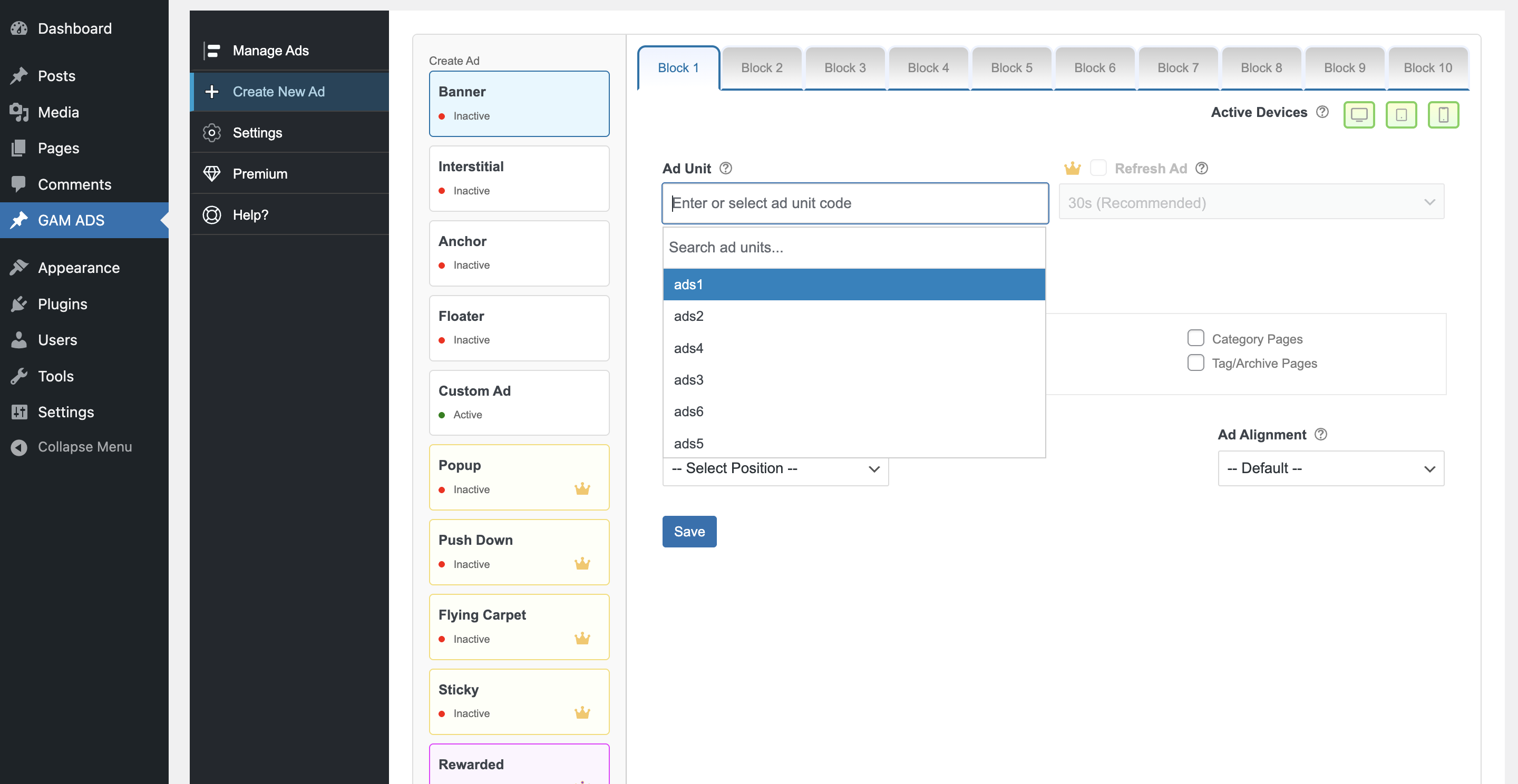
The plugin allows you to create, configure, and manage GAM ad units, place ads across your site, and control placements directly from the WordPress dashboard — without manually adding GPT tags or editing theme files.
It supports responsive ad placements, multiple ad formats, device-based targeting, and compatibility with common caching and optimization plugins.
GAM AD INSERTER is intended for publishers using Google Ad Manager who want to manage ads directly from the WordPress dashboard.
Key Features
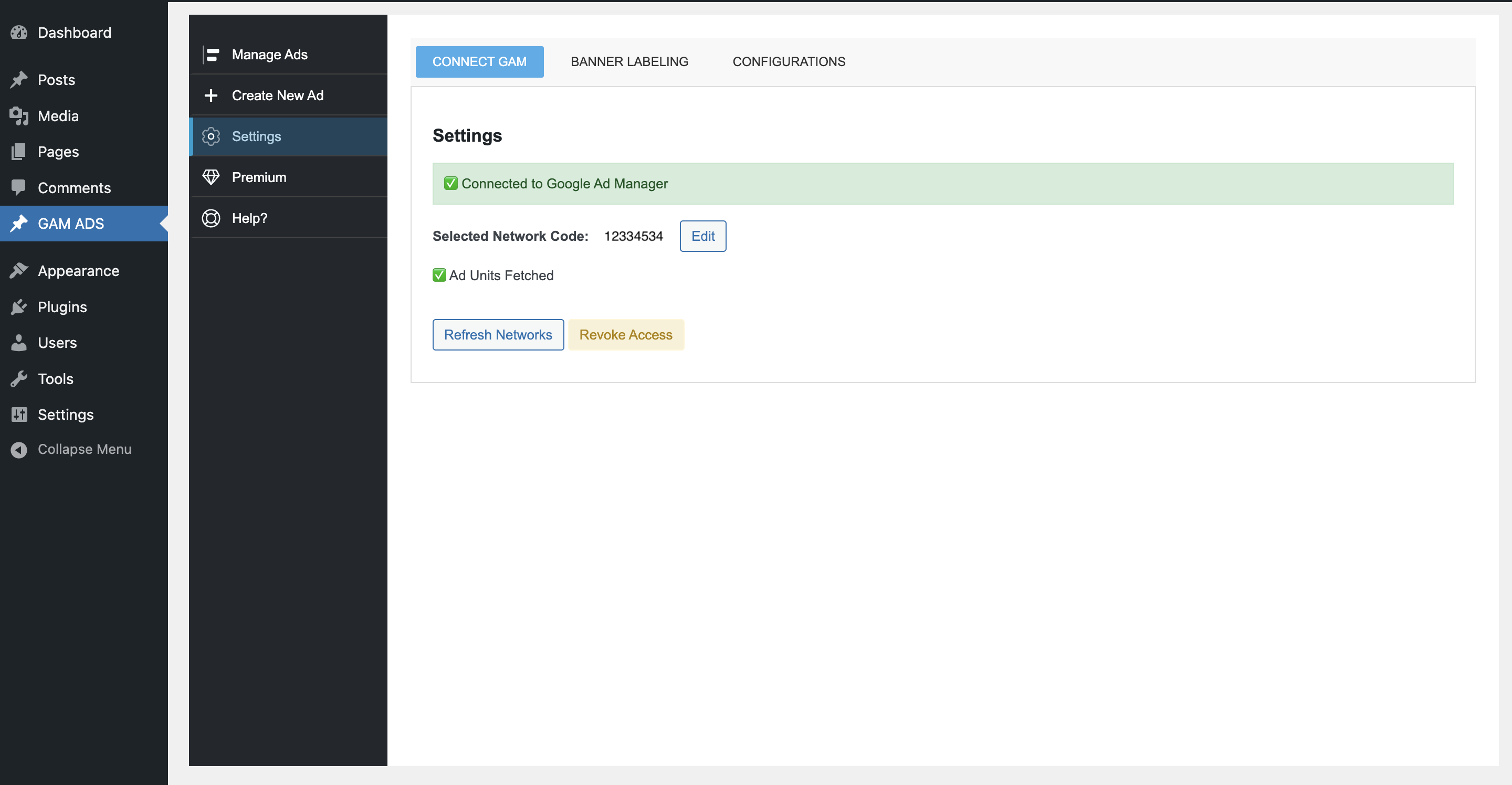
- Connect Google Ad Manager securely using OAuth 2.0
- Ad Summary Dashboard – View total, active, and inactive ads
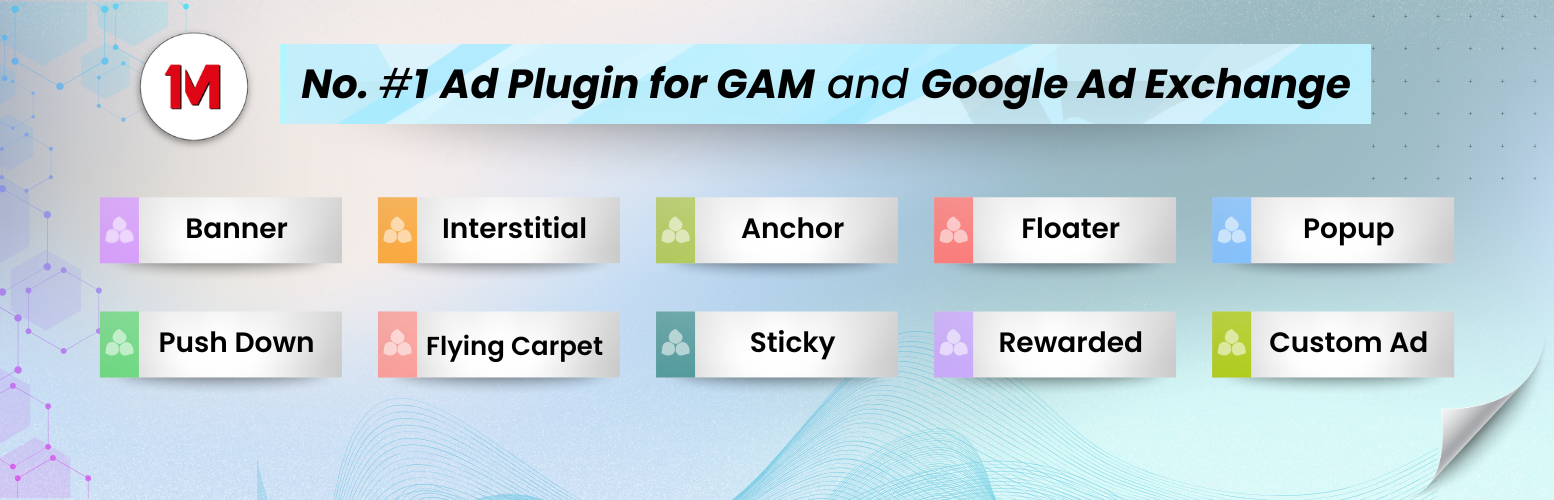
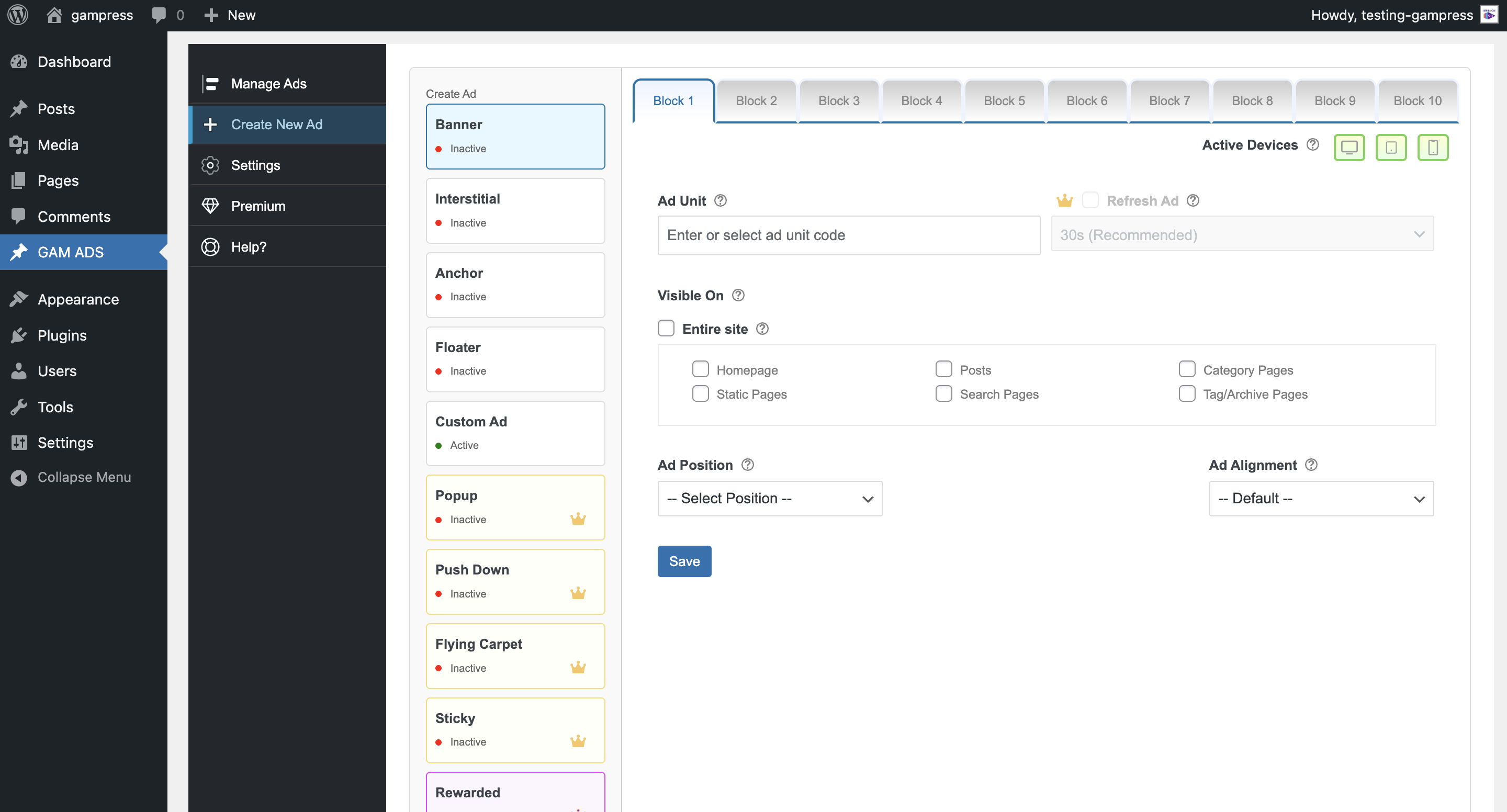
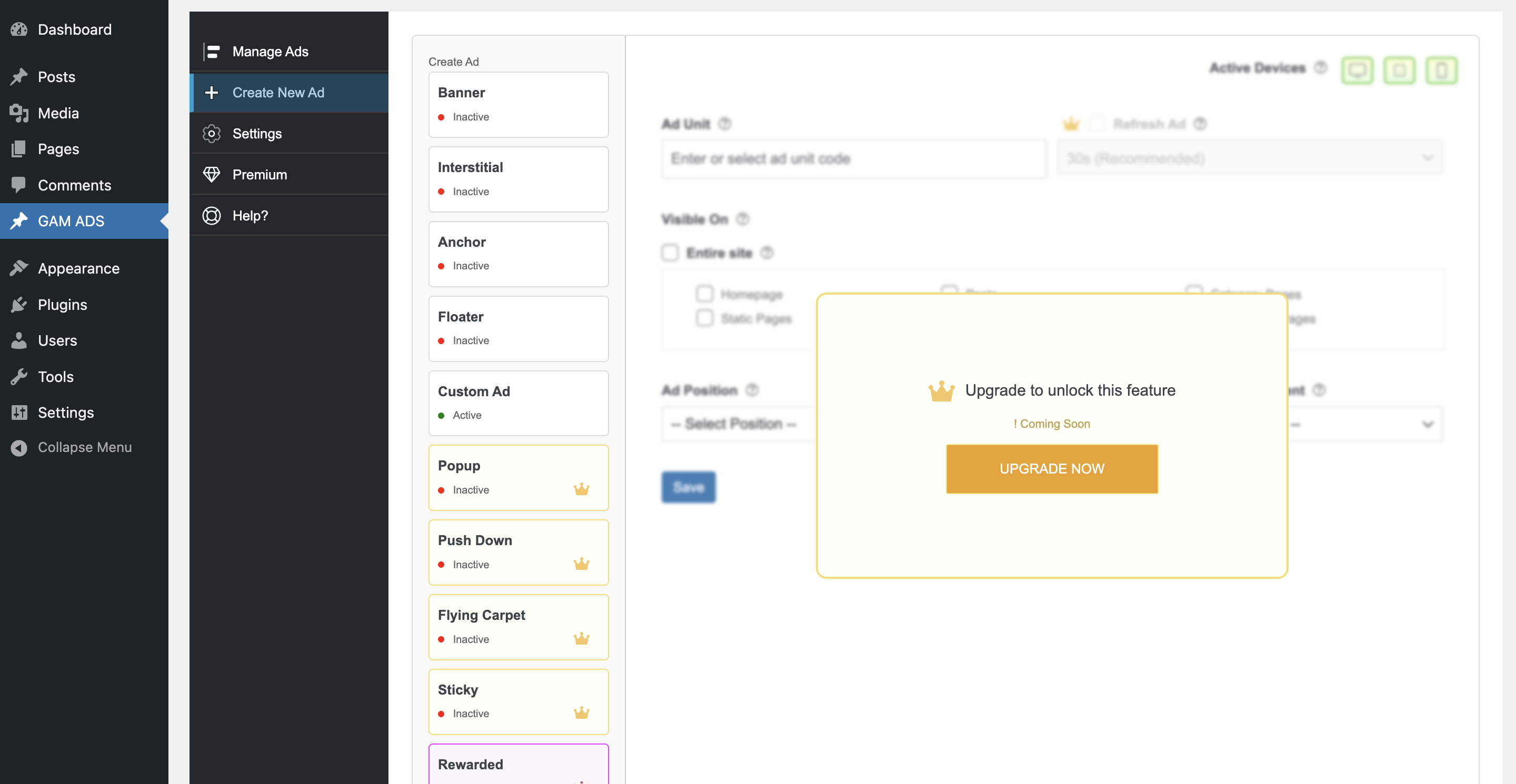
- Create New Ads with full support for:
- Banner
- Interstitial
- Anchor (Top/Bottom)
- Floater
- Popup
- Push Down
- Flying Carpet
- Sticky
- Rewarded
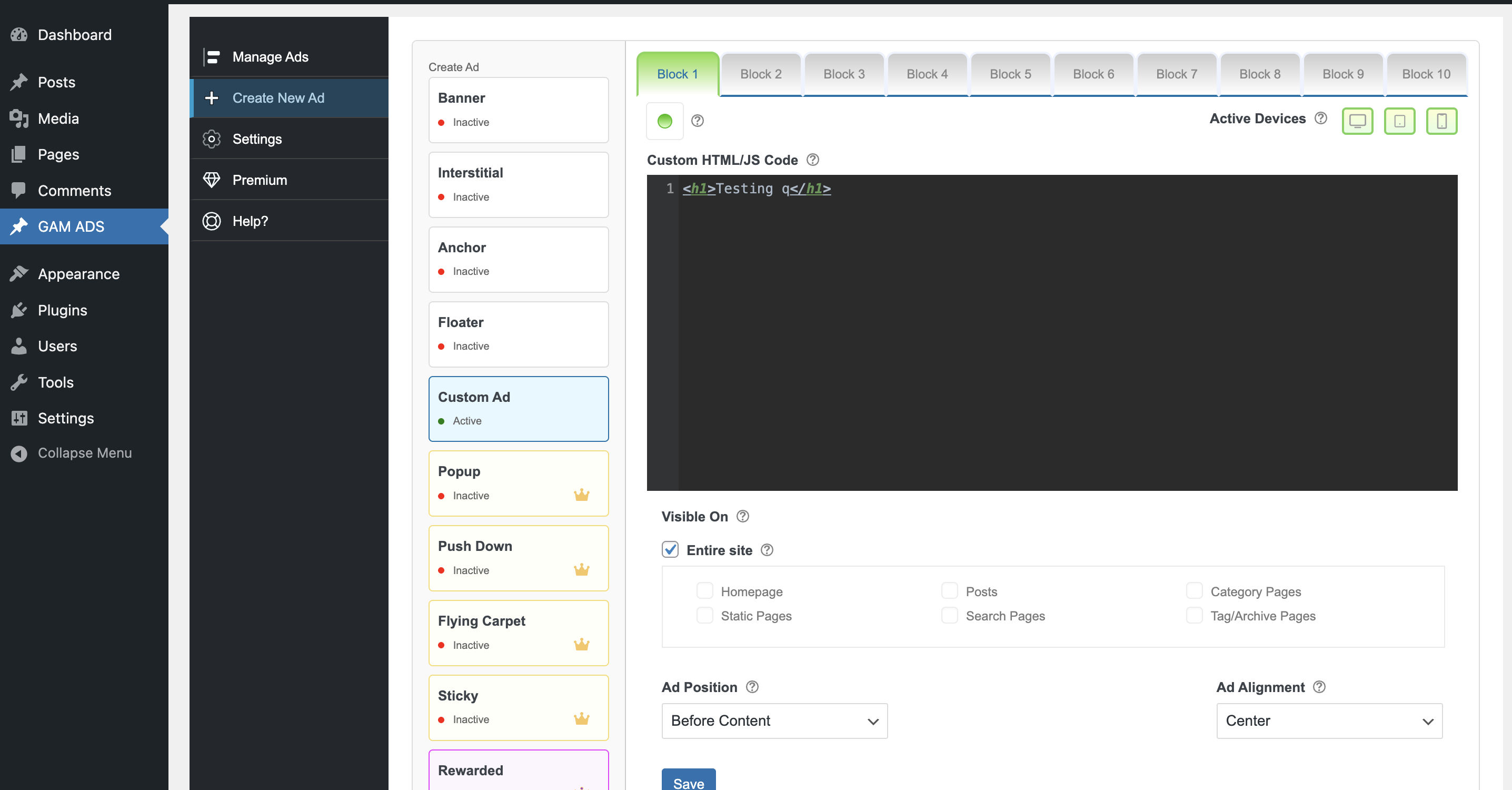
- Custom Ad
- Device Targeting – Display ads on Desktop, Tablet, or Mobile
- Pages – Homepage, Pages, Post/Custom Post Type, Static Pages, Category Pages, Tag/Archive Pages, Static Pages
- Flexible Sizes – Add fixed or fluid sizes for each ad unit
- Responsive Sizes – Define responsive breakpoints easily
- Cache Bypass Logic – Ensures ads load properly even with caching plugins
- AJAX-Based Navigation – Smooth experience inside the dashboard
- No Auto-Drafts – Ads are created via a custom form, avoiding WordPress auto-drafts
- Ad Management Tools – List, search, paginate, edit, and delete ad units
- Premium & Premium Plus Features
- Premium Ad Types
- Advanced integrations
- Upgrade options for professional publishers
- Avoid manually inserting GPT (Google Publisher Tag) code
- Prevent ad misconfigurations with a guided interface
- Save time with built-in ad templates
- Works perfectly with caching, responsive themes, and popular page builders
安装:
- Upload the plugin using the “Add Plugin” option or install it directly from the WordPress Plugin Repository.
- Activate the plugin through the Plugins menu in WordPress.
- Go to GAM AD INSERTER in your WordPress admin sidebar.
- Open Settings and click Connect Google Ad Manager to authorize your account.
- Start creating and managing ad units from the dashboard.
屏幕截图:
常见问题:
Do I need a Google Ad Manager account?
Yes. You must have an active Google Ad Manager (GAM) account to use this plugin.
Can I use this with Google AdSense?
Yes. AdSense can be linked to Google Ad Manager, and you can serve AdSense ads via GAM.
Does it work with caching plugins?
Yes. The plugin includes smart device detection and cache bypass logic.
Is this plugin free?
Yes. The core features are free. Some advanced ad types and tools are available as Premium Features.
Will this plugin affect site speed?
No. It uses official Google Publisher Tag (GPT) asynchronous scripts for optimized performance.
更新日志:
1.2.9
- Bug Fixed: Welcome Model Opening for fisrt time user open.
- Updates : UI Changes, Code Improved.
- Bug Fixed: Code optimization.
- Tested Upto 7.0.2 wordpress -v.
- Tested Upto 7.0 wordpress v.
- New Offer: Sticky Ads are now free until the next update.
- Updated: Deprecated script removed and replaced with the new GAM Ads script type.
- New : Ask user experience notice.
- Updated : New Website Link Updated.
- Updates : GAM API v202602 updated.
- Updates : UI Changes, Code Improved.
- Added : Welcome model implemented.
- Added : Manual Mode (Copy Paste GAM Ad Passback scrip that finter ad unit sizes etc).
- Improvement : Layout and code improvised/optimized.
- Improvement : Logo Change.
- Added "Custom Position" insertion in "ad alignment" option "start" and "end".
- Added Display Triggers in popup ad.
- Bug fixed "Slot has parent id instead of network code".
- Popup Ad close bar auto Stretch.
- Fixed Config popup->input help hover context missposition layout.
- Modifyied Save Disable and Save & Publish button while save state, Publish State and Draft State.
- Change in plugin's title/name.
- Email access erro bug fixed.
- Consent Layout Changes.
- Miner bug fixes, Code improvement, New Updates.
- Change in plugin's title/name.
- Updated sizes in "Create New Ad".
- Implroved help page.
- JS bug fixe.
- Changed meta content.
- Configuration settings improvement
- Consent popup implemented for required settings.
- Upgreaded new layout changes
- Premium feature upgrade system implemented
- Premium feature upgrade system implemented
- miner bug fixed
- Initial public release
- Google Ad Manager OAuth integration
- Manage Ads dashboard with ad statistics
- Create New Ads (Banner, Interstitial, Anchor, Floater, Custom Ad, Rewarded)
- Full CRUD management for ad units
- Responsive and device targeting support
- Premium feature upgrade system