
Gatekeepr – Password Protect for Post Types
| 开发者 | mbilalkk |
|---|---|
| 更新时间 | 2026年9月16日 02:21 |
| PHP版本: | 7.4 及以上 |
| WordPress版本: | 7.1 |
| 版权: | GPLv2 or later |
| 版权网址: | 版权信息 |
详情介绍:
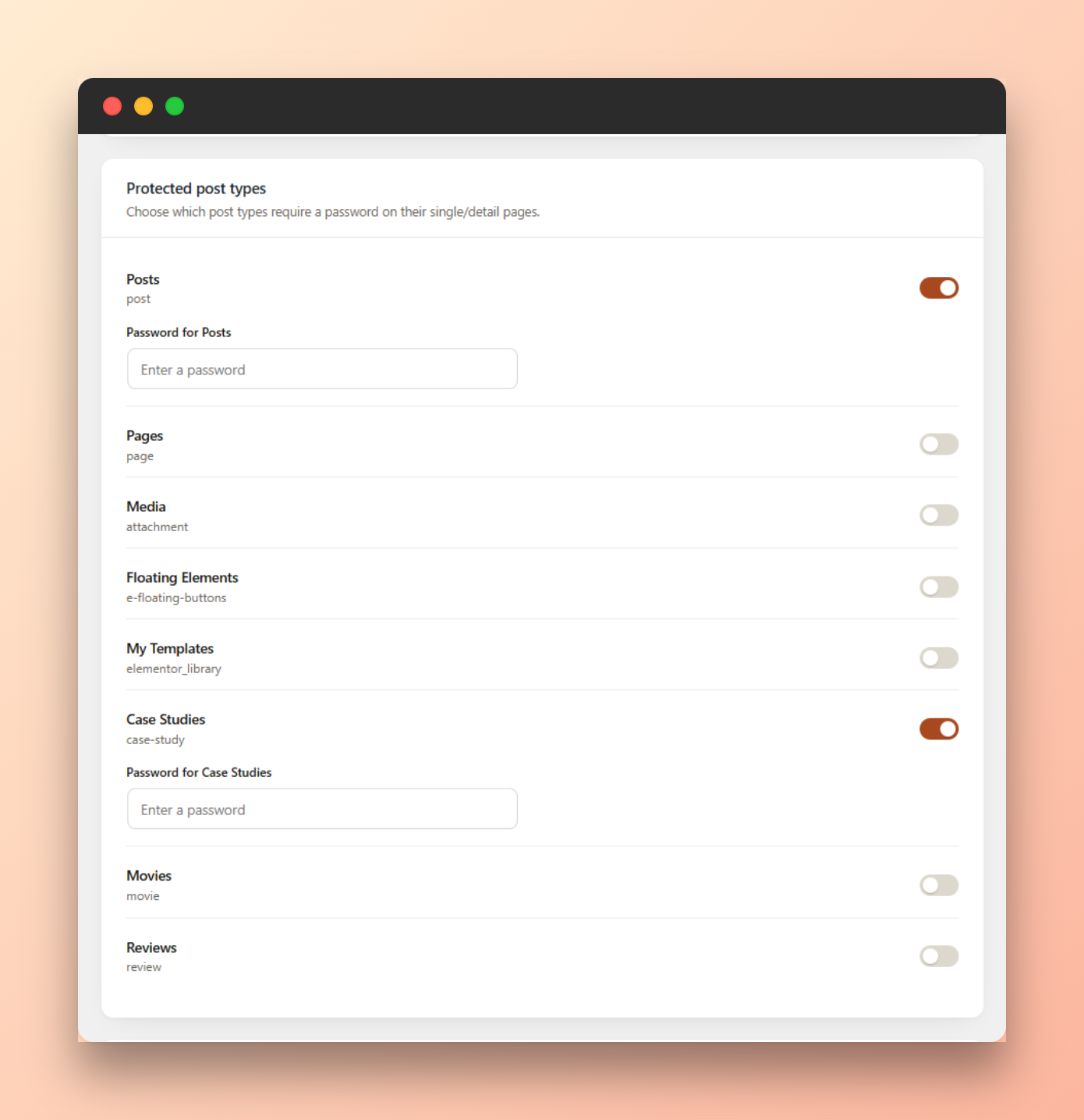
- Choose exactly which post types are protected — every public post type is listed with a toggle, including custom post types.
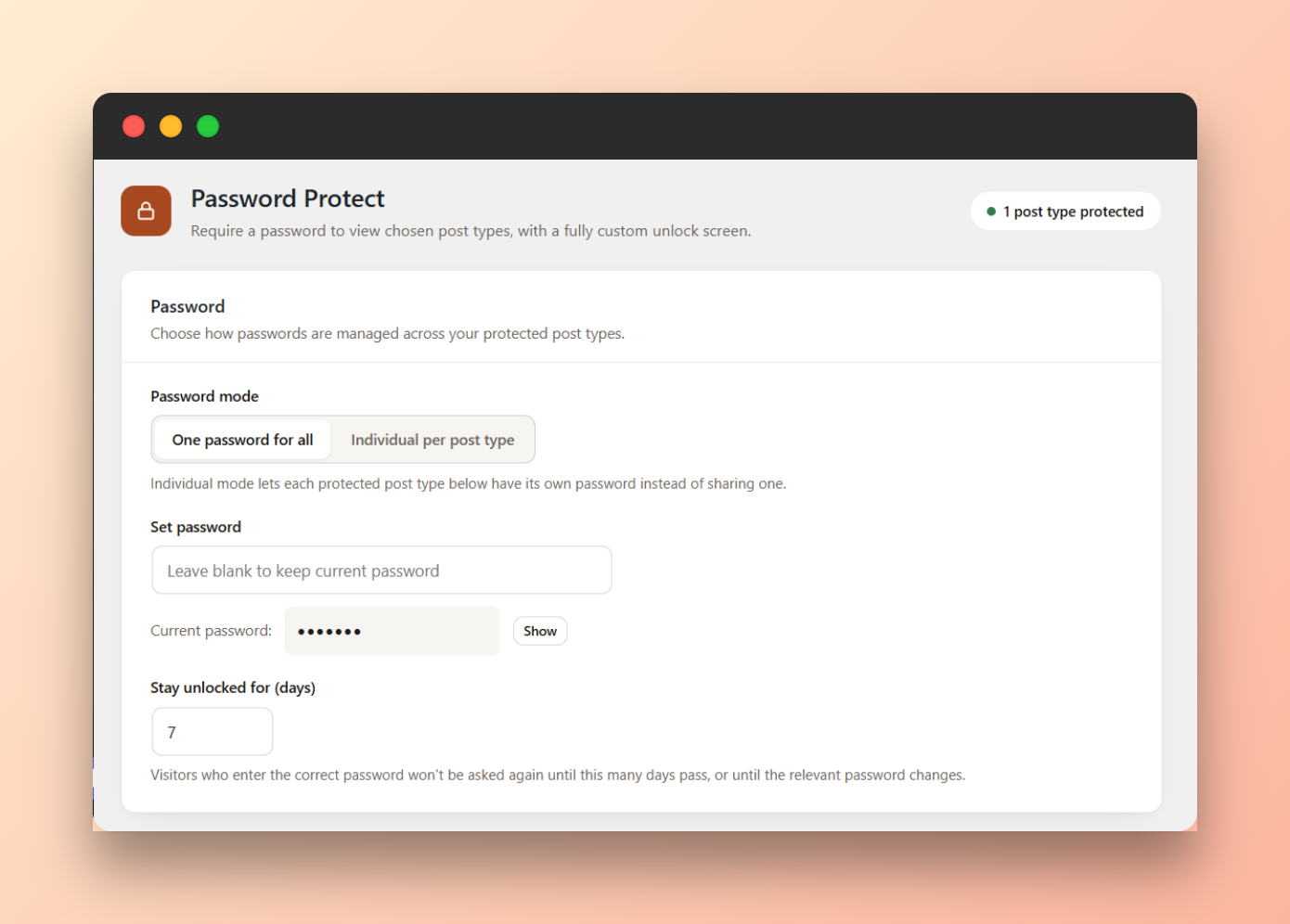
- Two password modes: one shared password for everything, or an individual password per protected post type.
- Visitors who enter the correct password stay unlocked for a configurable number of days (cookie-based), instead of being asked every visit.
- Changing a password immediately invalidates every visitor's existing unlock for it — no manual cleanup needed.
- Logged-in users who can edit a given post always see it directly, so editing and previewing is never blocked.
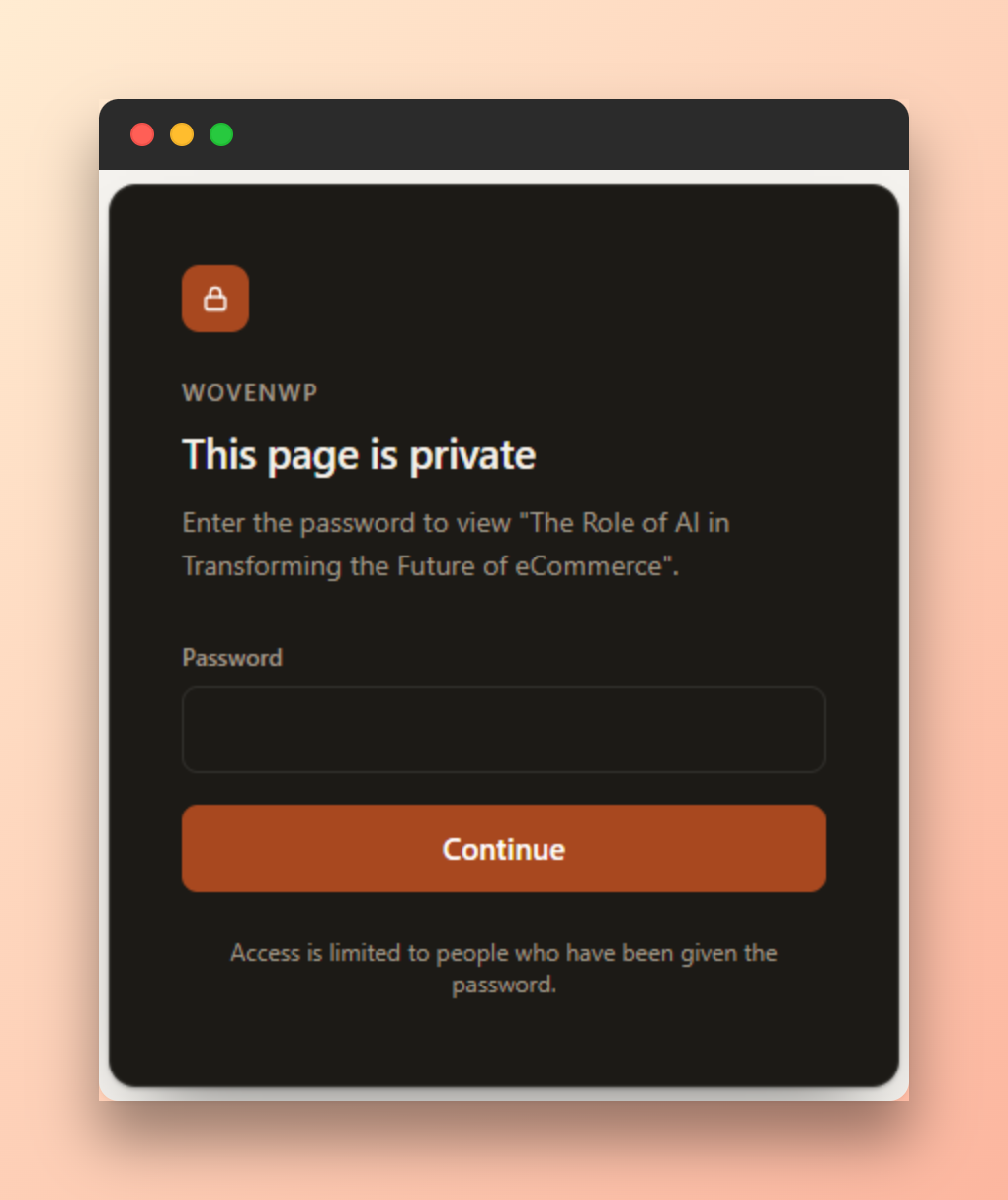
- Clean, standalone unlock screen that doesn't depend on your active theme, so it renders consistently even on page-builder sites.
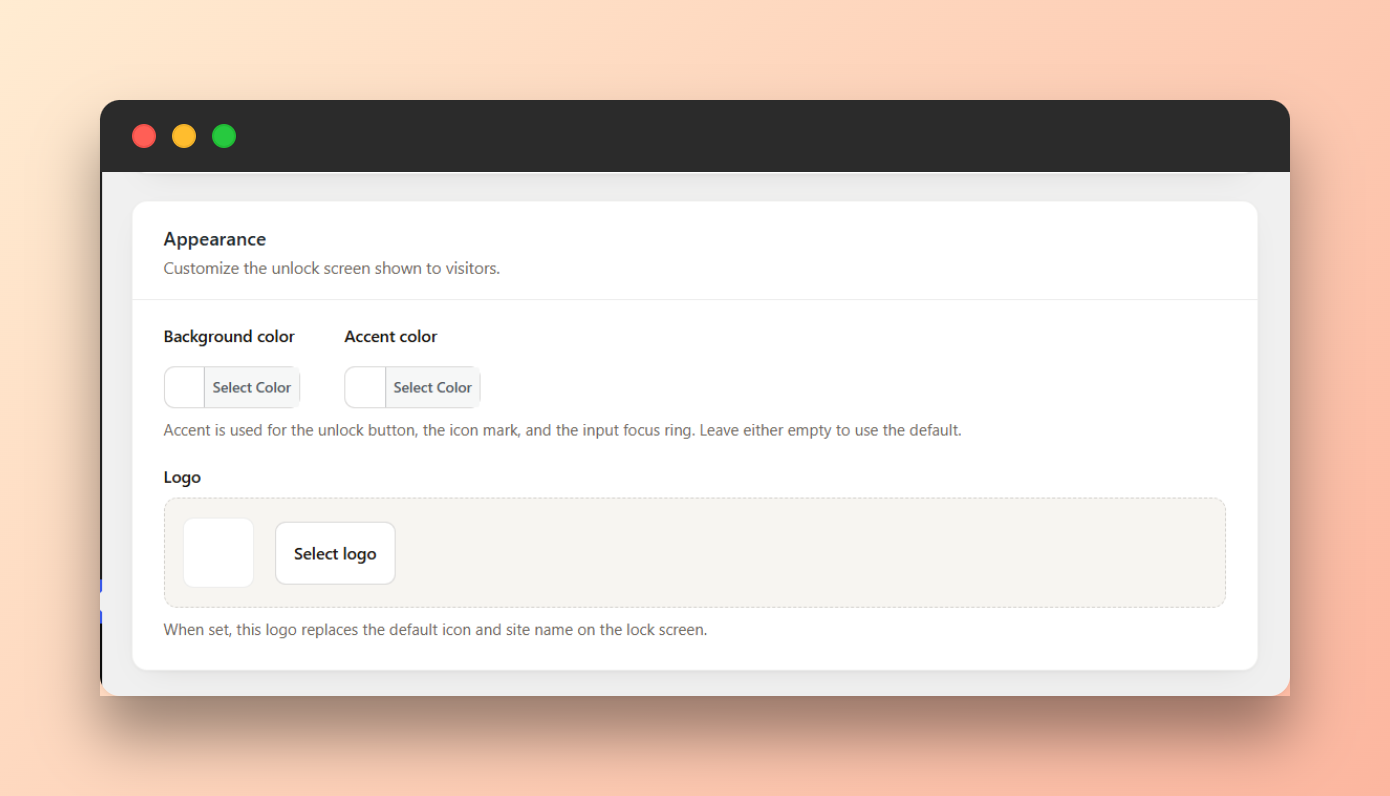
- Customize the unlock screen: background color, accent color, an uploaded logo, and an optional secondary button (e.g. "Contact us") linking anywhere you choose.
- Built-in brute-force throttling on the password form.
- The REST API and RSS/Atom feeds are gated too, so protected content isn't readable through either while locked.
- Protected post types are automatically excluded from XML sitemaps (core WordPress sitemaps, Yoast SEO, and Rank Math), so they aren't advertised to search engines.
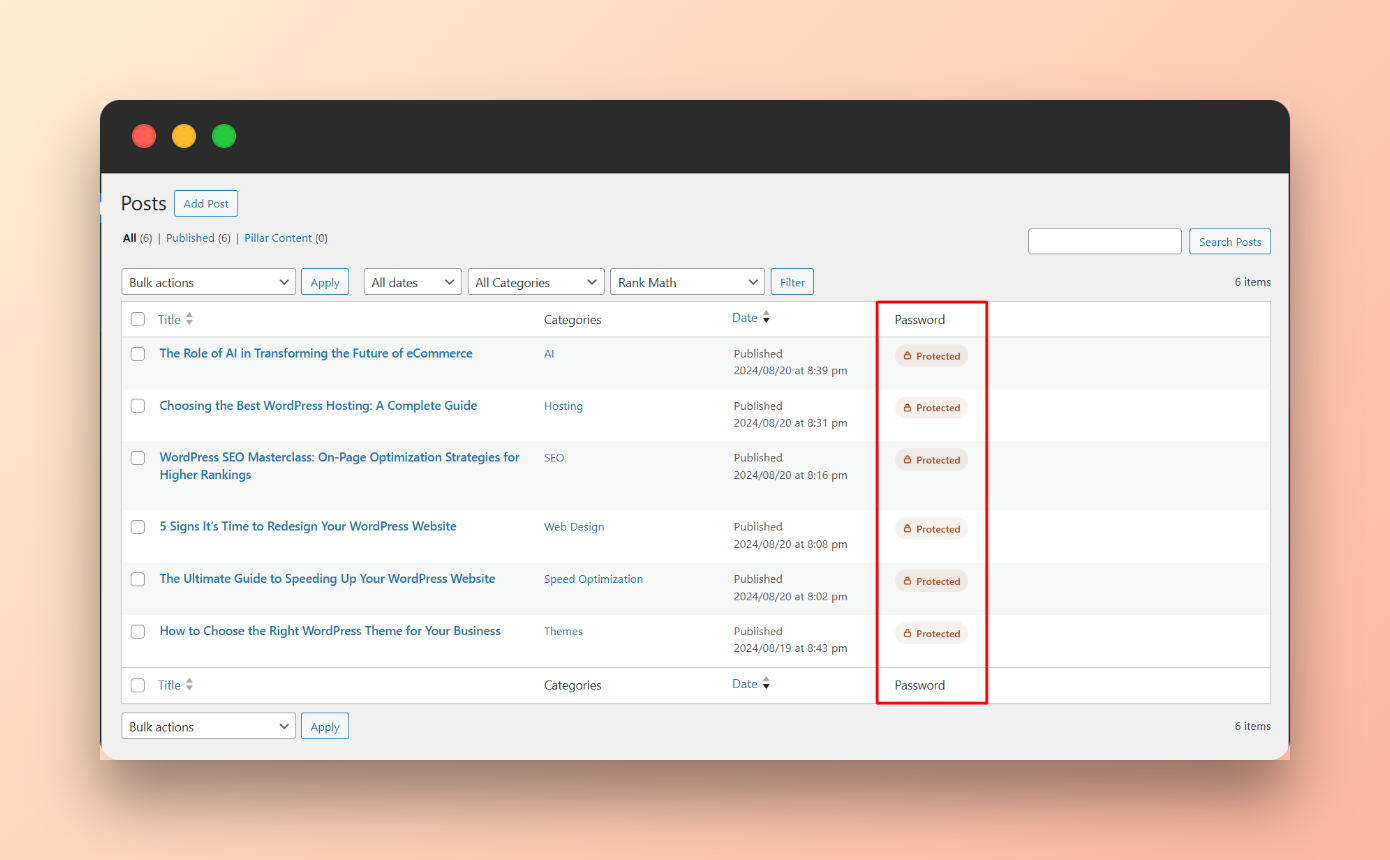
- A small "Protected" indicator appears in the post list table for any post type that's currently gated, so editors can see it at a glance.
- Compatible with full-page caching plugins — protected pages are automatically excluded from the page cache so one visitor's session is never served to another.
- No external requests, no tracking, no bundled third-party services.
安装:
- Upload the plugin files to the
/wp-content/plugins/gatekeeprdirectory, or install the plugin directly through the WordPress "Plugins → Add New" screen. - Activate the plugin through the "Plugins" screen in WordPress.
- Go to Settings → Password Protect.
- Check the post types you want to protect, set a password, and click "Update Password".
屏幕截图:
常见问题:
Does this replace WordPress's built-in post password feature?
No. WordPress's native feature protects one post at a time with a password you set per-post. This plugin instead protects every single/detail page of a chosen post type at once, from a single settings screen — with a shared password across all protected types, or a separate password for each one.
Will search engines index my protected pages?
No. While a page is locked, the unlock screen is served with a noindex directive instead of the real content.
What happens if I change the password?
Every visitor who was previously unlocked will be asked for the password again on their next visit. This happens automatically — there is nothing to clear manually.
Does this work with page builders like Elementor?
Yes. The gate runs before the page is rendered, so it works regardless of how the page itself was built.
Does this affect the REST API or RSS feeds?
Protected, locked posts have their content and excerpt redacted in both the REST API and RSS/Atom feed output, so the underlying content isn't exposed through those either.
更新日志:
- Initial release.