
GeeK! - Movie & Game Database
| 开发者 | kyazici |
|---|---|
| 更新时间 | 2026年7月15日 22:21 |
| 捐献地址: | 去捐款 |
| PHP版本: | 7.0 及以上 |
| WordPress版本: | 7.0 |
| 版权: | GPL-2.0+ |
详情介绍:
- A movie & TV database with full cast & crew, galleries, trailers, box-office, seasons and episodes.
- A video-game database with platforms, engines, companies, game modes, perspectives, age ratings and per-platform release dates.
- Editorial reviews and critic scores, plus community ratings, wishlists and watch/played tracking.
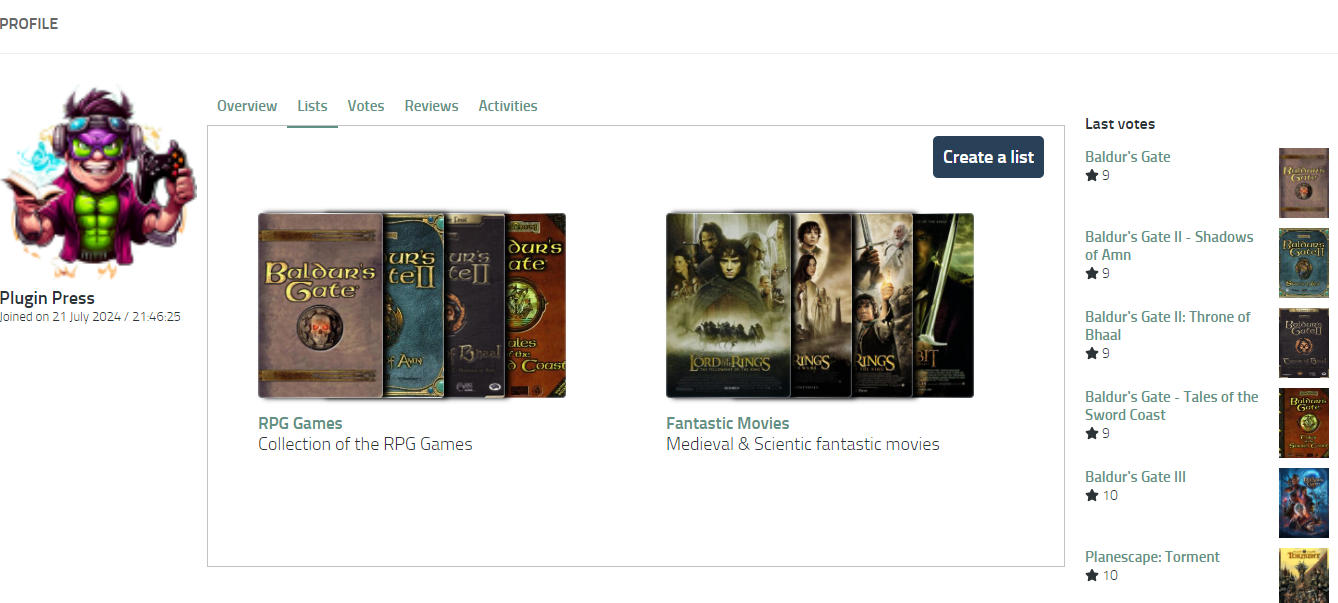
- User-built lists (top 10s, watchlists, collections) that are sortable and shareable.
- Member profiles with contribution scores, earned badges, votes, reviews and activity feeds.
- A configurable homepage built from drag-and-drop widgets (hero, recently released, coming soon, most anticipated, latest critics, born today and more).
- Custom post types for movies, TV shows, episodes, games, comics, people, characters, companies, platforms, engines, universes, families and lists — each with its own permalink and template.
- Import from IMDb, TMDb and IGDB — fetch a title and its cast, crew, images, videos and release dates in a couple of clicks. Bulk import names, titles, credits, galleries and trailers.
- Token Services — a metered fetching system so you only ever pay for the exact rows you import; galleries and trailers you already own are skipped automatically, so tokens are never wasted.
- Single-page front end — catalogue, single-title, person, character, company, platform, list and profile views all run as fast React apps over the WordPress REST API.
- Reviews & critics — long-form editorial critic articles with scores, plus short community reviews, kept in sync with each title's average rating.
- Members & moderation — front-end register/login, account statuses, a banned registry and a Users moderation screen.
- Homepage widget builder — assemble a special front page from sortable, resizable widgets, or point it at any WordPress page.
- Companion themes — a family of drop-in themes (movie and game oriented) that reskin every front-end surface through the
--geekui-*design-token contract without touching the plugin markup. - Shortcodes & cards — embed a title card anywhere with
[geekpress_card], or mount any catalogue/profile view with the[geekpress]shortcode. - Media everywhere — YouTube, Vimeo, Spotify and Dailymotion embeds, image galleries with a full-screen viewer, and per-title trailer reels.
安装:
- Download the GeeK! plugin, or upload it to
/wp-content/plugins/. - Activate the plugin through the Plugins menu.
- Open GeeK! in the dashboard and choose your Site Mode (Movie, Game or Both).
- Connect a data source (IMDb / TMDb / IGDB) under GeeK! → Token / TMDb API to start importing.
- (Optional) Install a companion theme and build your front page under GeekPress Theme → Homepage.
wp_) to avoid conflicts. Below is the full list of tables the plugin adds:
{{prefix}}geekp_age_descriptors: Stores information on age-related descriptors.{{prefix}}geekp_age_ratings: Contains age ratings for content.{{prefix}}geekp_age_standards: Lists the standards used for age ratings.{{prefix}}geekp_akas: Alternate names or aliases for content.{{prefix}}geekp_cache: Caching mechanism for storing temporary data.{{prefix}}geekp_categories: Categories for organizing content.{{prefix}}geekp_chars: Character information within the content.{{prefix}}geekp_companies: Companies involved in content creation or distribution.{{prefix}}geekp_content_ages: Age-specific content information.{{prefix}}geekp_content_comps: Associations between content and companies.{{prefix}}geekp_content_img: Images related to content.{{prefix}}geekp_content_lists: Lists that organize content in various ways.{{prefix}}geekp_content_videos: Videos associated with content.{{prefix}}geekp_countries: Countries related to content production or distribution.{{prefix}}geekp_engines: Game engines or software used to create content.{{prefix}}geekp_engine_op: Operations related to game engines.{{prefix}}geekp_episodes: Episodes or serialized content information.{{prefix}}geekp_families: Content families or series.{{prefix}}geekp_game_modes: Different modes available in games.{{prefix}}geekp_game_op: Operations specific to game functionalities.{{prefix}}geekp_game_relationships: Relationships between games, such as sequels or prequels.{{prefix}}geekp_game_themes: Themes or settings of games.{{prefix}}geekp_images: General image storage.{{prefix}}geekp_jobs: Job roles or titles related to content creation.{{prefix}}geekp_langs: Languages supported or relevant to the content.{{prefix}}geekp_lang_supports: Language support details for content.{{prefix}}geekp_lists: General purpose lists.{{prefix}}geekp_persons: Persons involved in content creation or featured within.{{prefix}}geekp_perspectives: Camera perspectives or viewpoints in games.{{prefix}}geekp_platforms: Platforms on which content is available.{{prefix}}geekp_platform_op: Operations related to platforms.{{prefix}}geekp_platform_versions: Specific platform versions.{{prefix}}geekp_programs: Programs or software associated with content.{{prefix}}geekp_rating: Content ratings.{{prefix}}geekp_regions: Regions for content distribution or relevance.{{prefix}}geekp_releases: Content release information.{{prefix}}geekp_titles: Titles of content.{{prefix}}geekp_title_genres: Genres associated with titles.{{prefix}}geekp_title_op: Operations related to titles.{{prefix}}geekp_title_people: Associations between titles and people.{{prefix}}geekp_universes: Universes or worlds within which content exists.{{prefix}}geekp_universe_op: Operations related to universes.{{prefix}}geekp_user_contents: Logs user actions (ratings, reviews, wishlists, watch/played, favourites).{{prefix}}geekp_videos: Video storage related to content.{{prefix}}geekp_websites: Websites associated with content.
- Movie: Registered as
gp_movie— slug: movie - TV Show: Registered as
gp_tvshow— slug: tv - Episode: Registered as
gp_episode— slug: episode - Game: Registered as
gp_game— slug: game - Comic: Registered as
gp_comic— slug: comic - Person: Registered as
gp_person— slug: name - Character: Registered as
gp_char— slug: character - Company: Registered as
gp_comp— slug: company - Platform: Registered as
gp_platform— slug: platform - Engine: Registered as
gp_engine— slug: engine - Universe: Registered as
gp_universe— slug: universe - Family: Registered as
gp_family— slug: family - List: Registered as
gp_list— slug: list
yoursite.com/movie/lord-of-the-rings-fellowship-of-the-ring. Each custom post type, like "movie", has a slug. To modify a slug, adjustments are made within your theme's functions.php file.
If you lack the technical expertise, consider using our support service here:
https://pluginpress.net/support/change-custom-post-types-for-geek-plugin
This is also a way to financially support the plugin.屏幕截图:
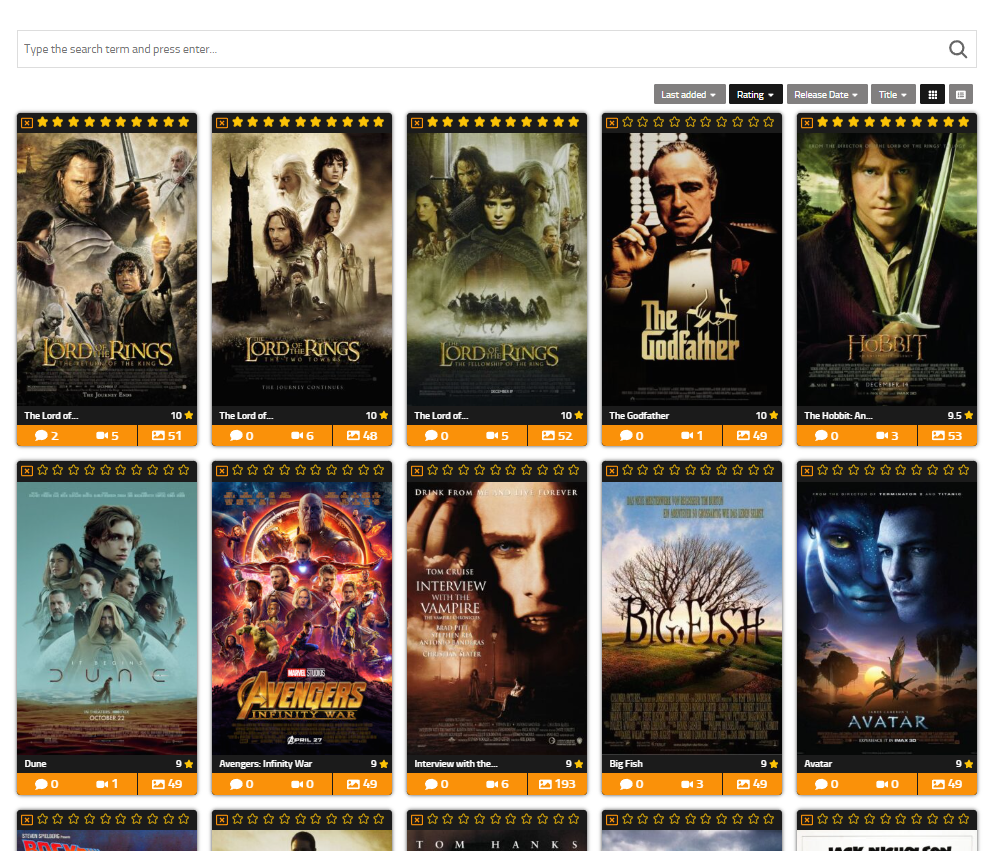


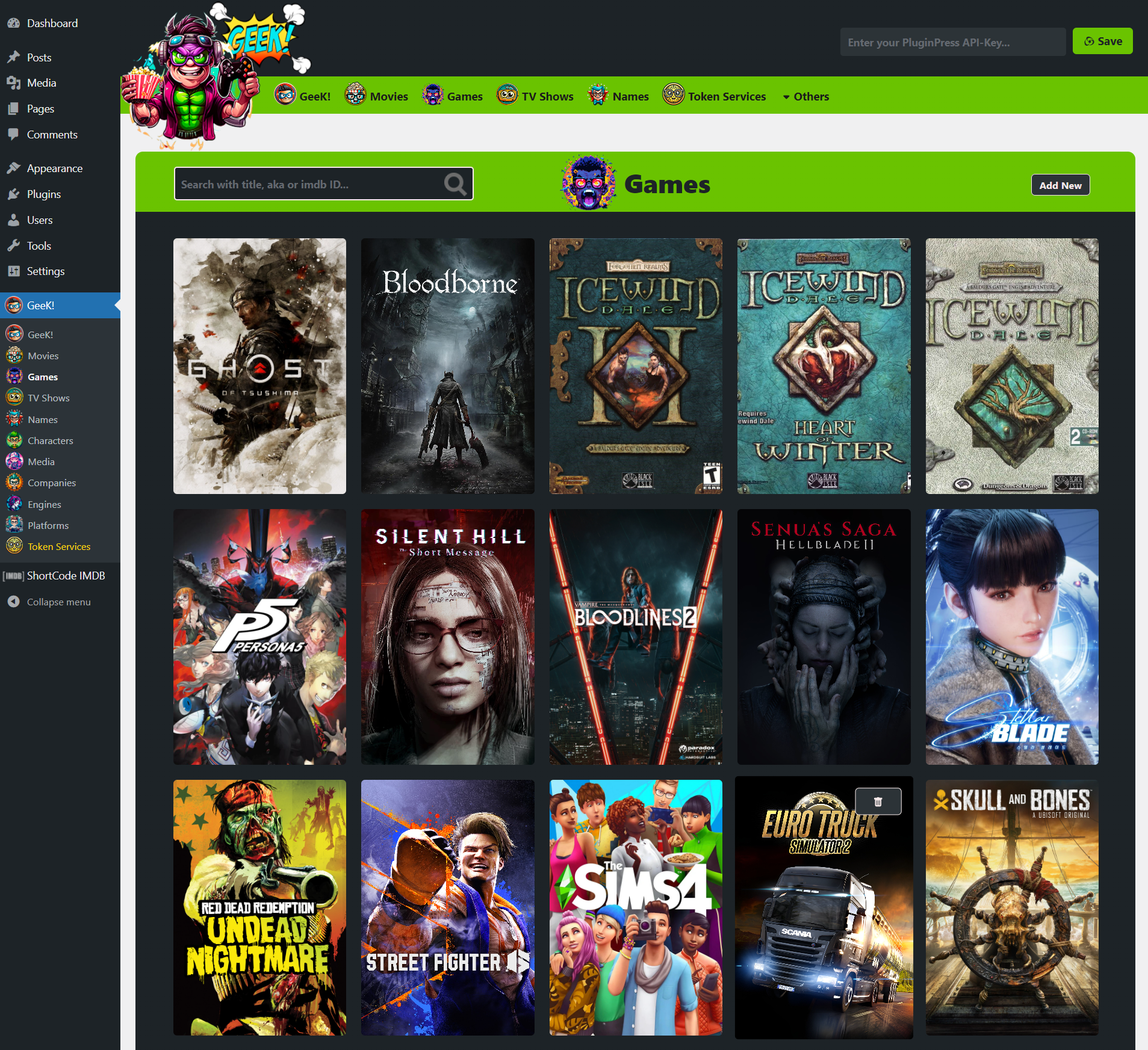
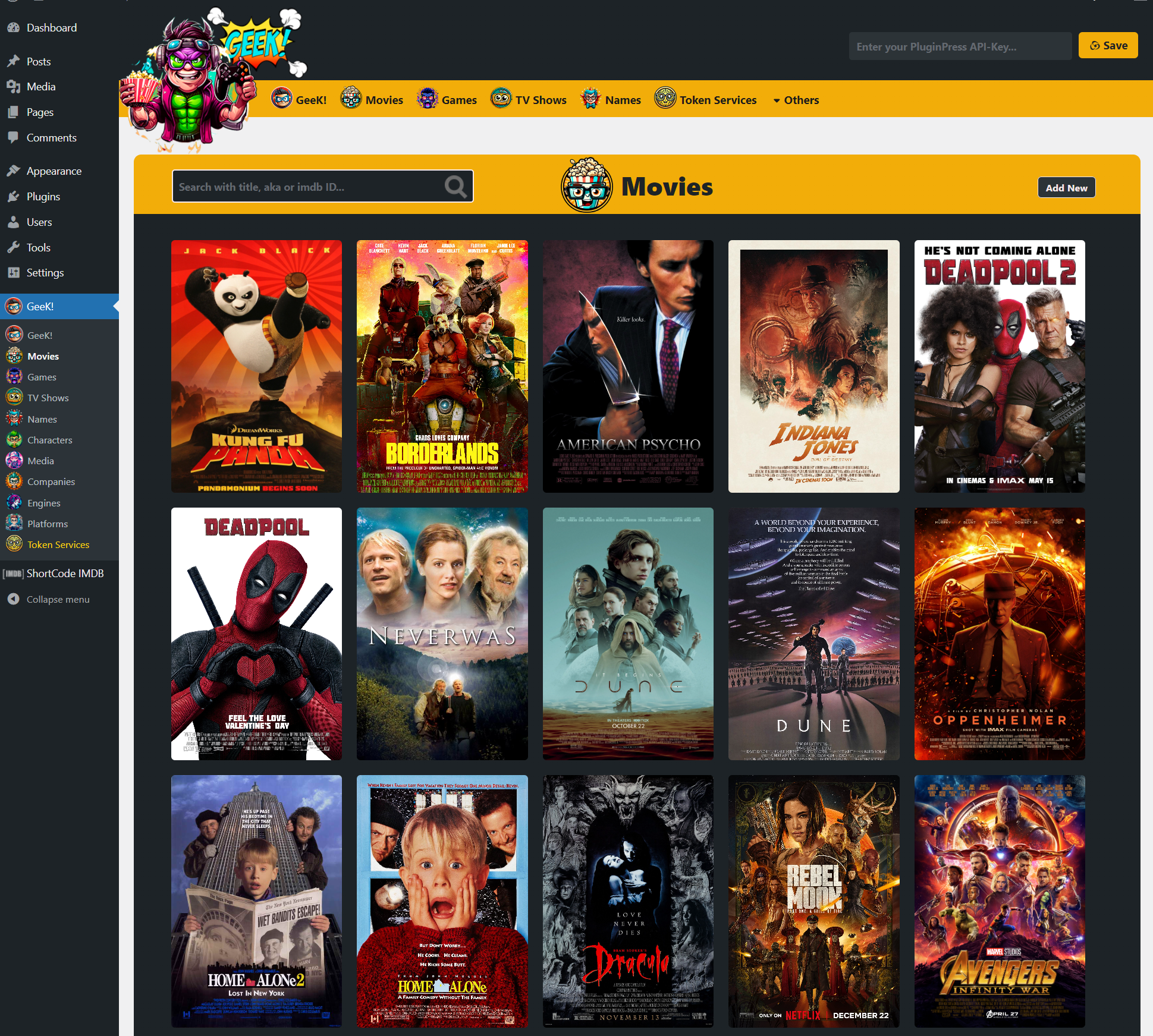
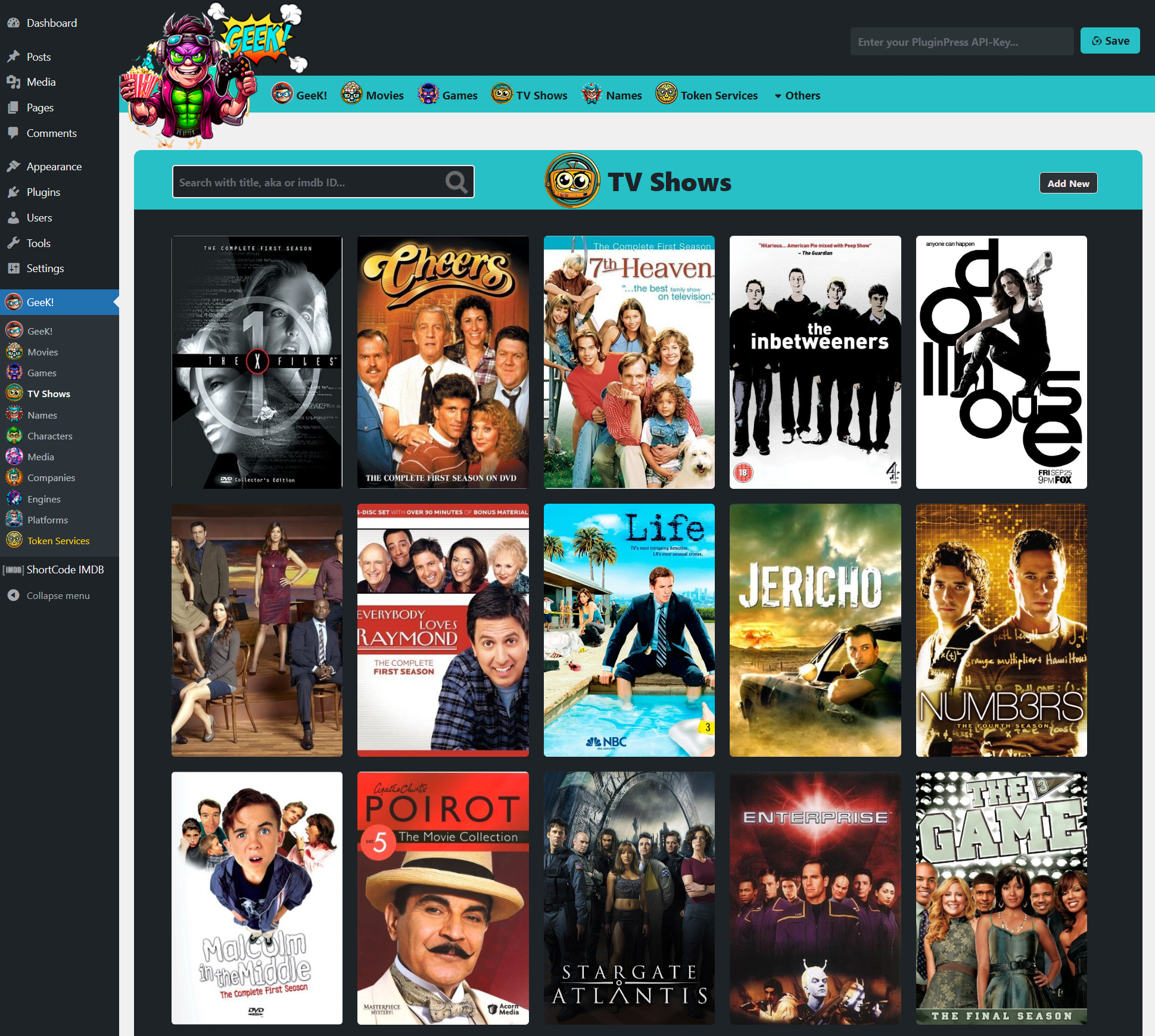
常见问题:
Can I run a movies-only or games-only site?
Yes. A single Site Mode setting switches the plugin between Movie, Game and Both, changing the catalogues, navigation and homepage widgets to match.
Where does the data come from?
You import it from IMDb, TMDb and IGDB. The data is fetched into your own database on your own site — nothing depends on an external site staying online after import.
Do I have to pay for imports?
Importing uses metered Token Services so you only spend on the exact rows you fetch. Content you already own (galleries, trailers, cast) is skipped automatically, so tokens are never wasted.
Does it work with my theme?
The front end runs on its own React apps and works with any theme. For a fully designed experience, install one of the GeeK! companion themes, which reskin every surface through the --geekui-* design tokens.
Can visitors rate and review titles?
Yes. Members can rate, write reviews, wishlist upcoming titles, mark watched/played, build lists and earn badges, all from the front end. You moderate members from the Users screen.
更新日志:
- First stable release of the rebuilt GeeK! platform.
- Dual Site Mode: run as a movie site, a game site, or both from one plugin.
- Full single-page front end (catalogue, single-title, person, character, company, platform, list and profile views) over the REST API.
- IMDb, TMDb and IGDB import with bulk names, titles, credits, galleries and trailers.
- Token Services: metered imports that never re-charge for content you already own; already-fetched galleries and trailers are skipped.
- Reviews and editorial critic articles kept in sync with each title's average rating.
- Members & moderation: front-end register/login, account statuses, banned registry and Users screen.
- Homepage widget builder with sortable, resizable widgets (hero, recently released, coming soon, most anticipated, latest critics, born today and more).
- Companion themes reskin the whole front end through the
--geekui-*token contract. [geekpress_card]and[geekpress]shortcodes for embedding cards and views.- Subscription-aware theme updates and downloadable file access via PluginPress.
- Hot fix for bugs.
- Hot fix for image links.
- Major bugs have been fixed.
- Hot fixes.
- Hot fixes on CSS.
- New front end is ready to use.