
SEO Audit & Analyzer
| 开发者 | hitman2019 |
|---|---|
| 更新时间 | 2026年8月14日 02:12 |
| 捐献地址: | 去捐款 |
| PHP版本: | 7.4 及以上 |
| WordPress版本: | 7.0 |
| 版权: | GPLv2 or later |
| 版权网址: | 版权信息 |
详情介绍:
安装:
- Upload the
ggr-website-auditfolder to the/wp-content/plugins/directory. - Activate the plugin through the Plugins screen in WordPress.
- After activation, complete the setup flow if displayed.
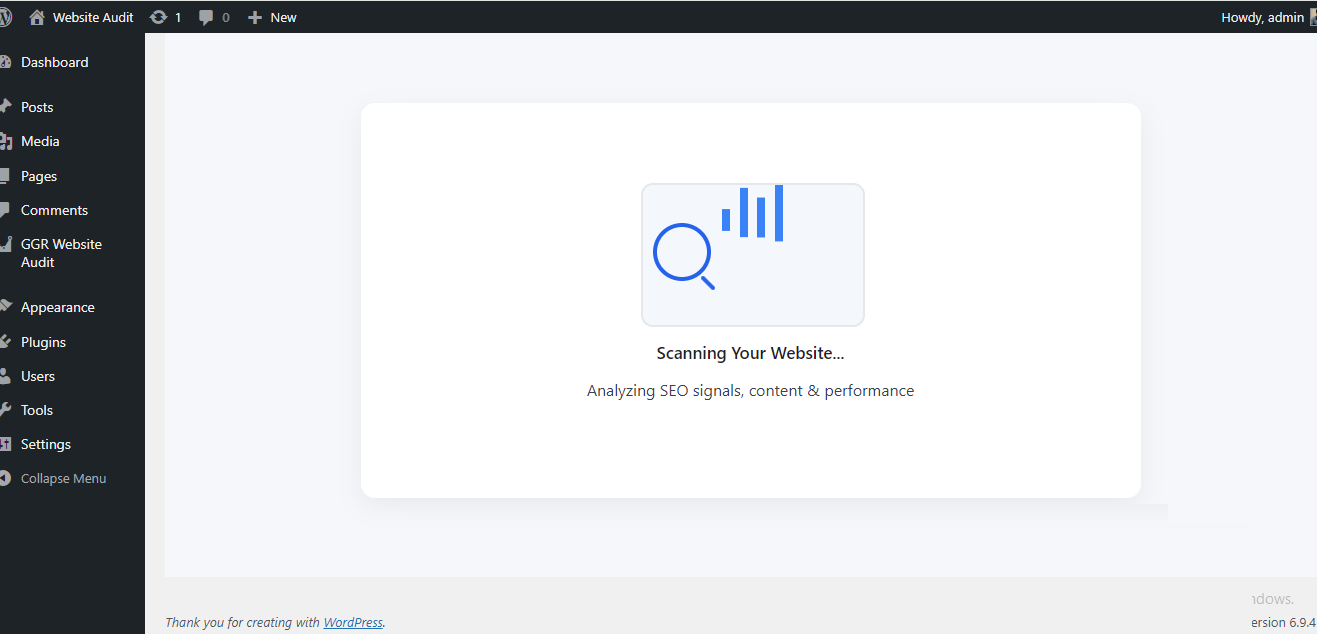
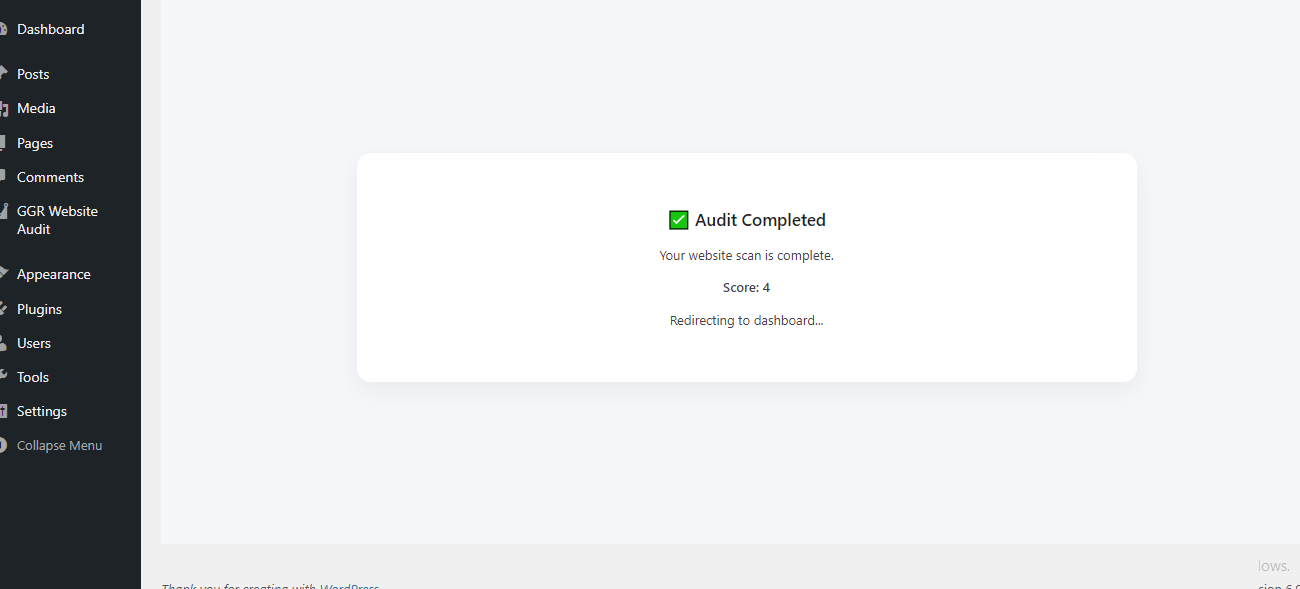
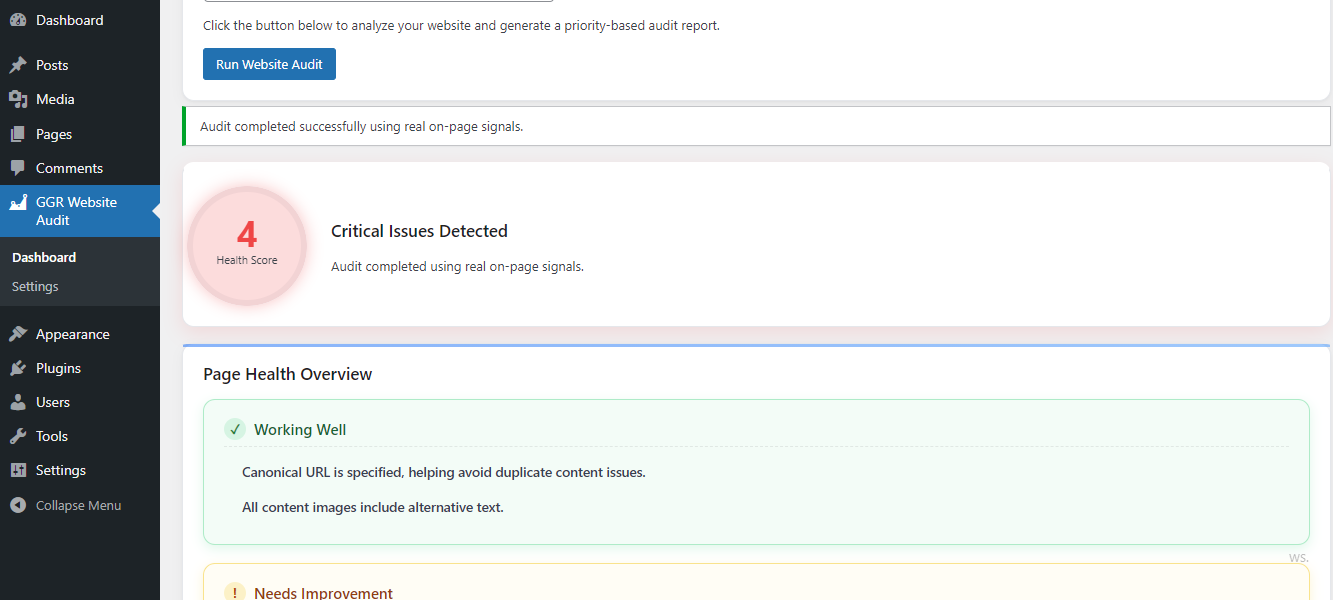
- Visit GGR Website Audit → Dashboard and click Run Full Audit to generate your first site-wide report.
- Open any supported post or page to see its live SEO score and checklist.
- To use AI Writer, go to GGR Website Audit → Settings → AI Settings, configure your Gemini API key, save it, and test the connection.
屏幕截图:
常见问题:
Does the plugin guarantee SEO rankings?
No. The plugin provides analysis of on-page SEO, content, and conversion signals. Search rankings depend on many factors including content quality, competition, links, site quality, and search-engine systems.
Does the plugin send data externally?
Most SEO analysis runs locally inside your WordPress installation. The optional AI Writer uses Google Gemini only when an administrator configures a Gemini API key and requests an AI operation. For those requests, the plugin sends the prompt and the minimum content context required to generate the requested result. The Gemini API key is stored in the WordPress site settings and is not exposed to visitors or browser JavaScript. Do not submit confidential, personal, regulated, or otherwise sensitive information to an AI provider unless you are authorized to do so.
How many posts or pages can I create with the Free AI Writer?
The basic AI Writer does not impose a lifetime post or page quota. It can create draft posts or pages when requested by an authorized WordPress user and subject to the site's configured Gemini API availability and normal request-abuse protection.
How does improving existing content work?
The AI Writer can improve one selected post or page at a time. The user must have WordPress permission to edit the selected content. Advanced bulk and site-wide AI optimization capabilities may be offered separately through a substantive GGR service or add-on.
Which AI provider is available in the Free version?
Google Gemini is the AI provider used by the public Free build. OpenAI and Claude are not enabled as selectable providers in this build.
Is a GGR account required for AI Writer?
No. The basic AI Writer uses the site's own Gemini API key and does not require a GGR account.
Where do I get a Gemini API key?
Create or manage a Gemini API key through Google AI Studio: https://aistudio.google.com/app/apikey The plugin also provides setup guidance in GGR Website Audit → Settings → AI Settings.
Does the plugin store my Gemini API key?
The Gemini API key is stored in the WordPress site's plugin settings so the server can authenticate requests to Gemini. The plugin does not intentionally expose the saved key to visitors or browser JavaScript. Site administrators are responsible for protecting access to their WordPress installation and Gemini account.
Does the plugin track users?
The plugin does not include third-party analytics or advertising tracking. External communication for the optional AI Writer occurs only when the administrator has configured the Gemini integration and requests an AI operation.
Does the plugin modify my theme?
No. It does not modify theme files or override global theme styles.
Can I audit draft and private content?
Yes. The plugin supports content-based analysis of supported draft, private, and published content so that SEO issues can be reviewed before publication.
更新日志:
- Added dynamic Gemini model discovery using Google's models.list endpoint.
- Filters models by generateContent support and prefers the newest stable Flash model.
- Added automatic model fallback and 404-triggered model rediscovery.
- Added 6-hour model-list caching and a Refresh Available Models control.
- Shows the currently selected Gemini model in AI Settings.
- Removed hard-coded Gemini model selection from AI generation requests.
- NEW: GGR AI Writer powered by Google Gemini.
- NEW: AI-assisted creation of draft posts and pages.
- NEW: AI-assisted improvement of existing posts and pages one item at a time.
- NEW: Gemini API key configuration and connection testing.
- NEW: Guided Gemini setup instructions.
- NEW: Premium presentation for advanced GGR AI intelligence.
- NEW: Advanced Keyword Intelligence presentation as a Premium capability.
- IMPROVEMENT: Hardened AI request permissions and content-edit authorization.
- IMPROVEMENT: Improved validation, sanitization, and server-side API handling for AI operations.
- IMPROVEMENT: Gemini credentials are kept server-side and are not exposed to browser JavaScript.
- IMPROVEMENT: Added AI request burst protection.
- IMPROVEMENT: Updated documentation and WordPress.org screenshots.
- SECURITY: Improved handling of AI-generated content and external API errors.
- Fixed Admin Setting issues.
- Fixed fatal error caused by duplicate GGRWA_Settings class declarations on upgraded installations.
- Improved plugin update compatibility.
- NEW: SEO Command Center dashboard.
- NEW: Content Analyzer.
- NEW: Conversion Audit.
- NEW: Page Analyzer.
- IMPROVEMENT: Restructured admin menu into Dashboard, Page Analyzer, Content Analyzer, Conversion Audit, and Settings.
- IMPROVEMENT: Reworked post-editor SEO panel with clearer sectioning.
- FIX: Removed leaked debug output occasionally appearing at the bottom of the Dashboard page.
- NEW: Support for draft and private post SEO audit.
- NEW: Content-based audit engine.
- NEW: Support for public post types including custom post types.
- NEW: Admin bar enhancements with post type badge and status indicator.
- NEW: Smart permalink warning for SEO-friendly URLs.
- IMPROVEMENT: Faster and more reliable audit processing.
- FIX: Removed "page does not exist" error for draft and preview URLs.
- DEV: Refactored audit engine to support post_id based analysis.
- FIX: Resolved issue where admin bar scan always used homepage instead of current page URL.
- FIX: Corrected nonce handling for secure scan requests.
- FIX: Fixed URL encoding/decoding issue causing incorrect scan_url in dashboard.
- FIX: Resolved admin bar click behavior.
- IMPROVEMENT: Better URL detection for post editor and frontend pages.
- DEV: Refactored scan URL handling logic for consistency and reliability.
- Added admin bar SEO score indicator on post and page edit screens.
- Implemented per-page SEO score storage and tracking.
- Introduced automatic setup screen after plugin activation.
- Improved first-time user onboarding.
- Enhanced UI/UX.
- Improved timezone handling and UTC compatibility.
- Optimized audit processing performance.
- Fixed minor bugs and improved stability.
- Improved plugin naming and SEO positioning.
- Enhanced readme content for discoverability.
- Added visual SEO score system.
- Improved UI with clearer issue categorization.
- Added better explanations for SEO issues.
- Improved WordPress coding standards compliance.
- Fixed prefix naming consistency.
- Security and escaping improvements.
- Added AJAX-based audit execution.
- Improved permission checks.
- Internal stability improvements.