
GhostGate
| 开发者 | codegee0958 |
|---|---|
| 更新时间 | 2026年1月21日 08:06 |
| PHP版本: | 7.4 及以上 |
| WordPress版本: | 6.9 |
| 版权: | GPLv2 or later |
| 版权网址: | 版权信息 |
详情介绍:
GhostGate is a lightweight yet powerful WordPress security plugin that eliminates the login page as an attack surface. Instead of just defending, it erases the entrance entirely with dynamic login URLs and multi-layer access verification.
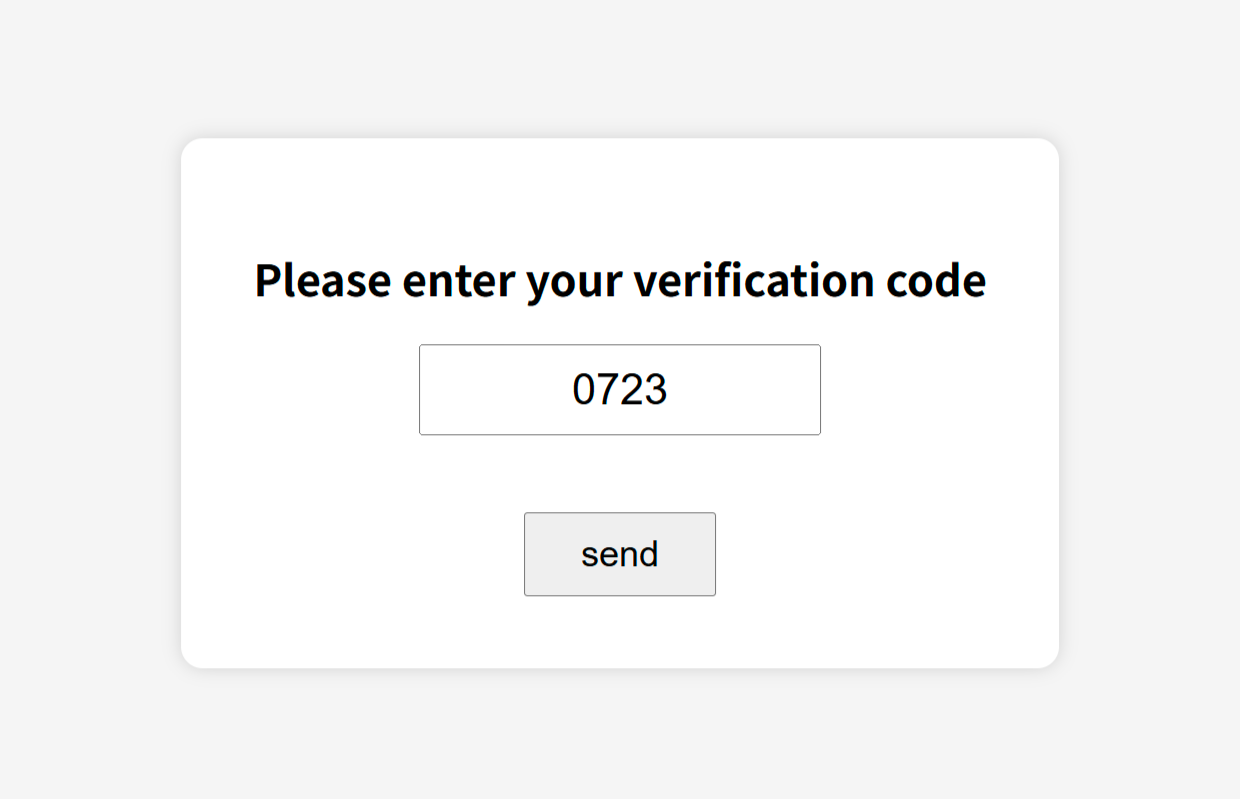
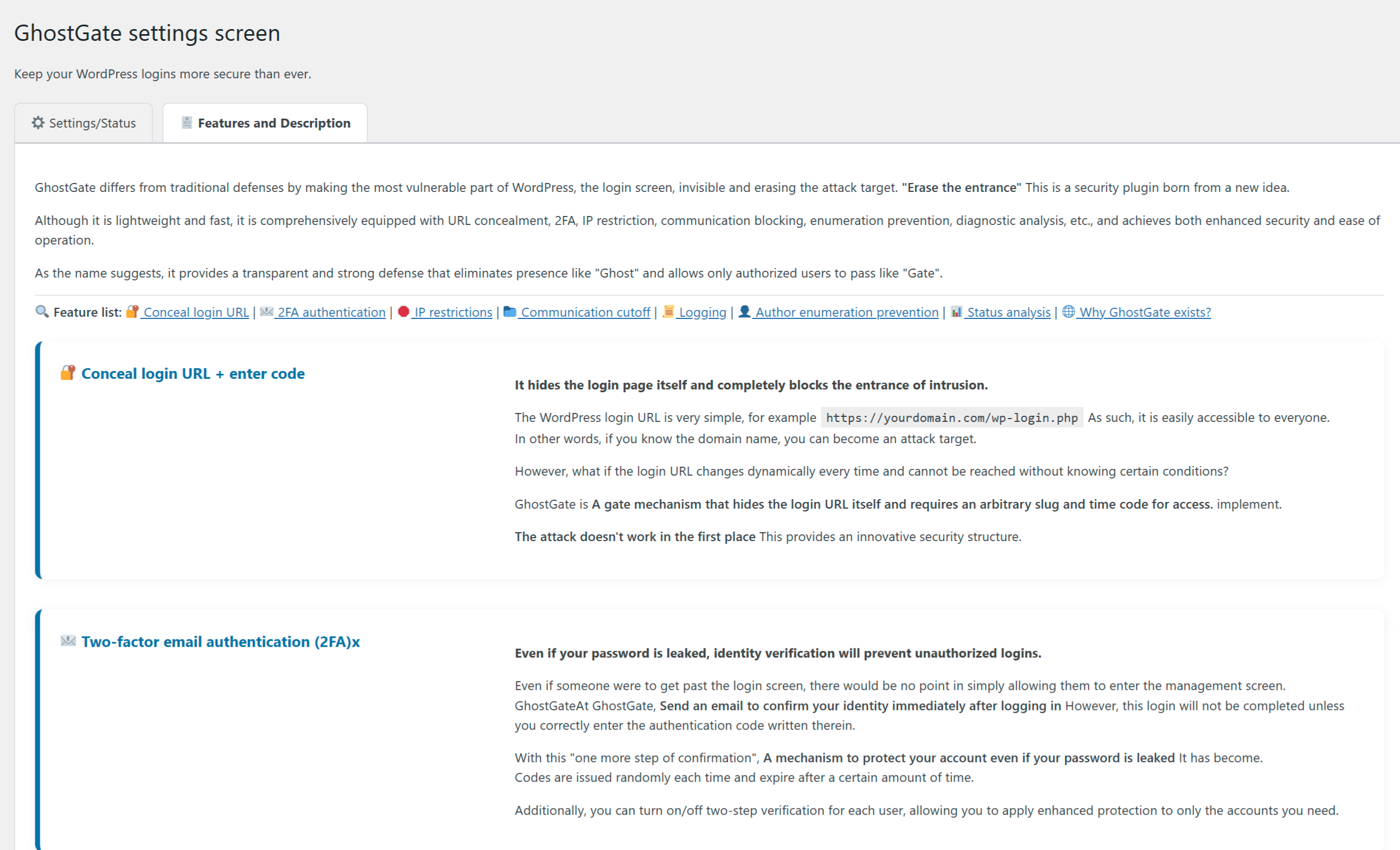
- 🔒 Hide your login URL with a custom slug and time-based code
- 🔑 Built-in 2FA via email verification
- 🚫 Auto-block brute force attacks by IP
- 🧱 Disable/limit unused endpoints like XML-RPC and REST API
- 👤 Prevent user enumeration via REST, RSS, and author queries
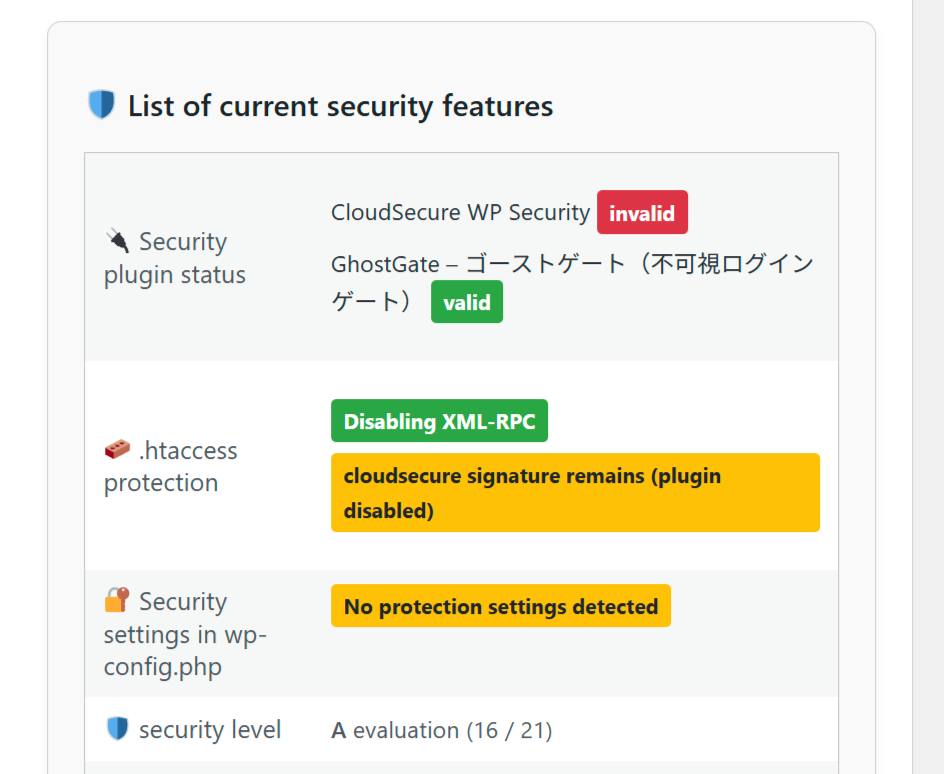
- 🔍 Visualize security status and detect conflicts
- 📜 Activity logs with optional file rotation
安装:
- Upload the plugin folder to
/wp-content/plugins/ghostgate - Activate the plugin via the Plugins menu
- Go to GhostGate > Settings and configure your gate logic
- Optionally enable 2FA, IP blocking, REST/API controls, and more
屏幕截图:

常见问题:
Is GhostGate compatible with other security plugins?
Yes. It detects common conflicts and shows visual warnings. You can use it alongside plugins like Wordfence or iThemes.
What happens if I forget my login code or get locked out?
You can always access your site via recovery mode or disable the plugin via FTP if needed.
Does it affect performance?
GhostGate is built for speed. It only runs at login and admin hooks, keeping overhead minimal.
更新日志:
1.3.3 - 2026-01-21
- Compatibility: Verified support for WordPress 6.9.
- Fix: Enhanced PHP 8.x compatibility (stricter type casting in internal key generation).
- Fix: Improved login slug detection to strictly handle trailing slashes, preventing 404 errors in some server configurations.
- Fix – Resolved “Undefined variable $user_login / $errors” warnings on the login screen.
- Fix – Prevented potential “headers already sent” issues.
- Improvement – Hardened login flow compatibility with core.
- Improvement – Minor internal refactors around request path normalization.
- Security: Strengthened “Hide wp-json structure”.
- Fix: Route allowlist UI now correctly preserves selections for regex endpoints.
- Fix: Resolved rare fatal error on “Unblock IP” admin action.
- Tested: Confirmed compatibility with WordPress 6.8.
- Tweak: Added brand header (logo + subtitle) to the code entry screen.
- Tweak: Minor CSS polish.
- New: Added an option to block direct access to preview URLs.
- Maintenance and compliance improvements.
- REST/JSON structure stealth options.
- Initial public release.