Cycle Block – Rotate & Schedule Content Variations
| 开发者 |
GhostLabs
ghostlabs |
|---|---|
| 更新时间 | 2026年10月28日 04:38 |
| 捐献地址: | 去捐款 |
| PHP版本: | 8.1 及以上 |
| WordPress版本: | 7.1 |
| 版权: | GPLv2 or later |
| 版权网址: | 版权信息 |
详情介绍:
- Daily, weekly or monthly rotation.
- Shuffle, so a full pass shows every variation before any repeats.
- Sequence, if you want them in the order you wrote them.
- Repeat, or stop on the last variation once the cycle has run through.
- Preview from the editor, stepping through every variation without waiting for the schedule and without disturbing what visitors see.
- No configured limit on variations per block, and as many blocks as you like per page. The rotation queue is stored in a single database column, which puts a practical ceiling of roughly 1,600 variations on one block — far past any real use.
- No flicker and no layout shift. Nothing swaps after the page has painted, so the block never causes the jump that hurts Core Web Vitals.
- No hidden duplicate content. Search engines see one variation, not all of them stacked in the markup with the rest hidden by CSS.
- No JavaScript required to choose or display a variation.
- Nothing is written into your post content, so your saved posts do not change as the schedule advances.
- Every variation is real block content, so it inherits your theme's colours, typography and spacing rather than fighting them.
- The schedule is tracked per block and per post, so duplicating a page gives the copy its own schedule instead of sharing one.
- If anything goes wrong — a missing schedule, a plugin conflict — the block falls back to showing its content rather than breaking the page.
- Built against WCAG 2.2 AA and fully translatable.
安装:
- Install through the Plugins screen, or upload the plugin folder to
/wp-content/plugins/. - Activate it through the Plugins screen.
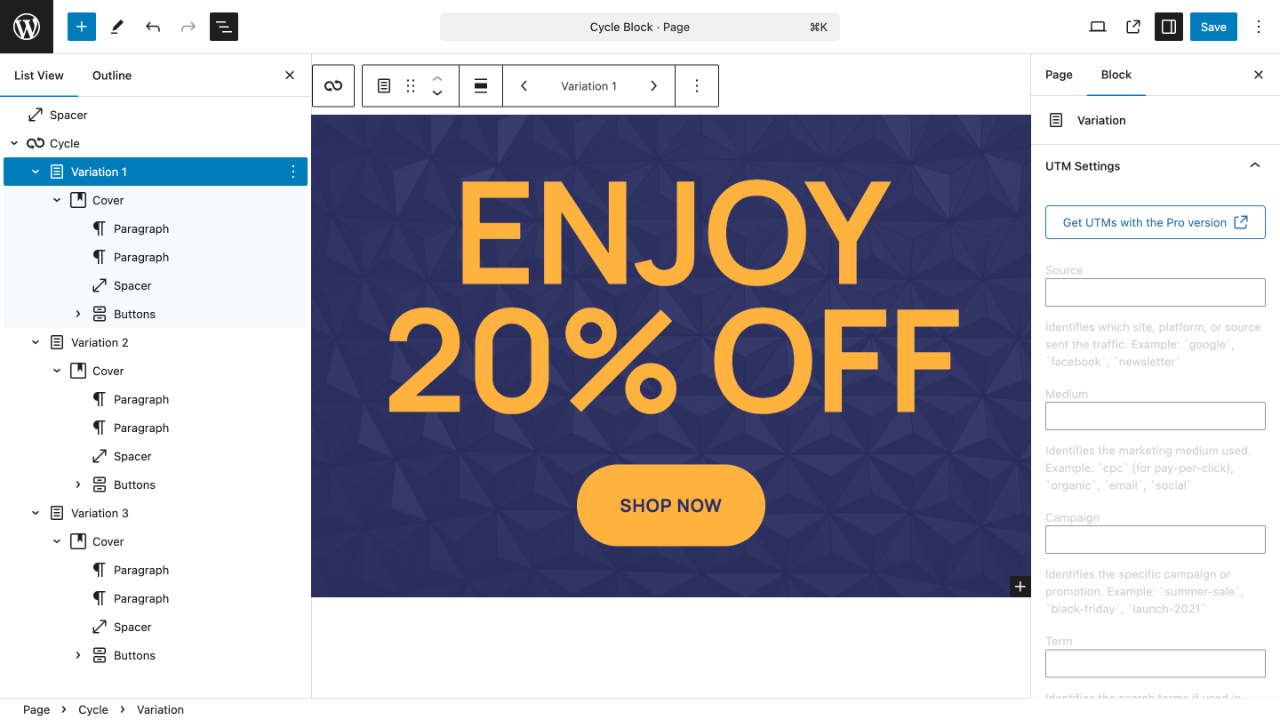
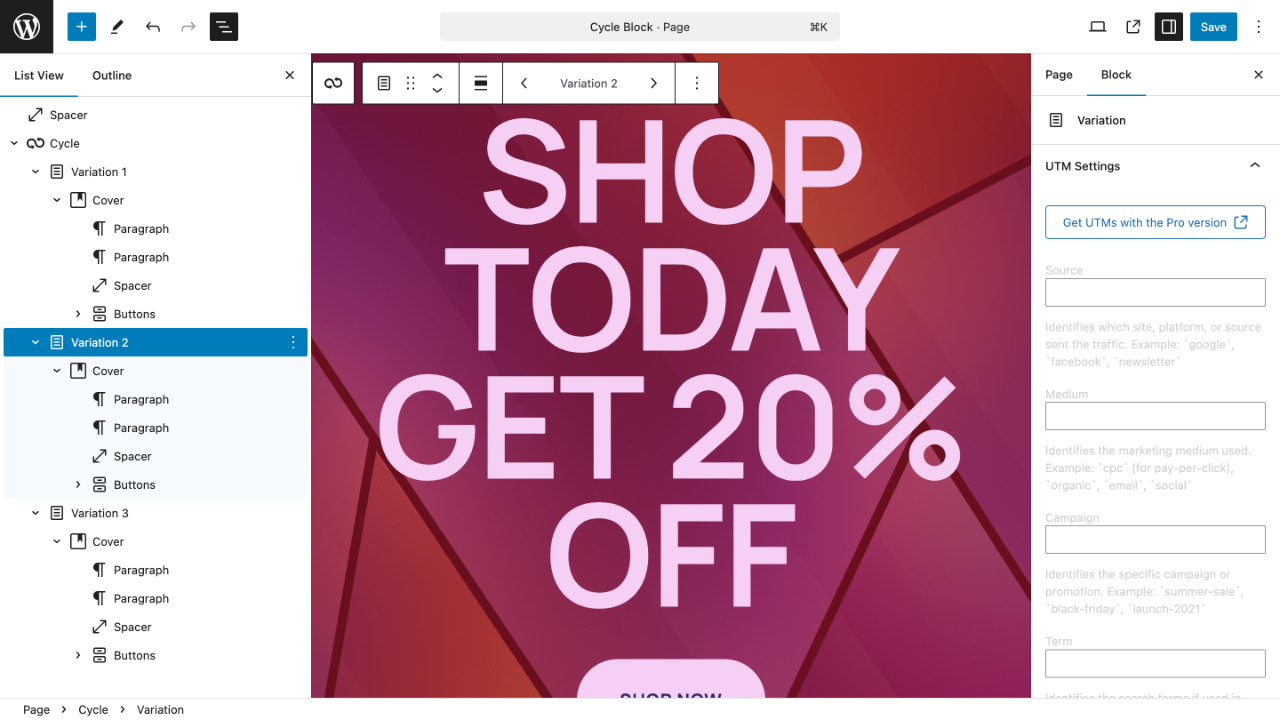
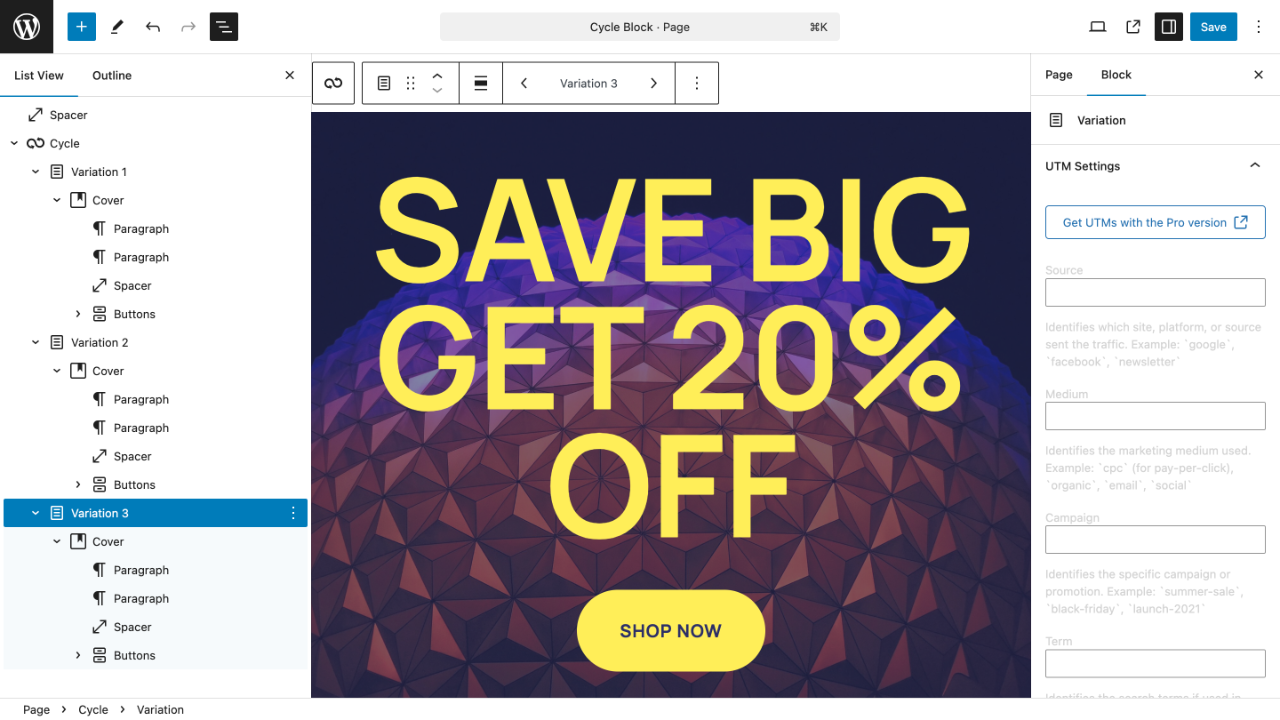
- In any post, page or template, add the Cycle block, then add a variation inside it for each version of the content you want.
屏幕截图:


常见问题:
How does it decide which variation to show?
Each block keeps a queue. When enough time has passed for the interval you chose, the next variation in the queue is handed out and the queue moves on. With shuffle on, the queue is reshuffled at the start of each pass, so every variation appears once before any repeats.
What happens if nobody visits for a while?
The block moves on by one variation, not by however many intervals were missed. A page nobody visited for a month does not skip a month's worth of content the next time someone arrives.
I use a caching plugin. Will variations still rotate?
This is the one thing worth checking. A full-page cache stores the finished HTML, chosen variation included, so the rotation effectively runs at your cache's expiry rather than at the interval you set. If your cache lifetime is shorter than your interval — a daily cache with a weekly rotation, for example — everything behaves as expected. If it is longer, either shorten the cache lifetime for those pages or lengthen the interval to match.
Does it work with any block?
Yes. A variation is an ordinary block container, so it can hold headings, paragraphs, images, buttons, columns, groups, and blocks from other plugins.
What happens to my page if the plugin is deactivated?
Every variation shows, one after another, as ordinary content. Nothing is lost and nothing breaks — your content was never stored anywhere but in the post itself.
I duplicated a page. Do both copies share a schedule?
No. The schedule is keyed to the block and the post, so a duplicate starts its own.
Does this do A/B testing?
Not in the statistical sense — it rotates content on a schedule rather than splitting traffic and measuring significance. If you want to know which variation performs, the Pro edition adds Custom Events — a view event, and an optional click event, for every event you define; this edition rotates, it does not measure.
Why does it need PHP 8.1?
The plugin is built on modern PHP. Most hosts have offered 8.1 or newer for some time, and your host's control panel will show which version your site runs. Earlier releases of this plugin ran on PHP 7.4, which has been unsupported since 2022.
I bought Cycle Block Pro. How do I switch this site to it?
Cycle Block Pro is a separate plugin. Download it from your account, upload it with WordPress's plugin uploader, and activate it. Activating Cycle Block Pro switches this plugin off, and your blocks, schedules and settings carry over untouched. Then enter your license key in Cycle Block Pro's own settings. Settings → Cycle Block lists each step, with links to your account and to the uploader.
更新日志:
- This edition now carries only the schedules it runs: daily, weekly and monthly. The six it used to list and then decline are gone from the list, and this edition no longer runs them. A block saved by Cycle Block Pro on one of them stays on the variation it is showing and keeps its schedule, and the block's settings ask you to choose a schedule to start it rotating here.
- Requires WordPress 6.8 or newer, raised from the 6.4 declared in 2.0.2. Nothing had been tested below 6.8, so 6.4 promised support for four WordPress releases that were never exercised. Sites on an older version are not offered this update and keep running the version they have.
- The Variation block now has an icon and a description on the WordPress.org plugin page. It had neither: the description was empty, and the icon named something WordPress does not ship, so nothing was drawn. The editor was never affected and showed the right glyph throughout.
- The plugin ships minified JavaScript and CSS, so it is a smaller download and a smaller install. Nothing about how your content rotates changes, and no setting moves.
- The published source repository still ships its JavaScript and CSS readable and unminified, and still rebuilds the bundles it carries byte for byte. That repository is the readable source this listing links, and reading it is how the compiled files here can be checked.
- Corrected the description inside the plugin's composer.json, which named a rotation schedule this edition did not run.
- Corrected two sentences that described the source repository as holding the plugin exactly as distributed. It holds the same PHP, plus the uncompiled sources behind the bundles; the compiled files are built separately for each, which is why only the repository's own bundles are the ones it reproduces byte for byte.
- Corrected three descriptions to match what the plugin actually does: variations per block are bounded by the database column rather than unlimited, the accessibility line reads "built against WCAG 2.2 AA", and the note about comments names the paths that keep theirs.
- Various updates and bug fixes
- Choosing a schedule this edition does not include now says so in the editor, names the schedule the block is still cycling on, and changes nothing; the server enforces the same range, so no client-side edit can widen it.
- A security review against the OWASP Top 10 and an accessibility review to WCAG 2.2 AA, with every finding fixed.
- Multisite: the in-place upgrade is offered only where it can actually be performed.
- The published source repository ships its JavaScript and CSS readable and unminified, and rebuilds them byte for byte.
- New: upgrade to Cycle Block Pro in place. Enter a license key under Settings → Cycle Block — or complete a purchase and click one button — and this site switches editions with every block, schedule and setting exactly as it was. See the "External services" section for precisely what is sent, and when.
- New: the settings screen now explains what the plugin stores and where its controls live, holds the license entry, and shows what the Pro edition adds beside what you already have.
- New: Docs and Support links on the plugin's row of the Plugins screen.
- The published source repository now builds with no credentials of any kind: the one GhostLabs
library the plugin uses is carried inside it as readable GPL source (
lib/wp-kit/).
- Rebuilt on the codebase GhostLabs develops Cycle Block from, so this edition now receives the same fixes as the Pro edition instead of lagging behind it.
- Accessibility pass to WCAG 2.2 AA across the editor interface.
- The whole plugin is now translatable, and translations from WordPress.org are picked up automatically.
- The front-end stylesheet is loaded only on pages that actually use the block, instead of on every page of the site.
- Fixed: a block whose queue had run out could log a PHP warning on the front end.
- Fixed: rendering over the REST API no longer advances the schedule — a request that is not a page view should not consume a variation.
- Requires PHP 8.1 (previously 7.4).