
GoDevs Blocks
| 开发者 | godevs |
|---|---|
| 更新时间 | 2026年8月24日 05:42 |
| PHP版本: | 8.0 及以上 |
| WordPress版本: | 7.0 |
| 版权: | GPLv2 or later |
| 版权网址: | 版权信息 |
详情介绍:
- Box — Universal layout container with full flex and CSS grid support, link mode, animation classes, and custom HTML attributes
- Text — Rich text block for paragraphs, captions, labels, and dynamic content
- Heading — Semantic headings (h1–h6) with full typography control and dynamic content support
- Button — CTA button or anchor link with full styling and ARIA support
- Image — Responsive image with dynamic content source, link wrapping, and caption
- Grid — Powerful CSS grid layout system with responsive column control
- Query — Visual post query builder — filter by type, taxonomy, author, date, and more
- Query Loop — Loop template rendered inside the Query block
- Pagination — Standard, load-more, and infinite scroll pagination modes
- Icon — SVG icon block with stroke/fill control and size responsiveness
- Shape — Decorative SVG shape dividers for section transitions
- Separator — Styled horizontal rule with width, height, and colour control
- Spacer — Fixed-height vertical spacer with responsive height per breakpoint
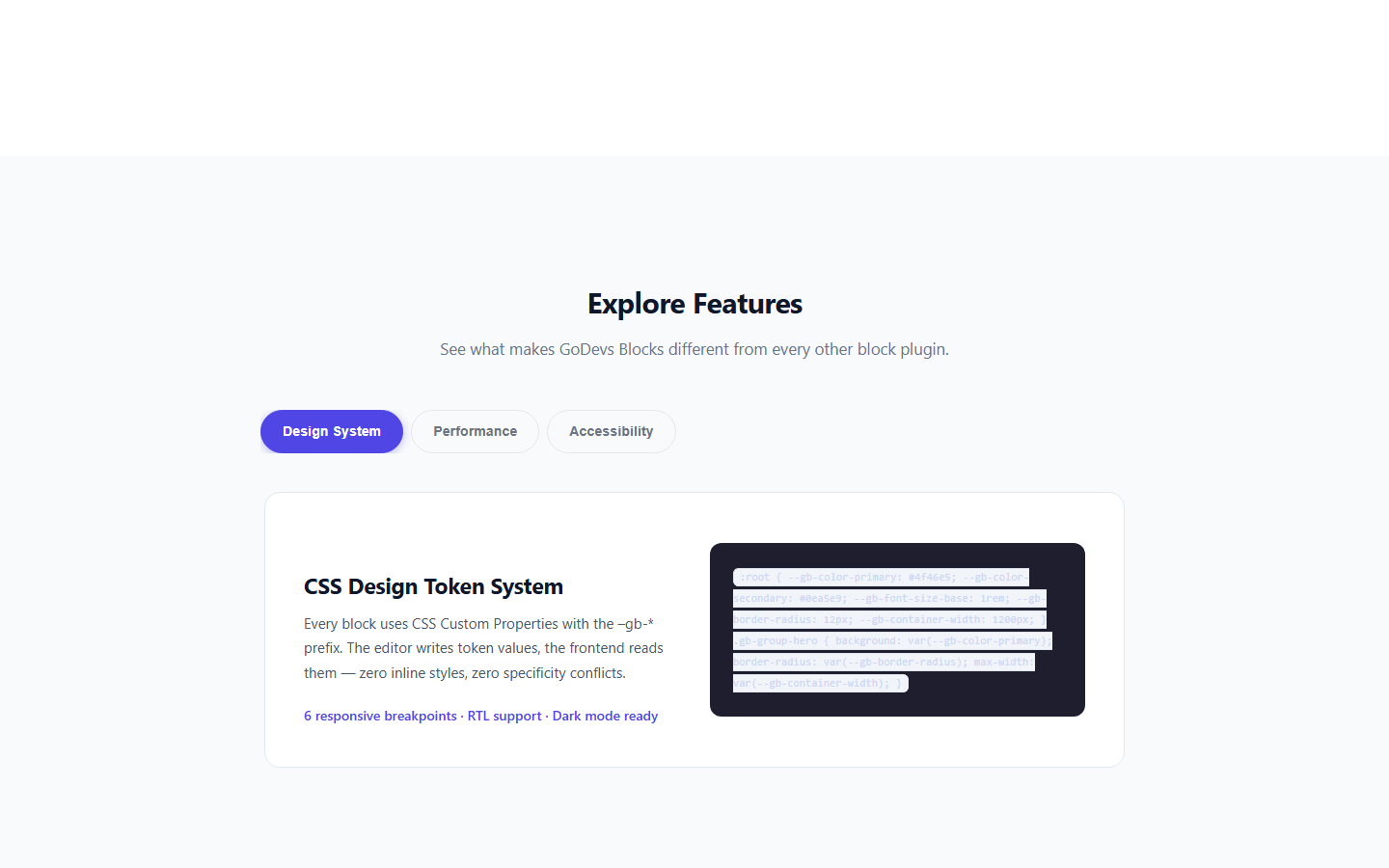
- Tabs — ARIA-compliant tabbed content panels with keyboard navigation
- Accordion — Native
<details>/<summary>accordion with FAQ schema.org markup support - Query No Results — Customisable fallback content shown when a Query block returns zero posts
- Full CSS Custom Property design token system (
--gb-*prefix) - Responsive controls for every property (6 breakpoints: xs, sm, md, lg, xl, 2xl)
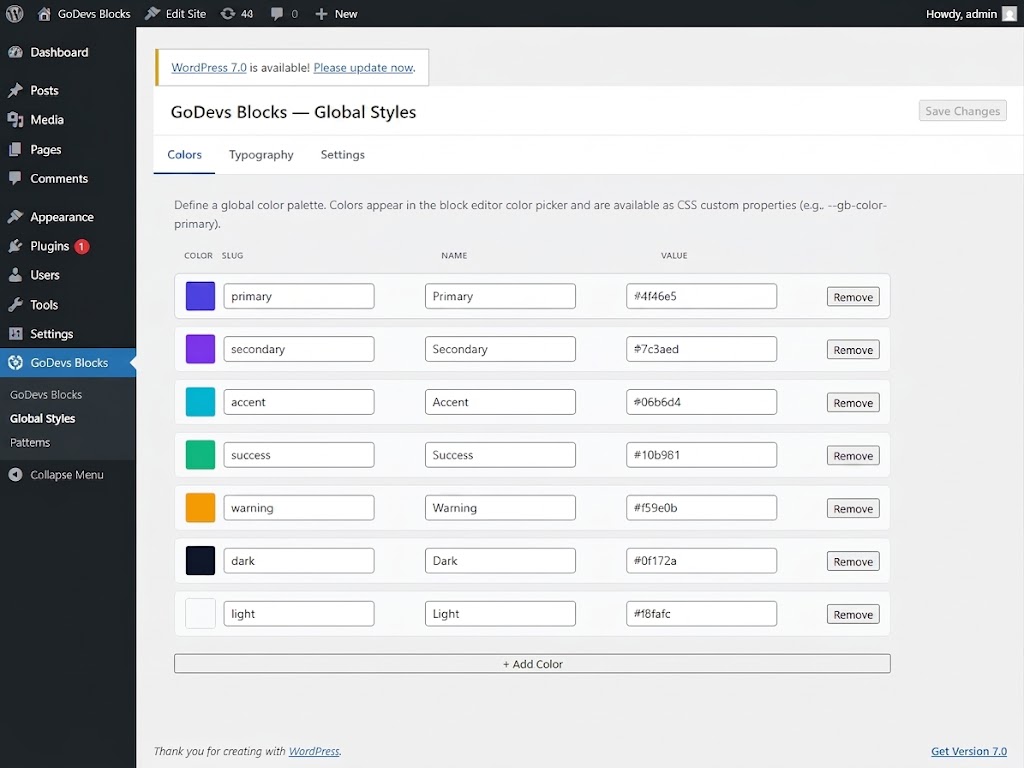
- Global color and typography presets managed in the GoDevs Blocks → Global Styles panel
- Theme.json integration — reads and writes to WordPress global styles color palette
- Dark mode support via CSS custom properties
- RTL language support with automatic CSS flip
- Zero frontend JavaScript for layout and text blocks
- Per-page CSS file caching — served as a static file from the uploads directory
- Delta CSS regeneration — only regenerates CSS for blocks that change
- Block-level JavaScript code splitting in the editor
- No jQuery dependency
- WCAG 2.1 AA compliant markup
- Keyboard navigation for all interactive blocks (Tabs: Arrow keys, Home, End)
- Proper ARIA roles and attributes (
role="tablist",role="tab",role="tabpanel", etc.) - Semantic HTML output — choose your own wrapper tag (div, section, article, aside…)
- FAQ block content ships with schema.org/FAQPage structured data
- 15 built-in dynamic content tags: post title, excerpt, date, featured image, author name, meta fields, site name, and more
- Conditional output based on context (single post, archive, query loop)
- Secure validation and escaping for every tag
- Extensible via
goblocks_register_dynamic_tagshook
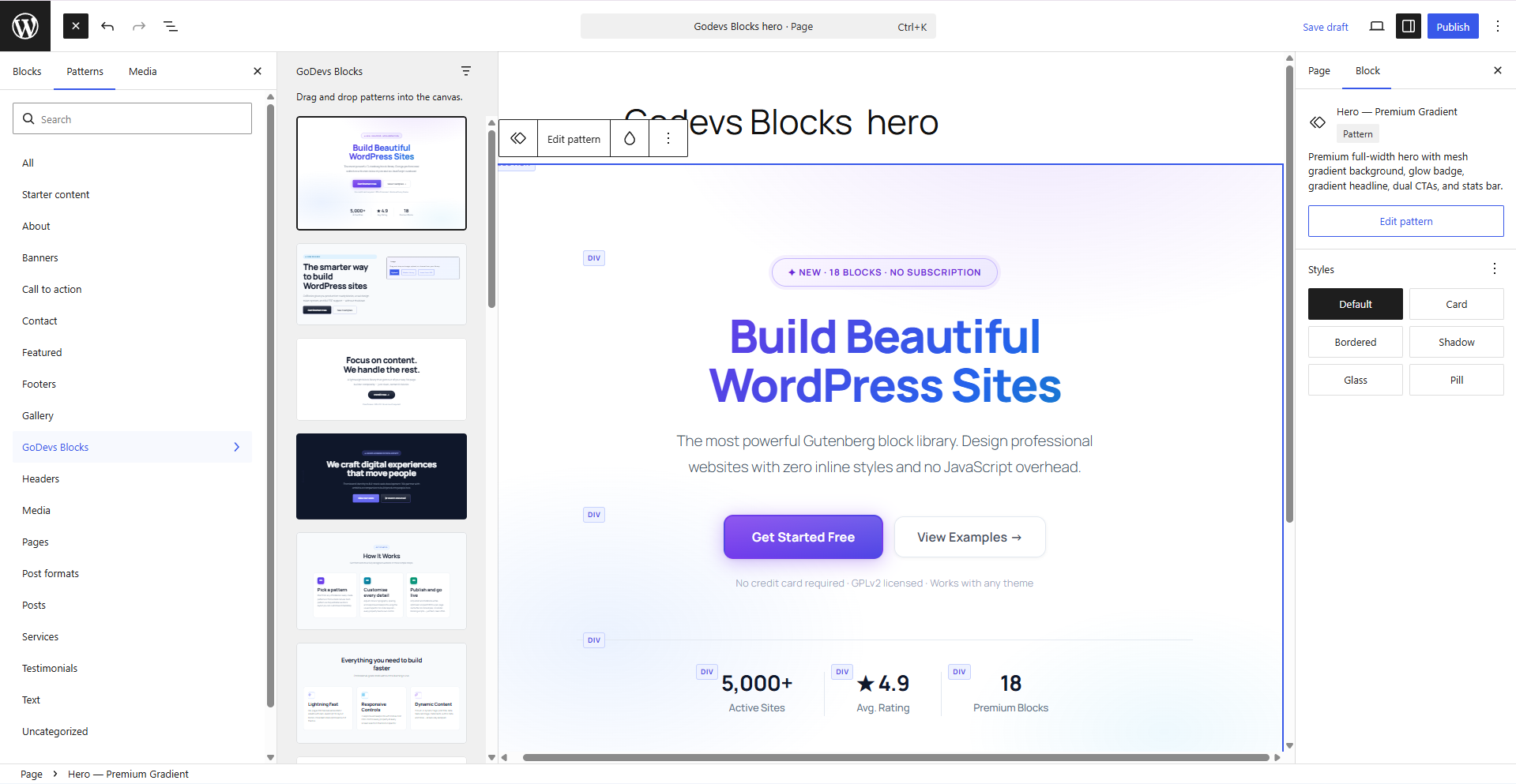
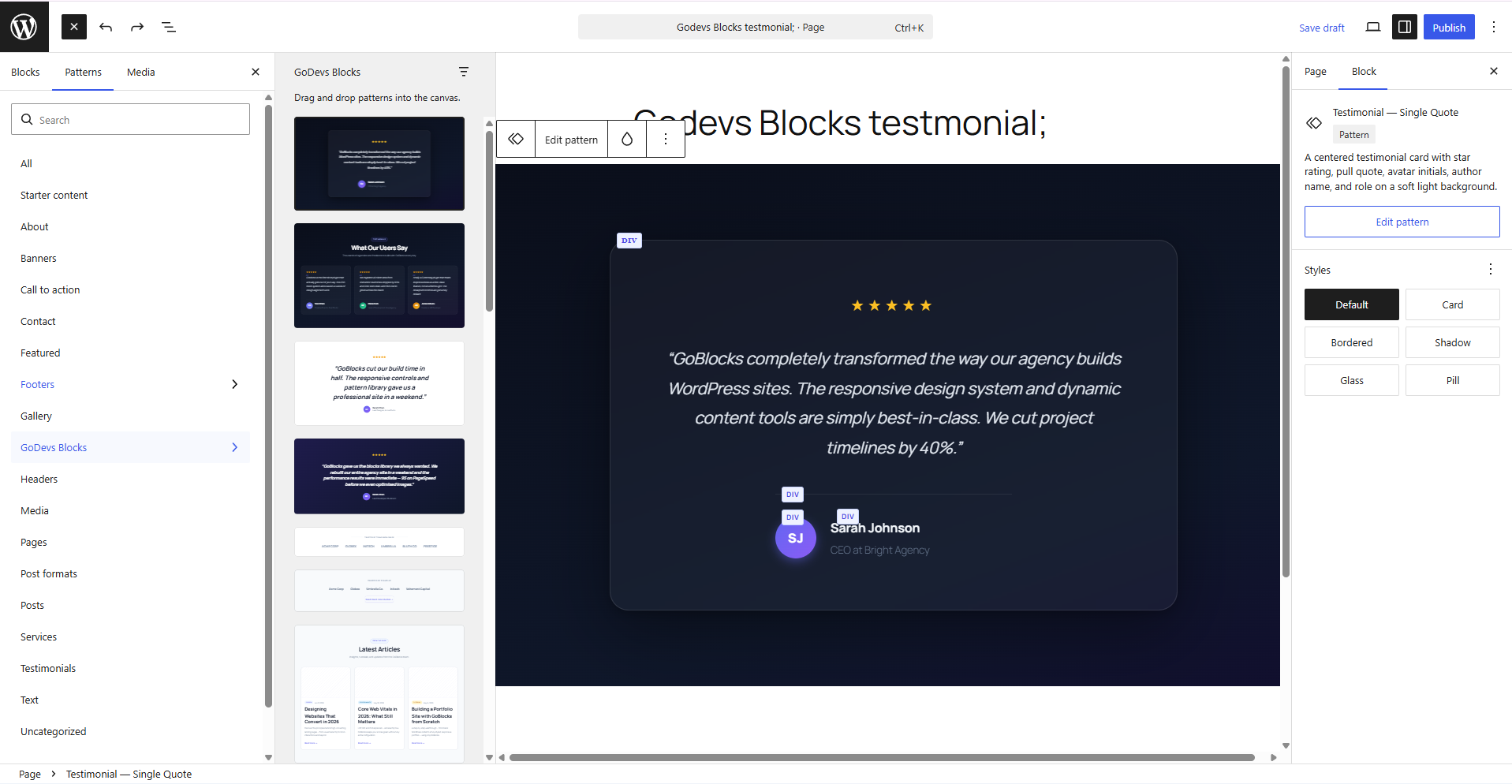
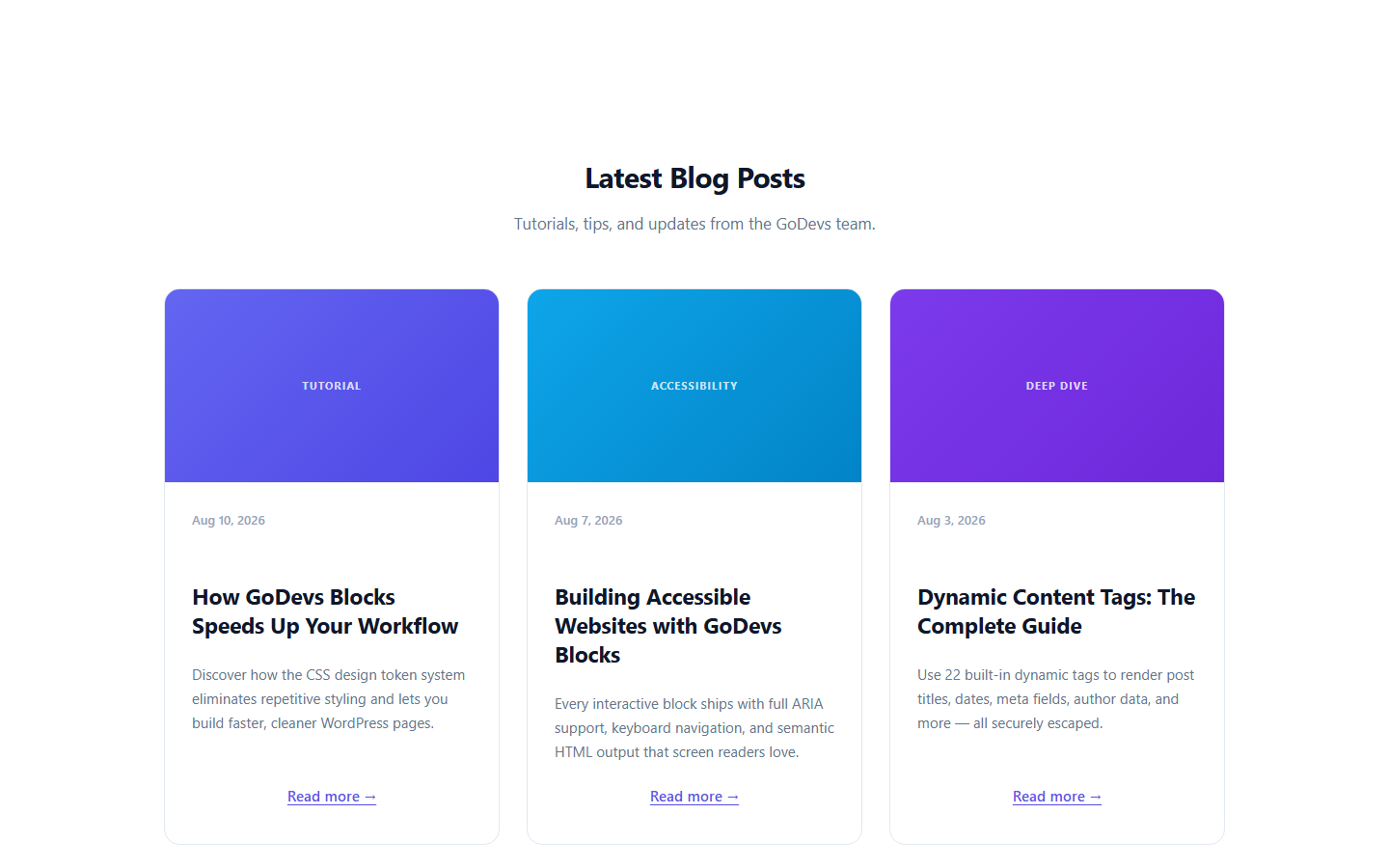
- 41 built-in block patterns across 18 categories: Hero (4), Features (4), Social Proof (5), Pricing (2), Stats (3), CTA (4), FAQ (2), Blog (3), Cards (2), Portfolio (2), Services (1), Team (2), About (1), Video (1), Newsletter (2), Contact (3), Logos (2), Announcement (1)
- Pattern browser in GoDevs Blocks → Patterns admin page
- All patterns available in the block editor pattern inserter
- TypeScript throughout — strict mode, no
any - Zustand for editor state (no Redux boilerplate)
- Fully extensible via WordPress hooks and filters
- PSR-4 PHP, WordPress Coding Standards compliant
- PHPStan level 8 compliant
- REST API for settings, styles, queries, dynamic content, and patterns
build/ directory in the plugin ZIP contains compiled assets generated from the src/ directory. To regenerate them:
- Clone the repository:
git clone https://github.com/godevsltd/godevsblocks.git - Install Node.js dependencies:
npm install - Build for production:
npm run build
@wordpress/scripts (webpack-based). Node.js 18+ and npm 9+ required.
安装:
- Upload the
godevs-blocksfolder to your/wp-content/plugins/directory, or install via Plugins → Add New in WordPress. - Activate the plugin through the Plugins menu in WordPress.
- Open any post or page in the block editor.
- Find GoDevs Blocks in the block inserter under the GoDevs Blocks category.
- (Optional) Visit GoDevs Blocks → Global Styles to set up your color palette and typography presets.
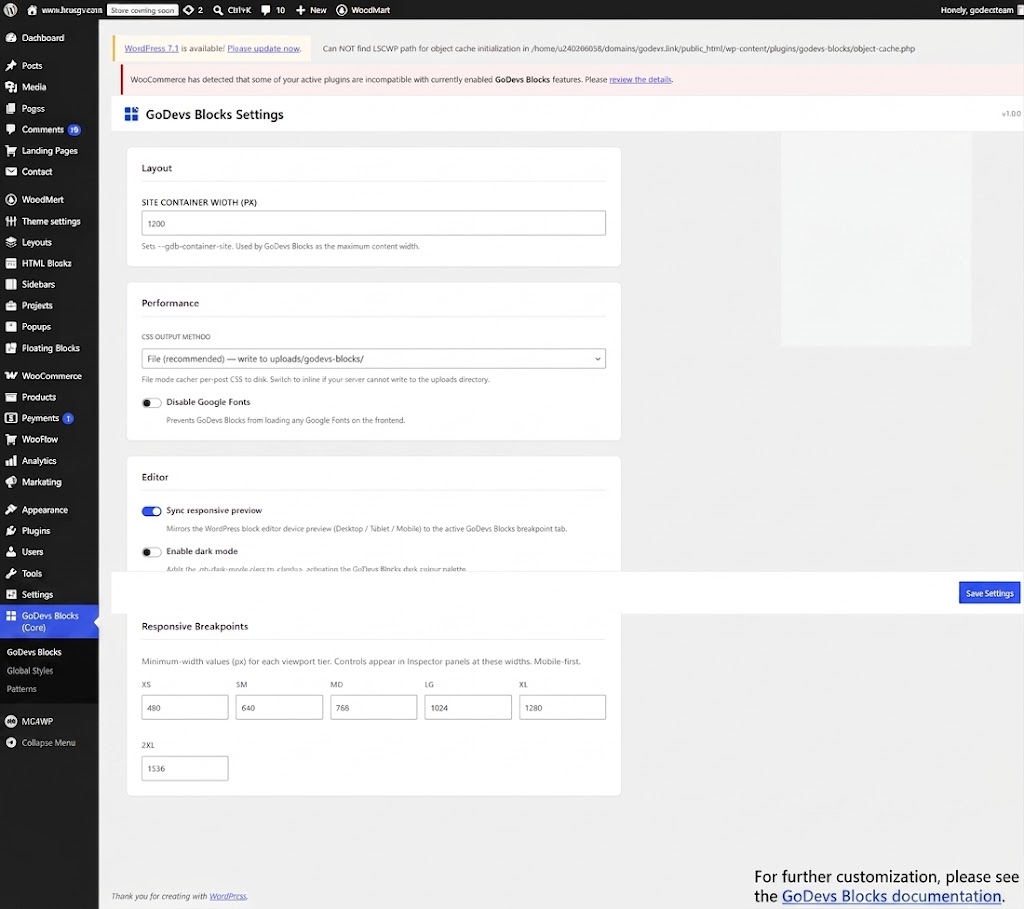
- (Optional) Visit GoDevs Blocks → Settings to configure breakpoints, CSS output method, and other options.
- WordPress 6.5 or higher
- PHP 8.0 or higher
- A modern browser (Chrome, Firefox, Safari, Edge — latest two major versions)
屏幕截图:
常见问题:
Does GoDevs Blocks work with my theme?
Yes. GoDevs Blocks works with any WordPress theme — FSE (Full Site Editing) themes, classic themes, and hybrid themes. It uses CSS custom properties that integrate with your theme's existing design system without overriding it.
Does GoDevs Blocks work with Full Site Editing?
Yes. All GoDevs Blocks blocks use block API v3 with full block.json registration,
making them fully compatible with the Site Editor. GoDevs Blocks also integrates with
theme.json via the wp_theme_json_data_theme filter to share color palettes
with the global styles system.
Does GoDevs Blocks work with WordPress Multisite?
Yes. GoDevs Blocks is multisite-compatible. Each site in a network has its own CSS cache directory, its own settings, and its own global styles — fully isolated.
Will GoDevs Blocks slow down my site?
No. GoDevs Blocks generates a single CSS file per page, served as a static file from your uploads directory with standard browser caching. There is zero frontend JavaScript for all layout, text, heading, image, and icon blocks. Interactive blocks (Tabs, Accordion) use tiny vanilla JS IIFE scripts (~500 bytes each) that are only loaded when the block is present on the page.
How do I use dynamic content?
Use the dynamic tag syntax {post_title}, {post_date|format:Y}, or
{post_meta|key:_my_field} in any text or heading block. Click the Dynamic
Content button in the block toolbar to browse all available tags. Tags are also
supported in image src, alt, and HTML attributes.
Can I create custom dynamic tags?
Yes. Implement the GoBlocks\DynamicContent\TagInterface and register your tag:
php
add_action( 'goblocks_register_dynamic_tags', function( $registry ) {
$registry->register( new My_Custom_Tag() );
} );
Does GoDevs Blocks generate bloated HTML?
No. GoDevs Blocks outputs minimal semantic HTML. There are no wrapper divs, no data-attributes on most elements, and no inline styles. All styling is done through CSS custom properties scoped to the block's unique class.
What is the CSS output method?
By default, GoDevs Blocks writes a single CSS file per page to wp-content/uploads/goblocks/
and serves it with a <link> tag. This can be changed to inline <style> output
in GoDevs Blocks → Settings → CSS Print Method.
How do I add the FAQ schema markup to my accordion?
Select your Accordion block, open the Inspector panel, and toggle Enable FAQ
Schema. GoDevs Blocks will automatically add schema.org/FAQPage, Question, and
Answer structured data to the rendered HTML.
更新日志:
- Initial release.
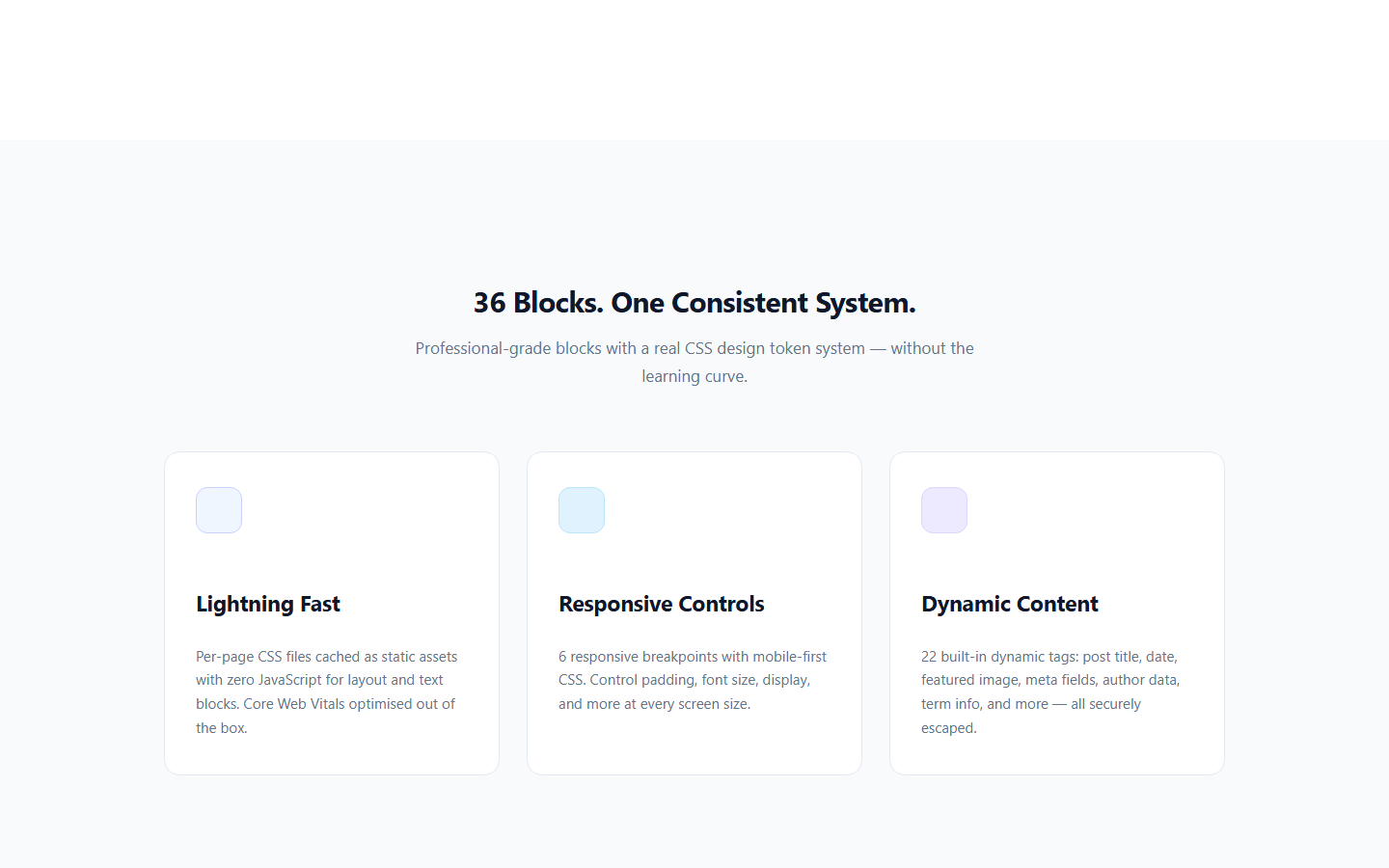
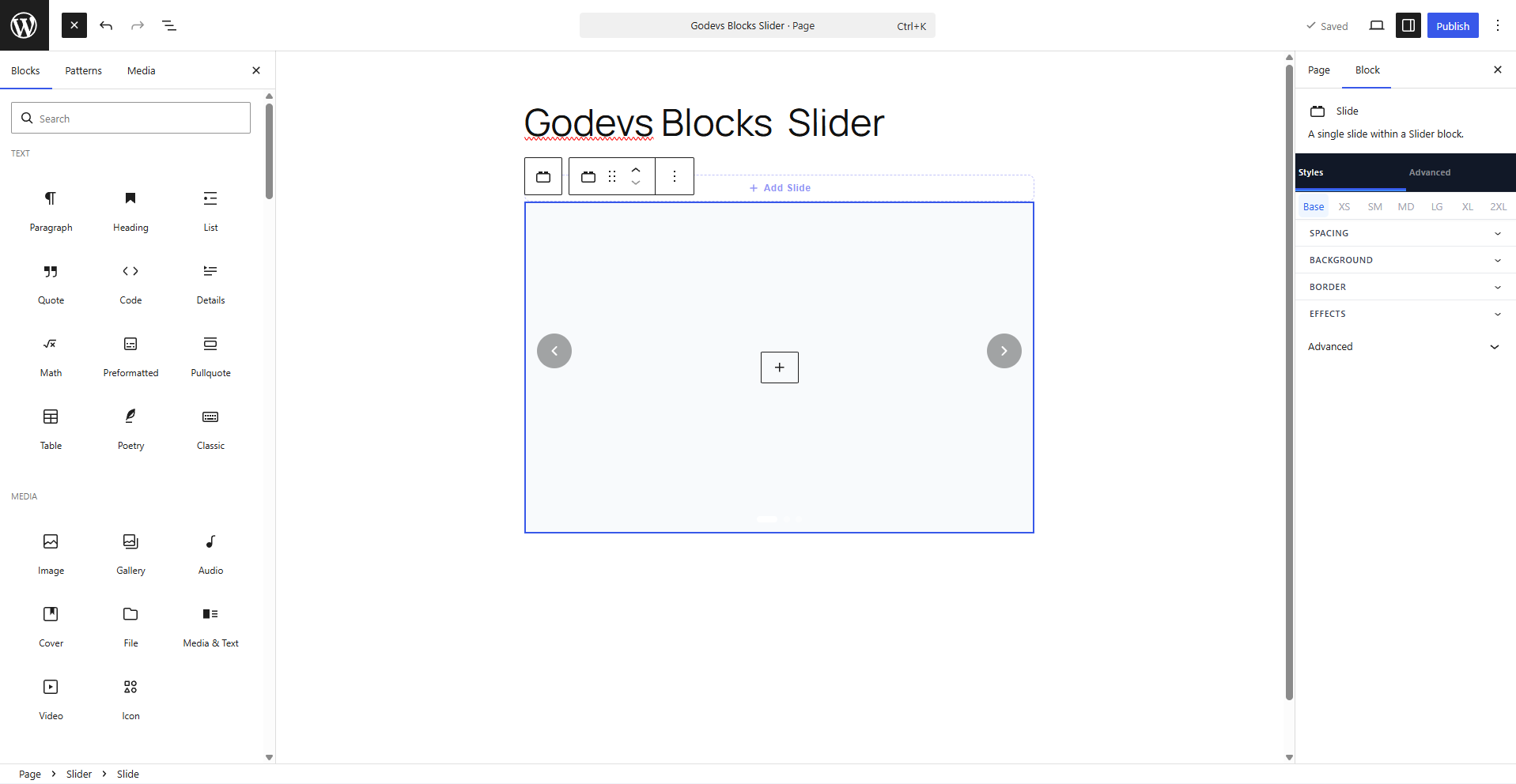
- 36 Blocks: Group, Column, Container, Text, Heading, Button, Image, Icon, Shape, Separator, Spacer, Tabs, Tab Panel, Accordion, Accordion Item, Query, Query Loop, Query No Results, Pagination, Navigation, Counter, Progress Bar, Alert, Star Rating, Lottie, Flip Card, Countdown, Social Share, Table of Contents, Slider, Slide, Modal, Pricing, Timeline, Timeline Item, Video.
- Icon block: Built-in visual icon picker with 112 icons across 13 categories (UI, Arrows, Communication, People, Files, Media, Commerce, Location, Sharing, Social, Time, Misc).
- Design Token System: CSS custom properties with 7 breakpoints, RTL flip, minification, and deduplication.
- Dynamic Content System: 15 built-in tags, loop/single/archive contexts, secure tag validation.
- Global Styles Framework: Color palette editor, typography presets, container width, dark mode toggle, theme.json integration.
- Pattern Library: 41 built-in patterns across 18 categories — pattern browser admin page + block editor inserter.
- FSE Support: Full Site Editor compatible; template-level CSS injected at wp_head priority 8.
- Performance: Per-page CSS file cache, delta regeneration, zero frontend JS for layout/text blocks, deferred animation observer script.
- Accessibility: WCAG 2.1 AA, ARIA roles, keyboard navigation, semantic HTML output.
- Developer: TypeScript strict, Zustand, PSR-4, WPCS, PHPStan level 8, REST API, i18n (.pot with 108 strings).