Got A Sale - Order Notifications for WooCommerce
| 开发者 | jackempyreal |
|---|---|
| 更新时间 | 2026年3月3日 00:31 |
| PHP版本: | 7.4 及以上 |
| WordPress版本: | 6.9 |
| 版权: | GPLv2 or later |
| 版权网址: | 版权信息 |
详情介绍:
- New Order Notifications — Get notified the moment a new order is placed
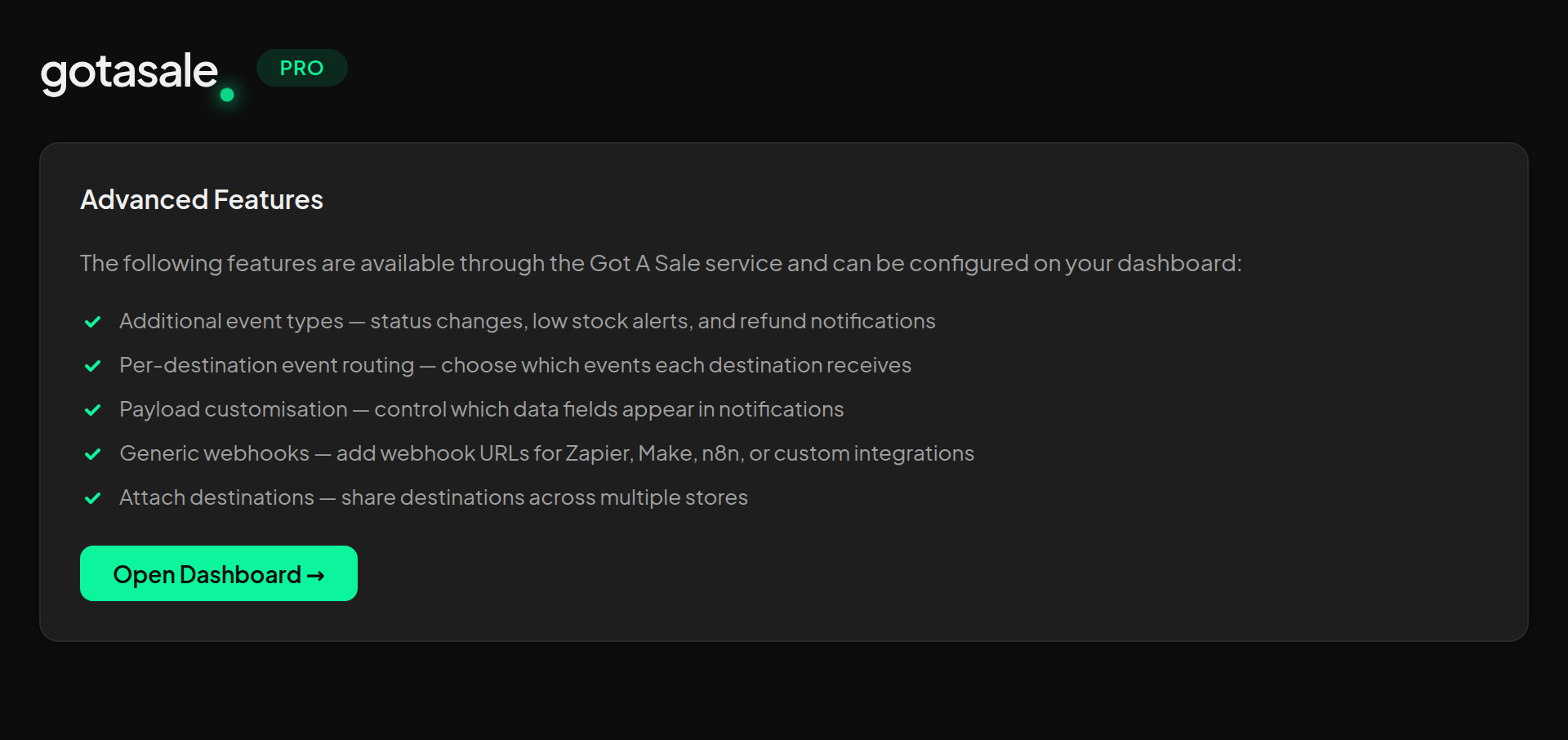
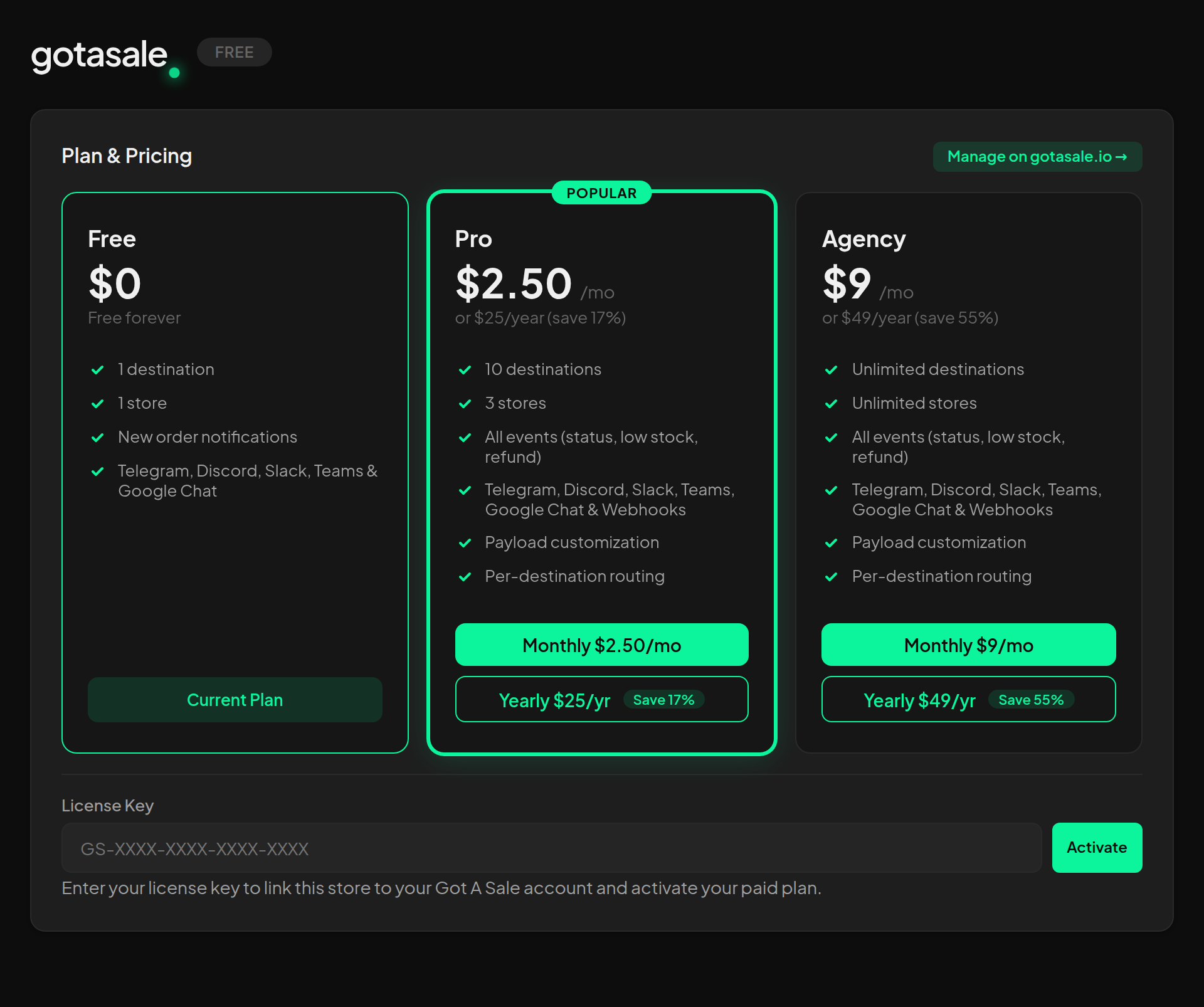
- Additional Event Types — Status changes, low stock alerts, and refund notifications (Pro/Agency via the Got A Sale service)
- Telegram, Discord & Slack — Connect to any Telegram chat, Discord channel, or Slack workspace with a simple bot command
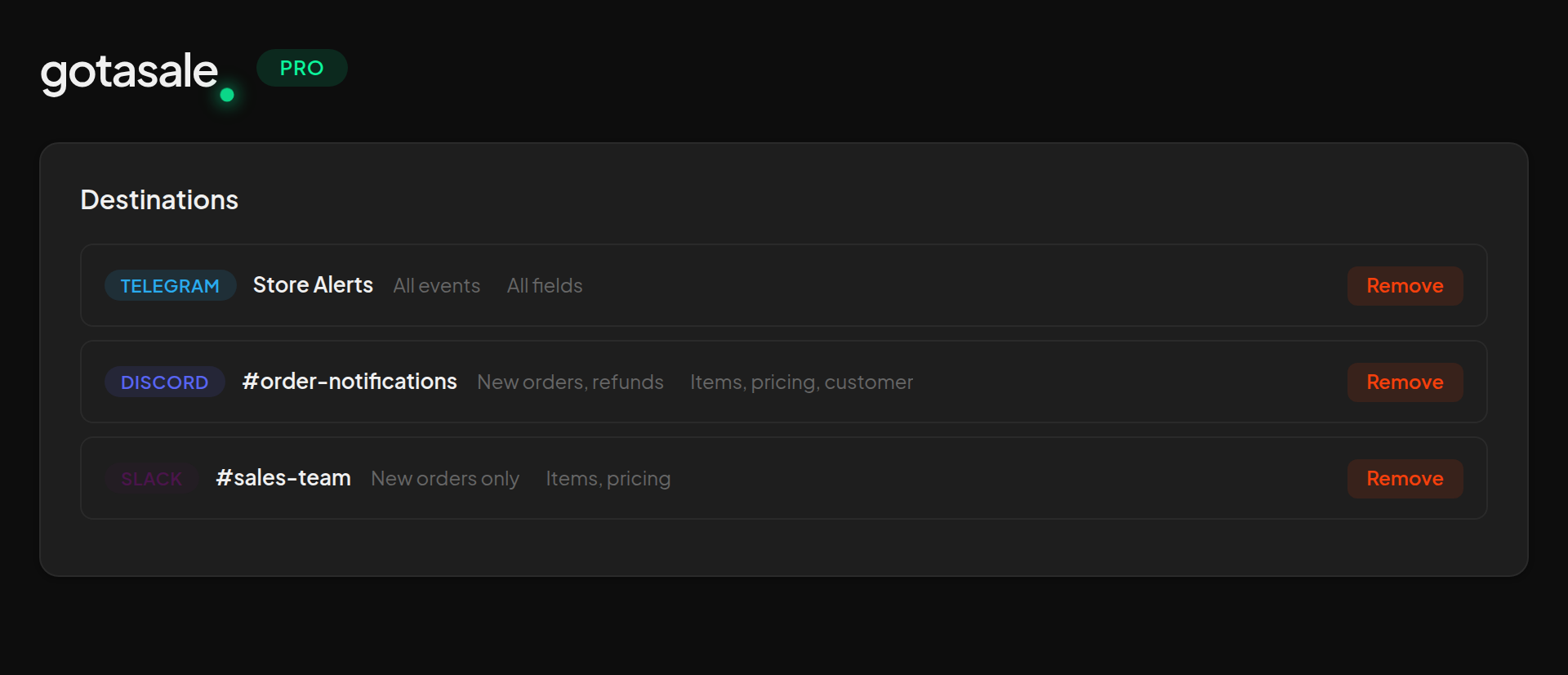
- Multi-Destination Routing — Send notifications to up to 10 destinations (Pro) or unlimited (Agency)
- Per-Destination Event Filtering — Choose which events each destination receives (Pro/Agency)
- Generic Webhooks — Add webhook URLs for Zapier, Make, n8n, or custom integrations (Pro/Agency)
- Payload Customisation — Control which data fields appear in each destination's notifications (Pro/Agency)
- HPOS Compatible — Fully compatible with WooCommerce High-Performance Order Storage
- Lightweight — No order data stored locally; notifications are sent in real time
- Install and activate the plugin
- Copy your unique Site Token from Settings > Got A Sale
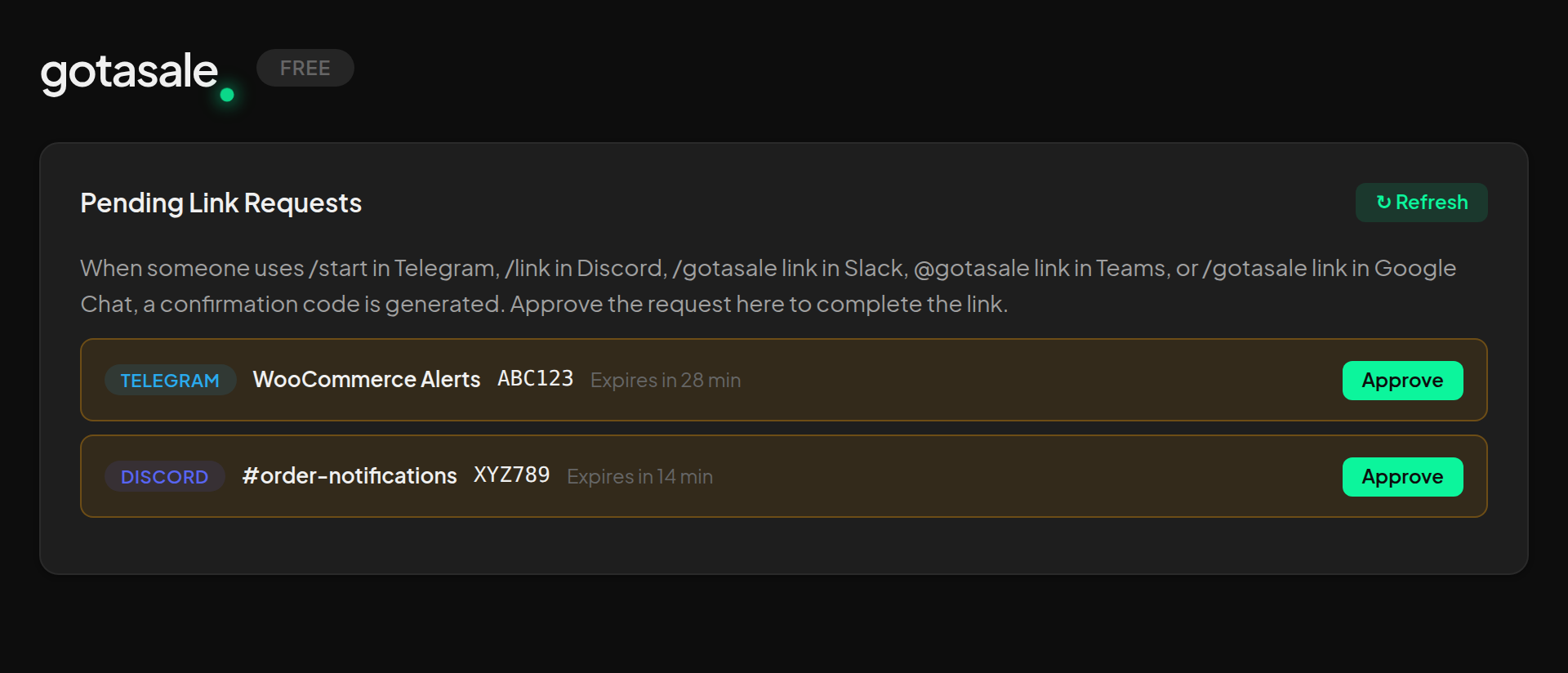
- Send the token to @gotasale_bot on Telegram, use /link in Discord, or use /gotasale link in Slack
- Approve the connection in your WordPress admin
- Start receiving order notifications!
- On activation: Your site token, store URL, and store name (for registration)
- On order events: Order details (ID, status, total, currency, items, customer name, email, phone, addresses) are sent to the Got A Sale server, which routes them to your connected destinations
- On WC API setup: Read-write WooCommerce REST API credentials are encrypted (AES-256-GCM) and sent to the server to enable order viewing from the Got A Sale app
- On upgrade/billing: You are redirected to Stripe for payment processing. Stripe handles all payment data.
安装:
- Upload the
gotasalefolder to the/wp-content/plugins/directory, or install directly from the WordPress plugin repository - Activate the plugin through the Plugins menu in WordPress
- Navigate to Settings > Got A Sale
- Copy your Site Token
- Open @gotasale_bot on Telegram and send
/start YOUR_TOKEN - Or install the gotasale Slack app and type
/gotasale link YOUR_TOKENin a channel - Return to the plugin settings and approve the pending link request
- WordPress 5.8 or higher
- WooCommerce 6.0 or higher
- PHP 7.4 or higher
屏幕截图:
常见问题:
Do I need an account to use Got A Sale?
No. The free tier works without any account — just install the plugin and connect your bot. An account is only needed if you upgrade to Pro or Agency for additional features.
Which messaging platforms are supported?
Telegram, Discord, and Slack are supported on all tiers (including Free). Pro and Agency tiers also support generic webhooks for integration with Zapier, Make, n8n, and custom endpoints. Additional event types (status changes, low stock, refunds) are also available on Pro and Agency tiers.
Is my data stored externally?
Order notification data is transmitted through the Got A Sale server to reach your Telegram/Discord/Slack destinations but is not stored. WooCommerce API credentials are encrypted with AES-256-GCM and stored on the Got A Sale server solely to enable live order viewing from the Got A Sale app.
What happens if I deactivate the plugin?
Notifications will stop being sent. Your destinations remain linked on the Got A Sale server. If you uninstall (delete) the plugin, all local settings and WooCommerce API keys created by the plugin are removed.
How do I upgrade to Pro or Agency?
Go to Settings > Got A Sale and click Upgrade to Pro or Upgrade to Agency. You will be redirected to a secure Stripe checkout page. After payment, your tier is upgraded automatically. Advanced features like per-destination event routing, payload customisation, and webhooks can be configured on your Got A Sale dashboard.
Where do I configure webhooks and per-destination settings?
Per-destination event routing, payload customisation, and generic webhooks are managed on your Got A Sale dashboard. These features are part of the Got A Sale service and require a Pro or Agency subscription.
Can I connect multiple stores?
Yes. Pro supports up to 3 stores and Agency supports unlimited stores. Each store uses its own site token.
Does it work with WooCommerce HPOS?
Yes. Got A Sale is fully compatible with WooCommerce High-Performance Order Storage (HPOS).
更新日志:
- Fixed PayPal/Afterpay/Klarna sending premature notification before payment confirms
- Fixed empty items in notifications for redirect-based payment gateways
- Reduced duplicate status change notifications with order-level deduplication
- Fixed notifications not sending for admin-created orders
- Removed local event filtering — all event delivery is now handled by the server
- Added woocommerce_new_order hook for broader order capture
- Moved per-destination event routing, payload customisation, and webhook management to the Got A Sale dashboard
- Added Advanced Features info section with link to the dashboard
- Removed local event blocking — the server now handles all tier-based filtering
- Fixed text domain to match plugin slug (got-a-sale)
- Restyled Plan & Pricing section
- Added Slack as a supported notification platform
- Slack connect guide in plugin settings with "Add to Slack" button
- Updated pricing tier feature lists to include Slack
- Removed global event toggles section (per-destination routing is the preferred method)
- Added license key activation for paid tiers
- Initial release
- Telegram, Discord, and Slack notification support
- New order, status change, and low stock event types
- Multi-destination routing (Pro/Agency)
- Per-destination event filtering (Pro/Agency)
- Generic webhook support with HMAC-SHA256 signing (Pro/Agency)
- Payload field customisation per destination (Pro/Agency)
- WooCommerce HPOS compatibility
- Notification deduplication to prevent spam during bulk operations