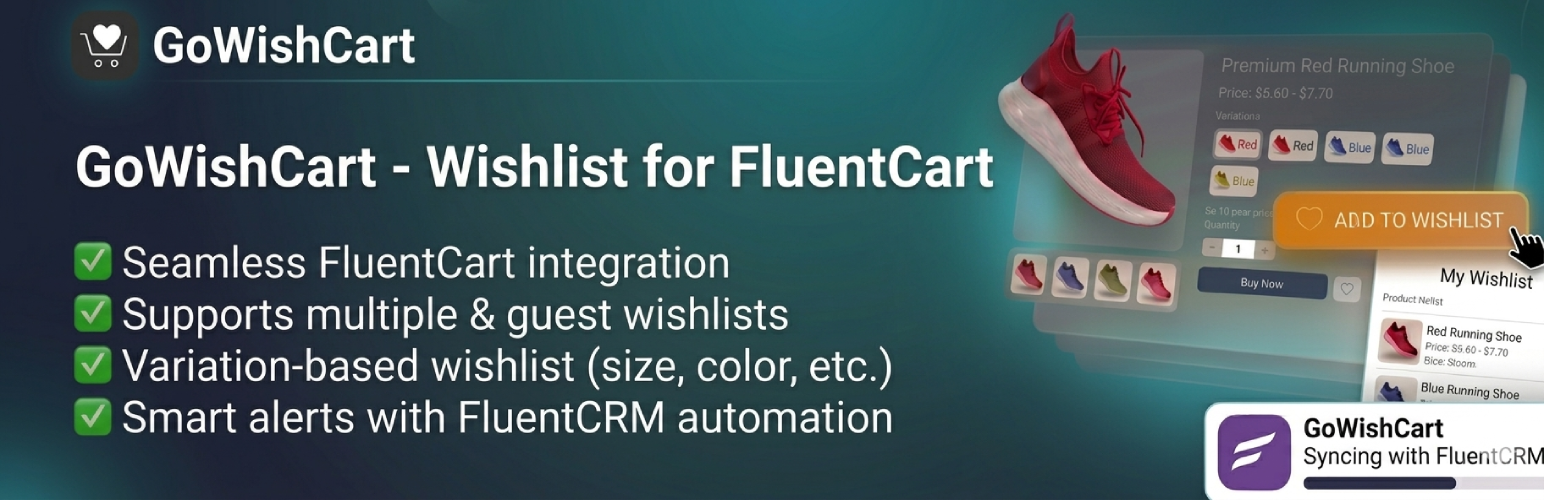
GoWishCart - Wishlist for FluentCart
| 开发者 |
azizultex
sabbirxprt |
|---|---|
| 更新时间 | 2026年5月24日 21:21 |
| PHP版本: | 7.4 及以上 |
| WordPress版本: | 6.9 |
| 版权: | GPLv2 or later |
| 版权网址: | 版权信息 |
详情介绍:
GoWishCart adds wishlist functionality to FluentCart-powered stores.
[youtube httphttps://youtu.be/mZejLo5qsmE?si=g7D7sJkDfp06DlVR]
Customers can:
- Save products for later
- Save selected product variations
- Manage wishlists as logged-in or guest users
- Receive optional notifications for price drops and back-in-stock updates Store admins can:
- Choose or create a wishlist page
- Control button placement on product and shop/archive pages
- Customize button text and icons
- Connect optional FluentCRM automation triggers
安装:
- Upload the plugin files to the
/wp-content/plugins/gowishcart-wishlist-for-fluentcartdirectory, or install the plugin through the WordPress plugins screen directly. - Activate the plugin through the 'Plugins' screen in WordPress
- Ensure FluentCart is installed and activated (GoWishCart requires FluentCart to function)
- Navigate to Settings->GoWishCart to configure the plugin
- Configure your wishlist settings:
- Select wishlist page or use the default wishlist page
- Customize button position (top or bottom)
- Enable shop page buttons if desired
- Customize button icons and text labels
- Configure FluentCRM integration (optional) - Connect with FluentCRM to enable automation triggers
- Set up notifications (optional) - Configure price drop and back-in-stock email notifications
更新日志:
2.0.3
- Improved: Readme file
- Improved: Appsero update
- Improved: Core functionality and overall performance.
- Updated: Codebase for enhanced stability.
- Updated: Left menu system for better usability
- Add: Integrated Appsero to track plugin installs, uninstalls, and collect uninstall feedback.
- Banner, logo update
- Readme update
- Banner add
- Banner update
- Fix unsafe SQL
- Escape output late
- Replace WP_PLUGIN_DIR / hardcoded plugin path logic
- Improved REST API security by adding proper permission and nonce checks.
- Removed hardcoded
/wp-admin/path and ensured admin URLs work on all WordPress setups.
- Plugin display name updated across the admin and public-facing areas
- REST API routes: added missing
permission_callbackfor WordPress 5.5+ compatibility - AJAX endpoint: corrected link/URL used in endpoint configuration
- Initial release