
GS YouTube Gallery – Video Feed, Channel Playlist & YouTube Slider
| 开发者 |
gsplugins
itszaman samdani |
|---|---|
| 更新时间 | 2026年10月4日 18:33 |
| 捐献地址: | 去捐款 |
| PHP版本: | 5.6 及以上 |
| WordPress版本: | 7.1 |
| 版权: | GPLv2 or later |
| 版权网址: | 版权信息 |
详情介绍:
安装:
- In your Admin, go to menu Plugins > Add New
- Search - GS YouTube Gallery
- Click to install
- Activate the plugin
- GS YouTube Gallery will available under Posts.
- Download the latest version of GS YouTube Gallery (.zip file)
- In your Admin, go to menu Plugins > Add New
- Select Upload Plugin
- Click on Choose File
- Select downloaded gs-yt-gallery.zip & click on Install Now button
- Activate the plugin
- GS YouTube Gallery will available under Posts.
- Upload gs-yt-gallery.zip folder inside the /wp-content/plugins/ directory
- Go to WordPress dashboard > Plugins & Activate the GS YouTube Gallery plugin
- GS YouTube Gallery will available under Posts.
- Use the
[gs_ytgal id=2]shortcode or select a different theme - Place the shortcode where you want to display it.
屏幕截图:
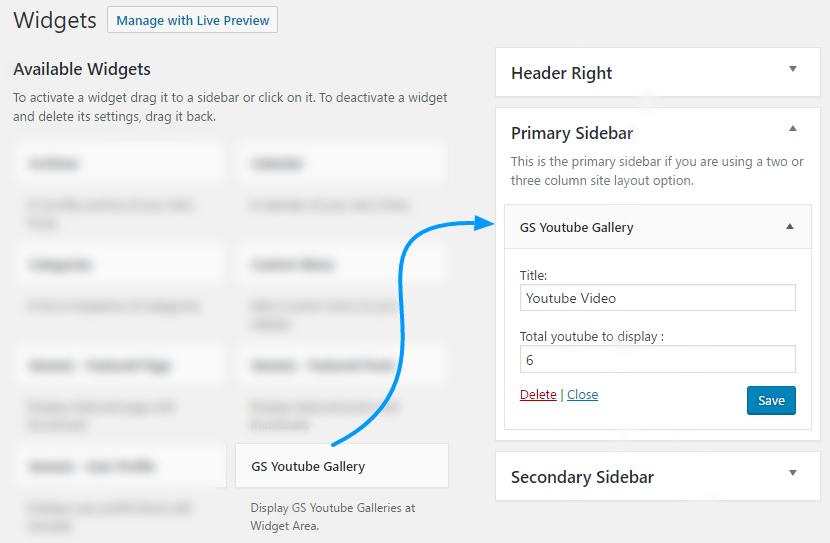
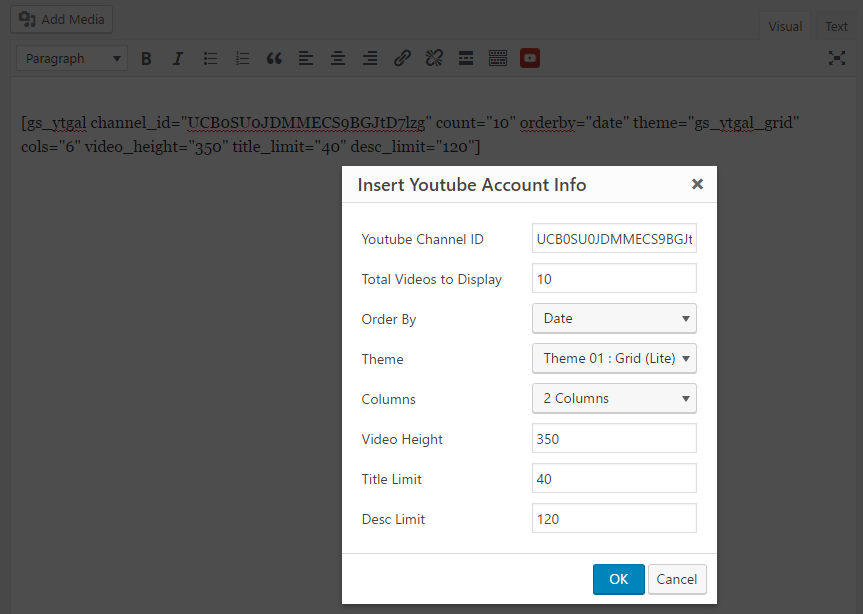


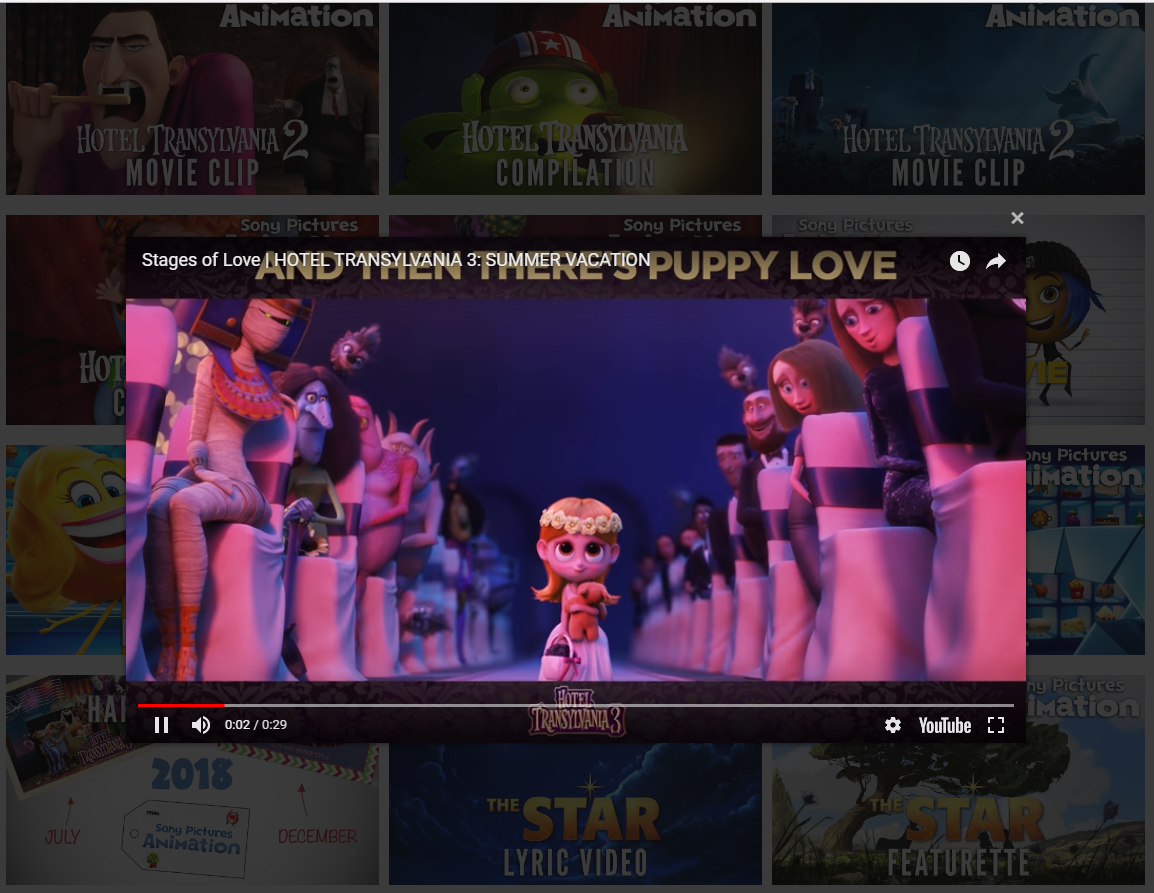
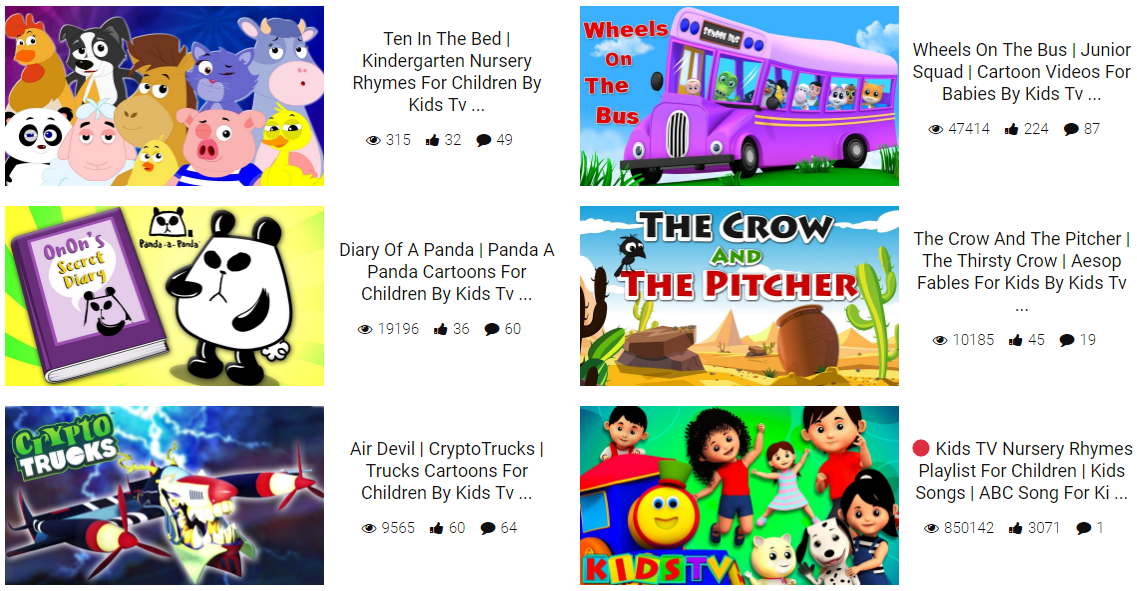
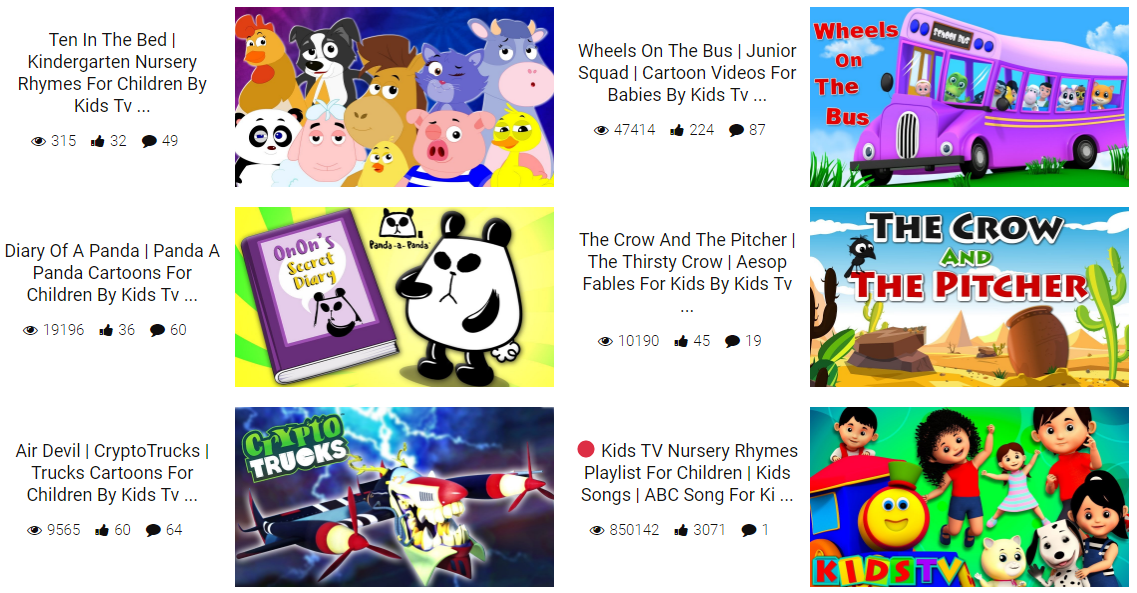
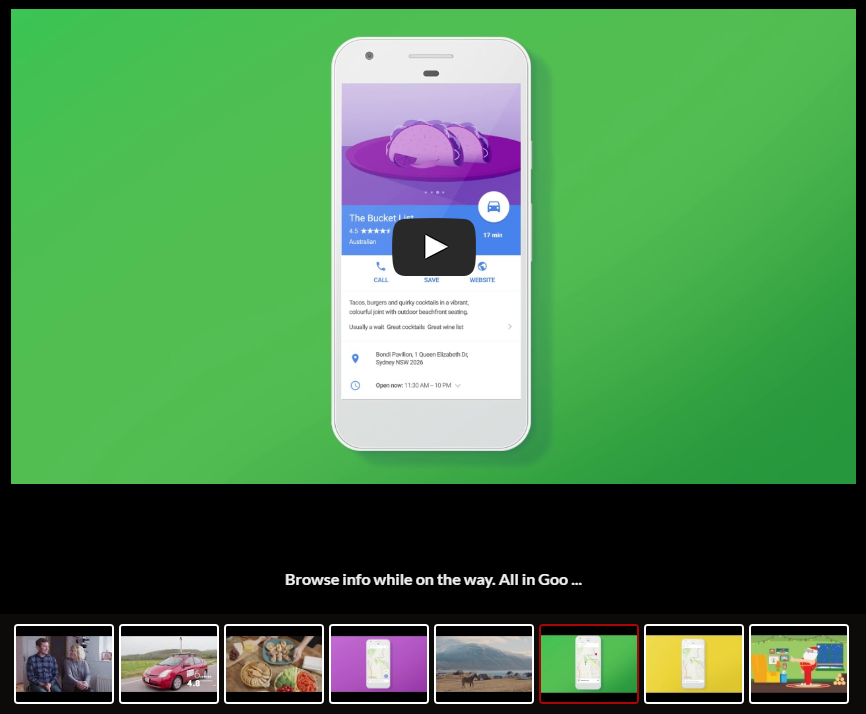
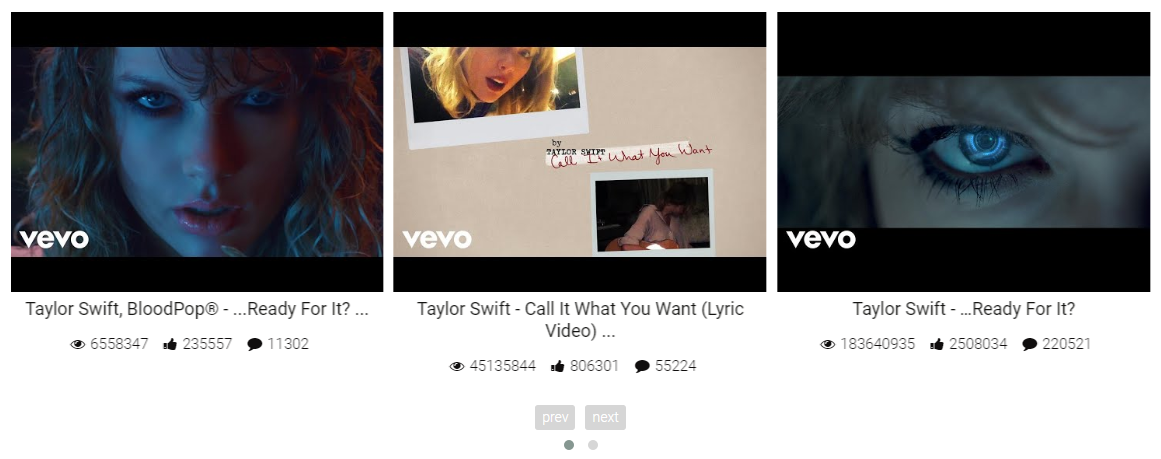
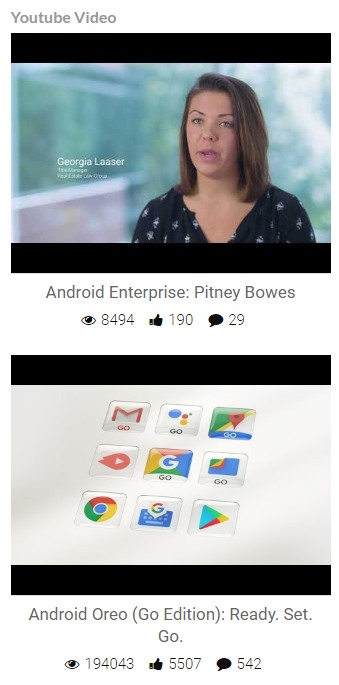
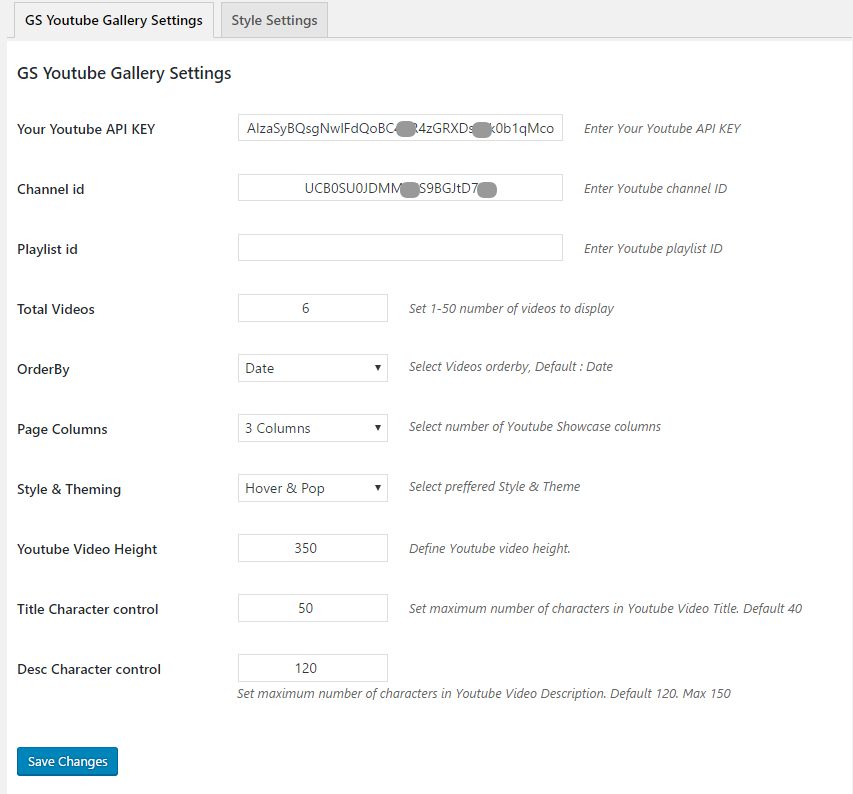
![Preference [Global Settings] - GS YouTube Gallery](https://cdn.jsdelivr.net/wp/gs-youtube-gallery/assets/screenshot-9.png)
常见问题:
What should I do after purchasing GS YouTube Video Gallery Pro?
After successfully purchasing the PRO version, follow these steps:
- Go to your Purchase History
- Download the latest version of GS YouTube Video Gallery PRO
- Delete the existing PRO plugin from your WordPress site — your existing galleries and settings will not be lost
- Go to Plugins → Add New → Upload Plugin
- Upload and install the latest PRO ZIP file
- Activate the plugin
- Enter and activate your license key
How do I create a YouTube API key?
To create a YouTube API key, follow these steps:
- Go to the Google Cloud Console
- Create a new project or select an existing project
- Open APIs & Services → Library
- Search for YouTube Data API v3
- Enable the YouTube Data API v3
- Go to APIs & Services → Credentials
- Click Create Credentials → API Key
- Copy the generated API key
- Add the API key to the GS YouTube Video Gallery settings
Can I use the same YouTube API key for multiple galleries?
Yes. You normally need to configure your YouTube API key only once. The same API connection can be used for multiple GS YouTube Video Gallery galleries on the same WordPress website, so you do not need to create a separate API key for every gallery.
How do I install and display GS YouTube Video Gallery on my site?
To install and display your first YouTube gallery, follow these steps:
- Go to Plugins → Add New from your WordPress dashboard
- Search for GS YouTube Video Gallery
- Click Install Now, then Activate
- Configure your YouTube API key and required gallery settings
- Create a gallery and configure its layout and display options
- Copy the generated shortcode, for example: [gs_ytgal id=2]
- Paste the shortcode into the page or post where you want to display the gallery
- Publish or update the page and check the gallery on the frontend
How do I display a YouTube Video Gallery using a shortcode?
Once you have created a gallery, you can display it anywhere that supports WordPress shortcodes.
- Go to GS YouTube Gallery → Shortcodes
- Create a new gallery or edit an existing one
- Configure the gallery settings
- Copy the generated shortcode, for example: [gs_ytgal id=2]
- Edit the page or post where you want to display the gallery
- Paste the shortcode into a Shortcode block or compatible page builder module
- Save or update the page
How do I find my YouTube Channel ID?
A YouTube Channel ID is the unique identifier associated with a YouTube channel. To find and use it:
- Open the YouTube channel
- Find its Channel ID from the channel URL or account information
- A Channel ID usually looks like: UCB0SU0JDMMECS9BGJtD7lzg
- Copy the Channel ID
- Paste it into the Channel ID field in GS YouTube Gallery
- Save your settings and sync the videos if required
How do I find my YouTube Playlist ID?
The Playlist ID is included in the URL of a YouTube playlist.
For example:
youtube.com/playlist?list=PLDIoUOhQQPlXqz5QZ3dx-lh_p6RcPeKjv
In this example, the Playlist ID is
PLDIoUOhQQPlXqz5QZ3dx-lh_p6RcPeKjv
To use it:
- Save the settings and sync the playlist if required.
- Open the playlist on YouTube
- Look for list= in the browser URL
- Copy everything after list=
- Paste it into the Playlist ID field in GS YouTube Gallery
How do I use a GS YouTube Gallery shortcode inside a theme template?
WordPress provides the do_shortcode() function for rendering shortcodes inside PHP theme files. Add the following code where you want the gallery to appear: ` ` Replace 2 with the ID of the gallery you want to display. Important: Use a child theme or another update-safe customization method when editing theme files so your changes are not lost after a theme update.
Can I create more than one video gallery?
Yes. You can create different galleries for different pages, topics, playlists, channels, or sections of your website.
Why are newly uploaded YouTube videos not appearing immediately?
New content may take a little time to appear because of YouTube API availability or cached gallery data. Refreshing or updating the gallery data usually brings the latest videos into the display.
Can I create different galleries for different channels or playlists?
Yes. You can create separate galleries for different content sources, making it easy to organize videos by channel, playlist, topic, or section of your website.
What happens if a YouTube video becomes private or is deleted?
A private, removed, or otherwise unavailable video can no longer be retrieved normally from YouTube. Updating the gallery data helps ensure unavailable content is no longer presented as active content.
Will my gallery work properly on mobile and tablet devices?
Yes. The GS YouTube Gallery is designed to adapt to different screen sizes so your videos remain easy to browse and watch across desktop, tablet, and mobile devices.
Can I change a gallery after I have already published it?
Yes. You can update your gallery settings whenever needed. Changes to the gallery configuration can be reflected without rebuilding the entire page.
更新日志:
- [Added]: Gutenberg visual builder block.
- [Added]: Elementor YouTube builder widget.
- [Added]: Divi YouTube builder module.
- [Added]: WPBakery shortcode selector.
- [Added]: Oxygen Builder shortcode selector.
- [Added]: TagDiv shortcode selector.
- [Added]: Shortcode and settings import/export.
- [Added]: Font family preview and search.
- [Fixed]: Gutenberg video playback issue.
- [Fixed]: Divi builder fatal error.
- [Fixed]: Channel theme visibility conditions.
- [Improved]: Typography controls and previews.
- [Improved]: Playlist and channel visibility options.
- [Improved]: Builder select field compatibility.
- [Improved]: Premium option handling in Gutenberg.
- [Improved]: Settings navigation and tab styles.
- [Added]: Typography settings and font family support.
- [Fixed]: Random ordering issue.
- [Improved]: Video count handling and saving.
- [Improved]: Fetching videos when count increases.
- [Improved]: Video ordering and orderby accuracy.
- [Improved]: Live typography preview.
- [Improved]: Compiled preview script.
- [Removed]: Unused style options.
- [Added]: Automatic syncing controls for YouTube content.
- [Added]: Option to reset cached YouTube data.
- [Added]: Visibility settings for channel tabs.
- [Added]: Channel About information caching.
- [Added]: Podcast fetching and caching.
- [Fixed]: Popup next/previous video loading.
- [Fixed]: Preview sync functionality.
- [Fixed]: Resync and cache refresh issues.
- [Improved]: Shorts fetching and caching.
- [Improved]: Video query count handling for non-Shorts content.
- [Improved]: Horizontal slider behavior with single-slide support.
- [Improved]: Default title and description lengths for cleaner cards.
- [Improved]: Sync notices and admin UI styling.
- [Improved]: Channel data structure and internal caching.
- [Added]: Source lock functionality for better control.
- [Improved]: Codebase with latest merge updates.
- [Added]: Source references for minified assets.
- [Added]: Minor admin UI adjustments.
- [Fixed]: Internationalization and text domain issues.
- [Improved]: WordPress.org compliance.
- [Improved]: Escaping and security hardening.
- [Updated]: Documented external services.
- [Added]: Menu Icon.
- [Fixed]: Page Redirection on the Plugin Activation.
- [Fixed]: Free Pro Conflicts.
- [Updated]: Menu Name.
- [Updated]: Free, Pro Plugins Pages & Help Page.
- [Updated]: Appsero SDK
- [Removed]: All Admin Notices From the Youtube plugin pages.
- [Fixed]: PHP 7.3 Compatibility.
- [Fixed]: Deprecated Function Warning.
- [Updated]: AppSero Client.
- [Updated]: With WordPress version 5.6
- [Updated]: With WordPress latest version.
- [Added]: Appsero client.
- [Updated]: Bootstrap 4 Grid.
- [Updated]: With WordPress latest version.
- [Fixed]: Domain name changed & fixed all urls.
- [Fixed]: Admin CSS.
- [Added]: New Contributors.
- [Added]: Review system.
- Initial release