HappyAddons for Elementor – 160 Elementor Widgets, GSAP Animations & Templates
| 开发者 |
thehappymonster
happyaddons hasinhayder mosaddek73 tareq1988 sourav926 wedevs iqbalrony mrokon shshouvo sayedulsayem obiplabon Leevio leevio |
|---|---|
| 更新时间 | 2026年10月27日 13:51 |
| PHP版本: | 8.1 及以上 |
| WordPress版本: | 7.1 |
| 版权: | GPLv2 |
| 版权网址: | 版权信息 |
标签
下载
详情介绍:
- Global Animation: Animate opacity, position, scale, rotation, blur, skew, flip, perspective, and 25+ more properties on any widget — with scroll trigger and scrubbing support
- Marquee: Add infinite scrolling ticker sections — control direction, speed, and pause on hover
- Image Trail: Make images follow the user's cursor in a captivating trail effect
- Sticky Pin Elements: Pin any element in place while content scrolls behind it — powered by GSAP ScrollTrigger
- Appearing Image Animation: Reveal images on scroll with cinematic Reveal, Tiles Reveal, and Corner Reveal effects
- Text Animation: Animate headings letter-by-letter or word-by-word using GSAP SplitText
- Horizontal Scroll: Break the vertical barrier with sideways scroll sections, like the best agency sites
- Happy Mouse Cursor: Add custom cursor effects with blur mode and liquid flow features. [youtube https://youtu.be/4TBcmLl0e9A?si=ozouzUnC9Zq6ymZ2]
- Stacked Card: Layer cards on top of each other and peel them away as users scroll down
- Dropping Elements: Drop images, icons, and shapes from above with real gravity and bounce physics
- Image Cycle: Display images rotating in a circular orbit with animated headings and entrance effects
- GSAP SVG Draw: Animate SVG paths to draw themselves stroke-by-stroke on scroll
- SVG Morphing: Smoothly morph one SVG shape into another using GSAP MorphSVG
- Text Scroll: Horizontally scrolling marquee-style text
- SVG Line Draw: Horizontally scrolling marquee-style text [youtube https://youtu.be/EiRmmfdWu5Q?si=f9wjgkdLDoVZqVYF]
- Visual Tabs: Sticky left navigation that highlights the active tab as users scroll through
- Hover Accordion: Expanding accordion panels that respond to hover for frictionless content reveal
- Team Hover Grid: Team member cards with a smooth scale hover reveal — control Transform Origin per card
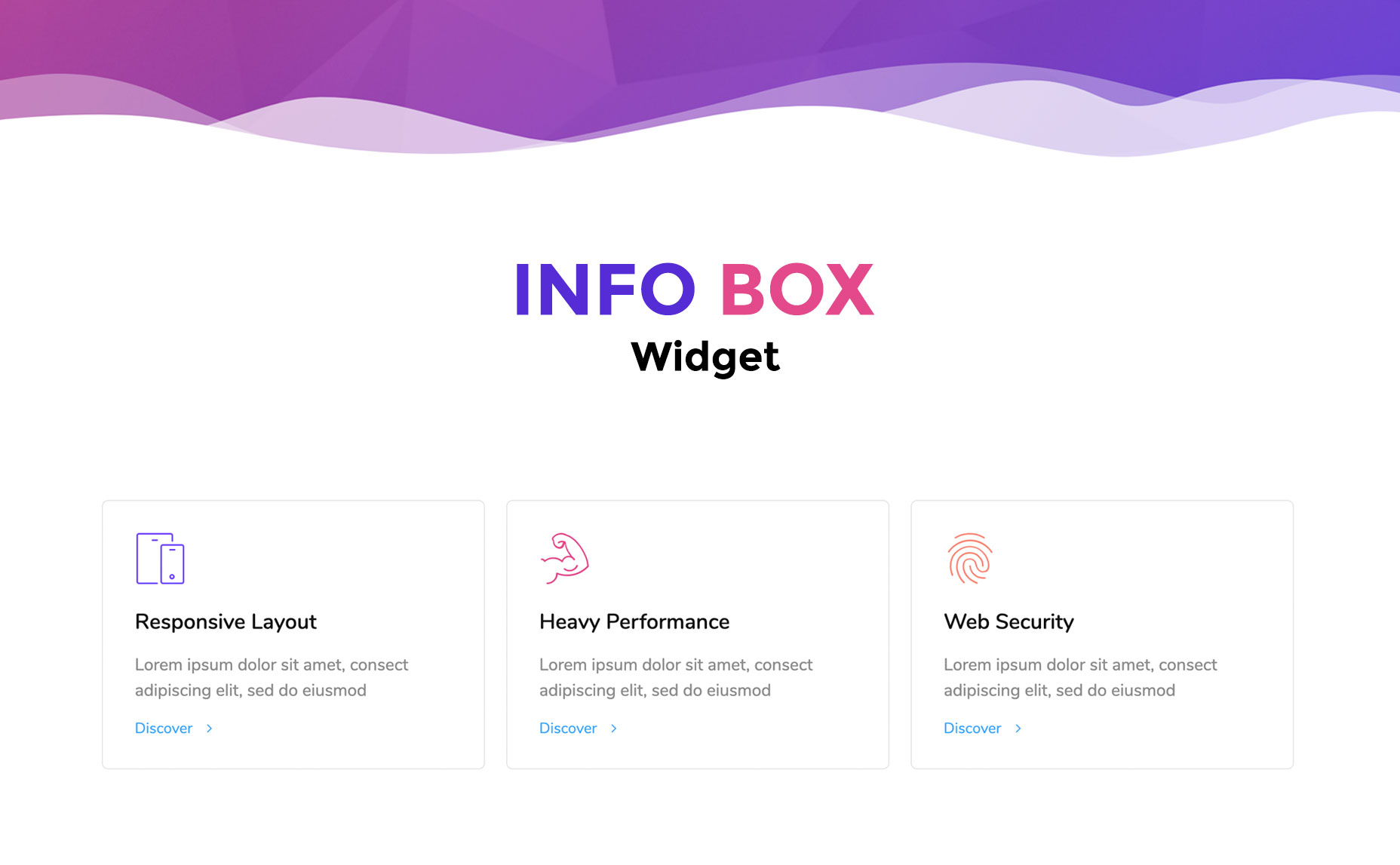
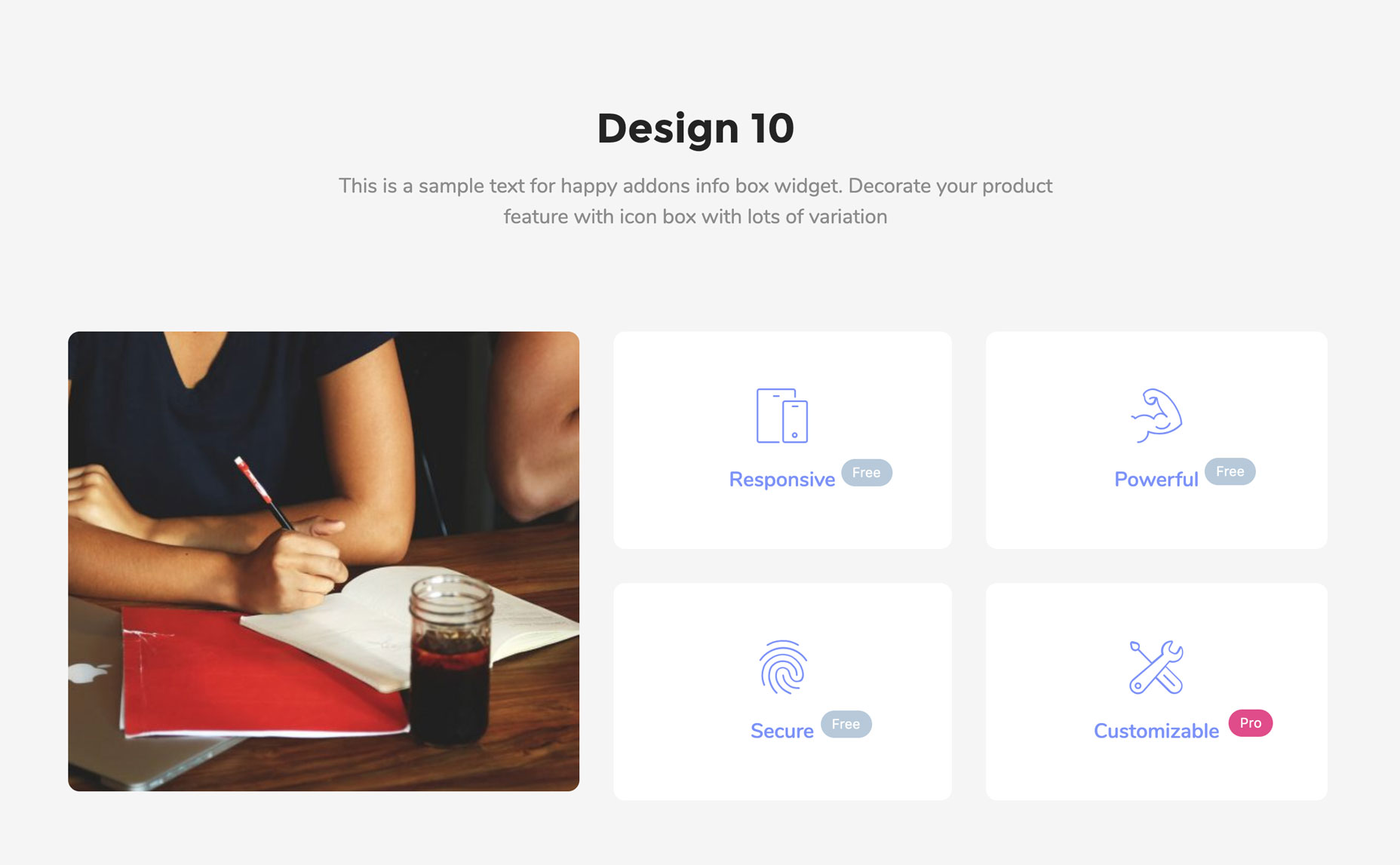
- Info Box: Display key information with icons, headings, and descriptions
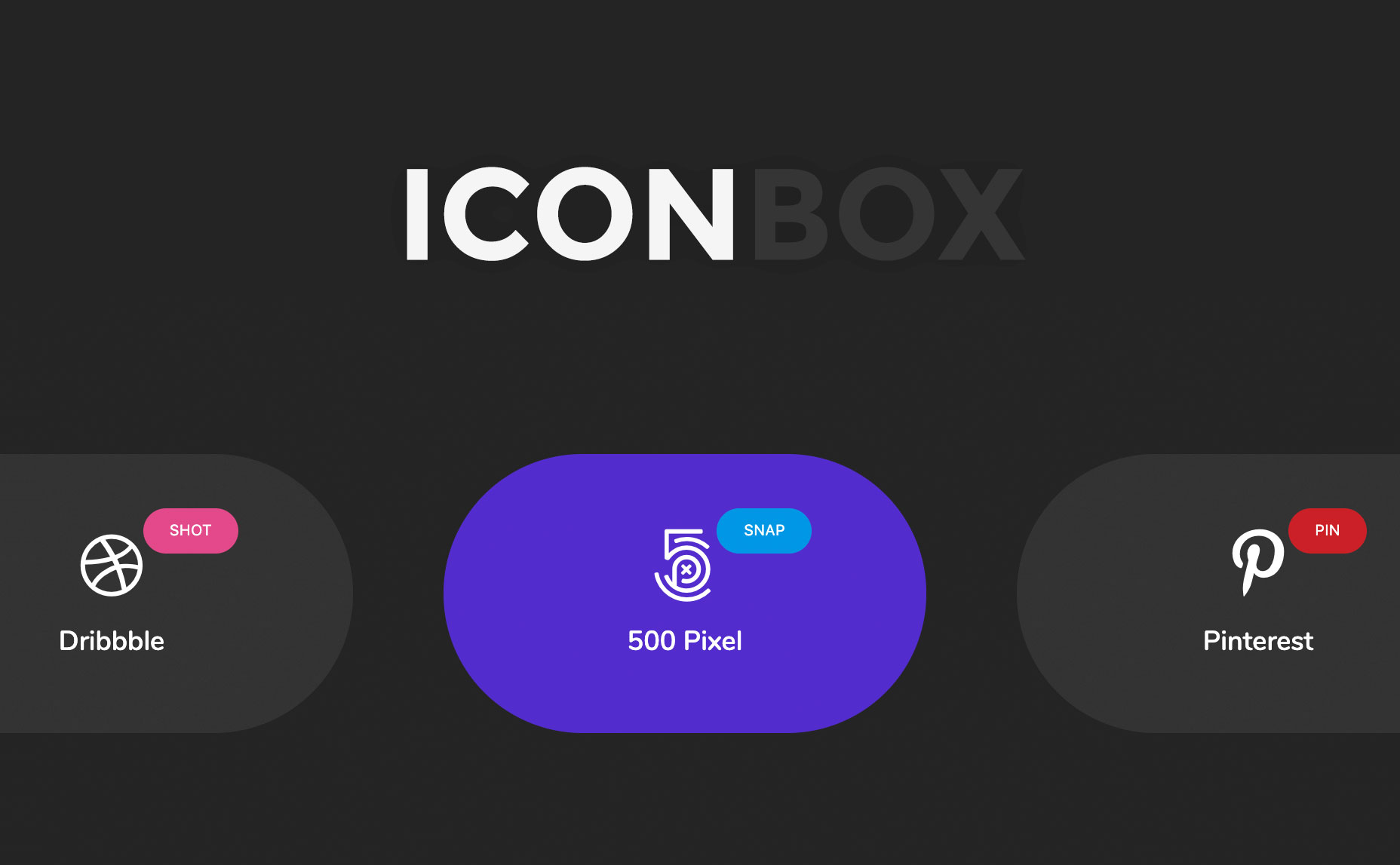
- Icon Box: Icon-first layout for presenting services or features cleanly
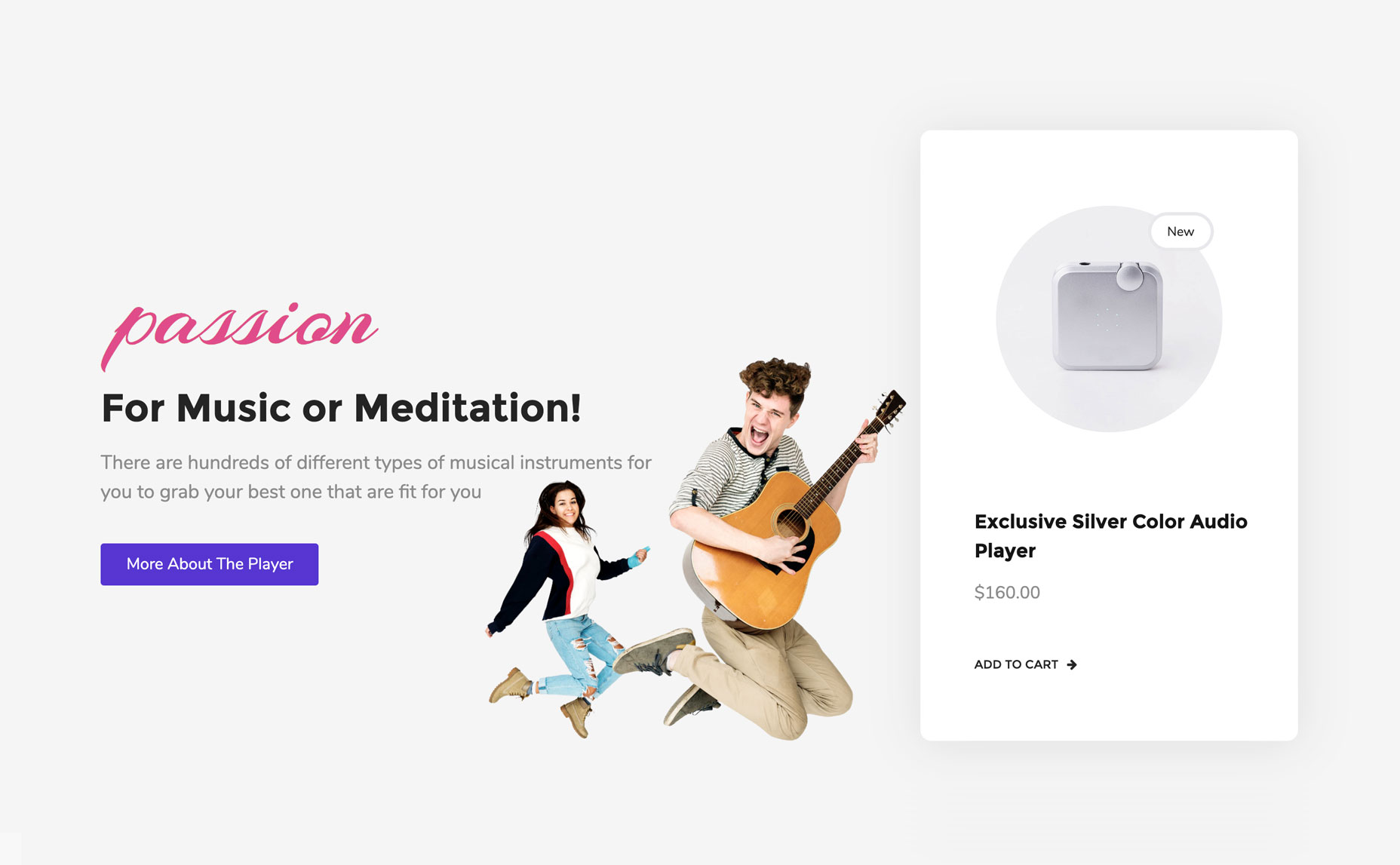
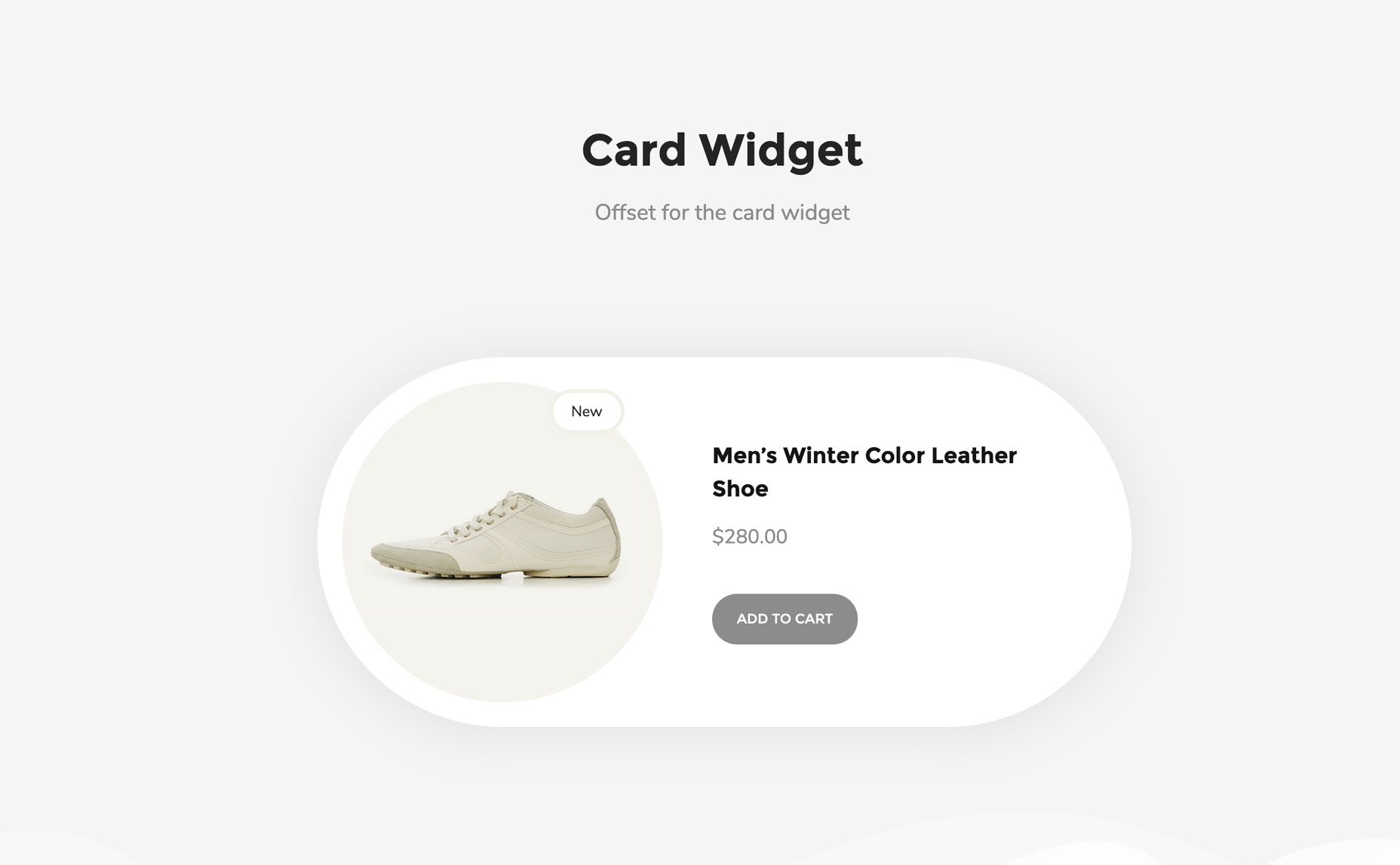
- Card: Showcase products, articles, and news with image, text, and badge in one widget
- Team Member: Introduce your team with photos, roles, bios, and social links
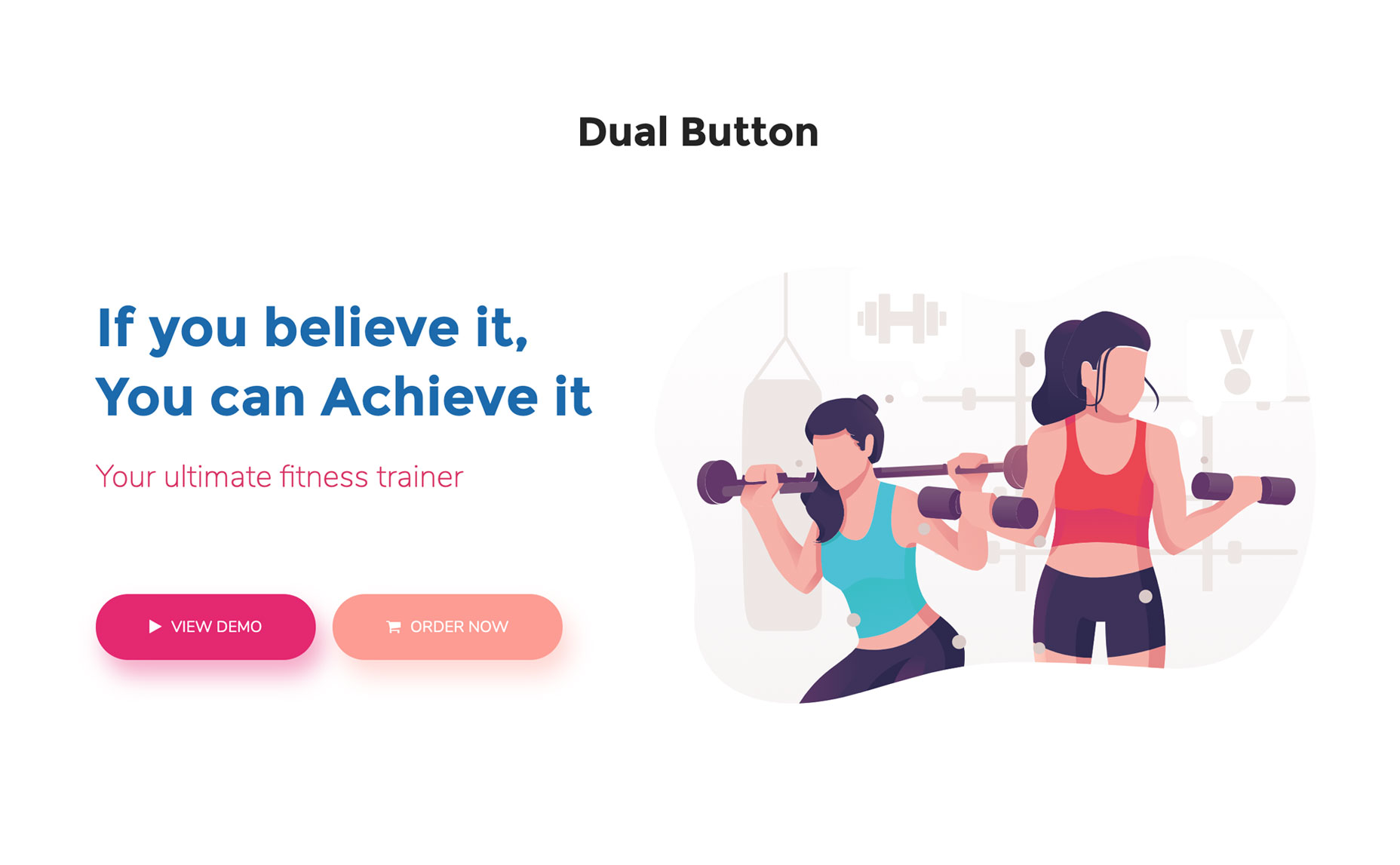
- Dual Button: Two CTA buttons in a single, styled container
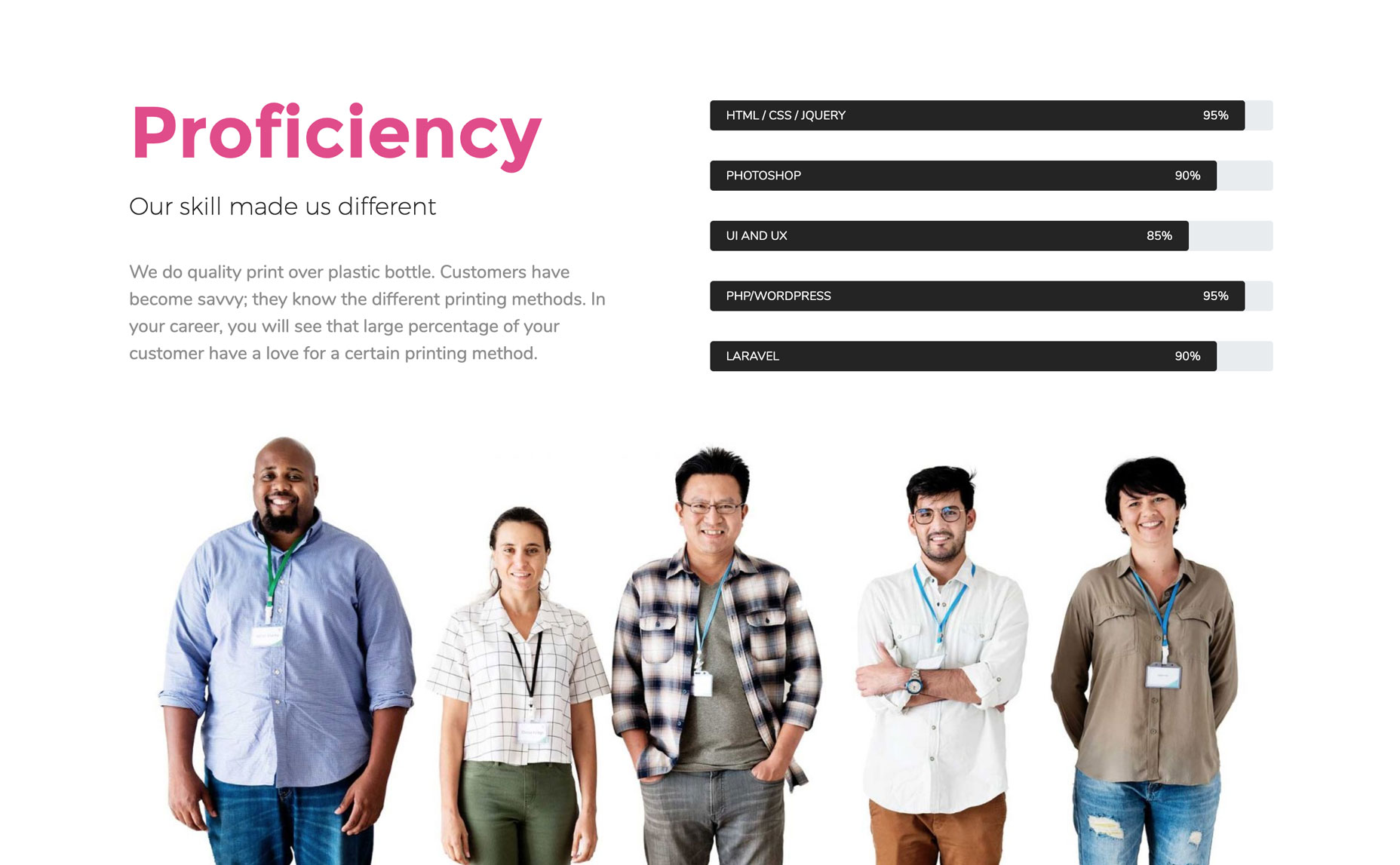
- Skill Bars: Animated progress bars to showcase skills or completion rates
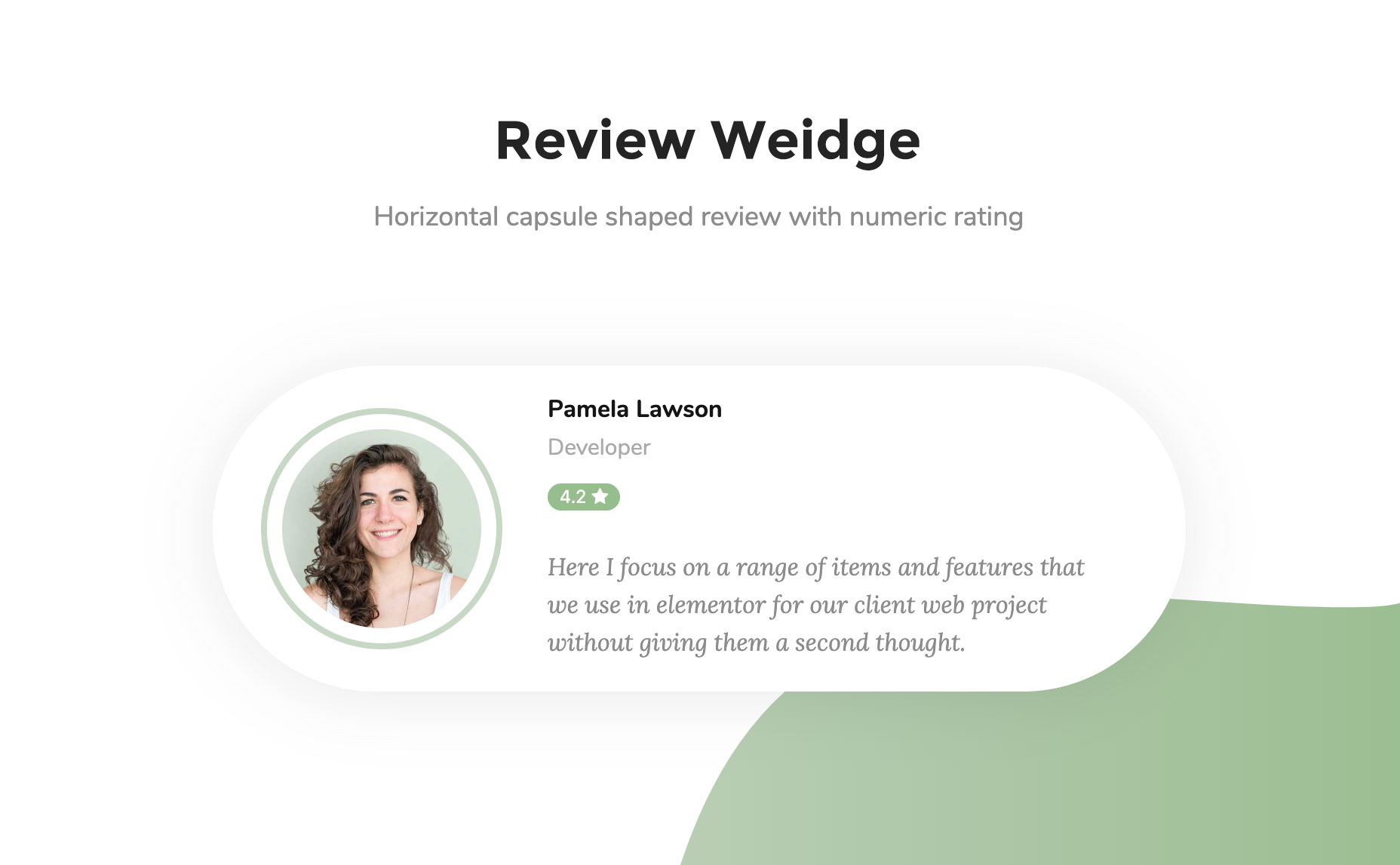
- Review: Star-rated testimonial blocks with image and text
- Testimonial: Client feedback sections in multiple layout styles
- Logo Grid: Display client or partner logos in a clean grid
- Justified Grid: Isotope-style photo galleries with filtering
- Image Grid: Simple, stylish image grid layouts
- Comparison Table: Side-by-side comparisons for products, plans, or services
- Content Switcher: Toggle between two sections or pricing plans
- Post Tab: Showcase posts within tabs
- Post List: List any posts
- Image Stack Group: Show images in a stack group
- Photo Stack: Create a critical layout of Image stacks
- Lord Icon: Add lord icons in site [youtube https://youtu.be/VBA0UDw5cXg?si=UPYaG6OeVPvbGMpc]
- Gradient Heading: Eye-catching multi-color gradient headlines
- Image Compare: Before/after image slider with drag control
- Image Hover Effect: 20+ CSS hover effects applied to any image
- Image Accordion: Collapsible image panels that expand on hover or click
- Liquid Hover Image: Liquid distortion effect on image hover
- Creative Button: Buttons with magnetic, bubble, and advanced hover effects
- Animated Link: Link text with animated underline and hover effects
- 360° Rotation: Interactive 360-degree product image viewer
- Promo Box: Add promotional content box
- WhatsApp Button: Add an interactive click-to-chat button that connects website visitors directly to your WhatsApp
- Slider: Animated image and content sliders with multiple transition effects
- Carousel: Text or image carousels with navigation controls
- Social Share: Social sharing buttons for any page, post, or product
- Twitter Feed: Bring Twitter-feed within site
- Social Icon: Add social links with it [youtube https://youtu.be/Fy65VNzKMR0?si=v7PyKvJYT93eLfmj]
- News Ticker: Scrolling ticker-style content display for announcements
- Event Calendar: Google Calendar and event plugin integration
- Mailchimp Widget: Build and embed Mailchimp signup forms
- Horizontal TimeLine: Visual horizontal storyline for history or roadmaps
- Bar Chart: Clean, animated bar charts for stats and comparisons
- Data Table: Fully customizable data tables built inside Elementor
- Site Logo: Customize site’s logo.
- Site Title: Design site’s title.
- Site Tagline: Manage site’s tagline.
- Nav Menu: Create and style navigation menus.
- Page Title: Stylize page titles.
- Post Title: Add and style post’s title.
- Post Excerpt: Customize post excerpts.
- Post Content: Manage and style single post’s content.
- Featured Image: Add and customize post’s featured image.
- Author Box(Meta): Add & style author’s meta descriptions.
- Post Comments: Customize comment section.
- Post Navigation: Add & stylize post navigation.
- Post Info(Meta): Add post’s meta information.
- Archive Title: Add and style archive page’s title.
- Archive Posts: Create & style archive posts.
- Contact Form 7: Stylize CF7 forms.
- WPForms: Style WPForms.
- Gravity Forms: Customize Gravity Forms.
- Ninja Forms: Beautify Nina forms.
- Caldera Forms: Style Caldera forms.
- weForms: Style weForms forms.
- WP Fluent Forms: Beautify Fluent forms.
- Header Footer Builder: Create free Elementor header and footer.
- Single Page/post Template Builder: Design and create single blog post’s template for free.
- Archive Page Template Builder: Design archive page.
- Theme Builder: Set display conditions across your entire site
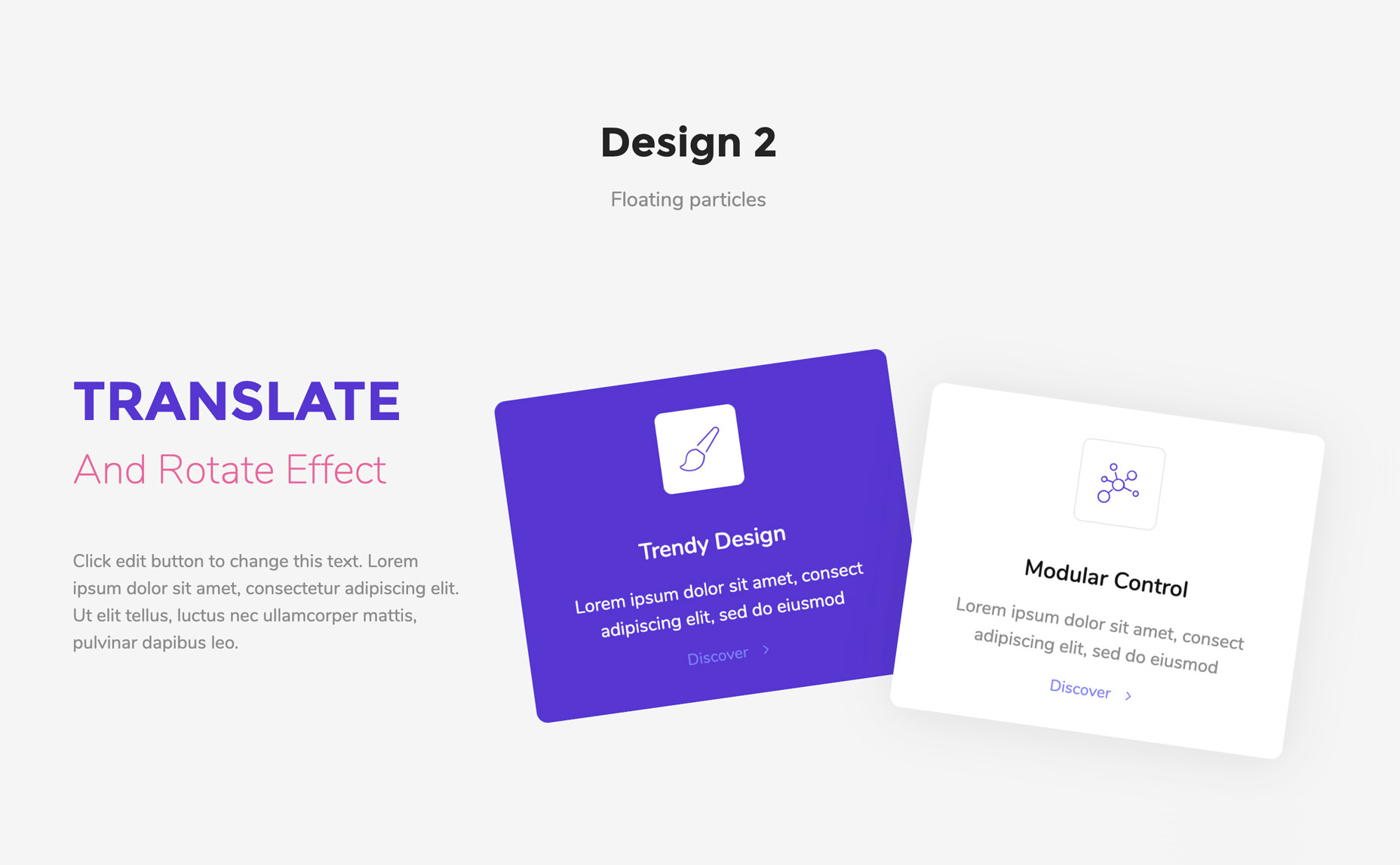
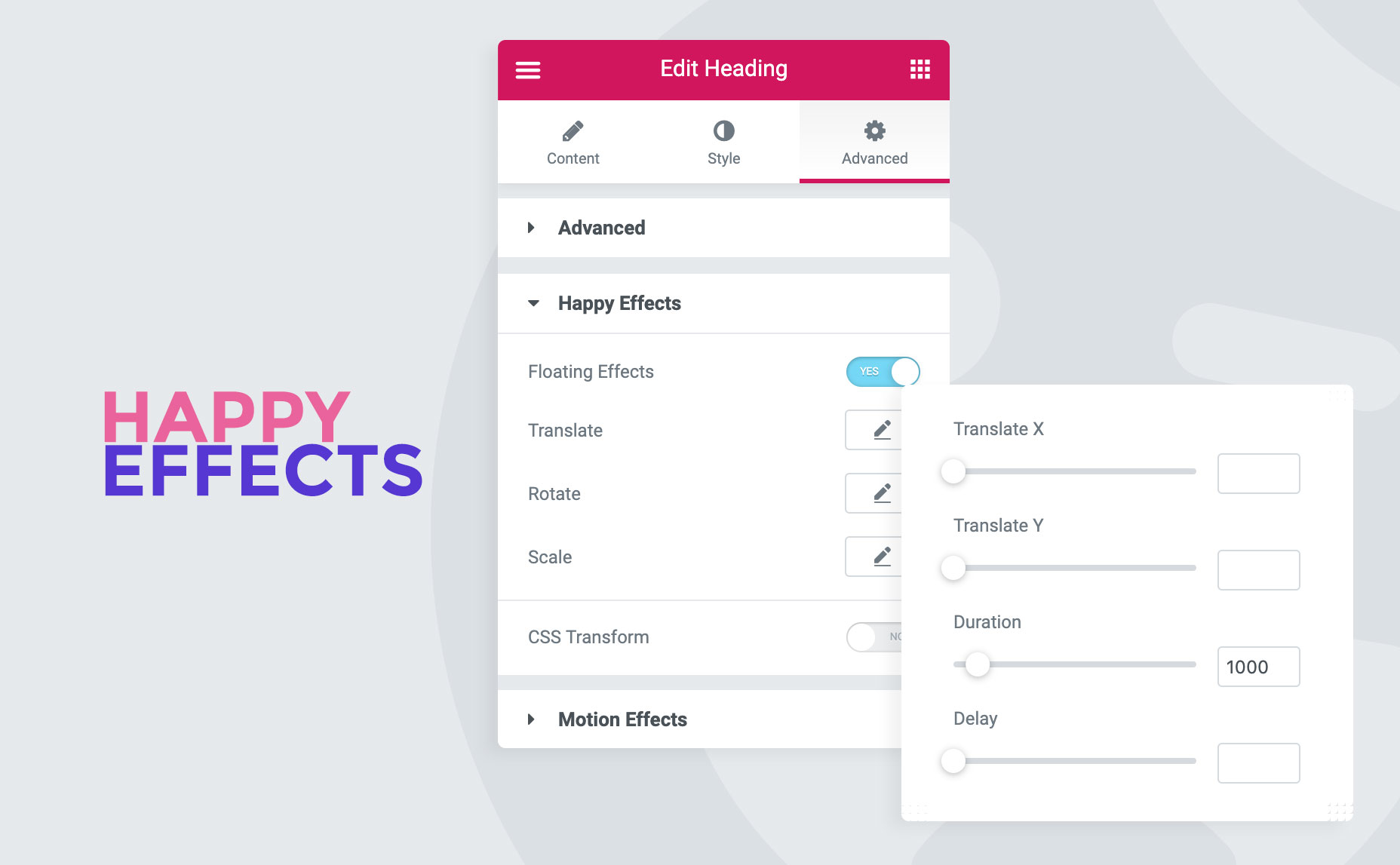
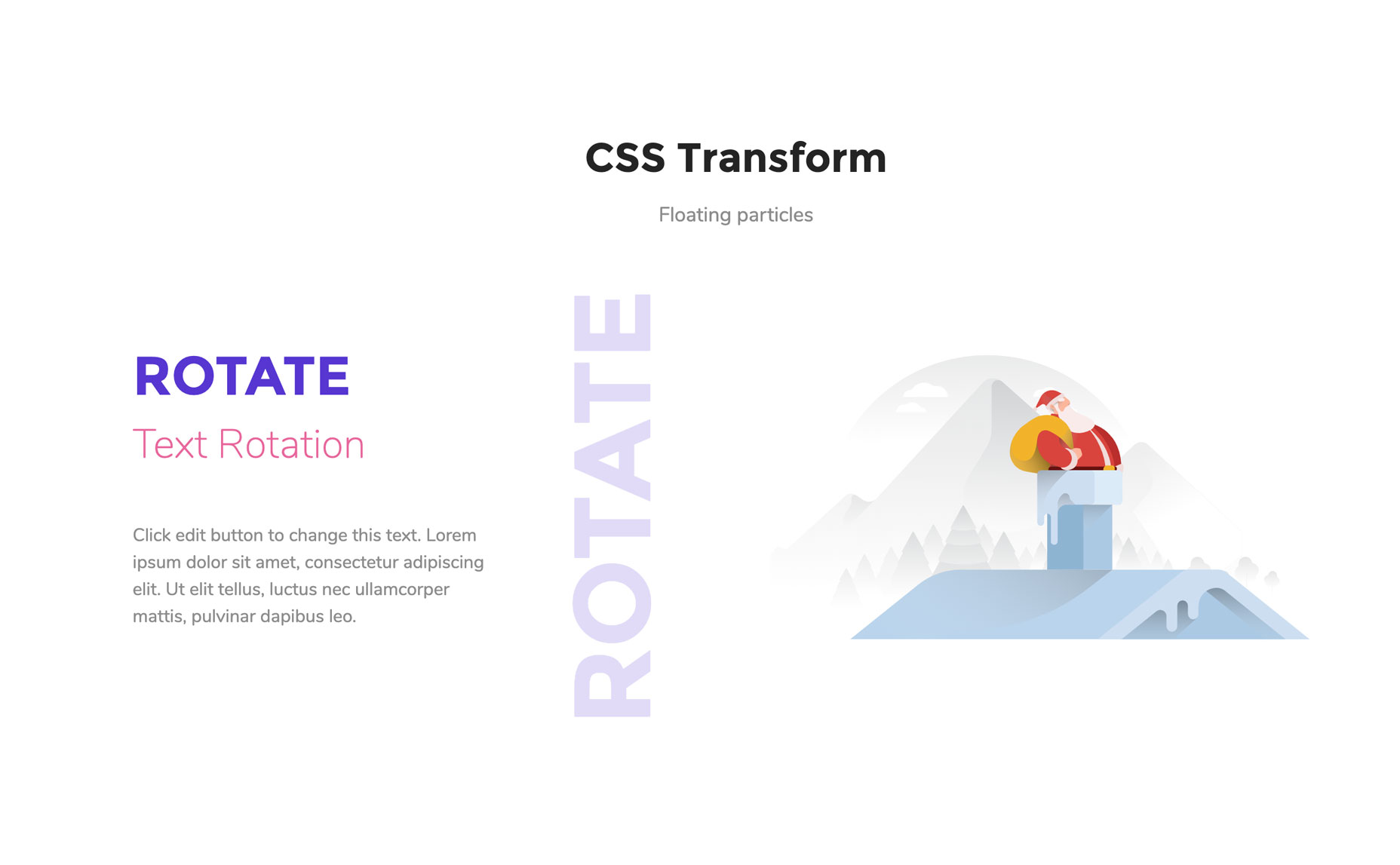
- Floating Effects: Add Translate, rotate & scale animations on any widget
- Background Overlay: Allow to add images, colors, & icons behind any widget.
- Column Control: Rearrange the order of the column in small devices.
- Happy Clone: Duplicate any post, page, or template instantly
- Grid Layout: Maintain perfect alignment across layouts
- Happy Templates(Freemium): 500+ section templates & 70+ full page templates are available.
- On Demand Asset Loading: Only loads the specific CSS and JavaScript needed for the widgets
- Happy Shape Dividers: 18+ new shape dividers added within Elementor shape dividers.
- Equal Heights: Set equal heights to columns/sections/containers/widgets.
- Happy Line Icons: Get line icon library within elementor.
- Happy Tooltip: Add tooltips to any element.
- Scroll To Top: Add scroll to top button.
- Fixed Size Controls in Elementor Button: Set a fixed size to Elementor Buttons to make a perfect circular button.
- Background Parallax: Adds a dynamic multi-layered scrolling effect to your element backgrounds
- Hugeicons: Use Hugeicons directly in your editor.
- Liquid Glass: Design modern frosted-glass layouts with fluidly morphing background shapes
- Advanced Heading: Multi-layered heading designs with custom styling per word
- Advanced Tab: Tabbed content builder with nested element support
- Advanced Accordion: Accordion builder with nested widget support
- Modal Popup: Click-triggered popup builder for any content type
- Countdown: Countdown timers with multiple display styles
- Timeline: Visual vertical timeline content builder
- Sticky Video: Picture-in-picture video player that follows the user
- Table of content: Auto-generated table of contents for any post
- Advanced Comparison Table: Feature-rich comparison tables for products or plans
- Featured Post: Showcase your most important blog posts in grids, lists, or masonry layouts
- Feature List: Create beautiful lists items.
- Advanced Toggle: Show/hide items on toggle.
- List Group: Add multiple lists beautifully.
- Breadcrumbs: Visualize site’s breadcrumbs.
- One Page Navigation: Smooth one-page scroll with dot navigation
- Off-Canvas Content/Menu: Slide-in menus and off-canvas content panels
- Hot Spot: Hotspot images with interactive tooltip overlays
- Image Swap: Alter images on mouse action.
- Animated Text: Animated headings/texts with it.
- Happy Mega Menu: Create MegaMenu with Elementor.
- Flip Box: 3D flip card effects with front and back content panels
- Hover Box: Animated content panels that reveal on hover
- Scrolling Image: Add horizontally scrolling images & more
- Multi Scroll: Split your screen into two distinct vertical columns that scroll in opposite directions
- Single Image Scroll: Scroll on hover effect on long image.
- Loop Tab: dynamically pull your WordPress blog posts, custom post types, or WooCommerce products into smooth-sliding tabbed layouts
- Advanced Slider: It’s a slider builder.
- Creative Slider: Build eye-catching carousels with advanced transition effects
- Team Carousel: Add multiple team members as carousel.
- Testimonial Carousel: Showcase testimonials in carousel.
- Logo Carousel: Add logos in carousel styles.
- Post Carousel: Create post carousels with it.
- Instagram Feed: Showcase instagram’s images directly.
- Twitter Feed Carousel: Create twitter feed carousels.
- Facebook Feed: Add facebook feed in site. [youtube https://youtu.be/kQ_GewRRNsc?si=88wIwHJKm8PgVFvM]
- Pricing Table: Create advanced pricing table.
- Price Menu: Display restaurant food menu list.
- Advanced Pricing Table: Allows you to design highly flexible, conversion-optimized pricing grids complete with toggle switches
- Advanced Data table: Create Data Table with GoogleSheets, TablePress, CSV, & Local Database.
- Line Chart: Showcase stats in line chart style.
- Pie & Doughnut Chart: Crate animated pie charts.
- Polar Area Chart: Create polar area charts.
- Radar Chart: Display data in radar chart styles.
- Post Grid: Create post grid items.
- Post Tiles: Show posts in tiles style.
- Smart Post List: One combo widget for sticky post, filterable post list.
- Author List: Show site’s all authors in list.
- WooCommerce Product Grid: Add Woo product grids.
- WooCommerce Product Carousel: Create Woo Product carousels.
- WooCommerce Product Category Grid: Create Woo product’s category grids.
- WooCommerce Product Category Carousel: Create Woo Product category carousel.
- WooCommerce Single Product: Featured a single Woo product.
- WooCommerce Mini Cart: Add floating mini cart for Woo stores.
- EDD Single Product: Showcase featured EDD item.
- EDD Product Grid: Add Easy Digital Downlaods product grid.
- EDD Product Carousel: Create EDD product carousels.
- EDD Category Grid: Add EDD categories in grid style.
- EDD Category Carousel: Add EDD Product’s categories in carousels.
- EDD Cart: Design EDD store’s cart page.
- EDD Checkout: Style EDD store’s Checkout page
- EDD login: Customize EDD store’s login page
- EDD Registration: Design EDD store’s Registration page
- EDD Purchase: Style EDD store’s Purchase page
- EDD Download: Customize EDD Download Page.
- Cross Domain Copy-Paste: You can copy & paste element from one domain to another.
- Unlimited Section Nesting: Add multiple nested containers & columns within one single columns or containers.
- Live Copy: Copy designs from our demo pages & paste it in your site!
- Image Masking: Give various shapes to images by using premade styles / uploading SVG.
- Theme Builder Advanced Templating Conditions: Advanced template conditioning option, Include & exclude page/posts, or archive pages to set conditions.
- Particle Effect: Add particle effects - Polygon, NASA, Snow & more.
- Preset: 400+ preset designs available in HappyAddons.
- Global Badge: Add badges to any Elementor widget or containers as per your need
- Multi Layer Parallax: Stack multiple independent images as a background layer, assigning a different scrolling speed
安装:
屏幕截图:

常见问题:
Can I use HappyAddons without Elementor?
I'm afraid, you cannot use HappyAddons without Elementor.
How to use Mega Menu in HappyAddons and Elementor?
Want to learn How to Create a MegaMenu? Watch this detailed tutorial of creating mega menus, [youtube https://www.youtube.com/watch?v=7qmCZFsDkmg&ab_channel=HappyAddons]
Does it work along with other Elementor Addons?
Yes, it does. And you'll get some cool and extra features like Happy Effects for other Addons or Extensions.
Does it work with any WordPress theme?
Yes, it works with any WordPress theme that works with Elementor. And it best works with Hello Elementor.
Does it work with Elementor Pro?
Yes, undoubtedly.
Will HappyAddons break my site after an update?
No, It won't break your site or any page where you used our plugin. We put our best effort to make you happy. But we always recommend to keep back up of your site before updating our plugin. In case if anything happens you can revert back and contact our support team immediately.
How to User Image Masking in HappyAddons?
You will be able to convert your square image into lovely custom shapes. No hassles, just upload your image and choose your shape. Boom! Just done. Very Easy. Here is tutorial. [youtube https://www.youtube.com/watch?v=0U3wq3oxy2k&t=2s&ab_channel=HappyAddons]
Can I use my own particle js effects within HappyAddons?
Yes, you can use particle effects from the Particle Js site. Here is tutorial - [youtube https://www.youtube.com/watch?v=iD83Sr4pFSw&ab_channel=HappyAddons]
Where do I report security bugs found in this plugin?
Please report security bugs found in the source code of the HappyAddons for Elementor plugin through the Patchstack Vulnerability Disclosure Program. The Patchstack team will assist you with verification, CVE assignment, and notify the developers of this plugin.
更新日志:
- Update: Nav Menu Option and Style.
- New: Added WPML support for the following widgets: Post Excerpt, Page Title, Post Featured Image, Image Cycle, Calendly, Lordicon, Svg Draw.
- Fix: Nav Menu dropdown icon.
- Fix: Resolved Mailchimp vulnerability.
- Fix: Resolved Reading Progress Bar vulnerability.
- Update: Added blur effect to inactive Image Accordion content.
- Update: Improved Image Accordion active content behavior on load and hover.
- New: Image Cycle Widget.
- New: Appearing Image Animation Feature.
- New: Heading Text Animation Feature.
- New: Background Hover Effect Extension.
- New: Foreground Overlay Extension.
- New: New Extensions Menu add in admin Page.
- Update: Improved compatibility of some widgets with the Liquid Glass feature.
- Update: WhatsApp Button help URL added.
- New: Liquid Glass Feature.
- New: WhatsApp Button widget.
- Fix: Notice & Review CSS issue with WP 7.
- Update: Made Compatible with PHP 8.5
- Update: Made Compatible with WordPress 7.0
- Update: Made Compatible with Elementor 4.1
- Tweak: Added Hugeicons Autoloading.
- Fix: Justified Grid widget Compatible with Elementor's Tabs & Accordion widgets.
- Update: Made Compatible with Elementor 4.0
- Fix: Template Conditions Manager security issue.
- Fix: Happy Clone security issue.
- Fix: Resolved Archive Post image size issue.
- Update: Added 'Previous/Next' & 'Numbers and Previous/Next' option in Archive Post pagination.
- Update: Added Title, Meta & Readmore hover style controls in Archive Post.
- Update: Added Current Query option in Post List.
- Update: Added Offset control in Post List.
- Update: Added Category filter option in Post List.
- Update: Added Date format control in Post List.
- Update: Added Custom Meta Field support in Post List.
- Update: Added Item Counter Enable option in Taxonomy List.
- Update: Added Item Counter style option in Taxonomy List.
- Fix: Age Gate & SVG Line Draw security issue.
- Fix: Hotfix for happy clone issue.
- Fix: Resolved Twitter Feed issue.
- Fix: Resolved Happy Clone issue.
- Update: Made Compatible with Elementor 3.34
- Fix: Resolved Theme Builder Condition issue.
- Fix: Resolved Custom JS issue.
- Fix: Event Calendar all day event issue.
- Update: Added Image & Video offset control in Mouse Cursor.
- Update: Made Compatible with WordPress 6.9
- Update: Made Compatible with Elementor 3.33
- Fix: Bug fixes and performance improvements.
- Update: Internal logic so that localhost is not consuming license seat.
- Update: Made Compatible with Elementor 3.32
- New: Background Parallax Feature.
- Fix : Nav Menu svg icon render issue
- Update: HappyAddons dashboard widget search option added and filter option improved
- New: Custom JS Feature.
- Fix: Will no longer prompt for Icon library updates if Elementor is sufficiently updated.
- Update: Happy Shapes compatible latest Elementor shape divider control.
- Update: Made Compatible with Elementor 3.31
- Fix: Undefined variable maxitems Fixed
- Fix: Template loading issue on content switcher under certain conditions.
- Fix: Text Stroke feature issue with the Fixed button width feature.
- Update: Made Compatible with Elementor 3.30
- New: SVG Draw widget.
- Update: DOMPurify js library update.