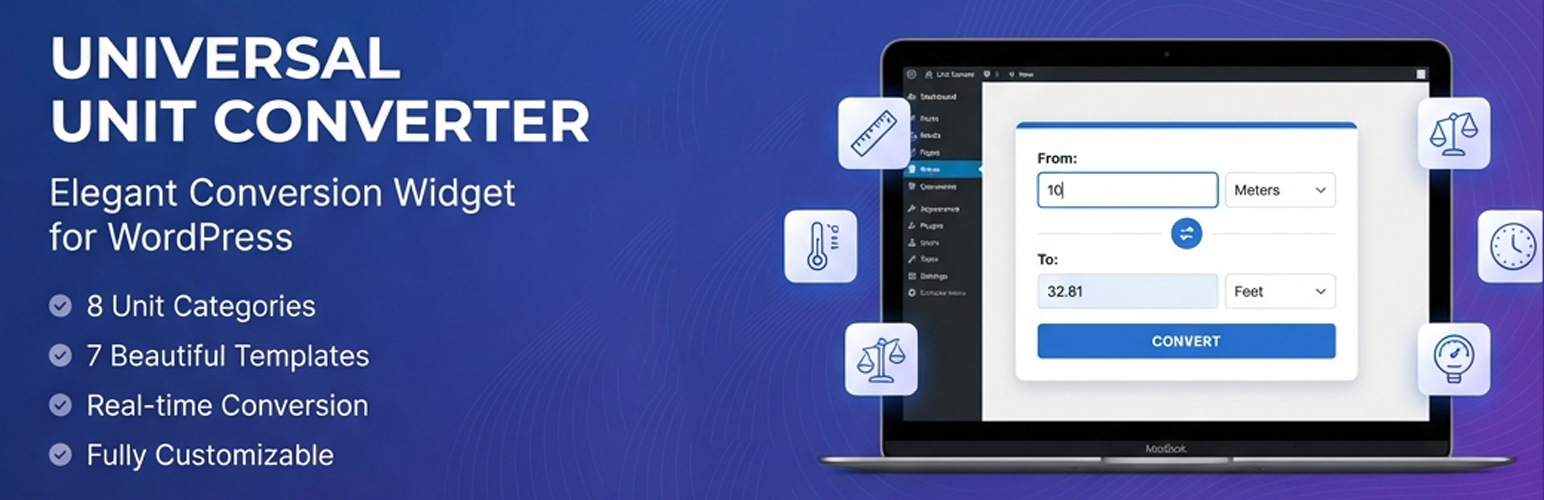
Universal Unit Converter: Convert Length, Weight, Temperature, Speed, and Time
| 开发者 |
awordpresslife
razipathhan hanif0991 muhammadshahid fkfaisalkhan007 sharikkhan007 zishlife FARAZFRANK |
|---|---|
| 更新时间 | 2026年8月20日 18:39 |
| 捐献地址: | 去捐款 |
| PHP版本: | 7.0 及以上 |
| WordPress版本: | 7.1 |
| 版权: | GPLv2 or later |
| 版权网址: | 版权信息 |
详情介绍:
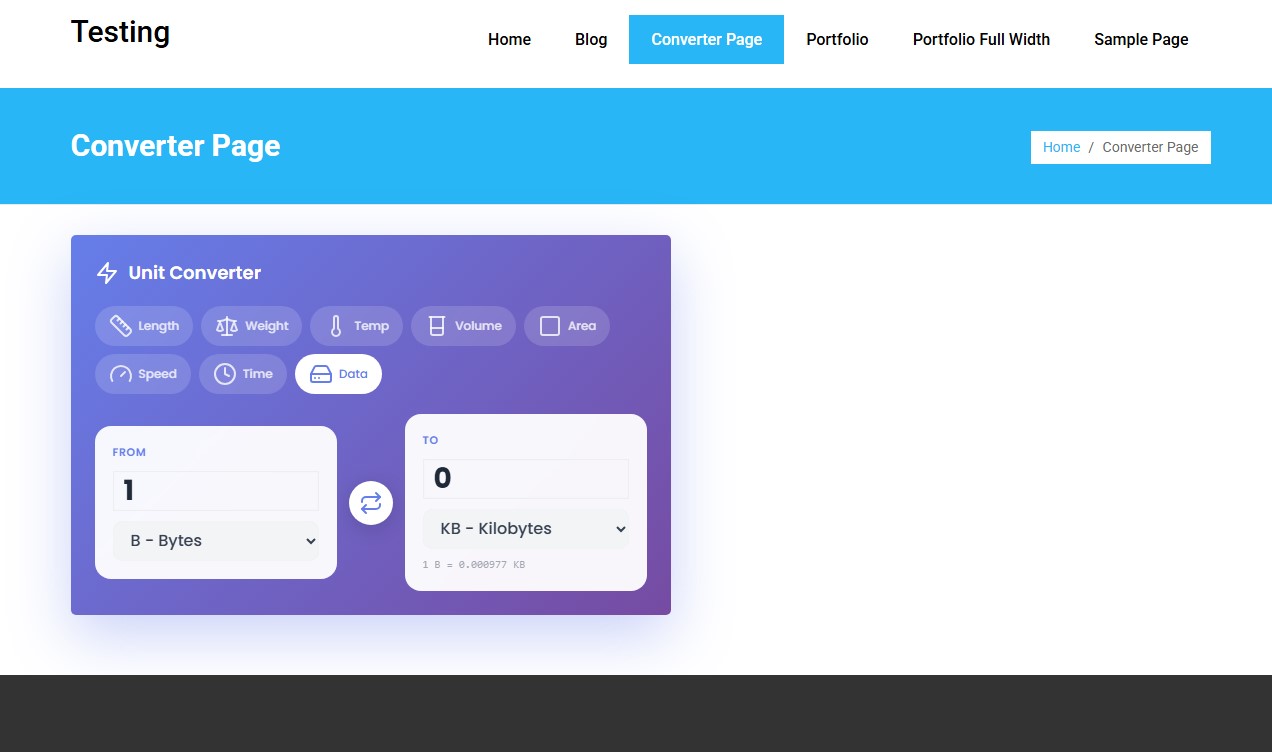
Universal Unit Converter is a WordPress plugin that adds a beautiful, fully-featured unit conversion widget to your website. With 7 stunning template designs and 8 conversion categories, your visitors can quickly convert between different units of measurement.
The plugin is designed with modern aesthetics and smooth functionality in mind. Whether you run an educational site, a science blog, or any website where unit conversions are helpful, this plugin provides an elegant solution.
What Does Universal Unit Converter Do?
This plugin provides a complete unit conversion solution with:
- 8 Conversion Categories - Length, Weight, Temperature, Volume, Area, Speed, Time, and Data
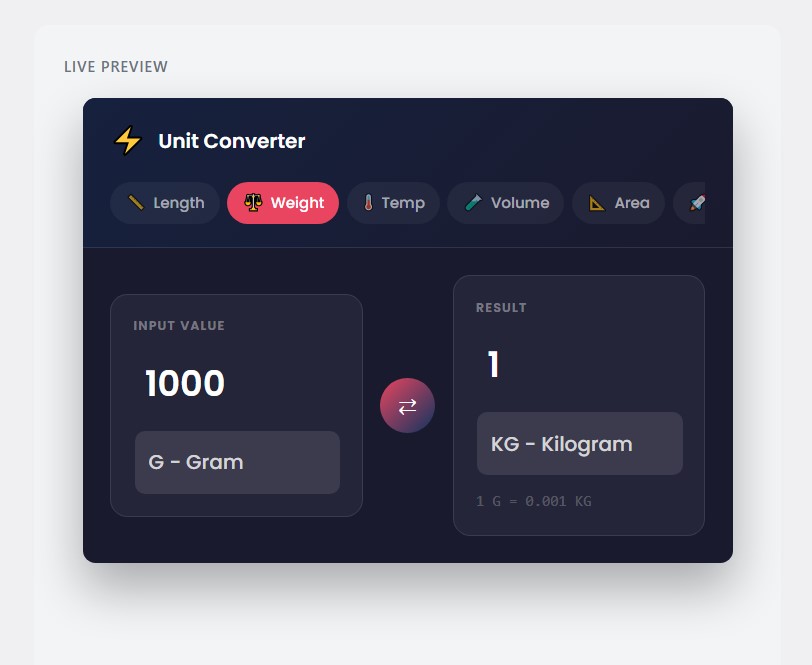
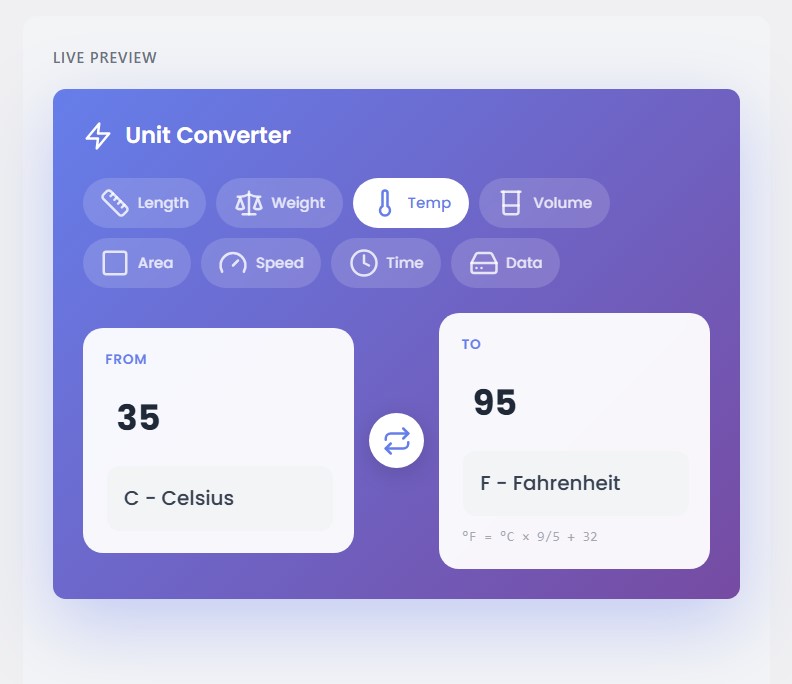
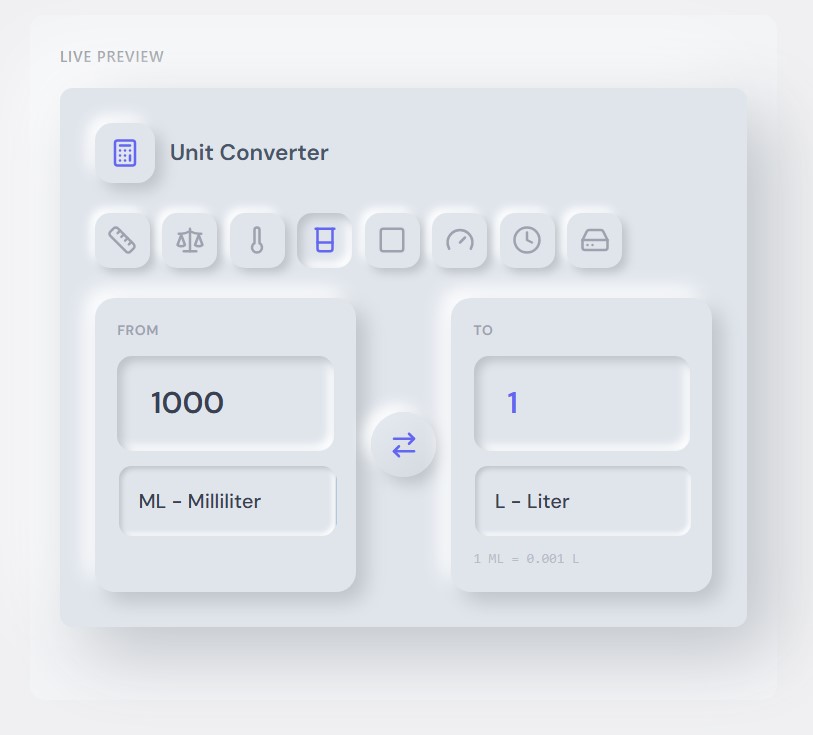
- 7 Beautiful Templates - Minimal, Dashboard, Gradient, Neumorphism, Floating, Glass, and Split
- Real-time Conversion - Results update instantly as you type
- Responsive Design - Works perfectly on desktop, tablet, and mobile
- Install and activate the plugin through your WordPress dashboard
- Navigate to "Unit Converter" in your admin menu
- Configure the appearance and behavior options
- Copy the shortcode
[AWL_converter] - Paste the shortcode into any page, post, or widget area
安装:
From WordPress Dashboard
- Go to Plugins > Add New
- Search for "Universal Unit Converter"
- Click Install Now, then Activate
- Find Unit Converter in your admin menu
- Download the plugin zip file
- Extract and upload the
hash-converterfolder to/wp-content/plugins/ - Activate through the Plugins menu
- Configure settings in Unit Converter menu
屏幕截图:
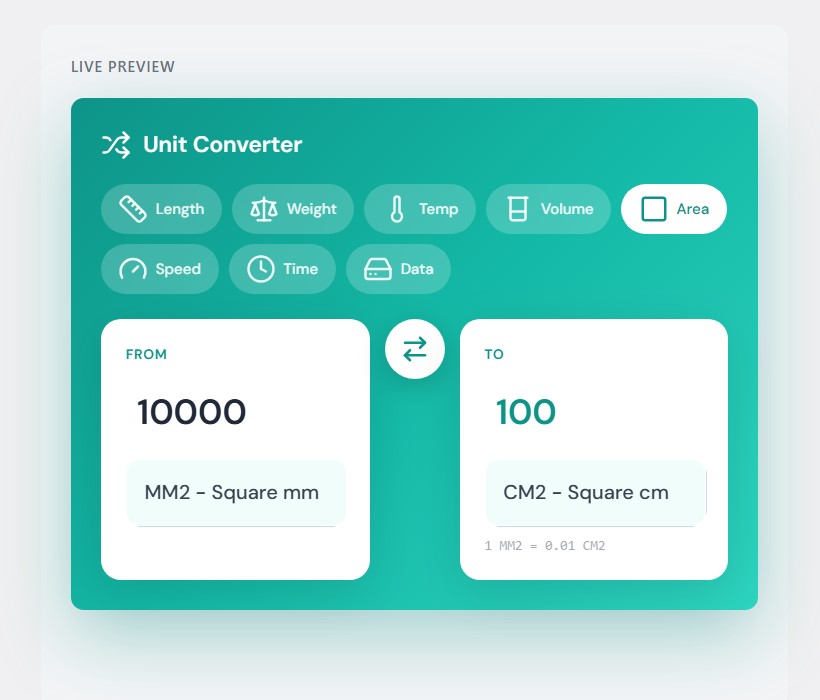
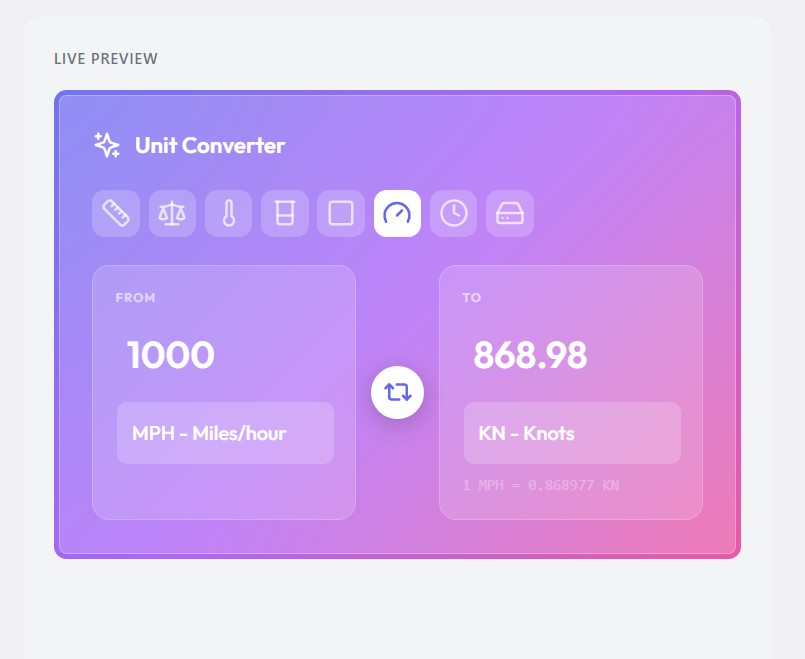
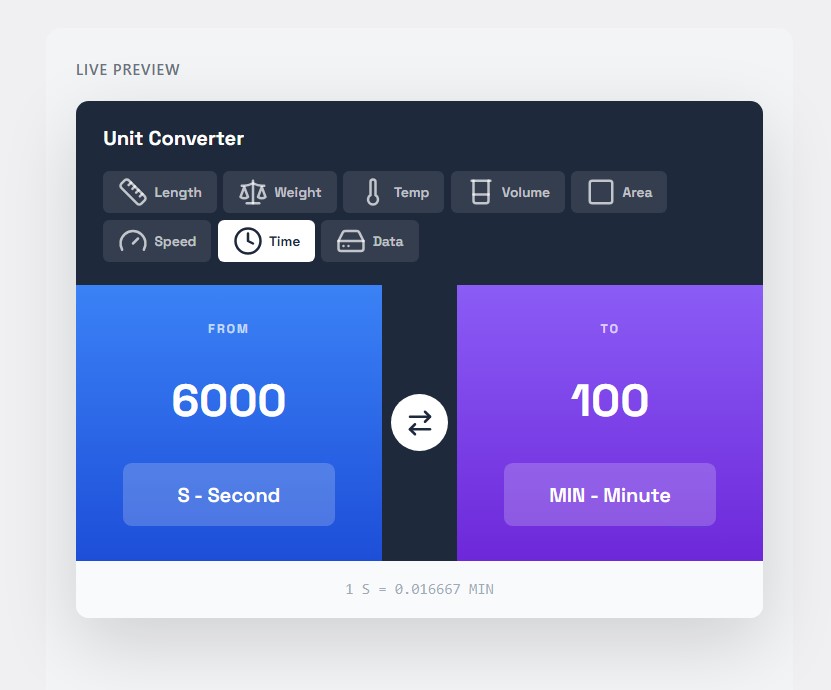
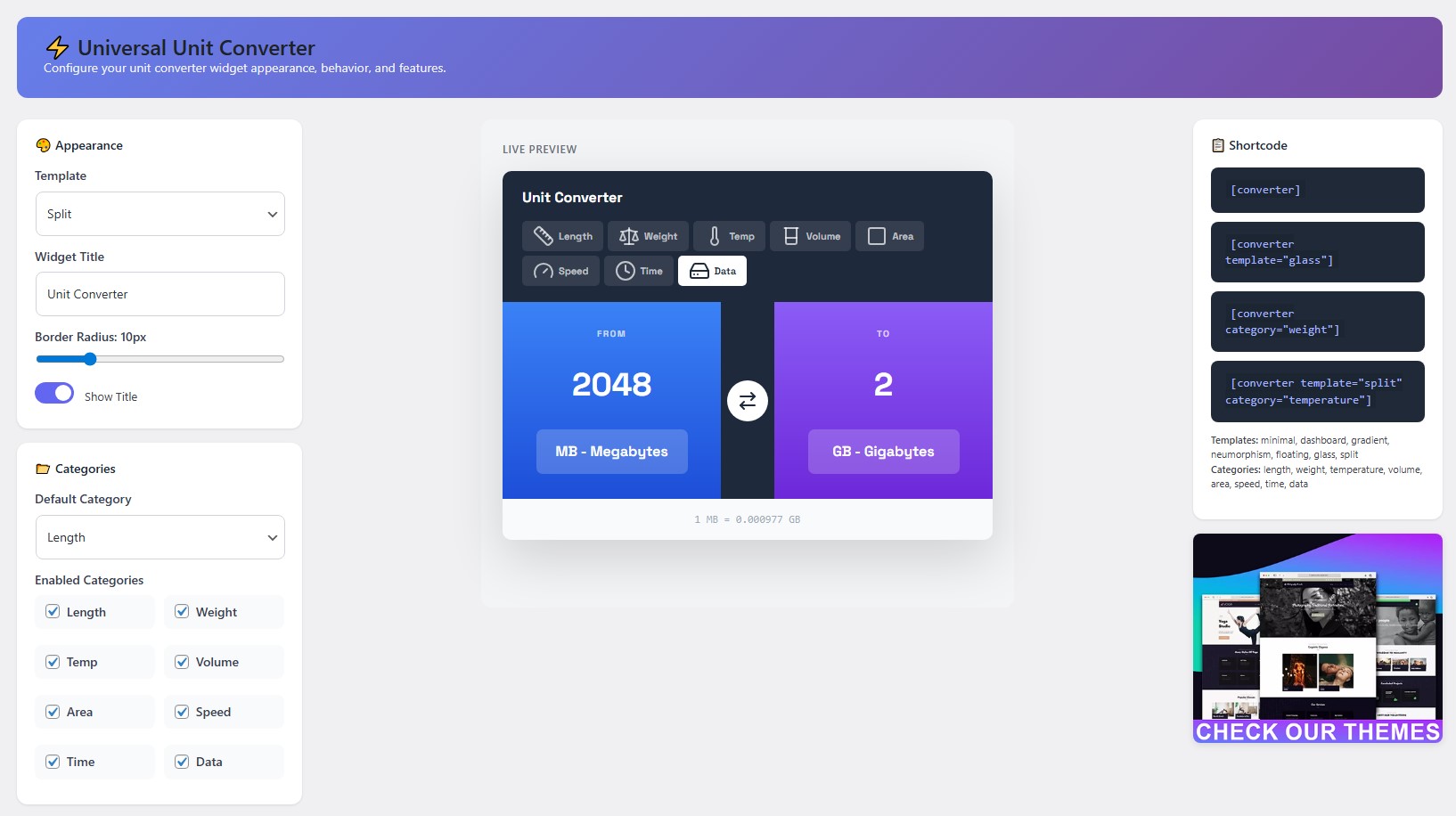
常见问题:
How do I put the converter on my website?
Use the shortcode [AWL_converter] on any page or post.
Can I hide specific features like length, weight, temperature, volume, area, speed, time, or data?
Yes. You can toggle any of these choices in the settings.
Is this unit converter friendly for mobile users?
Yes. The plugin adapts to any screen size automatically.
Can I set a custom decimal place limit?
Yes. You can change this in the plugin settings dashboard.
更新日志:
1.2.0
- Added: New shortcode prefix
[AWL_converter]for better brand consistency - Added: Backward compatibility for the original
[converter]shortcode - Added: Shortcode slug reference tables (Templates and Categories) in admin settings
- Fixed: Live preview bug where user selections were saved to localStorage
- Fixed: Shortcode category override (specified categories are now always enabled for that instance)
- Improved: Case-insensitivity for shortcode attributes (
category="Speed"now works) - Improved: Admin header now displays current plugin version clearly
- Tested: WordPress 6.9 compatibility
- Fixed decimal output formatting issues.
- Improved layout responsive CSS rules.