
Hellion Shortcode Digital Sales
| 开发者 | hellion35 |
|---|---|
| 更新时间 | 2026年8月21日 01:30 |
| PHP版本: | 8.0 及以上 |
| WordPress版本: | 7.0 |
| 版权: | GPLv2 or later |
| 版权网址: | 版权信息 |
详情介绍:
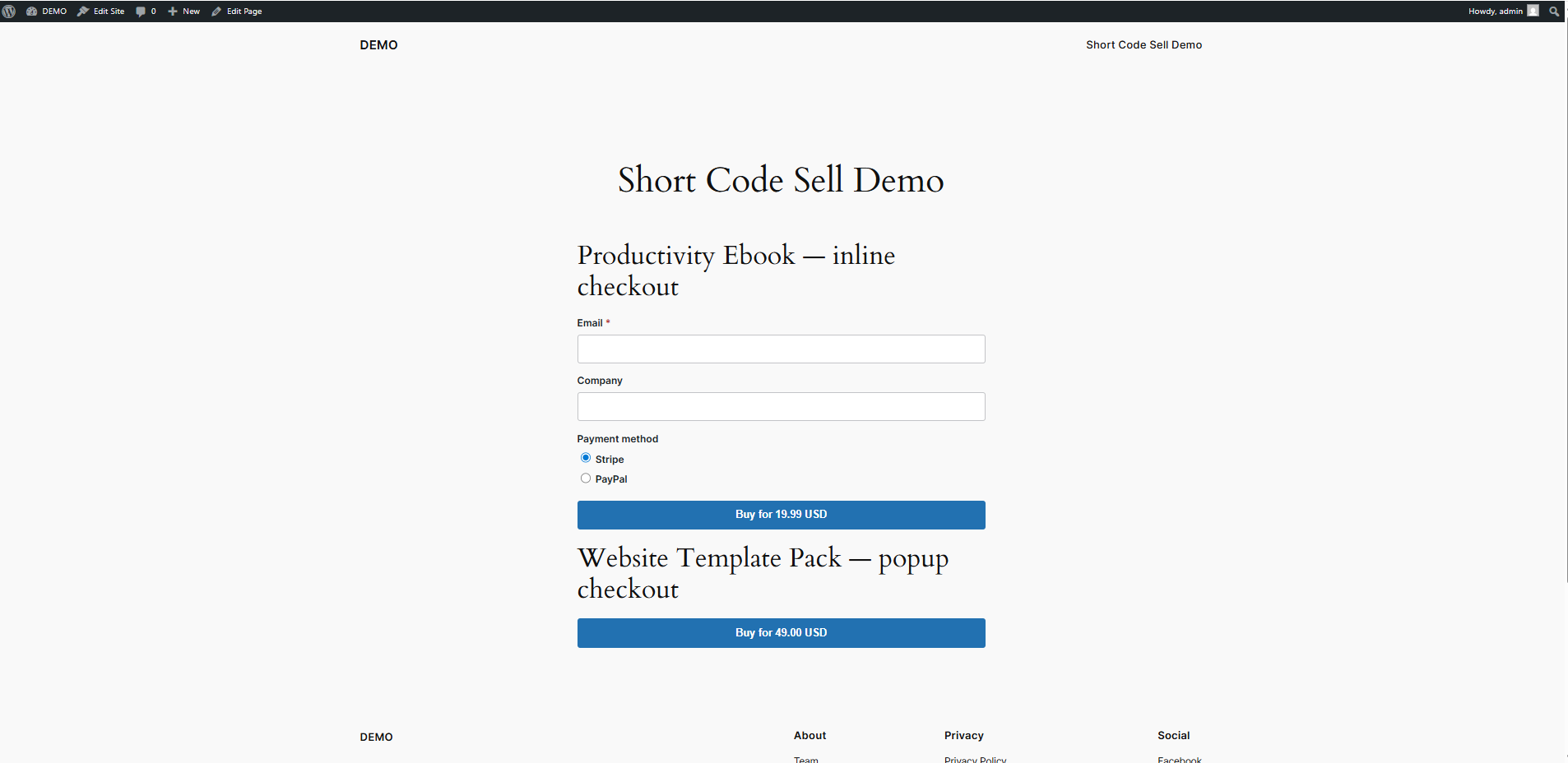
Hellion Shortcode Digital Sales is a lightweight way to sell a digital product (an ebook, a template, a license file, anything downloadable) without setting up a full store. Add a product, paste a shortcode on any existing page or post, and customers can buy without ever leaving that page or going through a cart.
Core scenario, no paid add-on required:
- Create a product (price, one file, optional custom checkout fields).
- Add
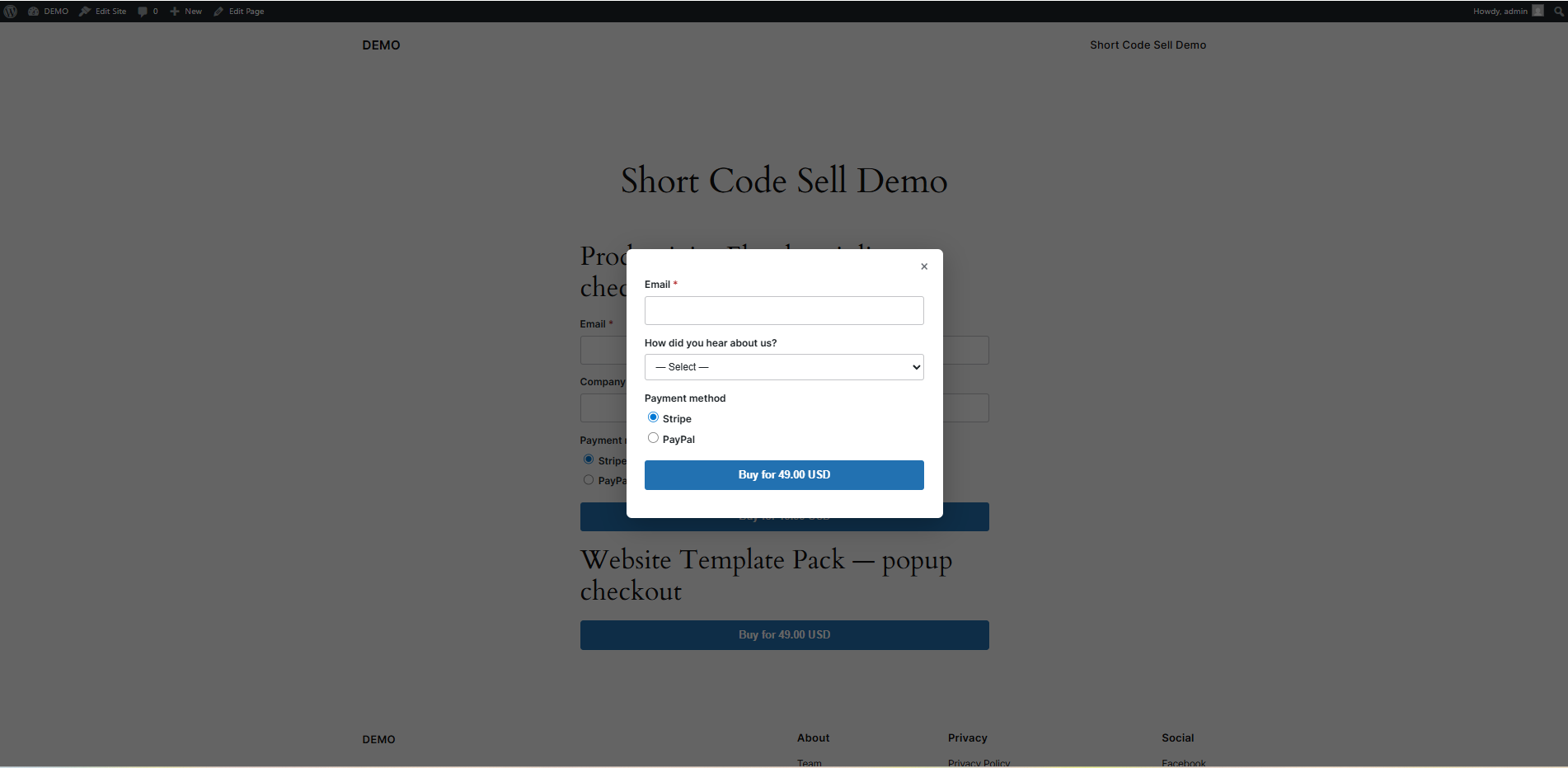
[hellion_product id="123"]to any page or post — inline or as a popup. - Customer pays with Stripe or PayPal, right there on the page.
- They land on a protected, time-/count-limited download link and get the same link by email. You get an email too.
- Shortcode-based checkout, inline or popup, no page builder or block editor lock-in
- Stripe and PayPal, called directly (no bundled SDK, so it won't clash with other plugins that also bundle payment SDKs)
- Protected file delivery: download links are token-based, not a public URL, with a configurable download-count and expiry limit per order
- Custom checkout fields (text / email / textarea / checkbox / select), configurable globally or per product
- Editable email templates (WYSIWYG) with placeholder tags for customer name, product, download link, order details, and more
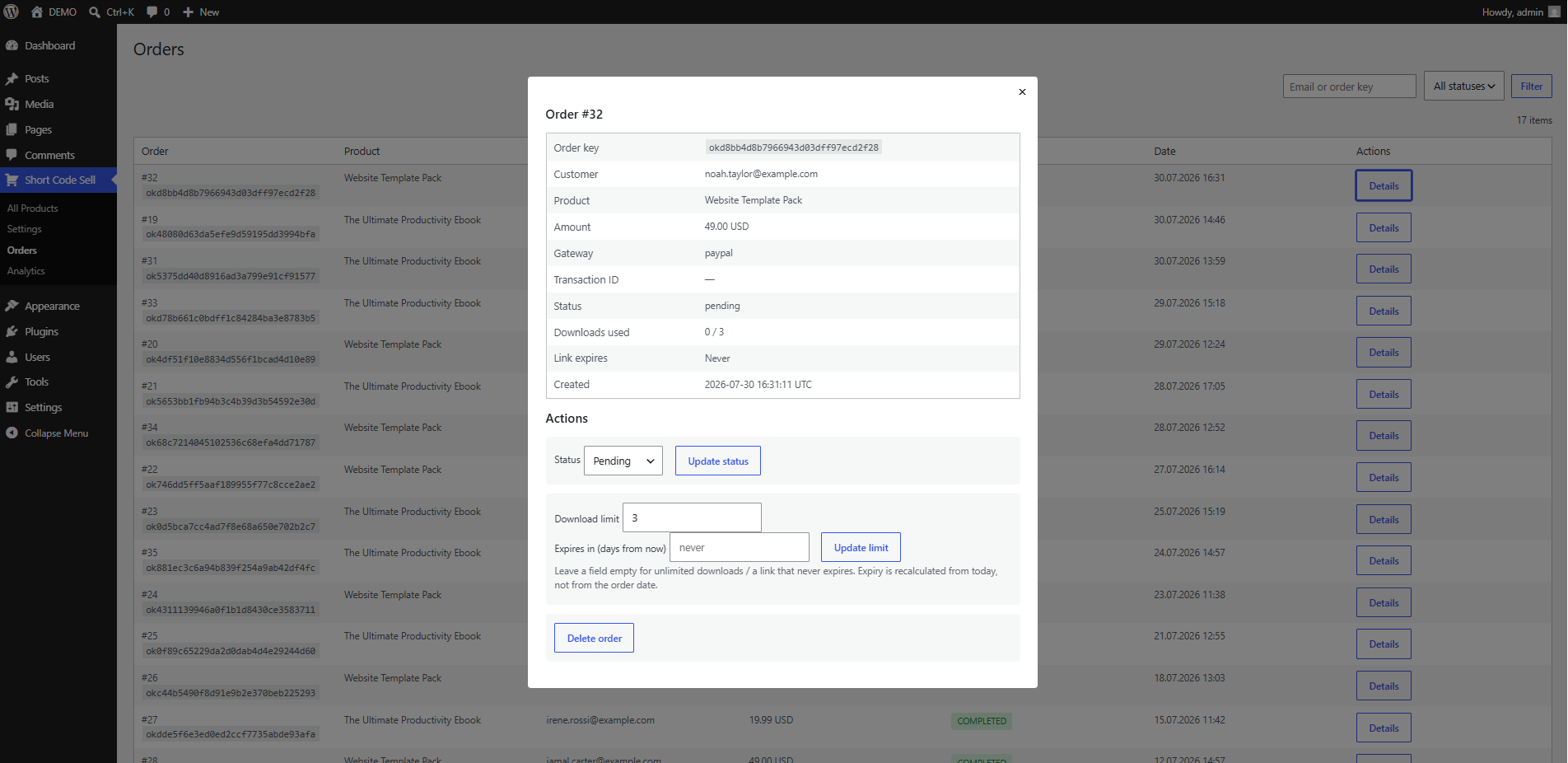
- Orders screen with search, status filter, manual status/limit changes, and per-order details
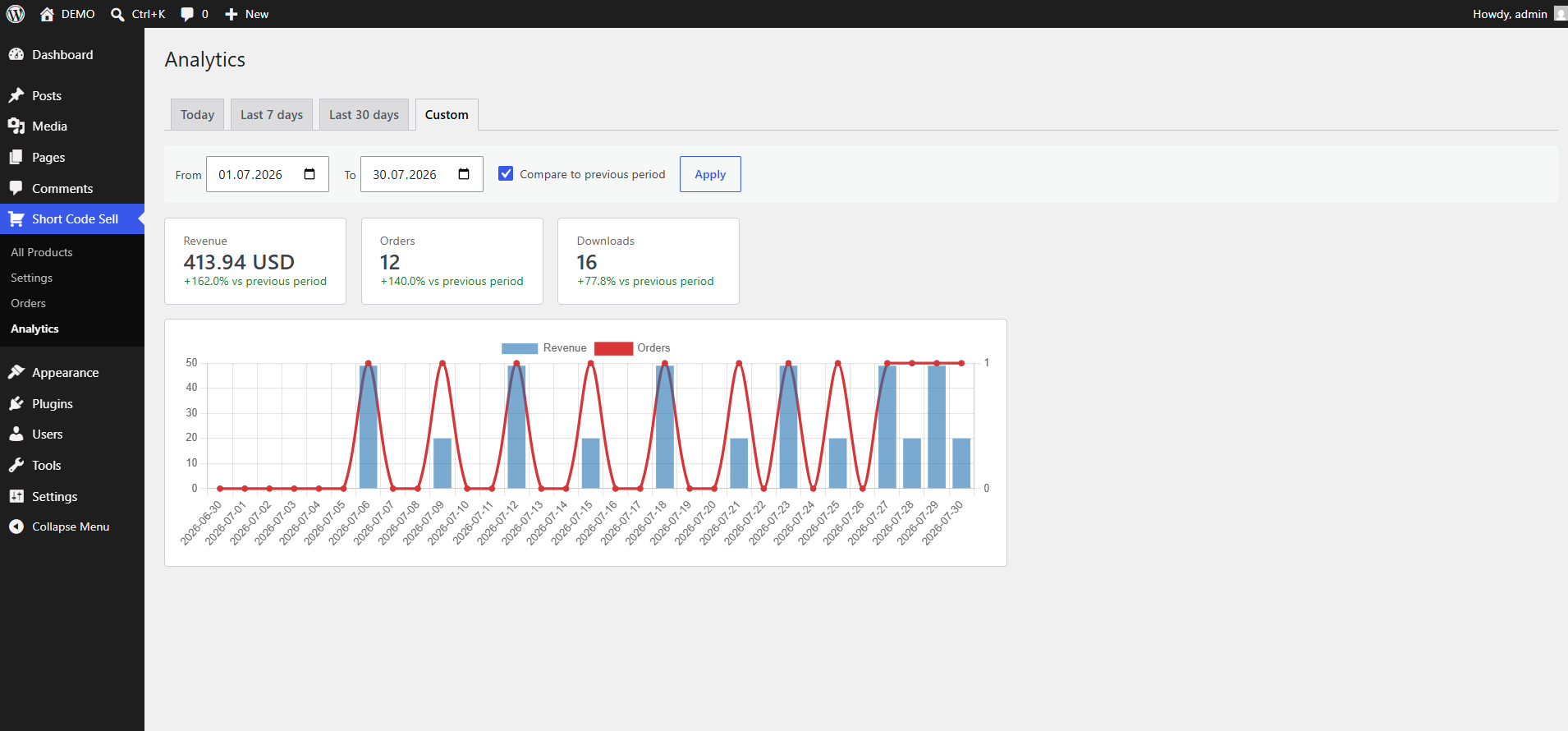
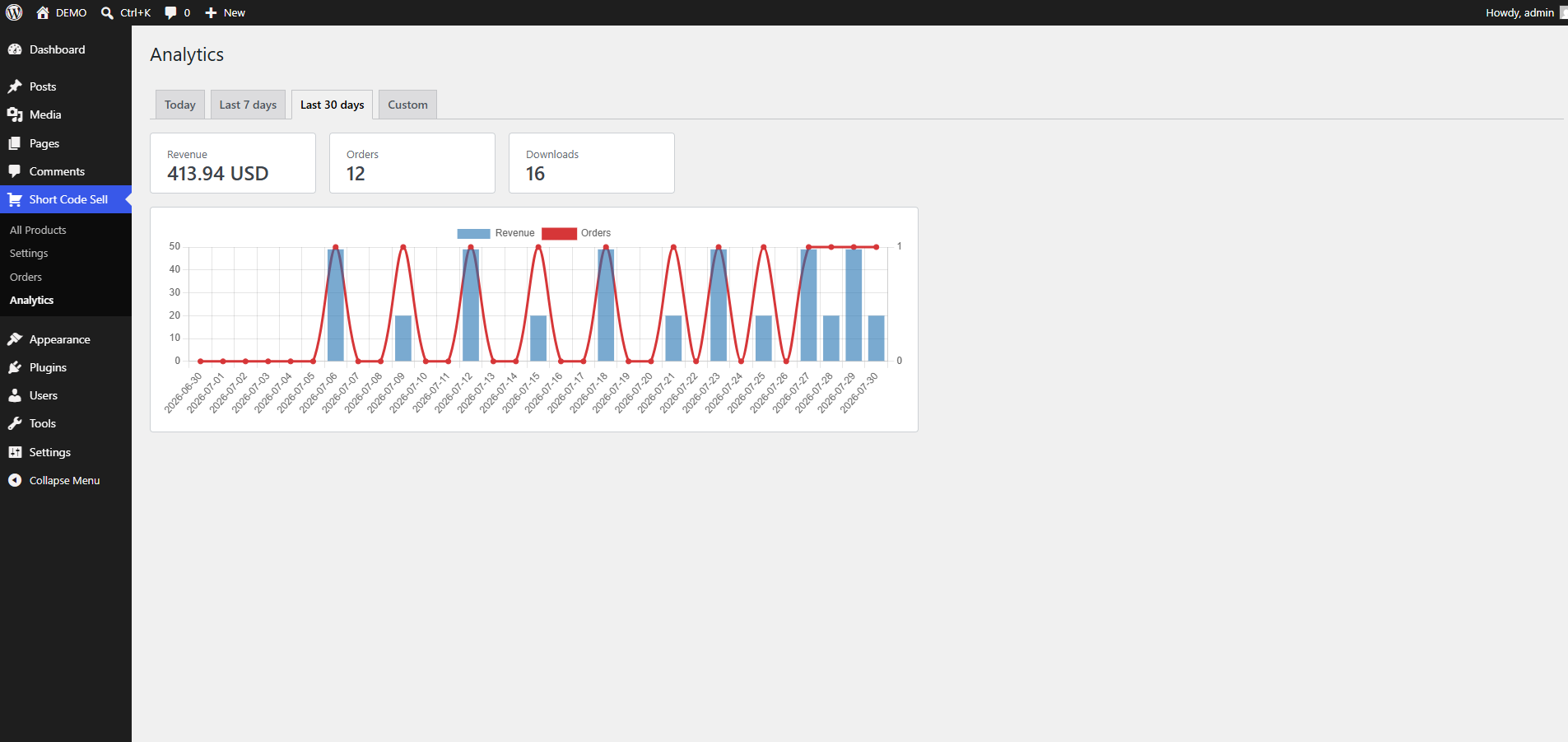
- Sales analytics (revenue, orders, downloads) with day/week/month presets and a custom date range with period-over-period comparison
- Built to be extended: a documented set of actions/filters lets add-ons hook in without touching core files, and third-party add-ons don't need to modify this plugin's code or database tables
安装:
- Upload the plugin files to
/wp-content/plugins/hellion-shortcode-digital-sales, or install through the Plugins screen in WordPress directly. - Activate the plugin through the "Plugins" screen.
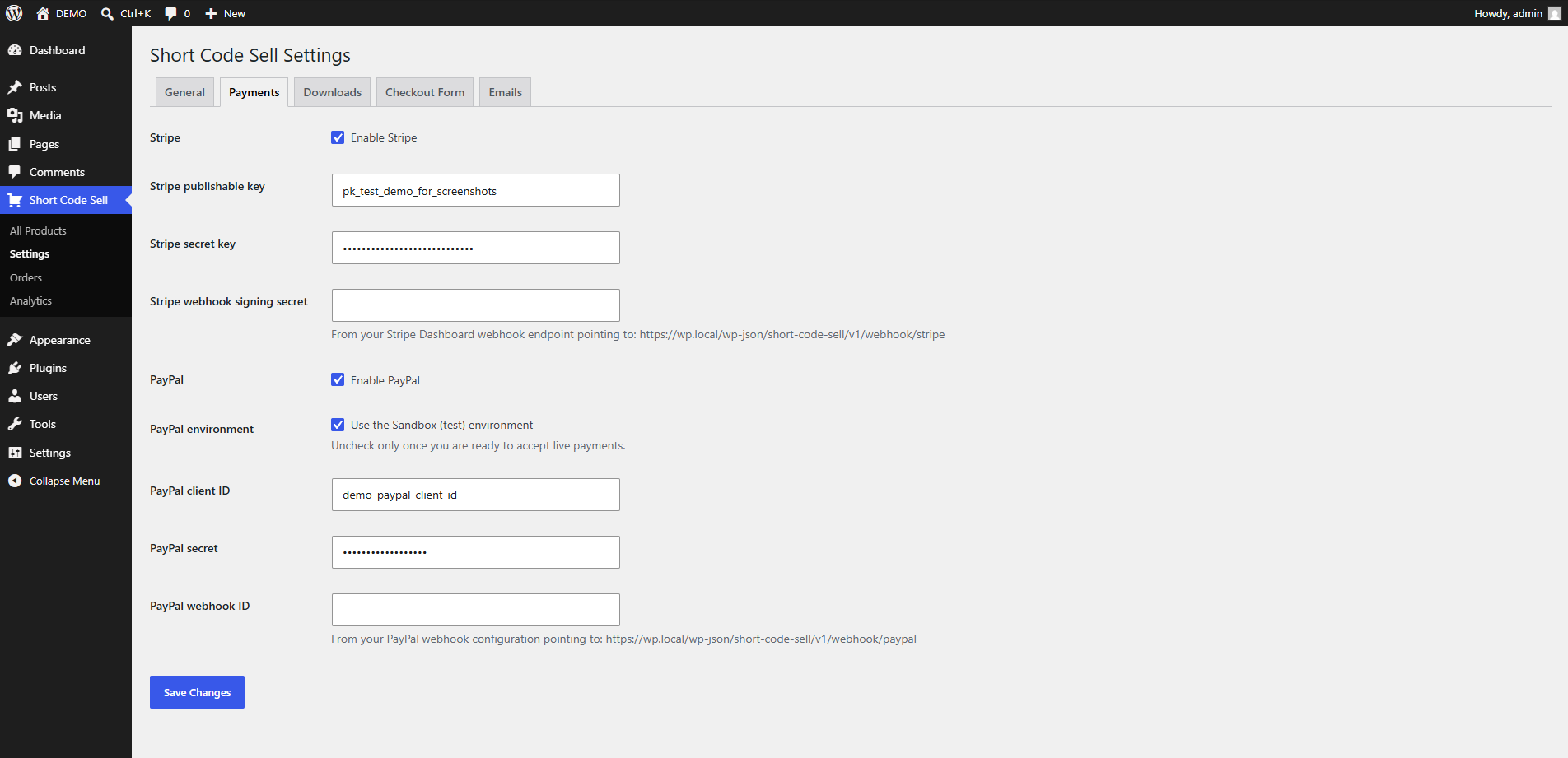
- Go to Hellion Shortcode Digital Sales → Settings and set your currency and at least one payment gateway (Stripe and/or PayPal).
- Go to Hellion Shortcode Digital Sales → Products and add a product with a price and a file.
- Copy the shortcode shown on the product and paste it into any page or post.
.htaccess protection for uploaded product files does not apply — add a rule to your server config to deny direct access to wp-content/uploads/hellion-shortcode-digital-sales-files/, for example:
location /wp-content/uploads/hellion-shortcode-digital-sales-files/ { deny all; }屏幕截图:
常见问题:
Do I need WooCommerce or another e-commerce plugin?
No. Hellion Shortcode Digital Sales is a standalone checkout for a single product per shortcode — no cart, no separate store pages.
Can I sell more than one file per product, or offer subscriptions/coupons?
Not in this version. The plugin is built so these can be added by add-ons without modifying this plugin's core files or database tables.
Where are uploaded files stored, and are they public?
Files are stored in wp-content/uploads/hellion-shortcode-digital-sales-files/ and are blocked from direct access (via .htaccess on Apache; see the Installation section for Nginx). Customers only ever get a token-based download link, never the file's real path.
What happens if a download link expires or reaches its limit?
The customer sees a clear message explaining why, not a generic error. An admin can manually extend the limit or expiry for a specific order from the Orders screen.
更新日志:
0.1.3
- Fix: browsers could offer to autofill a saved or generated password into the Stripe/PayPal secret key fields, silently overwriting the key you entered.
- Fix: checkout field labels with non-Latin characters (e.g. Cyrillic) were saved incorrectly.
- Fix: the product edit screen's file upload never worked — the form was missing the
multipart/form-dataencoding required for file uploads, so the selected file never reached the server. Product files now upload correctly. - Fix: the shortcode for a product was never actually shown anywhere, despite the Installation instructions telling you to copy it. It now appears on the product edit screen once the product is published.
- If a product file upload does fail (oversized file, server permissions, etc.), an admin notice now explains why instead of failing silently.
- Initial release.