Hero Color Picker
| 开发者 | MarcDK |
|---|---|
| 更新时间 | 2026年5月17日 21:08 |
| 捐献地址: | 去捐款 |
| PHP版本: | 7.3 及以上 |
| WordPress版本: | 7.0 |
| 版权: | GPLv2 or later |
| 版权网址: | 版权信息 |
详情介绍:
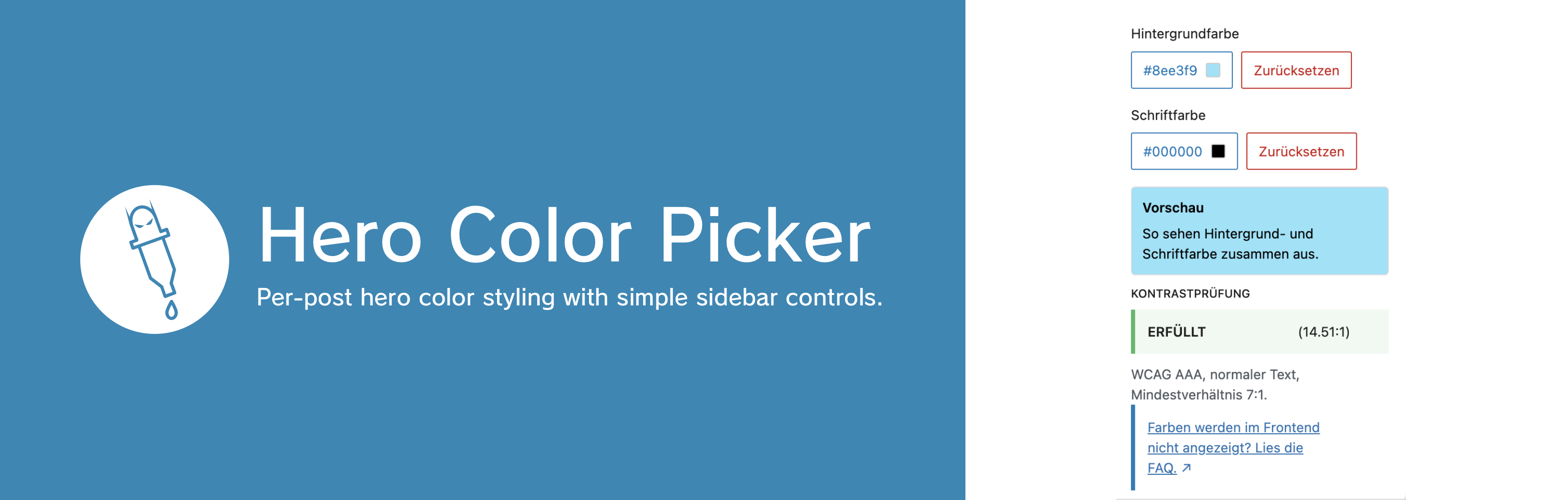
Hero Color Picker adds per-post background and font color controls to the editor sidebar for hero styling via CSS on elements with the
hero-colored class.
Features:
- Two color controls:
Background ColorandFont Color - On-demand color pickers in compact dropdown popovers
- Live preview of both colors together directly in the sidebar
- Applies selected colors to the editor post summary area for a closer backend preview
- Removes the featured image preview outline while a custom background color is active
- Accessibility check for
WCAG AAA Normal TextwithPASS/FAILEDstatus - Panel is shown only while editing posts (
post), not in template editing contexts - Adds a core-like posts list view
Hero Backgroundto show only posts with a custom hero background color -
Works on elements that have the CSS class
hero-coloredStored as post meta: -
hero_color_picker_hero_color hero_color_picker_font_colorFrontend output (only when values are set):
- Open your block theme template (for example
Single) in the Site Editor. - Select the
Groupblock that should receive the hero styles. - In block settings, add
hero-coloredtoAdditional CSS class(es).
安装:
- Place the plugin in
wp-content/plugins/hero-color-picker. - Activate the plugin in WordPress.
- Open
Appearance > Editorand edit your post template (for exampleSingle). - Select the target
Groupblock and add the classhero-coloredinAdditional CSS class(es). - Optional: open
Posts > All Postsand clickHero Backgroundto list posts with a custom hero background.
常见问题:
How do I add the hero-colored CSS class in templates?
- Go to
Appearance > Editorand open the template you use for posts (for exampleSingle). - Create a
Groupblock that wraps the elements you want to style, for example the title and featured image. - Open the
Groupblock settings, expandAdvanced, and enterhero-coloredinAdditional CSS class(es). - Save the template.
更新日志:
1.0.20
- Apply the selected hero font color to links inside
.hero-colored, including common link states.
- Prepared release for WordPress 7.0 compatibility.
- Remove the manual textdomain loading and rely on the modern WordPress default translation flow.
- Updated the WordPress.org icon assets.
- Added refreshed WordPress.org banner assets in
1544x500and772x250.
- Fixed loading of WordPress.org language packs for editor JavaScript strings.
- Marked the editor panel title as translatable.
- Corrected and refined wording in the readme and editor preview text.
- Refined the plugin description across plugin metadata and the WordPress.org readme.
- Updated the editor FAQ link to point directly to the relevant WordPress.org FAQ entry.
- Added an editor FAQ link for frontend setup troubleshooting.
- Expanded the WordPress.org FAQ with template setup instructions.
- Bumped plugin version to
1.0.11. - Removed unused WordPress.org banner assets.
- Bumped plugin version to
1.0.10.
- Bumped plugin version to
1.0.9.
- Bumped plugin version to
1.0.8. - Added release note entry for
1.0.8.
- Added
Hero Backgroundview onPosts > All Poststo list posts with a custom hero background color. - Editor preview now removes the featured image outline while a custom background color is active.
- Expanded documentation with newly added backend/editor features.
- Improved and expanded
DescriptionandInstallationdocumentation. - Added explicit setup steps for applying the
hero-coloredCSS class in block theme templates.
- Added a second sidebar color control for
Font Color. - Frontend output now applies both
background-colorandcolorto.hero-colored. - Sidebar color picker is now shown on demand via dropdown popover.
- Added
WCAG AAA Normal Textstatus withPASS/FAILED. - Improved spacing in the color value button.