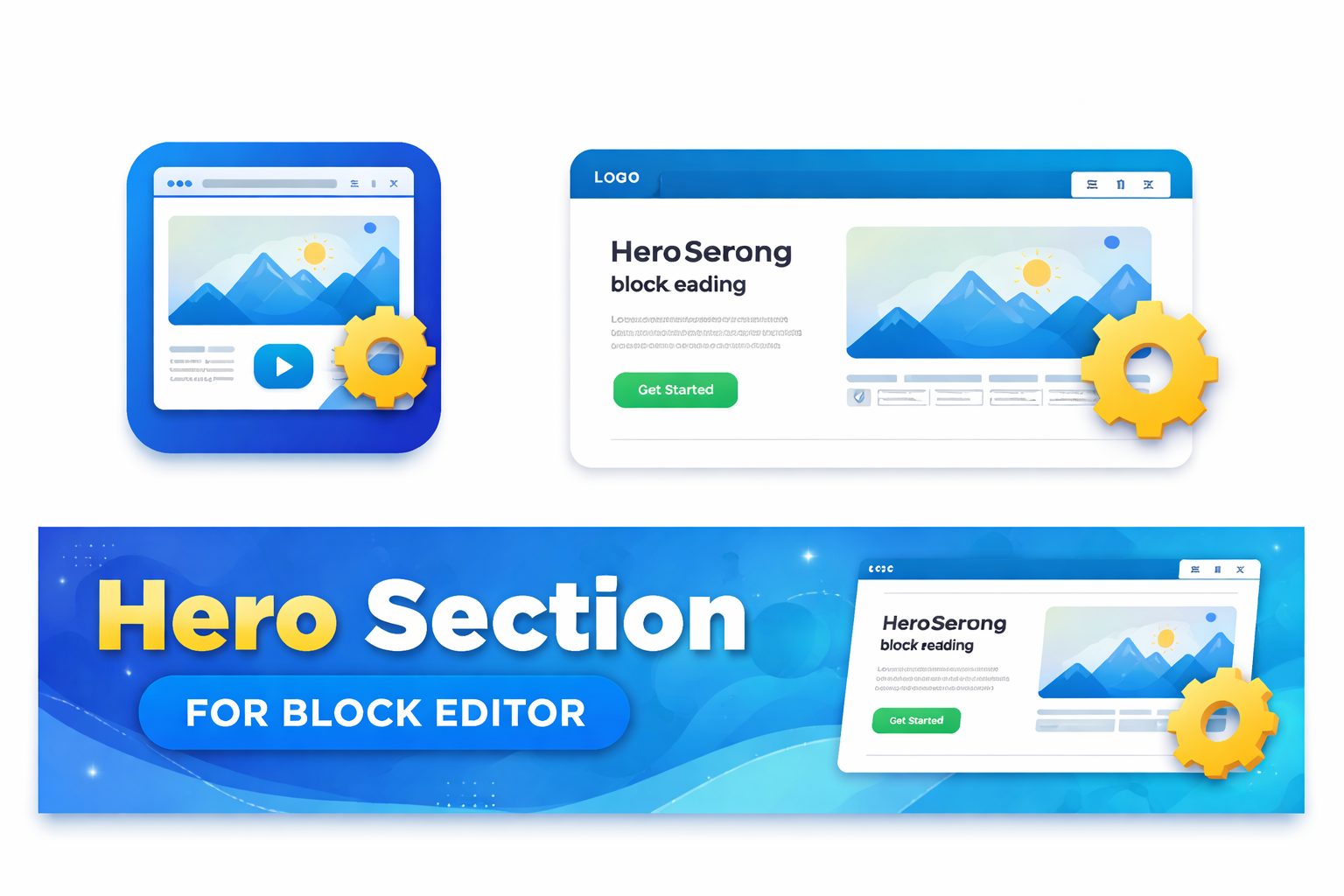
Hero Section Block – Hero Banner & Landing Page Builder
| 开发者 |
camelplug26
freemius |
|---|---|
| 更新时间 | 2026年11月17日 21:58 |
| PHP版本: | 7.2 及以上 |
| WordPress版本: | 7.1 |
| 版权: | GPLv3 |
| 版权网址: | 版权信息 |
详情介绍:
Hero Section Block helps you build the first thing visitors see: a clean, responsive hero section with a strong headline, a short message and a clear call to action. It works right inside the WordPress block editor (Gutenberg), so you edit the text on the page and see the result as you go, without writing any code.
Pick a ready-made design, change the words, swap in your own images and publish. Every hero is mobile-friendly and looks right on desktop, tablet and phone.
What you can build
- Hero section for your home page, with a headline, description and buttons.
- Hero banner with a full-width background image and overlay.
- Landing page header for a product, app, course or campaign.
- About section or personal intro for a portfolio, freelancer or team.
- Call-to-action section with signup, newsletter or search forms.
- Event and launch banners with a live countdown timer.
- Insert it like any other block: search for "Hero", "Banner" or "About" in the block inserter.
- Edit text directly on the canvas, or use the sidebar.
- Show the same hero anywhere with the
[hero_section_block]shortcode, including the Classic Editor, widgets and page builders. Your own images are selected from the WordPress Media Library. Some themes show sample images and fonts from third-party services until you replace them; see "External Services" below.
- Clean, responsive Default (Classic) hero theme.
- Edit the heading and description directly on the canvas or in the sidebar.
- Call-to-action button with custom text and link (any URL or page, with "Open in new tab").
- Background image selected from the WordPress Media Library.
- Heading, description and button color controls.
- Adjustable background overlay strength for readable text on any image.
[hero_section_block]shortcode to show a hero anywhere shortcodes work.- Saved shortcodes: create, list and copy them from Hero Section → Shortcodes.
- Fully responsive across desktop, tablet and mobile.
- 100% backward compatible with existing Hero Section block installations.
- Lightweight and performance-friendly with scoped styles.
- SEO-friendly structure.
- 30 professionally handcrafted industry hero themes (01–30): SaaS, AI, agency, portfolio, e-commerce, real estate, restaurant, fitness, events, fintech and more.
- Browse Themes gallery with previews, search and categories, in both the block toolbar and the sidebar.
- Each theme keeps its own content and styles, so switching themes never loses your edits.
- Edit every element of every theme: badges, highlighted words, secondary buttons, cards, stats, lists, tabs, forms and more.
- Replace every image and its alt text: portraits, product shots, avatars, galleries and section backgrounds.
- Show or hide any element or list item.
- Interactive theme elements: live countdown timers, ROI calculators, developer code switchers, currency converters and simulated AI prompt runners.
- Form actions, countdown end dates and CTA links for signup, search and newsletter forms.
- A separate style panel for every element of a theme.
- Full typography control: font family, size, weight, style, line height, letter spacing, transform and decoration.
- Solid and gradient colors and backgrounds, plus gradient text fill for highlights.
- Hover styles for text, background, border and shadow.
- Borders, border radius and shadows.
- Padding, margin and alignment.
- Responsive controls: separate desktop, tablet and mobile values for sizes and spacing.
- Image size, object fit and opacity.
- Section background (color, gradient or image), minimum height and content width.
安装:
- Upload the plugin folder to the
/wp-content/plugins/directory, or install the plugin directly from the WordPress Plugins screen. - Activate the plugin through the “Plugins” menu in WordPress.
- Open the Block Editor and insert the Hero Section block.
屏幕截图:


常见问题:
How do I add a Hero Section?
Open the WordPress Block Editor, click the block inserter, and search for “Hero Section”.
Does the plugin use external images, fonts or services?
Yes. Some themes show sample images from Unsplash and load their fonts from Google Fonts, and the plugin uses Freemius for licensing, updates and checkout. Images you add yourself always come from your Media Library. See "External Services" for what is sent, when, and links to each service's terms and privacy policy.
更新日志:
2.0.1
- Improved: Updated pricing plans and licensing options on the Pricing page.
- Improved: Theme-specific color palettes and button visibility across themes.
- Fix: Prevent button and text color inheritance conflicts when switching themes.
- New: 30 professionally designed hero themes (01–30) alongside the Default theme.
- New: Browse Themes gallery with previews, search and categories, in the sidebar and the block toolbar.
- New: Edit every element directly on the canvas or in the sidebar. Each theme keeps its own content and styles.
- New: Style panel for every element: typography, colors, gradients, hover states, borders, shadows, spacing and responsive (desktop, tablet, mobile) controls.
- New: Show or hide any element or list item, and replace any image from the Media Library.
- New:
[hero_section_block]shortcode and the Hero Shortcodes manager (Hero Section → Shortcodes / Add New Shortcode). - New: Admin dashboard with Welcome, Demo, Feature Comparison, Pricing and Documentation pages.
- New: Pro version with license activation, powered by Freemius.
- Improved: Existing 1.0.0 hero blocks keep working without changes.
- Initial release.