Hide Editor For Page Templates
| 开发者 | rupash |
|---|---|
| 更新时间 | 2026年9月15日 01:03 |
| PHP版本: | 5.6 及以上 |
| WordPress版本: | 7.1 |
| 版权: | GPL v2 |
| 版权网址: | 版权信息 |
详情介绍:
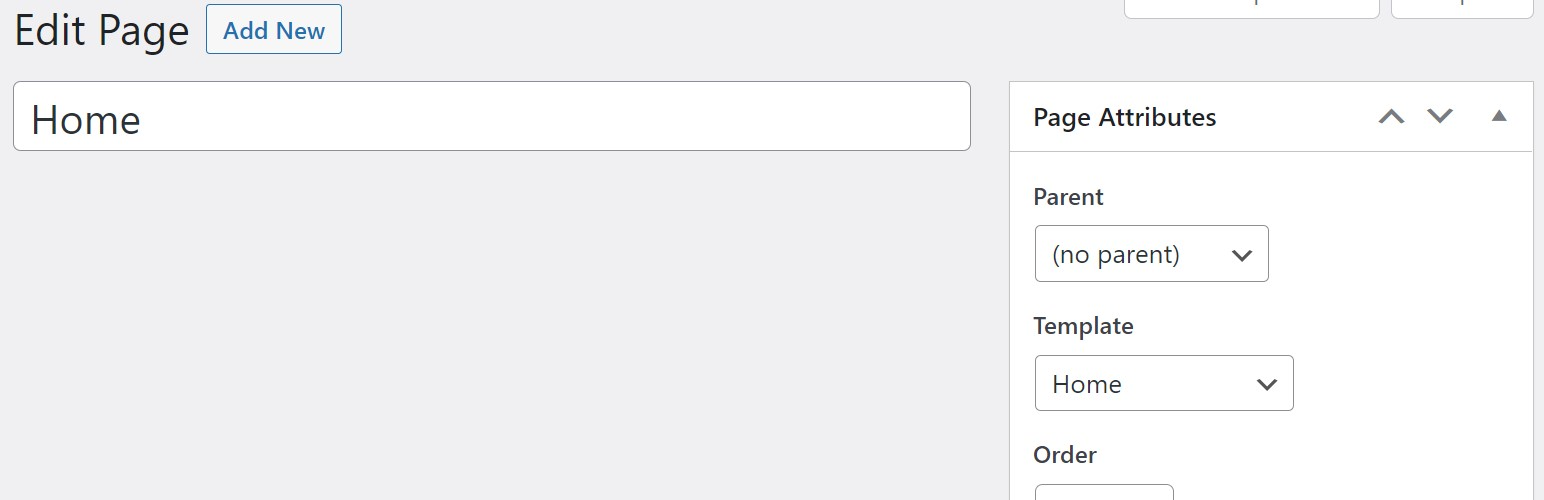
A simple and nice plugin to hide classic editor or gutenberg from pre selected page templates. If the installation is okay, go to the settings > hide editor. If your current theme has pre-made page templates, you can select page templates where you want to remove/hide editor. You can also restrict the hiding to specific user roles, so other roles still see the editor. It's very easy to do.
安装:
Installation is fairly straight forward. Install it from the WordPress plugin repository.
更新日志:
1.1.0
- Add: restrict editor hiding to selected user roles, leave empty to apply to everyone.
- Fix: settings page assets could be queued with an unchecked
$_GET['page']value. - Fix: script cache-busting used
time(), forcing a fresh download of plugin JS on every page load. - Fix: removed the discouraged
load_plugin_textdomain()call and theDomain Pathheader pointing at a nonexistentlanguages/folder - WordPress.org has auto-loaded plugin translations since 4.6. - Fix: post ID from the URL is now read with
absint()instead of asanitize_text_field()/esc_html()combination meant for output escaping, not input handling. - Fix: text domain didn't match the plugin slug (
hide_editorvshide-editor-for-page-templates), and two strings were printed with_e()instead of an escaping variant. - Housekeeping: plugin options are now removed on uninstall.
- Initial Release