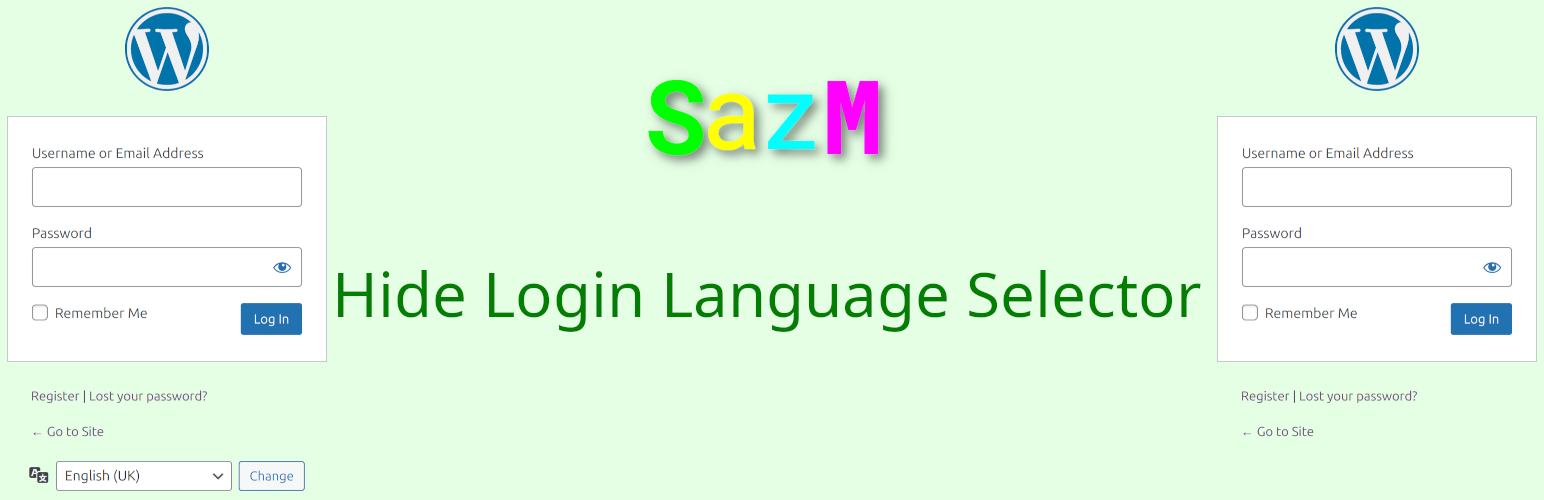
Hide Login Language Selector
详情介绍:
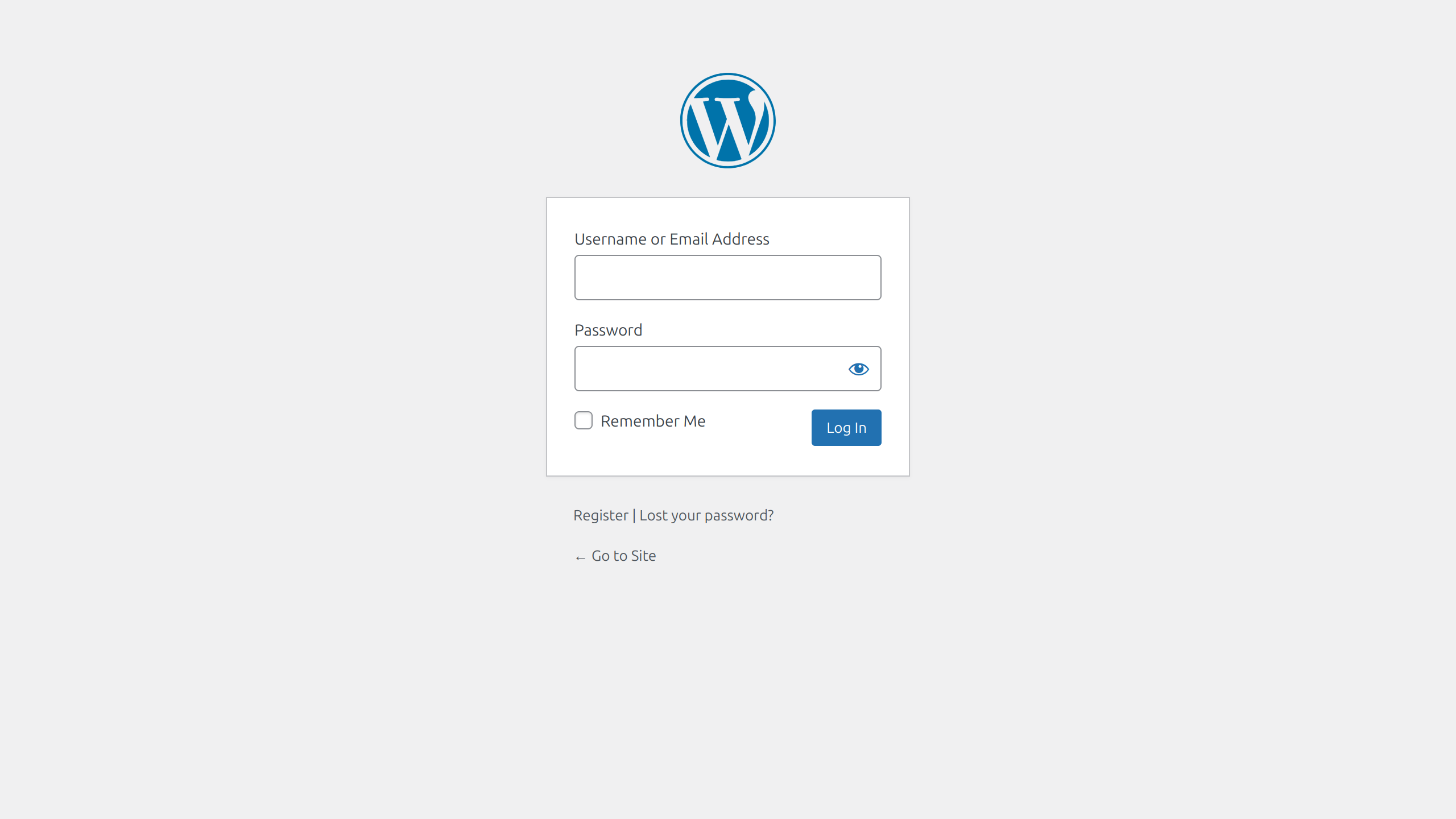
The Hide Login Language Selector plugin is designed to enhance the user experience by removing the language selection option from the login screen of your application or website. This is particularly useful for sites that operate in a single language or want to streamline the login process.
Key Features:
No Coding Required: Easy to toggle the language selector on login page without the need for custom coding or development.
Compatibility: Fully compatible with the latest version of WordPress, and works well with most themes and plugins.
How It Works:
- Download the plugin from the WordPress plugin repository.
- Upload the plugin to your website’s plugin directory via the admin dashboard.
- Activate the plugin via the admin panel. Benefits: Streamlined Login Process: By hiding the language selector, you reduce distractions for users, making the login process quicker and more efficient. Consistent User Experience: Maintains a uniform look and feel for users who interact with your site primarily in one language. Easy Management: Easily toggle the feature on or off as needed without altering the core code.
安装:
- Go to your website’s WP-Admin dashboard.
- Click on Plugins in the left menu.
- Click on Add New Plugin at the top.
- Select Upload Plugin.
- Click Choose file and find the plugin .zip file on your computer.
- Click Open to select it.
- Hit the Install now button.
- Once installed, click the Activate button to enable the plugin.
屏幕截图:
更新日志:
2.0
- Updated: Compatibility with WordPress 6.7 version.
- Initial Release: The first stable version of the plugin.