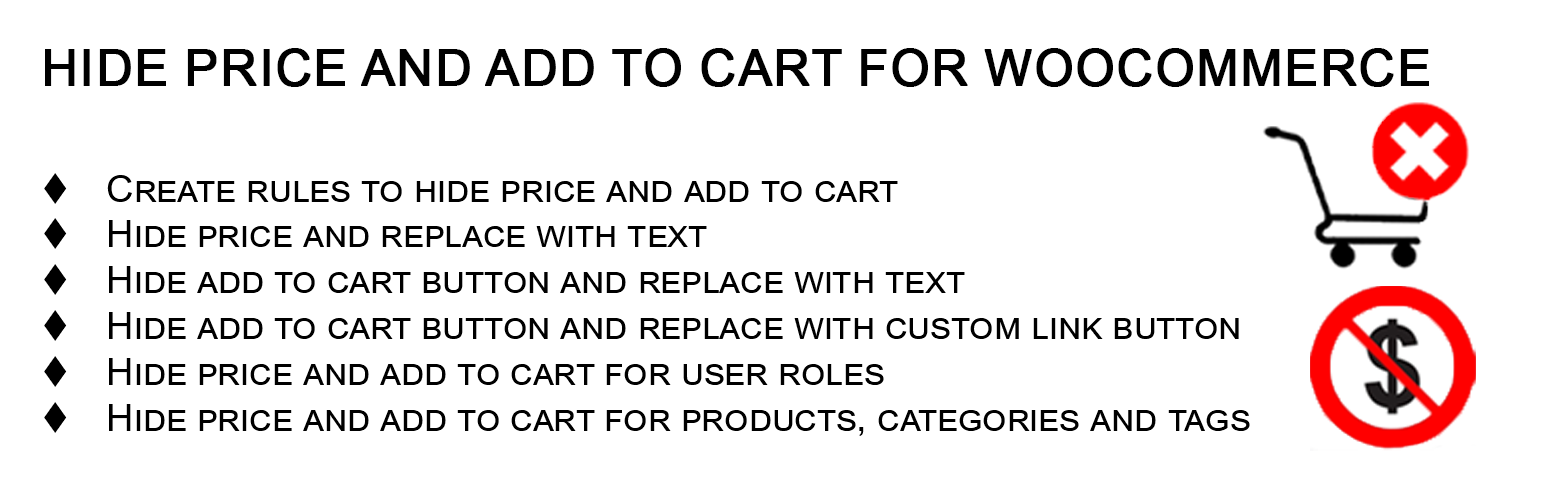
Hide Price and Add to Cart for WooCommerce
| 开发者 | woomanagers |
|---|---|
| 更新时间 | 2026年10月23日 13:47 |
| PHP版本: | 7.4 及以上 |
| WordPress版本: | 7.1 |
| 版权: | GPLv2 or later |
| 版权网址: | 版权信息 |
详情介绍:
- Hide prices from guest users until they register or log in
- Show pricing only to approved wholesale or B2B customers
- Replace "Add to Cart" with a "Request a Quote" or "Contact Us" button
- Convert your WooCommerce store into a browse-only product catalog
- Restrict purchasing for specific products or entire categories by user role
- Completely hide the product price
- Replace it with any custom text — e.g., "Login to See Price", "Call for Price", "Request a Quote", or "Members Only"
- Leave the price area blank if preferred Hide Add to Cart Button — Two Replacement Options
- Remove the Add to Cart button entirely
- Replace it with plain custom text (e.g., "Contact Us for Pricing")
- Replace it with a styled custom link button pointing to any URL — your contact page, a quote form, a WhatsApp chat link, an email address, or any external page Works on Shop Pages AND Single Product Pages Rules apply both on archive/shop listing pages and on individual product pages, so your store looks consistent everywhere.
- Apply to all products in your store with one click
- Target specific individual products
- Target entire product categories
- Target products by tag
- Target products by brand (compatible with brand taxonomy plugins) Flexible User & Role Targeting Control which visitors each rule applies to:
- Target specific individual user accounts by name
- Target any WordPress or WooCommerce user role — including Guests, Customers, Subscribers, Wholesalers, or any custom role
- If no user or role is specified, the rule applies to everyone Results Cached for Performance Rules are cached using WordPress object cache, so your store runs fast even with many rules active.
woomanagers_replace_price_text— Filter the replacement text shown instead of the pricewoomanagers_replace_add_to_cart_text— Filter the replacement text shown instead of the Add to Cart buttonwmhp_hide_price_register_post_type— Customize the Hide Price Rules post type registration Translation Ready Fully internationalized with a.potfile included. Ready for translation into any language.
- Follows official WordPress coding standards
- Nonce verification and data sanitization on all inputs
- Integrates natively into the WooCommerce admin menu
- No bloat — only loads what it needs
- Wholesale WooCommerce Stores — Show prices only to approved wholesale accounts
- B2B eCommerce Websites — Gate pricing behind login for business customers
- Catalog Mode Shops — Let visitors browse products without seeing prices or buying
- Membership-Based Stores — Restrict pricing visibility to paid members
- Quote-Based Businesses — Replace Add to Cart with a quote request button
- Manufacturer & Distributor Sites — Display your product range without enabling direct purchases
- Private or Invite-Only Stores — Restrict all purchasing to specific registered users
- Hide all prices for guest (non-logged-in) visitors
- Show prices only to users with the "Wholesaler" role
- Replace "Add to Cart" with a WhatsApp button for a specific product category
- Hide pricing on a specific brand's products for retail customers
- Create a catalog-only experience for trade show or brochure-style stores
- Allow browsing but require login before any purchase can be made
- Geolocation targeting — show or hide prices by country, state, city or ZIP code
- Inline enquiry forms — replace the Add to Cart button with a Contact Form 7, WPForms or Gravity Forms form
- Variable product selectors on shop and archive pages
- A global performance settings panel
- WMGRs Role Based Pricing for WooCommerce — wholesale and trade prices per user role.
- WMGRs Tiered Pricing for WooCommerce — quantity-based bulk discounts.
- WMGRs Catalog Access Rules for WooCommerce — hide products or categories from guests or selected roles.
- WMGRs Minimum Order Quantity & Amount for WooCommerce — minimum quantities, pack sizes and a minimum order amount.
- WMGRs Request a Quote for WooCommerce — let customers request a quote instead of checking out.
- WMGRs Tax and VAT Exempt for WooCommerce — VAT number field and tax-exempt customers.
- WMGRs Registration Form & Account Approval for WooCommerce — custom registration fields and manual approval of new customer accounts.
安装:
- Upload the plugin folder to
/wp-content/plugins/, or install it directly from the WordPress plugin directory. - Activate the plugin through the Plugins screen in WordPress.
- Make sure WooCommerce is installed and active — this plugin requires it.
- Navigate to WooCommerce → Hide Price Rules in your admin menu.
- Click Add New Rule, give it a title, and configure your settings:
- Under Hide Price & Add to Cart: choose whether to hide the price, set replacement text, hide the Add to Cart button, and choose whether to replace it with text or a custom link button.
- Under Users & Roles: select individual users and/or user roles the rule applies to.
- Under Products & Taxonomies: select whether to apply to all products, or pick specific products, categories, tags, or brands.
- Publish the rule. It takes effect immediately on your storefront.
屏幕截图:


常见问题:
Does this plugin work with variable products?
Yes. Rules are applied correctly to variable products. When a variation is displayed, the plugin looks up the parent product to check which rules apply, ensuring consistent behavior across all variations.
Can I create different rules for different user roles?
Yes. Each rule lets you target one or more user roles independently. For example, you can create one rule that hides prices for Guests, and a separate rule that hides the Add to Cart button for Customers but not Wholesalers.
Can I target individual user accounts, not just roles?
Yes. In addition to targeting roles, you can select specific registered users by name so a rule applies only to those accounts.
Can I hide prices on just specific products, not the whole store?
Yes. Each rule can be scoped to specific products, categories, tags, or brands — or set to apply to all products. You have full control.
Can I replace the Add to Cart button with a link to my WhatsApp or contact form?
Yes. Choose "Replace with custom link button", enter your button text, and paste any URL — including a WhatsApp chat link (https://wa.me/...), a contact page, a quote form, or any external URL.
Does it work on both the shop/category pages and single product pages?
Yes. Rules are enforced on both archive (shop, category, tag) pages and on single product pages.
Will hiding prices affect my SEO?
No. The plugin hides prices at the display level using WooCommerce's standard price filter. Product pages remain fully indexable by search engines.
Does this plugin require WooCommerce?
Yes. WooCommerce must be installed and activated. The plugin will automatically deactivate and show an admin notice if WooCommerce is not detected.
How many rules can I create?
Unlimited. There is no cap on the number of rules.
Is this plugin compatible with WooCommerce Subscriptions?
Yes. The Add to Cart replacement logic explicitly handles WooCommerce Subscription product types.
Is there a Pro version?
Yes. Hide Price & Add to Cart for WooCommerce — Pro adds geolocation targeting (country, state, city, ZIP code), inline enquiry forms (Contact Form 7, WPForms, Gravity Forms), variable product selectors on archive pages and a global performance settings panel. Every feature listed on this page is included in the free plugin.
Where can I find documentation?
Setup guides and documentation are on the plugin page at woomanagers.com. For help, open a topic in the wordpress.org support forum for this plugin.
Can I use this on a WordPress Multisite?
The plugin is designed for standard WordPress installations. Multisite support has not been officially tested.
更新日志:
- Compatibility: Tested with WooCommerce 11.1.
- Readme: Added documentation and support links, a Free and Pro comparison and the WMGRs B2B range.
- Fix: Brand targeting and tag targeting now save every selected term (the tag and brand fields only kept the last selection).
- Fix: Theme template overrides in
yourtheme/woocommerce/wm-hide-price/are now found. - Fix: Rule lists are filtered on every call so add-ons see a consistent set of rules within a request; caches are flushed when a rule is trashed, restored or deleted.
- Fix: Prices and buttons are no longer replaced in WooCommerce REST API (wc/v3) responses used by back-office integrations. Storefront and Store API behaviour is unchanged.
- Fix: Bundled translations now load (the language path was incorrect) and the text domain matches the plugin slug so WordPress.org language packs can be delivered.
- Fix: Duplicate element IDs and doubled
checkedattributes in the rule editor. - Tweak: Inputs are sanitised per field type; the custom link URL is validated as a URL.
- Tweak: Admin assets load only on the Hide Price Rule screens.
- Tweak: Requires PHP 7.4+ and WordPress 6.2+; declares compatibility with WooCommerce High-Performance Order Storage and block-based Cart & Checkout.
- Dev: New
wmhp_should_apply_rulesfilter andwmhp_after_single_add_to_cart_replacementaction.
- New: Button styling options for the custom link button — add your own CSS classes, optionally remove the default button class, and set background color, text color, width, height, padding, margin, border radius and font size.
- New: Additional CSS field for applying extra style declarations to the custom link button.
- New:
woomanagers_custom_button_attsfilter to modify the button class and style attributes programmatically. - New: Bundled translations for German, French, Spanish, Italian, Portuguese (Brazil), Dutch, Russian, Japanese and Polish.
- Tweak: Regenerated the translation template (.pot) and corrected outdated plugin name and description strings.
- Tweak: Updated the plugin version constant used for asset cache busting.
- Compatibility: Tested up to WordPress 7.1.
- Fix: Corrected price hiding for variable product variations.
- Initial release.