
Hookly - Webhook Automator
| 开发者 | ghabri |
|---|---|
| 更新时间 | 2025年12月23日 18:54 |
| PHP版本: | 8.0 及以上 |
| WordPress版本: | 6.9 |
| 版权: | GPLv2 or later |
| 版权网址: | 版权信息 |
详情介绍:
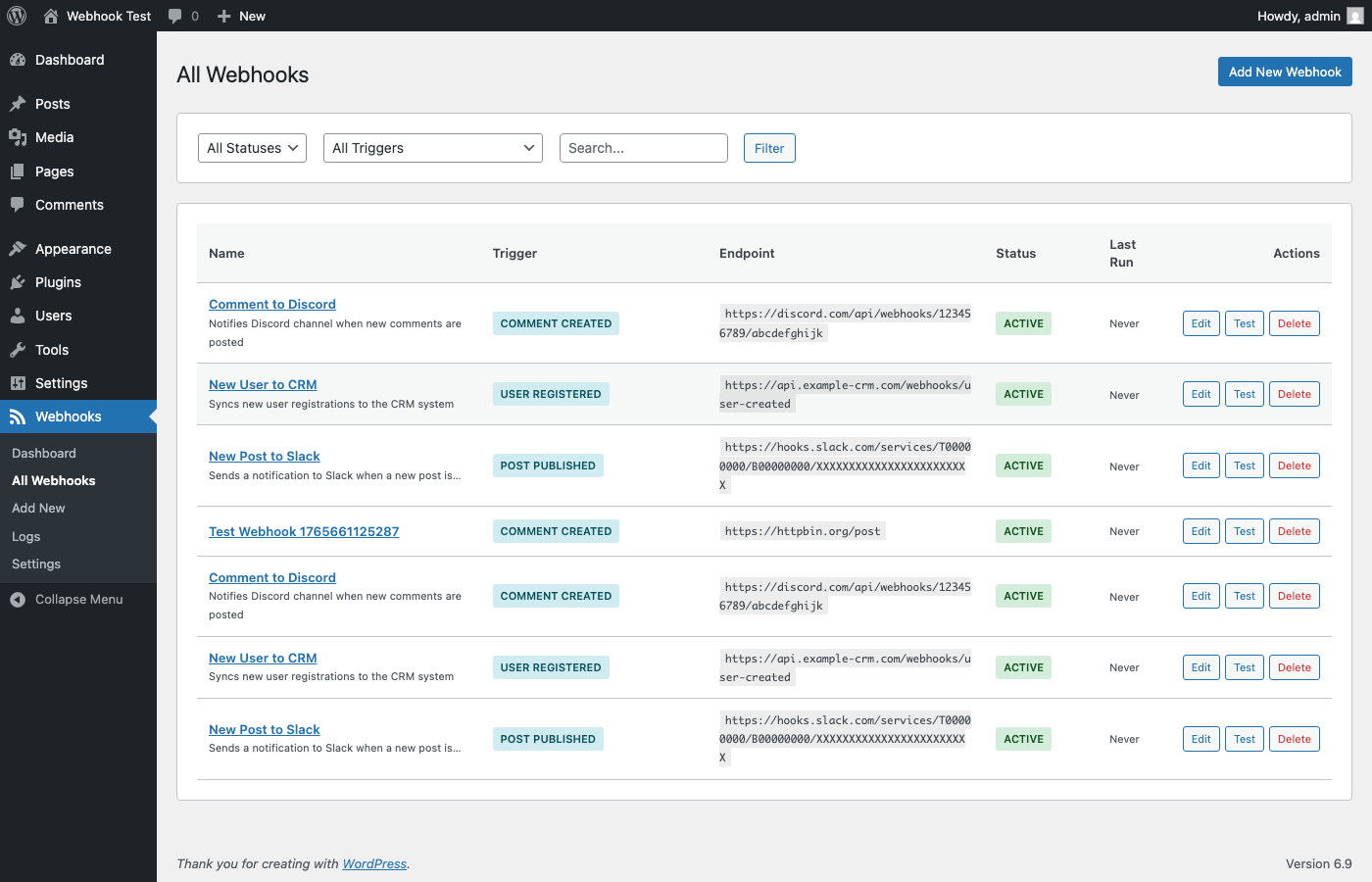
Hookly allows you to send data from your WordPress site to external services whenever specific events occur. Whether you want to notify Slack when a new post is published, sync user registrations with your CRM, or trigger workflows in Zapier, this plugin makes it easy.
Key Features
- Multiple Triggers - Post published, user registered, comment added, WooCommerce orders, and more
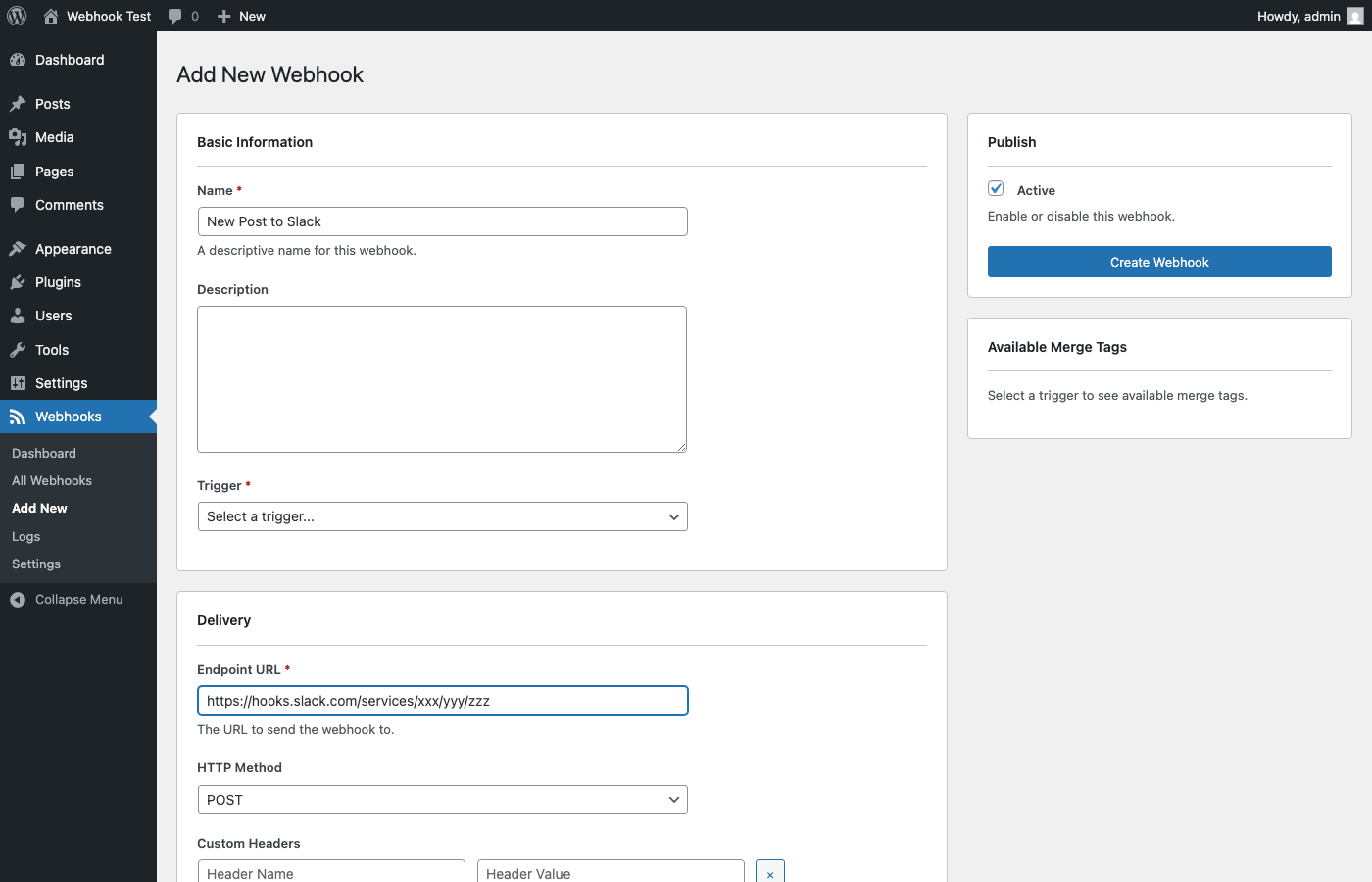
- Custom Payloads - Build your own JSON payloads using merge tags
- Secure Delivery - HMAC signatures for webhook verification
- Retry Logic - Automatic retries for failed deliveries
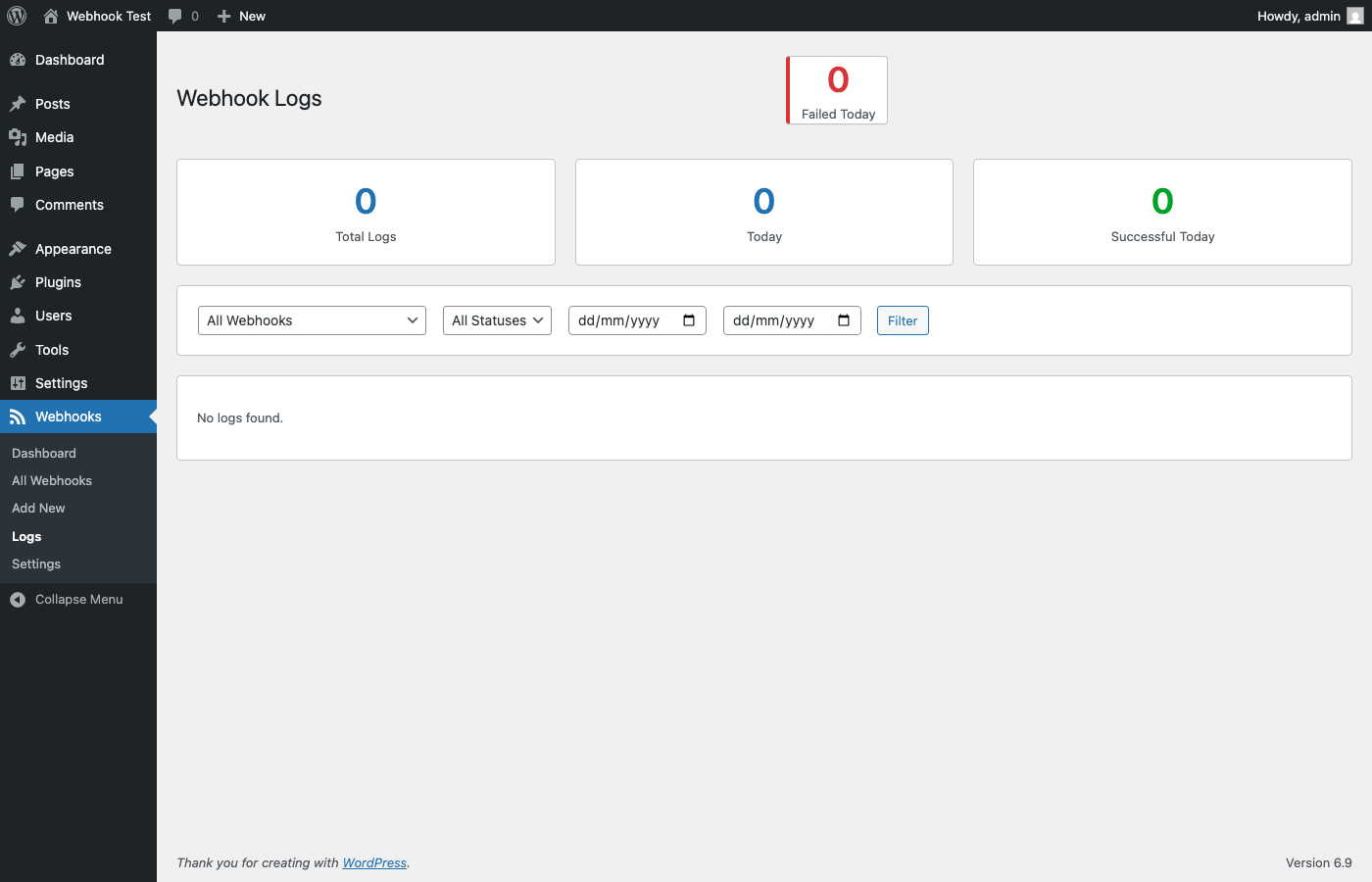
- Detailed Logs - Track every webhook request and response
- Developer Friendly - Hooks and filters for customization
- Post Published
- Post Updated
- Post Deleted Users
- User Registered
- User Updated
- User Deleted
- User Login Comments
- Comment Created
- Comment Approved WooCommerce (if installed)
- Order Created
- Order Status Changed
- Product Created
- Product Stock Low
- Send Slack notifications for new content
- Sync users to email marketing platforms
- Trigger Zapier/Make/n8n workflows
- Update external systems when orders are placed
- Build custom integrations with any webhook-enabled service
安装:
- Upload the plugin files to
/wp-content/plugins/wp-webhook-automator/ - Activate the plugin through the 'Plugins' screen in WordPress
- Navigate to 'Webhooks' in the admin menu to create your first webhook
屏幕截图:
常见问题:
What is a webhook?
A webhook is an HTTP callback that sends data to a specified URL when an event occurs. It's a way for apps to communicate in real-time.
Is this compatible with WooCommerce?
Yes! Hookly includes triggers for WooCommerce orders and products. The WooCommerce triggers only appear if WooCommerce is installed and active.
Can I customize the data sent?
Absolutely. You can create custom JSON payloads using merge tags like {{post.title}} or {{user.email}}. See the documentation for all available merge tags.
How do I verify webhooks on the receiving end?
Each webhook can be configured with a secret key. We send an HMAC-SHA256 signature in the X-Webhook-Signature header that you can verify on your server.
What happens if a webhook fails?
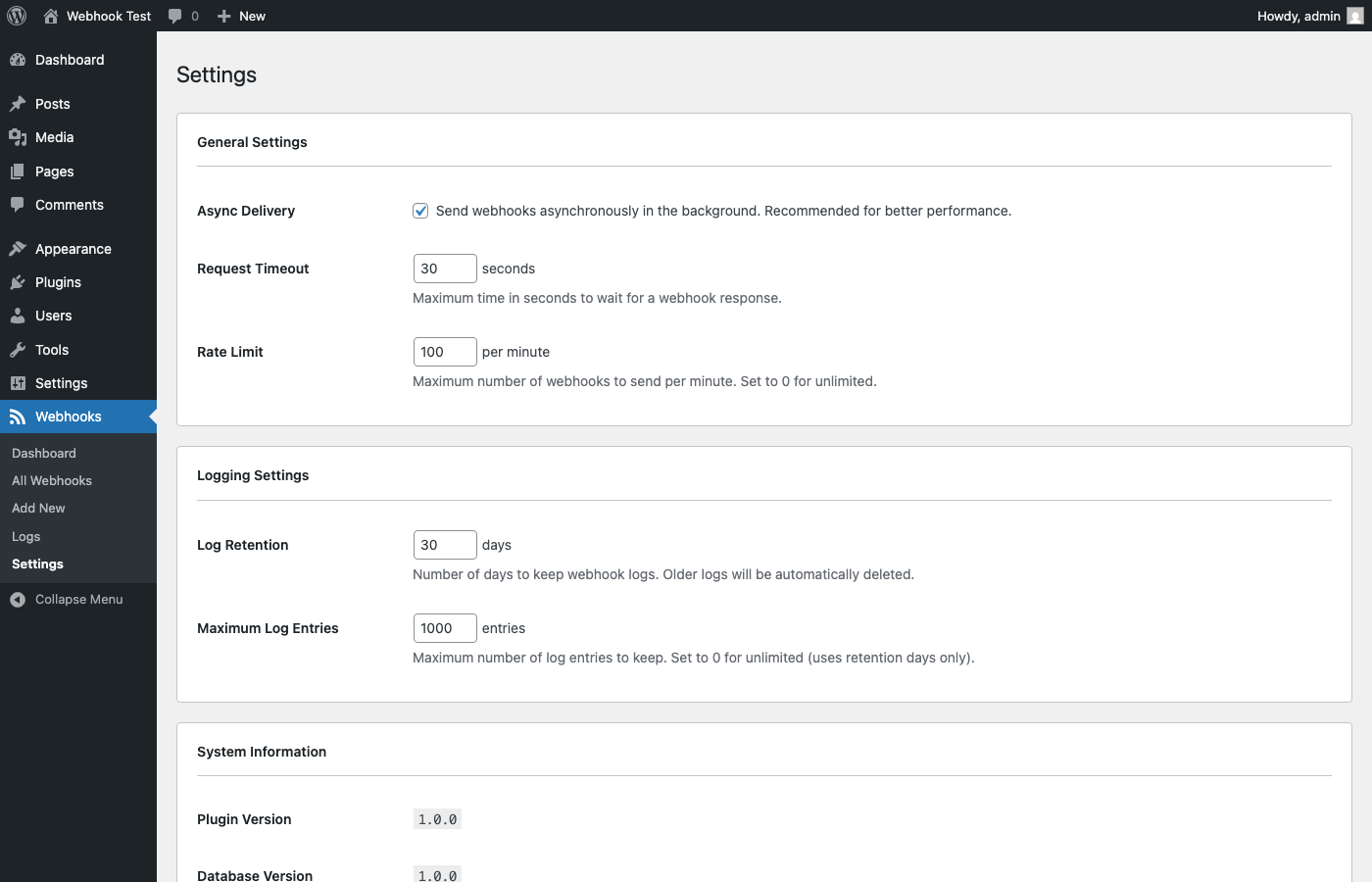
By default, webhooks will retry up to 3 times with a 60-second delay between attempts. You can customize this per webhook.
更新日志:
1.0.1
- Fixed: Added custom autoloader for WordPress.org distribution
- Fixed: Plugin now works correctly when installed from WordPress.org
- Initial release
- Core webhook functionality
- Post, User, and Comment triggers
- WooCommerce integration
- Admin dashboard and log viewer
- REST API endpoints