
WP Team - WordPress Team Member Plugin
| 开发者 |
htplugins
hasthemes zenaulislam aslamhasib tarekht kamplugins |
|---|---|
| 更新时间 | 2026年8月6日 17:23 |
| PHP版本: | 5.0 及以上 |
| WordPress版本: | 7.0 |
| 版权: | GPLv2 or later |
| 版权网址: | 版权信息 |
详情介绍:
WP Team Member is a WordPress Team Member / Widget Plugin. Create Team Member in a preferred style and place it to your website in any section easily.
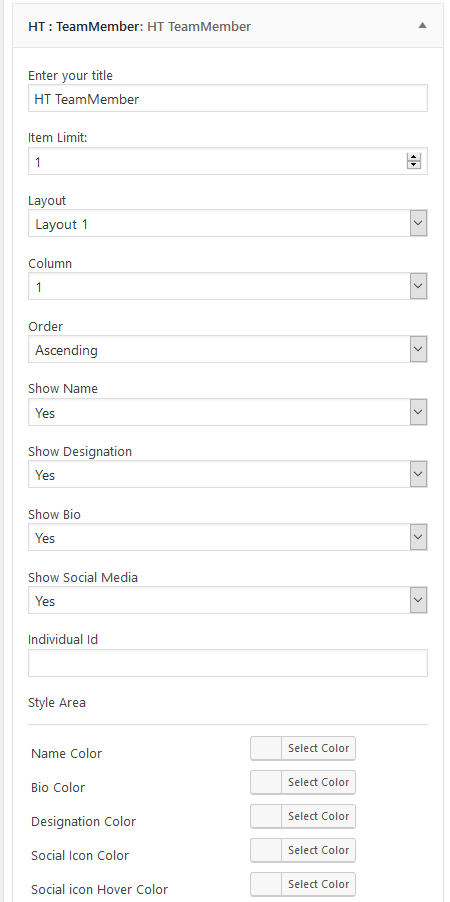
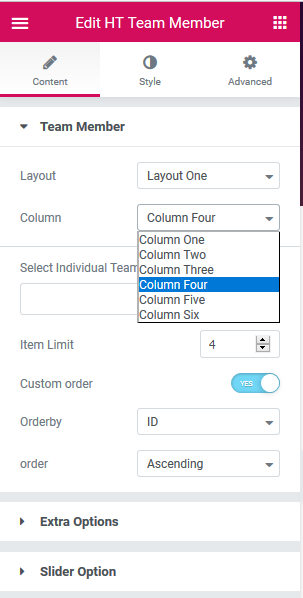
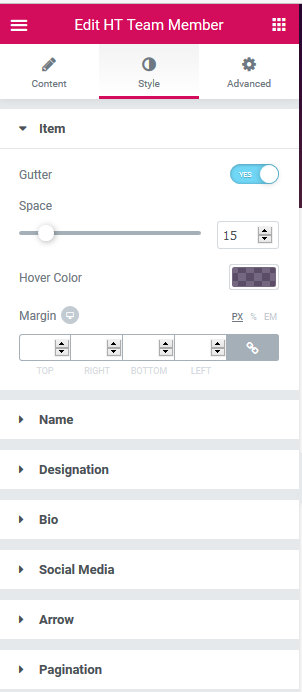
This plugin includes Elementor Addon, WP Bakery Page Builder addon, WordPress Widget, 5 Custom styles with different customization option, Slider enable/disable option and column control option.
Ultimate Addons for Elementor Page Builder Don't forgete to check our Unlimite mega addon for Elementor page Builder. HT Mega – Ultimate Addons for Elementor Page Builder Includes 360 Block & 15 Landing Pages.
安装:
This section describes how to install the WP Team Member Plugins for WordPress get it working.
1) Install
- Go to the WordPress Dashboard "Add New Plugin" section.
- Search For "WP Team Member".
- Install, then Activate it.
- Unzip (if it is zipped) and Upload
ht-team-memberfolder to the/wp-content/plugins/directory - Activate the plugin through the 'Plugins' menu in WordPress
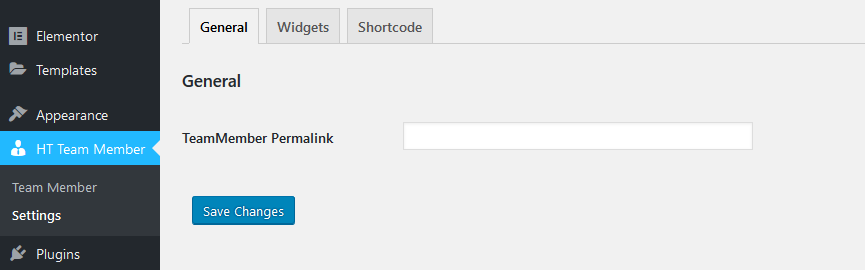
- Go to the WP News Settings Options.
- Permalink Change Options (If you want change).
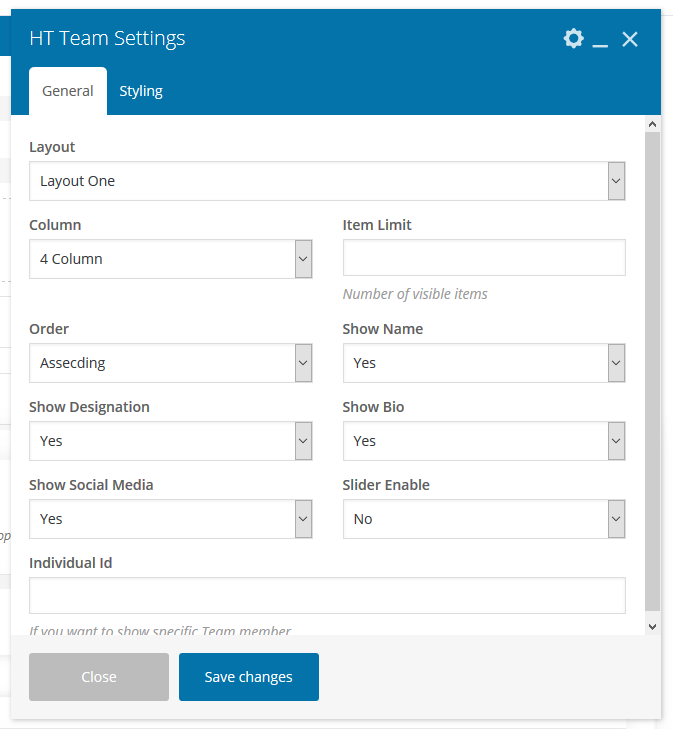
屏幕截图:





更新日志:
Version: 1.1.8 - Date: 29-05-2025
- Fixed escaping issues in team shortcode.
- Tested: Compatibility with the latest version of WordPress.
- Fixed: PHP Error in team member Archive page.
- Tested: Compatibility with the latest version of WordPress.
- Tested: Compatibility with the latest version of Elementor.
- Fixed a escaping issue in team Shortcode.
- Invalid argument supplied error fixed.
- Details page social icon issue fixed.
- Compatible with WordPress 6.1 Version.
- Details page social issue fixed
- Added: Recommendation menu.
- Compatible with WordPress 6.0.2 Version.
- Compatible with WordPress 6.0 Version.
- Elementor Latest Version Problem Fixed.
- Compatible with WordPress 5.8 Version.
- Updated Elementor widgets title icon.
- Fixed Elementor Latest Version Problem.