
HTforms Builder
| 开发者 |
htsend
htforms |
|---|---|
| 更新时间 | 2026年11月9日 18:41 |
| PHP版本: | 7.4 及以上 |
| WordPress版本: | 7.1 |
| 版权: | GPLv2 or later |
| 版权网址: | 版权信息 |
详情介绍:
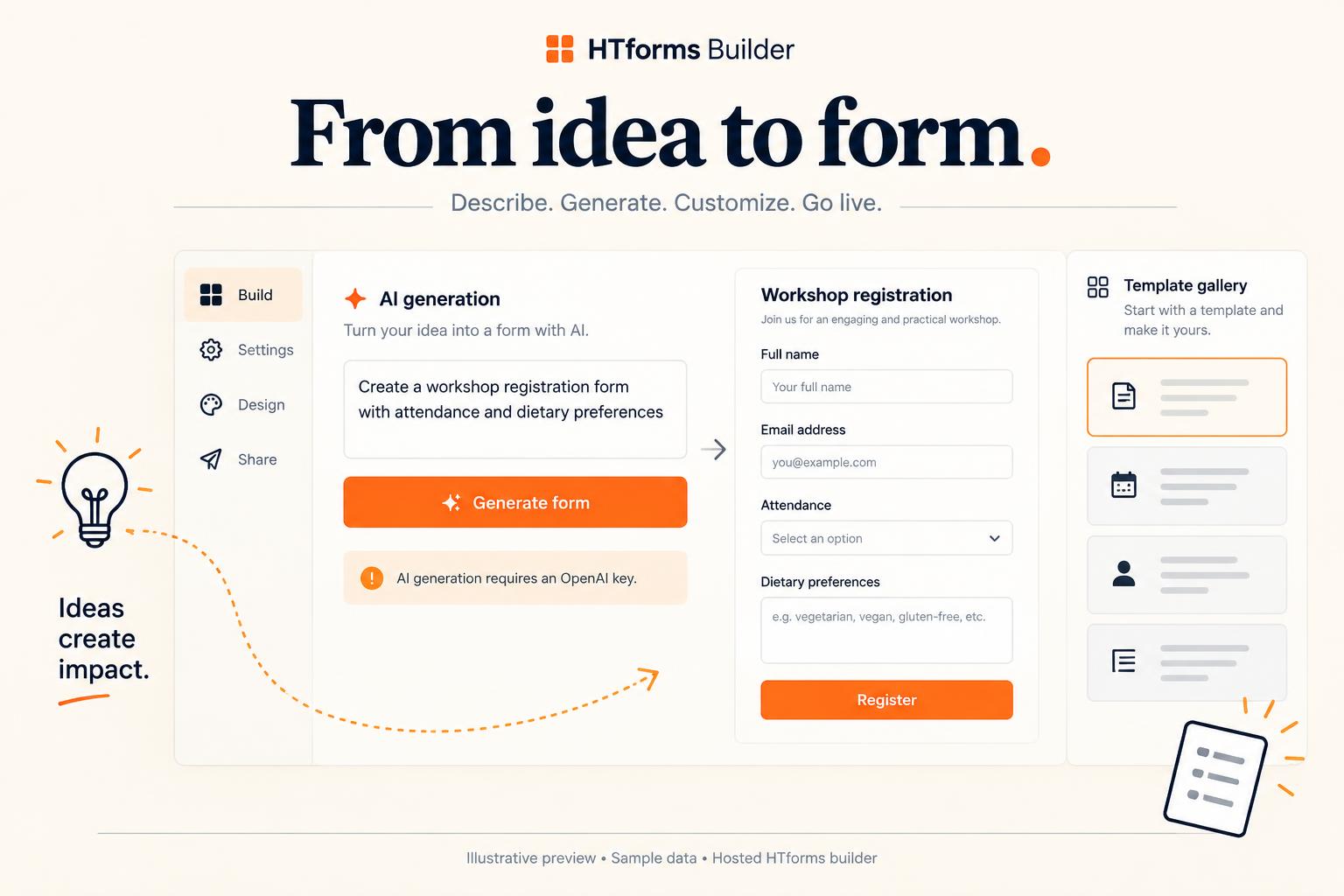
Build forms in your HTforms dashboard and show them anywhere on WordPress.
HTforms Builder connects WordPress to the hosted HTforms service. An HTforms
account and account API key are required; this is not a standalone local
form builder. HTforms is currently free, without merchant usage caps.
- Published field ordering and custom country/territory lists match HTforms, including cached HTML and Elementor previews.
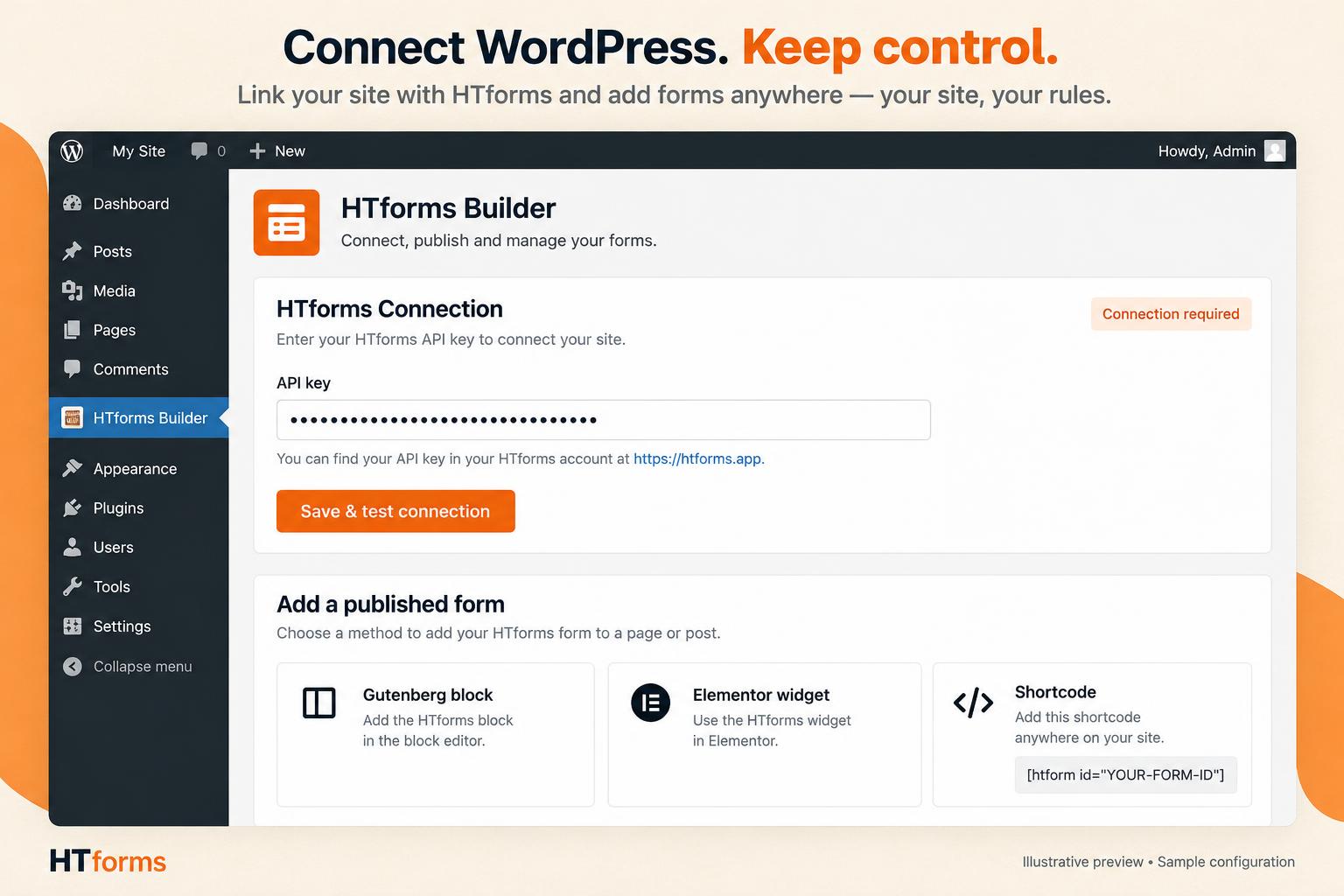
- Gutenberg block "HTforms" and shortcode [htform id="FORM-ID"]
- Native Elementor HTforms widget with a published-form picker; other builders work through their shortcode widget
- Submissions are proxied through your site; your API key never reaches the browser
- Spam protection (honeypot + time trap + server rate limits), file uploads, multi-step forms, conditional logic
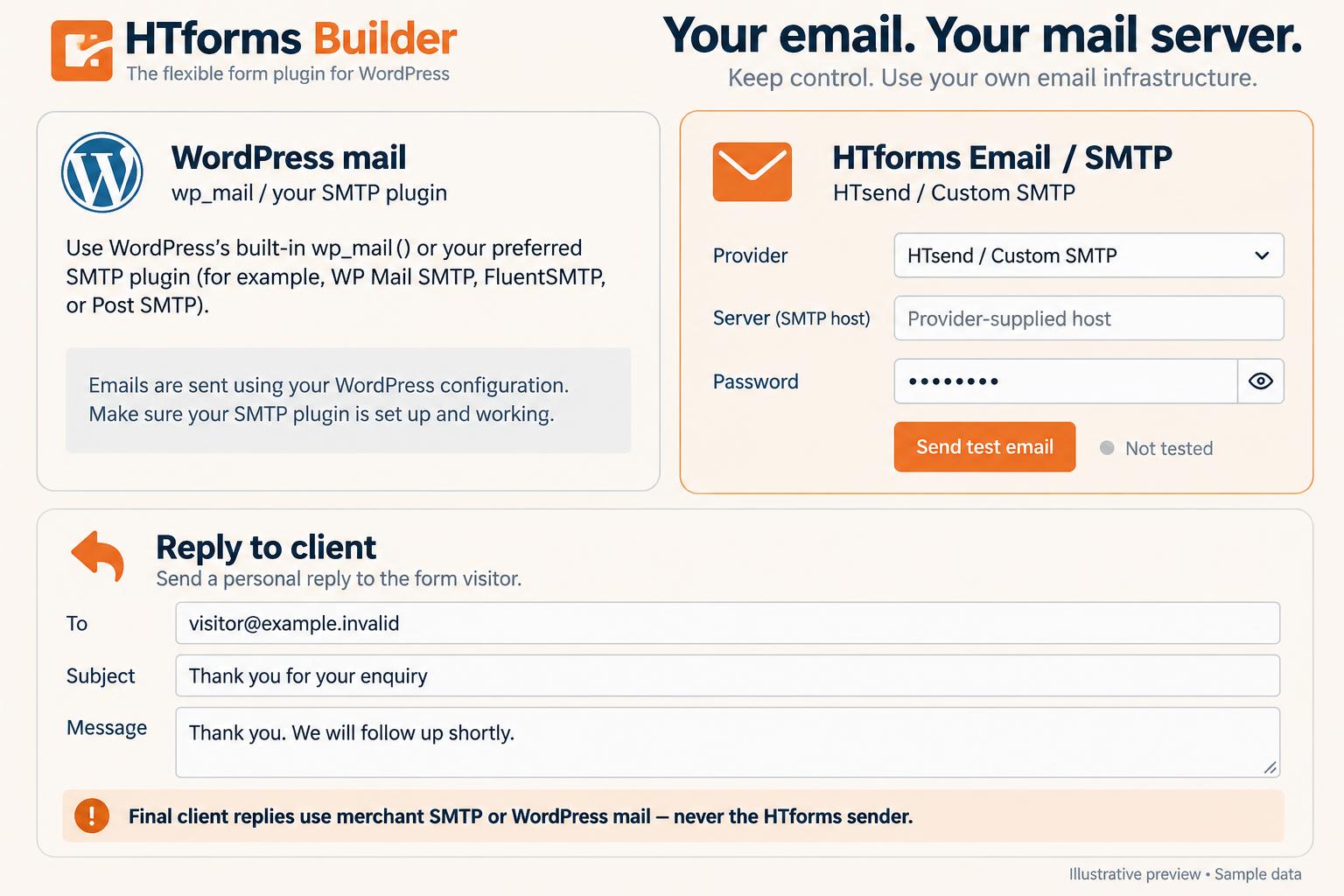
- WordPress-native email notifications and visitor confirmations, with optional account SMTP routing
- Entry search, repeated-identifier filters, exports and a WordPress Dashboard leads widget
- Optional administrator-configured draft/pending post or consented subscriber actions
- Multi-page and lead forms with page breaks and progress indicators.
- Conversational forms show one question at a time and skip hidden branches.
- Conditional visibility, conditionally required inputs and submission policy locks.
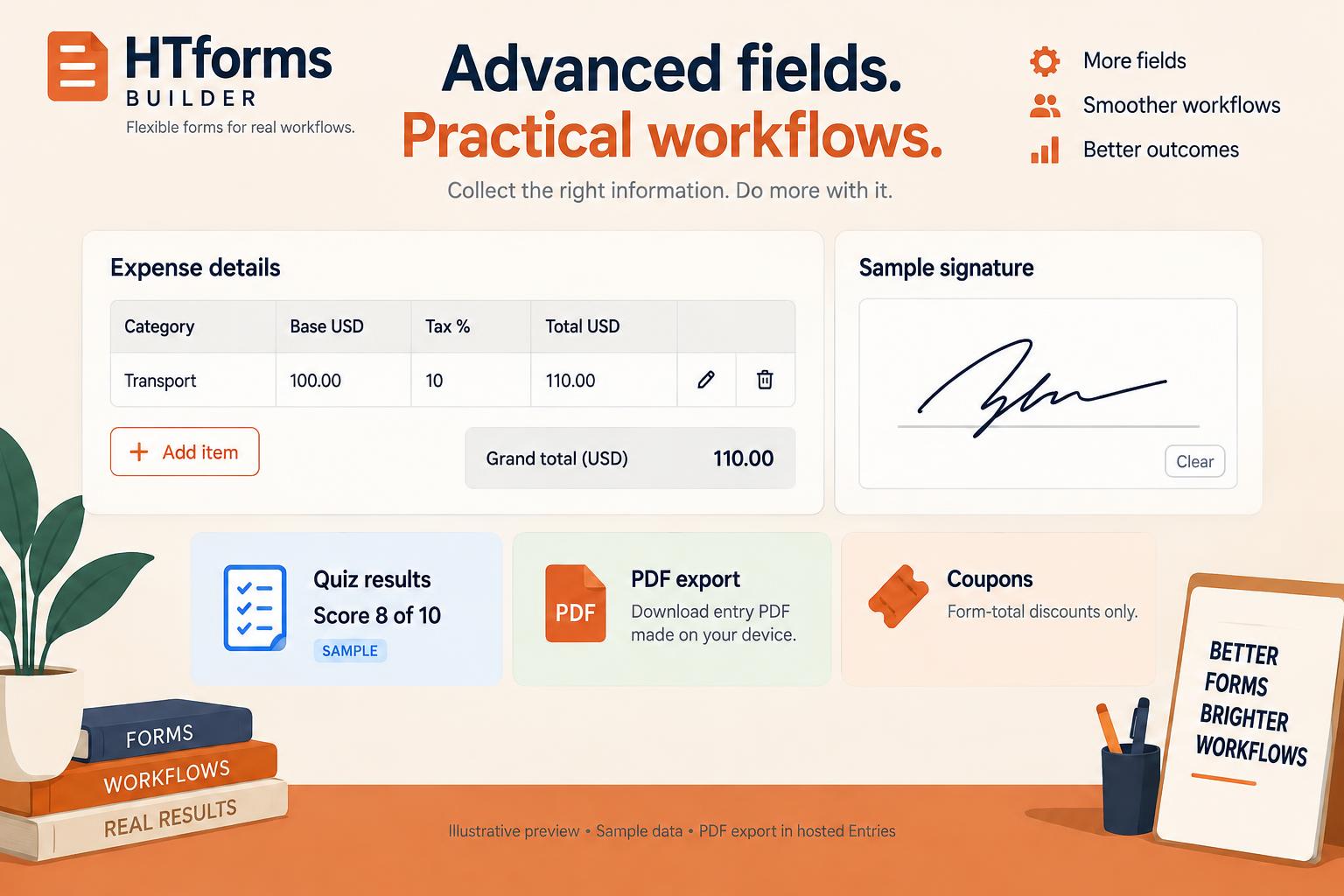
- Live calculations and repeaters with add/remove rows and calculated column totals.
- Coupon codes affect form totals only; there is no payment processing.
- Digital signature pads, uploads with validation, ratings, NPS and Likert questions.
- Scored, weighted and personality quizzes configured in the hosted builder; accepted answers are scored by the service and results are saved with the entry.
- Custom CAPTCHA challenge fields, honeypot, timing checks and submission rules. This is not a Google reCAPTCHA or Cloudflare Turnstile integration.
- Schedules, allowed domains and owner-configured per-visitor submission restrictions. These form-level rules are not merchant account usage caps.
安装:
- In WordPress, go to Plugins → Add New, search for "HTforms Builder", then click Install Now and Activate.
- Sign in to your free account at https://htforms.app, build your form and click Publish.
- In HTforms, open WordPress & API and copy your account API key.
- In WordPress, go to HTforms → Connection, paste your key and click Save & test connection.
- In Elementor or the block editor, add the HTforms widget or block and choose your form from the list. You can also use the shortcode [htform id="YOUR-FORM-ID"].
屏幕截图:

常见问题:
My form does not show
Make sure it is published, then use HTforms → Troubleshooting → Clear form cache.
Where are entries?
In WordPress under HTforms Builder → Entries and in HTforms under Forms → Entries.
Does uninstall delete hosted entries?
No. Uninstall removes the plugin's local settings, form caches and action history. Manage hosted entries in your HTforms account.
Is email delivery guaranteed?
No. WordPress mail depends on your host and mail configuration. An SMTP plugin can be used with native WordPress mail, or configure your own SMTP in HTforms.
更新日志:
1.11.19
- Fix: choosing a form in the Elementor HTforms widget now shows the form right away.
- Improved: all form text, placeholders and field outlines stay clearly visible under any WordPress theme.
- New: Ranking question — visitors put choices in order with up/down buttons.
- New: optional address suggestions while typing, fetched by the visitor's browser from OpenStreetMap Photon (no key, nothing stored).
- Expand feature, addon-availability, installation, privacy and developer documentation.
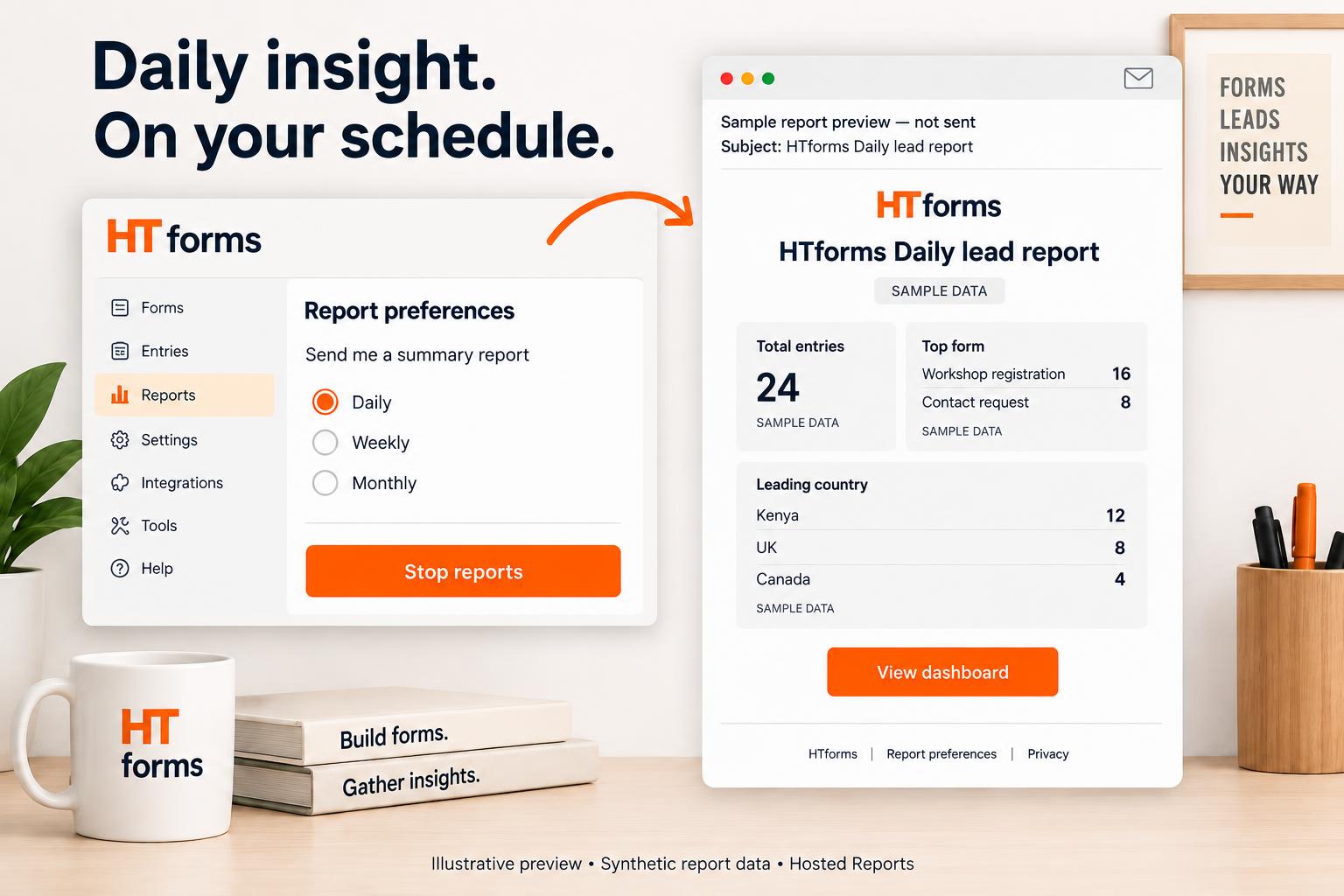
- Document hosted AI generation, SMTP, client replies, scheduled reports and optional related products without claiming unconnected integrations.
- Add captions for eight clearly labelled illustrative previews; plugin behavior and existing mail routes are unchanged.
- WordPress.org review fixes: enqueued admin/print assets, default-off administrator attribution consent, complete submission buffer cleanup, matching htforms-builder translations and contributor credits.
- Conversational forms skip hidden questions and preserve supporting content.
- Quiz results (score and outcome) now appear on separate lines after submitting.
- Use HTforms account terminology in connection screens, messages and documentation; existing API keys and settings are unchanged.
- Client replies: Add link and Add image buttons; images are linked from your own site, never uploaded.
- Entries: visible "Reply to client" box under client details showing where client answers go.
- Click a client email in Entries to send one final reply (subject and message) through your own site mail or SMTP plugin; never sent from HTforms.
- WordPress directory name: HTforms Builder. Existing shortcode and settings remain compatible.
- Include GPL and MIT licenses and readable Signature Pad source.
- Complete local option, transient and entry-column cleanup on uninstall.
- Expand hosted-service data-flow disclosure and document directory screenshots.
- Merchant-ordered country lists and territories; field reordering and matching WordPress rendering.
- Search saved answers, files and visitor metadata using literal phrases, all keywords or exact values.
- Filter repeated email/IP/user IDs with complete-history per-form counts; date filters and exports match the search.
- HTTPS-safe submission URLs, signed refresh of expired cached-page sessions, and resilient JSON replies without automatic submission retries.
- Reports rank recorded sources and detected countries only, with coverage counts for older entries lacking metadata. Totals stay unchanged.
- Fix: visitors no longer see "Network error" after a successful submission when other plugins print notices or email sending is slow. The reply is sent first, then emails run.
- Entries show only VPN or NO VPN once checked; unfinished checks finish automatically. Technical errors are no longer shown.
- Lead stages (New, Contacted, Qualified, Proposal sent, Won, Lost) with estimated value in Entries, exports and bulk actions; every stage change is recorded in the lead timeline in HTforms.
- New "HTforms Leads" widget on the WordPress Dashboard: 7/30-day lead chart, totals, unread leads, top lead sources and countries.
- Every entry now records where the lead came from (search engine, social site, campaign tags, referring page) and shows it in Entries and exports.
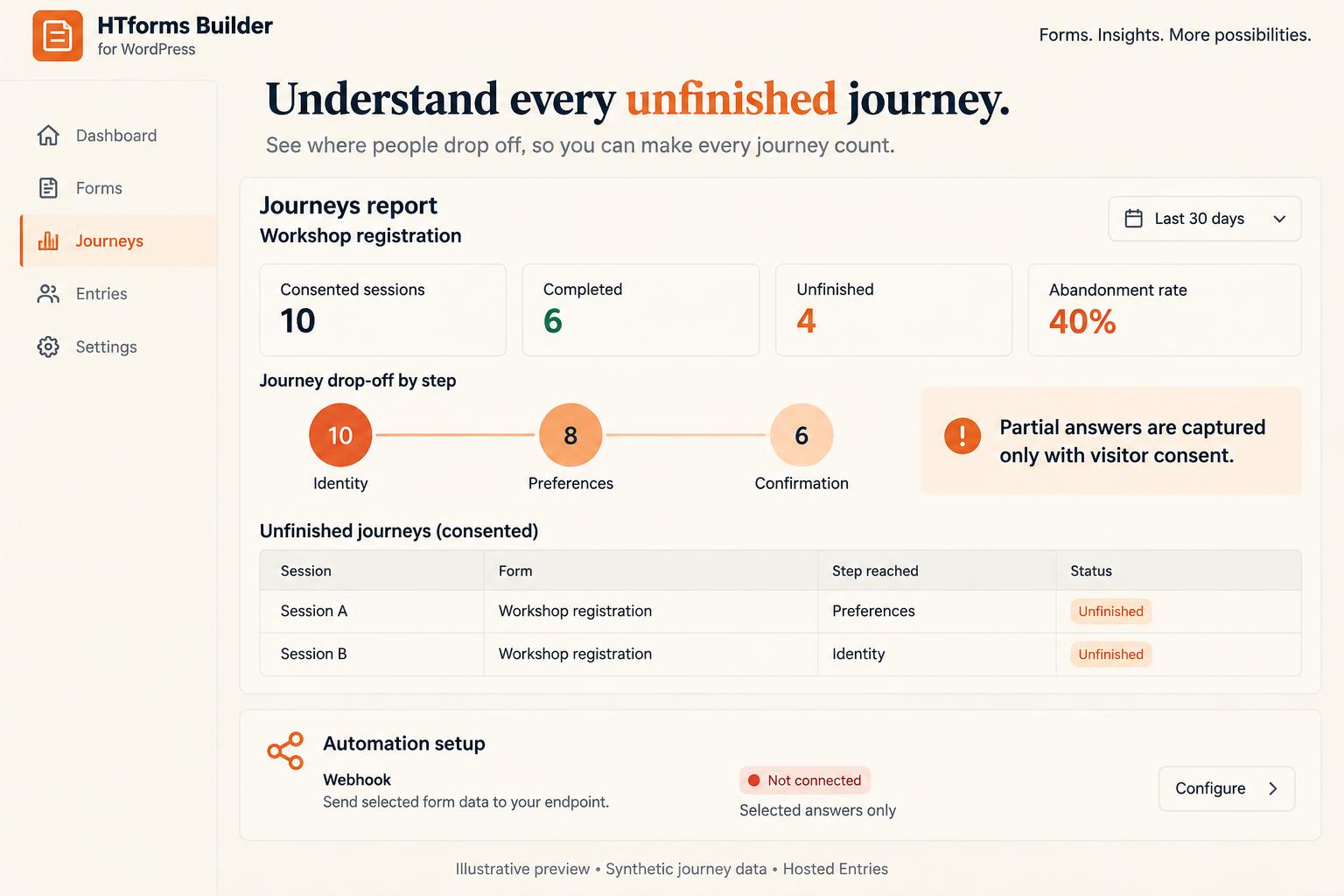
- Optional visitor-consented unfinished-answer capture and form-page journey reporting.
- Only merchant-selected safe field types are shared; files, signatures and security fields are excluded.
- Progress never triggers notifications or WordPress post/account actions; accepted submissions mark the session complete.
- Existing mail routing and immediate form rendering remain unchanged.
- Per-form WordPress actions: map accepted entries to draft/pending posts and subscriber accounts.
- Required single-option account-consent checkbox, WordPress password-setup notifications, no automatic login or privileged role selection.
- Spam/ambiguous responses never create posts or users; unique accepted-entry action claims prevent reprocessing the same entry.
- Administrator-only settings and actual action history; existing form display and email routing unchanged.
- Accepted WordPress entries use HTforms account automations: configure services and test delivery in HTforms → WordPress & API.
- No service credentials are added to WordPress. Native WordPress and SMTP email routing remain unchanged.
- Calculations (live totals), repeater sections, custom CAPTCHA questions and coupon codes — all checked by HTforms on submit.
- Signature drawing and download, star ratings, Likert scales, NPS and polls.
- Server-printed fields match live rendering; survey reports use saved entries in HTforms.
- Existing WordPress and SMTP email routing is unchanged.
- Admin: HTforms logo shown clearly and aligned on every HTforms screen.
- Forms published on htforms.app now replace the saved WordPress copy automatically within minutes, even with page caching.
- Entries: VPN, PROXY, TOR and DATACENTER (red), NO VPN (green, only after a successful provider check) and CHECK FAILED (grey) badges, with the provider, check time and failure reason shown on each entry. Same rules as htforms.app.
- Real visitor IP behind Cloudflare: CF-Connecting-IP is trusted only when the request comes from Cloudflare's network; other proxies can be trusted with the htform_trusted_proxies filter. Spoofed forwarding headers are ignored.
- Elementor: choosing a form in the HTforms widget now saves and shows the live form preview instantly on every Elementor page.
- The form is now printed as real HTML in the page, so it shows even when Cloudflare Rocket Loader, LiteSpeed, WP Rocket or other speed tools delay scripts. Anything typed before the script starts is kept.
- HTforms script is automatically excluded from delayed/combined JavaScript in common speed plugins, and saved pages are cleared once after updating.
- Elementor no longer caches an old copy of the HTforms widget.
- Troubleshooting: new Speed check and a button that clears form cache and saved pages.
- Forms now appear instantly: the last published copy is stored on the site and printed straight into the page, with no "Loading form" wait. Updates still refresh in the background.
- Elementor: the form picker is now a searchable popup listing every published form.
- Elementor: the selected form renders instantly in the editor preview — no more blank/white area; preview submissions stay disabled.
- Entries start with Client Name, Email, IP Address (NO VPN green / VPN red) and Unique User ID; answers use the form's real field names.
- Refresh published forms on each page opening, window focus, and every 15 seconds while untouched; never erase answers being entered.
- Render cached forms immediately and move freshness checks off the page-rendering path.
- Add email confirmation, full country list, split names, images, boundary lines and custom submit styling.
- Forward confirmation emails for server validation; keep existing WordPress mail routing unchanged.
- Fixed blank Gutenberg previews: load and initialize the actual form renderer in the editor.
- Added a native Elementor widget with a published-form picker.
- Initialize forms inserted after page load; display loading and error states instead of silent blanks.
- Editor previews cannot send submissions; existing WordPress email settings are unchanged.
- All entry emails now go out from the WordPress admin email; HTforms' own sender is no longer used for WordPress forms.
- After activation, opens the Connection screen automatically.
- Connection fix: only the HTforms website address is kept, so pasted dashboard links no longer cause HTTP 404.
- Entries screen with chart, search, bulk actions and export.
- Emails through WordPress (wp_mail): merchant alerts to the site admin email and visitor confirmations, no SMTP needed. Works with any WordPress SMTP plugin.
- Elementor: use the Shortcode widget with [htform id="..."].
- Applies each form's design: colors, font, spacing, corner roundness, button style, logo, 2-column layout.
- Lead and conversational (one question at a time) layouts.
- Shows the form's closed message when outside its schedule.
- New field types: Name, Address, Multi-select and Section divider.
- Settings from 1.0.0 are kept on upgrade.
- First release.