
Icon List Block – Add Icon-Based Lists with Custom Styles
| 开发者 |
abuhayat
charlescormier bplugins noornabi2 freemius shihabshamim |
|---|---|
| 更新时间 | 2026年10月31日 11:15 |
| 捐献地址: | 去捐款 |
| PHP版本: | 7.4 及以上 |
| WordPress版本: | 7.1 |
| 版权: | GPLv3 or later |
| 版权网址: | 版权信息 |
详情介绍:
The #1 No-Code Icon List Block Plugin – Trusted by 5000+ Websites Worldwide
Icon List Block | Documentation | Pricing | Support | Demo
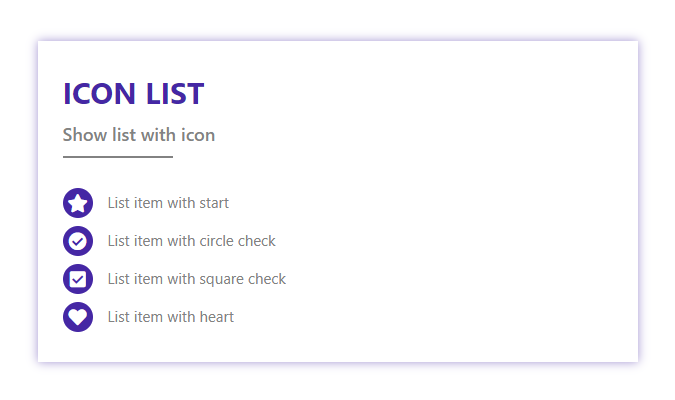
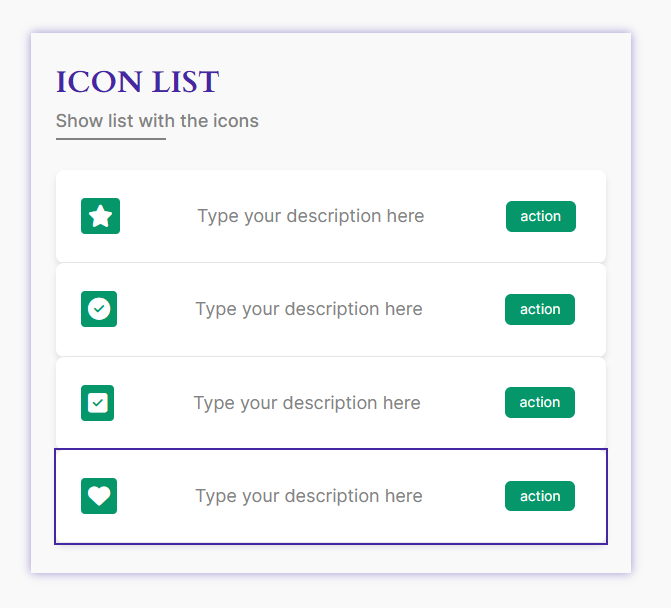
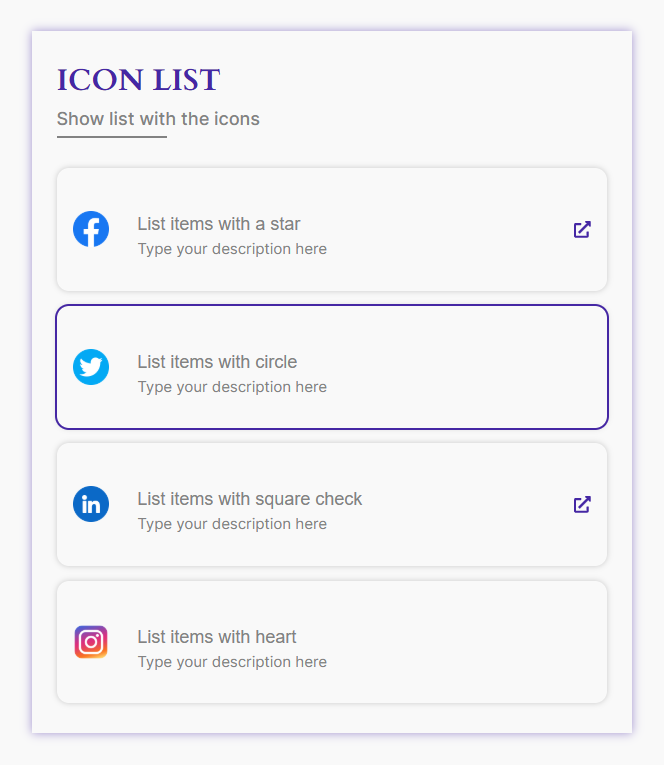
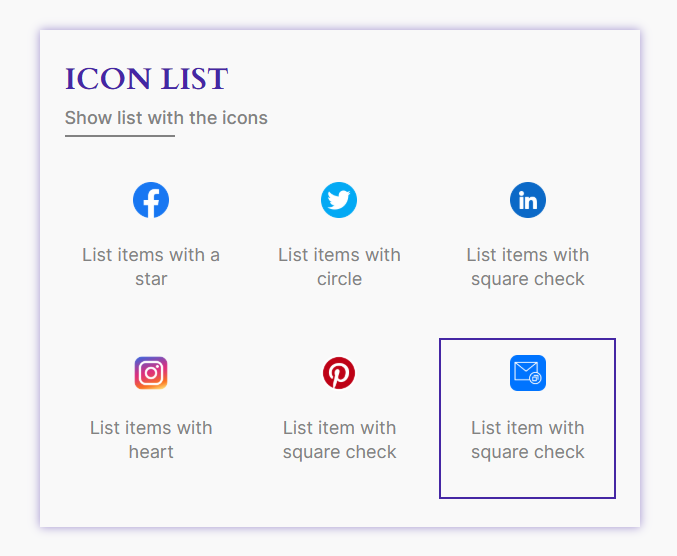
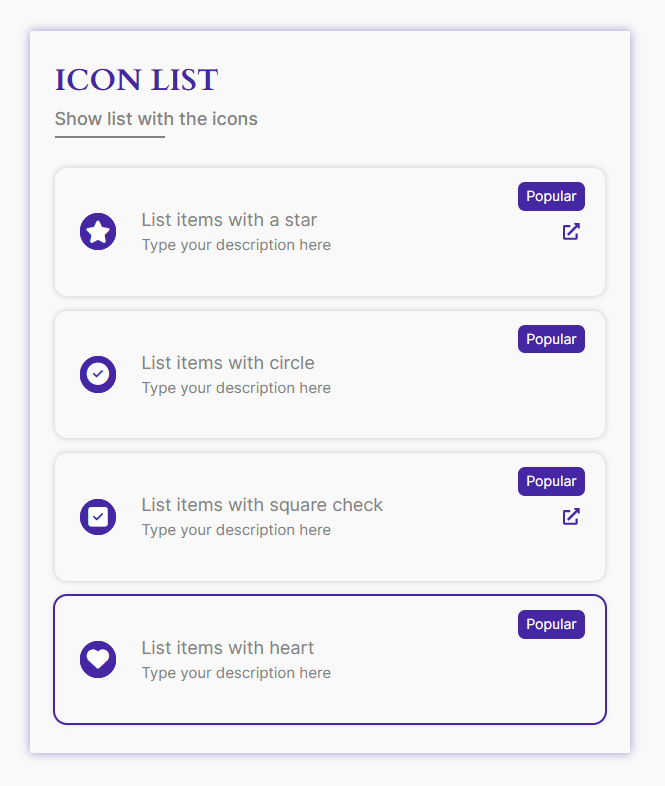
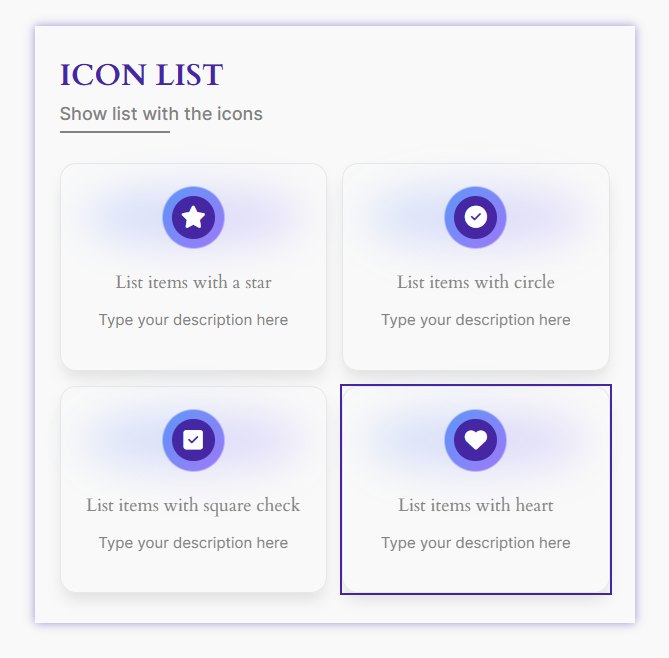
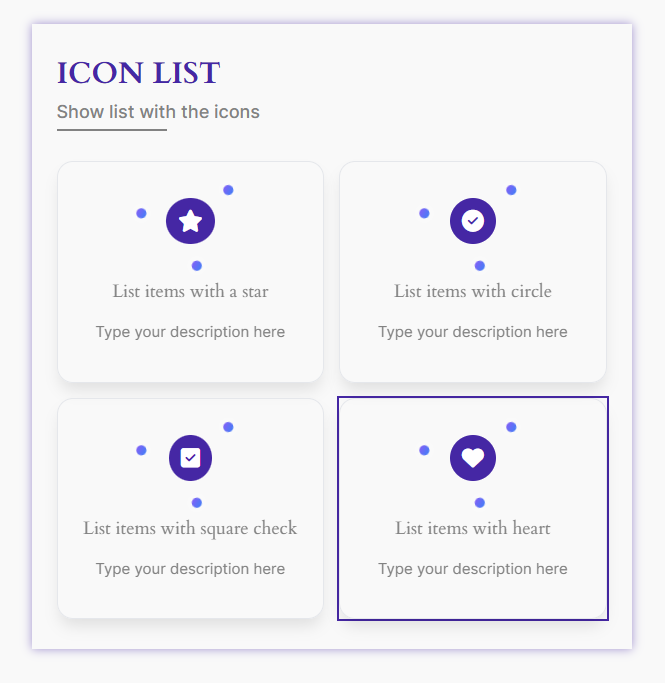
Icon List Block lets you create clean, stylish, and highly customizable icon-based lists with ease. Choose from multiple themes, custom icons, badges, and layout options to highlight features, services, or key information. Each list item supports individual links, animations, and advanced styling controls for full design flexibility. It works seamlessly with the Full Site Editor and requires no external block libraries. Perfect for creating visually engaging and interactive content on any WordPress website.
Buy The Pro
Key Features
- Comprehensive Customization Options: Arrange your showcase effortlessly with a wide range of settings tailored to your preferences.
- Advanced Controls: Includes extensive controls for link management, rotation, alignment, colors, borders, padding, margins, and more.
- Custom Icon Selection: Choose your preferred icons to enhance each list item with a personalized touch.
- Badge Title Configuration: Assign specific titles to list item badges for added context and detail.
- Unlimited List Items: Add as many list items as you need, complete with customizable bullet points.
- URL-Specific List Items: Define URLs for individual list items to make them interactive and functional.
- Theme Customization: Select from various themes to match your design preferences.
- **Quick theme Options: Instantly switch between predefined styles to update the animated text appearance.
- Full Site Editor Compatibility: Works perfectly with the Site Editor for a smooth editing experience.
- No Block Library Dependency: Operates independently without requiring any additional block libraries. 🎉
安装:
From Gutenberg Editor:
- Go to the WordPress Block/Gutenberg Editor
- Search For Icon List Block
- Click on the Icon List to add the block
- Download the Icon List- Block plugin (.zip file)
- In your admin area, go to the Plugins menu and click on Add New
- Click on Upload Plugin and choose the
icon-list-block.zipfile and click on Install Now - Activate the plugin and Enjoy!
- Download and upload the Icon List Block plugin to the
/wp-content/plugins/directory - Activate the plugin through the Plugins menu in WordPress
屏幕截图:



常见问题:
Is Icon List block free?
Yes, Icon List block is a free Gutenberg block plugin.
Does it work with any WordPress theme?
Yes, it will work with any standard WordPress theme.
Can I change block settings?
Yes, you can change block settings from the Gutenberg block editor's right sidebar.
How many times can I reuse a block?
You can use unlimited times as you want.
Where can I get support?
You can post your questions on the support forum here
Where do I report security bugs found in this plugin?
Please report security bugs found in the source code of the Icon List Block plugin through the Patchstack Vulnerability Disclosure Program. The Patchstack team will assist you with verification, CVE assignment, and notify the developers of this plugin.
更新日志:
1.2.9 - 05 September 26
- New: Added 11+ new blocks.
- Update: Added a modern and intuitive dashboard layout.
- Update: Freemius sdk latest version updated.
- Fixed: dataset issue fixed.
- Update: Alert pro modal import from bpl-tools.
- Update: Competitor stablist version with wordpress.
- Fixed: Resolved plugin update license prompt issue.
- Update: Update dashboard.
- Update: Rename dashboard menu item.
- Update: Pro modal upgrade the premium quality designed and Quick themes Change options.
- Freemius sdk version updated
- Demo Created and applied
- shortcode copy issue fixed
- Update freemius_lite sdk version
- Added modern dashboard
- freemius new sdk version updated
- freemius new sdk version updated
- freemius new sdk version updated
- Admin page some issue fixed
- Update freemius sdk
- Dashboard redesign
- Minor bug fixes
- Security issue fixed
- Some style issue fixed
- Added Shortcode support
- admin dynamic version created.
- Upgrade Pro Button Liked
- Optimize file size.
- Create multiple themes.
- Fix the inner link visible issue.
- Update icon library
- Change list item message from the editor
- Add link tab option
- Add translate feature
- Add the link to the list item
- Fix Width
- Fix HTML Render
- Fix CSS issue
- Initial Release