iLoveIMG
| 开发者 | iLovePDF |
|---|---|
| 更新时间 | 2026年4月30日 23:39 |
| PHP版本: | 8.2 及以上 |
| WordPress版本: | 6.9 |
| 版权: | GPLv2 or later |
| 版权网址: | 版权信息 |
详情介绍:
Get your images delivered quickly. Now you can get a powerful, easy to use, and reliable image compression plugin for your image optimization needs. With full automation and powerful features, iLoveIMG makes it easy to speed up your website by lightening past and new images with just a click. Compress JPG, PNG and GIF images in your WordPress to improve the positioning of your site, boost visitor's engagement and ultimately increase sales.
Trust reliable developers. iLoveIMG Image Compressor is brought to you by the same developers of iLoveIMG.com, popular image editor trusted by millions.
If you are looking for the best image compression tool, iLoveIMG is your choice
- Lossy compression - Gain maximum compression while keeping sharp images.
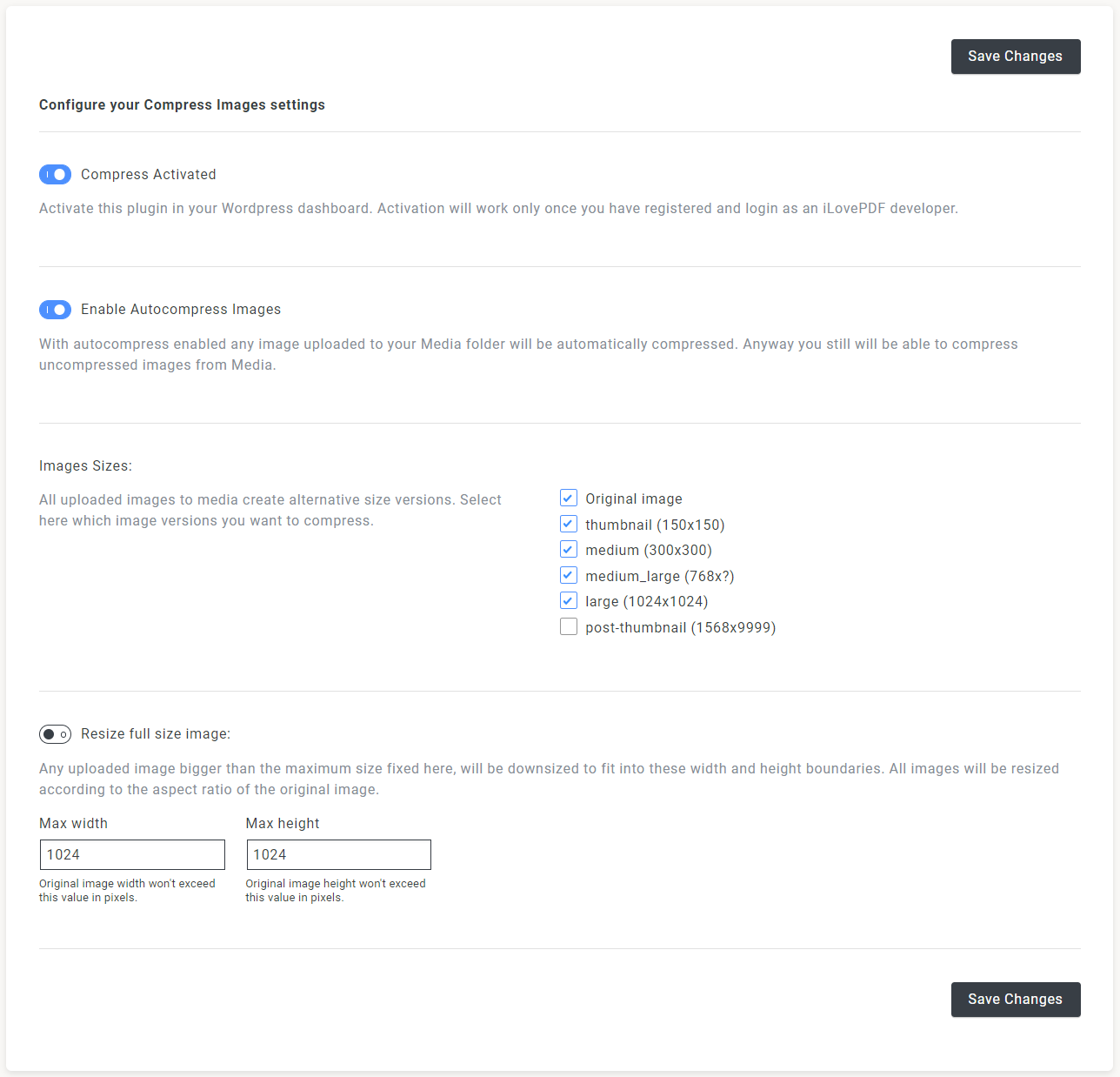
- Auto-compression option - Every uploaded image to your media folder will be directly compressed.
- Extensive coverage - Compress beyond the libraries. Optimize all the images on your site.
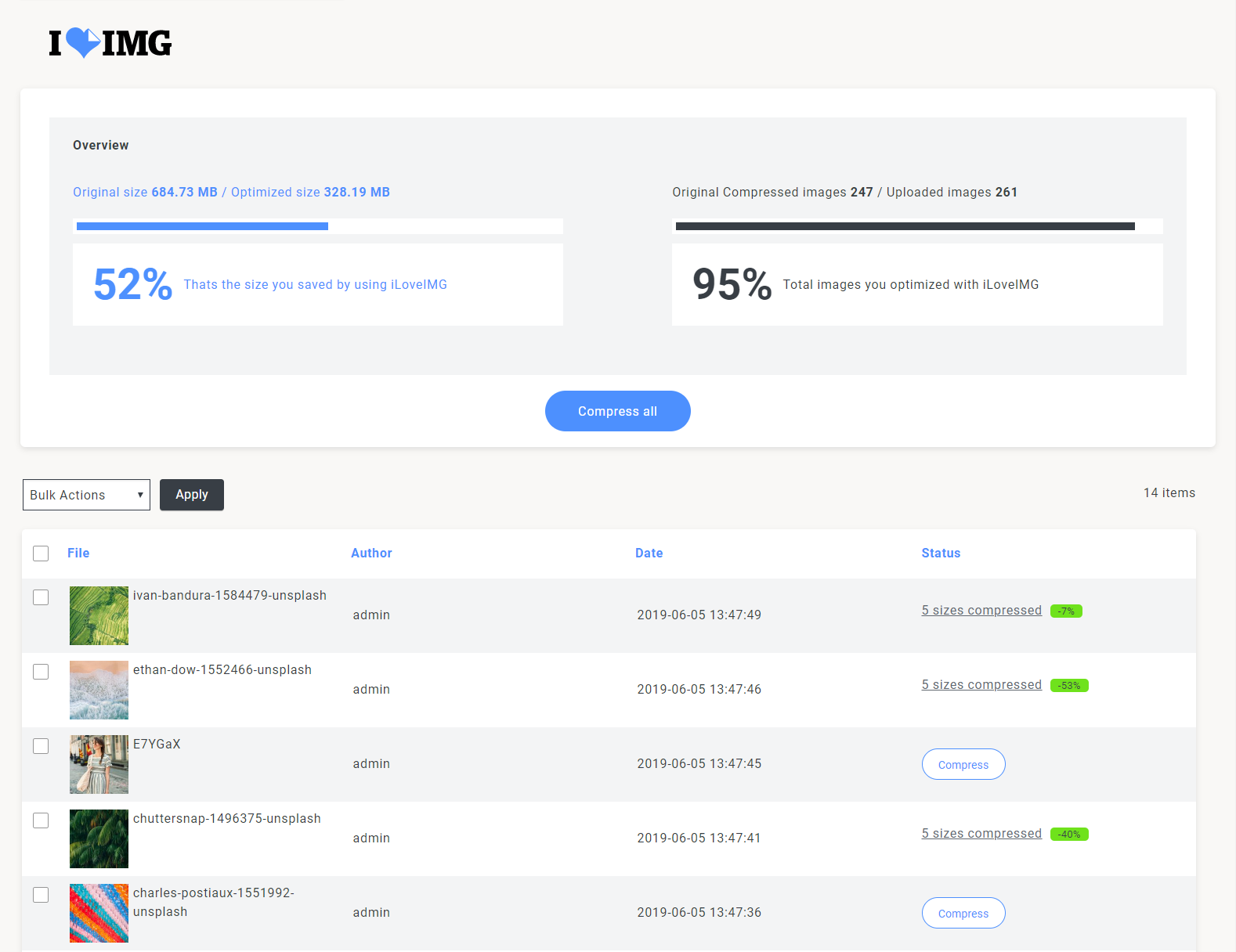
- Bulk optimization - Batch compress all your images in a few seconds and get back to doing what you love.
- Popular image formats supported - Compress JPG, PNG and GIF to ensure fast site navigation.
- Resize Image feature - Set maximum width and height to scale down bigger images while being compressed.
- Improve on page SEO - Image load speed is an important factor in SEO. Get your images optimized for helping your site rank higher in search engines.
- Watermark option available - Full Compatible with our next Watermarking plugin. Protect images from theft with a custom watermark.
- Good for eCommerce - Works great for eCommerce websites using WooCommerce, NextGen Gallery and other plugins for e-commerce.
- Security first - Your data is not stored nor collect on our services. We are GDPR compliant.
- Robust and frequently updated
- Freemium service - Freely up to 2500 credits per month. Need more? Subscribe our Premium plan or buy a prepaid package to use at your convenience.
安装:
From your Admin panel:
- Visit Plugins > Add New.
- Search for iloveIMG and press the Install Now button.
- Activate the plugin from your Plugins page. Manual:
-
Upload
iloveimgto the/wp-content/plugins/directory - Activate the plugin through the 'Plugins' menu in WordPress
- Create a free account in the plugin settings page, or use your existing one
- Configure the plugin as you like
屏幕截图:
更新日志:
2.3.0
Improved
Improvements to all existing features.
Update of translation template file.
New available languages have been added (ar, bg, ca, de, el, es, fr, hi, id, it, ja, ko, ms, nl, pl, pt, ru, sv, sw, th, tr, uk, vi, zh_CN, zh_TW).
Update of libraries.
Update of PHP to ^8.2
Compatibility with Wordpress 6.9.
2.2.13
Improved
- Updated Libraries.
- Update Libraries.
- Added text strings and updated translation files. Fixed
- Error handling when the API failed on the administration screen.
- Update Libraries.
- Added bulk compression functionality compatible with WordPress core.
- Improvement in details box.
- Enhanced titles.
- Refactoring. Fixed
- Problem with class in charge of translations.
- Before compressing an image, the file type is checked.
- SUV images are not regenerated when all images are restored from backup.
- Update Libraries.
- CSS optimized.
- library compatibility with PHP 7.4
- Update Libraries.
- Update Libraries.
- The template for translations (POT) has been created.
- A new available language has been added (Spanish).
- Update Libraries.
- Improved multisite support.
- If a file is deleted from wordpress, it will also be deleted from the iloveimg-backup folder. Fixed
- Thumbnails and other intermediate sizes coming from a PDF file were compressed.
- Update Libraries.
- Compatibility with WordPress 6.7
- Sweetalert library removed.
- Improved multisite support. Fixed
- The 'Restore All' and 'Clear Backup' buttons were not disabled when there no files to restore.
- Fixed an issue with vendor dependencies.
- Fixed an issue with vendor dependencies.
- Update Libraries.
- Improved texts.
- Compatibility with WordPress 6.6.2
- Update Libraries.
- Improved error handling when a credential issue occurs.
- Improved readme texts.
- Update Libraries.
- Now IloveIMG will use credits to process the files.
- Now iloveimg accounts have been migrated to ilovepdf.
- Improved the function to restore all files. Fixed
- When autocompress is activated and you wanted to restore a specific file, it was compressed again.
- New Backup option added in General Settings.
- Now you can restore all the files or just the ones you need. Improved
- Update Libraries.
- Time limit is set for PHP when it is less than 300.
- On the individual page of a file, iloveimg compress buttons are now displayed whenever the file is a IMAGE.
- Update libraries.
- Assets files were optimized.
- Update iloveimg-php library
- Improved class loading.
- Minimum Support WP Version to 5.3
- Minimum Support PHP to 7.4
- Support WP Version 6.4.1 Fixed
- Check if key 'iloveimg_field_resize_full' exist.
- catch processing error for php 8.
- Formatting and comment files according to php/wordpress standards.
- constant names in uppercase
- function names is not snake case format.
- variables name is not snake case format and include prefix.
- classes name with prefix and capital letter.
- classes files rename.
- remove comments.
- Use Yoda Conditions to check.
- change from json_encode() to wp_json_encode().
- Increment operators.
- gmdate() instead date().
- Update DB Version to 1.1.
- variable $_COOKIE no need to check.
- Unreachable statement, return false delete.
- Update iloveimg-php library to V1.1.16 Added
- missing documentation.
- Escape/sanitize data.
- using strict comparison for in_array Fixed
- Visibility must be declared on method
- Logical operator "and" changed to "&&"
- Logical operator "or" changed to "||"
- Missing $domain parameter in function call to __().
- Loose comparisons are not allowed.
- Assignments must be the first block of code on a line.
- Noce verification
- Error checking.
- Fix conversion from number to float.
- Serialized data has known vulnerability problems with Object Injection. Changed to JSON Encode.
- Variables $height, $width, $ilove_img_account not be defined.
- Division by zero.
- An infinite loop was generated. The method itself called itself every time the process failed.
- on some servers, the $path_file variable did not contain the correct url.
- match version and tag
- Fix: Fixed Bulk action loops.
- Fix: Fixed an error causing too many database connections
- Fix: Now Bulk Optimize shows all images
- Fix: Avoid other plugins CSS override
- Fix: Misinformation in some compression percentages