
Image Picker For Gravity Forms
| 开发者 |
kaisarahmmed
pluginscafe |
|---|---|
| 更新时间 | 2026年6月8日 16:47 |
| PHP版本: | 7.4 及以上 |
| WordPress版本: | 7.0 |
| 版权: | GPLv2 or later |
| 版权网址: | 版权信息 |
详情介绍:
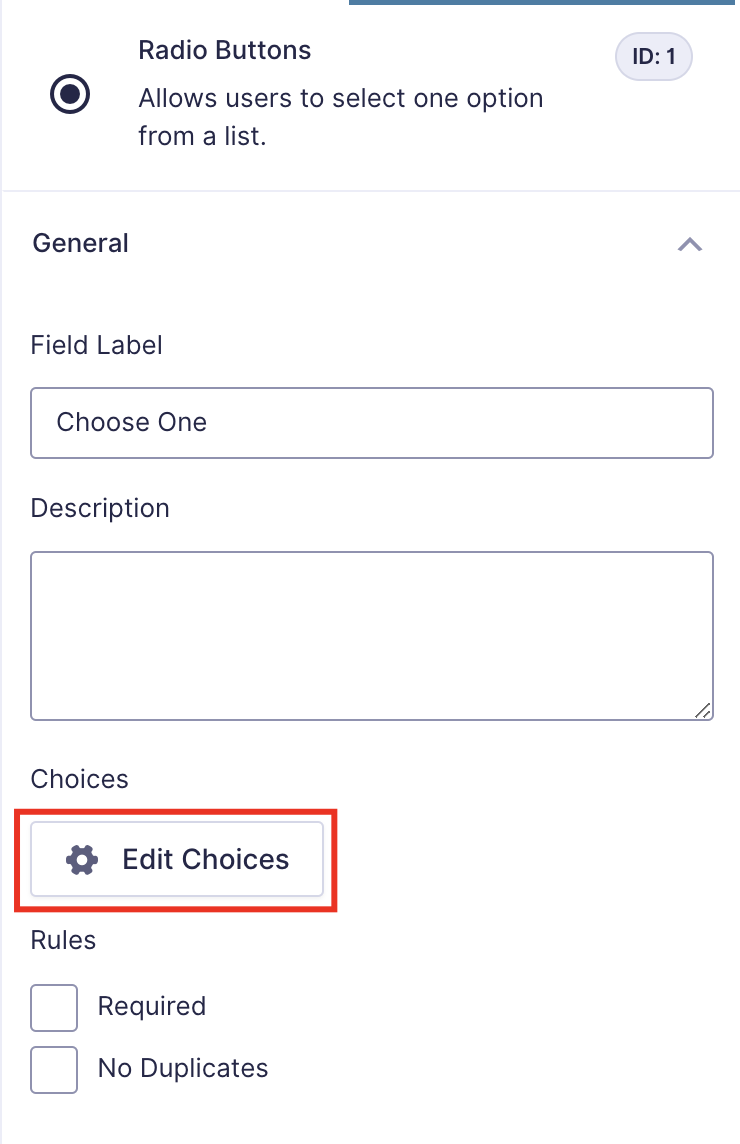
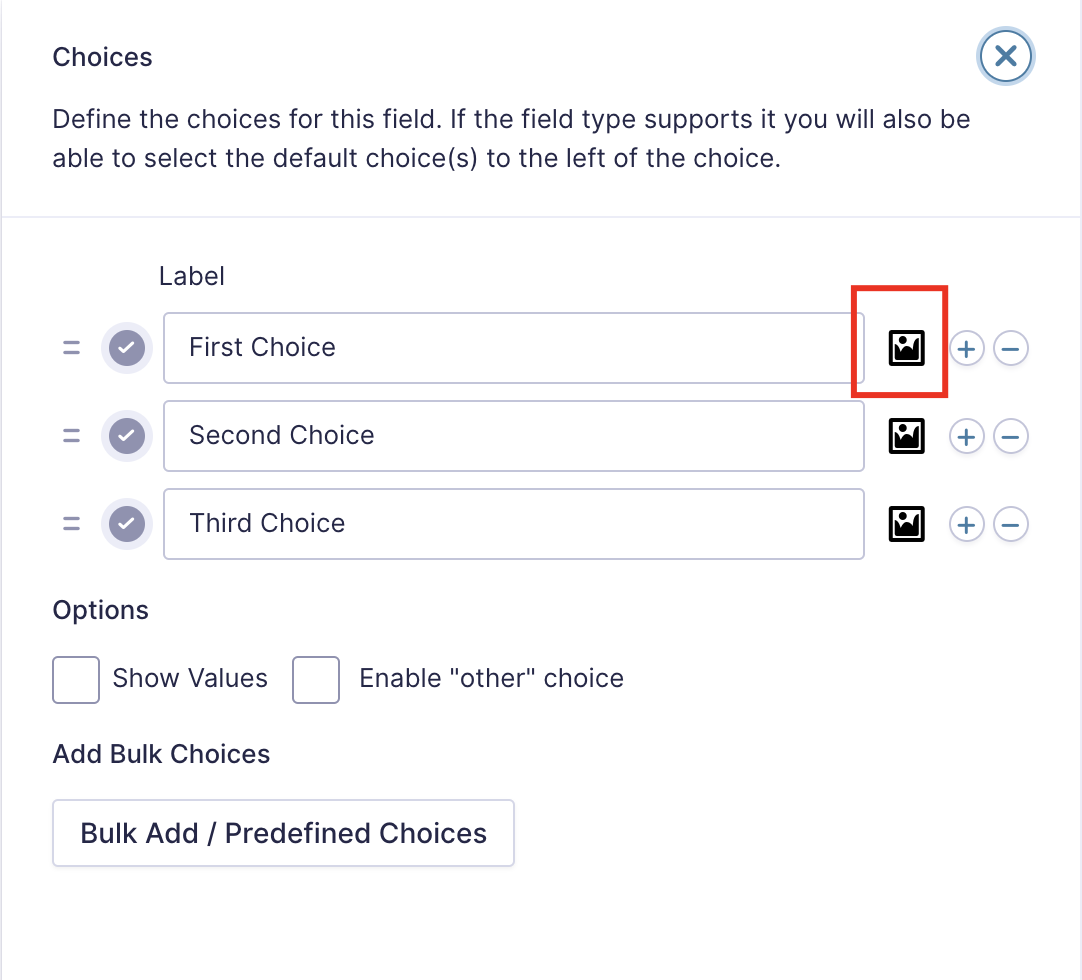
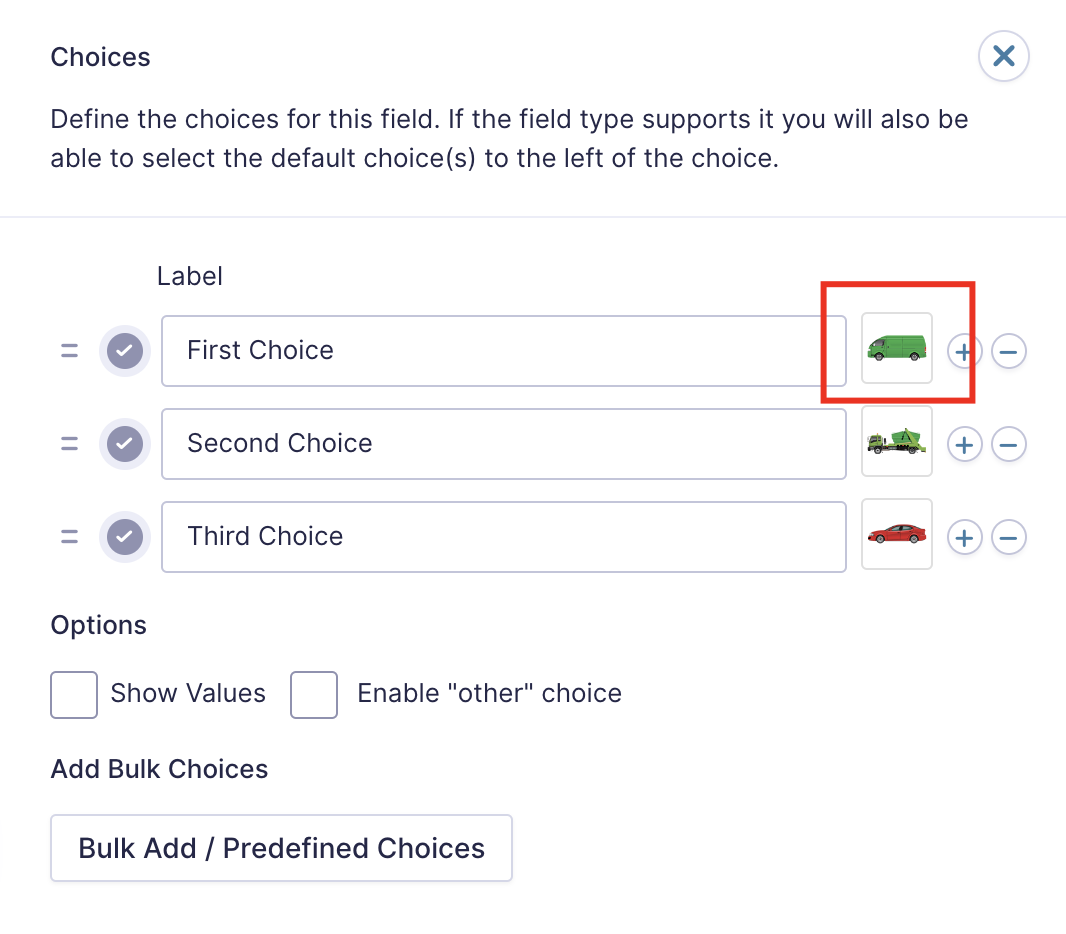
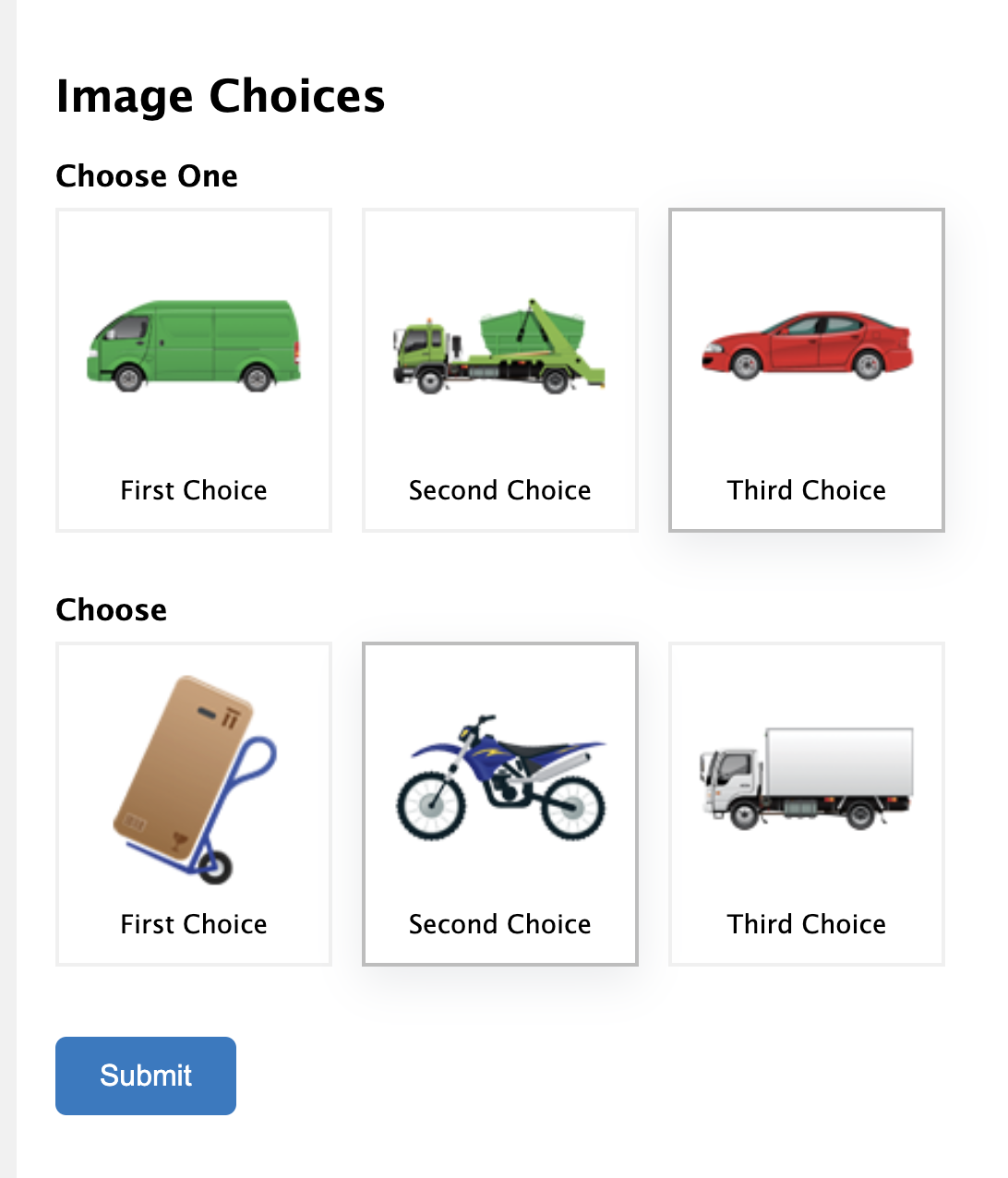
A simple and nice plugin to add images easily on gravity forms multiple choice, radio and checkbox fields. It helps to add uploaded images for multiple choice, radio and checkbox fields with a few clicks. It also adds a nice design on the multiple choice, radio and checkbox fields. If the installation is okay, go to gravity forms dashboard. Add a multiple choice/checkbox/radio field on your form. Open the field and you will see a tab called the Image Choices. After clicking that tab, an option will be shown to enable Image choice. Click that checkbox and configure it as your choice. And save the form. You're done!
View Pro Demo | Buy Pro
安装:
- Install Image Choices For Gravity Forms plugin
- Make sure you also have Gravity Forms activated (at least v2.0)
屏幕截图:


更新日志:
1.1.4
- Added multiple choice field
- Update Freemius SDK
- Minor Bug fix
- Added Global & Form Settings
- Improve design
- Added responsive option
- Improve design
- Compatibility with 2.9
- Bug Fix
- Improve design
- Bug Fix
- Add new design
- Add column option
- Add color option in gravity forms settings
- Bug Fix
- Initial Release