AI Import Products from Google Sheets for WooCommerce
| 开发者 | ditsagency |
|---|---|
| 更新时间 | 2026年10月8日 19:37 |
| PHP版本: | 8.1 及以上 |
| WordPress版本: | 7.0 |
| 版权: | GPLv2 or later |
| 版权网址: | 版权信息 |
详情介绍:
Streamline your WooCommerce product management with a powerful, AI-enhanced importer that connects directly to Google Sheets. This plugin is designed for store owners, developers, and agencies who need a fast, scalable, and reliable way to manage product data without manual input or complex integrations.
Overview
AI Import Products from Google Sheets for WooCommerce enables seamless synchronization between your Google Sheets and WooCommerce store. Instead of manually creating or updating products, you can manage all product data in a familiar spreadsheet interface and import it into your store with precision.
Enhanced with AI capabilities, the plugin goes beyond simple import tools by helping structure, optimize, and prepare your product data for better performance and consistency.
Key Features
- Direct Google Sheets Integration: Connect your WooCommerce store to Google Sheets and import product data in real time or on demand. No CSV exports or manual uploads required.
- AI-Powered Data Processing: Leverage AI to clean, structure, and optimize product data. Improve titles, descriptions, and formatting automatically for better SEO and consistency.
- Bulk Product Import and Update: Import unlimited products, including simple and variable products. Update existing products by SKU, ID, or other identifiers.
- Advanced Field Mapping: Map Google Sheets columns to WooCommerce fields with full flexibility, including product titles and descriptions, prices and sale prices, SKUs and stock status, categories and tags, images via URLs, and attributes and variations.
- Automated Synchronization: Schedule automatic imports to keep your store updated without manual intervention. Ideal for dynamic catalogs or frequently updated inventories.
- Error Handling and Validation: Built-in validation ensures data accuracy before import. Logs and error reports help identify and fix issues quickly.
- Developer-Friendly Architecture: Extensible and customizable for advanced use cases. Suitable for custom workflows and integrations.
- WP Admin: https://gsw.dits.md/wp-admin
- Username: demo
- Password: demo
- Managing large product catalogs via Google Sheets
- Automating WooCommerce product imports
- Syncing supplier or dropshipping data
- Rapid product updates without admin panel overhead
- SEO optimization of product content at scale
- Your supplier updates a Google Sheet with product data.
- You map the relevant columns to WooCommerce fields such as SKU, title, description, price, stock, category, image URLs, and attributes.
- The plugin imports new products and updates existing ones based on SKU or another identifier.
- You rerun imports whenever supplier data changes, or use the available automation options in your setup.
- If AI features are enabled, you can improve product content quality before publishing.
- Keyword consistency
- Product descriptions quality
- Structured data readiness
- Overall search visibility
- WooCommerce (latest versions)
- Google Sheets API
- Works with most themes and standard WooCommerce setups
安装:
- Install and activate the plugin.
- Make sure WooCommerce is active.
- Open the plugin settings and configure Google integration if you use Google Sheets or Drive.
- Add your OpenAI API key only if you want AI content generation.
- Go to Import settings and add an import configuration row.
屏幕截图:
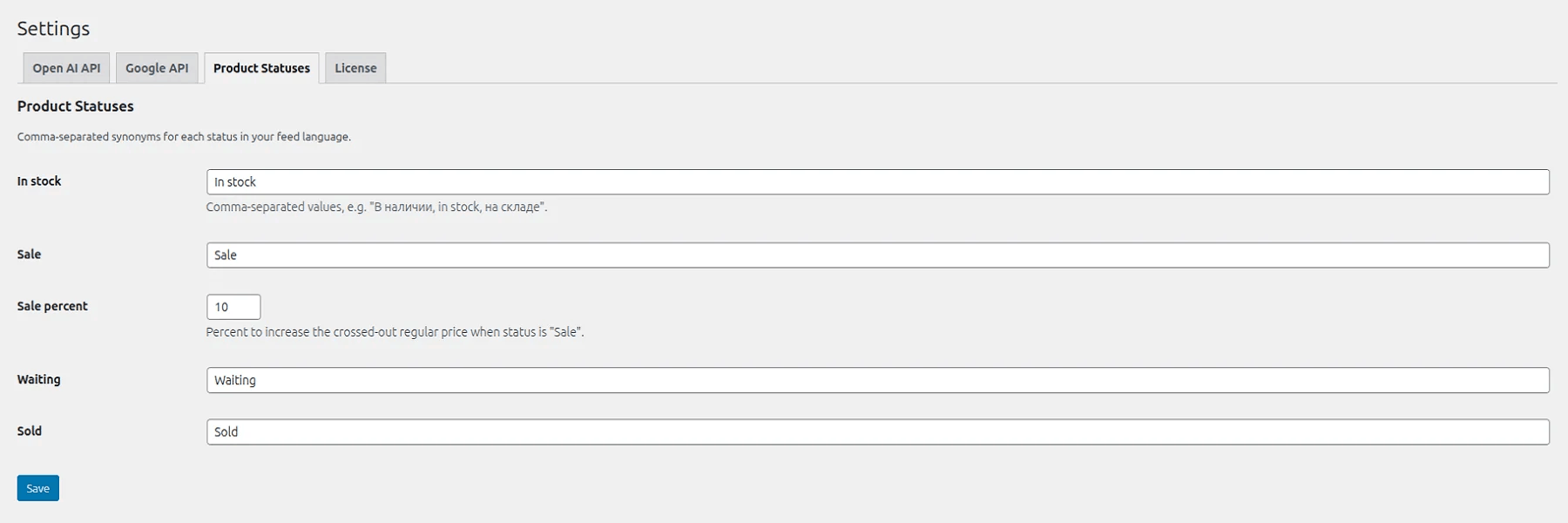
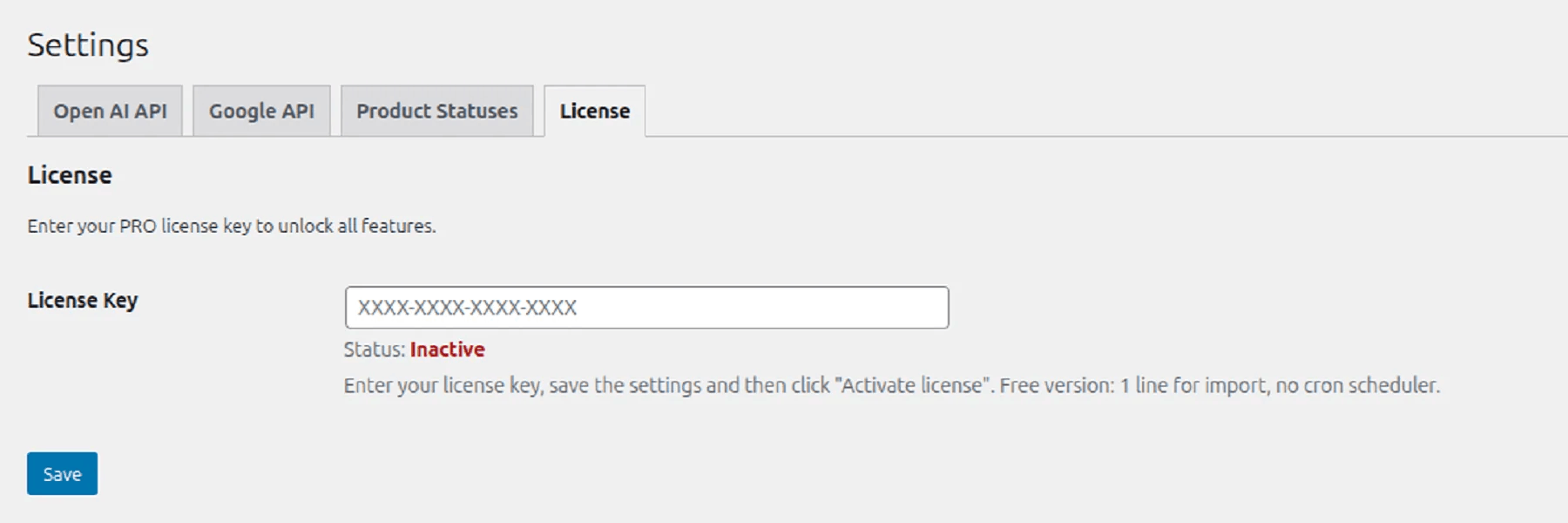
常见问题:
Do I need to pay for OpenAI?
Yes. OpenAI API is a commercial service. You need your own API key with a positive balance.
Which languages are supported for AI generation?
Any language. The output language is controlled by your prompt settings.
Can I update only prices and stock without changing descriptions?
Yes. After first import, updates can be limited to price, stock, or status. Content is regenerated only when status-based rules require it.
Can I use the plugin with supplier sheets for dropshipping?
Yes. It is well suited for stores that receive catalog updates from suppliers in Google Sheets and need to turn those updates into WooCommerce product imports or updates.
How many products can I import?
There are no hard limits. The plugin processes data in batches to avoid server overload.
更新日志:
1.1.2
- Improved batch queue reliability for long imports with AI generation or image checks.
- Added watchdog recovery for stalled or overdue import batches when WP-Cron misses a continuation event.
- Improved progress tracking so skipped or failed source rows do not leave an import stuck silently.
- Updated the available OpenAI model list to gpt-4.1-mini, gpt-4.1, gpt-4o-mini, and gpt-4o.
- Removed deprecated model options gpt-3.5-turbo and o4-mini from the AI settings.
- Added a Creativity setting for AI generation temperature, with a stable default of 0.30 for product content.
- Added a read-only product routing preview to the FREE editor so store owners can review available source items before import.
- Improved source preview handling with availability filtering and image fallback support for imported and source items.
- Refactored the architecture so FREE keeps only WordPress.org-safe preview functionality while PRO-specific routing logic lives in the separate PRO codebase.
- Verified compatibility with WordPress 7.0, aligned settings permissions with WooCommerce manager access, and fixed an admin notice-level issue in the import mapping screen.
- Updated the video block to the WordPress YouTube shortcode format, converted policy links to HTML anchors, and bumped release metadata to 1.0.5.
- Updated the plugin readme content based on the new product copy and bumped release metadata to 1.0.4.
- Added improved AI prompt variables (
{{sku}}, normalized{{language}}) and refresh controls for AI content updates.
- Updated the plugin display name and description, and bumped the release metadata to 1.0.2.
- Improved import skip rules for sold items, markup with zero or missing price, and missing or invalid image folders when image sync is enabled.
- Initial release.