
Inceptus Process
| 开发者 | inceptuslabs |
|---|---|
| 更新时间 | 2026年11月10日 19:55 |
| PHP版本: | 8.4 及以上 |
| WordPress版本: | 7.1 |
| 版权: | GPLv2 or later |
| 版权网址: | 版权信息 |
详情介绍:
- width fits the diagram width.
- height fits the diagram height.
- custom uses the saved publication view where available and is the default.
[inceptus_process code="car-rental"]
Diagram-only Animation:
[inceptus_process code="car-rental" mode="animation"]
Animation fitted to the diagram width:
[inceptus_process code="car-rental" mode="animation" initial_view="width"]
A Process Group:
[inceptus_process group="warehouse"]
Use either code or group in a shortcode. Both presentation modes support initial_view="width", "height", and "custom". An optional height="600" requests a fixed viewer height.
Publication data and external links
Only process.json publications in Inceptus.PublishedProcess formatVersion 1 are accepted. The publication supplies its code, title, descriptions, revision, diagram, and simulation data.
Published JSON is stored in the site's public uploads directory under inceptus/processes/{code}/process.json. Treat uploaded publications as public content. Updating a publication with the same code preserves its shortcode and group assignment.
The viewer loads its scripts and styles from the installed plugin and its publication JSON from the site's configured uploads URL. No analytics, telemetry, or automatic connection to the Inceptus editor is implemented.
The administration page includes links to the Inceptus BPMN Editor, editor information, and plugin information. These open external websites only when clicked. The editor link includes the administration interface language as a lang query parameter. Publishing a diagram in the external editor is a separate user action.
Product information: Inceptus Process.
安装:
- Install the plugin ZIP using Plugins > Add New > Upload Plugin, then activate Inceptus Process.
- Publish a process in Inceptus Modeler and download process.json.
- Open Tools > Inceptus Processes, select process.json, and choose Add or update process.
- Place
[inceptus_process code="car-rental"]in a Shortcode block or Elementor Shortcode widget, replacing car-rental with the publication's code. - To use a Process Group, create a group, assign saved processes, and use its group shortcode.
屏幕截图:
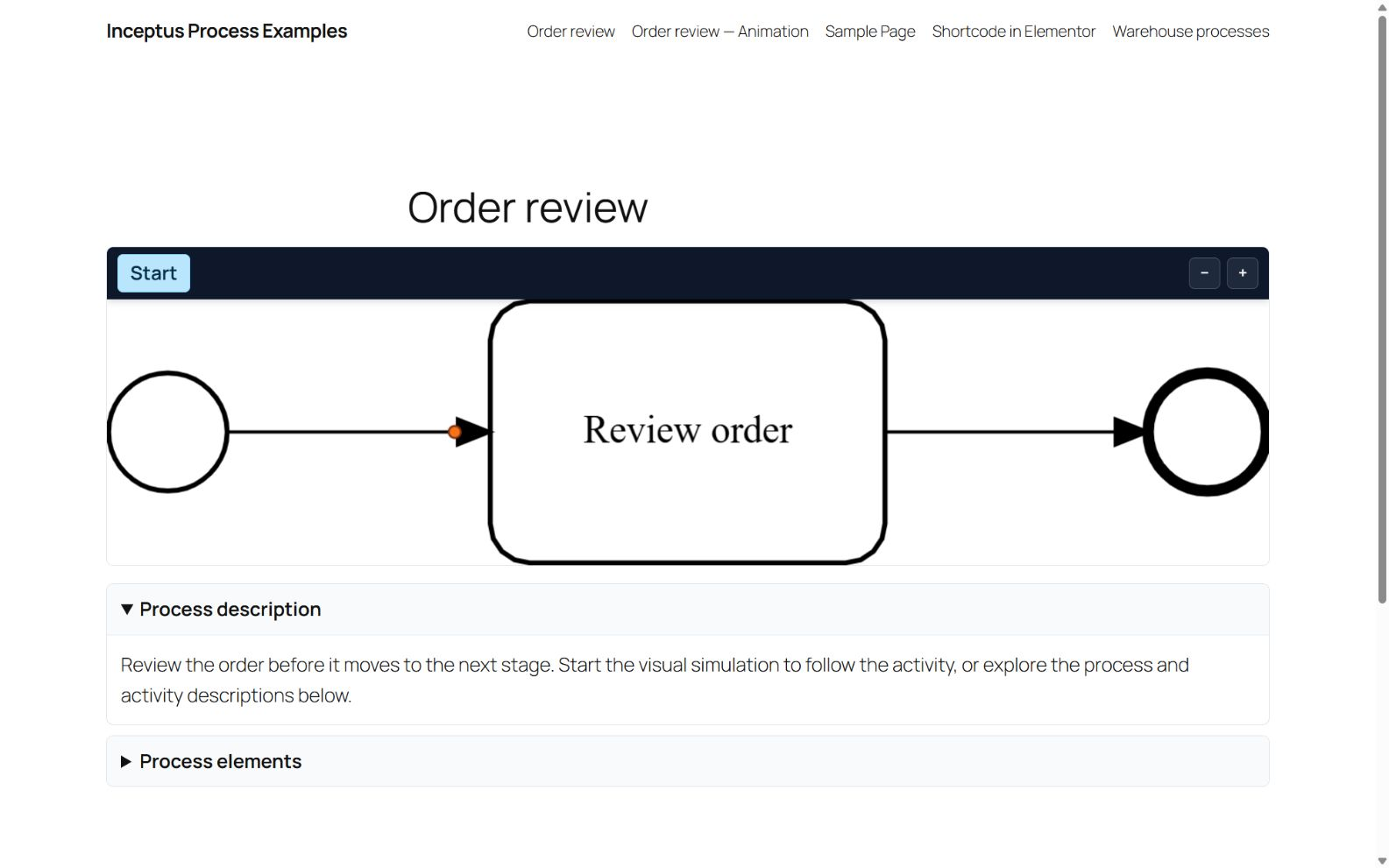
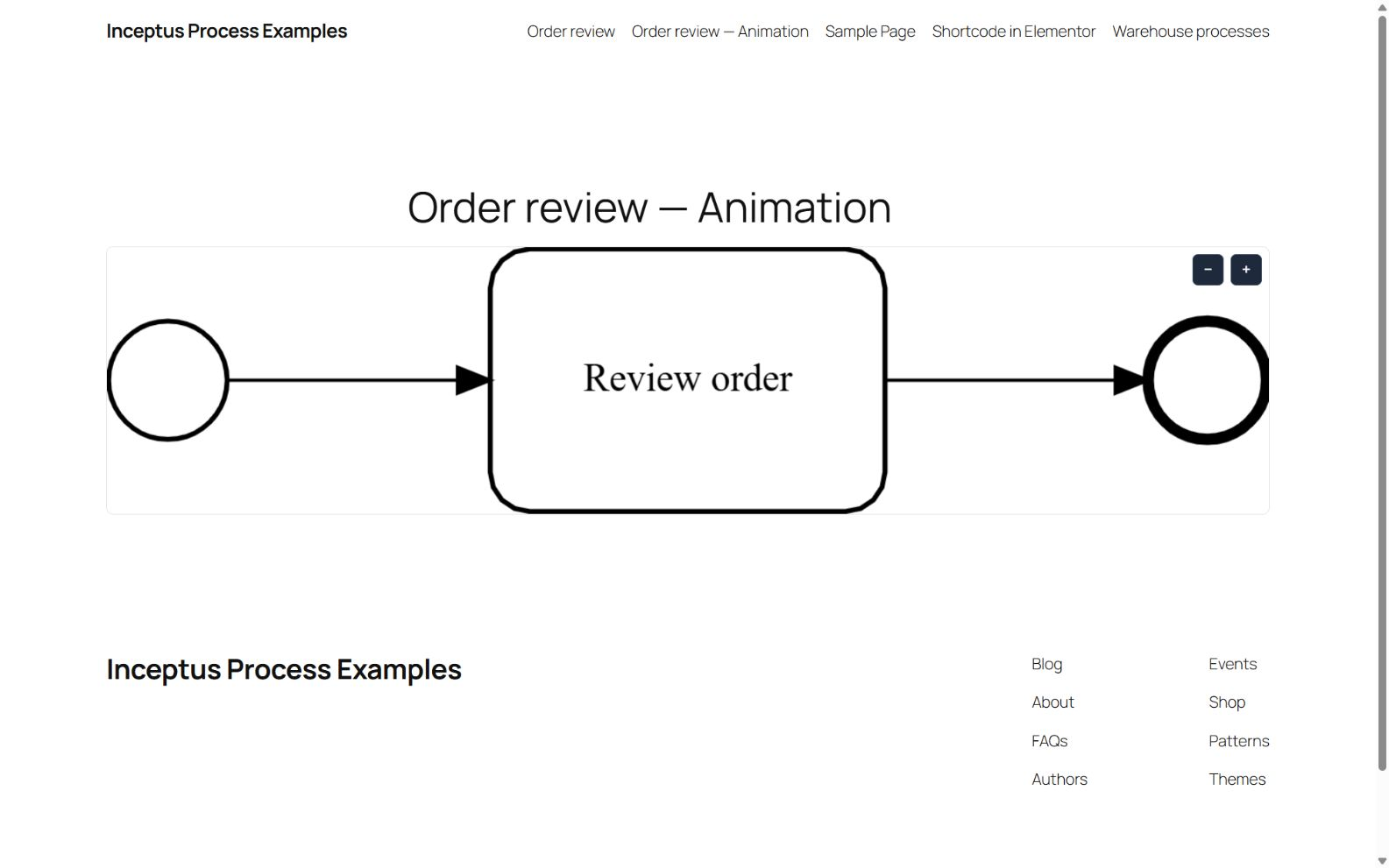
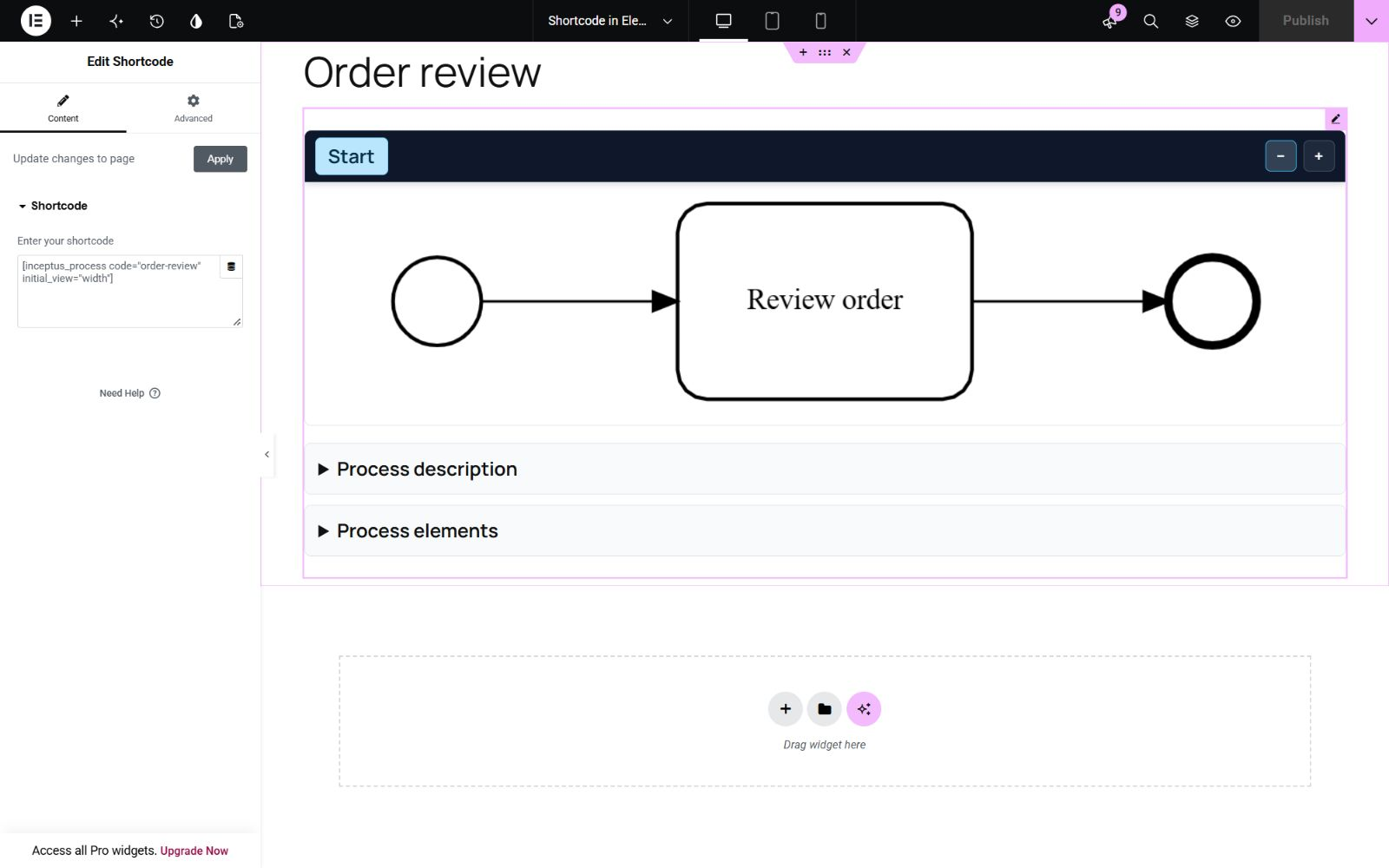
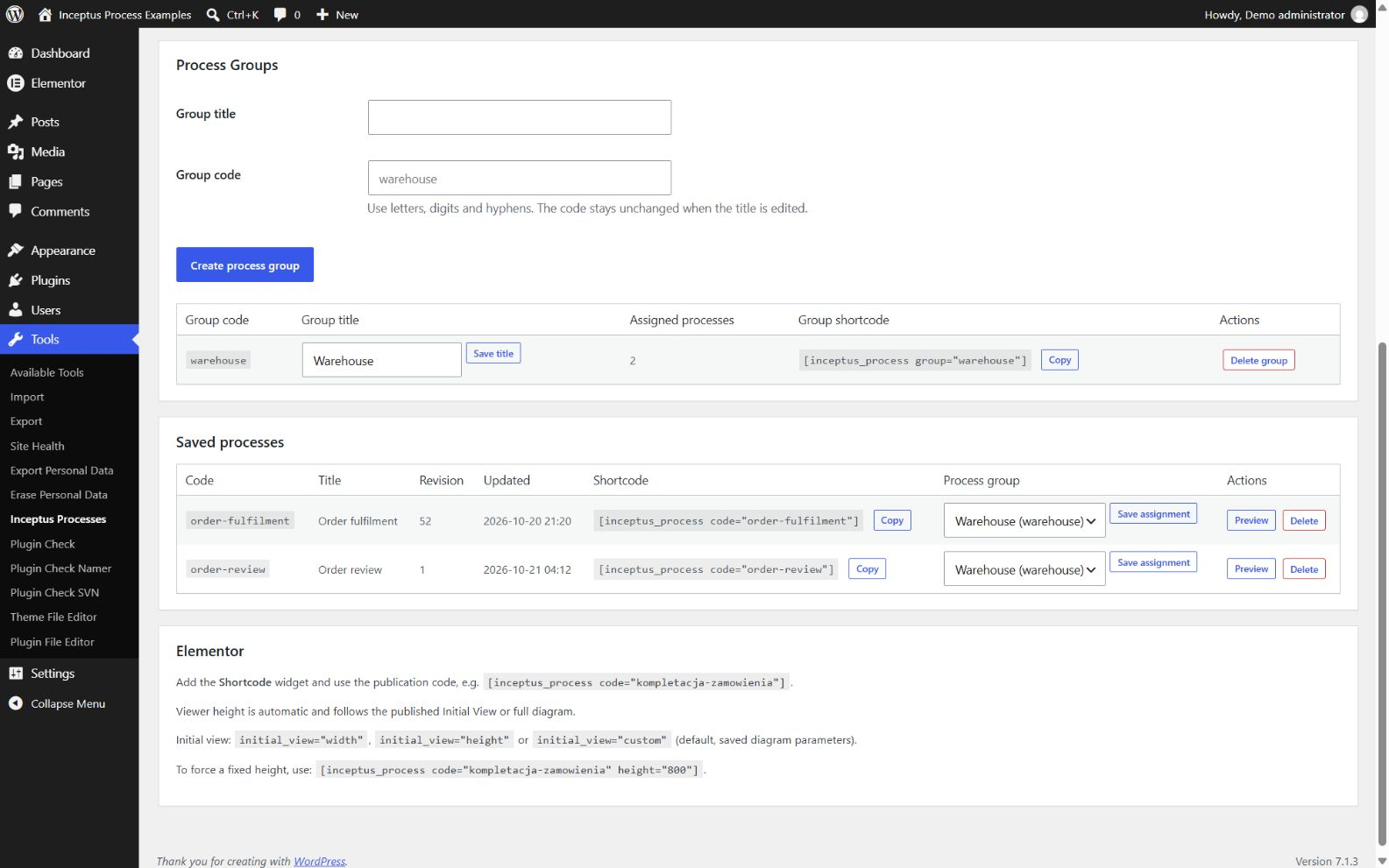

常见问题:
How are translations installed?
Translation catalogues are no longer bundled in the plugin. WordPress installs and updates approved language packs separately. Their availability depends on community translation review at Translate WordPress. If a pack is not available or installed, administration text remains in English. The public viewer's existing five-language labels and page-language selection remain available.
Is Simulation the default?
Yes. Omitting mode uses Simulation. Set mode="animation" for the automatically repeating diagram presentation.
Does Animation run the process?
No. Animation presents the diagram in a repeating sequence without creating simulation tokens or displaying description panels.
What files can I upload?
Upload the process.json file generated by publishing in Inceptus Modeler. ZIP archives, BPMN XML, and arbitrary JSON documents are not supported.
Can I use Elementor?
Use Elementor's Shortcode widget with the same code or group shortcode.
Can I update a process without changing the page?
Yes. Upload another valid publication with the same publication.code.
How do Process Groups choose a process?
The server chooses one valid saved member at page-render time. A group with one valid member always selects that member. Page caching may preserve a previous selection.
Are my publications private?
No. Saved publications are public JSON files in the uploads directory, and their descriptions can appear on public pages.
Where can I find product information?
Visit the Inceptus Process product page.
更新日志:
- Updated third-party attribution to the current DiagramEngine name. Licensing and plugin behavior are unchanged.
- Separated Polish, French, German, and Spanish translation catalogues from the plugin package for WordPress-managed language-pack distribution.
- Preserved the text domain, public viewer labels, and existing page-language selection. Administration falls back to English without an installed language pack.
- Preserved Simulation, Animation, process uploads, Process Groups, and Elementor integration. Language-pack publication depends on translation review and approval.
- Added the dedicated product-page link in the Installed Plugins listing.
- Added localized editor and plugin information buttons in administration.
- Fixed normal touchscreen Start-event taps in Simulation while preserving gesture cancellation.
- Refined zoom button sizing and Custom initial-view positioning.
- Added per-shortcode width, height, and custom Initial View options in both presentation modes.
- Added Animation zoom controls and navigation.
- Improved automatic sizing from saved publication views and Animation navigation.
- Added optional diagram-only Animation while preserving Simulation as the default.
- Preserved PublishedProcess formatVersion 1, process storage, and Process Groups.