Inline Context
| 开发者 | joop |
|---|---|
| 更新时间 | 2026年8月29日 13:47 |
| PHP版本: | 7.4 及以上 |
| WordPress版本: | 7.1 |
| 版权: | GPLv2 or later |
| 版权网址: | 版权信息 |
详情介绍:
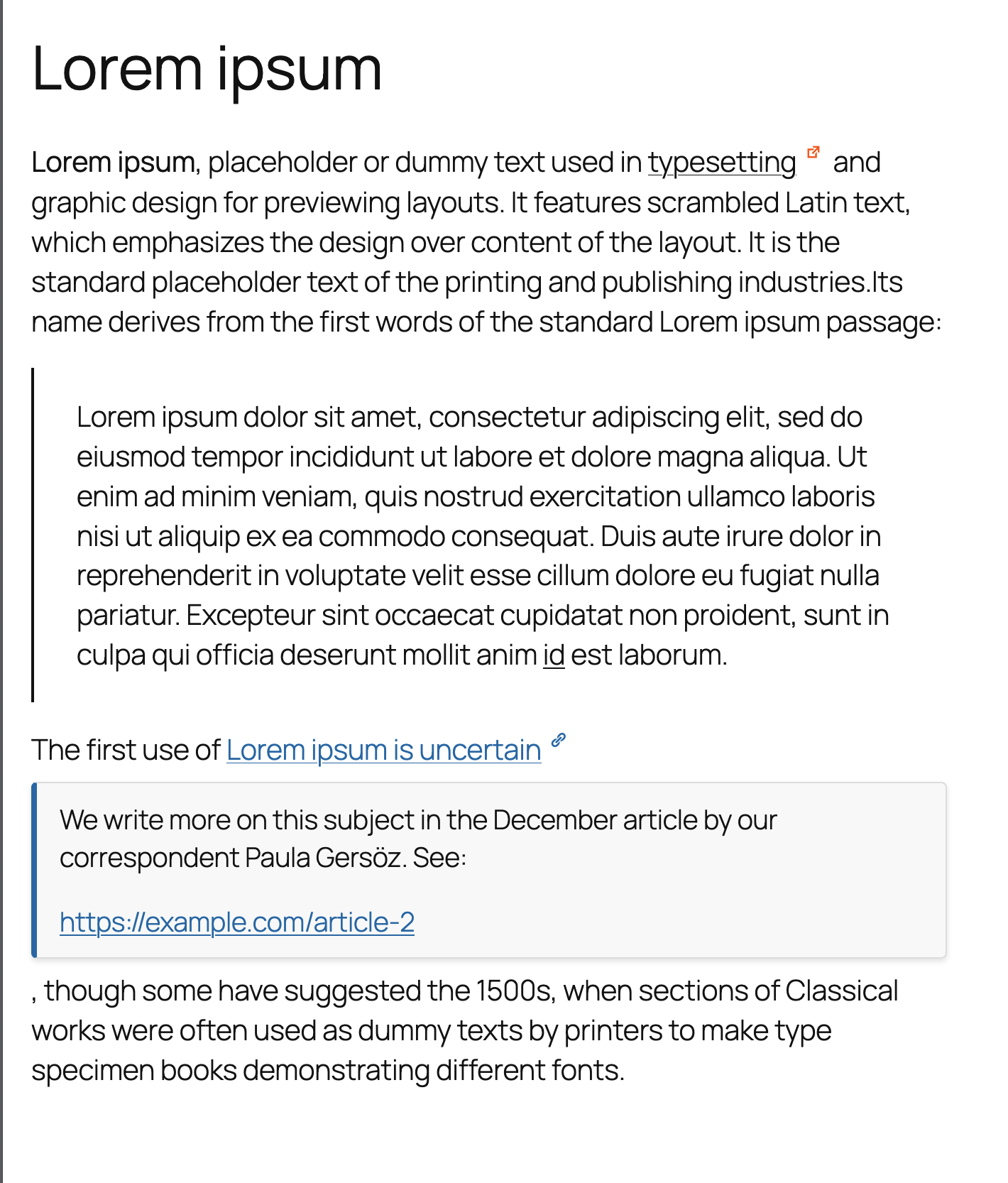
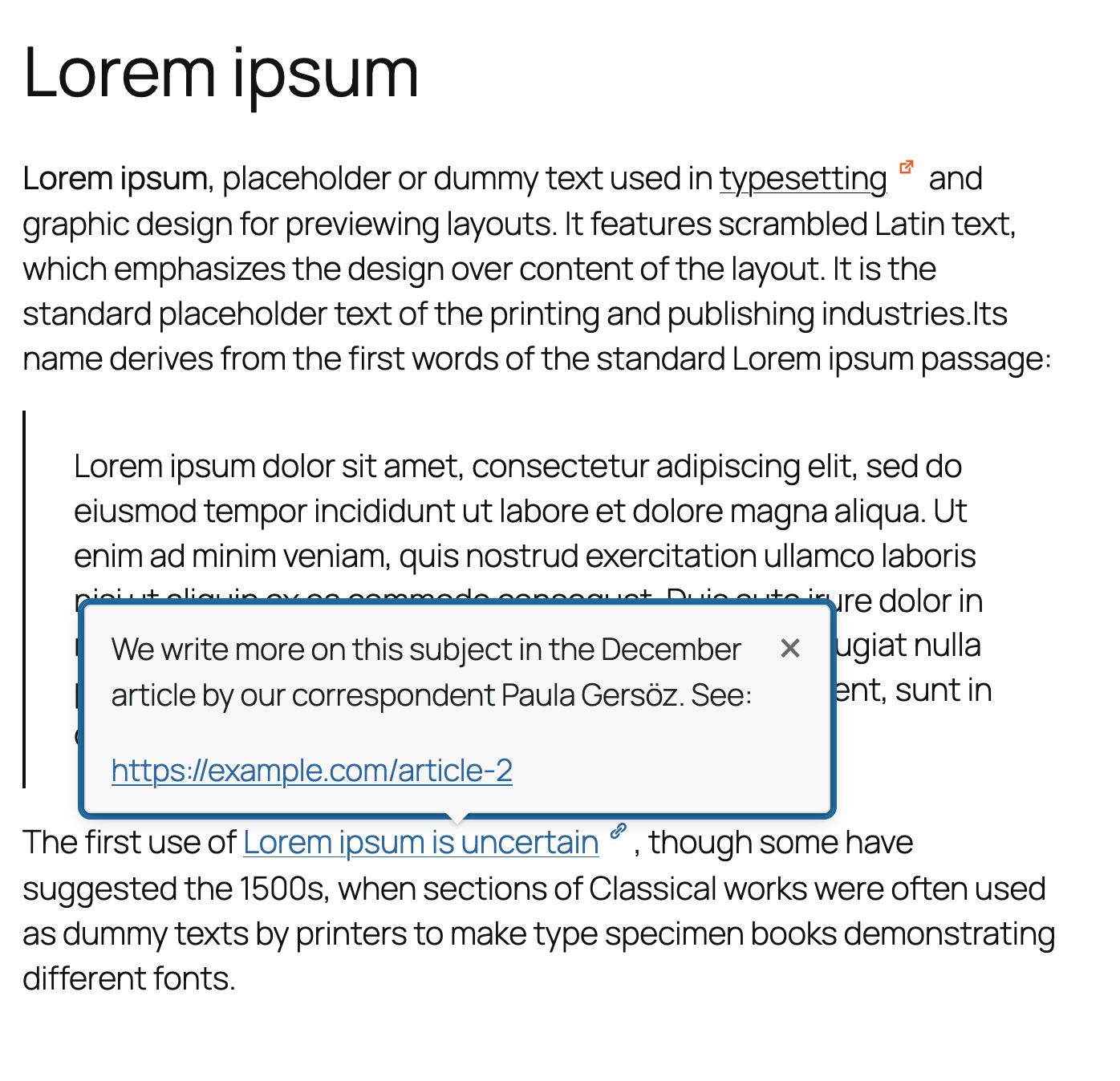
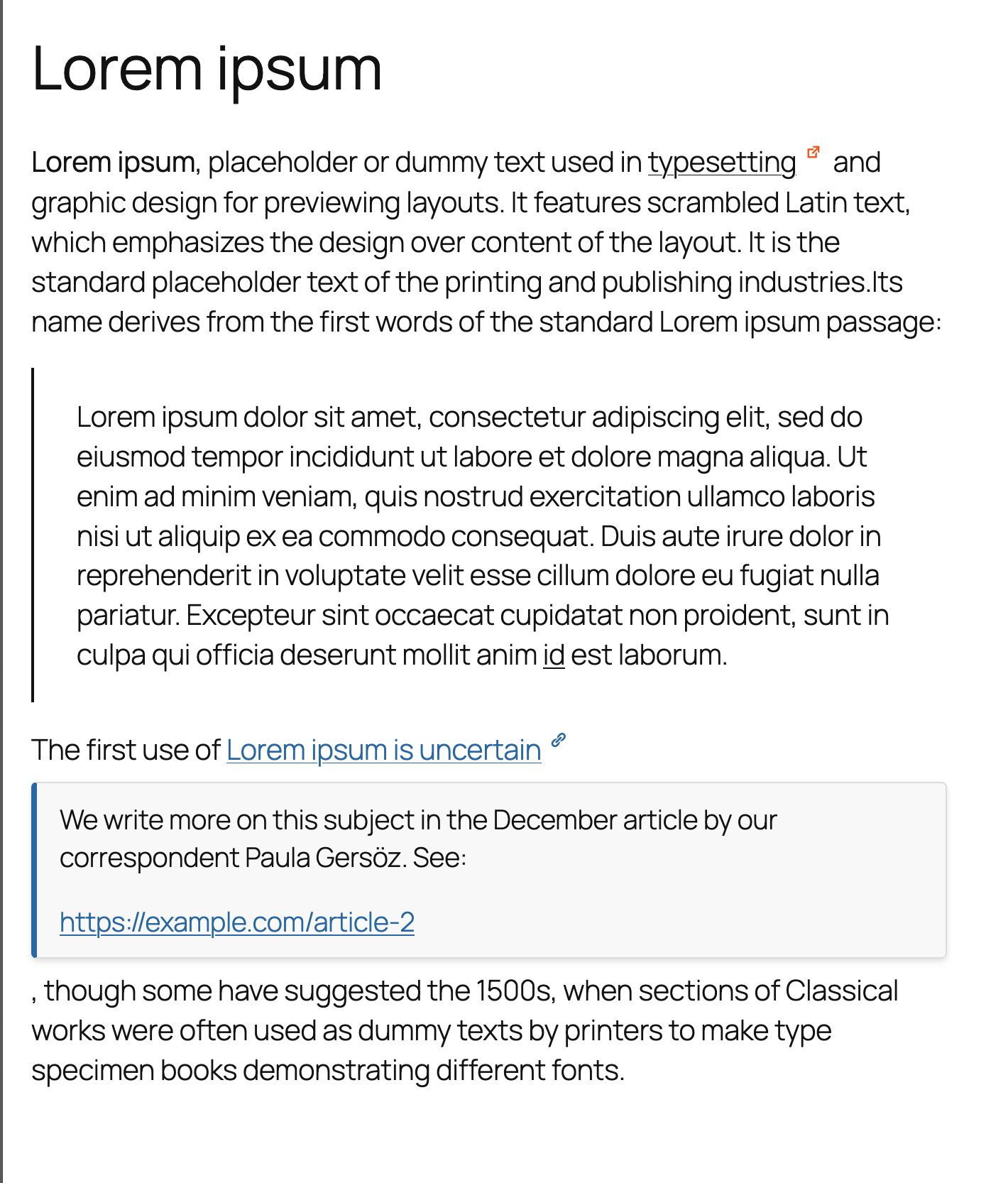
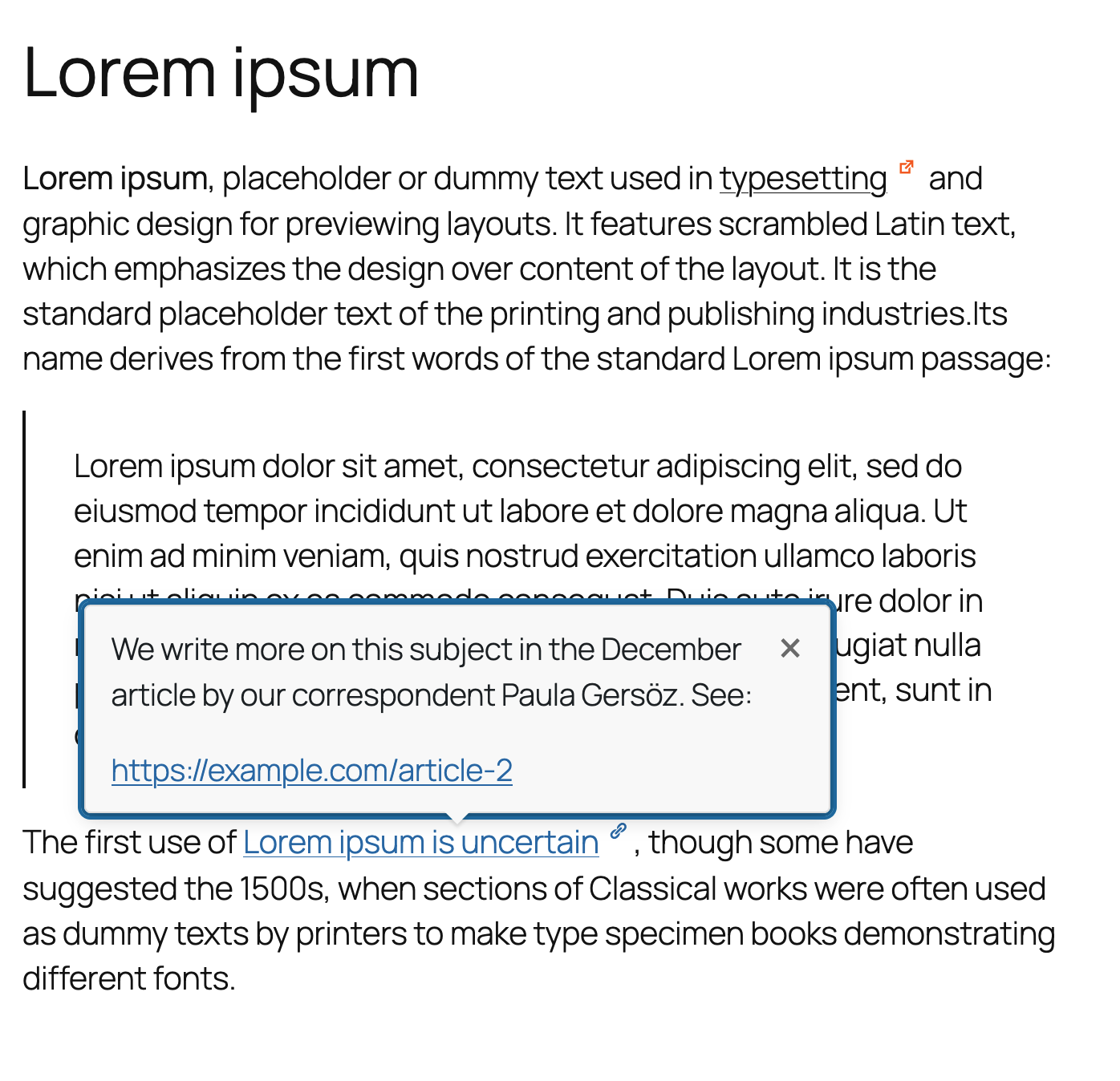
Inline Context is a powerful Block Editor enhancement that lets you create inline expandable notes or clean tooltip-style popovers anywhere in your content. It is ideal for content-rich websites, including editorial platforms, research sites, online magazines, documentation hubs, and educational blogs that rely on clear explanation without breaking the reader’s focus.
Instead of sending readers to glossary pages or external links, Inline Context allows you to provide definitions, references, clarifications, and annotations in place — keeping readers engaged and your content structured.
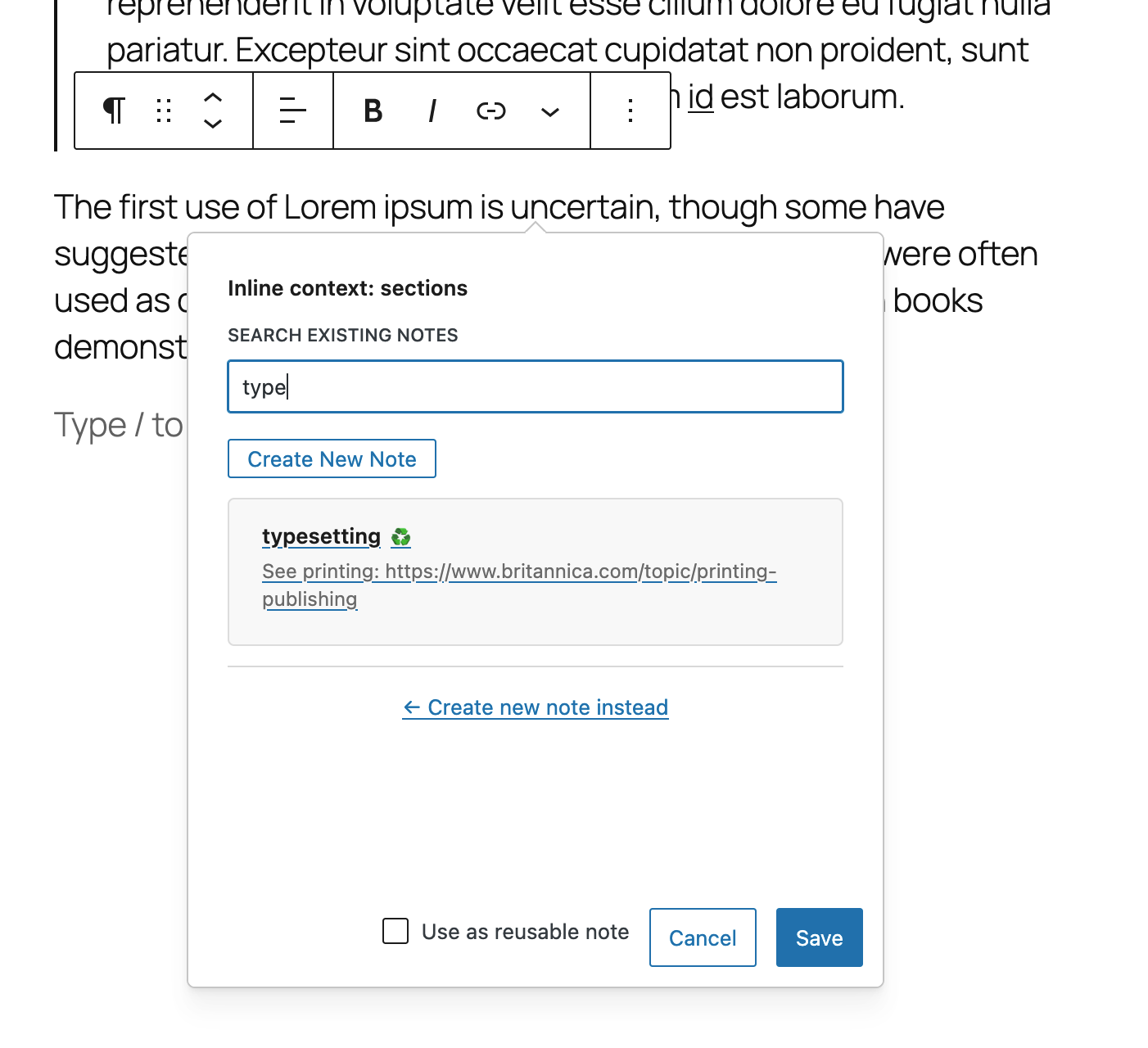
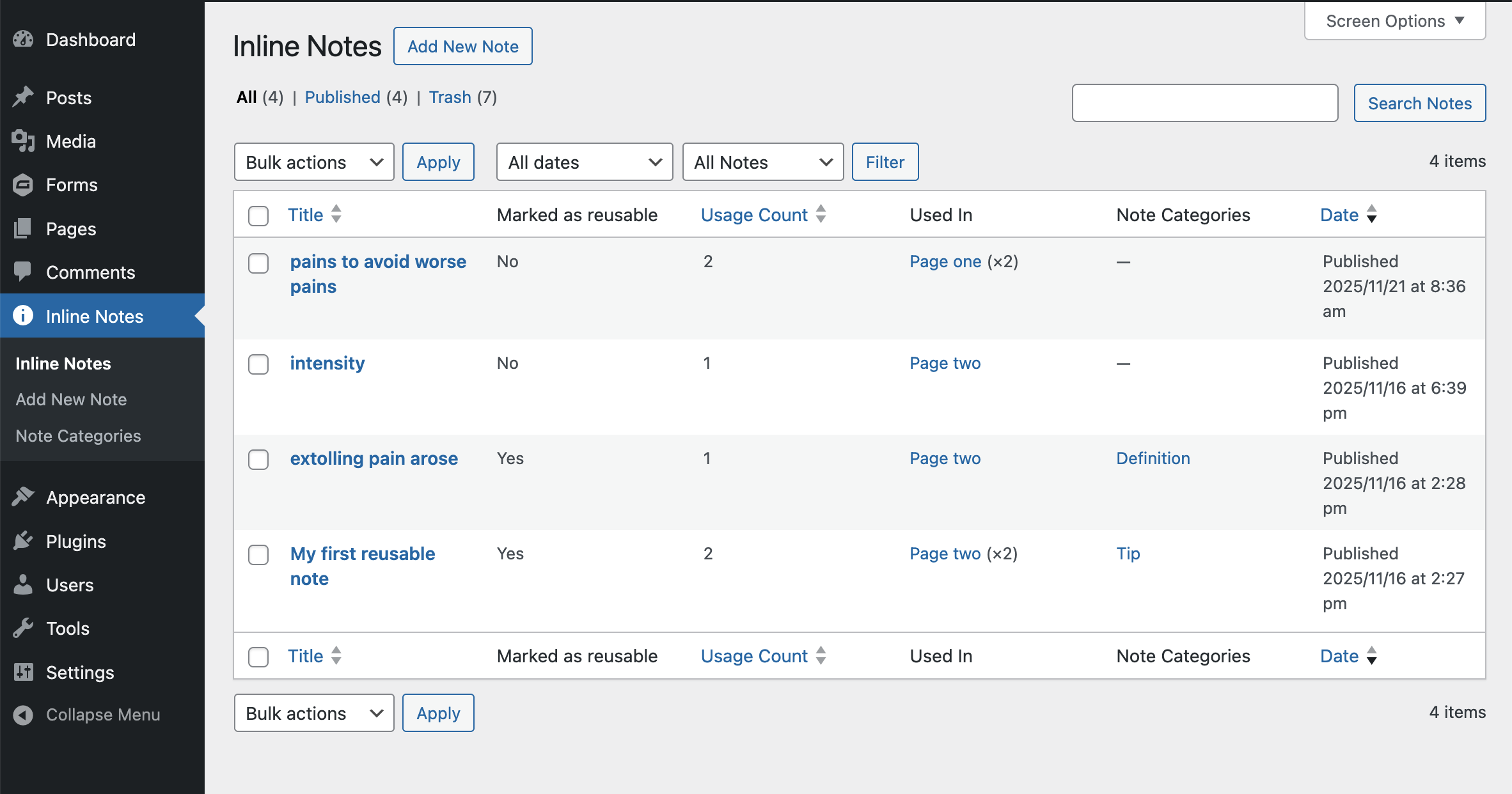
Notes can be reusable, categorized, styled, centrally managed, and automatically updated everywhere they appear.
Check the live preview
Why this is valuable for content-heavy websites
Websites with substantial text often need:
- definitions and terminology
- source references
- background information
- contextual inline explanations
- mini footnotes without scrolling
- inline callouts, tips, or warnings
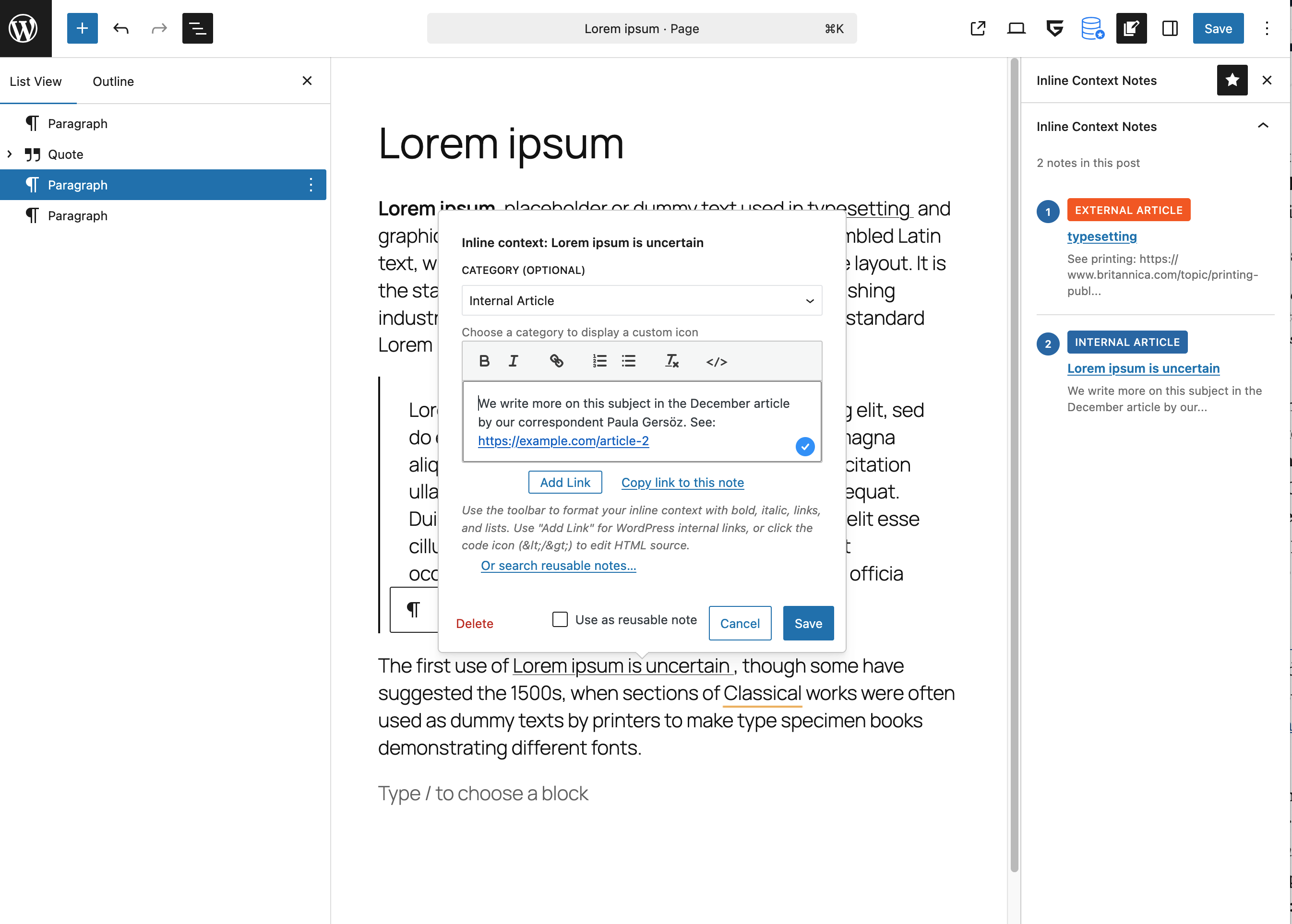
- Highlight text in the Block Editor.
- Click Inline Context.
- Enter your note content (rich text supported).
- Optionally assign a category with custom icon & color.
- Publish — your note appears inline or as a tooltip, depending on settings.
安装:
- Upload the plugin files to
/wp-content/plugins/inline-context, or install via the Plugins screen. - Activate the plugin.
- Configure categories and styling under Settings → Inline Context.
- In the Block Editor, select text and click Inline Context.
- Add your note content and choose a category (optional).
屏幕截图:
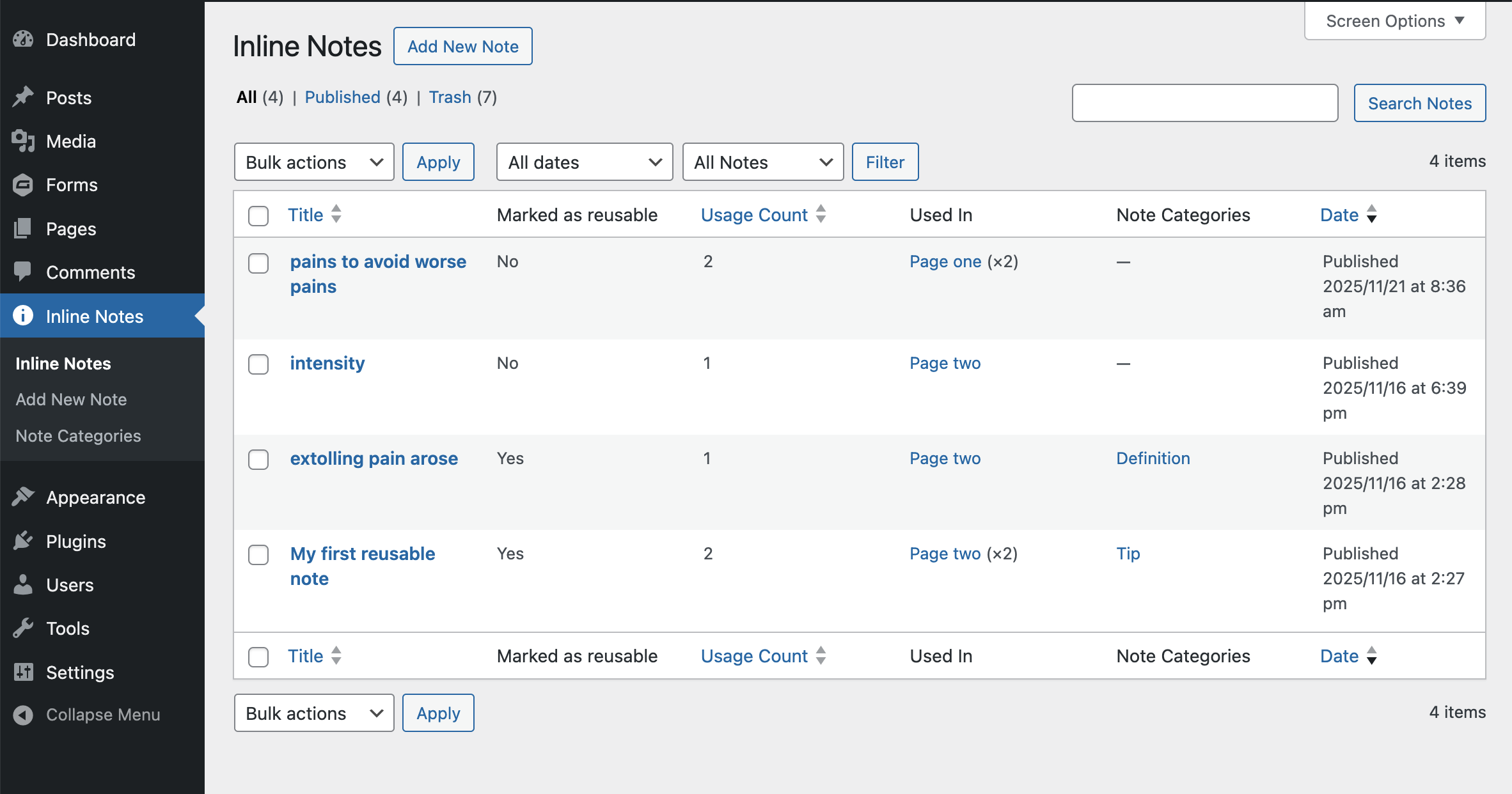
常见问题:
Does this work with the Classic Editor?
No. Inline Context is built specifically for the WordPress Block Editor (Gutenberg).
Can I change the styles?
Yes. Extensive visual customization options are available under Settings → Inline Context → Styling.
Is there a limit to the number of categories?
No. Create as many categories as your content structure requires.
Can I use any Dashicon?
Yes. You can type any Dashicon class name to use all 300+ icons.
更新日志:
2.8.2 - August 27, 2026
- FIX: The "Notes" fallback section could stay visible at the bottom of posts, with clicks on a note jumping down to it instead of expanding in place. The frontend script tied its startup to DOMContentLoaded, so it never ran when a caching or optimization plugin deferred, delayed or combined the bundle until after that event had already fired
- FIX: Accessibility — the fallback section was hidden by the generic
jsclass, which Twenty Twenty, Seventeen, Sixteen and Fifteen add to the page themselves. On those themes the fallback was hidden even when this plugin's script had not run, leaving screen reader and keyboard users pointed at a hidden anchor with no way to reach the note text. Hiding is now tied to the plugin's own initialisation, so the fallback stays in place until the notes genuinely work - IMPROVED: Confirmed WordPress 7.1 compatibility — "Tested up to" header bumped to 7.1
- DEV: Added a
@wordpress/envconfiguration andnpm run env:*scripts for a one-command local WordPress environment - DEV: Added
tests/test-frontend.phpcovering the endnotes fallback and its accessibility guarantees - DEV:
uninstall.phpnow removes every plugin option, not just three of them
- FIX: Inline context popover no longer closes when inserting an image from the WordPress Media Library
- NEW: Embed images inside inline context notes via the WordPress Media Library
- NEW: Image button in the note editor toolbar (shown when image support is enabled)
- NEW: "Allow images in notes" admin setting in the General tab (default: enabled)
- NEW: Custom Quill image blot preserves alt, loading, decoding, and class attributes
- NEW:
inline_context_allowed_image_protocolsfilter for sites that need data URIs or other schemes - NEW: Three CSS variables for image sizing customization (tooltip max width/height, inline max height)
- IMPROVED: Tooltip mode caps images at ~280×200 to keep tooltips compact
- IMPROVED: Inline mode caps image height at 400px while allowing full content width
- IMPROVED: Print styles handle images with page-break avoidance and sensible sizing
- IMPROVED: Confirmed WordPress 7.0 compatibility — "Tested up to" bumped to 7.0
- IMPROVED: Always sets alt="" on images missing alt text so screen readers don't announce filenames
- IMPROVED: Image src restricted to http(s) and relative paths by default for security
- IMPROVED: Settings export/import now includes the image-support toggle
- FIX: Category icons now align correctly with text at all icon placement settings
- FIX: Category icon double-scaling issue causing icons to render at half the intended size
- FIX: Custom category icons now respond to size and placement settings
- FIX: Default chevron icon now responds to color and placement settings
- FIX: Tooltip hover mode no longer shows erratic show/hide behavior
- FIX: Admin settings JS toggles now work (display mode, link style, preset warnings)
- NEW: Icon right margin CSS variable for theme.json and admin settings
- IMPROVED: Refactored icon rendering to use consistent HTML elements for both default and category icons
- IMPROVED: Fine-tuned icon placement values for top, middle, and bottom positions
- IMPROVED: Pill style always centers icons regardless of placement setting
- FIX: Keyboard shortcut Cmd+Shift+K now works correctly on first try for reusable notes
- IMPROVED: Documentation for automatic cleanup feature with WP-CLI command
- NEW: Export/Import Settings - Backup and restore all plugin configurations as JSON
- NEW: Print Styles - Professional print formatting with automatic note expansion
- NEW: Footnote-style numbering for printed documents using CSS counters
- NEW: Import/Export tab in admin settings with validation and error handling
- IMPROVED: Smart link URL display in print (shows URLs except for anchor links)
- IMPROVED: Print-optimized typography and colors for professional documents
- FIX: Export/Import now properly handles headers to prevent HTML output issues
- NEW: Color preset system with five pre-configured professional color schemes
- NEW: Modern Blue (Default), Minimalist Gray, High Contrast, Warm Earth Tones, and Dark Mode presets
- NEW: Automatic preset detection and "Custom" indicator when values are modified
- NEW: Warning dialog before applying preset over custom settings
- IMPROVED: All presets meet WCAG 2.1 AA accessibility standards
- IMPROVED: One-click preset application with instant visual feedback
- IMPROVED: Documentation
- NEW: Pill-style link display option with button-like appearance
- NEW: WordPress 6.9+ Abilities API integration for AI assistant discovery
- NEW: Five REST API abilities for AI-powered content enhancement
- NEW: Context Library Panel in editor sidebar
- IMPROVED: Updated "Tested up to" WordPress 6.9 For complete version history, see changelog.txt