
Innofly Static Export
| 开发者 | innofly |
|---|---|
| 更新时间 | 2026年11月2日 17:19 |
| PHP版本: | 7.4 及以上 |
| WordPress版本: | 7.1 |
| 版权: | GPLv2 or later |
| 版权网址: | 版权信息 |
详情介绍:
Build your site in WordPress as usual (themes, blocks, ACF, page builders), then export it to plain static HTML that runs on any web server or static host.
Export
- Scans pages, posts, custom post types, taxonomies and archives, and follows internal links (pagination, author and date archives) so nothing is missing.
- Two URL structures: directory style (
/about/index.html) or file style (/about.html). - Relative links (
../assets/...) so the export can be opened straight from disk, or absolute links for hosting. - Copies theme assets and media uploads, and can download images hosted on other domains.
- Cleans the HTML: removes generator tags, emoji scripts, RSD and wlwmanifest links.
- Runs in the background in small batches with a live progress bar and log, so large sites do not hit PHP time limits.
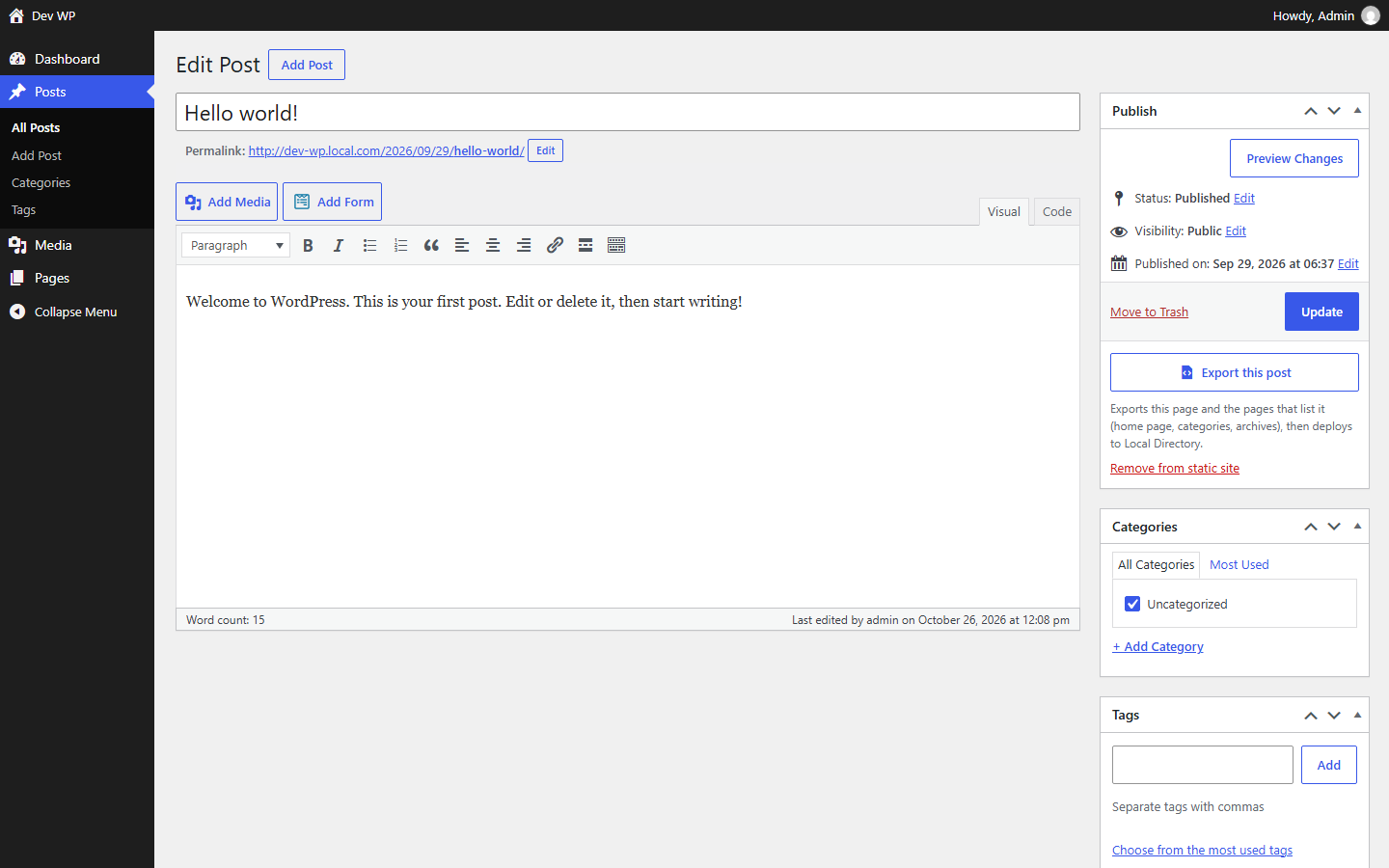
- Export a single post from the editor, or remove its page from the static site.
- WP-CLI command for scripted exports.
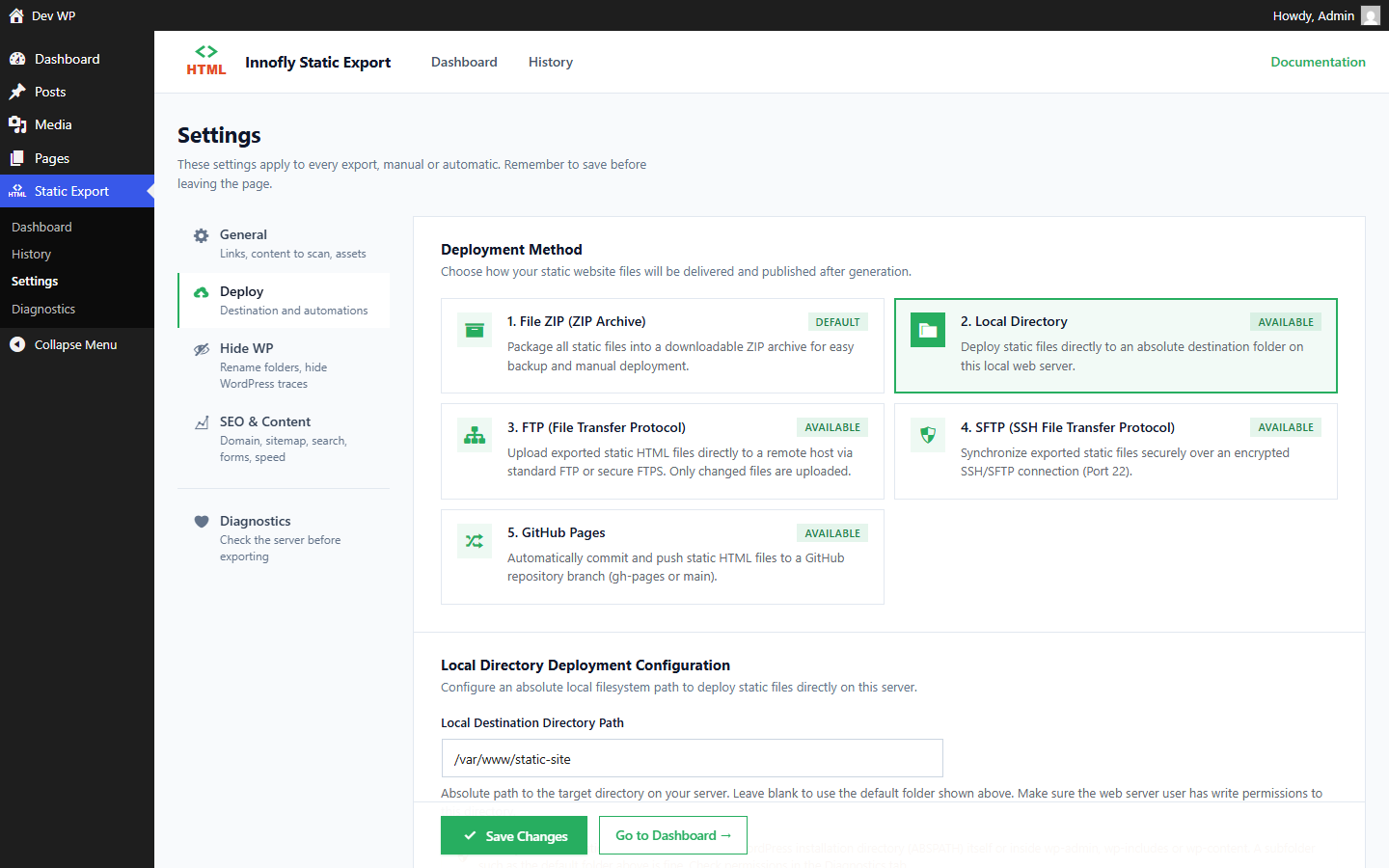
- ZIP download, local directory, FTP, SFTP.
- GitHub Pages (pushes a commit to the branch you choose).
- Incremental deployments: only changed files are uploaded, removed pages are deleted.
- Auto export when a post or page is published, updated or unpublished: only the affected pages are regenerated.
- Scheduled full exports (daily, weekly, monthly) with retry and e-mail notifications.
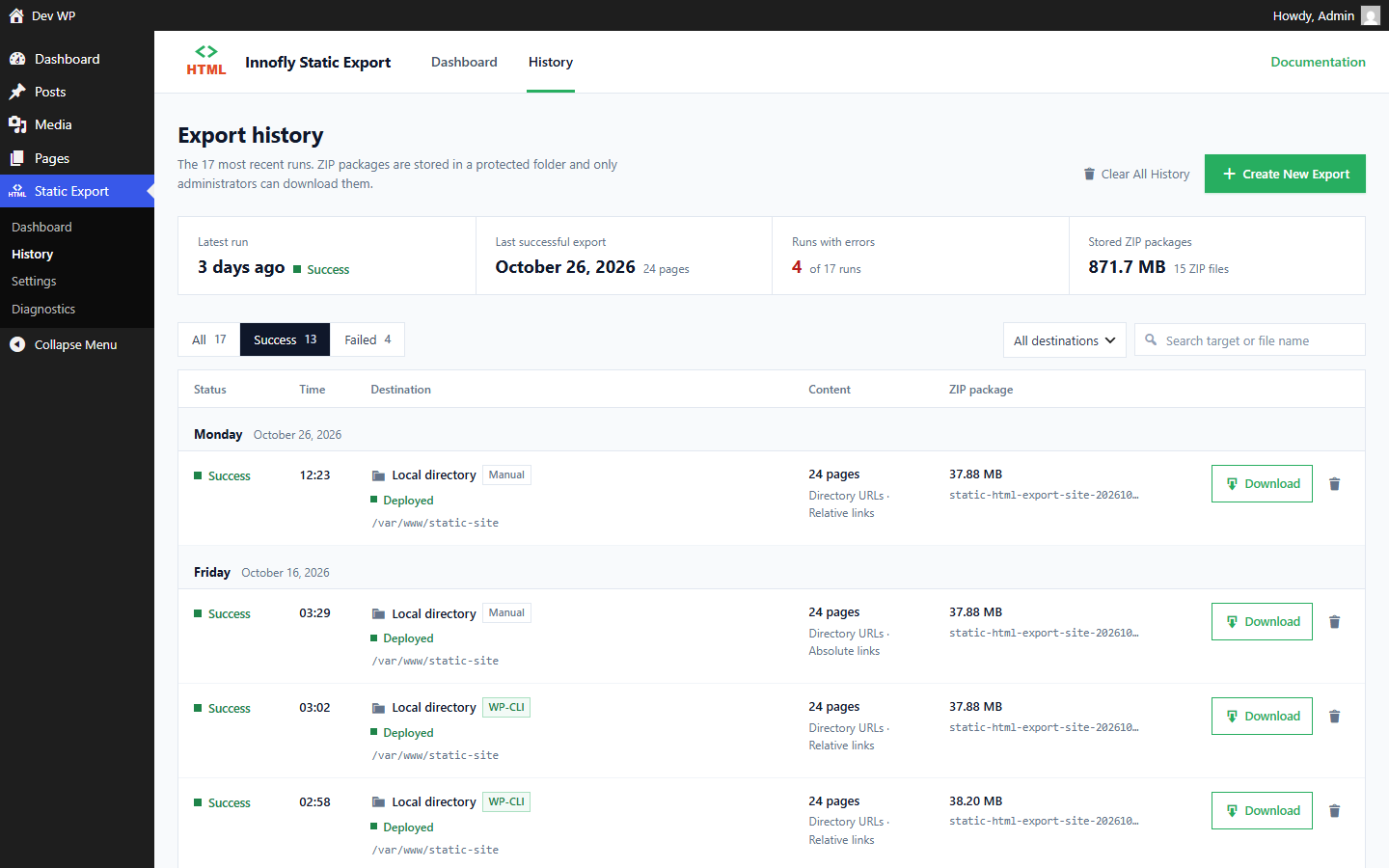
- Export history with downloadable archives.
- Client-side search (a search index is generated at export time).
- Send form submissions to a form service of your choice (e.g. Formspree) instead of the WordPress site.
- Redirects, imported from Redirection, Rank Math or Yoast SEO Premium, written as static redirect pages and host rules.
- Custom text replacements, rename
wp-content/wp-includesfolders in the export. - Minify HTML and CSS, convert JPG / PNG to WebP.
- Optionally block public access to the WordPress site once it is served statically (logged-in users keep access).
安装:
- Upload the
innofly-static-exportfolder to/wp-content/plugins/, or install the plugin from the Plugins screen. - Activate the plugin.
- Open Innofly Static Export → Settings, choose the URL structure, link mode and deployment method.
- Open Innofly Static Export → Dashboard and click Export.
屏幕截图:
常见问题:
Does the static site still need WordPress?
No. The export is plain HTML, CSS, JavaScript and media files. Keep WordPress (for example on a private or local server) to edit content and export again.
What about forms, comments and search?
Dynamic features need a server. The plugin can point forms to an external form service and adds a client-side search. Comments and other server-side features do not work on the static site.
My site is password protected (HTTP Basic Auth).
Enter the username and password under Settings → Site Password, or tick Remember my browser's login to reuse the login your browser sends.
Exports stop or are very slow.
Open Diagnostics. The plugin needs loopback requests (the site requesting its own pages). If they are blocked, it falls back to WP-Cron.
更新日志:
1.0.0
- First public release.