InnReply
| 开发者 | innreply |
|---|---|
| 更新时间 | 2026年11月6日 23:21 |
| PHP版本: | 7.4 及以上 |
| WordPress版本: | 7.1 |
| 版权: | GPLv2 or later |
| 版权网址: | 版权信息 |
详情介绍:
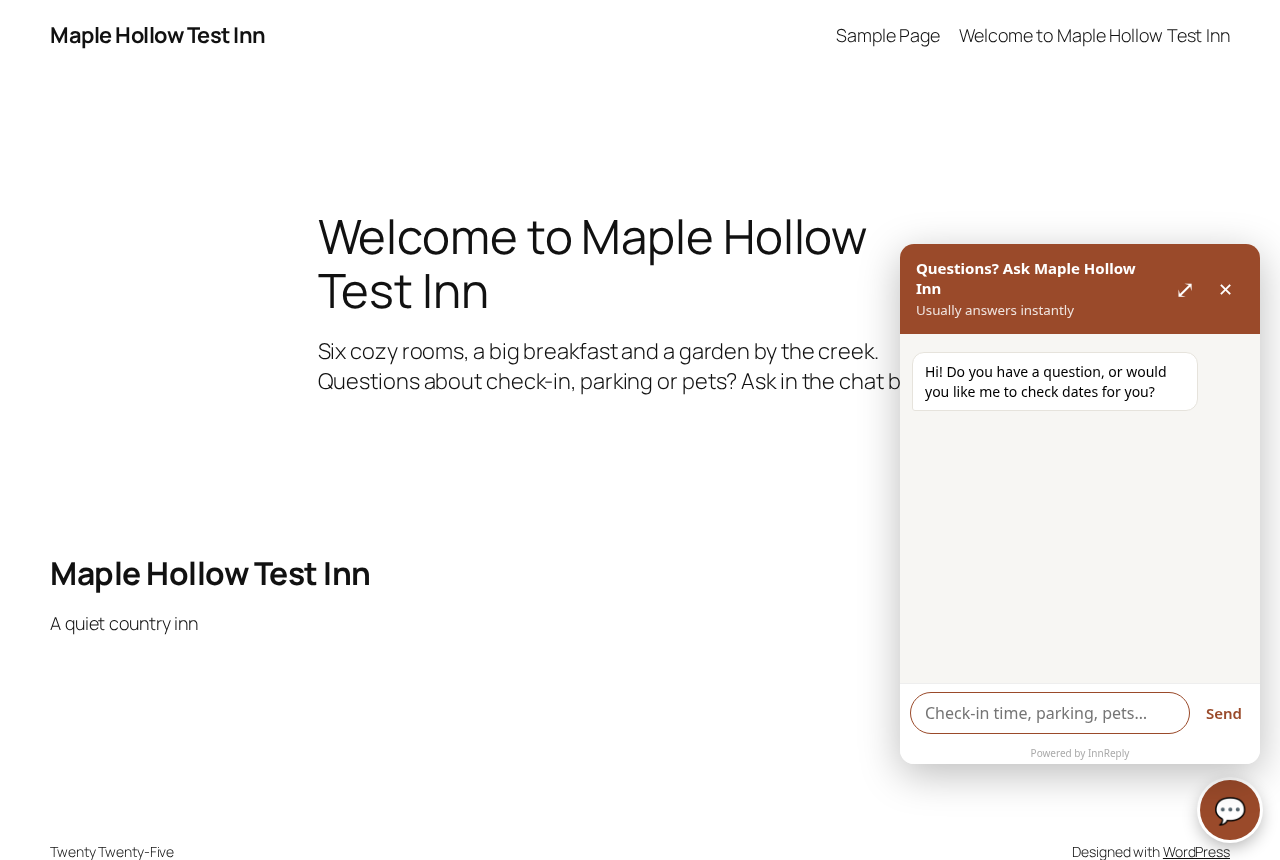
InnReply is a guest chat box for small inns and bed and breakfasts. It answers guests' questions (check-in, parking, pets, breakfast and more) from what your website already says, and passes anything it can't answer to your email.
This plugin is the easy way to put your InnReply chat box on a WordPress site:
- Go to Settings, InnReply.
- Paste the line from your InnReply install page, or just your account ID.
- Click Save. The chat box shows on every page of your site.
安装:
- Install and activate the plugin from Plugins, Add New (search for "InnReply"), or upload the zip.
- Go to Settings, InnReply.
- Paste your InnReply line or account ID from https://innreply.com/install and click Save.
屏幕截图:
常见问题:
Where do I find my InnReply line or account ID?
Log in at innreply.com. Your install page shows your line. You can paste the whole line, or just the account ID inside it (the part after data-hotel=).
Do I need to edit my theme?
No. The plugin adds the chat box to every page for you.
How do I turn the chat box off?
Empty the field on Settings, InnReply and click Save, or deactivate the plugin.
Does the plugin slow down my site?
The chat box script loads asynchronously in the footer, so it doesn't hold up your page.
更新日志:
1.0.1
- Updated pricing info.
- First release.