
Instant Search – Turn Search Into Sales
| 开发者 | webmaster85 |
|---|---|
| 更新时间 | 2026年7月19日 21:51 |
| 捐献地址: | 去捐款 |
| PHP版本: | 7.4 及以上 |
| WordPress版本: | 7.0 |
| 版权: | GPLv2 or later |
| 版权网址: | 版权信息 |
详情介绍:
[instant_search] to any page, post, widget, or header to display the search form.
👉 Instant Search Pro is here. Add to Cart in search results, direct checkout, Quick View modal, zero-results rescue, conversion analytics and more.
See Pro »
Features
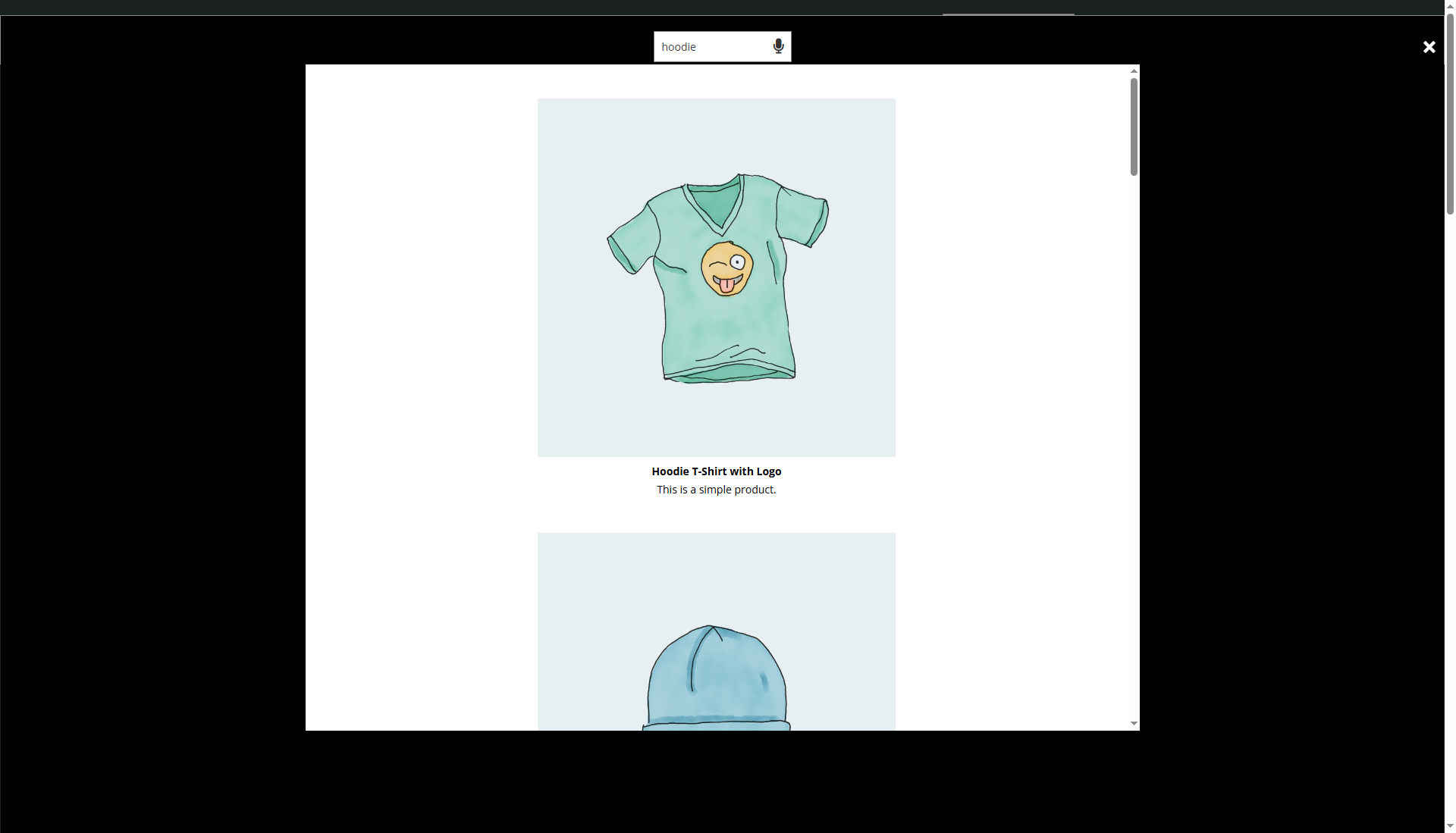
- Live search: results appear instantly as visitors type, no page reload
- Voice search: tap the microphone and speak instead of typing
- Five layouts: List, Grid, Compact, Big Cards, and Masonry
- Inline or overlay mode: show results under the search bar or in a full overlay
- WooCommerce ready: search products by title, content, excerpt, and SKU. Add to cart and direct checkout from search results.
- Show product details: price, sale badge, stock status, and star ratings right in the results
- Add to Cart & Buy Now: visitors can buy directly from the search dropdown
- Quick View: product gallery, description, and variations in a popup
- Wishlist & Compare: save products or compare up to 4 side by side, no extra plugins
- Variation selector: pick size, color, etc. right inside search results
- Zero-results rescue: "Did you mean?" suggestions, best-seller fallback, or a custom message
- Pinned results & boost rules: pin products to specific keywords, boost best-sellers, newest, or featured items
- Search everywhere: taxonomies, product attributes, custom fields, and ACF
- Synonyms & typo tolerance: "laptop" finds "notebook," and "shooes" still finds shoes
- Exclude & filter: hide out-of-stock, hide parent products, restrict to logged-in users, exclude by taxonomy
- Recently viewed: show the visitor's last viewed products when search is empty
- Search analytics: top search terms, click-through rate, cart conversions, zero-results report
- Searches-per-day chart: daily volume with CTR overlay for the last 30 days
- Weekly email report: top searches summary delivered every Monday
- CSV export: download all search data for external analysis
- Floating search button: always-visible search on every page
- Keyboard shortcut: Cmd/Ctrl+K opens search from anywhere
- Search history: shows the visitor's recent queries
- Auto-focus: cursor jumps to search on page load
- Brand colors: tint the UI to match your brand
- Dark mode: Light, Dark, or Auto theme preset
- Open animations: smooth motion when results appear
- Custom CSS: full control for pixel-perfect tweaks
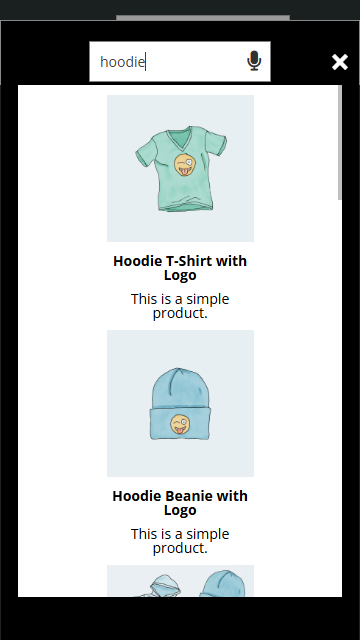
- Responsive: separate width controls for desktop, tablet, and phone
- Works with any theme: tested with Divi, Elementor, Rey, Astra, GeneratePress, Kadence, and block themes
- Self-hosted & private: no external services, no data leaves your server
安装:
- Go to Plugins → Add New in your WordPress dashboard
- Search for Instant Search
- Click Install Now, then Activate
- Click the Instant Search icon in the sidebar to configure your settings
- Place the shortcode
[instant_search]wherever you want the search form to appear
- Download the plugin zip file
- Upload the
instant-searchfolder to/wp-content/plugins/ - Activate through Plugins → Installed Plugins
- Use
[instant_search]in any page, post, widget, or template
- Divi: Add a Code or Text module to your header and paste
[instant_search] - Elementor: Add a Shortcode widget to your header template
- PHP (classic themes): Add this to your
header.php:<?php echo do_shortcode('[instant_search]'); ?> - Block Editor (FSE): Add a Shortcode block in the Site Editor header template
屏幕截图:







常见问题:
Does this work with WooCommerce?
Yes. Instant Search is built to work with WooCommerce out of the box. It searches products by title, content, excerpt, and SKU. Customers see product results in real time as they type.
Does voice search require an API key or external service?
No. Voice search uses the Web Speech API built into modern browsers. No API keys, no Google Cloud account, no data leaves your server. It works on Chrome, Edge, Safari, and most mobile browsers.
Can I use this with Divi, Elementor, or other page builders?
Yes. The shortcode [instant_search] works in any page builder. For Divi, use a Text or Code module. For Elementor, use the Shortcode widget. For block themes, use the Shortcode block in the Site Editor.
Does it search custom post types?
Yes. In the plugin settings, you can select which post types the search form should return results from: posts, pages, products, or any registered custom post type.
Is the plugin lightweight? Will it slow down my site?
Instant Search loads minimal assets and only makes Ajax requests when the visitor types. There are no external scripts, no third-party tracking, and no heavy libraries. It is designed to be fast and lightweight.
Can I change the look of the search results?
Yes. You can switch between grid and list layouts, customize the search form width, and change the placeholder text. The PRO version (coming soon) will add more layouts, brand colors, dark mode, animations, and a custom CSS editor.
What languages does voice search support?
Voice search uses the browser's language by default. It works in any language that the browser's Web Speech API supports, which includes most major languages.
Is this plugin free?
The core plugin is free with no trial period. A PRO paid version with advanced features is in development.
Where can I get support?
You can post in the WordPress.org support forum.
更新日志:
- New: Instant Search Pro is now available: Add to Cart in search results, Quick View modal, zero-results rescue, analytics and more.
- Pro features are visible in settings and unlock with a license key.
- Improved search results
- Minor adjustments
- Introduced PRO version framework with upgrade path for advanced features
- Added WooCommerce-specific settings panel for product search configuration
- Added Search Sources panel to control which content fields are searched
- Added Advanced settings panel with power-user features
- Improved settings page layout with tabbed navigation: General, Display, WooCommerce, Search Sources, Analytics, Advanced, License
- Improved overall plugin architecture and code organization
- Minor performance improvements to live search response time
- Compatibility check with latest WordPress version
- Refactored plugin codebase for better maintainability and performance
- Improved Ajax search request handling
- Code cleanup and optimization
- Improved search result rendering for grid and list layouts
- Better handling of post types in search queries
- Styling refinements for search result cards
- Improved voice search microphone button behavior
- Better compatibility with popular WordPress themes
- Minor styling adjustments for overlay search mode
- Added search analytics dashboard to track visitor search queries
- Added top search terms display in the admin panel
- Improved overall search result accuracy
- Added overlay search mode as an alternative to inline results
- Added option to customize search form placeholder text
- New display settings for search result width
- Improved WooCommerce product search with better SKU matching
- Better support for variable products in search results
- Performance improvements for sites with large product catalogs
- Added grid layout option for displaying search results with thumbnails
- Improved mobile responsiveness of search form and result dropdown
- Better touch support for voice search on mobile devices
- Improved voice search recognition accuracy
- Better browser compatibility for Web Speech API
- Added visual feedback during voice search listening state
- Added support for searching across all registered custom post types
- Improved search result relevance for multi-word queries
- Better handling of special characters in search terms
- Improved Ajax search performance with request debouncing
- Reduced server load during rapid typing
- Better error handling for failed search requests
- Added WooCommerce SKU search support for product lookups
- Improved search result thumbnail display
- Better integration with WooCommerce product archives
- Improved search form styling and cross-theme compatibility
- Better support for RTL languages in search results
- Accessibility improvements for keyboard navigation
- Added live voice search using the Web Speech API
- Added live Ajax search with instant results as you type
- Added search by SKU for WooCommerce products
- Added support for all registered post types
- Added grid and list layout options for search results
- Added submit button for traditional search form behavior
- Improved display functionality and result card design
- Initial release