
InStock First – Sold Out Products Last for WooCommerce
| 开发者 | edenworks |
|---|---|
| 更新时间 | 2026年11月5日 11:23 |
| PHP版本: | 7.4 及以上 |
| WordPress版本: | 7.1 |
| 版权: | GPLv2 or later |
| 版权网址: | 版权信息 |
详情介绍:
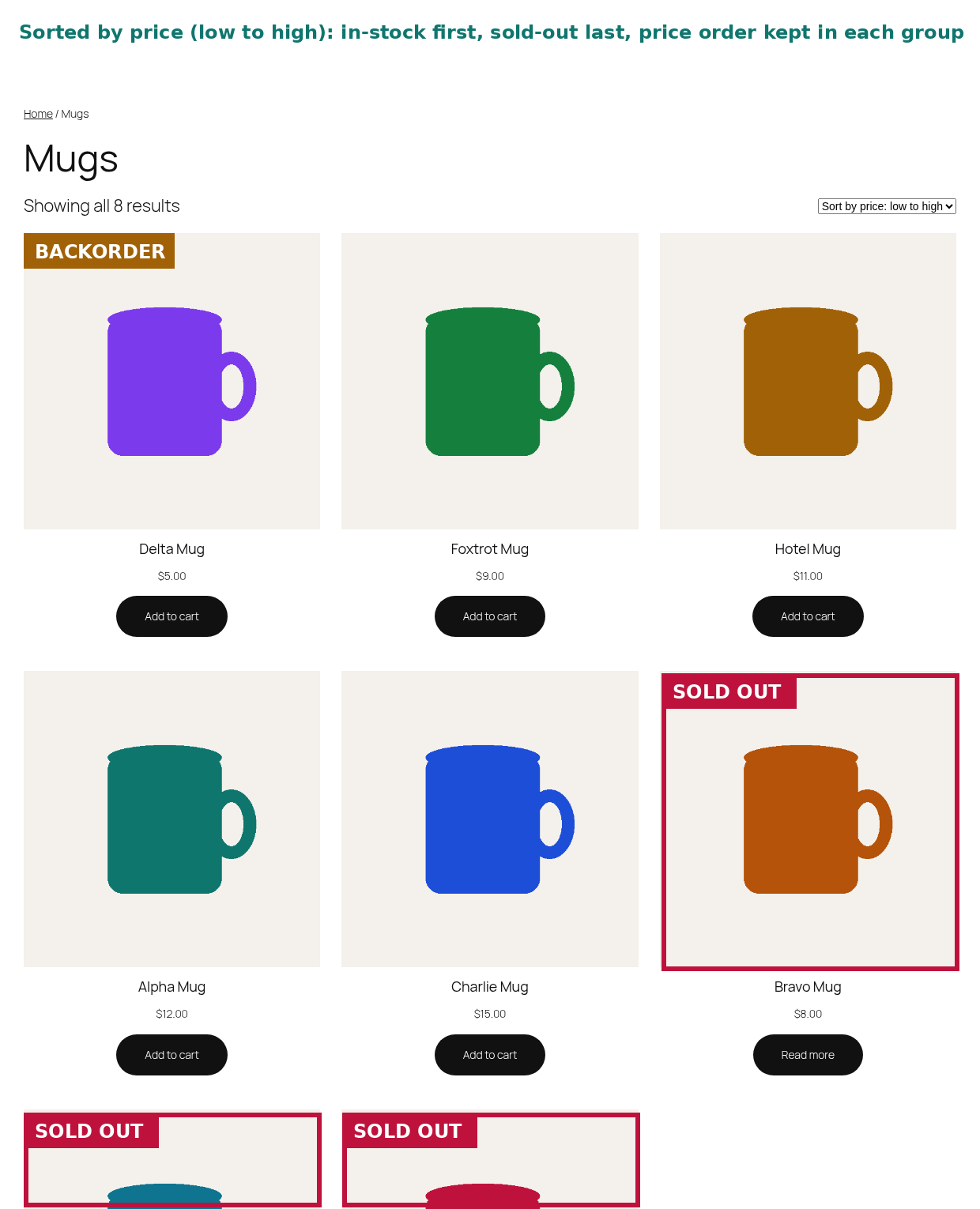
- Out of stock products last on the main shop page
- Category, tag and attribute archives (every product taxonomy)
- Product search results
- [products] shortcode lists
- Keeps your normal sorting inside each group: default/custom order, popularity, rating, newest, price low to high and high to low all still work
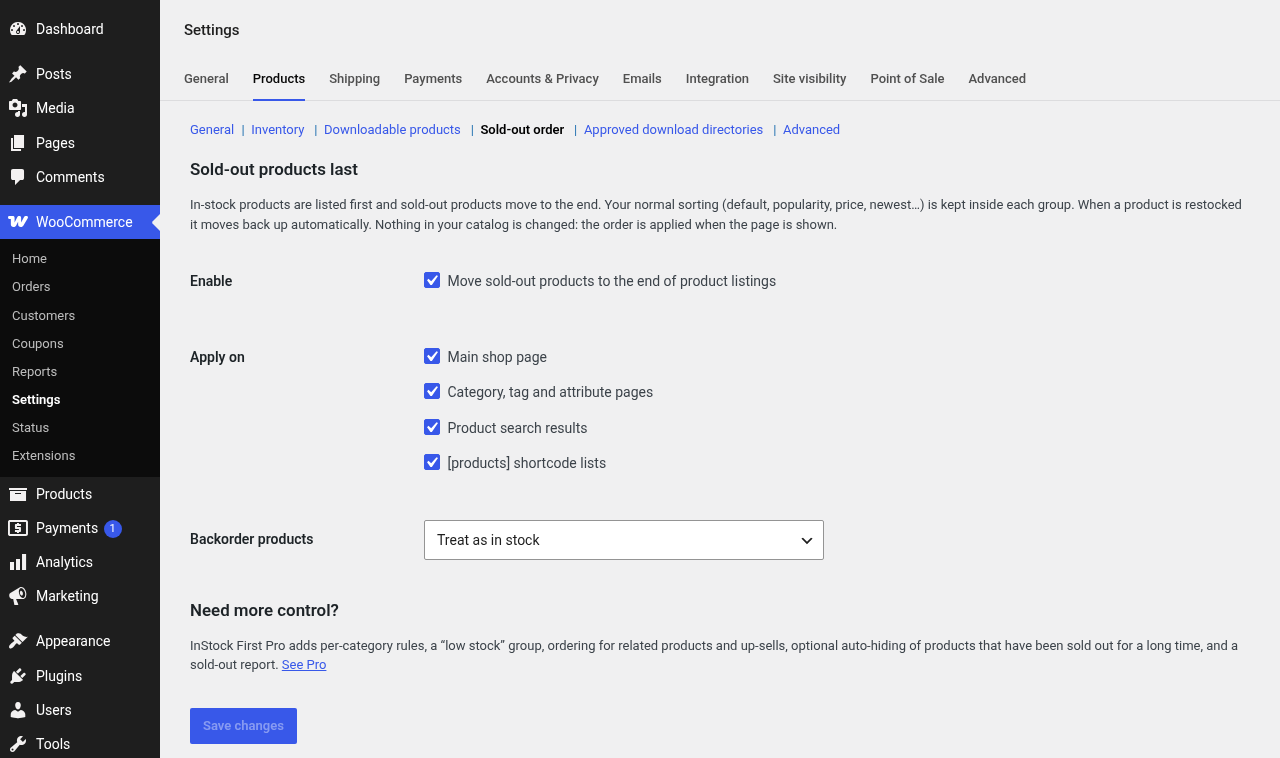
- Backorders your way: treat them as in stock, put them between in-stock and sold-out, or treat them as sold out
- Variable products are handled through WooCommerce's own stock status (a variable product is "out of stock" only when all its variations are)
- No catalog changes: it never edits products, menu order or dates, so deactivating it puts everything back exactly as it was
- Fast: one indexed join on WooCommerce's product lookup table, no extra queries per product, no cron jobs, no background processing
- Works with any theme that uses standard WooCommerce product loops
- HPOS compatible, translation ready, no ads, no tracking
安装:
- Install and activate WooCommerce.
- Go to Plugins → Add New, search for "InStock First", install and activate.
- That's it. Sold-out products now appear last. Optional settings: WooCommerce → Settings → Products → Sold-out order.
屏幕截图:
常见问题:
Does this hide out of stock products?
No. They stay visible, just at the end. If you want to hide them completely, WooCommerce has a built-in option (WooCommerce → Settings → Products → Inventory → "Hide out of stock items from the catalog").
Will it change my product order or data?
No. Nothing is written to your products. The order is calculated when the listing is shown, so deactivating the plugin restores your previous order instantly.
Does it work with sorting by price, popularity or newest?
Yes. Within the in-stock group and within the sold-out group your chosen sorting still applies.
What about products on backorder?
You choose: treated as in stock (default), shown between in-stock and sold-out products, or treated as sold out.
Does it work with caching plugins?
Yes. Cached pages update when your cache refreshes, the same as any stock change.
Does it work with the block editor "Product Collection" block or page builders?
Version 1.0 covers the classic shop, category, tag, attribute and search pages (including block themes' product archive templates that use the main query) and the [products] shortcode. Custom loops can opt in with the instock_first_applies_to_query filter.
Does the plugin collect any data?
No. The plugin does not collect, store or send any data, and it makes no external requests.
Developer hooks
instock_first_applies_to_query(bool $apply, WP_Query $query): turn reordering on or off for any query.instock_first_rank_cases(array $ranks): map stock statuses to sort ranks (lower is earlier).instock_first_rank_sql(string $sql, string $alias, WP_Query $query): replace the rank SQL expression.
更新日志:
- First release.