IntelliAgent AI Lite
| 开发者 | shah646 |
|---|---|
| 更新时间 | 2026年8月4日 14:50 |
| 捐献地址: | 去捐款 |
| PHP版本: | 7.4 及以上 |
| WordPress版本: | 7.0 |
| 版权: | GPLv2 or later |
| 版权网址: | 版权信息 |
详情介绍:
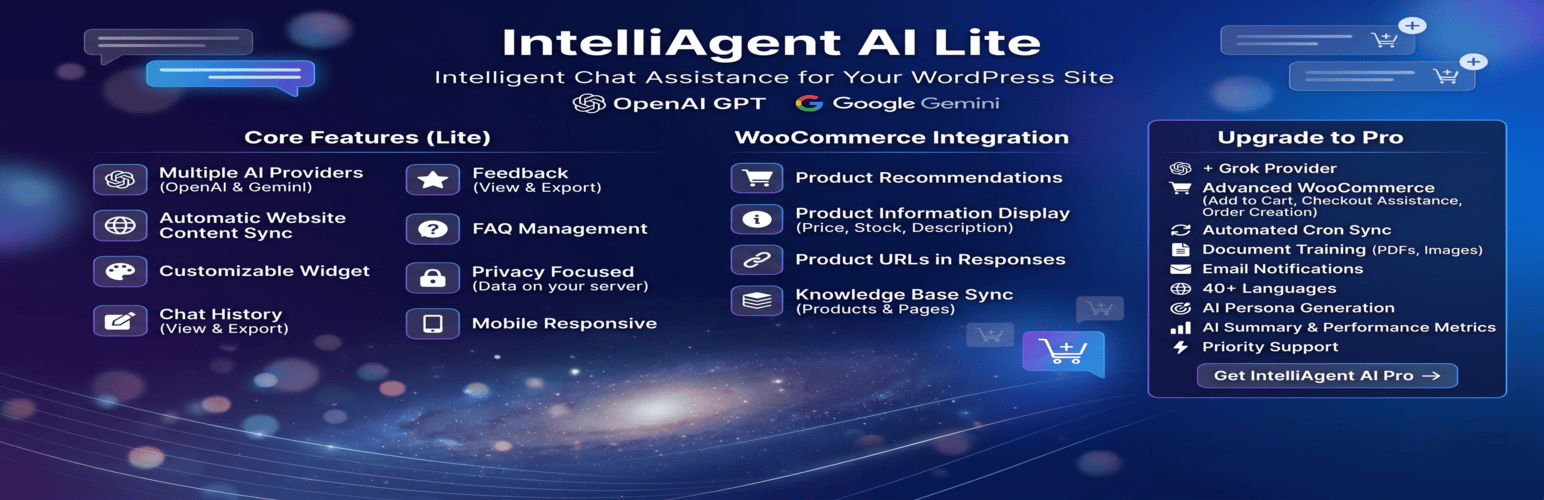
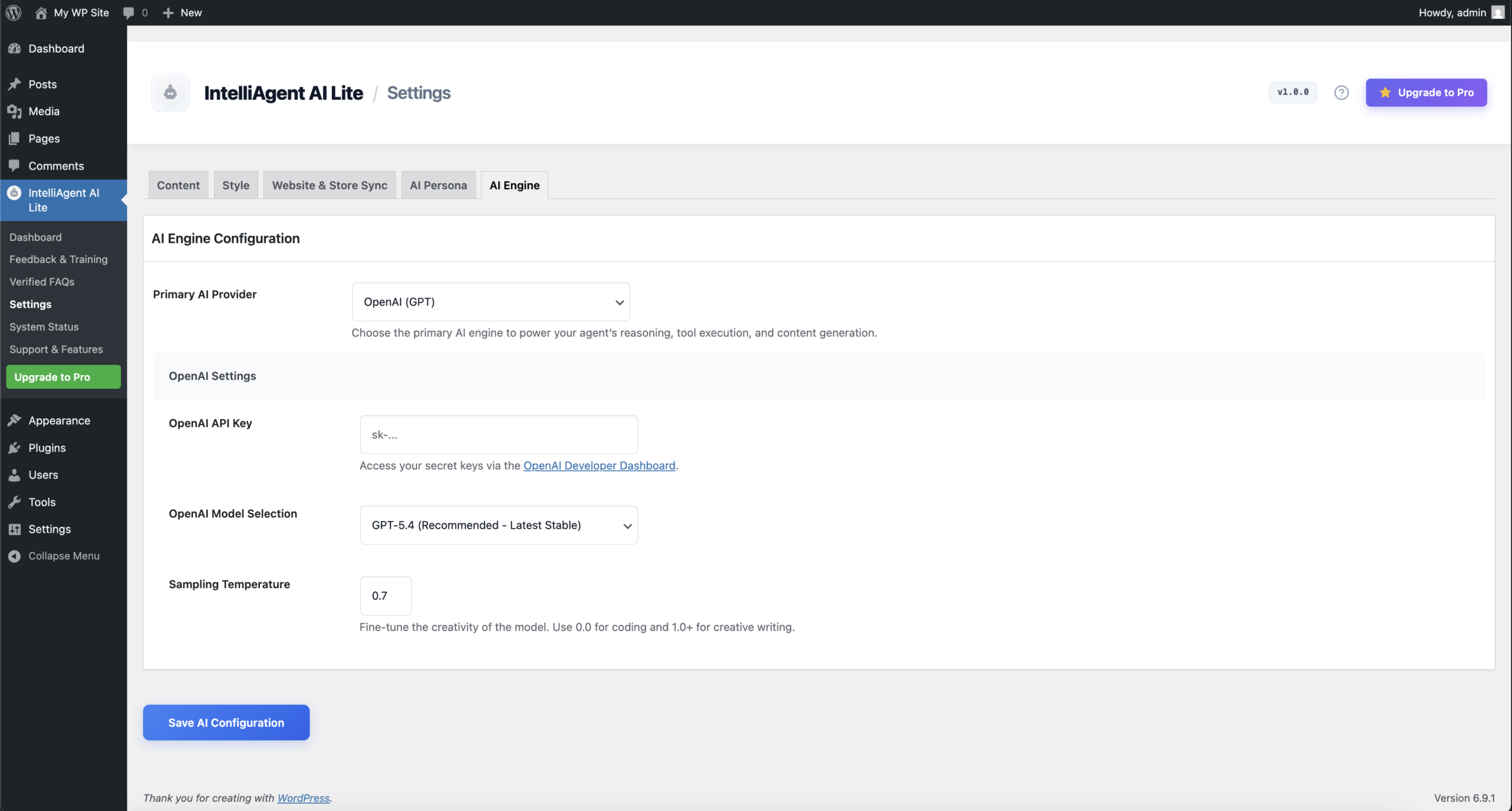
- 🤖 Multiple AI Providers - Choose between OpenAI (GPT) and Google Gemini
- 🌐 Automatic Website Content Sync - Automatically includes website content including pages and WooCommerce products
- 🛒 WooCommerce Integration - Product recommendations and product information display
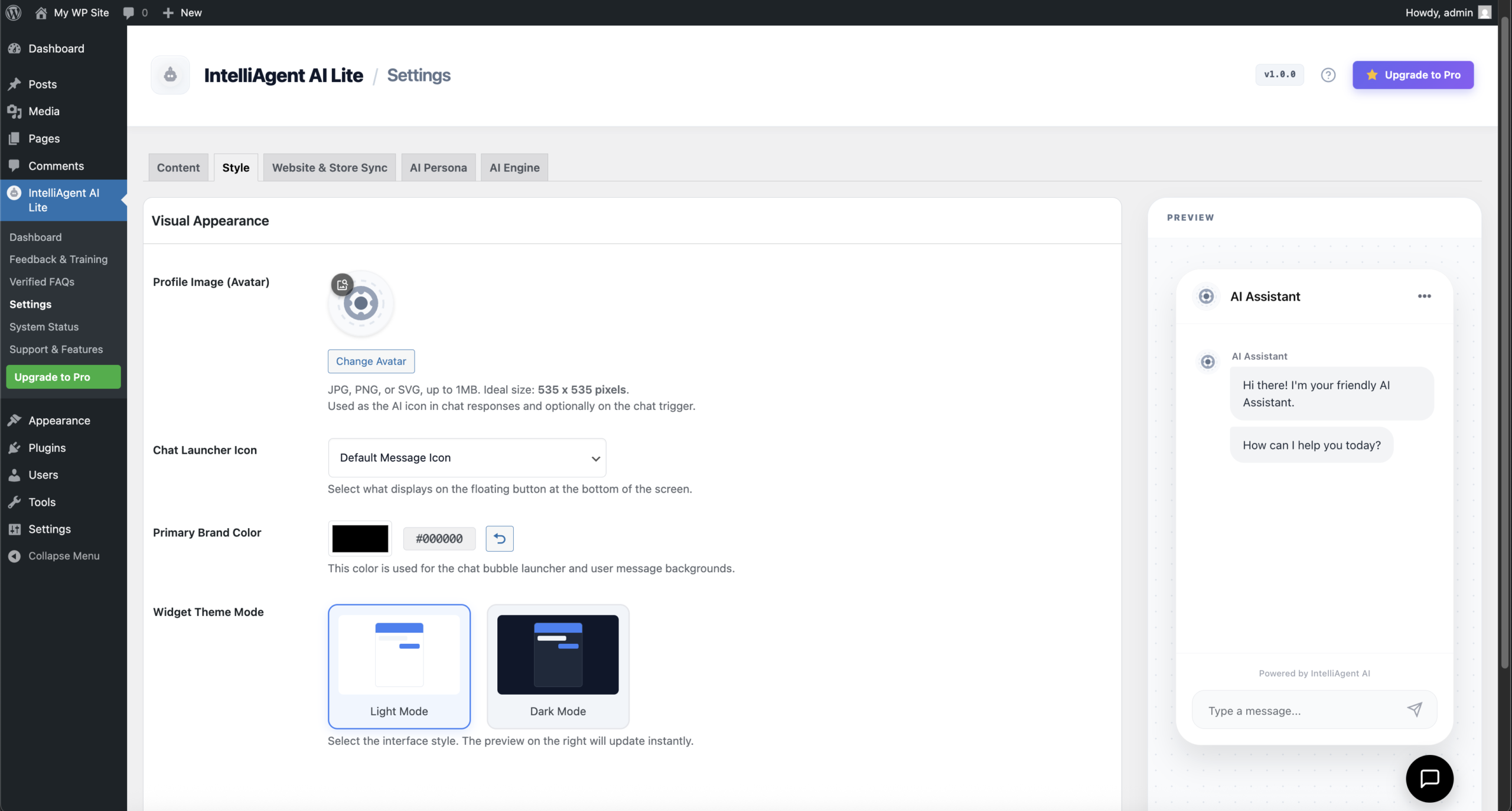
- 🎨 Customizable Widget - Configure colors, avatar, and welcome messages
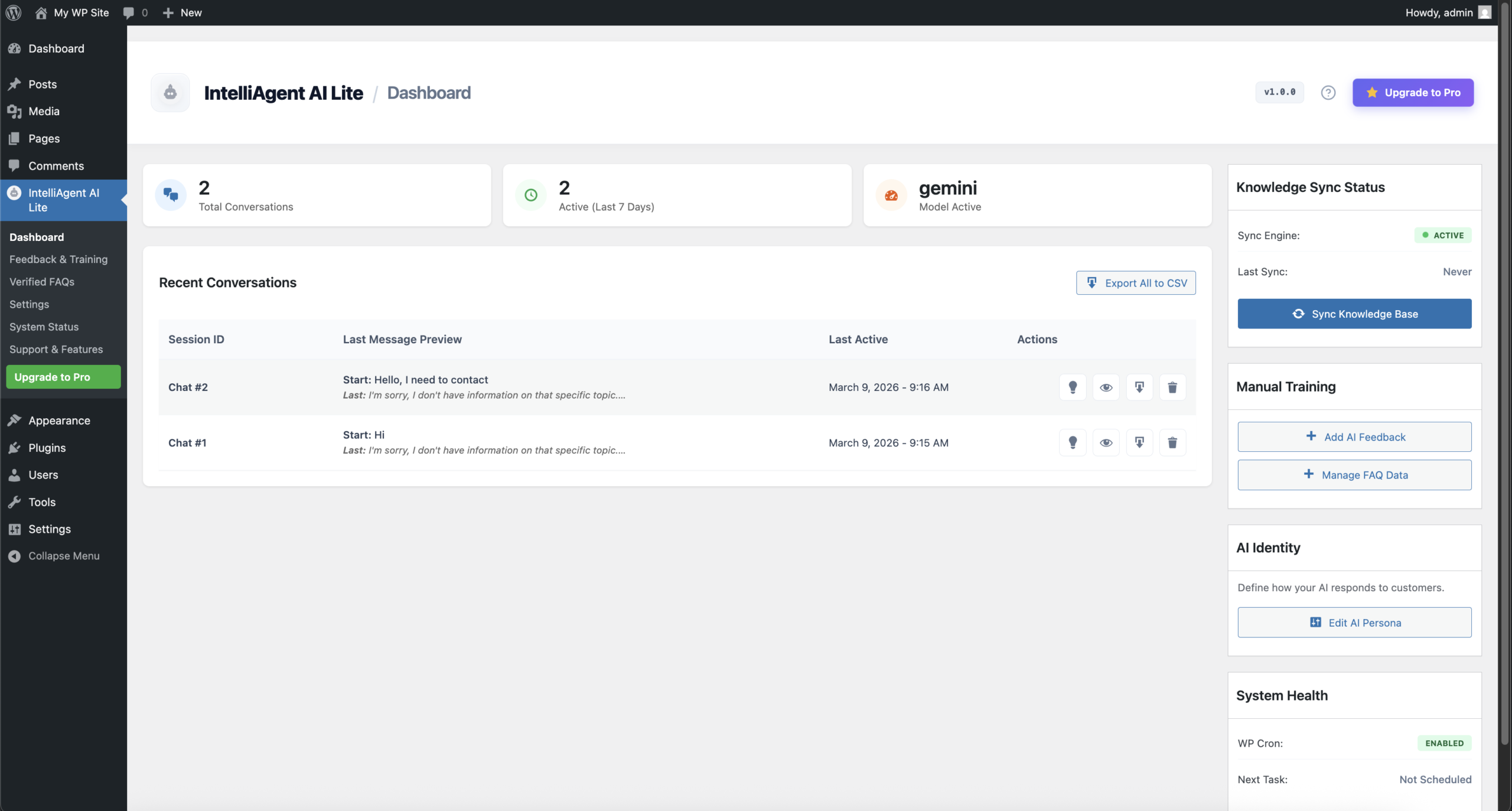
- 📝 Chat History - View and export all conversations
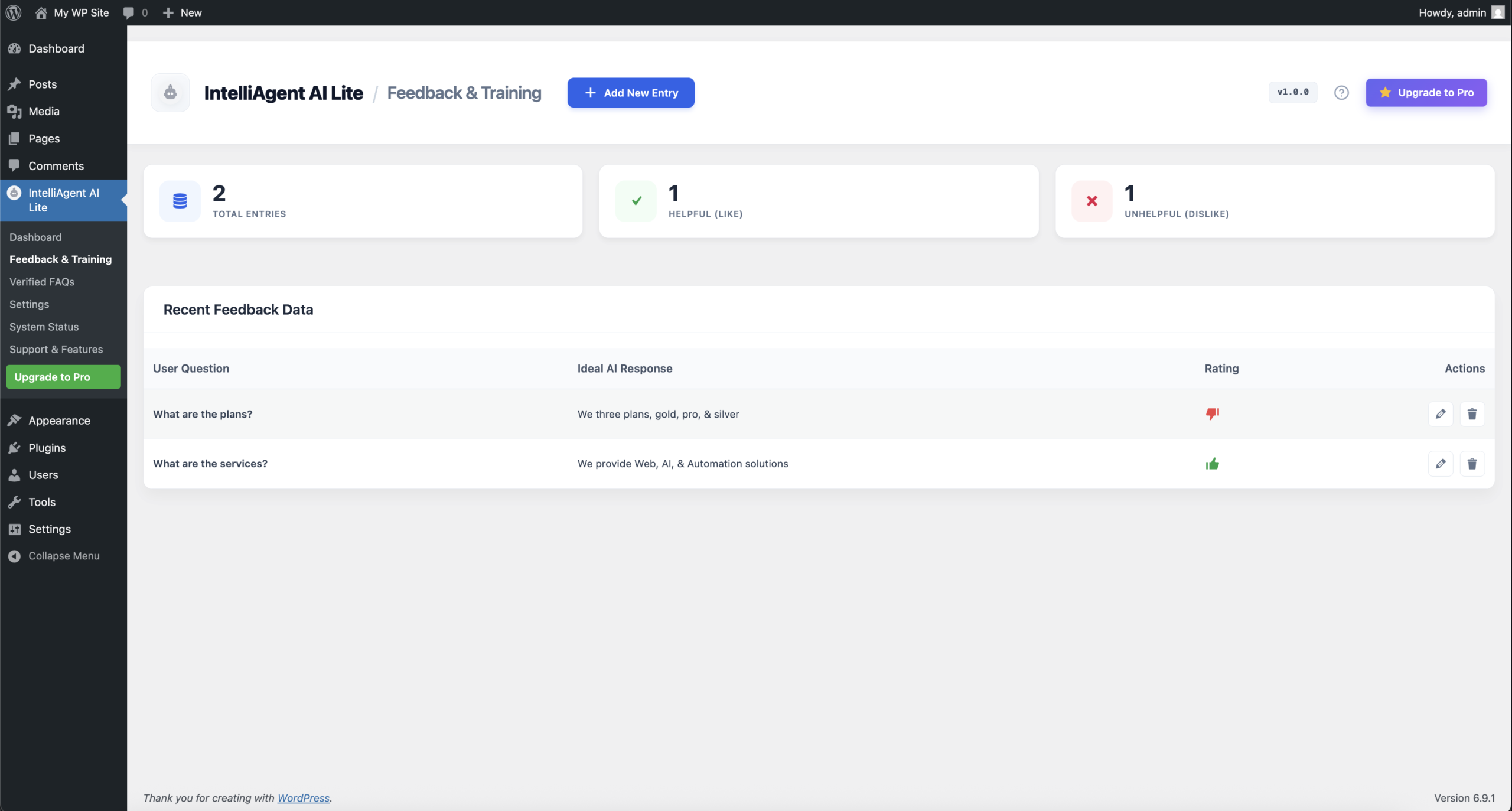
- ⭐ Feedback System - Collect visitor feedback on AI responses
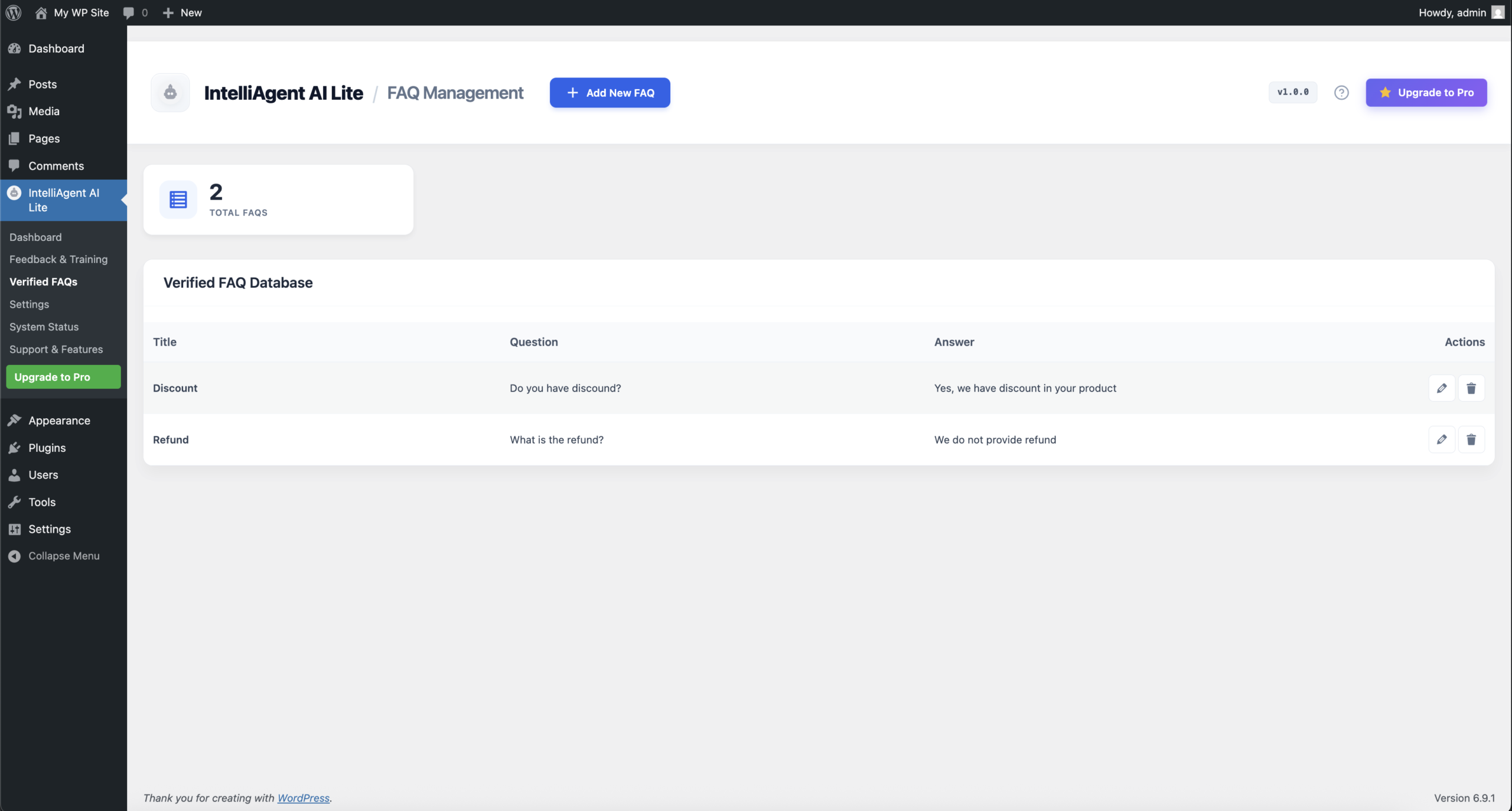
- ❓ FAQ Management - Create and manage FAQs
- 🔒 Privacy Focused - Your data stays on your server
- 📱 Mobile Responsive - Works perfectly on all devices
- Product recommendations based on visitor queries
- Product information display (price, stock, description)
- Product URLs included in responses
- Knowledge base sync for products and pages
- WordPress Coding Standards compliant
- WooCommerce HPOS Compatible - Full support for High-Performance Order Storage
- Translation ready (i18n)
- AJAX-powered chat interface
- Clean, documented code
- Data sanitization and validation
- Nonce verification on all requests
- GDPR compliant
- All chat data stored locally in your WordPress database
- OpenAI API: Used to process and generate intelligent chat responses.
- Data sent: User input text, chat history, and relevant website/product context.
- Service: https://openai.com/
- Privacy Policy: https://openai.com/policies/privacy-policy/
- Terms of Service: https://openai.com/policies/terms-of-use/
- Google Gemini API: Used to process and generate intelligent chat responses.
- Data sent: User input text, chat history, and relevant website/product context.
- Service: https://ai.google.dev/
- Privacy Policy: https://policies.google.com/privacy
- Terms of Service: https://ai.google.dev/terms
- 🤖 Multiple AI Providers - Choose among Grok, OpenAI (GPT), and Google Gemini
- 🛒 Advanced WooCommerce - Add to cart functionality, checkout assistance, order creation
- 🔄 Automated Cron Sync - Keep knowledge base updated automatically
- 📄 Document Training - Upload PDFs, images, and documents for AI training
- 📧 Email Notifications - Get unlimited email alerts for new chats and transcripts
- 🌍 40+ Languages - Full multilingual support for global audiences
- 🎯 AI Persona Generation - Auto-generate AI personality from your content
- 📊 AI Summary - Detailed chat summaries and performance metrics
- ⚡ Priority Support - Direct access to our support team
安装:
- Upload the
intelliagent-ai-litefolder to the/wp-content/plugins/directory, or install via Plugins → Add New - Activate the plugin through the 'Plugins' menu in WordPress
- Go to IntelliAgent AI Lite → Settings to configure your API keys
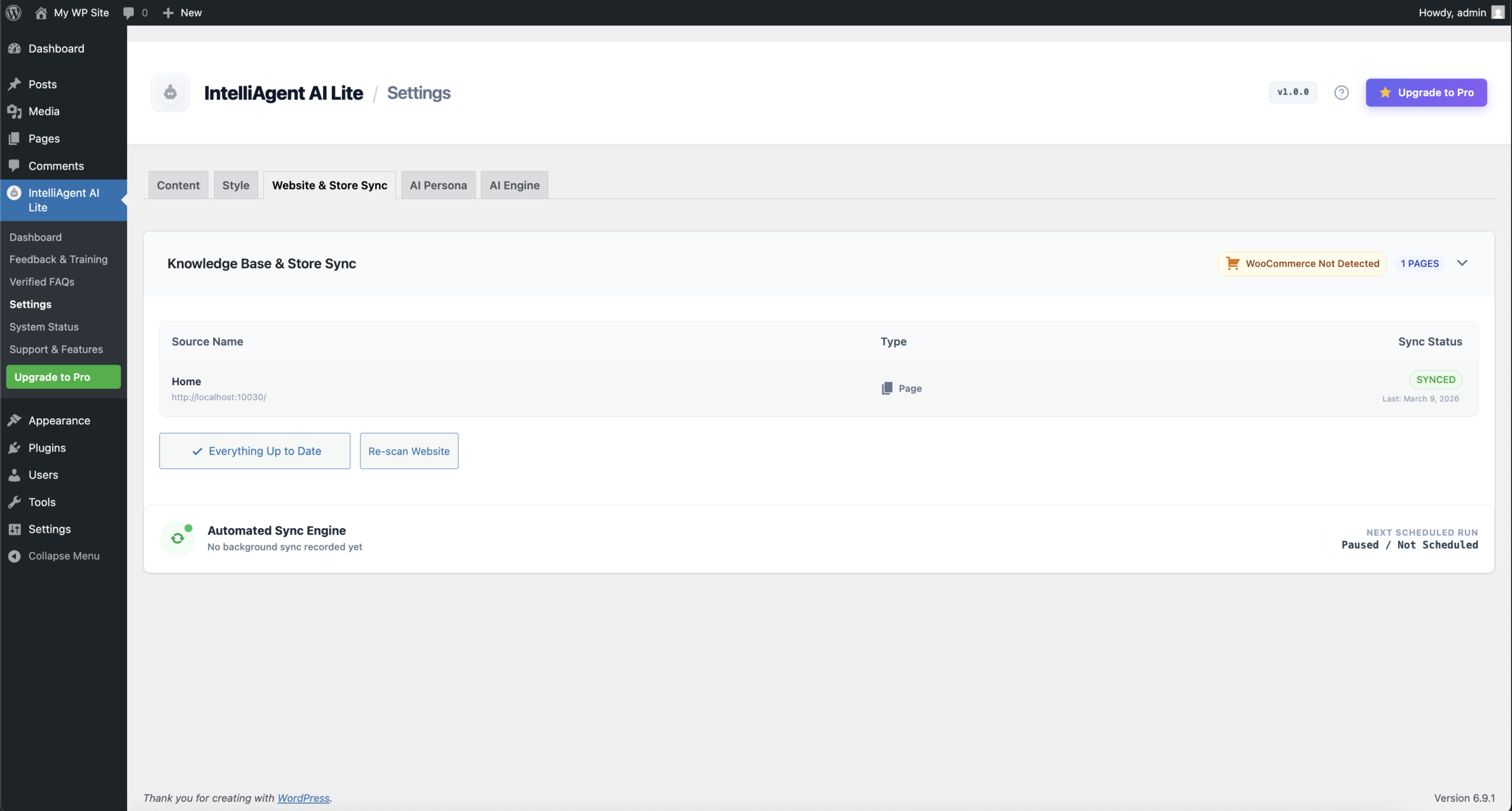
- Navigate to Website & Store Sync to sync your pages and products
- The chat widget will automatically appear on your site
屏幕截图:
常见问题:
Do I need an API key?
Yes, you need either an OpenAI API key or Google Gemini API key. You can get them from:
Does it work with WooCommerce?
Yes! The Lite version includes WooCommerce integration for product recommendations and product information. Upgrade to Pro for add-to-cart functionality and checkout assistance.
How do I sync my products?
Go to IntelliAgent AI Lite → Store Sync. The plugin will automatically discover your pages and WooCommerce products. Click "Sync All Pending" to add them to the knowledge base.
Is there a free version?
Yes, this is the free version. It includes core chat functionality, WooCommerce product recommendations, FAQ management, and feedback collection.
Does it work with any theme?
Yes, the chat widget works with any WordPress theme. The appearance can be customized to match your site's branding.
Where is chat data stored?
All chat data is stored locally in your WordPress database. No data is sent to third parties except for the AI API requests.
更新日志:
- Enhancement: Added updated logo and icon assets for the plugin directory.
- Enhancement: Verified full compatibility with WordPress 7.0 and WooCommerce 10.9.
- Tweak: Minor performance optimizations and code structure refinements.
- Fix: Minor fix on the media uploader for profile image (avatar) uploads.
- Fix: Completely removed
session_start()and dependency on PHP sessions to ensure compatibility with server-side caching (Nginx/Varnish). - Enhancement: Switched visitor identification to a secure Cookie UUID and WordPress Transients system.
- Enhancement: Verified and standardized all text domains to match the plugin slug.
- Enhancement: Added administrative opt-in for "Powered by" branding in settings to comply with repository guidelines.
- Fix: Standardized all class and function naming conventions with unique prefixes to prevent global namespace collisions.
- Fix: Hardened all admin submenu slugs and AJAX action strings using unique identifiers for better security.
- Fix: Optimized uninstaller logic to ensure complete cleanup of all plugin-defined options and database transients.
- Fix: Minor update to ensure database tables are correctly cleared during uninstallation.
- Fix: Refined uninstall logic to use dynamic slug retrieval, improving compliance with repository standards.
- Tweak: Added safety checks to verify the plugin path before executing data cleanup.
- Fix: Improved security by removing HEREDOC/NOWDOC syntax from core instruction files.
- Fix: Enhanced prefixing for all classes, functions, and database transients to prevent naming collisions.
- Fix: Updated all transients and options with unique prefixes to resolve directory review flags.
- Tweak: Optimized text domain consistency across all public and admin facing files.
- Feature: Declared full compatibility with WooCommerce High-Performance Order Storage (HPOS).
- Fix: Optimized SVG frontend icons for better performance.
- Fix: Resolved UI rendering issues within the chat menu and back button.
- Initial release.