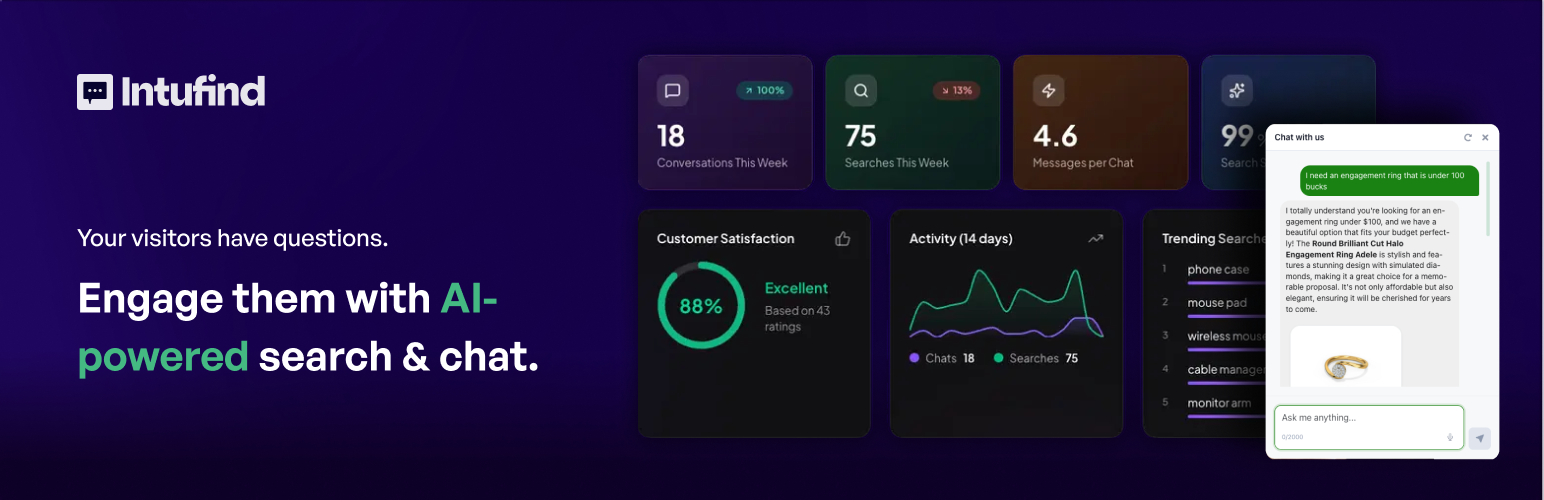
Savanto – AI Search & Chat
| 开发者 | intufind |
|---|---|
| 更新时间 | 2026年9月1日 21:25 |
| PHP版本: | 8.0 及以上 |
| WordPress版本: | 7.0 |
| 版权: | GPLv2 or later |
| 版权网址: | 版权信息 |
详情介绍:
- WordPress
- WooCommerce
- Elementor
- Gutenberg
- Advanced Custom Fields (ACF)
安装:
- Log in to your WordPress admin dashboard
- Go to Plugins → Add New
- Search for "Savanto"
- Click Install Now and then Activate
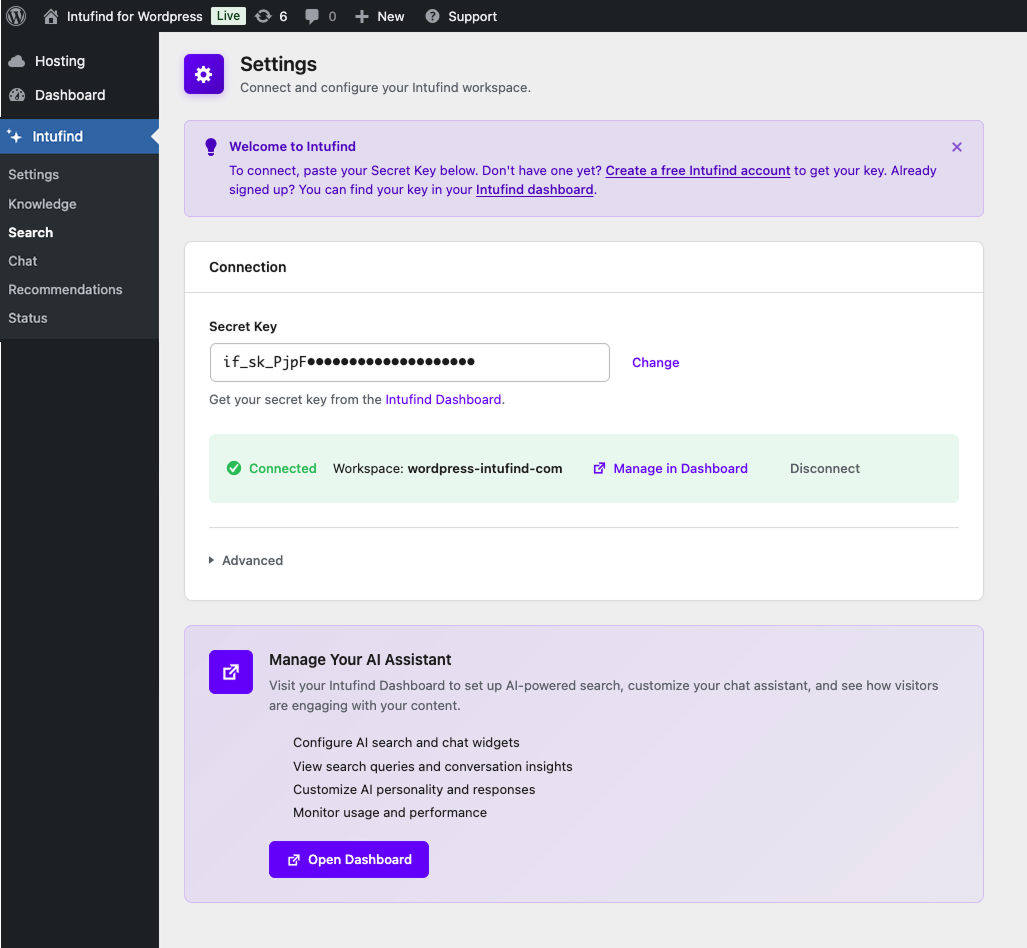
- Go to Savanto → Settings and click Connect to Savanto
- Download the plugin ZIP file
- Go to Plugins → Add New → Upload Plugin
- Upload the ZIP file and click Install Now
- Activate the plugin
- Go to Savanto → Settings and click Connect to Savanto
- Create a free account at savanto.ai
- Create a workspace for your site
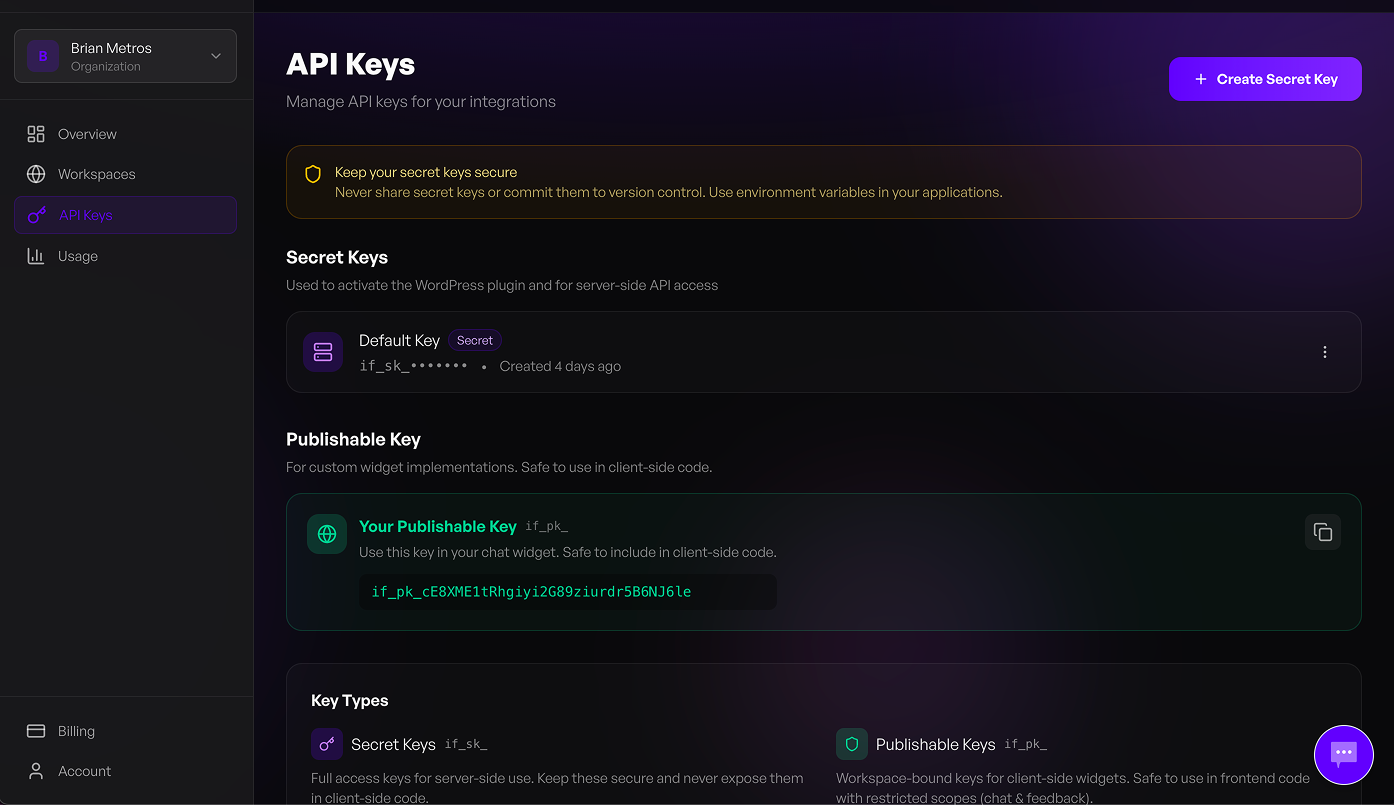
- Copy your Secret Key from the workspace settings
- On the Settings screen, expand Use a secret key instead and paste it
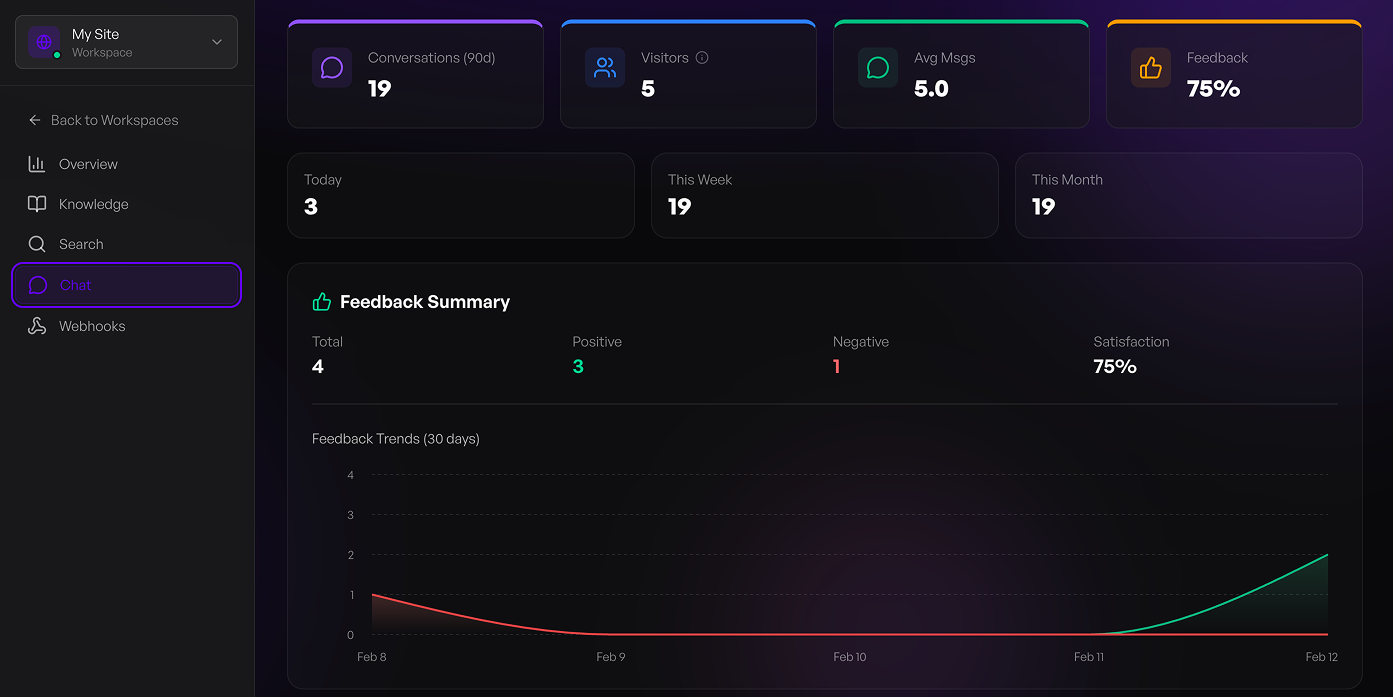
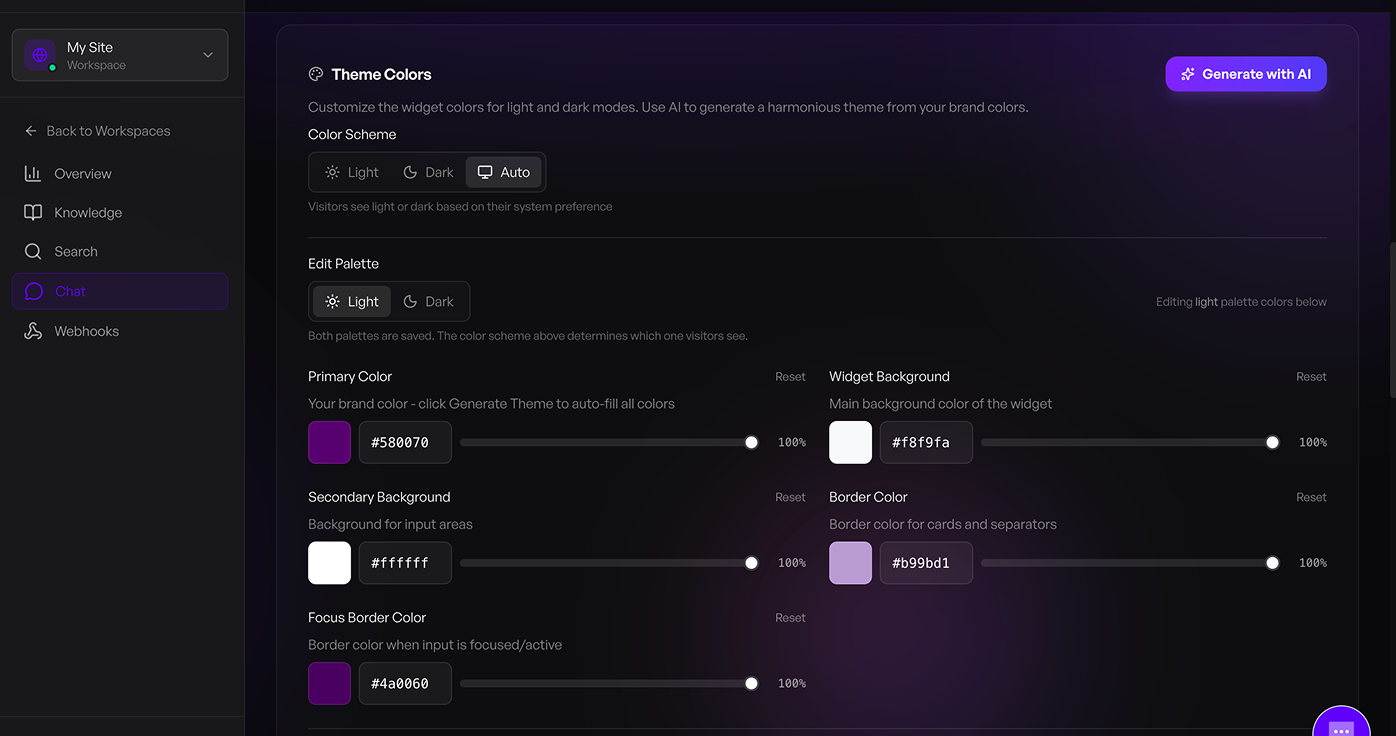
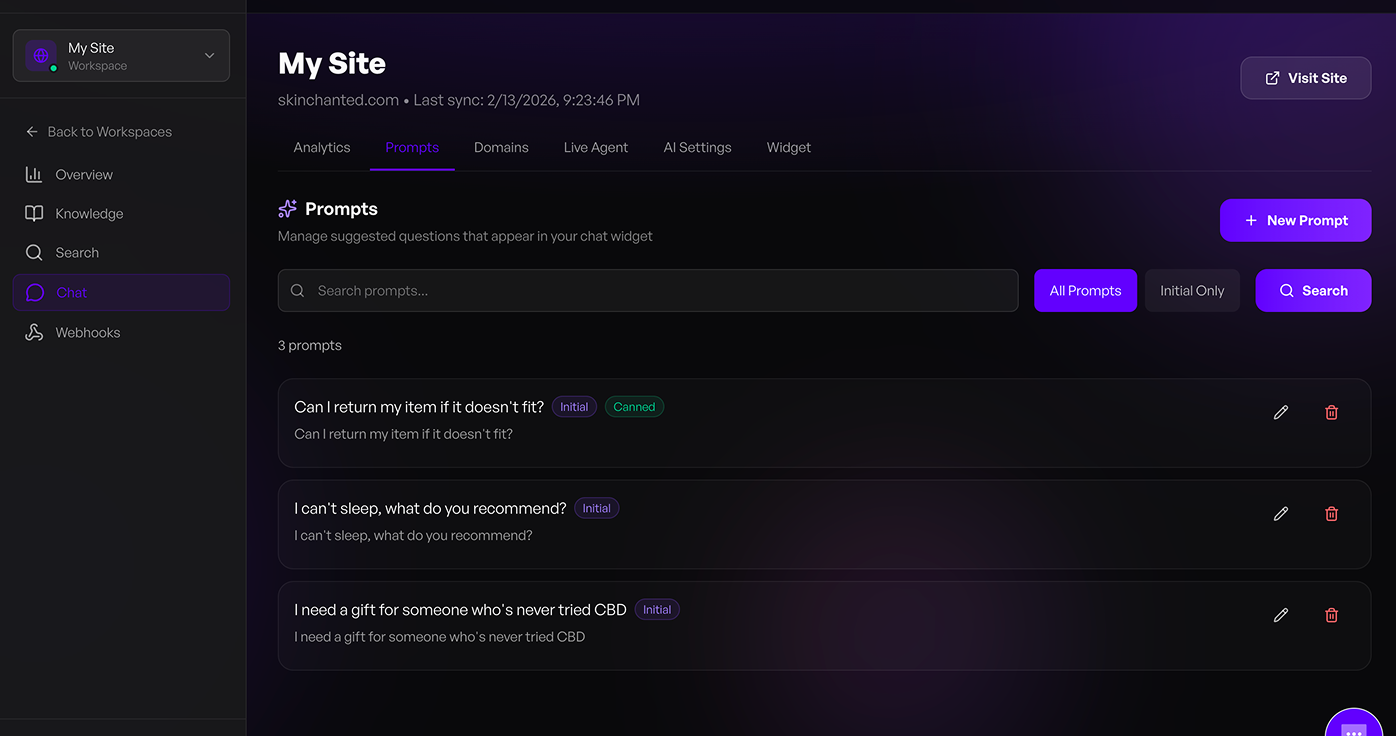
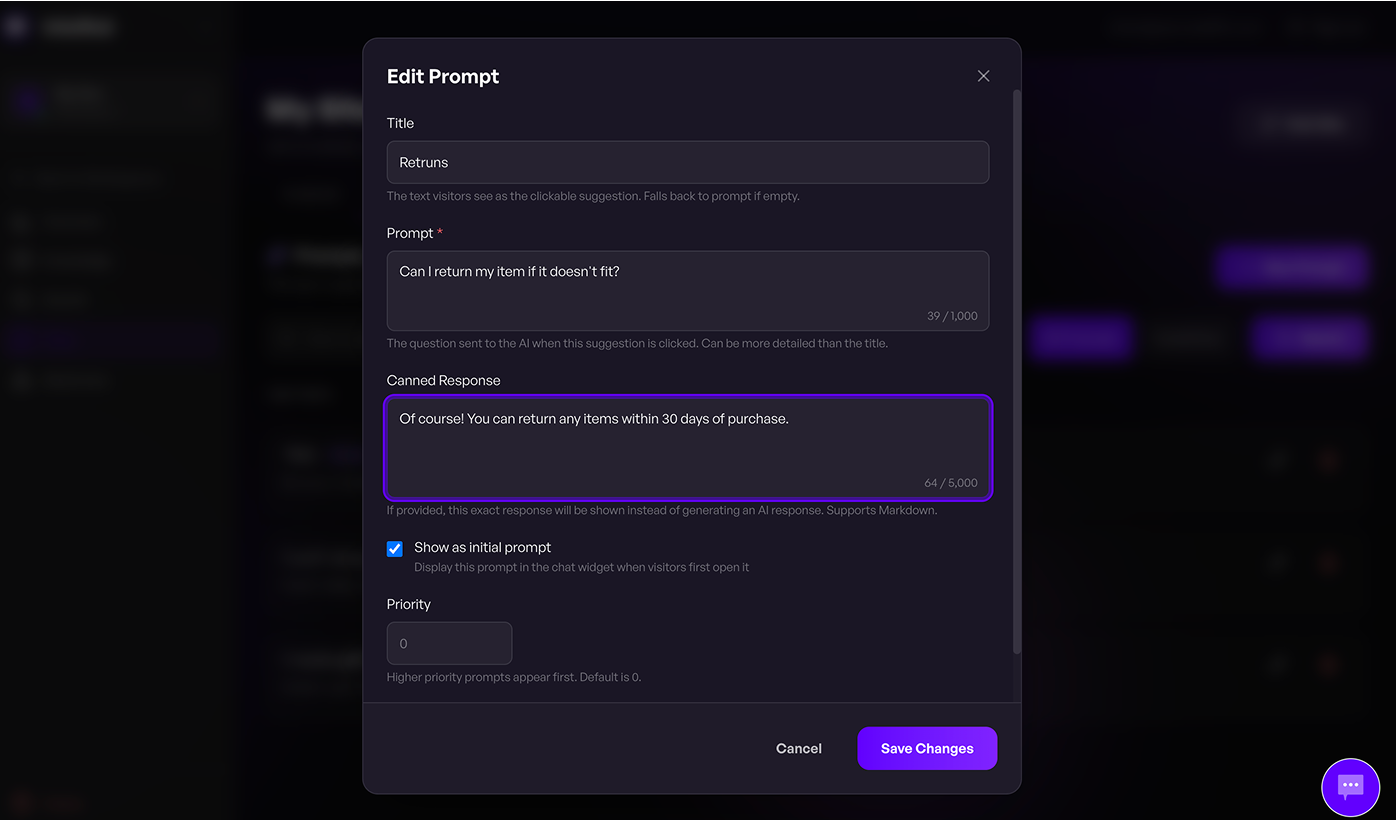
屏幕截图:
常见问题:
Do I need an OpenAI or ChatGPT API key?
No. Savanto runs on its own AI infrastructure. You do not need an account or API key from OpenAI, Anthropic, Google, or any other AI provider. Everything is included.
How long does setup take?
Under a minute. Install the plugin, activate it, and click Connect to Savanto. Signing in or creating an account takes care of the rest, and Savanto starts indexing your site automatically. Most sites are fully searchable within a few minutes.
Do I need WooCommerce?
No. Savanto works with any WordPress site. WooCommerce adds product sync, product recommendations, and an Orders domain so the assistant can answer questions about orders.
Does it work with WooCommerce?
Yes. Savanto indexes your full product catalog including titles, descriptions, pricing, categories, custom fields, and metadata. It's built with ecommerce in mind.
Will this slow down my site?
No. Savanto runs on external servers with global edge deployment. It does not add processing load to your WordPress hosting. Response times are under 100ms.
What content does Savanto index?
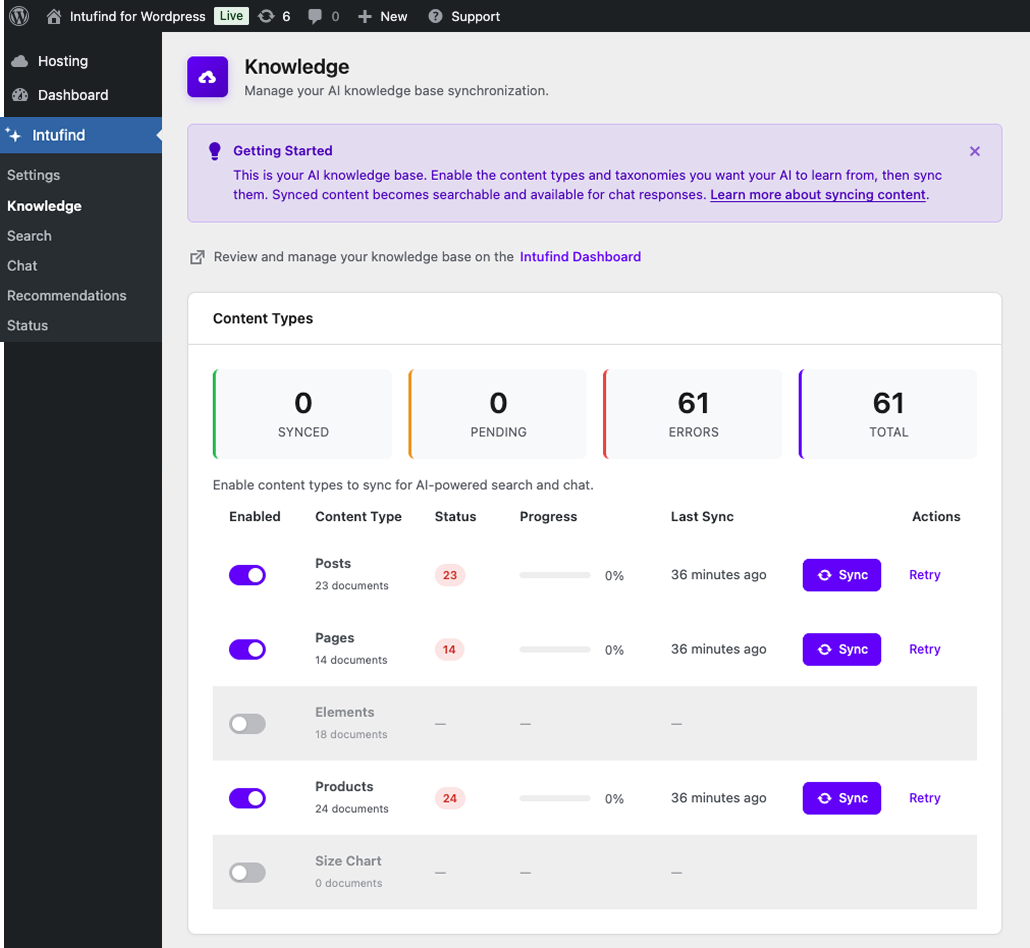
Savanto indexes publicly available pages, posts, and products on your site. You can configure which post types to sync. It never touches private content, drafts, user accounts, or personal information.
Does the AI chat assistant make things up?
Savanto's chat assistant responds based on your actual site content. It does not pull from general internet knowledge or generate responses unrelated to your site.
Can I customize the appearance?
Yes. You can customize the look and placement of both the search and chat interfaces to match your site's branding from the Savanto Dashboard.
Does it work with page builders?
Yes. Savanto is compatible with Elementor, Gutenberg, and other popular page builders. It also supports Advanced Custom Fields.
What is MCP?
MCP (Model Context Protocol) is a standard for AI agents to interact with external services. Savanto's MCP server allows AI agents to query orders and perform actions in your WooCommerce store.
Is it really free?
Yes. The free plan does not expire: 1,000 searches and 50 chat messages a month, with no credit card. Your first two weeks include higher limits to help you get set up. Paid plans start at $9/month when you need more.
Is there a developer API?
Yes. Full API documentation is available at savanto.ai/docs/api for custom integrations and advanced use cases.
How is this different from other AI plugins?
Most AI plugins are developer toolkits that require your own API keys from providers like OpenAI. You configure the models, manage embeddings, and build the search or chat experience yourself. Savanto is a finished product that works immediately with no technical setup.
How is this different from live chat plugins?
Live chat plugins are customer support platforms where AI is typically a premium add-on. Savanto is an AI search and chat product from the ground up, purpose built to help visitors find what they're looking for and convert. There is a free plan, and paid plans start at $9/month.
Is my data secure?
Yes. All communication with the Savanto cloud uses HTTPS encryption. Your Secret Key is stored securely in your WordPress database and never exposed to visitors.
What happens if I disconnect or uninstall?
When you disconnect from the Settings page, all your indexed content is deleted from Savanto's servers and all plugin settings are removed. When you uninstall the plugin, it performs the same cleanup automatically.
更新日志:
- When your plan's indexing limit is reached, the Knowledge screen now says so. It names the content types affected, tells you how many items were left out, and links to your plan — instead of showing a pile of errors whose only explanation was a tooltip in the Posts list.
- The number of items over your limit is now the number Savanto actually refused. It previously included everything the sync stopped short of attempting, which on a large site could overstate the overage by hundreds.
- Retry now says what it cannot fix. Items held back by your plan will keep failing until you upgrade or remove content, and the button explains that rather than quietly doing nothing useful. It still retries everything else in the row.
- Retrying at your plan limit stops as soon as that is clear, instead of sending one request per remaining item for an answer it already has.
- Content you delete in WordPress is now removed from your knowledge base even while your plan is full, which frees space for what you do want indexed.
- The Knowledge table fits again. Its rightmost column looked cut off on Macs and other platforms that hide scrollbars, because the admin pages were narrower than the table needed.
- Fixed the feature lists on the Settings and Chat screens rendering as bare indented lines instead of bullets.
- Fixed a content type with a single item reading "1 documents" after a sync, along with a mislabelled error count and an unstyled Retry button that appeared once a row refreshed itself.
- Clarified wording across the admin screens.
- Order support no longer reports an SSL failure on sites that are not yet served over HTTPS. It now says plainly that HTTPS is required and what to do about it, and stops making a request the cloud was always going to reject. "Retry Registration" honours the same rule, instead of repeating the failed call.
- The Status screen no longer shows order support as "Registered" alongside an error saying it is not.
- Connecting your site shows one message about what happened rather than two that disagreed: the confirmation used to say your content was syncing directly above a second notice saying the sync had finished.
- A content sync that takes a while now says so, and keeps saying so until it reports. Previously a slow first sync gave no feedback at all.
- The "Connect to Savanto" and "Finish setup" buttons show that they are working. Both spend a moment talking to Savanto before the page changes, and previously looked unresponsive — inviting a second click that started the work twice.
- Fixed the Sync switch in the Posts, Pages and Products lists appearing to break while it saved. It faded to half opacity, which at that size left a pale bar with a dot on it that looked like a stray dash. It now keeps its colour while it works.
- Added one-click "Connect to Savanto": sign in or create a free account, approve the connection, and your site is connected. There is no secret key to copy from the dashboard — key entry is still available under "Use a secret key instead" if you prefer it.
- Connecting now uses the workspace already on your account instead of failing with "Workspace limit reached". Reconnecting the same site reuses its existing workspace rather than trying to create a duplicate.
- The first content sync is queued in the background instead of running while you are redirected back to WordPress, so sites with large catalogs no longer time out with credentials already saved.
- Signing up part-way through connecting has longer to finish, so the connection no longer expires while you are checking your email for the verification link.
- A connection that fails now says why, including the response from Savanto. Previously every failure reported that the site must be served over HTTPS, which was often wrong and sent troubleshooting in the wrong direction.
- Setup that stops before it finishes is now detected and reported on the Settings screen, with a "Finish setup" button that completes it. Previously the site showed as connected while search and chat stayed switched off and the first sync never ran.
- Retrying a connection no longer leaves unused secret keys on your Savanto account; the previous key for the site is revoked once its replacement exists.
- Tidied the Settings screen: one clear way to connect, secret-key entry tucked behind a disclosure, and the connected state shows status and actions separately.
- Fixed the Savanto columns in the Posts, Pages and Products lists: the status dropdown rendered at full form-field size inside the row, and the sync switch sat slightly above it. The two columns are now labelled "Sync" and "Visibility" instead of unlabelled icons.
- Clarified wording across the admin screens.
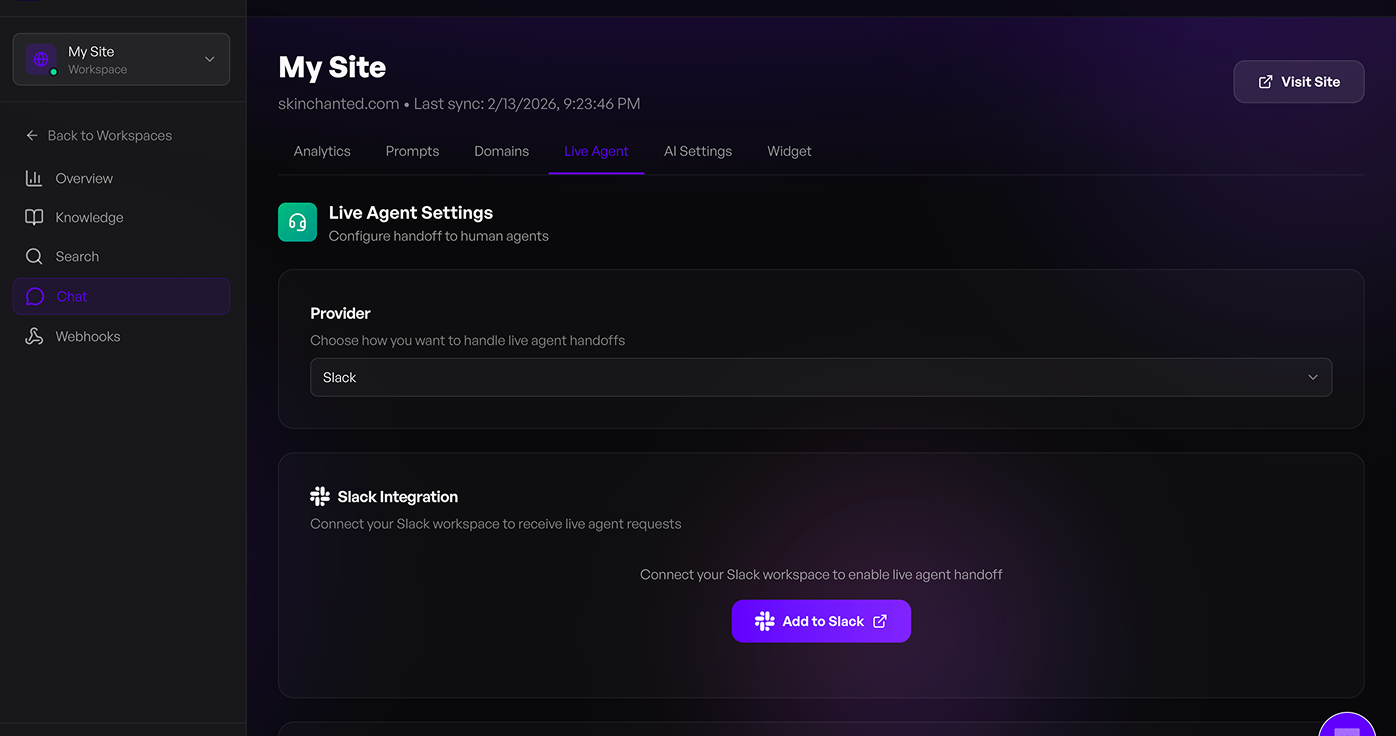
- Reframed the AI Chat and Live Agent Handoff screenshots so they display fully in the listing gallery. No functional changes to the plugin.
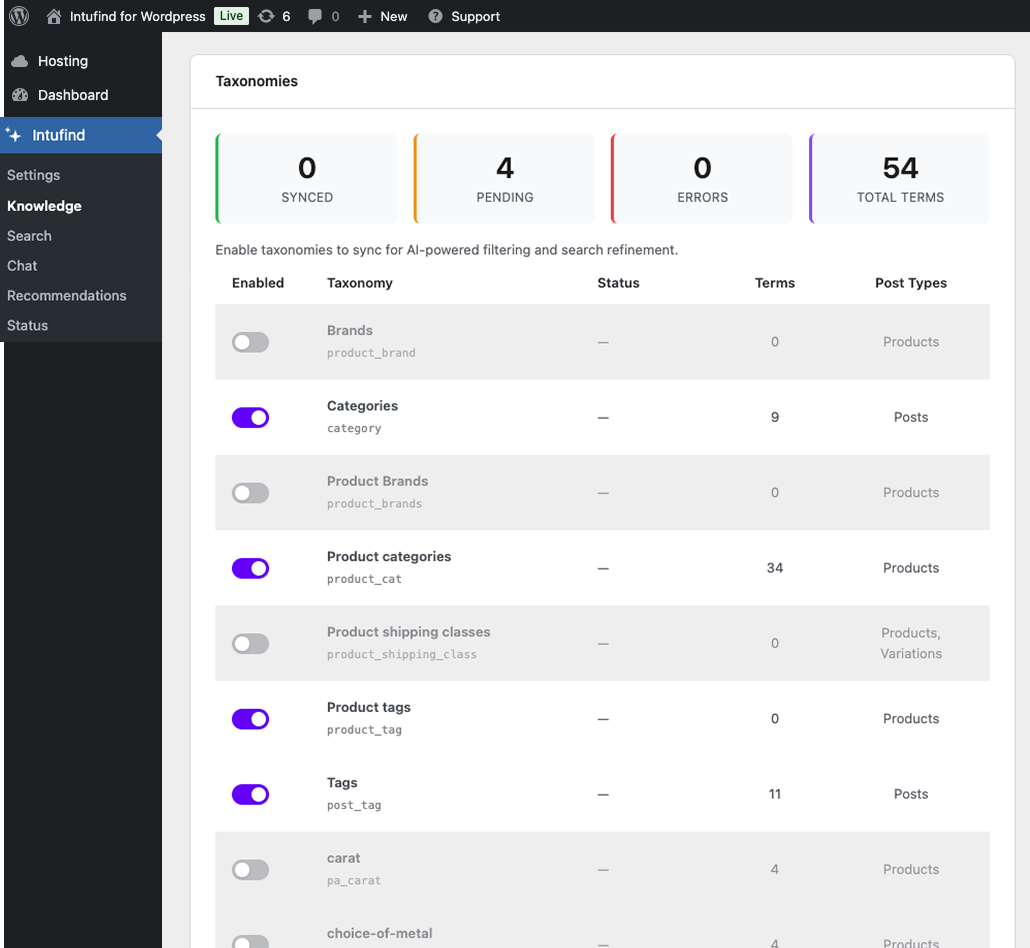
- Added Content Sync and Taxonomies screenshots to the listing. No functional changes to the plugin.
- Removed two outdated demo videos and added a link to the WordPress setup guides. No functional changes to the plugin.
- Refreshed the wordpress.org listing: updated banner, icon, and screenshots to current Savanto branding. No functional changes to the plugin.
- Re-validating your API key after a typo no longer clears an already-working key — the new key is saved only after it validates successfully.
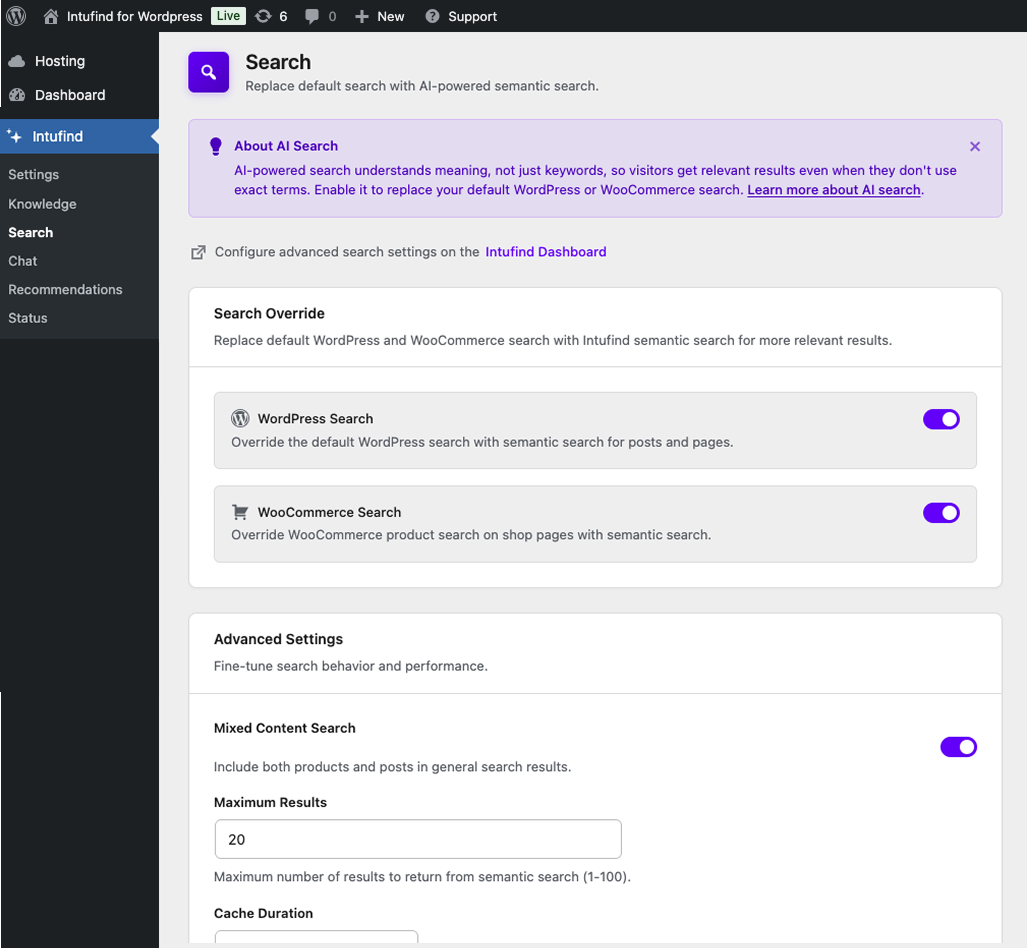
- Search results now include synced pages and custom post types in general searches, not only blog posts; the search cache also refreshes when you change which post types are synced.
- AI recommendation blocks now refresh correctly after a product is added, edited, or deleted.
- Product title-only edits now re-sync to search and chat.
- Hardened content-sync pagination against runaway loops on very large catalogs.
- Added developer hooks (
savanto_product_documentfilter andsavanto_resync_productaction) so integrations such as live/spot-price plugins can shape the indexed product document and trigger re-indexing when prices change.
- Fixed real-time taxonomy sync: the background batch handler for category and tag changes was never registered, so queued term updates were dropped silently.
- Scheduled sync now includes enabled taxonomies, not only posts and products.
- Deactivation and disconnect clear all Savanto cron events (scheduled sync and batch processors).
- Manual sync uses a short-lived lock so overlapping admin and cron syncs do not run at the same time.
- Sync interval is clamped to supported values (6h–48h); invalid or zero values fall back to the default.
- Orphan cleanup is skipped when a sync hits the plan indexing limit so valid cloud documents are not removed.
- Security: removed the API key, JWT secret, publishable key, and last MCP error from WordPress's
alloptionsautoload cache. Existing installs are migrated automatically on first load. - Hardened the admin settings, MCP wiring, and sync-status options to write with
autoload=falseso they aren't re-cached on save.
- Brand rename: this plugin is now Savanto. After updating you will see "Savanto – AI Search & Chat" in your plugins list, on every admin page, and in the WordPress.org listing
- Switched the cloud API endpoint to api.savanto.ai. Existing connections continue to work — settings, API keys, and indexed content are preserved
- Refreshed admin UI copy, links, and documentation references to point at savanto.ai
- Internal refactor: plugin classes renamed to the Savanto_* namespace. No impact on stored settings or data
- Fixed API compatibility issue where workspace-scoped endpoints returned "Workspace is undefined" after backend migration
- Improved alert spacing consistency across Knowledge Base and other admin pages
- Improved code quality and WordPress coding standards compliance across all admin templates
- Fixed PHPStan static analysis errors for stricter type safety
- Replaced urlencode with rawurlencode for proper URL encoding
- Added WPBakery Visual Composer content extraction with base64-encoded vc_raw_html support
- Added page builder detection on Knowledge and Status pages with contextual tip to try the web crawler
- Improved shortcode stripping with regex fallback for unregistered shortcodes (WPBakery, Divi, Avada)
- Content sync now preserves document structure (headings, lists, bold, links) as markdown for better AI search and chat quality
- Added html_to_markdown() converter for rich content fields (post content, product descriptions, ACF WYSIWYG, Divi builder)
- Retained plain-text extraction for short fields like excerpts and text-only ACF fields
- Added FacetWP integration — FacetWP Search facets now use Savanto semantic search automatically
- Savanto appears as a selectable search engine in FacetWP's Search facet settings
- Auto-intercepts FacetWP's default WP search engine when the Savanto Search Override is enabled
- Detects listing post types to query the correct API endpoint (posts, products, or both)
- Added integrations directory for organized third-party plugin support
- Fixed bulk sync failing entirely when batch exceeds plan indexing limit — now processes as many items as will fit
- Added retry with exponential backoff for rate-limited API requests during bulk sync
- Fixed error code detection for indexing limit responses
- Fixed _hash field leaking to API in real-time sync batches
- Fixed RSS feed requests and bot-like URL patterns being logged as native search queries
- Added search term validation to filter out junk entries before they reach analytics
- Fixed search shortcode not opening the modal when clicked before the widget finishes loading
- Added graceful fallback to native site search if the widget fails to load (CDN/network issues)
- Fixed $0 price display for WooCommerce variable products and products with a $0 sale price
- Added price range display for variable products (e.g. "$89.00 – $200.00")
- Added separate admin toggle for the floating search trigger button (defaults to off)
- Added admin toggle to enable/disable the search widget entirely
- Fixed flash of unstyled content (FOUC) on the [savanto_search] shortcode
- Added shortcode usage info and styling reference to the Search admin page
- Declared compatibility with WooCommerce HPOS (High-Performance Order Storage) and block-based Cart/Checkout
- Added [savanto_search] shortcode for placing an inline search trigger button anywhere on the site
- Added savanto_search_button() template tag for theme developers
- Four trigger variants: default, compact, icon, and bar (Spotlight-style)
- Platform-aware keyboard shortcut badge with auto dark mode, high contrast, and reduced motion support
- CSS custom properties for easy styling overrides
- Improved floating search trigger accessibility (focus-visible, reduced motion, high contrast)
- Fixed orphan cleanup incorrectly deleting valid cloud documents when plan indexing limit is reached during sync
- Fixed API error handling crash on PHP 8 when error response contains non-string payloads
- Fixed post type filter not being applied during orphan cleanup, preventing unintended document removal during sync
- Fixed DELETE API requests to ensure the request body is sent correctly
- Improved cache invalidation for content deletion to prevent stale data
- Enhanced bulk sync actions to immediately reflect changes in the cloud
- Added error handling for cloud deletion failures with appropriate error messages
- Moved inline CSS to enqueued stylesheet per WordPress coding standards
- Improved service status messaging for clearer account state communication
- User-friendly error messages during sync operations
- Removed internal notices from admin pages for a cleaner experience
- Fixed WordPress admin notices appearing between page title and subtitle
- Improved disconnected state UI with clearer service status messaging
- Connection verification now runs for previously-connected sites
- Warning status indicator and contextual actions (Reconnect / Manage Account / Change Key)
- Alert dismiss button now inherits brand color
- Initial release
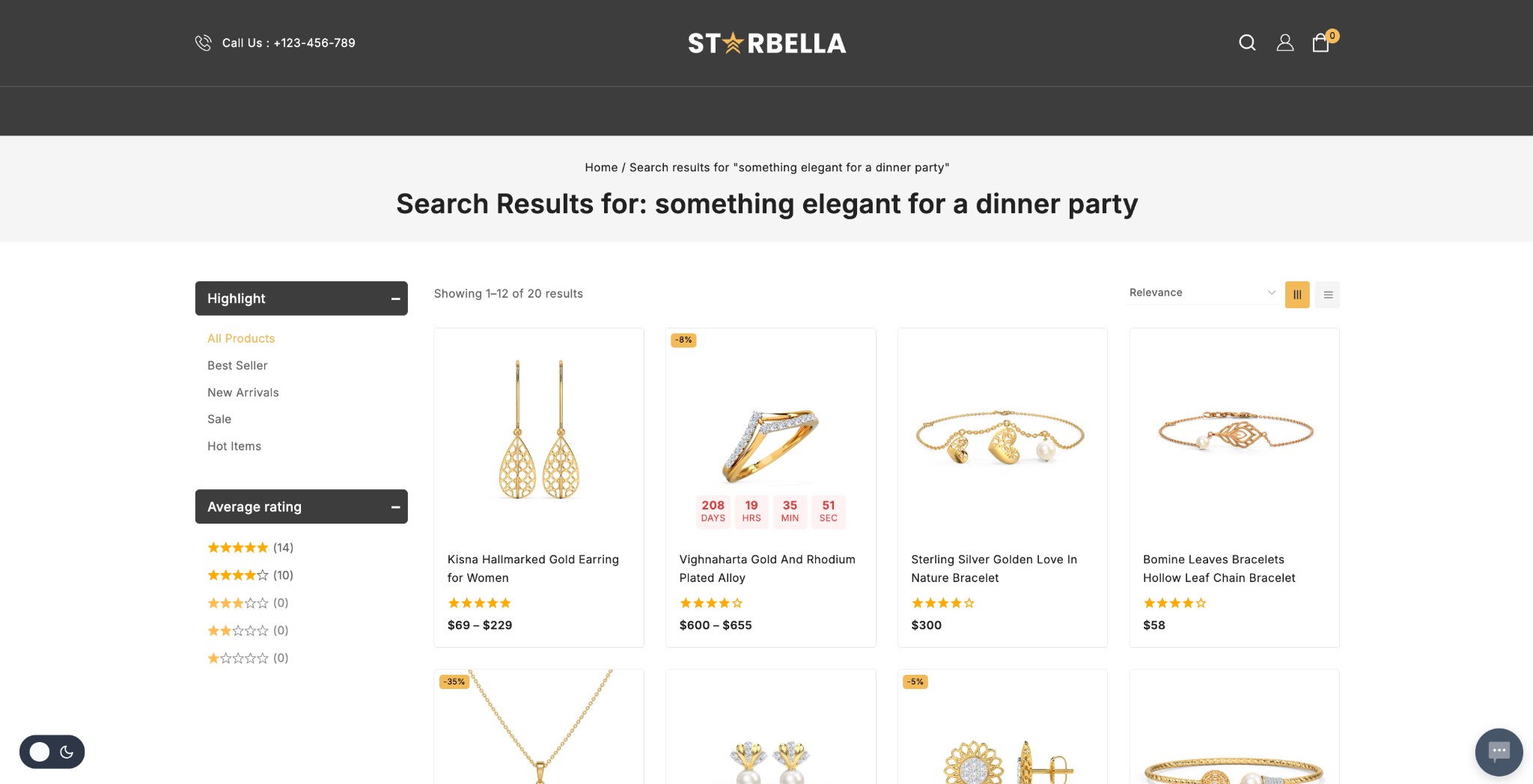
- AI-powered semantic search for WordPress and WooCommerce
- Automatic content sync to Savanto cloud
- MCP server for AI agent integration (WooCommerce orders)
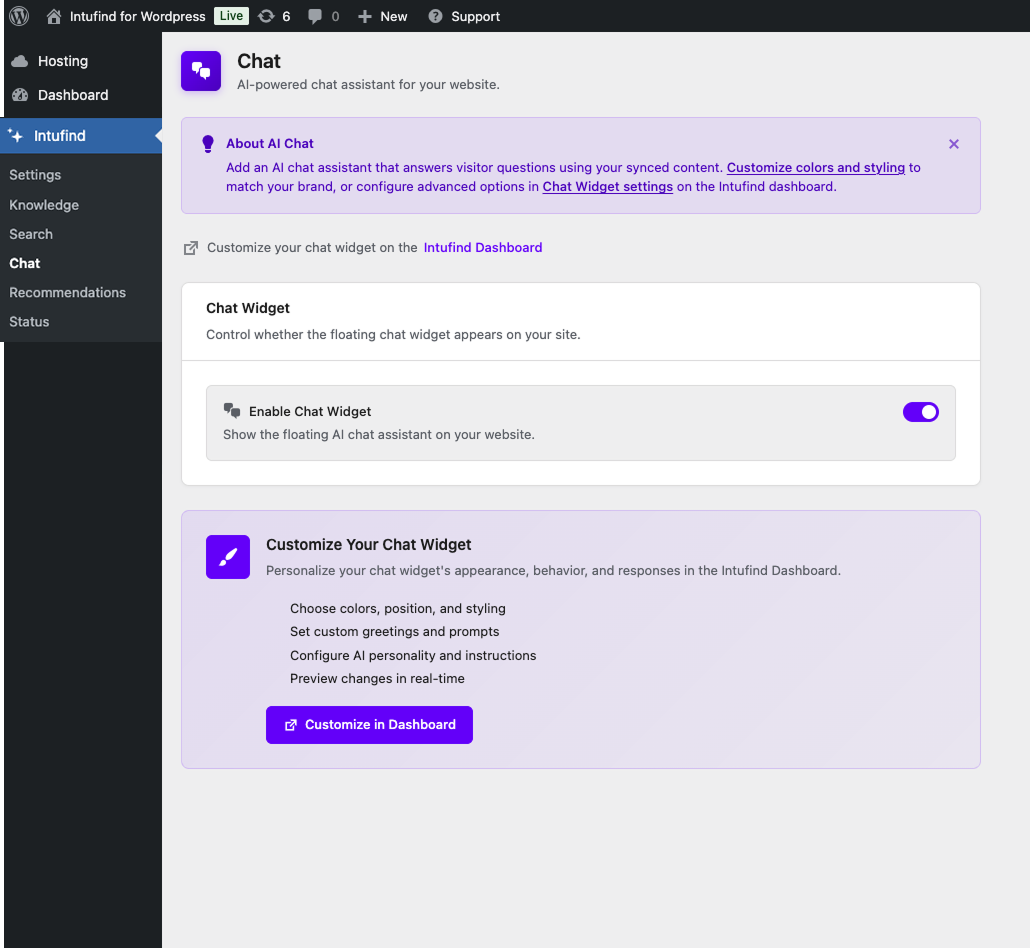
- Chat widget integration with cloud-managed configuration
- Native WordPress and WooCommerce search override options
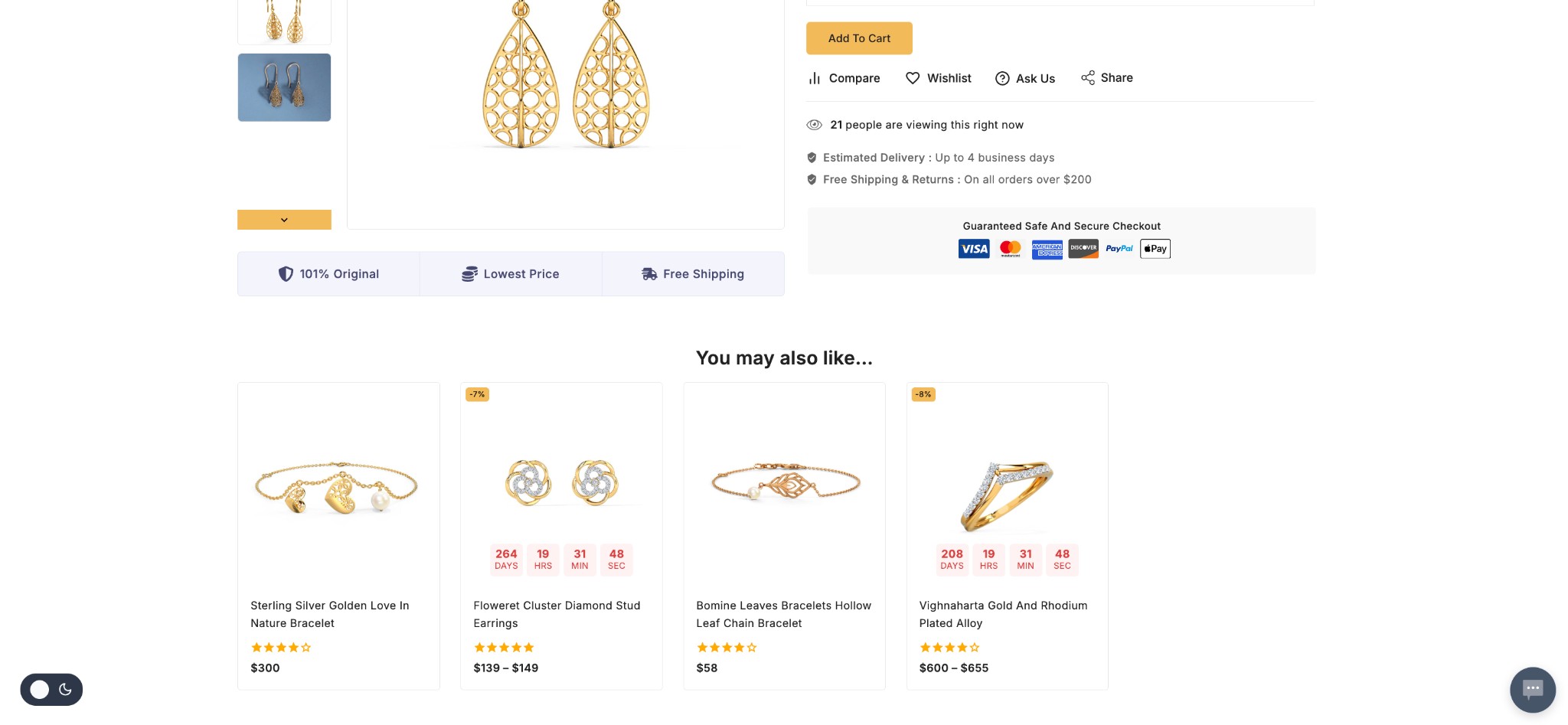
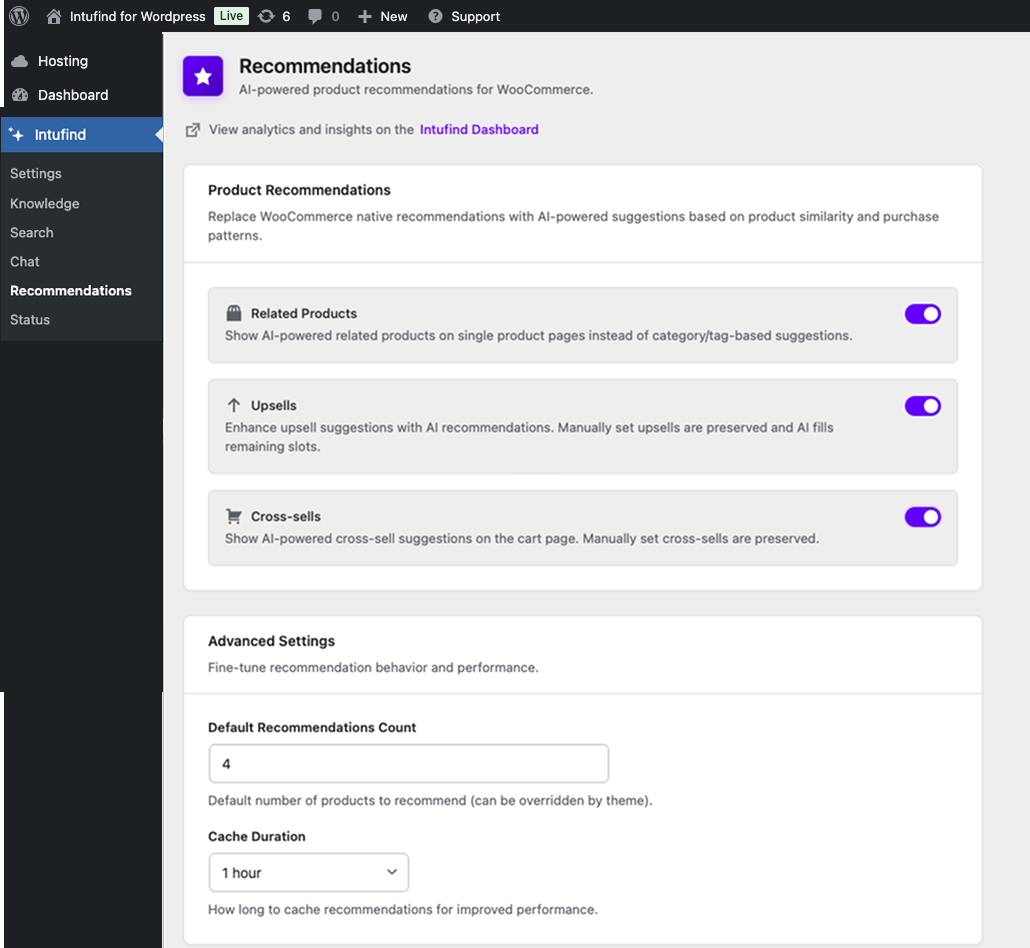
- AI-powered product recommendations (WooCommerce)
- Per-post sync and searchability controls