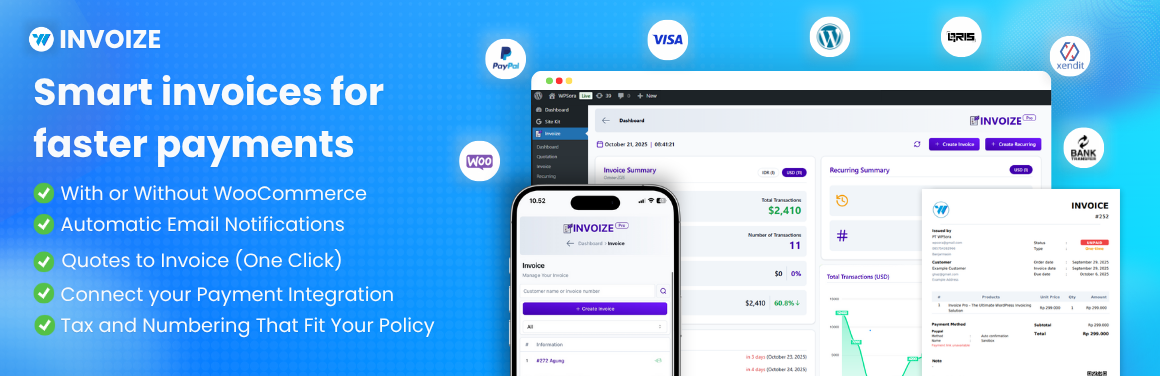
Invoize – PDF Invoices, Packing Slips, Quotations & WooCommerce Invoicing
| 开发者 |
WPSora
Opensynergic Dede Nugroho dhani rahman ramsi ghazi pradana freemius wpsora |
|---|---|
| 更新时间 | 2026年9月1日 09:18 |
| 捐献地址: | 去捐款 |
| PHP版本: | 8.1 及以上 |
| WordPress版本: | 6.9 |
| 版权: | GPLv3 or later |
| 版权网址: | 版权信息 |
详情介绍:
安装:
- Go to Plugins > Add New
- Search for “Invoize”
- Install and activate
- Visit Invoize > Settings to add your logo, company details & numbering
- Start creating invoices or let WooCommerce do it automatically!
屏幕截图:
常见问题:
Can I create credit notes or corrective invoices?
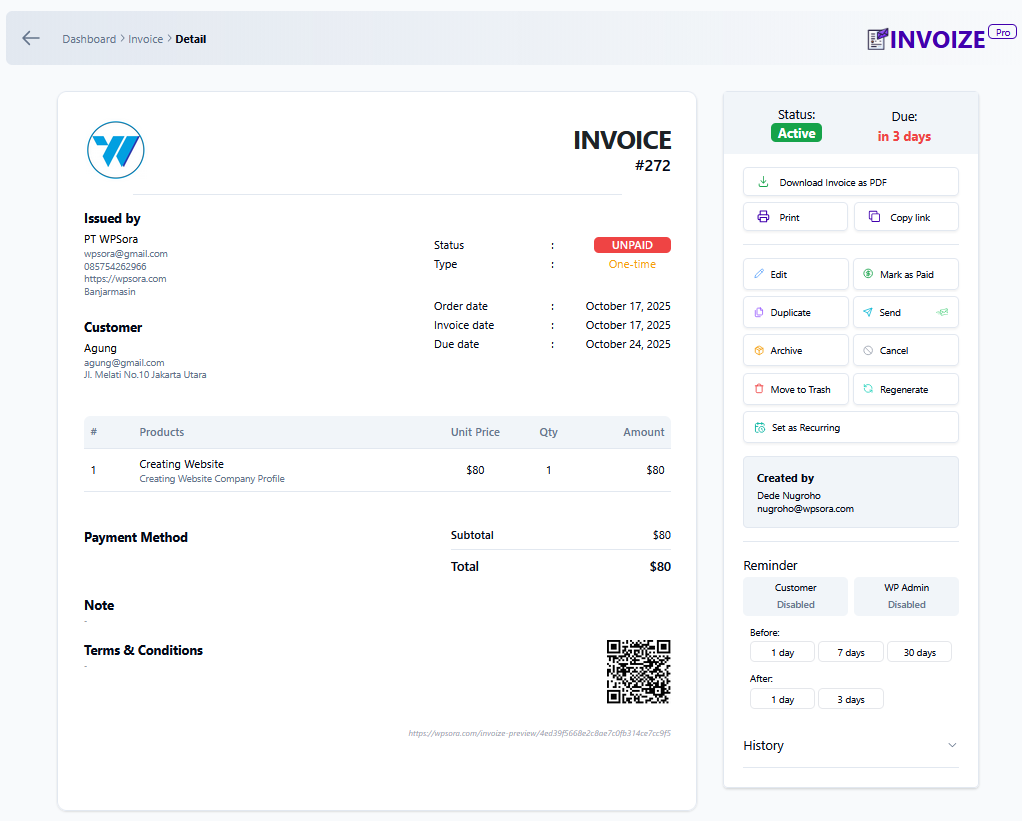
Yes. You can create a credit note from a paid invoice to document refunds, cancellations, or invoice corrections while keeping the original invoice record intact.
Can I convert a quotation to an invoice with one click?
Yes. In Invoize Pro, accepted quotations can be converted into invoices without re-entering the same client and item details.
Does Invoize generate packing slips?
Yes. Invoize can generate clean, branded packing slips for WooCommerce orders.
Does it auto-create WooCommerce invoices?
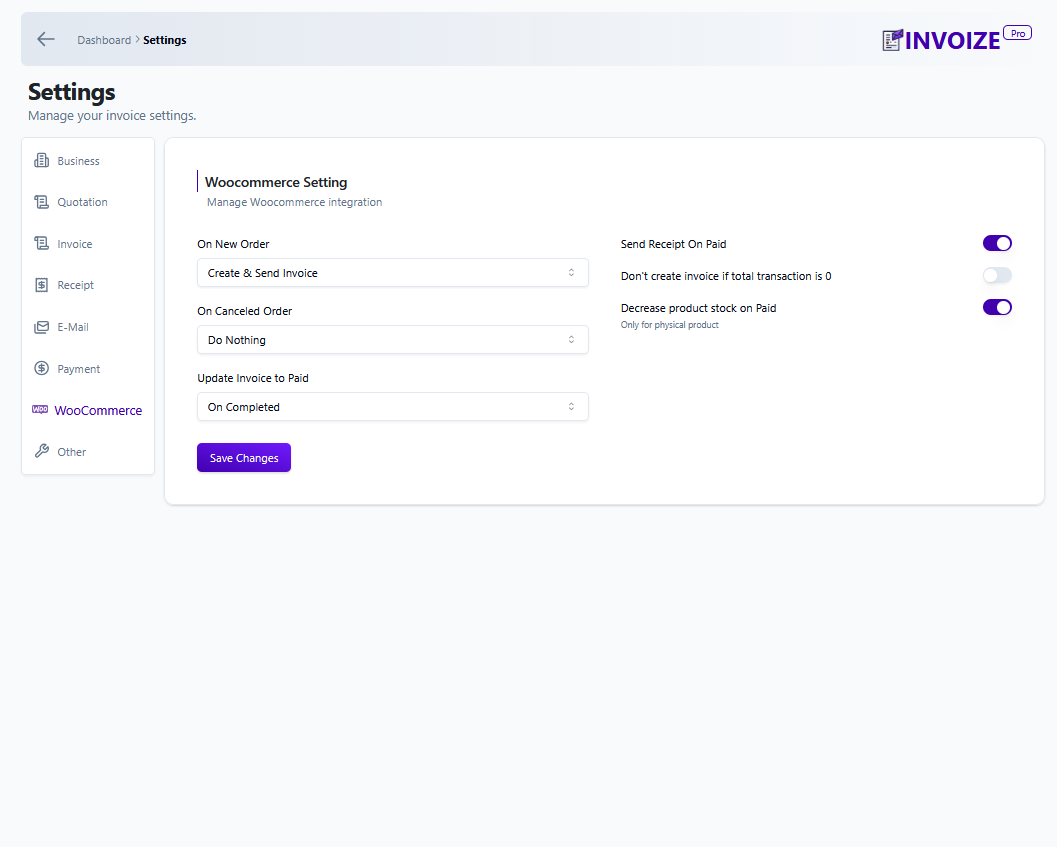
Yes. Invoize can automatically generate invoices when WooCommerce orders are created, then keep invoice and order records aligned.
Can clients pay directly from the invoice?
Free users can offer bank transfer and PayPal payment options. Invoize Pro adds Stripe, PayPal, and Xendit integrations with automatic paid status updates.
Is recurring invoicing available?
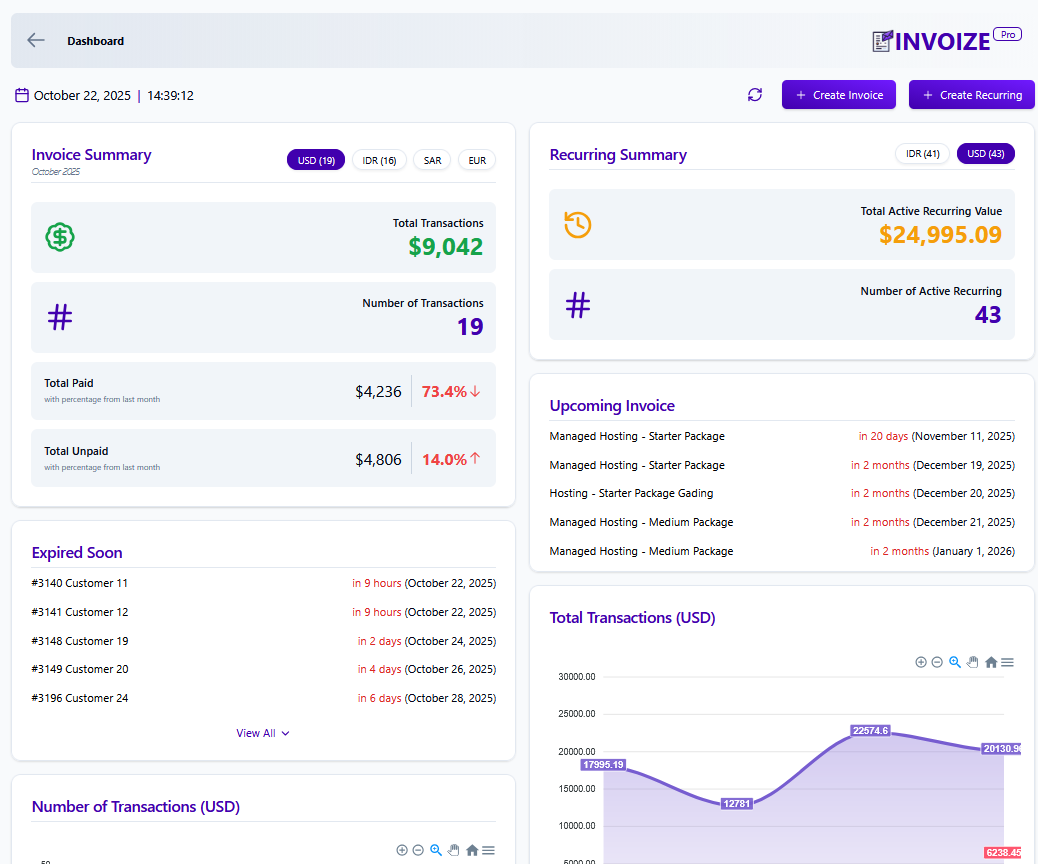
Yes. Invoize Pro supports recurring invoices for weekly, monthly, and yearly billing cycles.
Where do I get help?
Visit wpsora.com/contact for support.
更新日志:
- Improved: Separate Sandbox and Production credentials for Midtrans.
- Fixed: PayPal API secret visibility controls for saved credentials.
- Fixed: PayPal auto-confirmation now shows the public payment-success page instead of redirecting logged-out customers to WordPress login.
- Fixed: PayPal payments securely and reliably update invoices to Paid, including recovery after interrupted capture responses.
- Added: Midtrans Snap payment gateway support for WooCommerce checkout and Checkout Blocks.
- Added: Automatic Midtrans payment status synchronization to Invoize and WooCommerce.
- Fixed: Reuse the existing Invoize invoice for the same WooCommerce order.
- Fixed: WooCommerce integration default status setting typo.
- Added: Indonesian tax options for IDR invoices with PPN and PPh handling
- Added: Credit Note / Corrective Invoice support for paid invoices
- Fixed: Credit note confirmation action visibility
- Fixed: Credit note redirect token handling to avoid undefined invoice URLs
- Fixed: Payment page error when WooCommerce payment methods setting was never saved
- Added: Midtrans payment gateway support
- Added: Edit invoice that has been marked as paid (with on/off setting)
- Added: Notes icon on invoice list for invoices that have notes or terms
- Improved: Currency conversion display before paying online
- Improved: Clearer messages during the payment process
- Improved: Customer payment page loads lighter by skipping unrelated assets
- Fixed: Detail on bank payment
- Fixed: Emoji in PDF turn into Bullet
- Fixed: Monthly report heading text and Overdue invoice date filter
- Fixed: Discount display issue
- Fixed: Remove discount not working in edit
- Fixed: Recurring modal error
- Fixed: Customer alert issue
- Fixed: Locale issue in WooCommerce
- Fixed: Incorrect "Upgrade to Pro" in payment settings
- Added Custom Pricing page
- Added admin-only dashboard access restriction
- Added Upgrade modal for free users with improved CTA scenarios
- Fixed various Stripe payment bugs and edge cases
- Fixed error on payment page
- Added second currency options, which will convert the total price to chosen second currency and show both currency price on the invoice.
- Fixed error on invoice detail page
- Added Support Page
- Fixed invoice "Paid using" information not working for paypal payment
- Fixed font size for product name in PDF invoice
- Added ability to edit product name on invoice, recurring, and quotation
- Added recurring period date information for recurring invoice
- Added Store Credit feature
- Fixed error on using language translation
- Fixed language list on settings
- Added support for Arabic language
- Bugfix for asset files
- Fixed email footer text.
- Fixed error when sending Quotation email.
- Fixed payment page not enabled by default.
- Fixed duplicate invoice does not reset payments from previous invoice.
- Fixed payment success page permission error if customer not logged in to Wordpress.
- Fixed email sent icon is shown when invoice is not sent to email in preview page.
- Added Stripe payment method.
- Fix duplicating invoice on inactive invoice will update invoice status incorrectly
- Editing expired invoice due date to the future, it will now update invoice status to active
- Fixed and improved recurring trigger schedule.
- Bugfix recurring trigger on the wrong schedule.
- Added settings to allow invoice public access without logging in.
- Fixed duplicate page content
- Fixed error when creating recurring if recurring start date is in the past.
- Added restriction to not allow recuring start date in the past.
- Fixed can't add custom billed to data for recurring.
- Improved payment page for inactive invoice
- Fixed occasional error on Xendit payment success page.
- Added cache busting for assets in payment page so it will only get cached when necessary.
- Fixed business icon on email
- Added documentation link for Paypal payment in the settings
- Added invoice paid method data after invoice is paid
- Added ability to reduce Woocommerce product stock if product is non digital and can be turn off in settings
- Fixed downloaded invoice not able to display some latin characters
- Fixed recurring invoice not created correctly that may create duplicate
- Fixed table column in invoice list
- Fixed pagination when searching invoice
- Added invoice tab location information when searching invoice
- Payment page is now the default for all invoice payment and will show all available payment
- Invoice from woocommerce now will use invoize payment setting and no longer use woocommerce payment setting
- Added invoice paid method on paid invoice