
IPScanner – Block Bots, VPNs & Proxies
| 开发者 | ipscanner |
|---|---|
| 更新时间 | 2026年11月1日 05:28 |
| PHP版本: | 7.4 及以上 |
| WordPress版本: | 7.1 |
| 版权: | GPLv2 or later |
| 版权网址: | 版权信息 |
详情介绍:
IPScanner checks each visitor on your server and stops bots before they reach your forms. Real people never see a challenge.
What it stops
- Fake signups and spam registrations
- Comment and contact form spam
- Card-testing bots on WooCommerce checkout
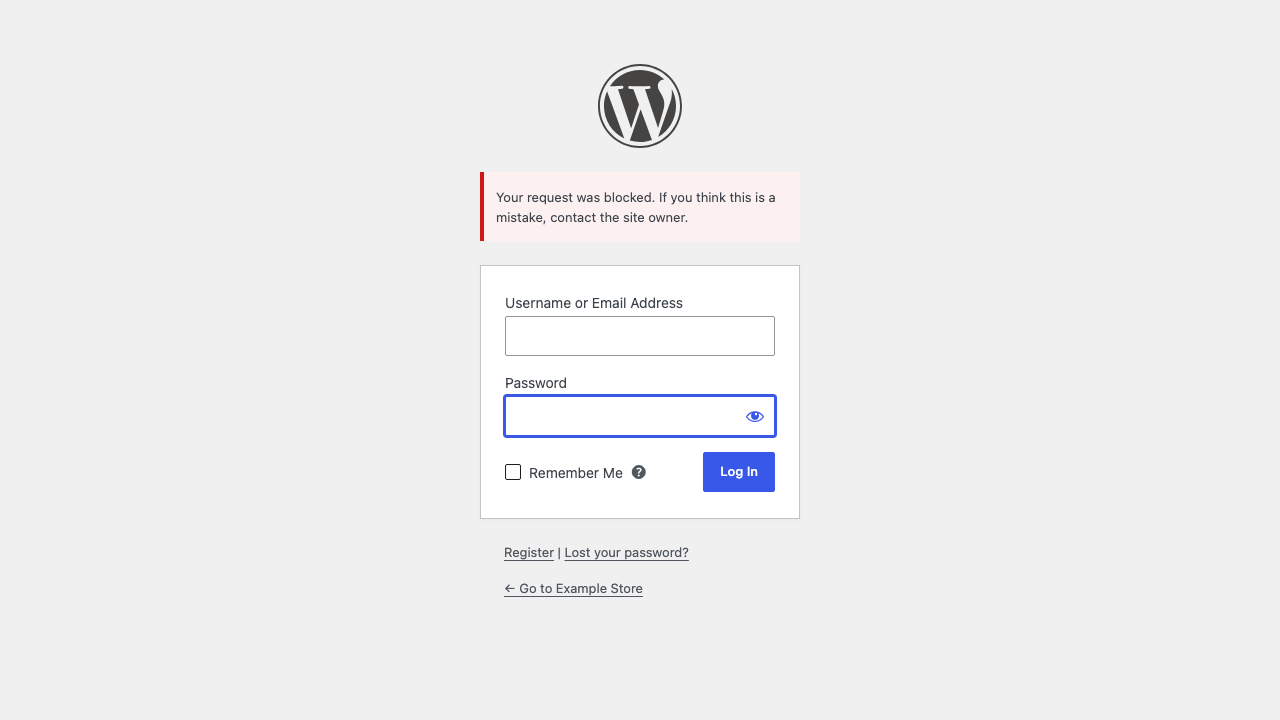
- Login attacks from bots, Tor and proxies
- VPN and proxy traffic where you don't want it
- Login, registration and password reset
- Comments
- WooCommerce checkout and account registration
- Contact Form 7 and WPForms
- The whole front end (optional)
安装:
- Install and activate the plugin.
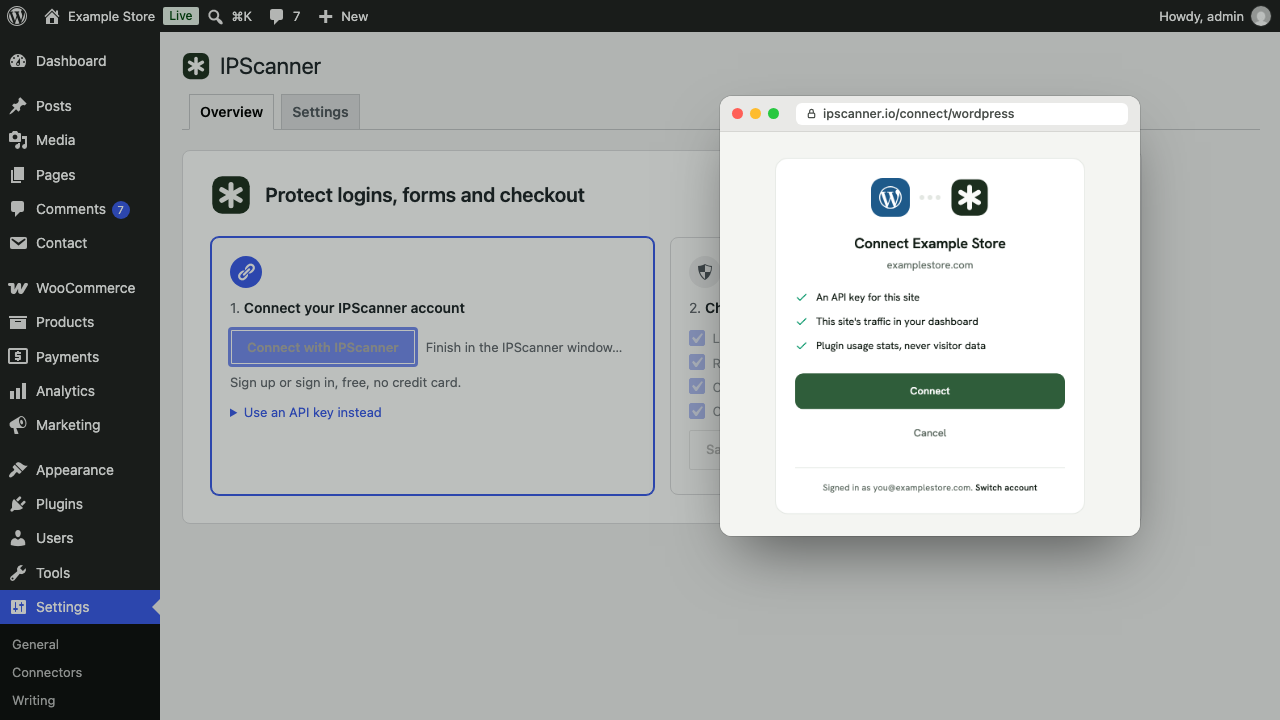
- Go to Settings > IPScanner and click Connect with IPScanner.
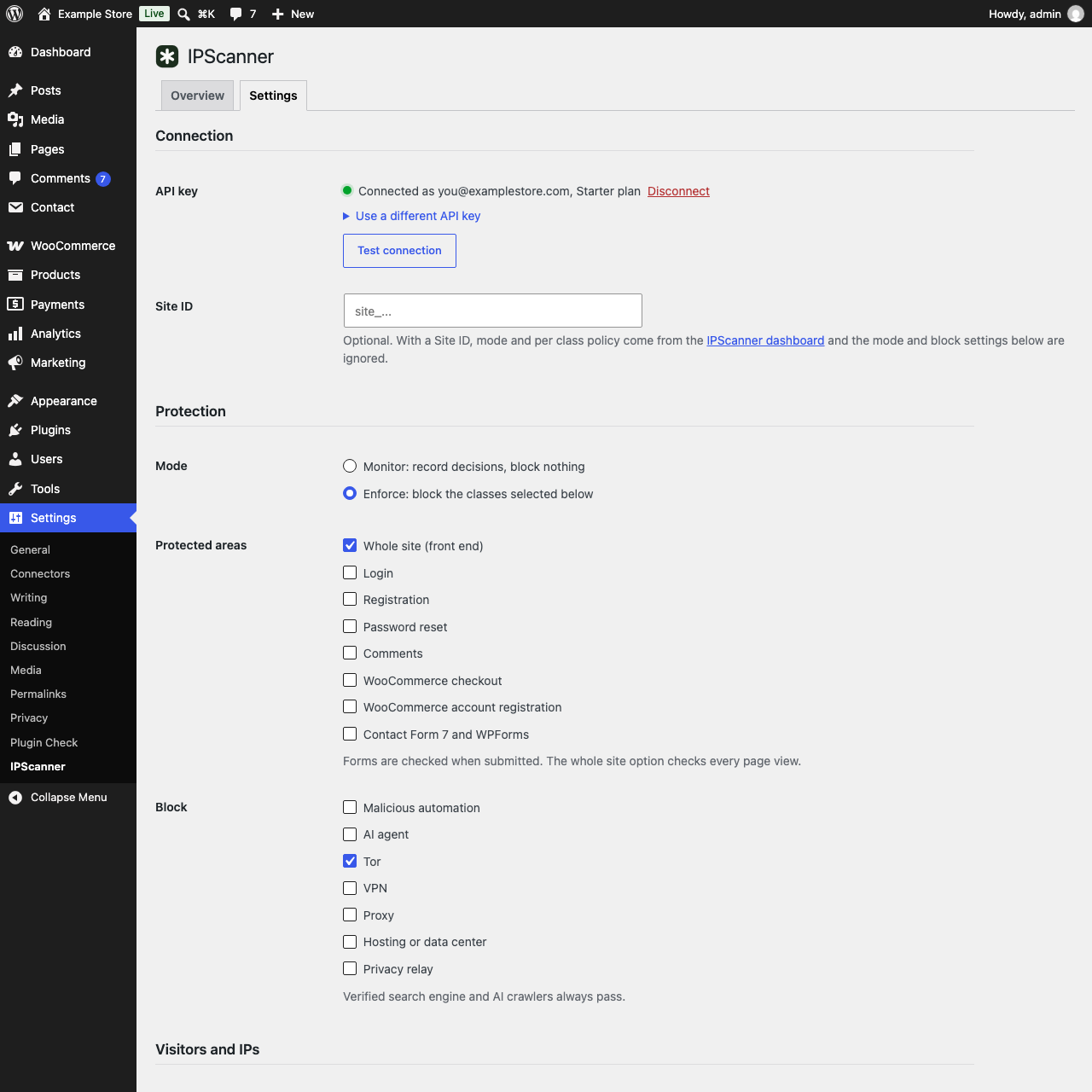
- Choose what to protect. Tor and bot scripts are blocked from the start.
define( 'IPSCANNER_API_KEY', 'pk_live_...' );屏幕截图:
常见问题:
Is it a CAPTCHA?
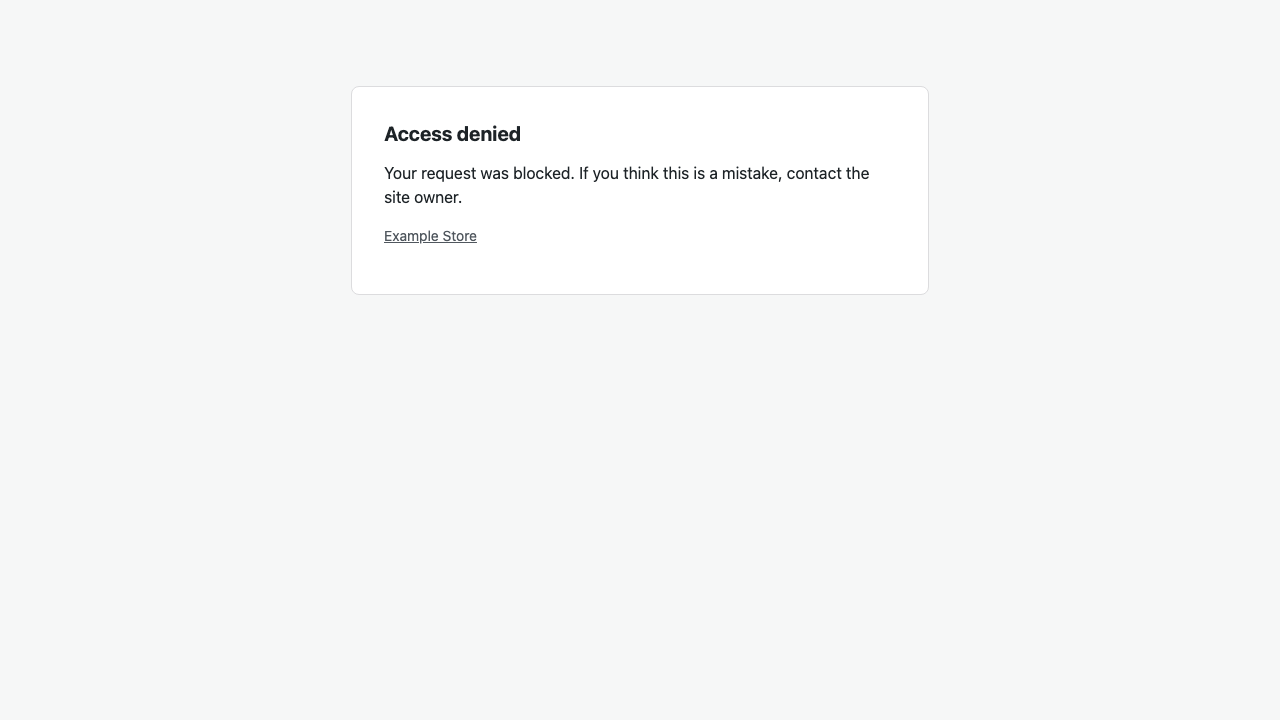
No. Visitors never solve a puzzle. Blocked visitors get an error message or a short 403 page.
Will it block Google or Bing?
No. Verified search engines and AI crawlers always pass.
What if IPScanner is down?
Visitors are let in. The plugin waits at most 1.5 seconds, then pauses checks for 30 seconds.
I locked myself out.
Administrators are let through while "Always allow administrators" is on. You can also add your IP to Always allow, or rename the plugin folder.
My site is behind Cloudflare or a proxy.
Choose Cloudflare or X-Forwarded-For under Visitor IP. Proxy headers are only read from trusted proxy addresses.
Does it work with page caching?
Logins, forms and checkout are never cached, so they are always checked. Pages served from a full page cache are not.
更新日志:
0.2.0
- Connect with IPScanner: sign up or sign in in a popup instead of copying an API key. Connecting also adds the site to your IPScanner dashboard.
- Disconnect button under Settings.
- Optional usage stats (Settings > Advanced).
- Plugin renamed to "IPScanner – Block Bots, VPNs & Proxies".
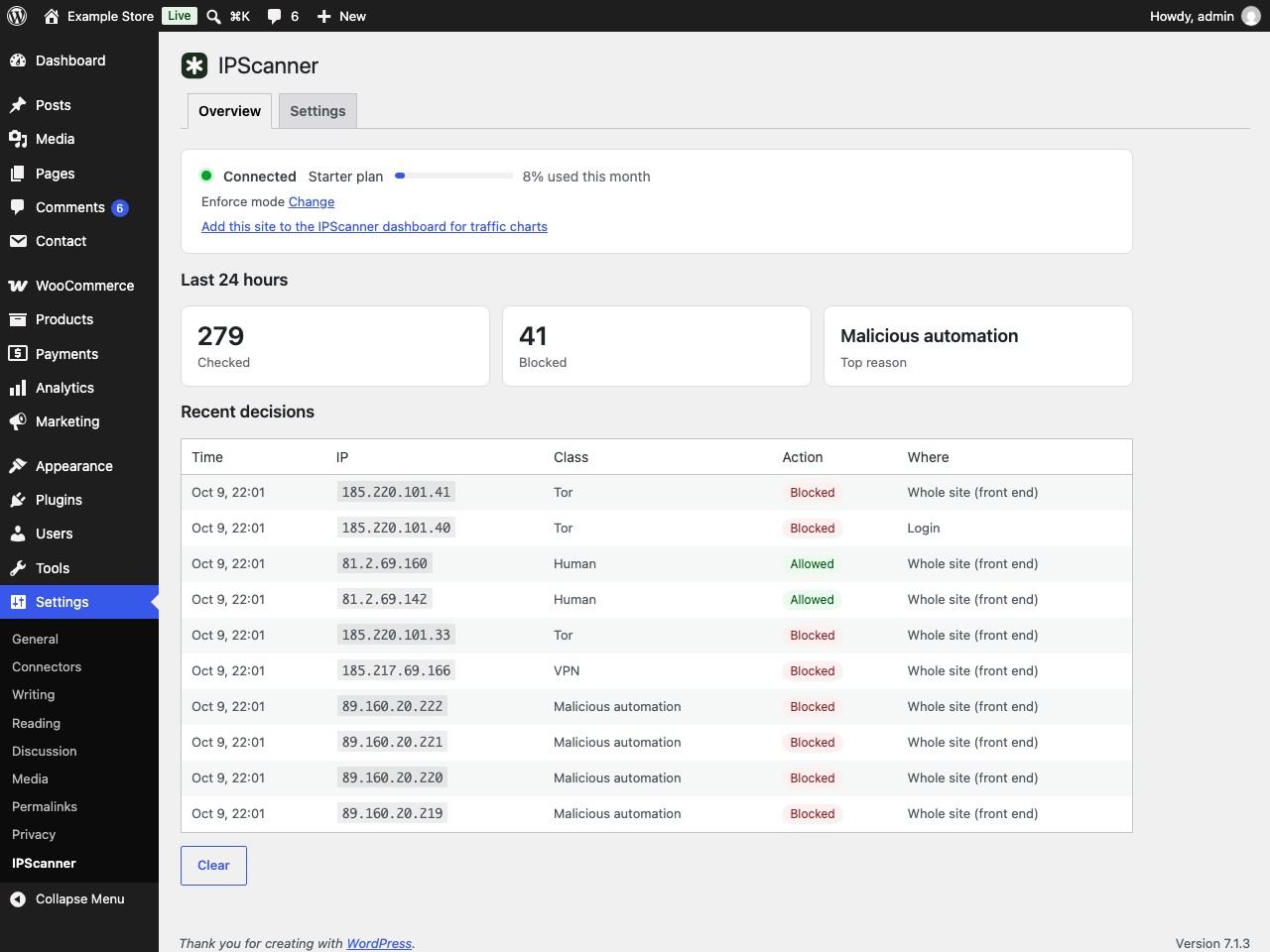
- Overview tab with connection status, the last 24 hours and recent decisions.
- Getting started card for new sites.
- Settings grouped into sections.
- The "Protected by IPScanner" link on the block page is now off by default.
- API key link opens the API keys page.
- First release: visitor checks with monitor and enforce modes, dashboard site policy, login, registration, password reset, comment, WooCommerce, Contact Form 7 and WPForms protection, allowlist, trusted proxies, recent decisions.