JD Web & Ship
| 开发者 | coderkube |
|---|---|
| 更新时间 | 2026年2月18日 14:43 |
| PHP版本: | 7.4 及以上 |
| WordPress版本: | 6.9 |
| 版权: | GPLv2 or later |
| 版权网址: | 版权信息 |
详情介绍:
- Multi-courier integration for flexibility
- Real-time shipping rates comparison
- Automated order syncing & fulfillment
- End-to-end shipment tracking
- COD support & reconciliation reports
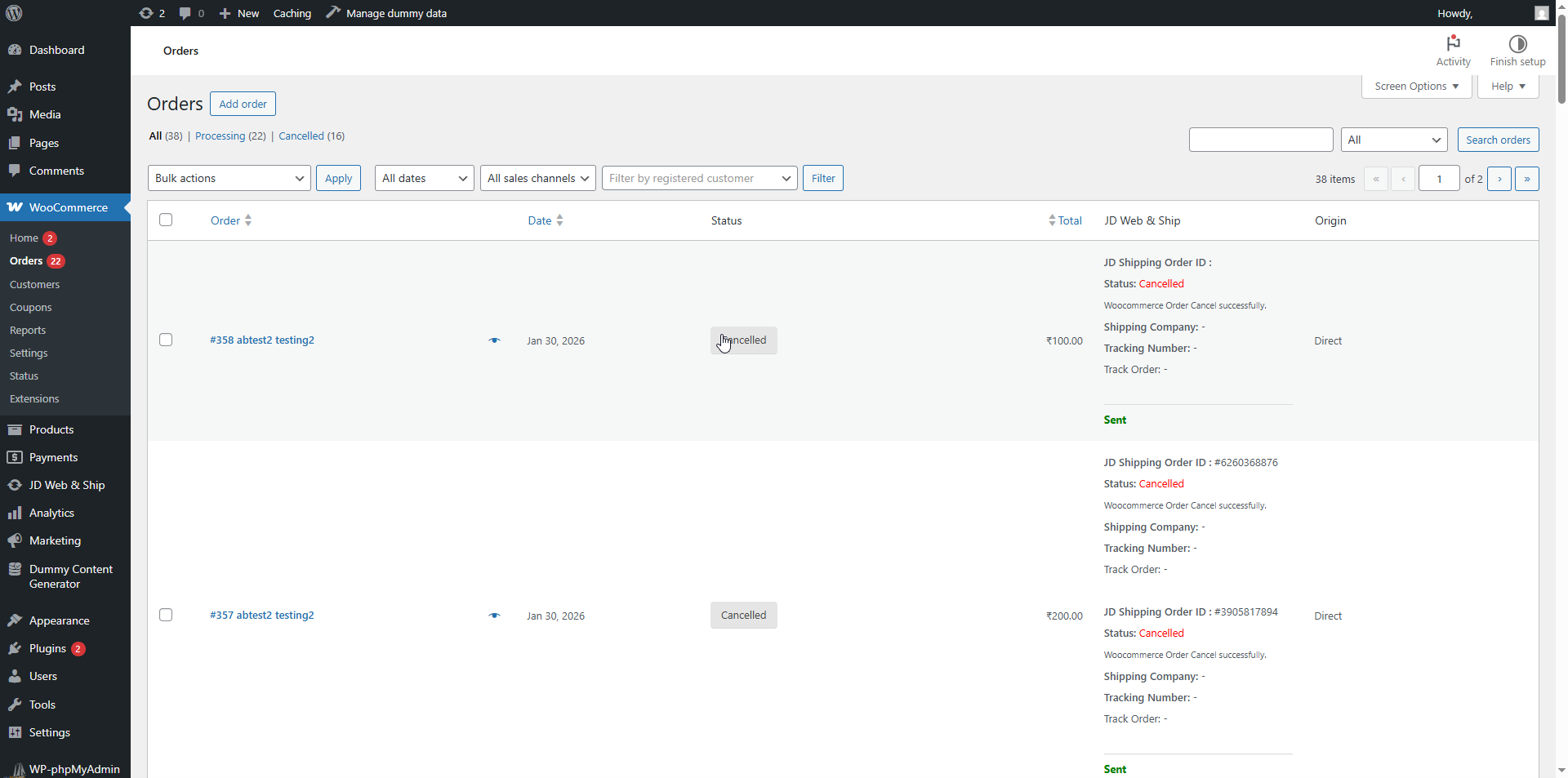
- Automatic Order Sync - Processing orders are automatically sent to JD Web & Ship
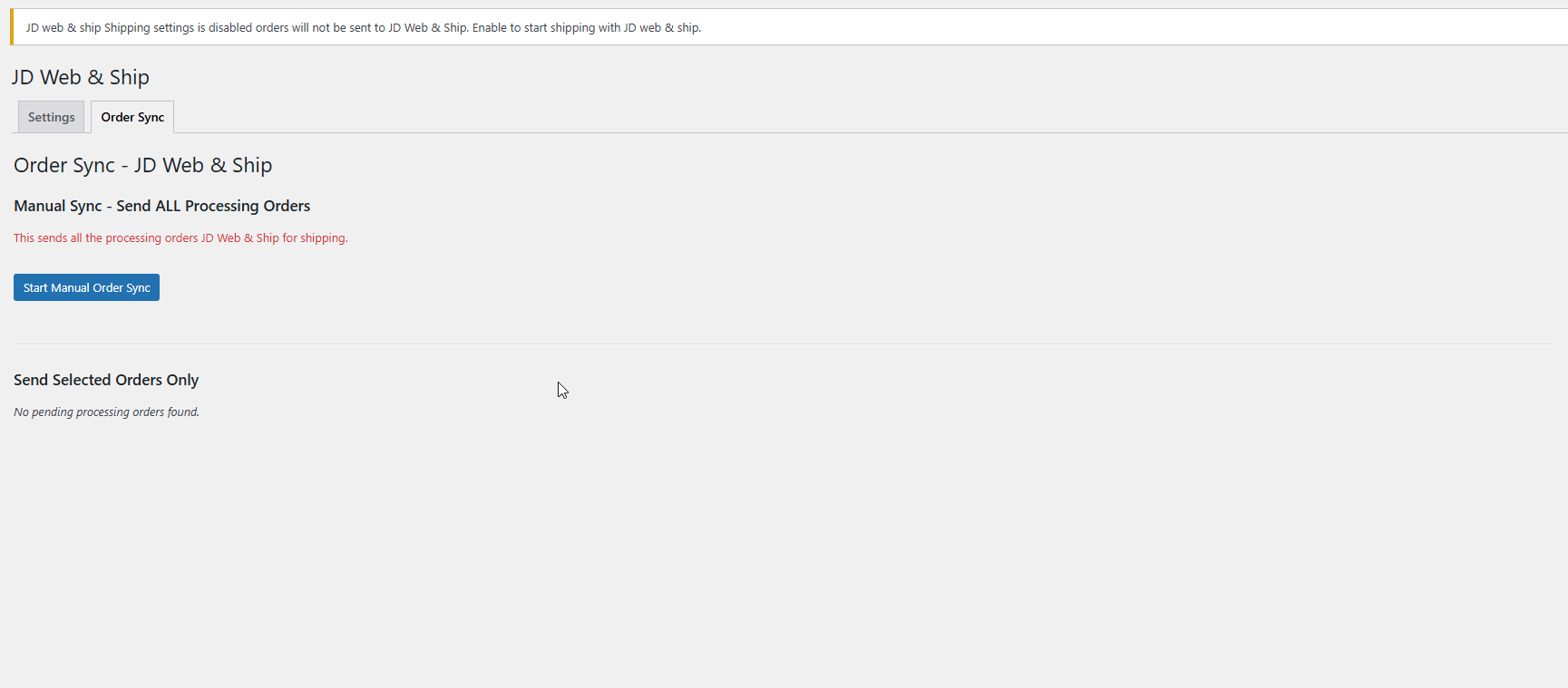
- Manual Order Management - Send individual or bulk orders manually
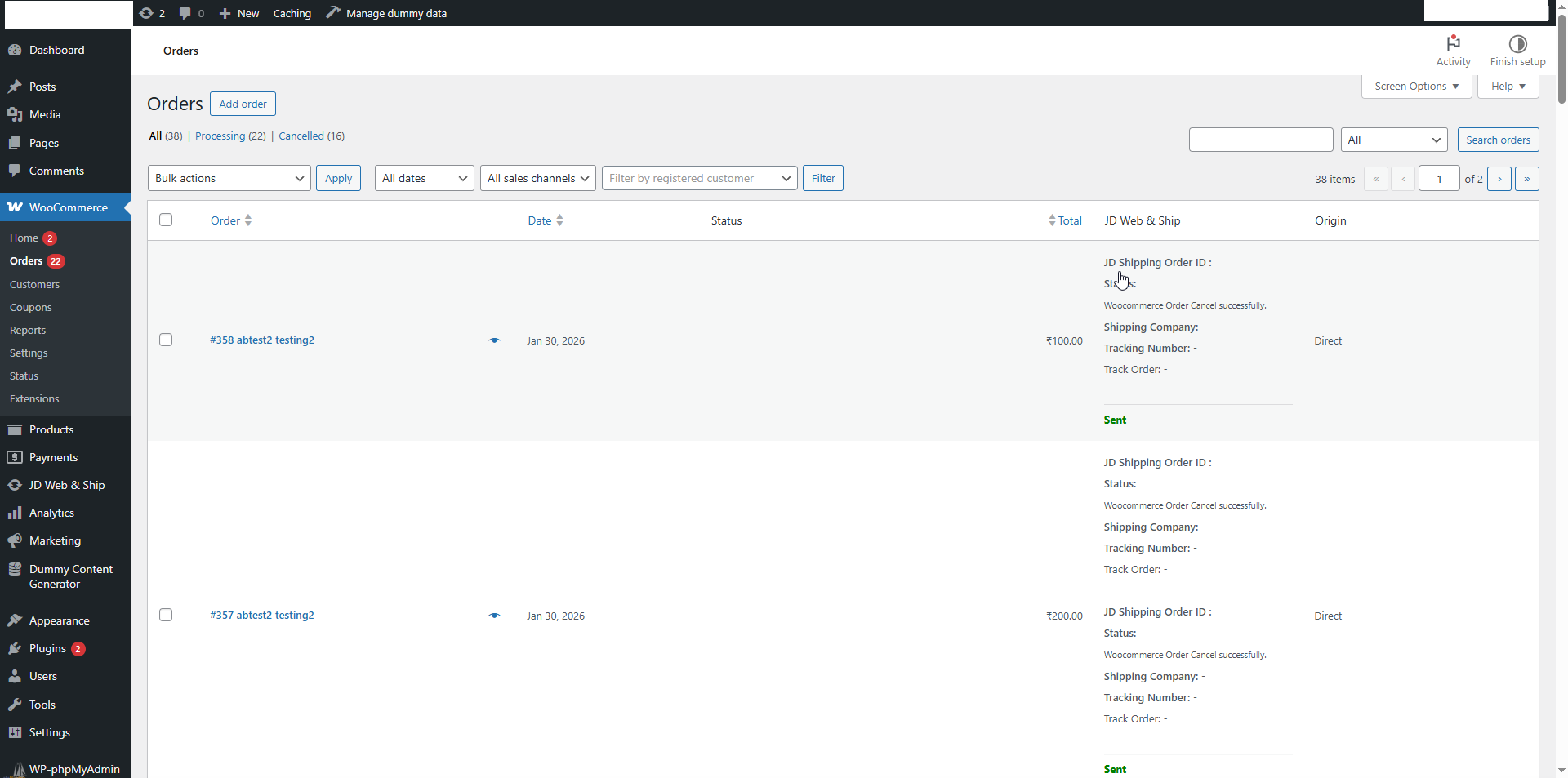
- Real-time Tracking - Display shipment status and tracking information on order pages
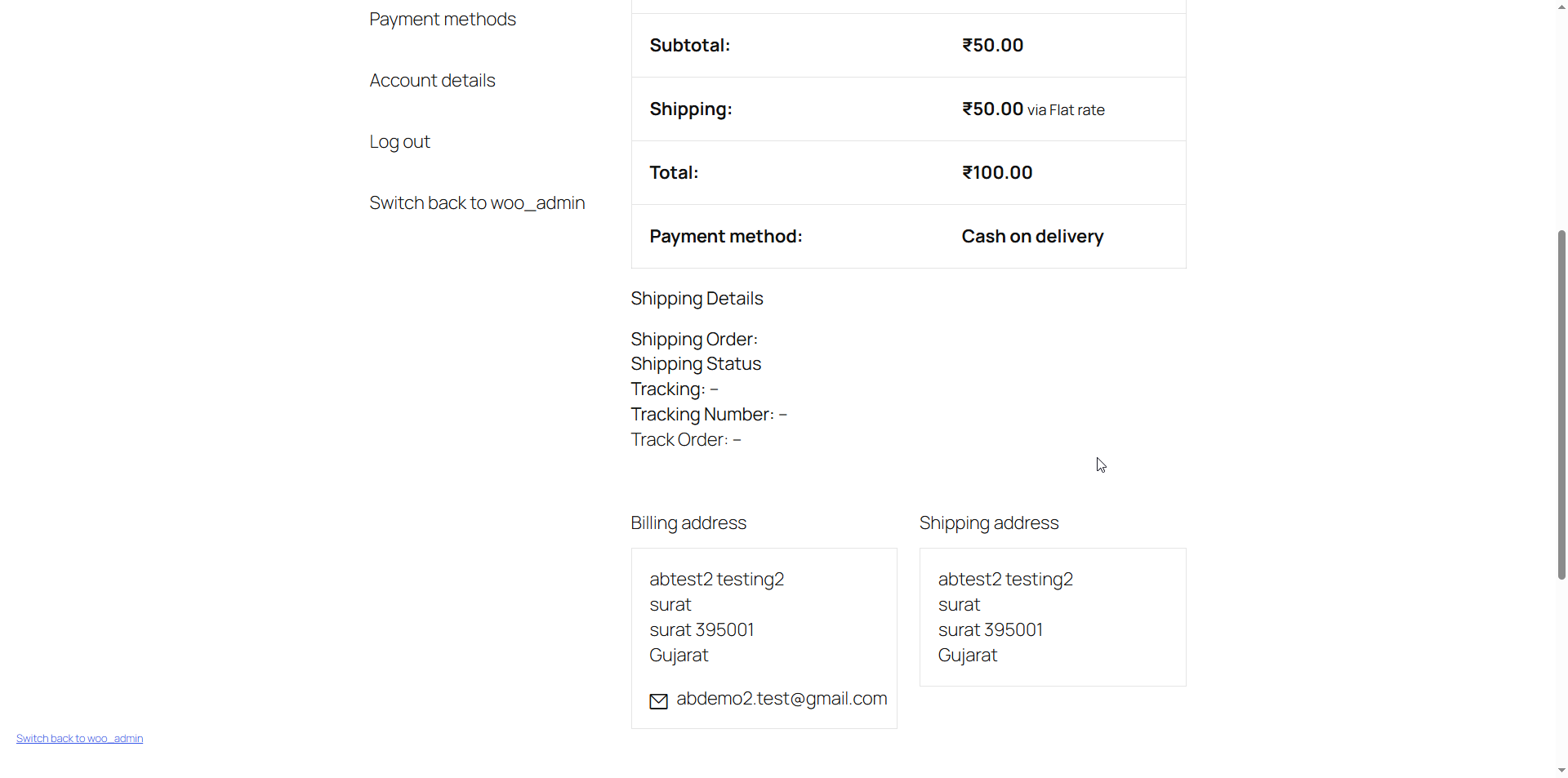
- Customer Tracking - Customers can view shipping status in their My Account area
- India-Focused - Specifically designed for Indian addresses and postal codes
- Order Filtering - Automatically filters and processes only Indian orders
- Webhook Support - Receive real-time status updates from JD Web & Ship
- Detailed Logging - Track all sync activities and API responses
- Retry Failed Orders - Easy retry mechanism for failed shipments
- Prepaid/COD Support - Handles both payment methods
- Customer places an order on your WooCommerce store
- Order status changes to "Processing"
- Plugin automatically sends order details to JD Web & Ship
- JD Web & Ship creates shipment and assigns courier
- Tracking information is updated in WooCommerce
- Customer receives tracking details in their account
- Real-time status updates via webhook
- WooCommerce 5.0 or higher
- Active JD Web & Ship account with API credentials
- Valid email and phone number for all orders
- Orders must have Indian shipping addresses
- Processing orders are automatically synced
- Failed orders can be retried manually
- Cancelled orders trigger cancellation at JD Web & Ship
安装:
- Log in to your WordPress admin panel
- Navigate to Plugins > Add New
- Search for "JD Web & Ship"
- Click "Install Now" and then "Activate"
- Download the plugin zip file
- Log in to your WordPress admin panel
- Navigate to Plugins > Add New > Upload Plugin
- Choose the downloaded zip file and click "Install Now"
- Activate the plugin
- Go to JD Web & Ship > Settings
- Enter your JD Web & Ship email and password
- Click "Save Settings" to authenticate
- Enable "JD Shipping" to start processing orders
- Go to Pages > Checkout > Edit (for block checkout)
- Make email and phone fields required in checkout settings
- Go to Pages > Checkout > Edit
- Select the Checkout block
- Open Customer Information settings
- Enable Required for:
- Email address
- Phone number
- Click Update
屏幕截图:

常见问题:
Do I need a JD Web & Ship account?
Yes, you need an active JD Web & Ship account with API credentials (email and password).
Does this plugin work with all countries?
No, this plugin is specifically designed for Indian addresses. Orders with non-Indian shipping addresses will be automatically skipped.
How do I get JD Web & Ship API credentials?
Contact JD Web & Ship https://jdwebnship.com/ support to create an account and obtain your API credentials.
What happens if an order fails to sync?
Failed orders are marked in the order list with error details. You can retry individual orders or bulk retry from the Order Sync page.
Can customers track their shipments?
Yes, tracking information is displayed in the customer's My Account > Orders section with direct tracking links.
Does this work with WooCommerce subscriptions?
The plugin syncs orders when they reach "Processing" status, which works with subscription renewals.
How do I make email and phone required?
For Classic Checkout: Already handled automatically by the plugin. For Block Checkout: Follow the setup instructions in the Installation section.
What shipping methods are supported?
JD Web & Ship supports multiple courier partners. The best courier is automatically assigned based on destination and package details.
Can I cancel orders after they're sent to JD?
Yes, when you cancel an order in WooCommerce, the plugin automatically sends a cancellation request to JD Web & Ship.
Is there a log to track sync activities?
Yes, go to JD Web & Ship > Order Sync to view all sync activities, errors, and API responses.
Does this plugin modify my checkout page?
For classic checkout, it makes email and phone required. For block checkout, you need to manually enable these settings.
What happens during plugin deactivation?
The plugin will be automatically deactivated if WooCommerce is deactivated. All data remains in the database.
How do I reset my JD connection?
Go to JD Web & Ship > Settings and click "Reset JD Connection" to clear credentials and reconnect.
更新日志:
- Initial release
- Automatic order synchronization
- Manual and bulk order sync
- Real-time webhook support
- Customer tracking display
- Failed order retry mechanism
- India address filtering
- Detailed activity logging