Jix Media Library Cleanup Tool
| 开发者 | maijx |
|---|---|
| 更新时间 | 2025年12月6日 23:33 |
| PHP版本: | 7.2 及以上 |
| WordPress版本: | 6.9 |
| 版权: | GPLv2 or later |
| 版权网址: | 版权信息 |
详情介绍:
屏幕截图:
常见问题:
Is this plugin safe to use?
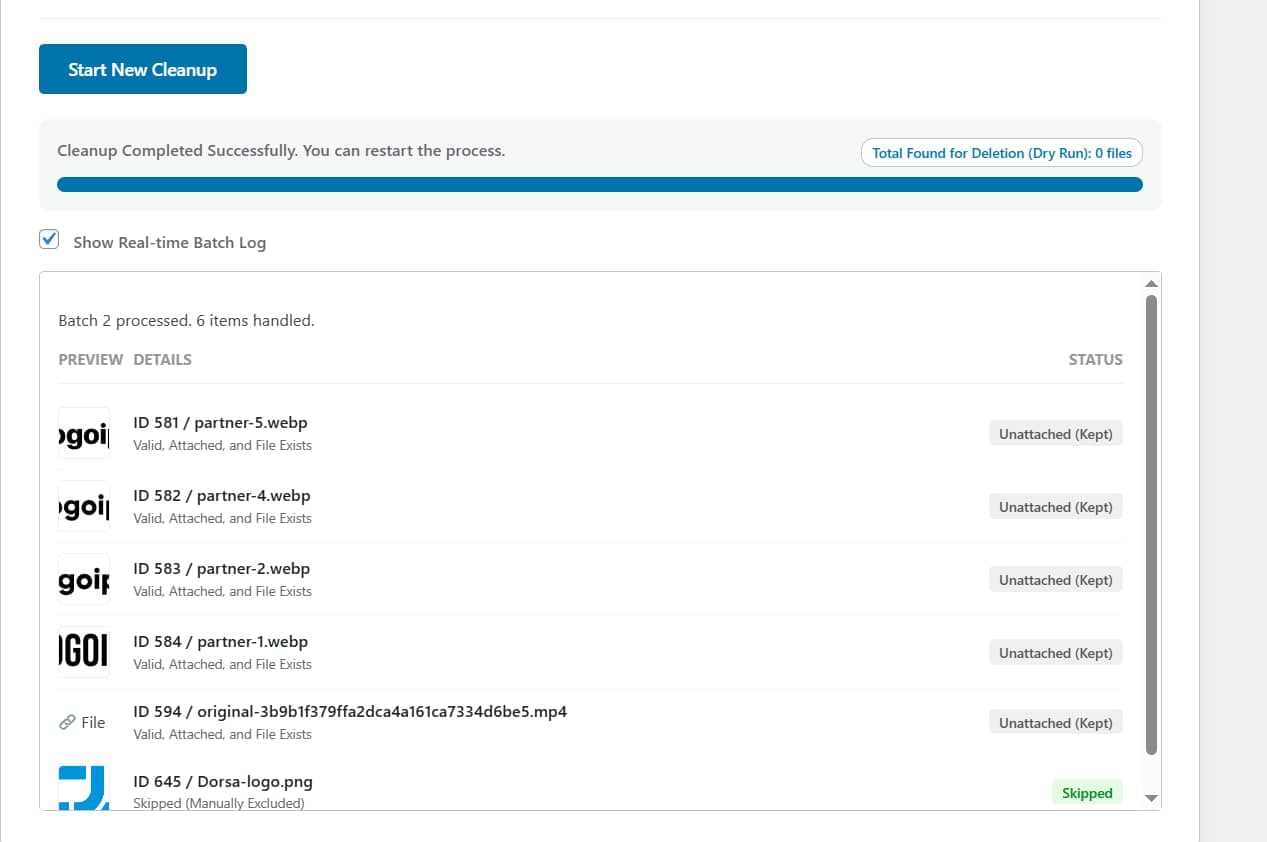
Yes. We prioritize safety. We strongly recommend using the Dry Run Mode first to see what will be deleted. Additionally, using the "Move to Trash" feature allows you to restore files if a mistake is made.
What is the difference between Standard Scan and Deep Scan?
The standard scan checks if an image is attached to a post object in WordPress. However, page builders like Elementor or Divi often use images without "attaching" them in the traditional way. Deep Scan (Pro) analyzes the content of your posts and meta fields to find these references, preventing accidental deletion of images used in your layout.
How do I enable the Scheduler?
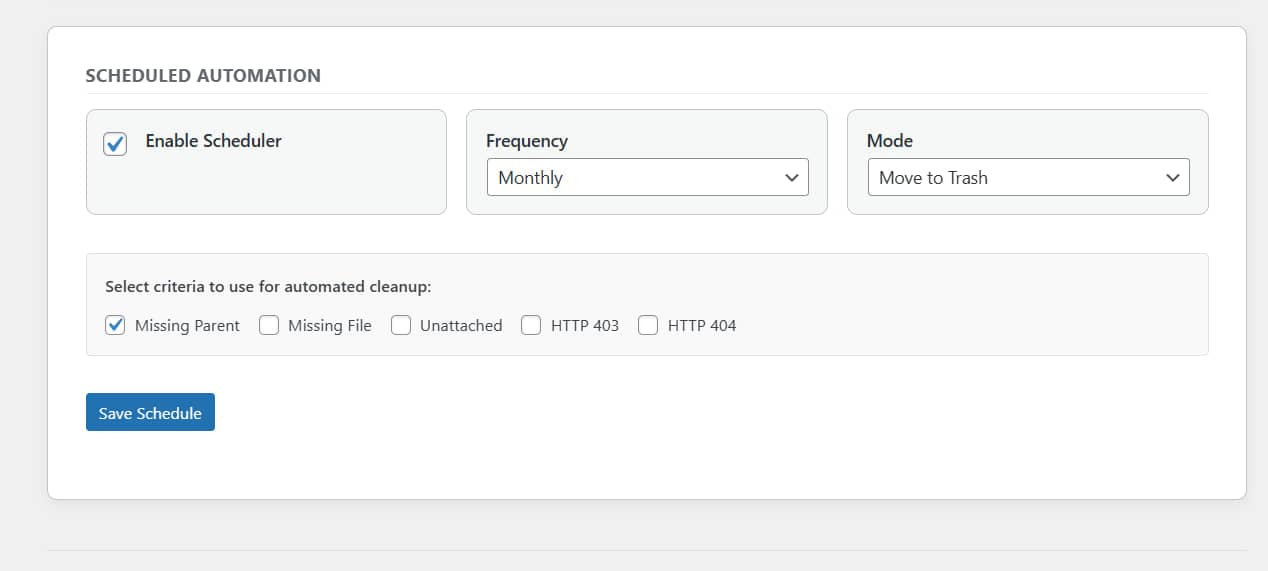
The Scheduler is a Pro feature. Once upgraded, you can enable it under the "Scheduled Automation" tab, select your frequency (Daily, Weekly, Monthly), and choose the specific cleanup criteria you want to automate.
Why is my Batch Size limited to 5?
The Lite version limits batch processing to 5 items to ensure stability on all hosting environments. The Pro version unlocks this limit for faster processing.
Where can I buy the Pro version?
You can upgrade to the Pro version here: https://fardara.ir/pro/media-cleanup.html
更新日志:
- Fix: Minor bugs.
- Fix: Minor bugs.
- New: Added cloud support
- New: Added "Deep Scan" (Pro) architecture for Elementor/Divi support.
- New: Added "Scheduler" (Pro) support for automated cleanup.
- Improvement: Enhanced Audit Log security.
- Initial public release with batch processing and dry run.