
Jobus – Job Board, Recruitment & Hiring Platform
| 开发者 |
spiderdevs
mdjwel arifrahman1 delweratjk alimran01 |
|---|---|
| 更新时间 | 2026年11月18日 15:21 |
| PHP版本: | 7.4 及以上 |
| WordPress版本: | 7.1.4 |
| 版权: | GPLv2 or later |
| 版权网址: | 版权信息 |
详情介绍:
- Standard Theme Compatibility: Works seamlessly with standard WordPress themes (Astra, Kadence, GeneratePress, Hello Elementor, Divi, OceanWP) with zero theme lock-in.
- Zero Coding Required: Set up a complete job board in minutes using the built-in Setup Wizard.
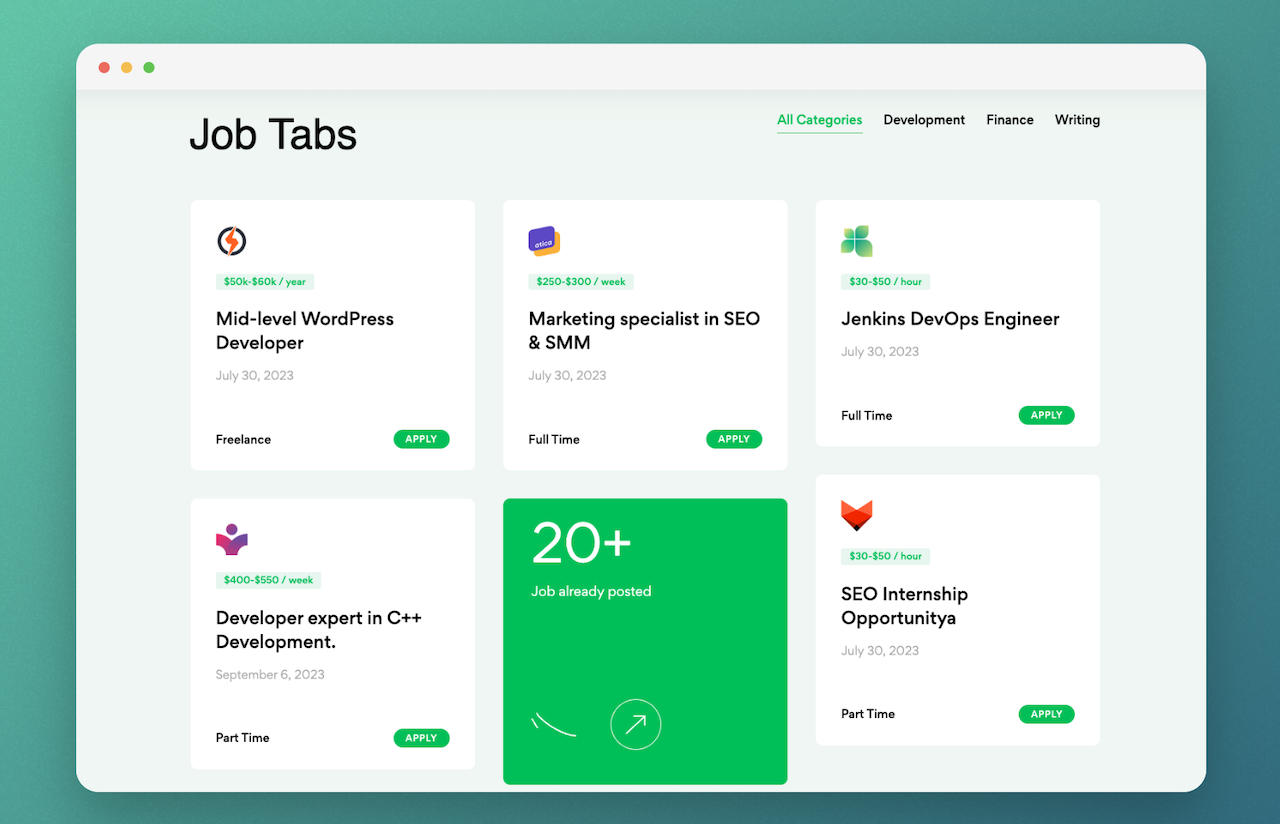
- Elementor & Gutenberg Ready: Includes custom Elementor widgets and native Gutenberg blocks for Jobs, Search, Categories, and Tabs.
- Modern & Responsive: Pixel-perfect layout across desktop, tablet, and mobile devices.
- Fast & Lightweight: Built for speed with optimized database queries and clean template architecture.
- SEO Optimized: Built-in Schema.org structured data (
JobPosting) to help your jobs rank on Google for Jobs search results.
- Unlimited Job Postings: Create, manage, and categorize unlimited job listings from the WordPress admin.
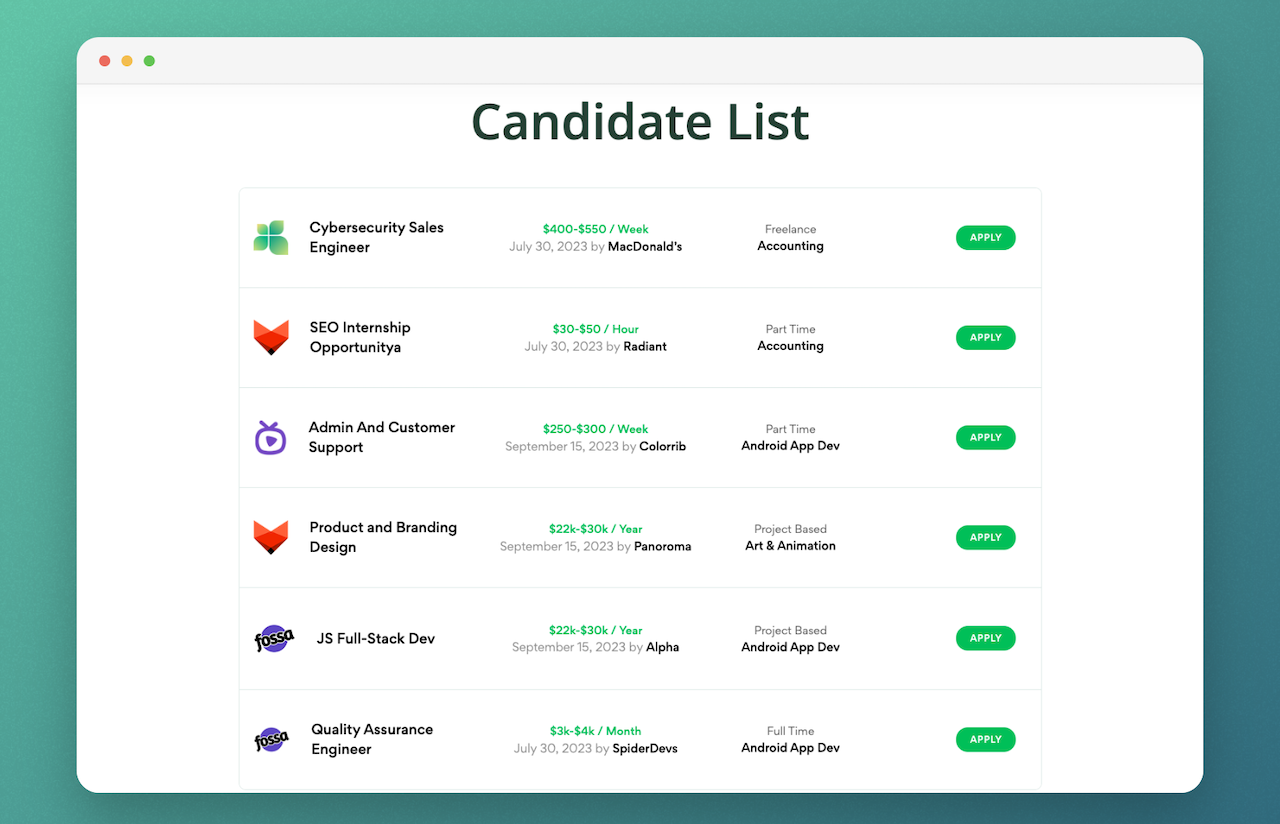
- Job Specifications: Add rich specifications including salary ranges, job type (Full-Time, Part-Time, Remote), experience level, and deadlines.
- Location-Based Listings: Assign countries, cities, or custom locations to jobs for smooth filtering.
- External Applications: Redirect candidates directly to company career pages, LinkedIn, or external ATS forms.
- Featured & Urgent Badges: Highlight priority job posts to maximize applicant reach.
- Monetization & Paid Packages: (Pro) Sell job posting packages, featured listing badges, and tiered listings with custom job limits and duration via WooCommerce.
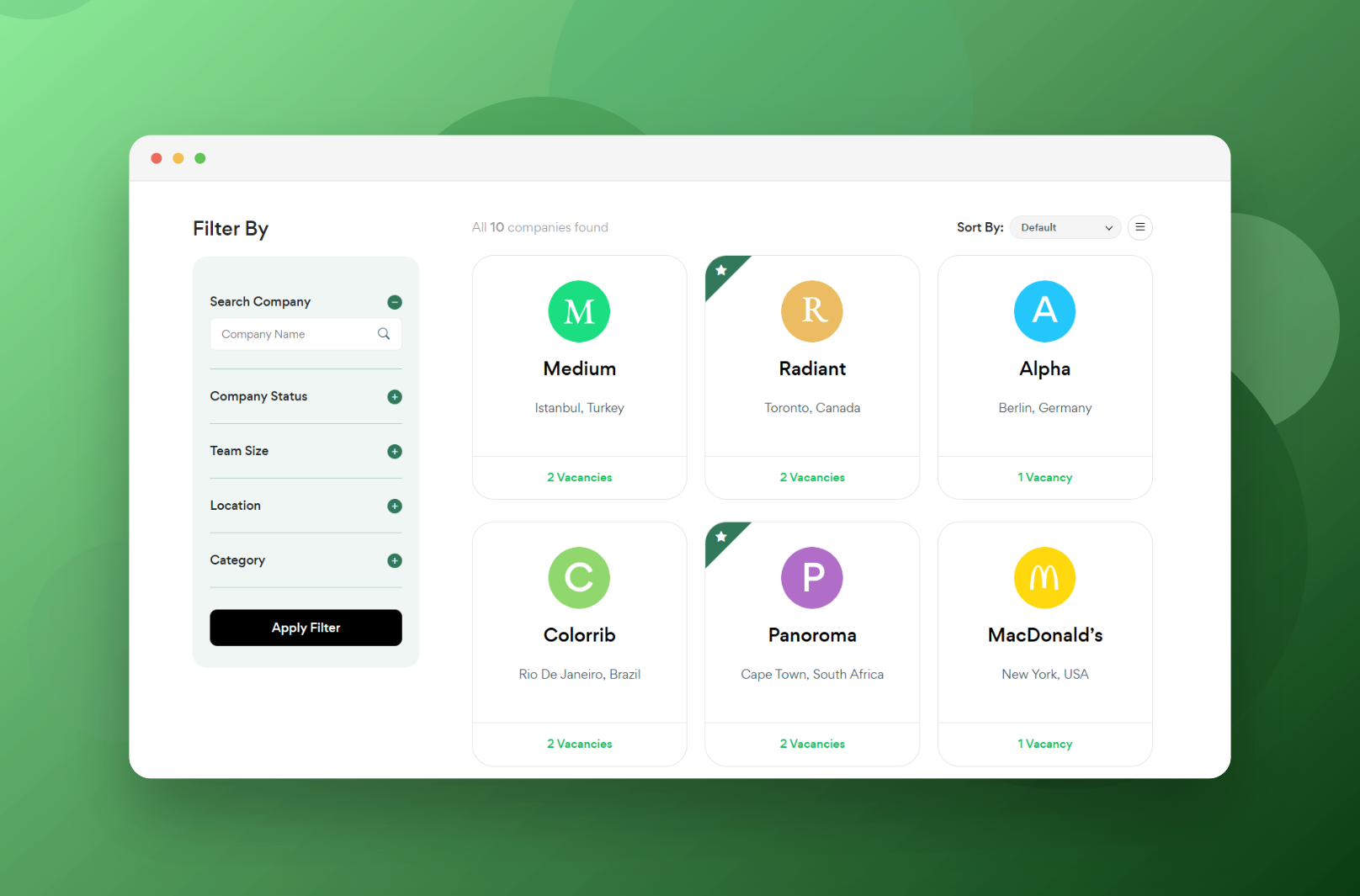
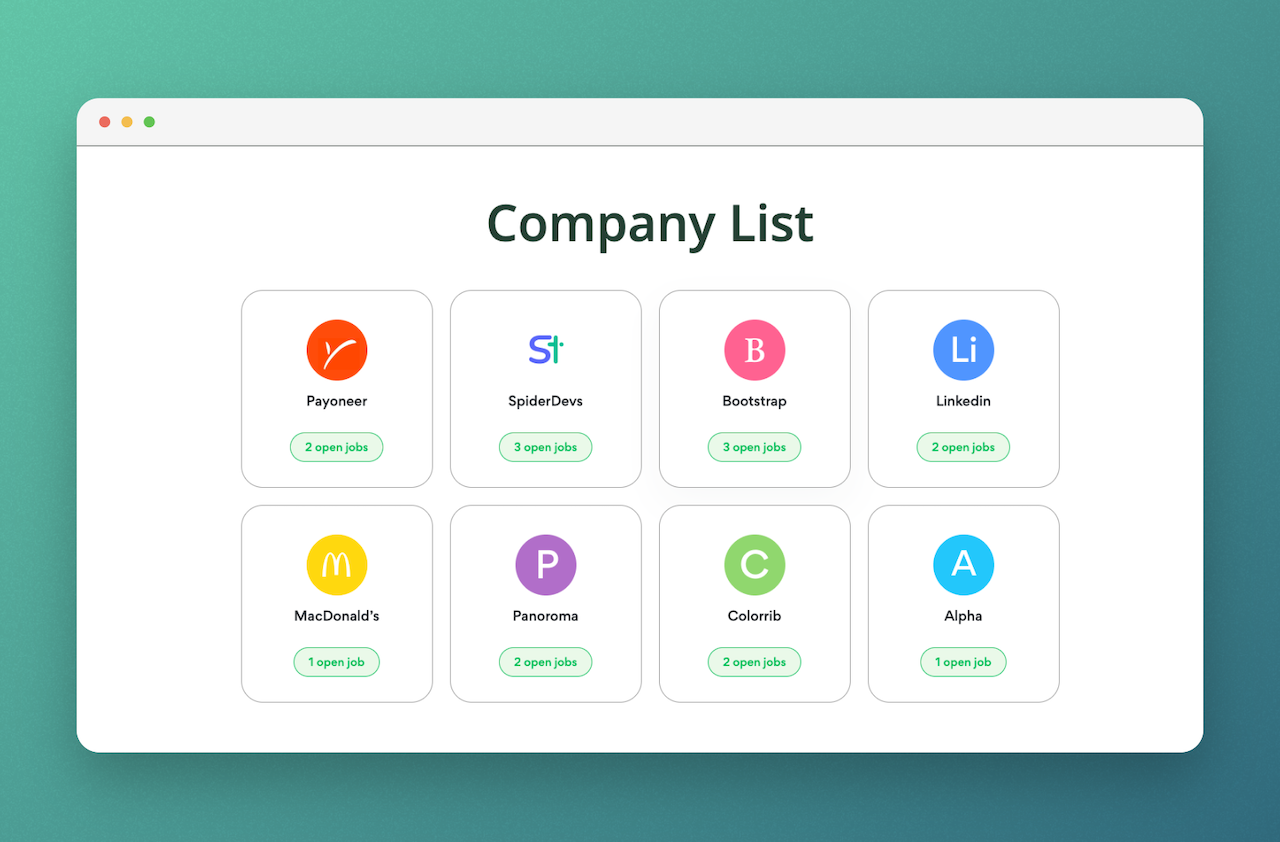
- Company Profiles & Directory: (Pro) Dedicated public company pages with logos and active listings.
- Frontend Job Submission: (Pro) Allow employers to submit, edit, and manage jobs directly from the frontend dashboard.
- Direct Modal Applications: Apply to jobs directly via an interactive, lightweight AJAX application modal.
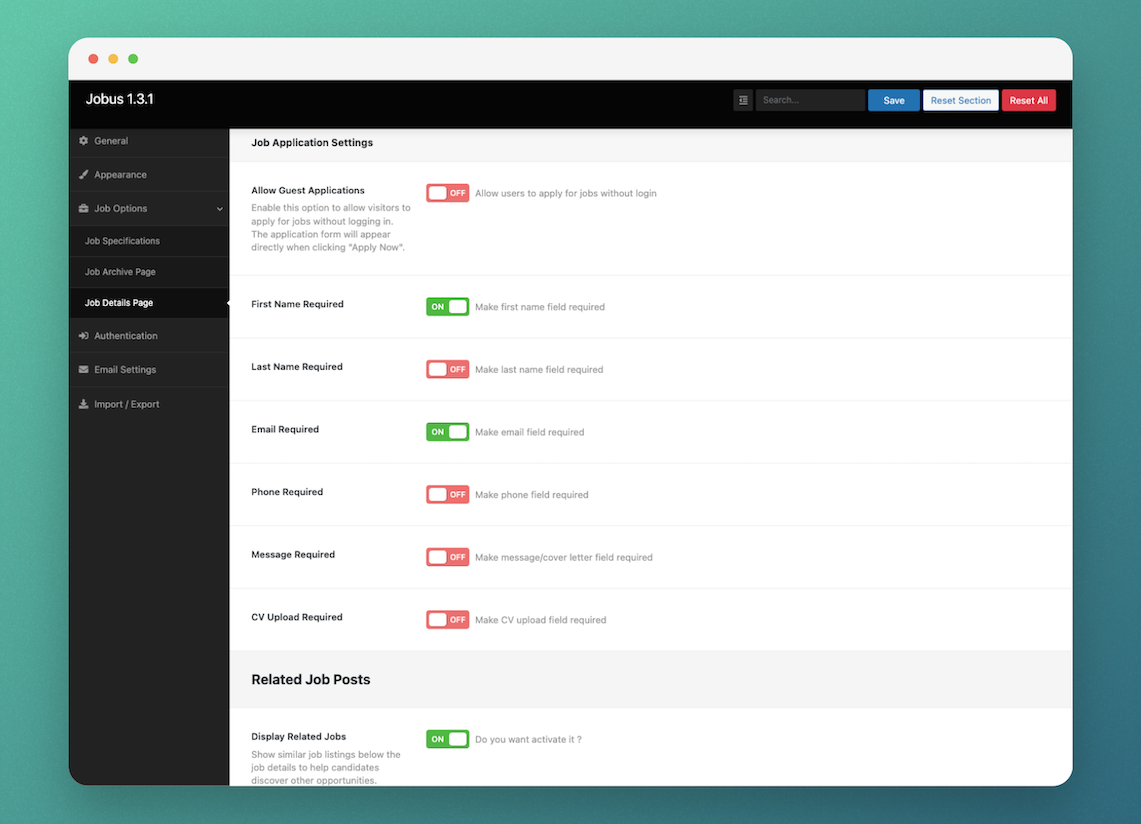
- Guest Applications: Allow applicants to submit resumes and contact details with or without registering for an account.
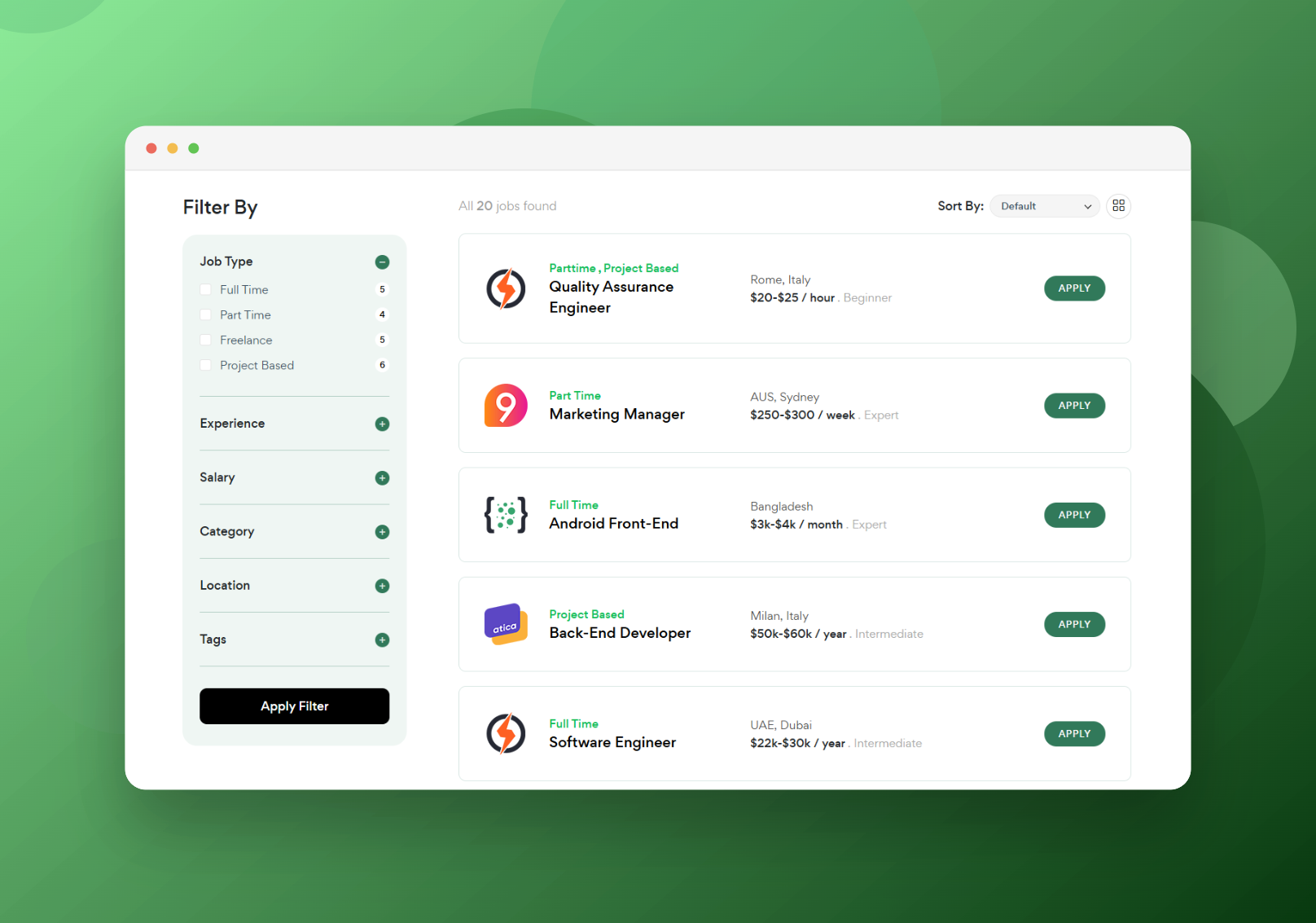
- Job Search & Filters: Fast, smooth job filtering by keyword, location, category, job type, and salary.
- Radius & Geolocation Search: Help candidates locate nearby job openings using distance-based location coordinates.
- Candidate Profiles & Resumes: (Pro) Public candidate resume profiles with skills, experience, and attachments.
- Job Alerts & Bookmarks: (Pro) Save jobs to bookmarks and receive automated email alerts for new matching positions.
- Setup Wizard: Guided 4-step setup wizard (Jobs → Setup Wizard) to configure global currency and default settings.
- Auto-Created Core Pages: Automatically generates required pages for Job Archive (
/jobus-job-archive/) and Dashboard. - Google Jobs Integration: Built-in JSON-LD structured data (Schema.org
JobPosting) for organic Google for Jobs visibility. - Social Sharing: Built-in social share buttons for job posts (LinkedIn, Twitter, Facebook, Email).
- Custom User Roles: Automatically registers and assigns dedicated Employer and Candidate roles.
- Social Login: Optional one-click login and signup using Google, Facebook, and LinkedIn.
- Demo Importer: One-click demo setup with sample jobs to test functionality instantly.
- Frontend Dashboards: Unified user portal for employers and candidates.
- WooCommerce Monetization: (Pro) Charge employers for job listings using custom WooCommerce Job Package products with custom limits and duration.
- Application Tracking System (ATS): (Pro) Move candidates through hiring stages (Applied, Screening, Interview, Hired, Rejected).
- Direct In-App Messaging: (Pro) Secure communication channel between employers and applicants.
- Pre-made Templates: Ready-to-use templates for Job Lists, Single Job details, and taxonomy pages.
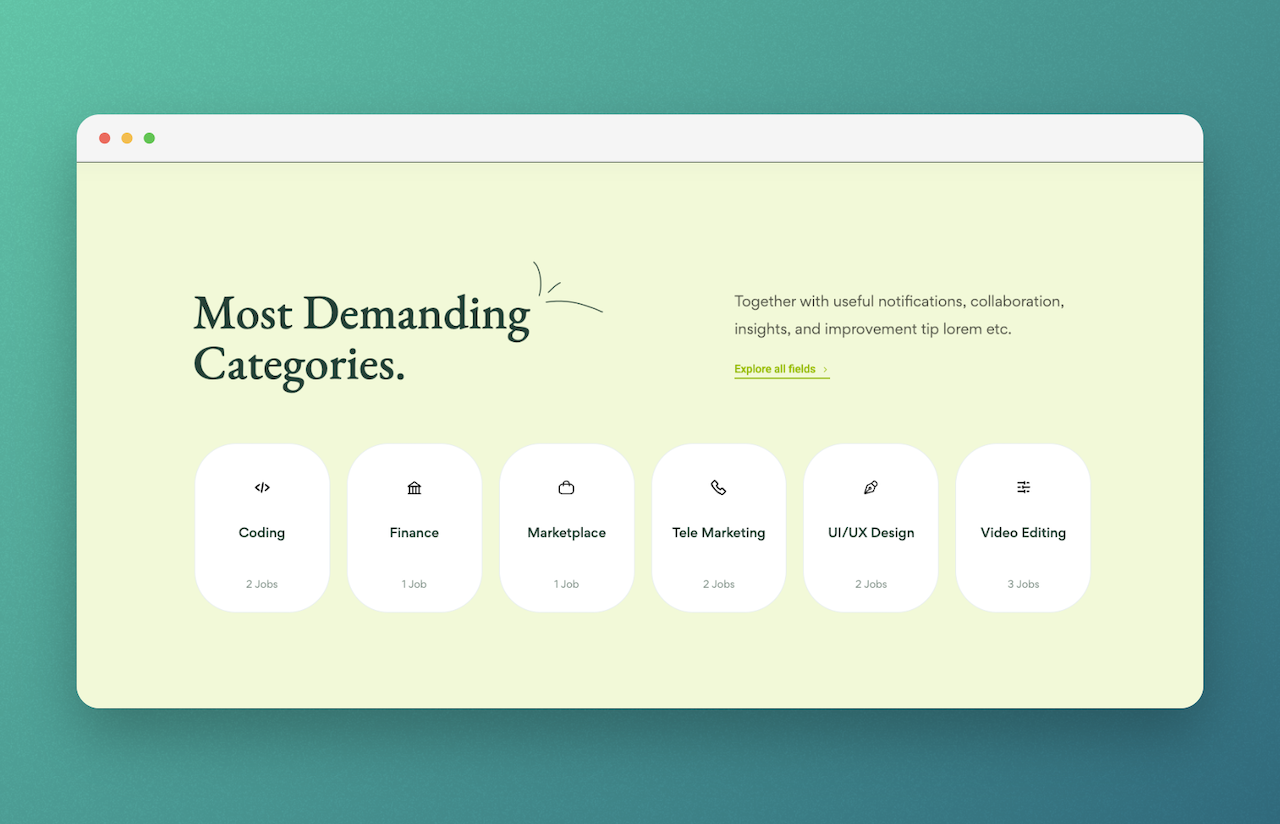
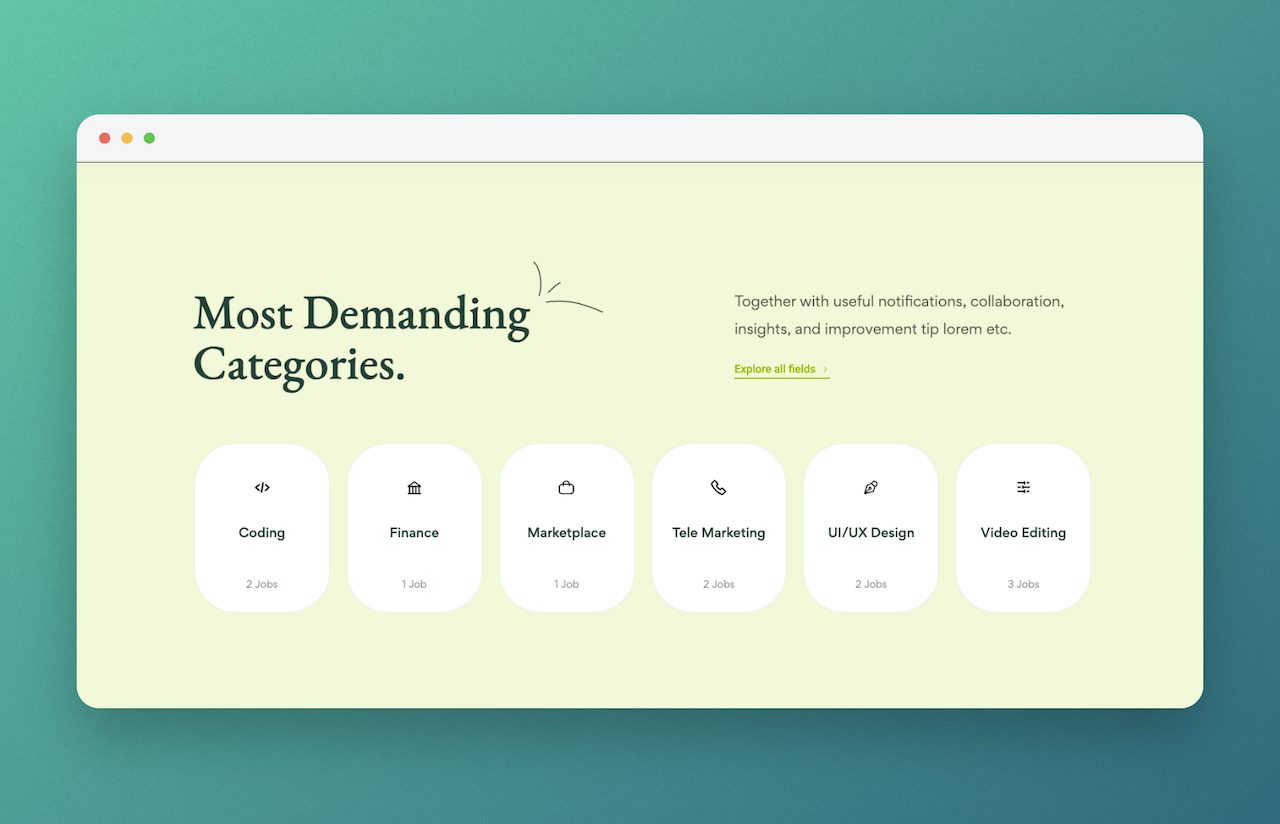
- Elementor Widgets: Dedicated drag-and-drop widgets for Job Listings, Search Forms, Categories, and Job Tabs.
- Gutenberg Blocks: Native WordPress block support including Job Archive and Category Tabs blocks.
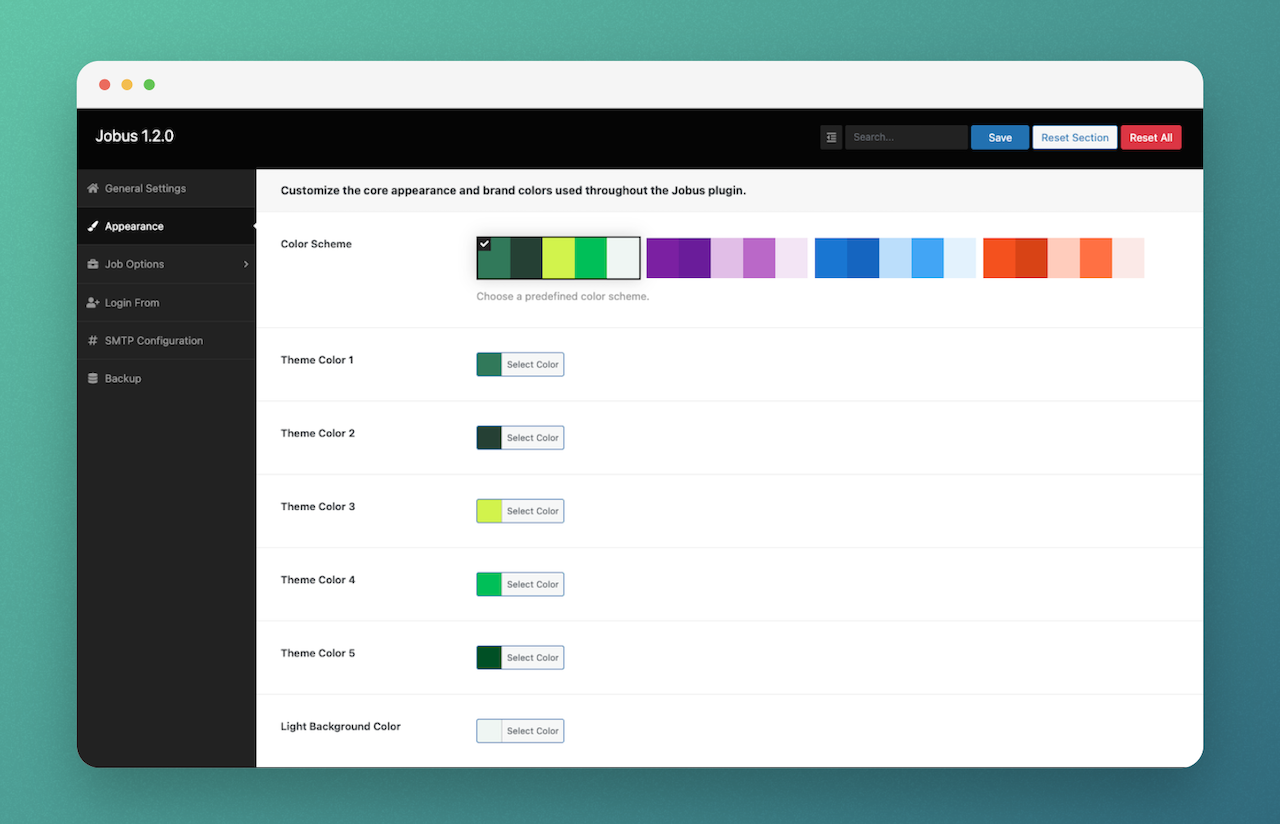
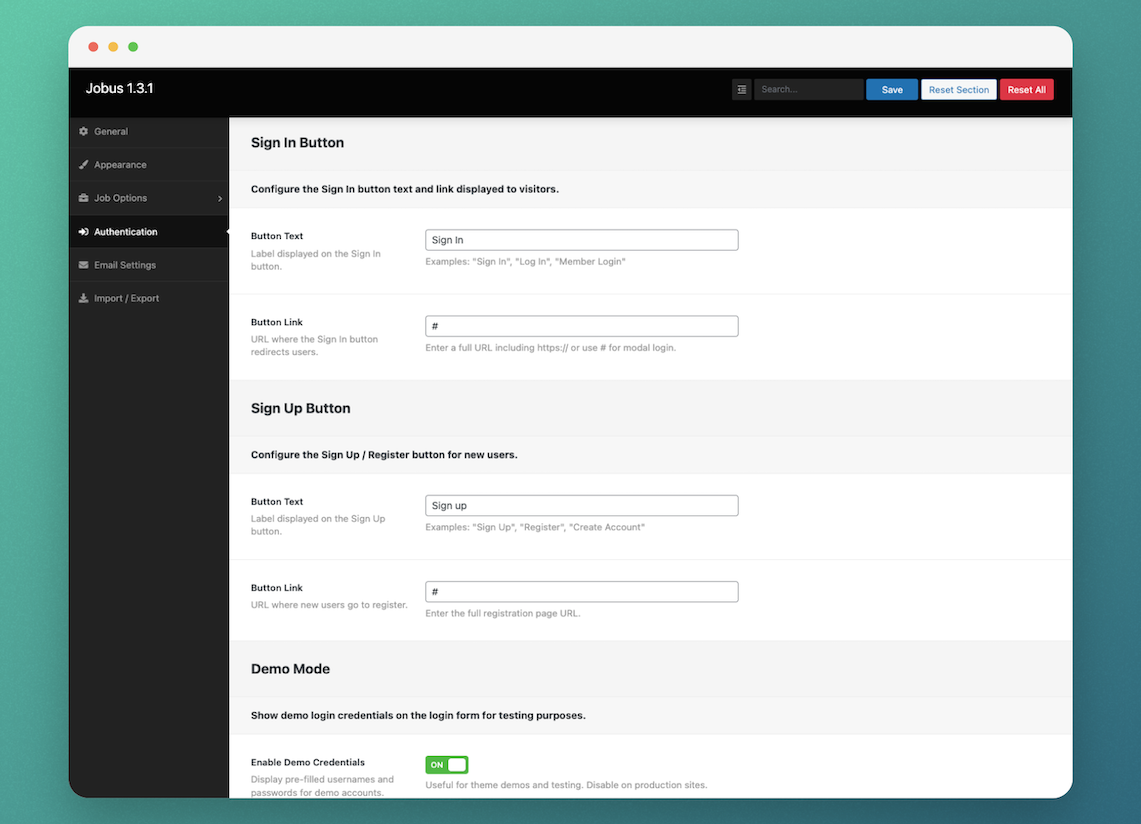
- Customizable Appearance: Control brand colors, typography accents, and button borders via Jobs → Settings → Appearance.
- Modern Design & Layouts: Enjoy consistent sidebars and modern design across Job, Company, and Candidate pages.
- Frontend Job Submission: Allow employers to submit, edit, and manage jobs directly from the frontend dashboard.
- Monetization & Paid Packages (WooCommerce): Sell single job listings, featured badges, and tiered posting packages via WooCommerce. Set custom job limits, listing duration (days), and accept payments through any gateway (Stripe, PayPal, etc.).
- Application Tracking System (ATS): Structured hiring stages: Applied → Screening → Interview → Hired / Rejected.
- Smart Candidate Matching: Automatically match applicants to jobs by distance, availability, and skills with automated email alerts.
- Company Profiles & Directory: Public company profiles, active job listings, and verified trust badges.
- Candidate Profiles & Resumes: Professional candidate resumes and searchable candidate directory.
- Job Alerts & Bookmarks: Email notifications for new matching jobs and saved job bookmarks.
- In-App Direct Messaging: Real-time messaging between employers and applicants.
- Recruitment Analytics: Track job views, clicks, and application conversion rates with visual charts.
- Premium Priority Support: Direct help from our dedicated support engineering team.
- Full Documentation – Complete guides and tutorials
- Get Support – Get help from our team
- View Live Demos – See it in action
- Get Jobus Pro Now – Unlock advanced functionality
安装:
- Go to your WordPress Dashboard > Plugins > Add New.
- Search for "Jobus", click Install Now, and then Activate.
- Follow the guided Setup Wizard under Jobs > Setup Wizard to configure currency and defaults.
- Verify your auto-created pages:
- Job Archive (
/jobus-job-archive/) with shortcode[jobus_job_archive] - Dashboard (
/jobus-dashboard/) with shortcode[jobus_dashboard] - Crucial Step: Go to Settings > Permalinks and click Save Changes to flush rewrite rules and prevent 404 errors on job listings.
- Add the Job Archive and Dashboard pages to your navigation menu under Appearance > Menus.
- Download the
jobus.zipfile. - Go to Plugins > Add New > Upload Plugin.
- Upload the ZIP file and click Install Now.
- Activate the plugin and resave permalinks under Settings > Permalinks.
屏幕截图:
常见问题:
Is Jobus compatible with Elementor?
Yes! Jobus includes dedicated Elementor widgets for Job Listings, Job Search, Job Categories, and Job Tabs.
Can I use Jobus with any WordPress theme?
Yes. Jobus is designed to work with standard WordPress themes (Astra, Kadence, GeneratePress, Hello Elementor, Divi, OceanWP, etc.). For best results, select a "Full Width / Contained" page template for your job archive page.
Why do I see a 404 error on job pages?
This happens when WordPress rewrite rules have not refreshed after activating custom post types. Simply go to Settings > Permalinks in your WordPress dashboard and click "Save Changes" to flush rewrite rules.
Can candidates apply without an account?
Yes. Under Jobs > Settings > General, you can enable guest applications to let candidates submit their application and CV directly without registering.
Does it support Google for Jobs?
Yes, Jobus automatically injects structured data (Schema.org JobPosting) to help your listings appear in Google for Jobs search results.
Can I translate the plugin into my language?
Yes, Jobus is 100% translation-ready. You can translate strings using Loco Translate or WPML.
Where can I get support?
For free support, post in the WordPress Support Forum. For Pro support, visit our Help Desk.
WHAT’S NEXT?
If you like Jobus, then consider checking out our other WordPress Plugins: EazyDocs – Powerful knowledge base plugin to easily create and manage professional documentation, wikis, and helpdesk sections. Antimanual – AI-powered assistant that automates content creation, documentation, and support, transforming static sites into dynamic experiences. Advanced Accordion Block – Lightweight Gutenberg block for creating visually appealing, organized accordion sections with extensive styling options. Changeloger – Transform plain text changelogs into visually stunning, organized representations with pagination and version links. Forumax – Standalone, feature-rich community forum plugin with voting, private replies, and Elementor integration. Spider Elements – Versatile library of 20+ creative widgets to enhance Elementor and build professional websites.
更新日志:
- New: Added a Candidate Skills filter widget option for candidate archive sidebars.
- New: Redesigned the Demo Sandbox login picker with Employer/Candidate role cards that show usernames and highlight the selected account.
- Improved: Unified taxonomy archive and sidebar filtering for jobs, candidates, and companies so filters, search, empty results, and orphaned-post handling behave consistently.
- Fixed: Prevented WordPress canonical redirects from breaking filtered Job, Candidate, and Company archive requests.
- Fixed: Resolved the Continue as Guest button and application success message not showing for guest applicants.
- New: Added configurable Candidate Matching settings with per-criterion Required/Preferred mode and ranking weight controls.
- New: Added Job Date, start/end time, and candidate available days/hours fields for Candidate Matching.
- New: Added Specific Available Dates field so candidates can set exact dates and time ranges they are available to work.
- Improved: Candidate Max Travel Distance now uses preset distances or a custom value, and falls back to the Candidate Matching default until the candidate chooses one.
- Improved: Candidate Matching now runs as soon as a job is submitted or published, with no daily or weekly job-alert schedule.
- Improved: Removed the dashboard sidebar logo for a cleaner frontend dashboard layout.
- New: Added padding controls for Job, Company, and Candidate archive blocks.
- New: Added Candidate Matching settings, form fields, and Pro dashboard integration.
- Improved: Enhanced premium feature detection with a fallback to the plugin version constant when the Freemius helper is unavailable.
- New: Added the Job Category Tabs block.
- New: Added an option to show or hide the employer email address.
- Updated: Updated Freemius SDK to the latest version.
- New: Added page section padding options for Candidate, Job, and Company details pages.
- New: Added Job Expiration settings, Application Deadline field, and extensibility hooks for automatic job expiration.
- New: Added Docs Support Chat to Jobus admin pages for easier access to documentation and support.
- Enhanced: Prefixed Candidate Profile Layout 2 CSS classes with the
jbs-namespace to prevent theme and plugin class conflicts. - Enhanced: Added automatic daily job expiration based on the Application Deadline, reducing manual job management.
- Fixed: Resolved the Job sidebar dark mode issue and filter search results issue.
- Fixed: Resolved the Testimonials slider design breaking issue.
- Fixed: Resolved dark mode issues.
- Fixed: Resolved a WordPress critical error.
- Enhanced: Improved filter performance with optimized meta key usage count caching.
- Enhanced: Reduced database queries in filter calculations for better archive page performance.
- Fixed: Resolved filter issues.
- New: Application Details page added to Employer Dashboard with comprehensive candidate information and application status
- Enhanced: Improved avatar display and styling for Candidates and Companies
- Enhanced: Added AJAX loader for job submission in Employer Dashboard
- Enhanced: Improved Saved Candidates page with AJAX search, smart empty state, and better layout
- Enhanced: Improved candidate management experience in Saved Candidates section
- Fixed: Fixed job status handling (Draft, Pending, Publish) based on admin settings
- Fixed: Ensured proper submission behavior according to monetization and job approval rules
- New: Easy login and signup using Google, Facebook, and LinkedIn
- New: Find jobs based on your nearby location
- New: One-click demo setup with sample jobs
- New: Apply for jobs without creating an account (Sign In / Register / Guest options)
- New: Verified badge added for trusted companies
- New: Option to redirect users to external websites for job applications
- New: Improved visibility on Google Jobs search
- New: Simple and consistent messaging system
- Enhanced: Improved sidebar design for Candidate, Job, and Company pages
- Enhanced: Faster and smoother job filtering experience
- Enhanced: More consistent design across all pages
- Enhanced: Easier-to-read applicant details in admin panel
- Enhanced: Faster and more accurate search results
- Fixed: Fixed issues with registration and job application process
- Fixed: Fixed job application popup design and functionality
- Fixed: Fixed sidebar and loading design saving issue
- Fixed: Fixed popup search results for jobs, candidates, and companies
- Improved: General enhancements and minor fixes applied across the block for better stability
- Updated: Freemius SDK updated to 2.13.1
- New: Candidate Profiles – Enabled support for nested candidate entries and restored standard profile creation for better recruitment control
- New: Company Profiles – Enabled support for nested company entries and restored standard profile creation for better management
- Improved: User Experience – Streamlined profile settings to make it easier for companies and candidates to manage their presence
- New: Introduced Jobus > Dashboard page inside the WordPress admin area
- Improved: Employer dashboard pagination optimized using WP_Query for faster loading
- Improved: Company job counting optimized to avoid loading full post objects
- Improved: Job range field value handling optimized by replacing loop-based logic with a single direct database query
- Improved: Dashboard page search optimized using transient caching to avoid repeated expensive queries
- Improved: Dashboard redirect logic consolidated and template handling streamlined
- Improved: User registration now redirects directly to the dashboard with company settings lock applied
- Improved: Analytics promo presentation added to highlight advanced insights
- Fixed: Dashboard redirect issues that caused incorrect navigation
- Updated: Compatibility added for the Zoomy theme
- Updated: Freemius SDK updated to 2.13.0
- New: Setup Wizard added for faster and easier initial configuration
- New: Automatic page creation feature added to generate required Jobus pages
- New: Search form and social share options added across Jobus layouts
- Fixed: Dark mode compatibility updated for the AMA theme
- Fixed: Jobus tab widget and social share icon issues resolved
- Fixed: Auto-generate key issue for Specifications corrected
- Tweaked: Frontend options file naming improved and theme lock system updated for better stability
- New: Added candidate pagination style and job status styling
- New: Allow job applications without login (configurable from settings)
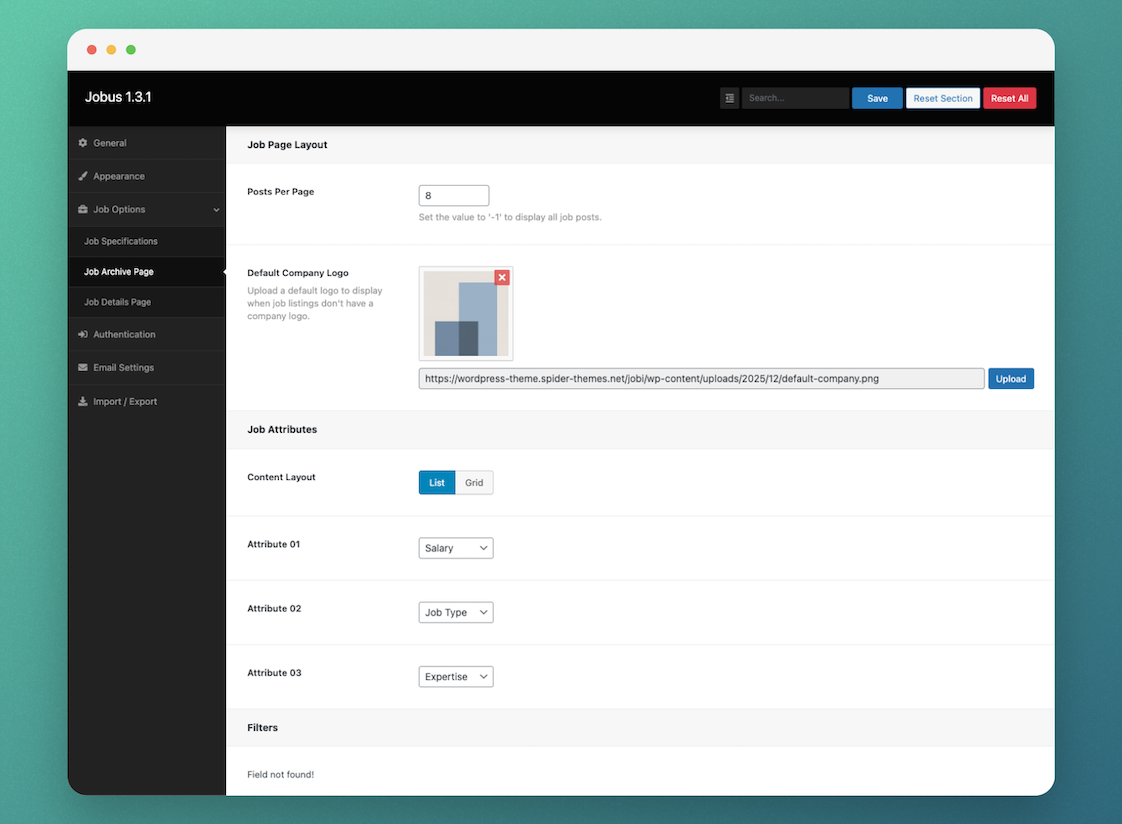
- New: Default company logo option added for missing logos
- Fixed: Job list delete button issue resolved
- Fixed: Candidate and employer user role issues fixed
- Fixed: Jobus Elementor widgets issues corrected
- Tweaked: Reorganized several settings for improved clarity
- Tweaked: Dashboard layout spacing and button padding refined for a more consistent UI
- Tweaked: Candidate Single Page improved for better readability
- Tweaked: Dashboard login form now auto-redirects to the frontend dashboard
- Tweaked: Filter button made conditional—only appears if filter widgets are set
- Tweaked: Improved filter validation to match filter widget availability
- Tweaked: Unified pagination styling across the entire plugin
- Tweaked: Edit button added to Company and Job single pages
- Tweaked: Improved the Candidate Single Page
- Tweaked: Various code sections simplified and optimized for better performance See changelog for all versions