
My Private Site – Make Your Whole Site Private, Force Login & Block Registration Spam
| 开发者 | dgewirtz |
|---|---|
| 更新时间 | 2026年9月2日 07:13 |
| 捐献地址: | 去捐款 |
| PHP版本: | 7.4 及以上 |
| WordPress版本: | 7.1 |
| 版权: | GPLv2 or later |
| 版权网址: | 版权信息 |
标签
下载
详情介绍:
- Family sites and school projects: Share personal updates, photos, or assignments only with family members, classmates, or teachers you choose.
- Development and staging sites: Safely show work-in-progress to clients or teammates without exposing unfinished content or letting it be indexed by search engines.
- Clubs, groups, and internal blogs: Create a private online space for members or staff without the overhead of a complex membership system.
- Make your entire WordPress site private with a single setting
- Redirect logged-out visitors automatically to the login page
- Choose where users land after login (requested page, home, dashboard, or custom URL)
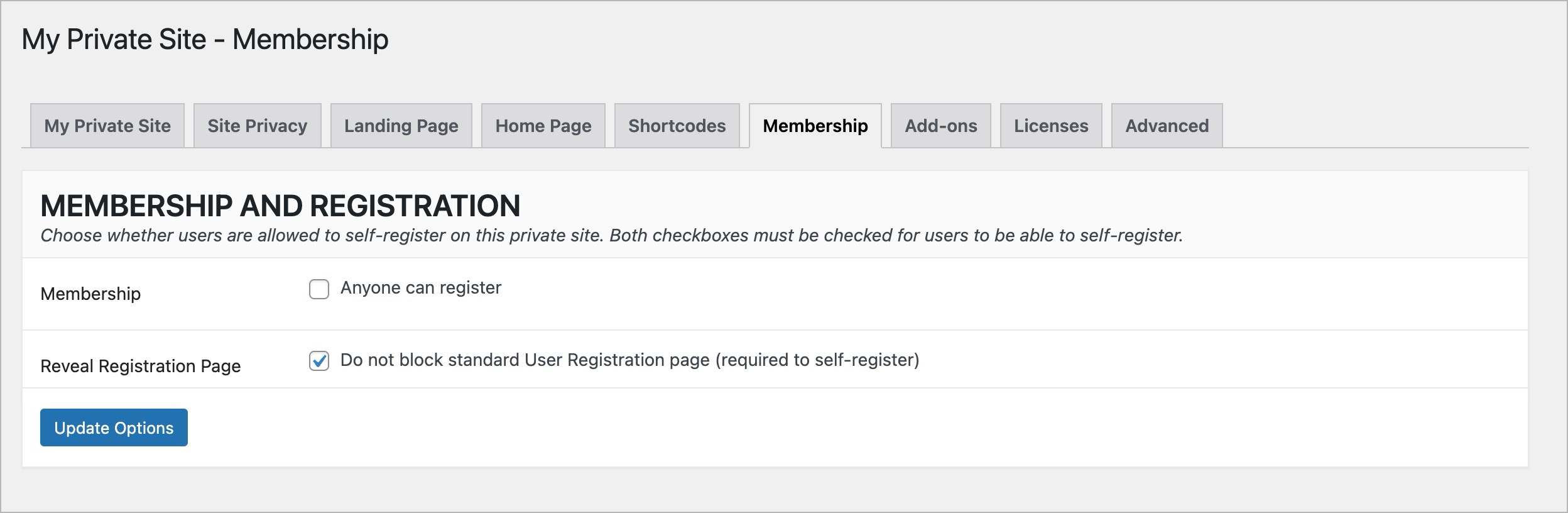
- Support user self-registration on private sites when enabled
- Protect registration with built-in spam controls and optional reCAPTCHA
- Safely preview, export, and batch-delete spam subscriber accounts with the Spam Account Cleanup tool, while protecting detected EDD and WooCommerce customers
- Optionally block unauthenticated access to the WordPress REST API
- Simple, no-code setup using standard WordPress settings
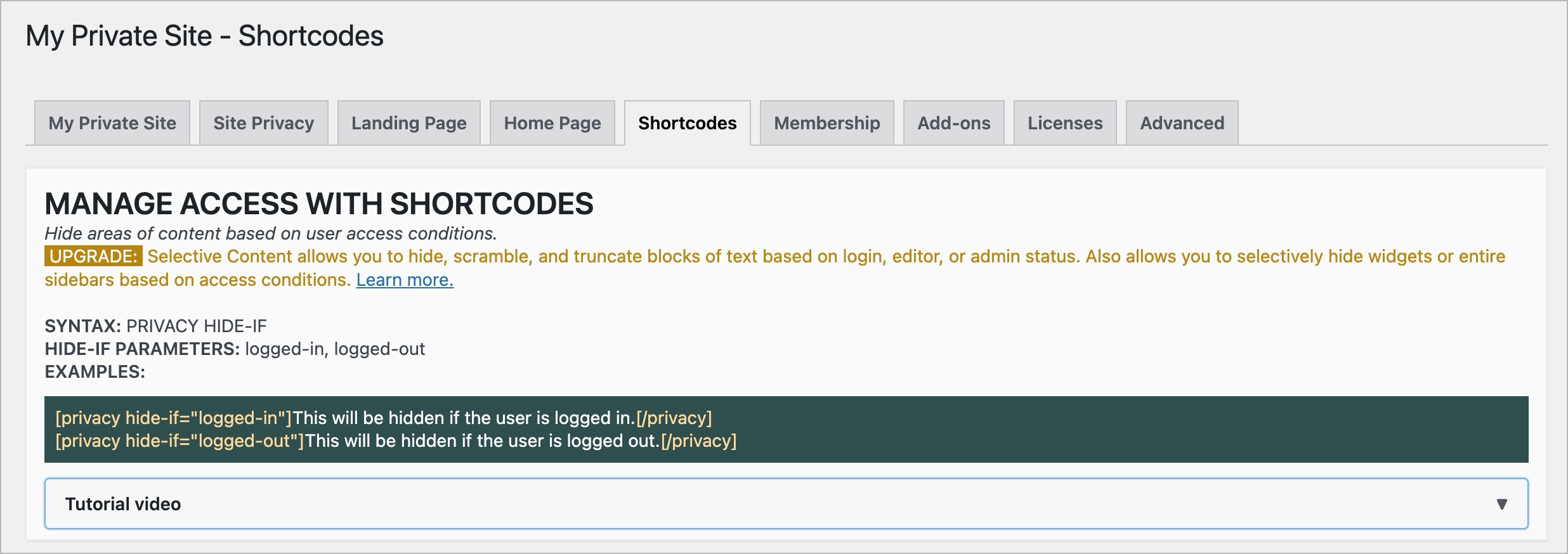
- Privacy shortcode lets you selectively show or hide content within a page or post.
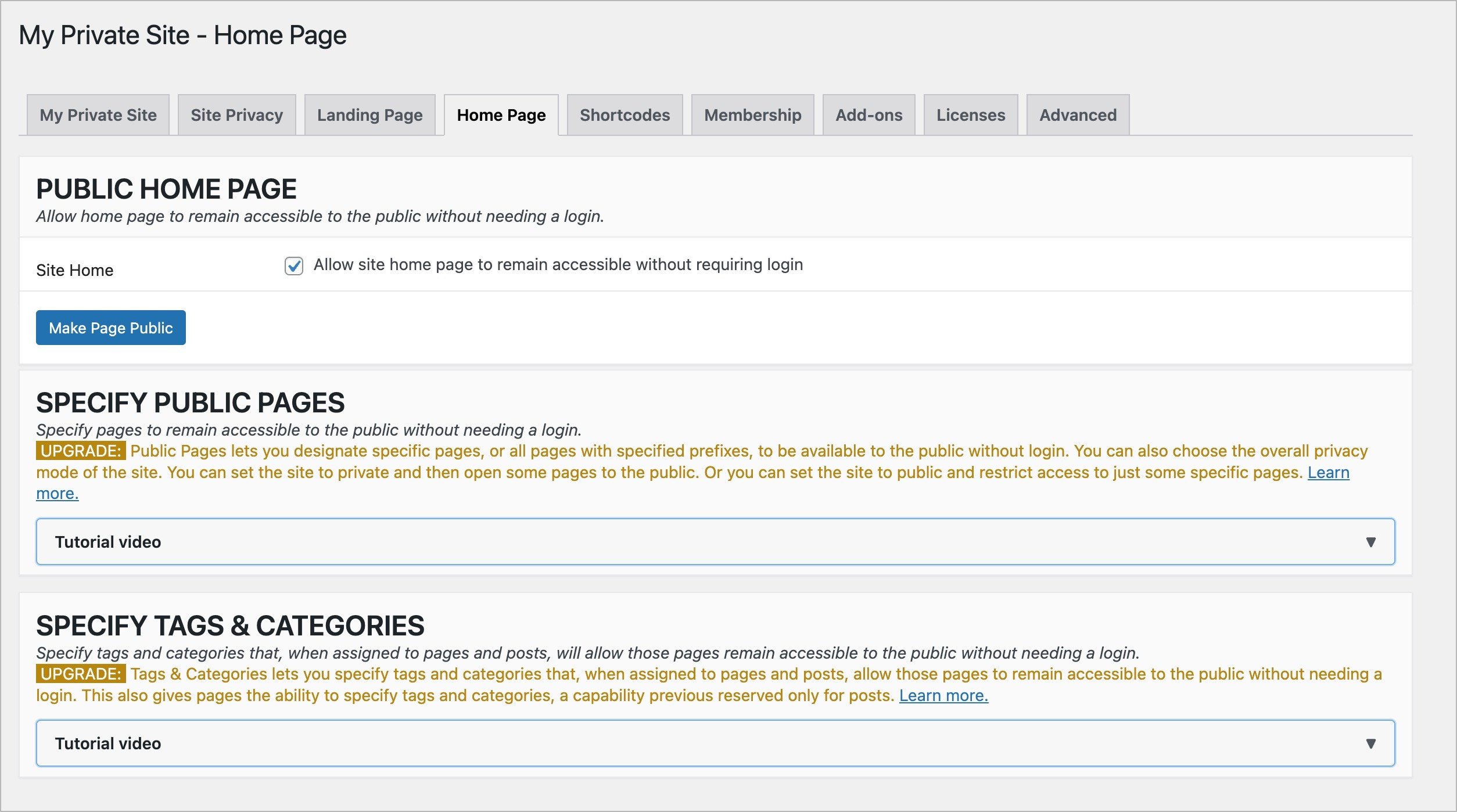
- Public Pages 2.0: Allows site operators to designate certain specific pages, or pages with specified prefix, to be available to the public without login. Now also allows public site, private pages. Watch the video
- Advanced AI Crawler Defense: Protect WordPress content from AI crawlers using licensing, opt-out tags, selective bot blocking, and firewall defenses to control and safeguard your data. Watch the video
- Visitor Intelligence: Track logins, logouts, failed attempts, and bot activity with a unified log, anomaly detection, and export tools for stronger site oversight and security. Watch the video
- Guest Access: Grant temporary, secure access to private WordPress content using unique shareable links with expiration, one-time use, and full admin-controlled invite management. Watch the video
- Block IP: Block unwanted visitors by IP address or range with full IPv4/IPv6 support, configurable scope, and fast enforcement to secure your WordPress site. Watch the video
- Tags & Categories: Allows you to make pages public or (with Public Pages 2.0) private based on tags and categories. Watch the video
- Selective Content: Allows hiding, showing, and obscurifying page content through the use of shortcodes. Can also selectively hide widgets and sidebars. Watch the video
- Digital Fortress Bundle: All add-ons are available in bundle form. Watch the video
安装:
- Use Add Plugin within the WordPress Admin panel to download and install this My Private Site plugin from the WordPress.org plugin repository.
- Activate the My Private Site plugin through the Installed Plugins admin panel in WordPress. If you have a WordPress Network ("Multisite"), you can either Network Activate this plugin, or Activate it individually on the sites where you wish to use it.
- To enable privacy, go to the My Private Site, go to the Site Privacy tab and check Enable Privacy. If you use Elementor or find that privacy doesn't seem to work, switch the Compatibility Mode setting to Theme Fix.
屏幕截图:
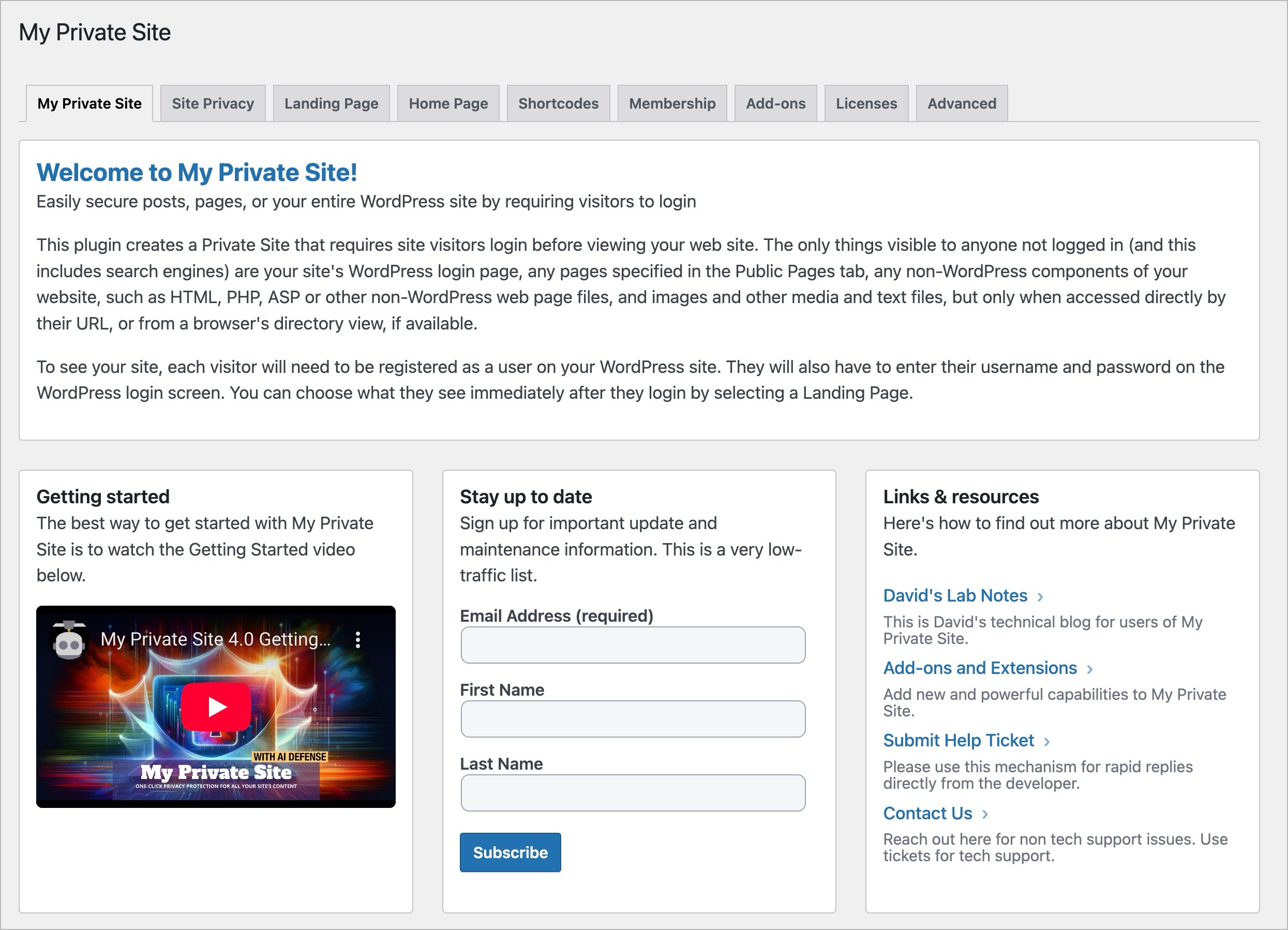
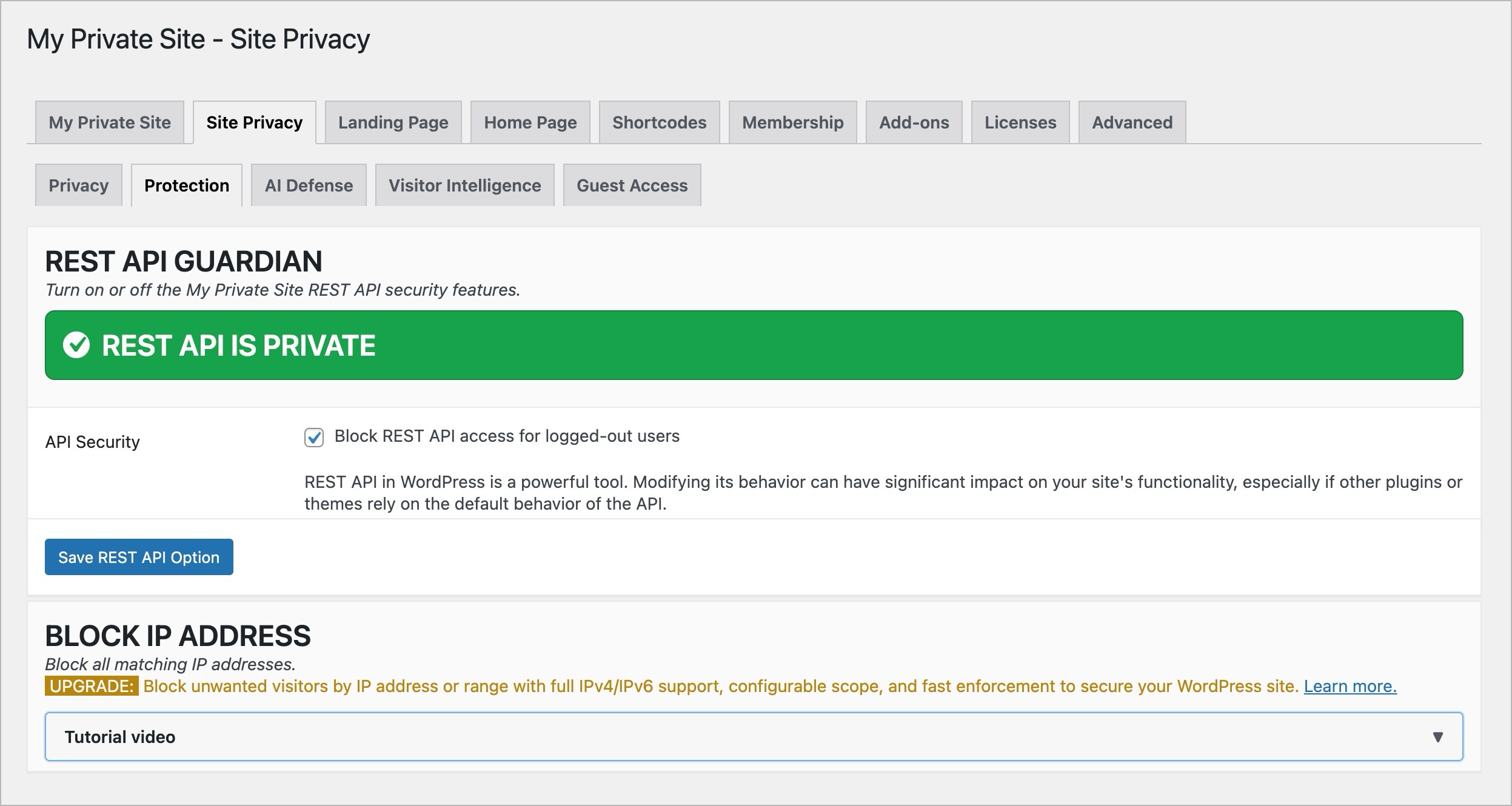
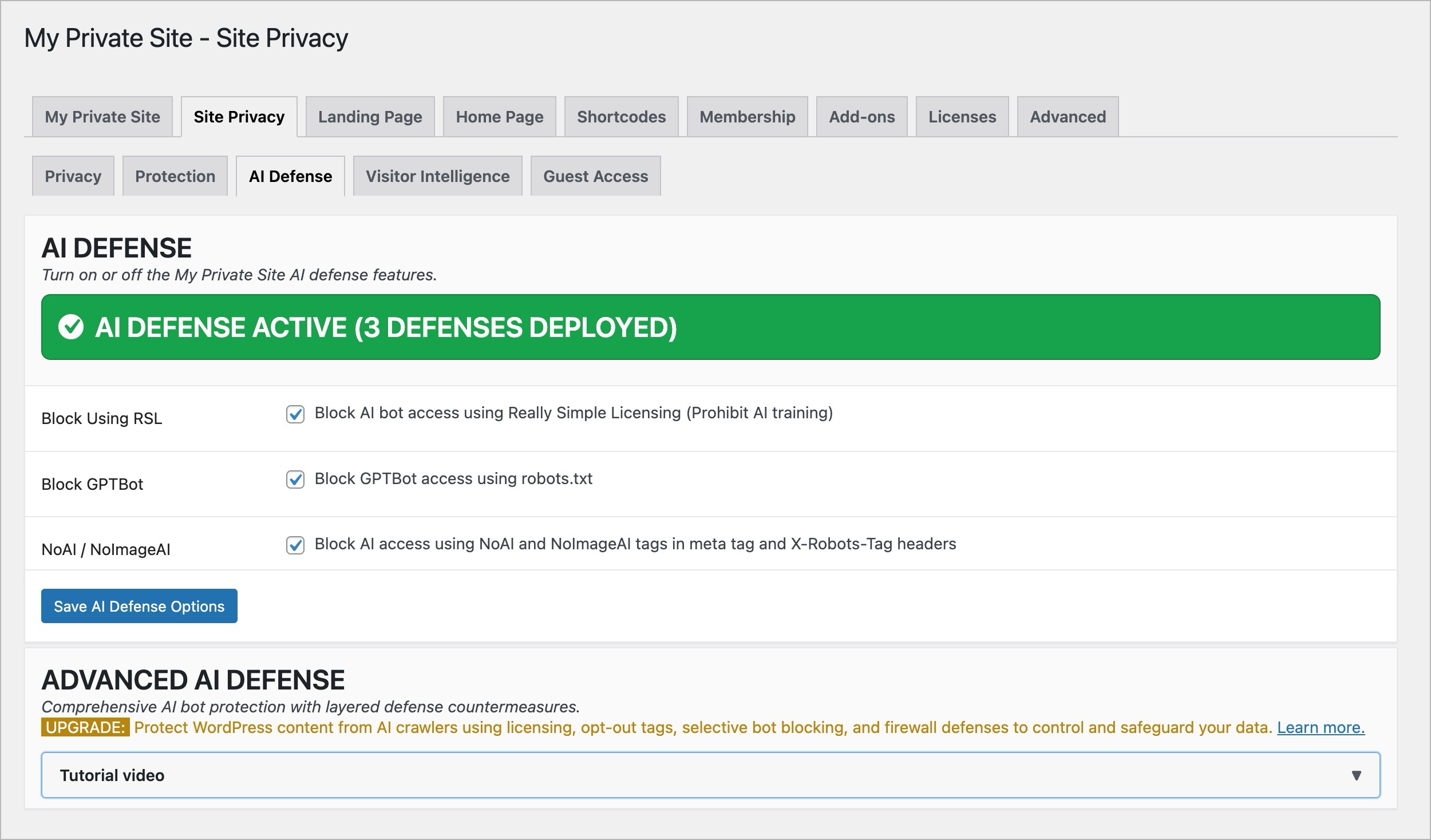
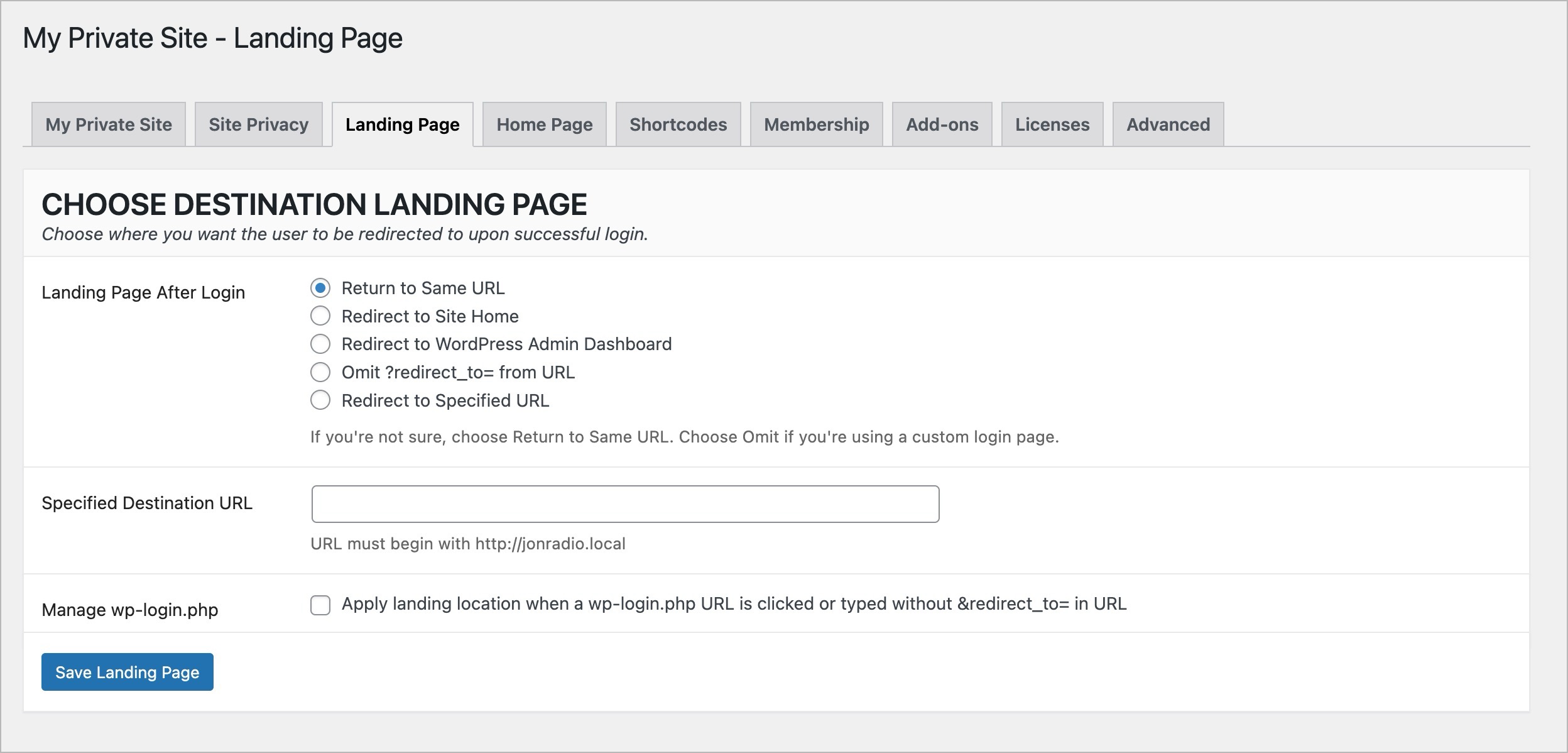
常见问题:
How do I fix Redirect Loops (browser cycles for a long time then gives up)?
IMPORTANT: Support has moved to the ZATZLabs site and is no longer provided on the WordPress.org forums. If you need a timely reply from the developer, please open a ticket. By far, the most common way to create a Redirect Loop on your browser with this plugin is to specify both Custom Login page and Landing Location on the plugin's Settings page. Simply setting "Where to after Login?" in the Landing Location section to "Omit ?redirect_to= from URL" should correct the problem. This problem has been observed when the URL of the Custom Login page is a WordPress Page. It occurs because, for Page URLs, WordPress uses the ?redirect_to= Query keyword for purposes other than a Landing Location.
What happened? I changed my Permalinks and now some things don't work.
Whenever you change your WordPress Permalinks (Settings:Permalinks in admin panels), this My Private Site plugin does not automatically change any URLs you have entered in the plugin's Settings. You will therefore want to make changes to URLs in the plugin's settings whenever you change Permalinks.
更新日志:
- Fixed unauthenticated access to protected post and comment feeds when using classic themes.
- Protected WordPress XML sitemaps across themes and compatibility modes.
- Hardened aggregate content routes so page-level exemptions cannot expose protected content or URLs.
- Hardened direct comment and pingback access, protected REST membership checks, reCAPTCHA verification, license transport, backup restore, cleanup deletion, and uninstall handling.
- Corrected Public Pages, Tags & Categories, and Guest Access rule composition so forged or unresolved access states cannot become public.
- Updated the bundled CMB2 library to version 2.12.0 for current WordPress and PHP compatibility.
- Fixed privacy enforcement for block themes when using Standard compatibility mode.
- Preserved compatibility with WordPress 5.8 and classic themes while adding block-theme detection for WordPress 5.9 and later.
- Added Spam Account Cleanup, a staged dry-run, CSV export, and batch deletion tool for safely removing spam subscriber accounts.
- Added optional reCAPTCHA protection for the WordPress registration form, sharing the existing reCAPTCHA keys with Login Guard.
- Added a public user-insert backstop so selected Registration Spam Guard checks can block suspicious unauthenticated user creation outside the default registration form.
- Strengthened Spam Account Cleanup protections for hidden/custom post types, detected store-order customer records, and EDD/WooCommerce customers.
- Increased Registration Spam Guard log retention from 20 to 100 entries.
- Added default-off deterministic spam signals for digit-dominant email addresses, gibberish email addresses, and profile bios containing URLs.
- Added suspicious Gmail plus-alias detection to Registration Spam Guard.
- Added reserved administrator username, URL-like username, crypto scam phrase, and disposable email domain detection to Registration Spam Guard.
- Added the Protection-tab Registration Spam Guard controls for honeypot, gibberish username, excessive email dots, missing MX, and StopForumSpam checks.
- Added reCAPTCHA Login Guard settings, including Google site key and secret key fields.
- Added admin notices and settings save handling for the new spam guard and reCAPTCHA controls.
- Updated AI Crawler Defense wording and related Site Privacy UI labels.
- Added Registration Spam Guard and reCAPTCHA login protection to the free plugin.
- Fixed Site Privacy save actions being intercepted by the robots.txt retest control.
- Improved AI Crawler Defense retest notice when a physical robots.txt file is present.
- Added AI Crawler Defense subsystem
- Added built-in video tutorials for all sections
- Added Manage Settings subtab to Advanced to save, restore, and reset settings
- Substantially optimized plugin startup operations
- Added subtabs engine for easier grouping of functions
- Updated main My Private Site page to make it more readable
- Fixed bug in mail list sign up experience
- Refactored some of the source code for more maintainable files
- Removed direct serialization of settings array for increased security
- Updated EDD licensing library
- Upgraded CMB2 library from 2.10.1 to 2.11.0
- Safeguarded selective content processing with nonce and capability checks
- Hardened core admin handlers with current_user_can for membership, site privacy, landing, advanced, and more
- Added feature to hide the admin bar from the front-end for logged-in users
- This feature works whether the site is set to private or not
- Minor UI tweak to provide better clarity for theme option
- Added REST API Guardian protection to core plugin
- Increased size of heading font in dashboard
- Replaced tags set (login, pages, private, security, visibility, plugin, page, posts, post) with (registered only, privacy, protected, restricted, password protect)
- Minor compatibility update for WordPress 6.4.
- Minor update to better support my_private_site_public_check_access_by_page filter.
- Slight improvement to HTML support pages
- Fixed a CMB2 type error that popped up from time to time (Thanks, Michael!)
- Fixed a bunch of over-eager security checks
- Fixed compatibility switch bug
- Fixed some security bugs
- Added more hooks for increased granular control of access
- Fixed some minor bugs
- Moved compatibility mode option to Site Privacy tab and added additional theme compatibility fixes
- Added a compatibility mode option on the Advanced tab which will hopefully finally fix the Elementor issues
- Possible fix for Elementor incompatibility issues
- Fixed some small bugs
- Added Advanced feature allowing users to specify custom password reset page
- Fixed duplicate header bug found on some systems
- Minor bug fixes
- Added uninstall telemetry
- Complete rewrite with an entirely new, streamlined UI
- Added the selective content subsystem
- Minor fix for password reset. Thanks to user o2Xav.
- Minor support update
- Force login at 'get_header' instead of 'template_redirect' Action to be compatible with wpengine.com hosting
- Allow Custom Login page that is NOT on the current WordPress site, and clean up Settings page validation of related fields
- Fix double display of Error Messages on Settings page
- Remove Plugin's entry on Users submenu on WordPress Admin panels
- Remove associated Setting, which determined whether Users submenu entry existed
- Wait until Pretty Permalinks applied before deciding whether to force a login
- Add an Override Advanced Setting with Warnings on Usage, to allow Landing Location and Custom Login to both be specified.
- Correct coding error that allowed Landing Location with Custom Login, a potential Redirection error
- Fix Error Log warning on [mb]strpos Offset parameter
- Use Custom Login setting, if present, to redirect failed login attempts with blank username and/or password
- Use Custom Login setting, if present, to redirect failed login attempts
- Provide a Setting to disable User with No Role behaviour introduced in 2.11
- Remove forced logout when User with No Role attempts to access a Site (Network/Multisite install), to fix repeated messages when wp_logout is hooked by other plugins
- In a WordPress Network ("Multisite"), block Users with No Role on the current Site
- Make Landing Location work when free Paid Membership Pro plugin is activated
- Add setting to obey Landing Location for users who login via a URL of wp-login.php without a &redirect_to= following
- Add setting to not display a Users submenu option for the plugin's settings
- Conditional logic for Settings Saved update message in Validate function
- Set Landing Location for logins via Meta Widget link, as well as automatic Login prompts
- Add Prefix option to Always Visible URLs
- Automatically use mb_ Multi-Byte string functions, if available
- Add Custom Login URL setting
- Older versions of WordPress require a parameter be passed to get_post()
- Detect and make visible Login-associated Pages created by the Theme My Login plugin
- Allow other URLs to be Always Visible with new Setting
- Reveal BuddyPress /activate/ Activation page when Reveal Registration selected
- Fix bug in URL matching for Root, where one URL has a trailing slash and the other does not
- Handle BuddyPress' redirection of Register URL in Reveal Registration
- Add Setting to Reveal Home Page on a Private Site
- Fixed Problems with wp_registration_url function in WordPress prior to Version 3.6
- Add the WordPress User Self-Registration field to the plugin's Settings page
- Add the Settings page to the User submenu of Admin panel, too
- Add a settings checkbox to reveal the Register page for User Self-Registration
- Add Settings page, specifying Landing Location and turning Private Site off and on
- Warning for new default of OFF for Private Site until Settings are first viewed
- Add Networking Settings information page
- Track plugin version number in internal settings
- Replace WordPress Activation/Deactivation hooks with Version checking code from jonradio Multiple Themes
- Add Plugin entry on individual sites when plugin is Network Activated, and Settings link on all Plugin entries
- Change Action Hook to 'wp' from 'wp_head' to avoid Modify Header errors when certain other plugins are present
- Add readme.txt and screenshots
- Add in-line documentation for php functions