
JRT CommentShield
| 开发者 | jrtwebsolutions |
|---|---|
| 更新时间 | 2026年2月1日 23:50 |
| 捐献地址: | 去捐款 |
| PHP版本: | 7.4 及以上 |
| WordPress版本: | 6.9 |
| 版权: | GPLv2 or later |
| 版权网址: | 版权信息 |
详情介绍:
JRT CommentShield protects your WordPress comment section from spam and automated bot attacks using multiple intelligent protection layers.
The plugin works silently in the background and does not require CAPTCHA or any interaction from your visitors. Legitimate users can comment normally while spam and bots are blocked automatically.
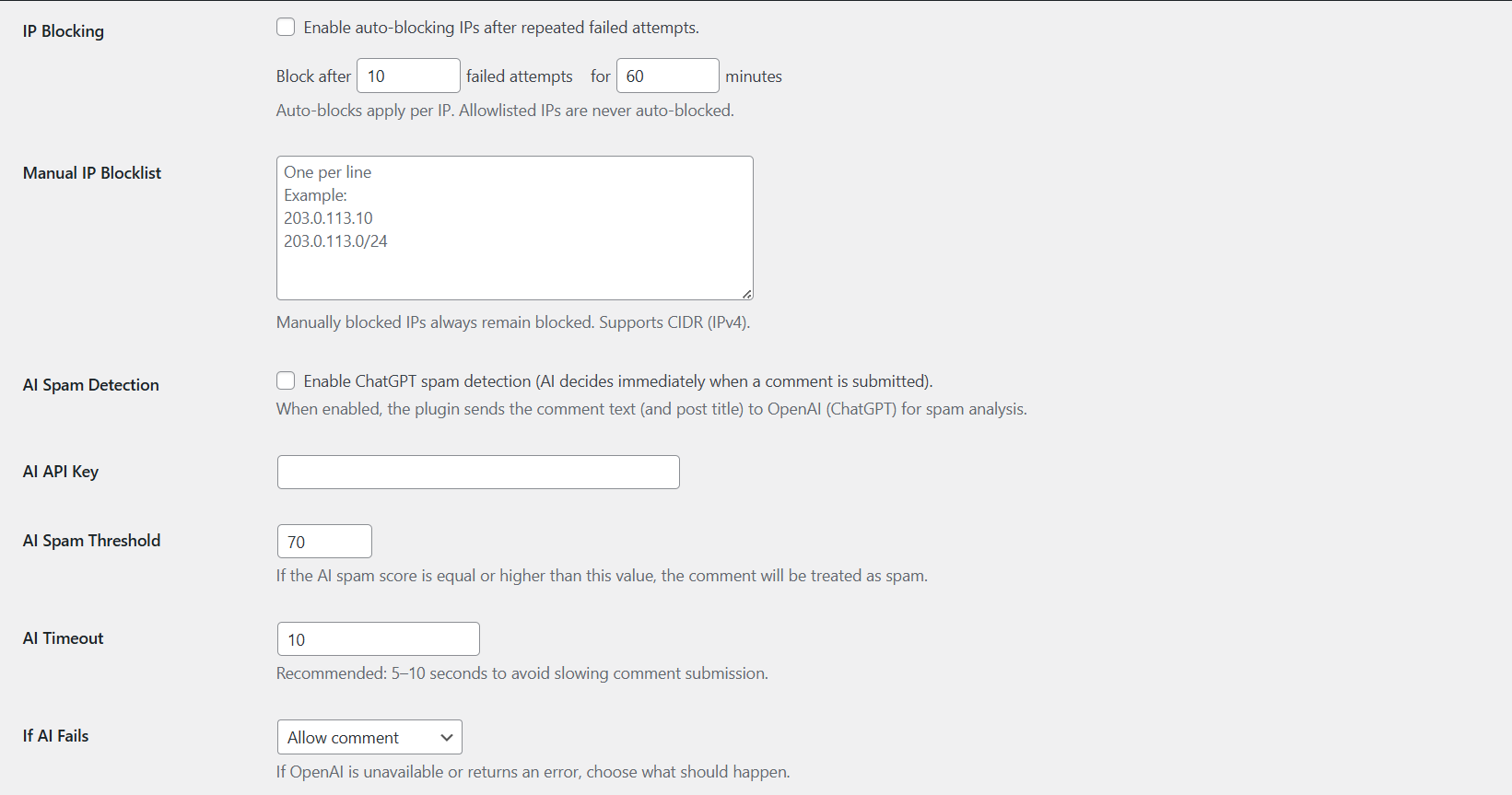
JRT CommentShield combines proven anti-spam techniques such as honeypots, timing checks, rate limiting, and IP blocking with optional AI-powered spam analysis using ChatGPT.
The plugin is lightweight, fast, and built using WordPress coding standards with a fully object-oriented architecture.
安装:
- Upload the plugin folder to
/wp-content/plugins/or install it from the WordPress Plugins screen. - Activate the plugin through the "Plugins" menu in WordPress.
- Go to Settings → JRT CommentShield.
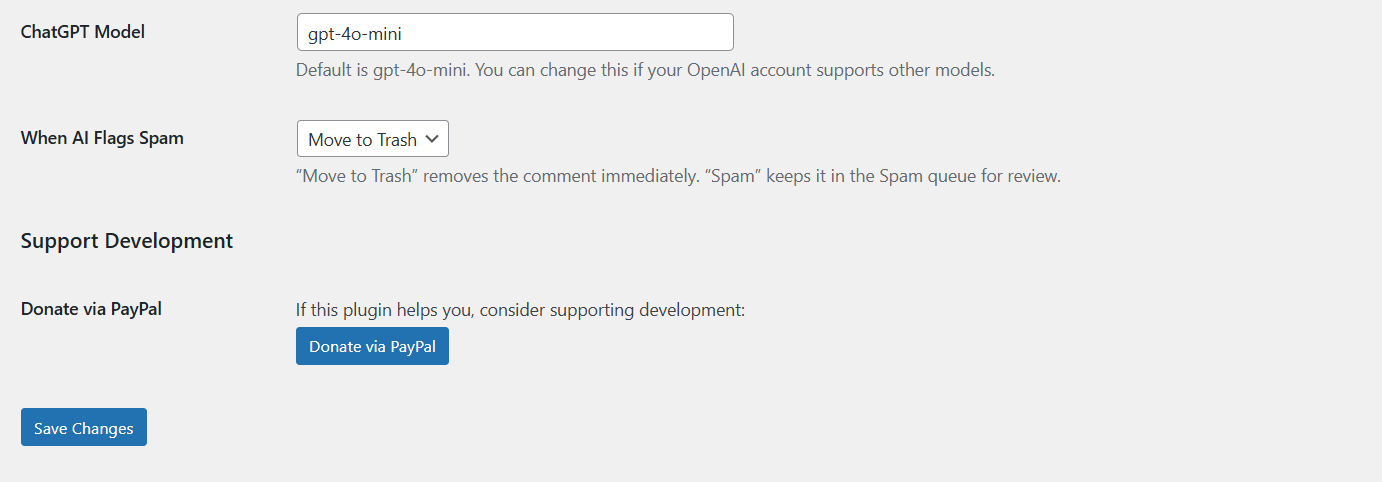
- (Optional) Enable AI Spam Detection and enter your ChatGPT API key.
- Save settings. Protection starts immediately.
屏幕截图:
常见问题:
Is ChatGPT required?
No. AI Spam Detection is optional. The plugin works without AI using built-in bot and spam protection rules.
What data is sent to ChatGPT?
Only the comment text and post title are sent for spam analysis. No personal data such as email addresses or IP addresses are shared.
Does this plugin replace Akismet?
No. JRT CommentShield is an alternative approach. Running multiple anti-spam plugins at the same time is not recommended.
Does this plugin use CAPTCHA?
No. The plugin works silently without interrupting visitors.
Can spam comments be deleted automatically?
Yes. You can choose to mark spam comments as Spam or move them directly to Trash.
Will this slow down comment submission?
AI detection runs only if enabled. You can configure the timeout to balance speed and accuracy.
更新日志:
1.0.0
- Initial release
- Spam and bot protection for WordPress comments
- Optional ChatGPT-powered AI spam detection
- Honeypot, rate limiting, and IP blocking
- Admin settings page