
jsonyo — JSON Toolkit
| 开发者 | voiddo |
|---|---|
| 更新时间 | 2026年5月20日 15:52 |
| PHP版本: | 7.4 及以上 |
| WordPress版本: | 7.0 |
| 版权: | GPLv2 or later |
| 版权网址: | 版权信息 |
详情介绍:
jsonyo is a lightweight JSON toolkit that lives in wp-admin. Open it from Tools → JSON Toolkit and you get a clean code-editor-style workbench for everything JSON.
It is especially useful when you are working with:
- REST API responses and endpoints
- ACF exports and nested custom field payloads
- theme.json, block editor config, and site settings
- webhook payloads and internal JSON on staging sites
- Format — paste raw JSON, get a properly indented tree with syntax highlighting
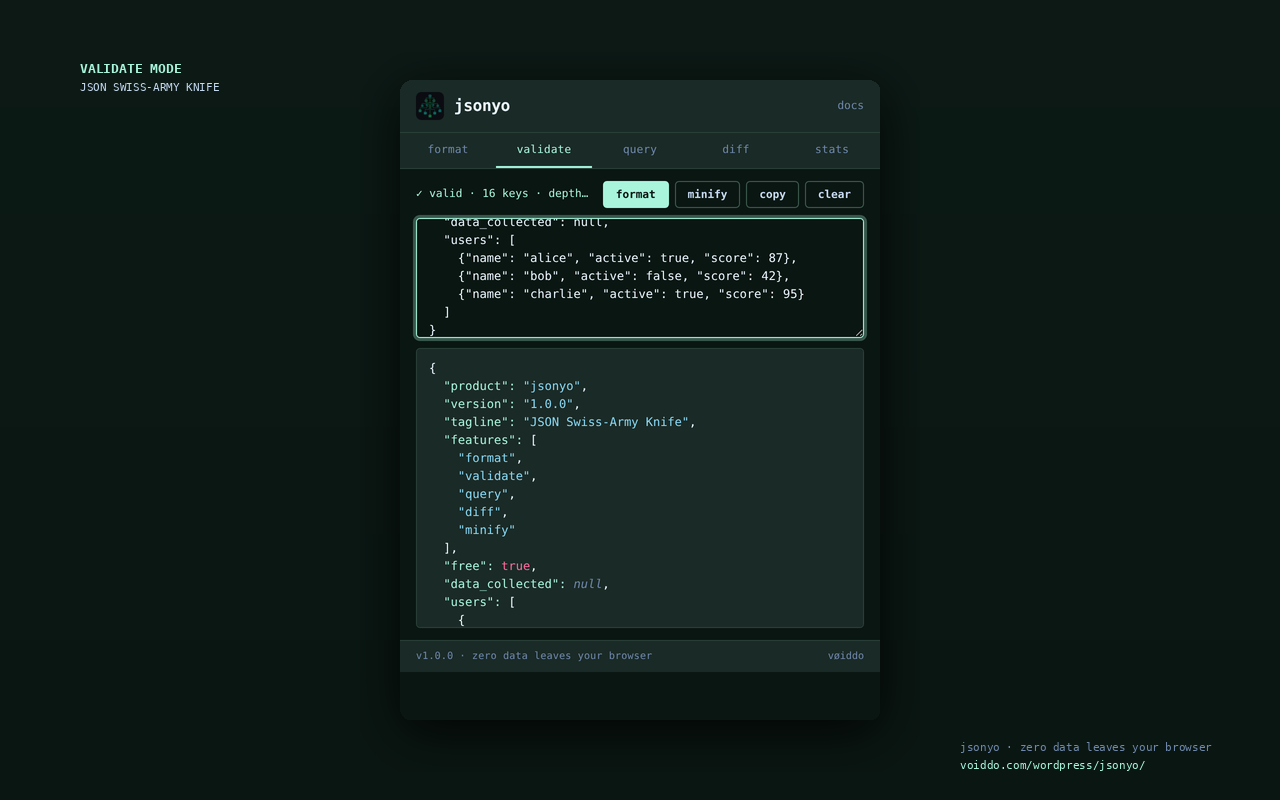
- Validate — instant pass/fail with line + column for syntax errors
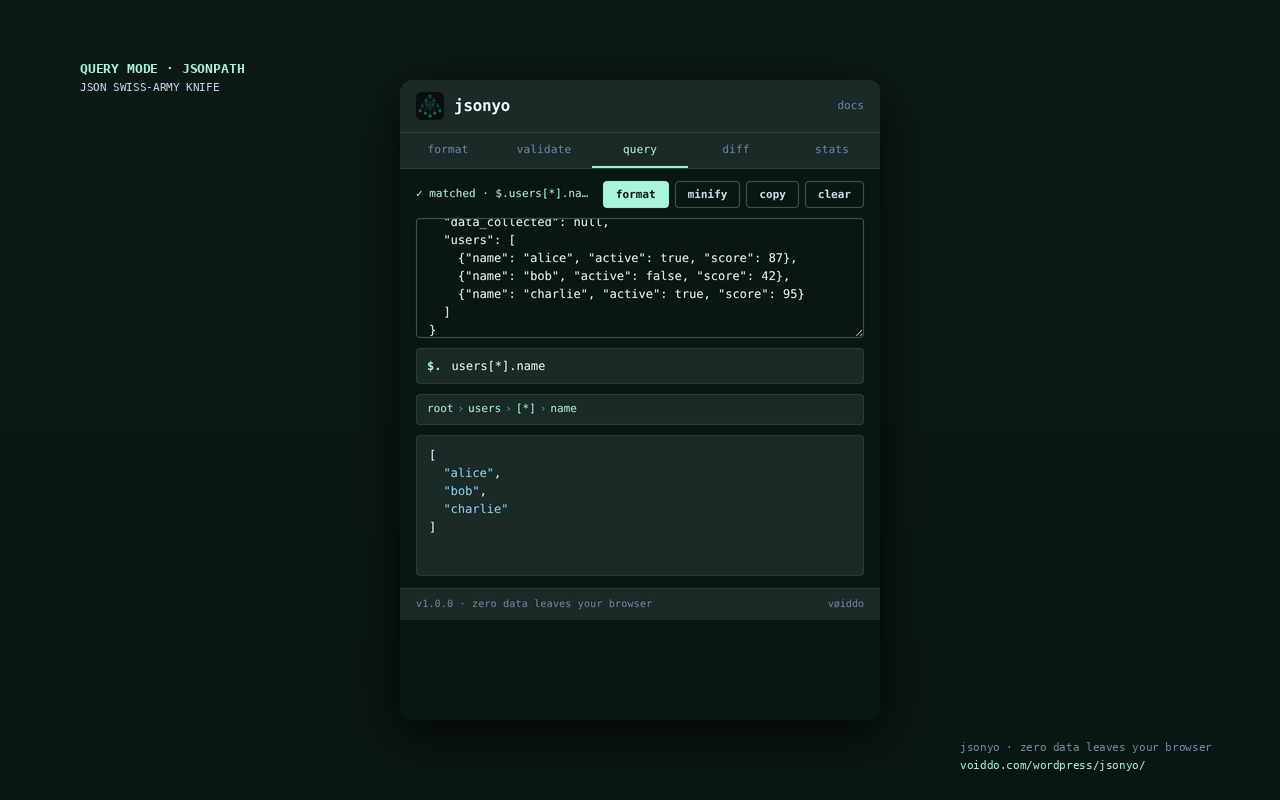
- Query — JSONPath ($.users[0].name, items[*].id, recursive ..key) over the parsed tree
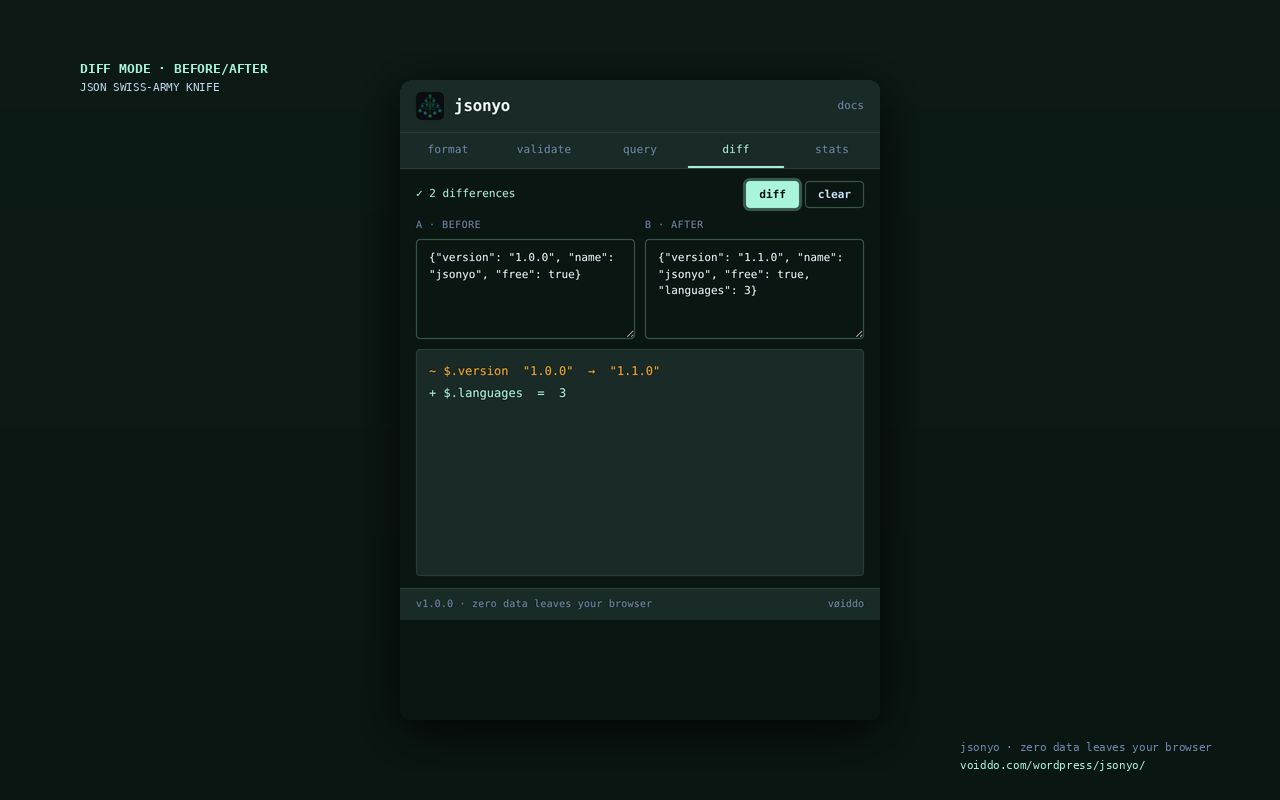
- Diff — paste two JSON blocks, see added/removed/changed paths side-by-side
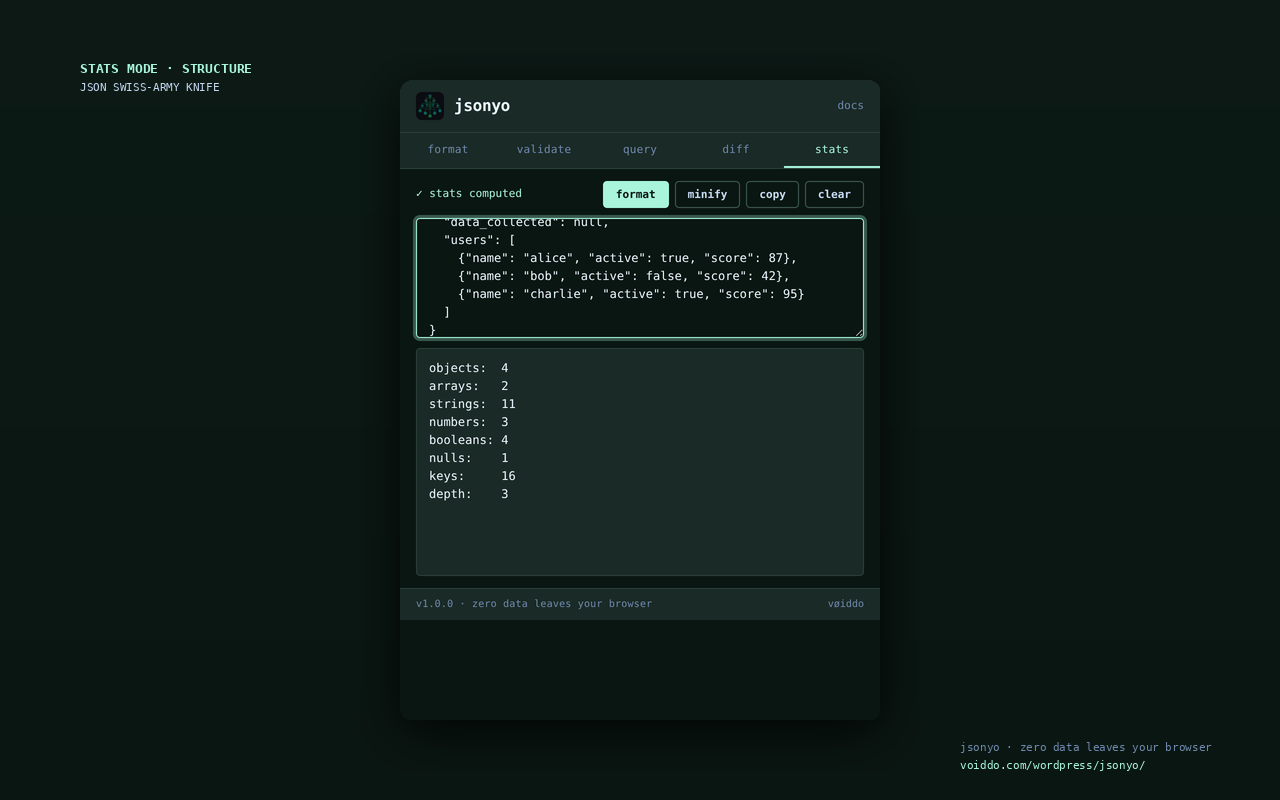
- Stats — counts of objects, arrays, strings, numbers, booleans, nulls + max depth
- Minify — strip whitespace, get one-line output ready to paste
安装:
- Upload the plugin folder to
/wp-content/plugins/or install via Plugins → Add New - Activate through the Plugins menu
- Open Tools → JSON Toolkit in your WP admin
- If you're evaluating it first, read the compare page above and then install from WordPress.org
屏幕截图:
常见问题:
Does this plugin send my JSON to any server?
No. Everything runs in your browser via JavaScript. The PHP side just renders the admin page shell.
Does it work on multisite?
Yes. Activate per-site or network-wide. Behavior is identical.
Does it work in older PHP?
Requires PHP 7.4+ (matches WordPress 6.0 minimums).
Is the source code open?
Yes — GPLv2 or later.
How do I report a bug or request a feature?
Email support@voiddo.com or open an issue on our GitHub.
Can I compare jsonyo before installing?
Yes. The vøiddo WordPress site includes a side-by-side comparison and install guide at https://voiddo.com/wordpress/jsonyo/compare/ for REST API debugging, ACF payloads, theme.json, and webhook workflows.
更新日志:
1.0.0 — 2026-04-30
- Initial release
- Format / validate / query / diff / stats / minify modes
- Surgical-canon dark theme (mint accent on dark navy)
- Browser-side execution — zero data leaves your browser
- Localizable — Text Domain
jsonyo-json-toolkit