
JuZ DualView
| 开发者 | juzed |
|---|---|
| 更新时间 | 2026年4月7日 23:04 |
| PHP版本: | 7.0 及以上 |
| WordPress版本: | 6.9 |
| 版权: | GPLv2 or later |
| 版权网址: | 版权信息 |
详情介绍:
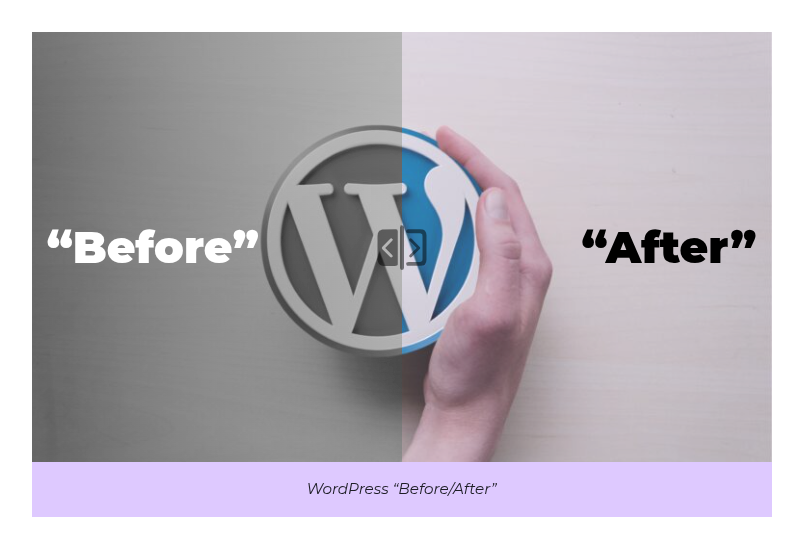
The JuZ DualView Block allows you to create interactive before/after comparisons directly in the WordPress block editor. Perfect for showcasing transformations, improvements, or any content that benefits from side-by-side comparison with an interactive slider.
Key Features:
- Interactive slider to compare before/after content
- Works with images, text, or any block content
- Customizable labels and descriptions
- Responsive design that works on all devices
- Accessibility-ready with proper ARIA attributes
- Easy to use with a simple interface Use Cases:
- Showcasing design improvements
- Demonstrating product before/after results
- Comparing old vs. new versions
- Highlighting transformations
- Any content that benefits from visual comparison Accessibility Credits: This plugin's accessibility features were developed with expert guidance from:
- Jean-Baptiste Audras (Whodunit)
- Sorya Huon (Ecedi)
- Myriam Niaré-Guilloux (Ecedi)
安装:
- Upload the plugin files to the
/wp-content/plugins/juz-dualviewdirectory, or install the plugin through the WordPress plugins screen directly. - Activate the plugin through the 'Plugins' screen in WordPress
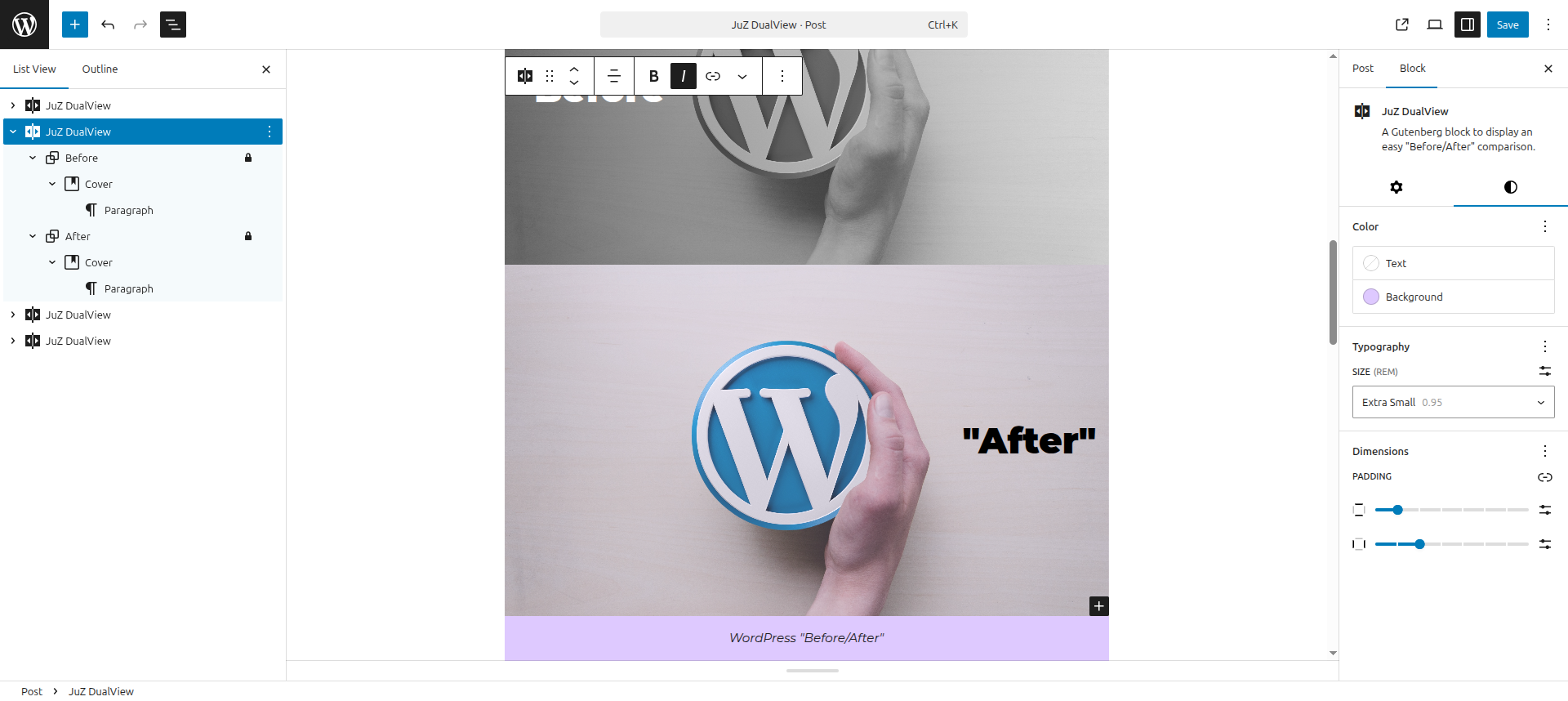
- Use the "JuZ DualView" block in the Gutenberg editor
屏幕截图:
常见问题:
How do I use the block?
- Add the "JuZ DualView" block to your post or page
- Add your "Before" content in the first section
- Add your "After" content in the second section
- Customize the block settings as needed
- Publish your content
Can I compare more than just images?
Yes! The block works with any content type. You can compare images, text, or any combination of blocks.
Is the block responsive?
Yes, the block is fully responsive and will adapt to different screen sizes.
Can I customize the colors?
Yes, you can customize the background colors and text colors using the block's color settings.
Is the block accessible?
Yes, the block includes proper ARIA attributes and keyboard navigation support to ensure accessibility.
更新日志:
1.0.1
- Fix CSS selector specificity for range input to avoid conflicts with Ollie theme styles
- Fix figure margin-block-end inside the block (Ollie theme compatibility)
- Tested with WordPress 6.9
- Initial release
- Interactive slider functionality
- Support for any block content
- Customizable labels and descriptions
- Accessibility features