
Kabook Auto Schema & Accordion for Rank Math
| 开发者 | saeidafshari |
|---|---|
| 更新时间 | 2026年7月14日 17:06 |
| PHP版本: | 7.4 及以上 |
| WordPress版本: | 7.0.1 |
| 版权: | GPLv2 or later |
| 版权网址: | 版权信息 |
详情介绍:
This plugin is a power-up for Rank Math SEO PRO users.
It solves common SEO and UX issues by automatically ensuring FAQ schema markup is present on your posts, and by transforming its default output into a visually appealing, interactive accordion — without requiring manual shortcode insertion.
Key Features:
- Auto Injection: Automatically adds the
[rank_math_rich_snippet]shortcode to your single posts if you have defined an FAQ schema but forgot to insert the block. - New: Animation Effects: Choose between Slide, Fade, or Zoom effects for your accordion opening.
- New: Speed Control: Fully customize the animation duration (ms) to match your site's feel.
- Per-Post Control: Manually enable or disable schema injection for specific posts via a simple checkbox in the editor.
- Smart Detection: Checks the raw database content to ensure the shortcode is never duplicated.
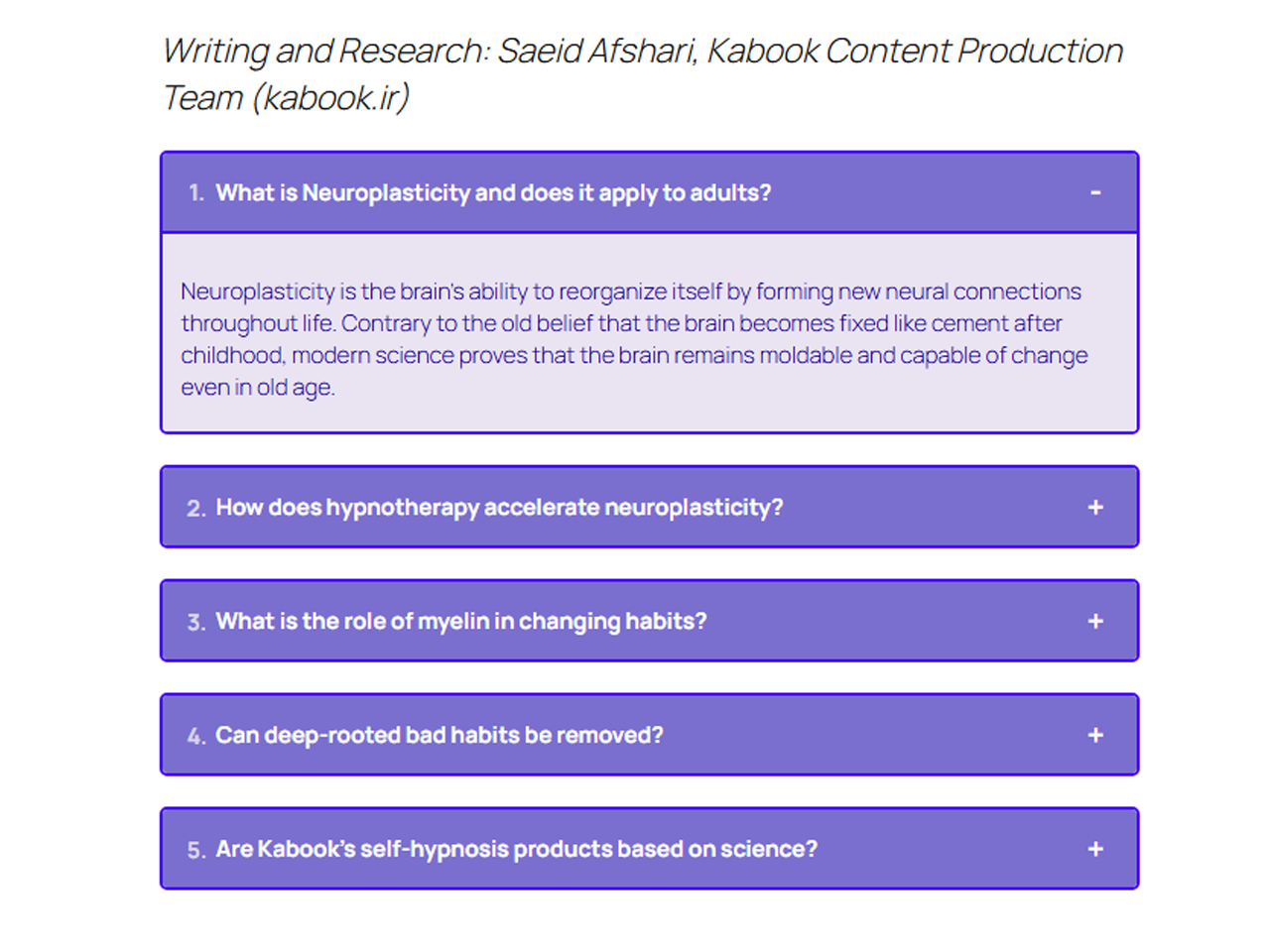
- Stylish Accordion: Converts the boring list format into a beautiful, interactive accordion.
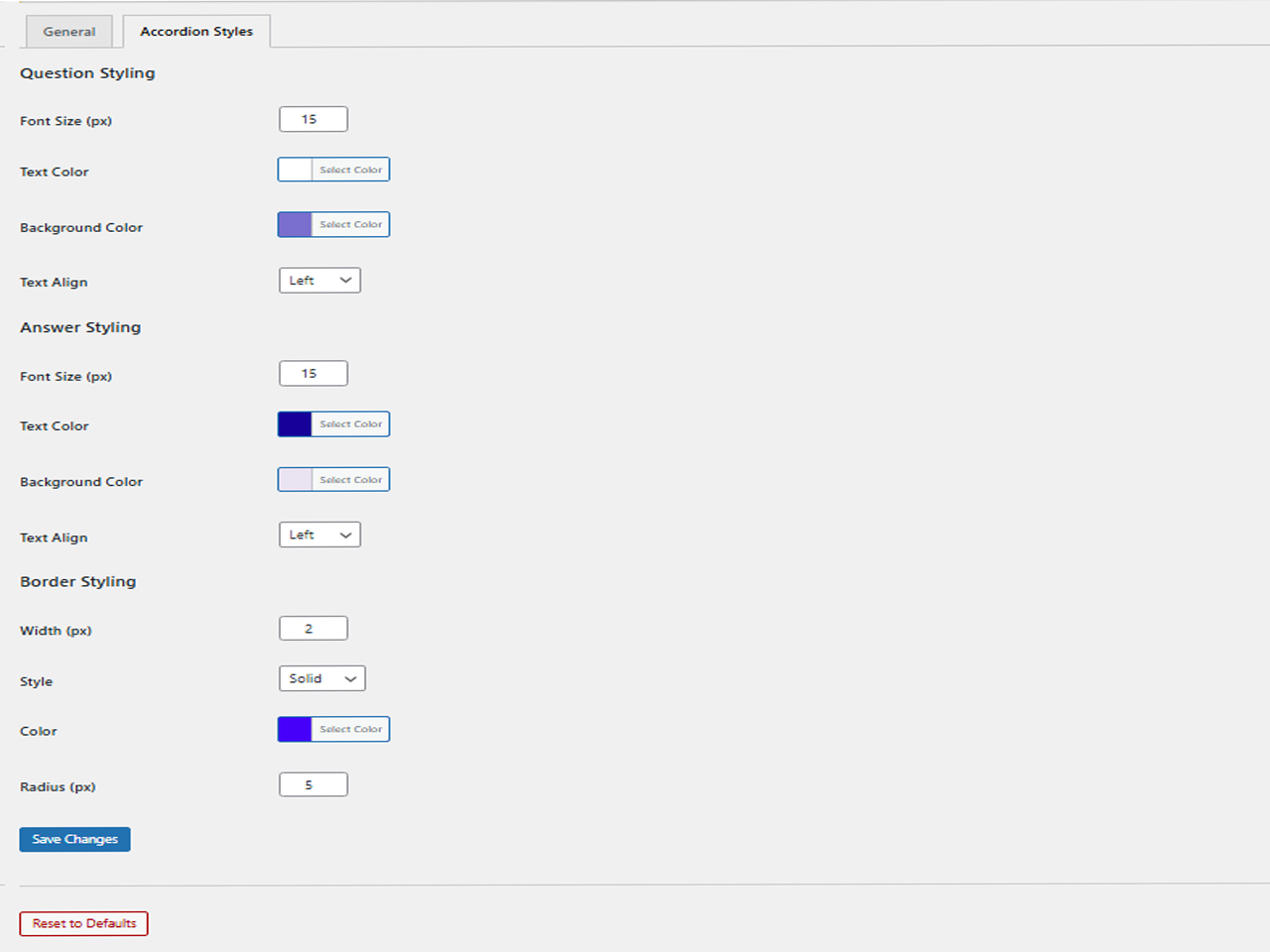
- Fully Customizable: Change colors, fonts, borders, and alignment via a modern "Blue Harmony" settings panel.
- Ultra Lightweight: Rebuilt with Vanilla JS (No jQuery) for maximum performance.
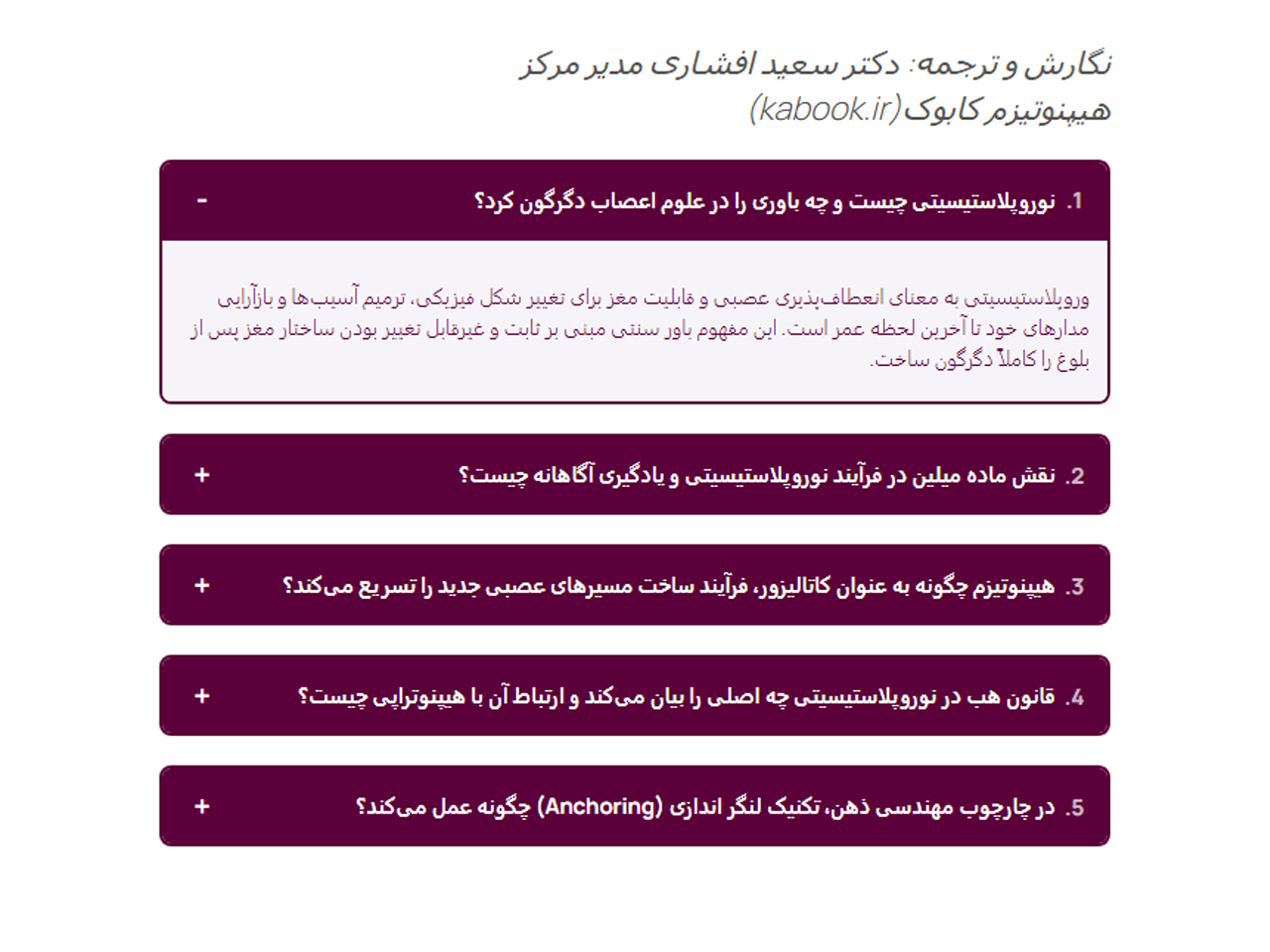
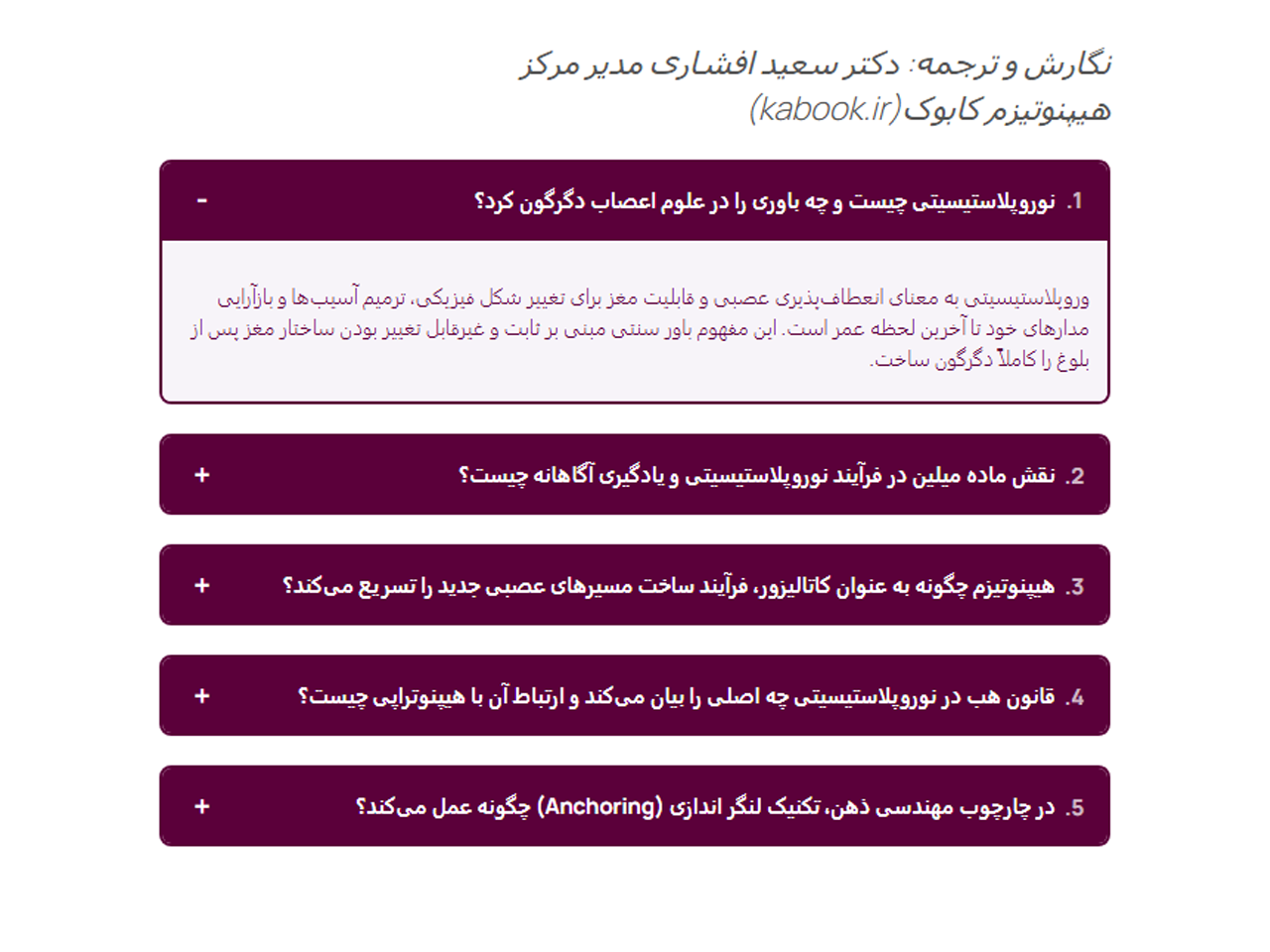
- Perfect RTL Support: Deep integration for Right-to-Left languages like Persian and Arabic.
安装:
- Upload the plugin files to the
/wp-content/plugins/kabook-auto-rank-math-snippetdirectory. - Activate the plugin through the 'Plugins' screen in WordPress.
- Go to Settings > Kabook RM Snippet to configure the styling and animation options.
屏幕截图:
常见问题:
Can I use the accordion styling without enabling automatic schema injection?
Yes! The plugin gives you full control over its features:
- To use only the accordion styling (without auto-injecting schema): Disable "Auto Inject Schema" and keep "Enable Accordion" checked.
- To inject schema automatically but use your own accordion (e.g., from theme or another plugin): Enable "Auto Inject Schema" and uncheck "Enable Accordion". Both features work independently — you can mix and match based on your needs.
Does this plugin work without Rank Math PRO?
No. This plugin acts as an add-on and depends on the schema data generated by the Rank Math SEO PRO plugin.
Can I change the opening speed of the accordion?
Yes! In version 1.2.0, we added an "Animation Speed" setting where you can define the speed in milliseconds (e.g., 300ms for fast or 1200ms for slow).
Does it load scripts on every page?
No. To ensure maximum performance, the plugin only loads its CSS and JS files on pages where an FAQ schema or shortcode is actually detected.
Will it slow down my site?
Absolutely not. The plugin uses Vanilla JS instead of jQuery, making it extremely fast and lightweight.
更新日志:
1.5.0
- New: Added "Item Spacing (px)" setting under the "Border & Spacing" tab to allow customization of the vertical gap between individual FAQ items.
- Fix: Resolved a critical visibility issue where the generated schema was hidden from guest users if the post meta ID was empty. The plugin now smartly evaluates the shortcode output to ensure proper schema rendering for all visitors while still hiding raw error messages.
- Enhancement: Seamless Admin UX – The settings page now features instant tab switching without page reloads (SPA-like experience).
- Improvement: Unified Settings Saving – Saving changes now updates all configurations across all tabs simultaneously.
- Improvement: Integrated Browser History API so the active tab state is preserved even if the page is manually refreshed.
- New: Smart Error Visibility – The "Schema not found" error message is now hidden for regular users and guests. It remains visible only to Administrators to assist with debugging.
- Improvement: Enhanced conditional logic to check for Schema ID existence before injection.
- Fix: Prevented potential layout issues on posts where schema data is missing.
- New: Added Opening Animations (Slide, Fade, Zoom).
- New: Added Animation Speed control setting.
- New: Brand new "Blue Harmony" Admin UI for better user experience.
- Improvement: Optimized Asset Loading (scripts only load when needed).
- Improvement: Enhanced RTL support for both Admin and Frontend.
- Security: Implemented Nonce verification and better output escaping for WP.org standards.
- Compatibility: PHP requirement lowered to 7.4 for better compatibility.
- New: Added "Injection Control Meta Box" per post.
- Improvement: Rewrote frontend logic in Vanilla JS (removed jQuery).
- Security: Fixed non-sanitized input variable warnings.
- Initial release.