
Keiste Solar Report
| 开发者 | dbee78 |
|---|---|
| 更新时间 | 2026年1月28日 19:41 |
| PHP版本: | 7.4 及以上 |
| WordPress版本: | 6.9 |
| 版权: | GPLv2 or later |
| 版权网址: | 版权信息 |
详情介绍:
The Keiste Solar Report is a powerful WordPress plugin that provides comprehensive solar project analysis for US, Canadian, UK and Irish buildings including residential, commercial, community, business and farm buildings. Using Google's Solar API, it delivers accurate solar potential assessments, financial projections, and detailed ROI calculations.
The visitor simply enters a building address, their average monthly electricity bill amount and their preferred System Size (ie. no of solar panels). They receive a full financial and technical breakdown along with a 10-12 page bespoke-designed personalized report download (Enterprise Plan only).
NB: You will need a Google Cloud API Key to use this plugin
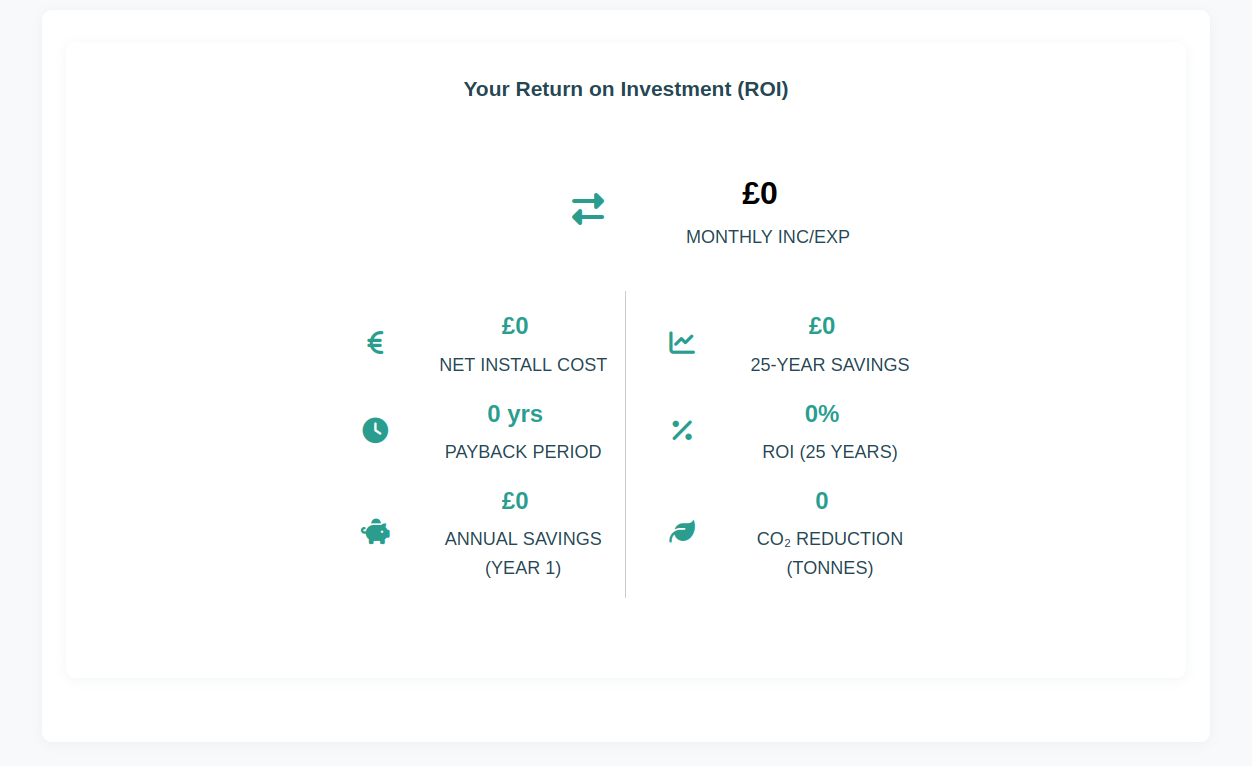
Calculations for the visitor's solar project include estimates of Return on Investment, CO2 saved and solar project breakeven point.
The Keiste Solar Plugin features a Google Solar API integration, interactive charts, a lead generation form (Premium Plan or above) and tons more features.
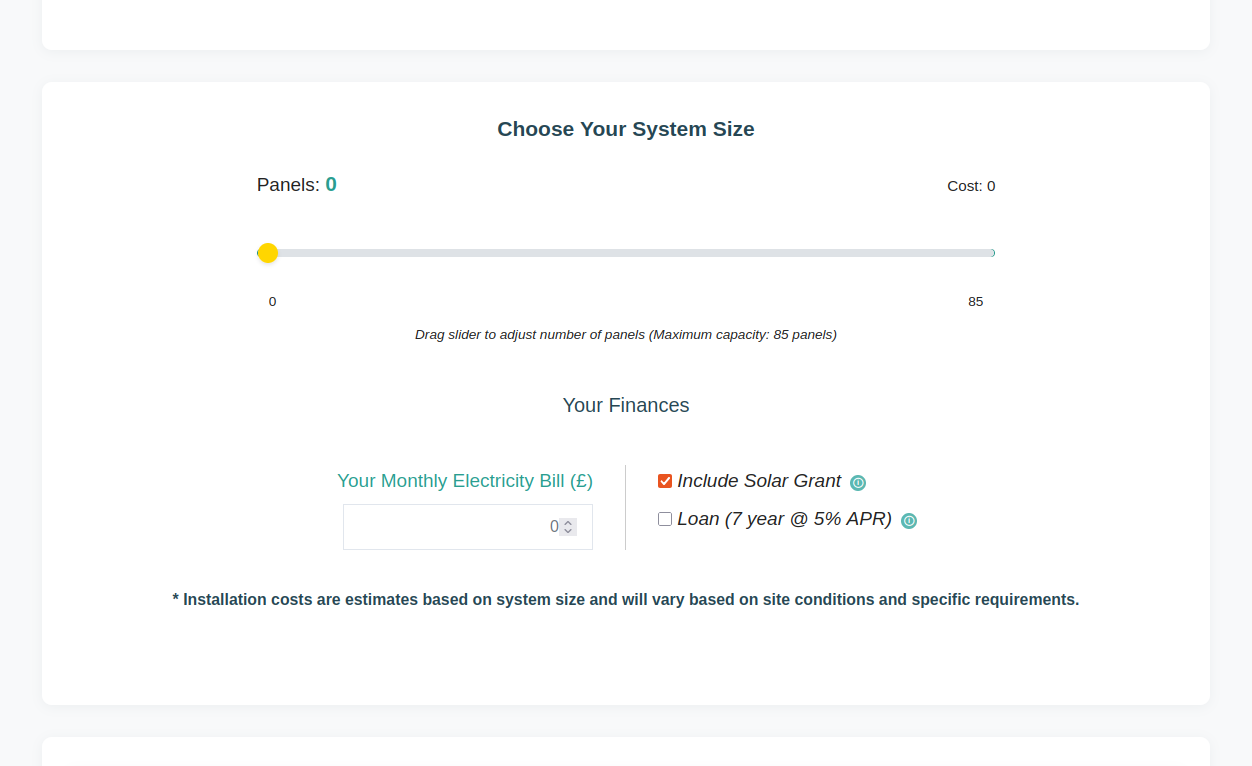
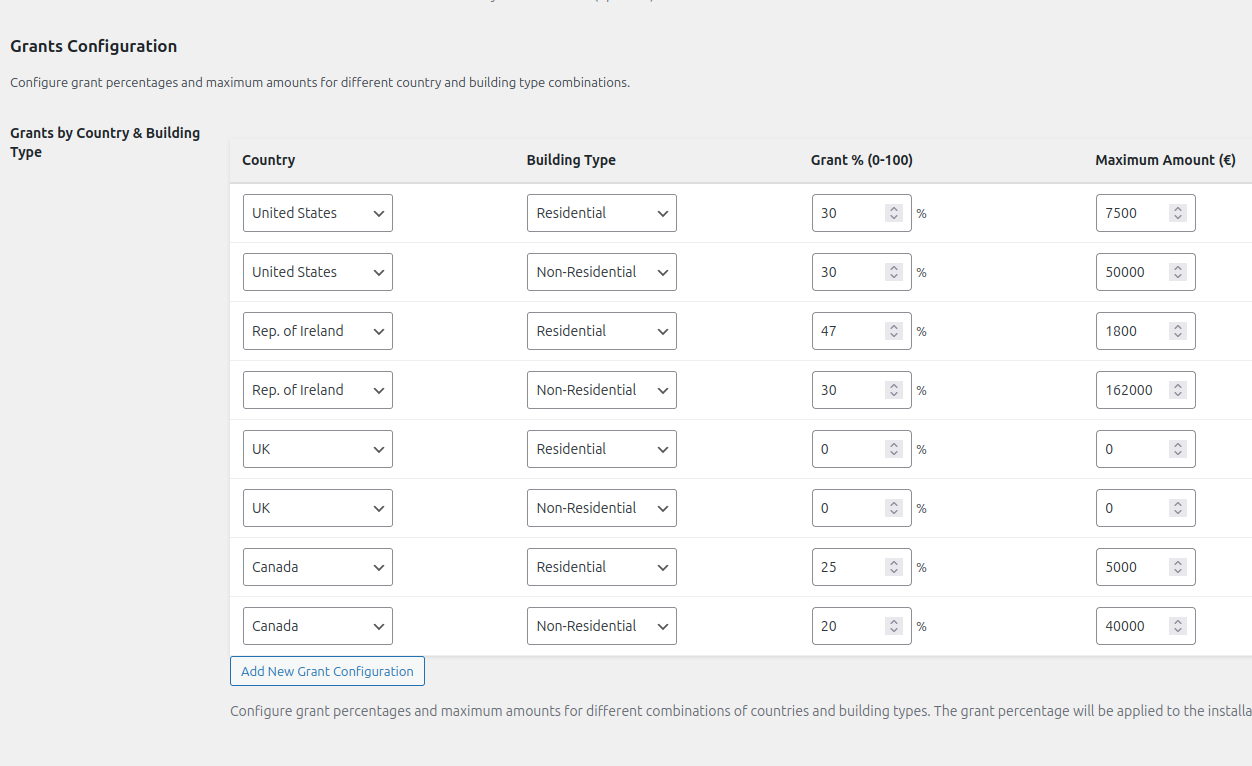
This interface uses 400W solar panels as standard. All the figures eg. grant, loan, small-medium-large system size and other estimates are entered by you the plugin admin in the settings. Figures are meant as estimates only, not as quotes. For the grant calculations to work, user must choose the correct building type from the dropdown menu. See the docs for more info.
Check out our Enterprise Plan which will programmatically verify your visitor lead data eg. phone number and email address as well as a custom-designed personalized downloadable report.
Key Features (Free)
- Google Solar API Integration - Real-time solar potential data for any address
- Interactive Address Search - Google Maps autocomplete for easy location selection
- Financial Analysis - Detailed ROI calculations with customizable parameters
- Grant Integration - Automatic grant calculations based on government schemes
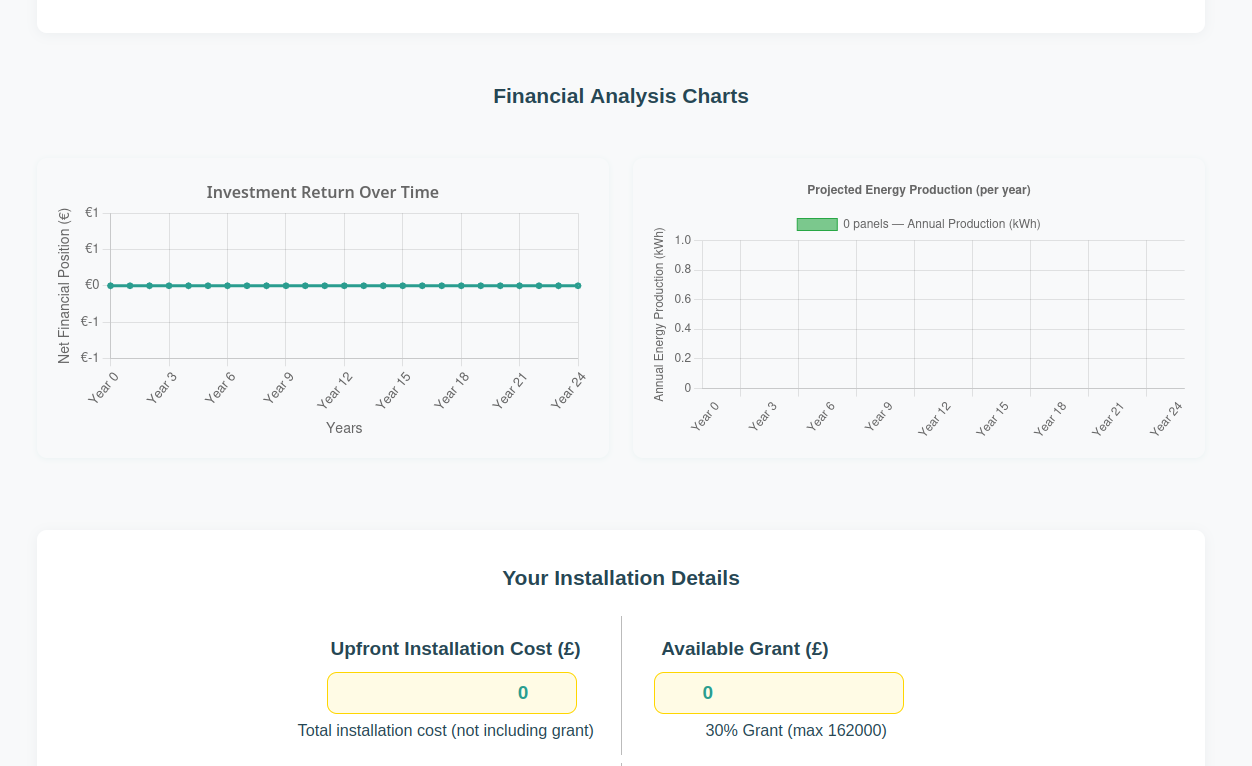
- Interactive Charts - Visual break-even analysis and energy production projections
- Mobile Responsive - Fully optimized for all devices
- Admin Settings Panel - Easy configuration of API keys and default values
- Lead Generation Form - Collect contact details before showing results
- GA4 Analytics Tracking - Track form submissions as conversion events in Google Analytics 4
- Social Media Share Buttons - Enable social sharing to increase reach
- Choose Your Country or Area - Choose your individual country or area boundary with your own grant settings
- Remove Branding - White-label the plugin for your business
- Remove Links - Hide all Keiste.com attribution links
- Email Support - Support over email
- PDF Report Generation - Bespoke and branded 10 to 12 page personalized, downloadable reports for clients
- Multiple Branch Support - Do you have multiple branches or franchises? We will support you to cover different branches
- Choose Multiple Boundaries - Choose multiple boundaries to cover different areas of the map.
- Lead Verification - Verify each telephone number and email address to stop fake contact details
- Personal Support - Personal support requests
- Solar installation companies offering free assessments
- Energy consultants providing solar feasibility studies
- Property developers evaluating solar potential
- Homeowners researching solar panel investments
- Educational institutions teaching renewable energy
- Users enter an address using Google Maps autocomplete
- Plugin fetches solar data from Google Solar API
- System calculates ROI based on user's electricity costs and financing options
- Interactive charts display financial projections over 25 years
- Results are displayed instantly (lead capture form is available in premium version)
- Google API key (obtain from Google Cloud Console)
- Active WordPress installation (5.8 or higher)
- PHP 7.4 or higher
安装:
- Upload the plugin files to
/wp-content/plugins/keiste-solar-report/or install via WordPress plugin installer - Activate the plugin through the 'Plugins' menu in WordPress
- IMPORTANT: Get your Google Console API key (see Configuration below). Log on to cloud.google.com and create an credentials key. Enable Google Places (New) API, Google Maps API, Google Maps Javascript API and Google Solar API for this key. Don't forget to add http website restrictions to the key - for your domain only. So noone else can use your key.
- Go to Solar Leads → Settings and enter your API Key near the top of the page
- Add the shortcode
[keiste_solar_report]to any page
屏幕截图:
常见问题:
Why do i get a red error (404) page when i search my building address?
Not every building will be able to have solar panels fitted to the roof. Some buildings are located outside the satellite area. Try another building or contact a solar installer.
Do I need a Google API key?
Yes, you need a Google Solar API, Google Places API (New), Google Maps Javascript API and Google Maps API enabled key to fetch data. You can obtain one from the Google Cloud Console. The API is free for limited usage.
Which countries are supported?
Currently, the plugin is configured for:
- Ireland (Rep. of Ireland)
- United Kingdom
- United States
- Canada More countries will be added soon! The plugin works wherever Google Solar API has coverage, but grant calculations, currency, and electricity rates are currently optimized for the four countries listed above.
更新日志:
1.1.5
- Version bump for WordPress.org release
- Minor updates and improvements
- Version bump for WordPress.org release
- Minor updates and improvements
- Added comprehensive logging system (set window.keiste_log = 1 to enable detailed calculation proofs)
- Updated default feed-in tariff from 0.20 to 0.21 for fresh installations
- Removed all console logging by default for cleaner production output
- Minor bug fixes and optimizations
- Set default electricity rate to 0.17 across calculator and admin UI
- Removed unused US/UK static page copies
- Synced admin defaults and JS fallback rates
- Default country set to United States and currency to $
- Aligned
system_cost_ratiofallback to 650 to match domestic tier - Updated versions and SVN tags
- Simplified API key configuration - now uses single Google API key for all services
- Added conditional display for API key setup message (only shows when key is missing)
- Improved admin settings interface with clearer API requirements
- Removed redundant google_maps_api_key field
- Fixed Font Awesome local loading
- Improved responsive layout for narrow screens (650px breakpoint)
- Centered input field alignment
- Updated form control widths for better mobile display
- Initial release
- Google Solar API integration
- ROI calculator with customizable parameters
- Solar grant calculations
- Interactive charts (Chart.js)
- PDF report generation (gamma.app)
- Google Maps address autocomplete
- Mobile-responsive design
- Admin settings panel
- Bootstrap 5 UI framework
- WordPress coding standards compliance
- Security best practices (nonces, sanitization, escaping)