KimaAI – AI Chatbot & Assistant for WordPress
| 开发者 | nabiabdi |
|---|---|
| 更新时间 | 2026年9月14日 20:27 |
| 捐献地址: | 去捐款 |
| PHP版本: | 8.0 及以上 |
| WordPress版本: | 7.0 |
| 版权: | GPLv3 |
| 版权网址: | 版权信息 |
标签
下载
详情介绍:
KimaAI brings modern AI features to WordPress by connecting your site to AI providers (like OpenAI) and exposing them through an easy-to-configure chatbot and a growing set of AI tools.
安装:
- Upload the plugin files to the
/wp-content/plugins/kimaaidirectory, or install the plugin through the WordPress plugins screen directly. - Activate the plugin through the 'Plugins' screen in WordPress.
- Run the Setup Wizard — it guides you through connecting your AI provider and API key.
- Place the chatbot on your site and start answering visitor questions.
屏幕截图:
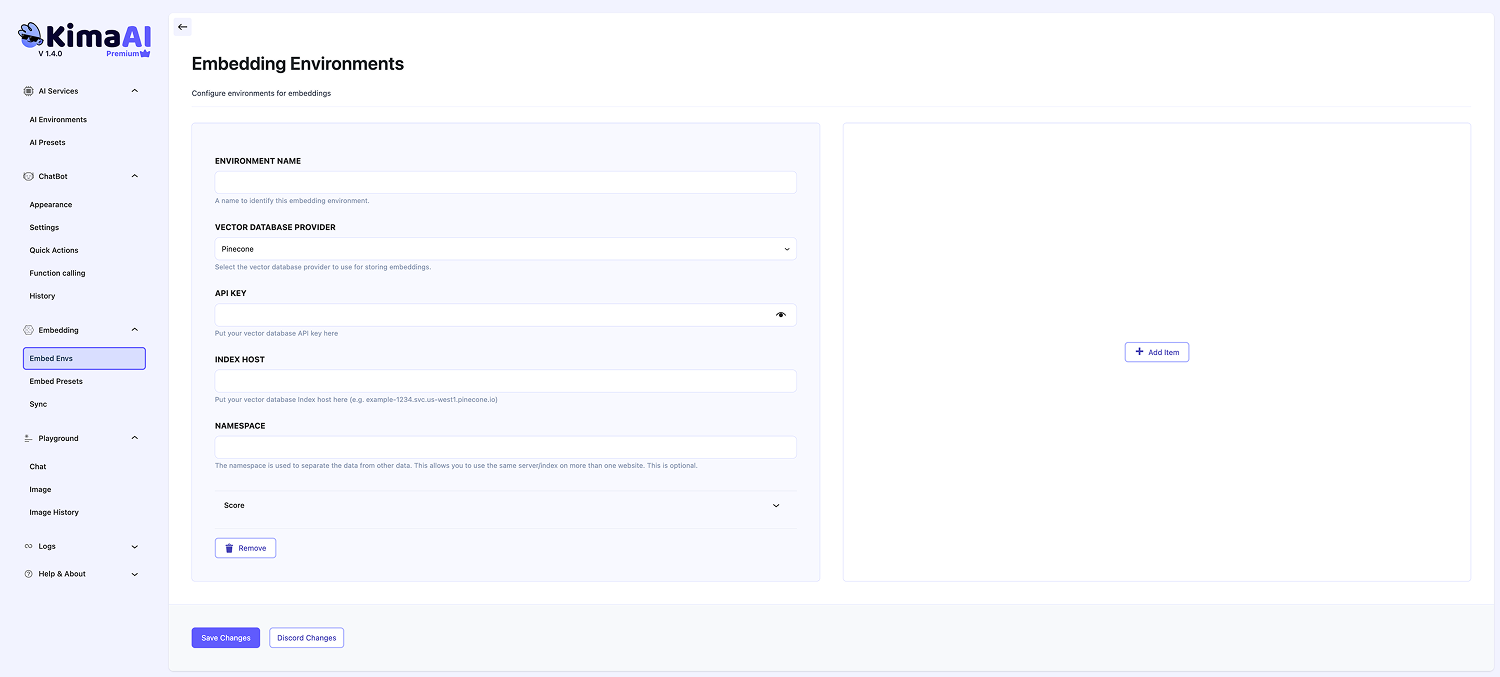


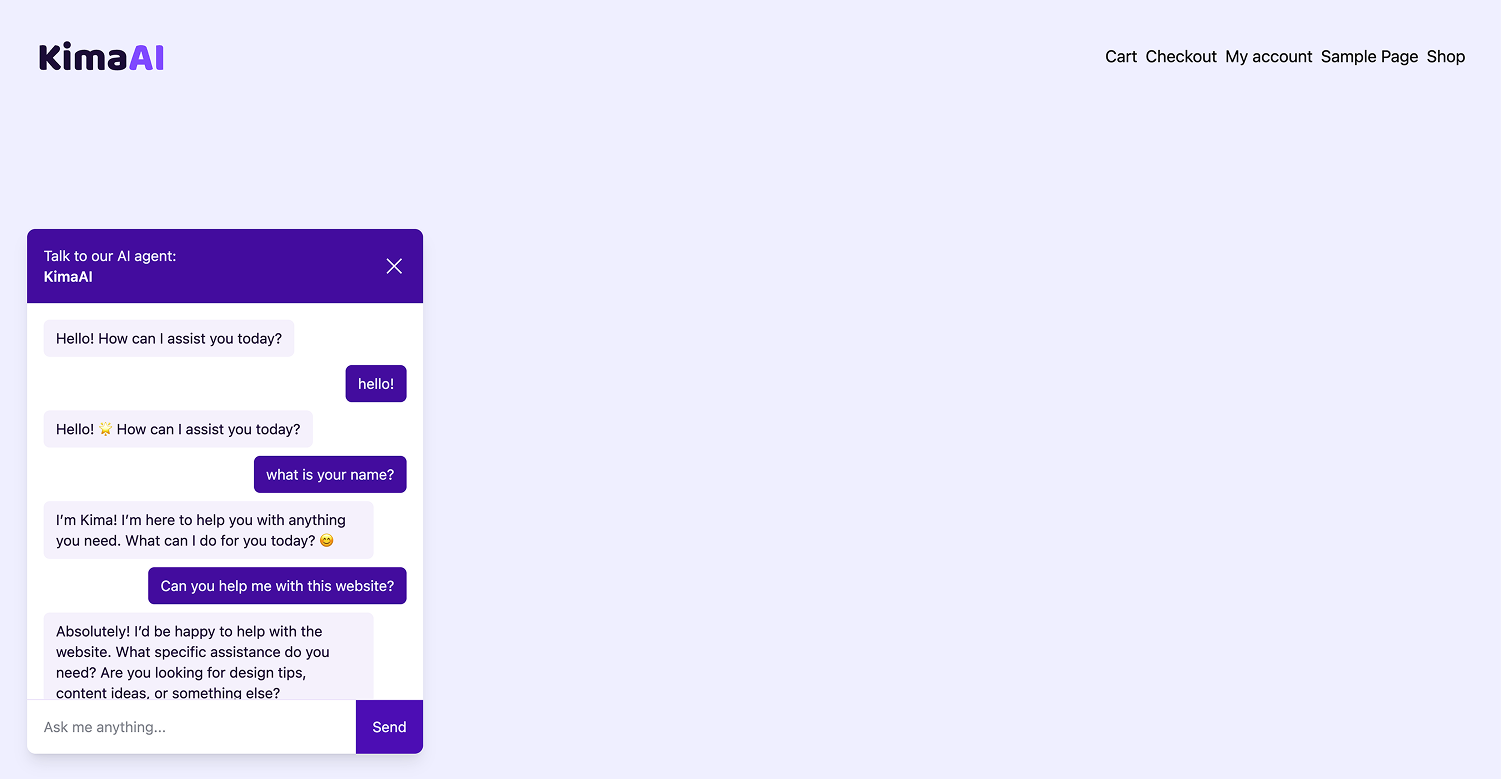


常见问题:
How do I get an API key?
You can get an API key from OpenAI by creating an account on their website. Check the OpenAI website for more information.
更新日志:
1.5.8 - 2026-09-14
Added
- Added a Utility Model dropdown in the chatbot's advanced settings, replacing the free-text model field, with Reasoning level and Verbosity controls that appear for models that support them. Internal helper calls (query rewriting, groundedness checks) now honor these settings; leave the model on "Default" to keep using the chat model.
- Added an MCP (Model Context Protocol) server so AI agents can observe and diagnose the chatbot over a single authenticated endpoint (
POST /wp-json/kimaai/v1/mcp). Read/diagnose tools cover usage stats, knowledge gaps, feedback, conversations/incidents, eval history, and — for a given query — asking the chatbot, inspecting retrieval, classifying the likely failure, and checking embedding coverage. Access is gated by scoped bearer tokens (wp kimaai mcp token) or WordPress Application Passwords and a newkimaai_mcpcapability; every call is audit-logged, analytics output is PII-redacted by default (raw requires theread:rawscope), and ungrounded answers are recorded for diagnosis. Audit and groundedness rows are kept for 90 days, filterable viakimaai_mcp_log_retention_days. - Added an MCP Server screen under the Integrations settings tab to manage the MCP server without the CLI: it shows the endpoint URL, an enable toggle and environment selector, a copy-paste connection command, and a table to create scoped access tokens (shown once) and revoke them. The endpoint is disabled by default and stays closed until you turn it on.
- Added an OAuth 2.1 authorization server (authorization code + PKCE + Dynamic Client Registration, with discovery metadata and a WordPress-login consent screen) so claude.ai Custom Connectors can connect to the MCP server without a manually-created token.
- Added gated write tools to the MCP server so agents can apply fixes, not just diagnose: change settings (with a preview step and one-command rollback), re-embed content, run the golden-set eval, and capture a fix as a new eval case. Writes require the
writescope and route through the existing safe-write pipeline; settings changes and eval-case additions return a rollback id. - Added a post-type restriction for embedding auto-sync, so auto-embed on first publish and auto re-embed on update only run for the post types you select. Leave every box unchecked to keep embedding all supported post types.
- Removed AI Presets. Every surface now selects its own AI environment, so the chatbot's own environment and model drive the chatbot and its internal helper calls, and embedding uses the embedding environment. On upgrade, an install set to "Default (Set AI Presets)" keeps running on the same environment and model, and the embedding selection is carried into the embedding environment; settings you had configured yourself are left untouched.
- Added real end-to-end coverage for the embedding auto-sync pipeline: tests publish and update real posts, run a real Action Scheduler queue, and assert on real embedding rows.
- CI now runs on demand via the
run-cilabel or a manual dispatch, instead of on every commit and every push to the main branch. For the full changelog, visit: https://kimaai.com/changelog/