SCAD - Custom Admin Dashboard
| 开发者 | hannesklingvall |
|---|---|
| 更新时间 | 2026年3月24日 21:35 |
| PHP版本: | 7.4 及以上 |
| WordPress版本: | 6.9 |
| 版权: | GPLv2 or later |
| 版权网址: | 版权信息 |
详情介绍:
SCAD (Simple Custom Admin Dashboard) transforms your WordPress admin into a beautiful, efficient workspace. Perfect for content creators, agencies, and store owners who want a better admin experience.
🎯 Free Features:
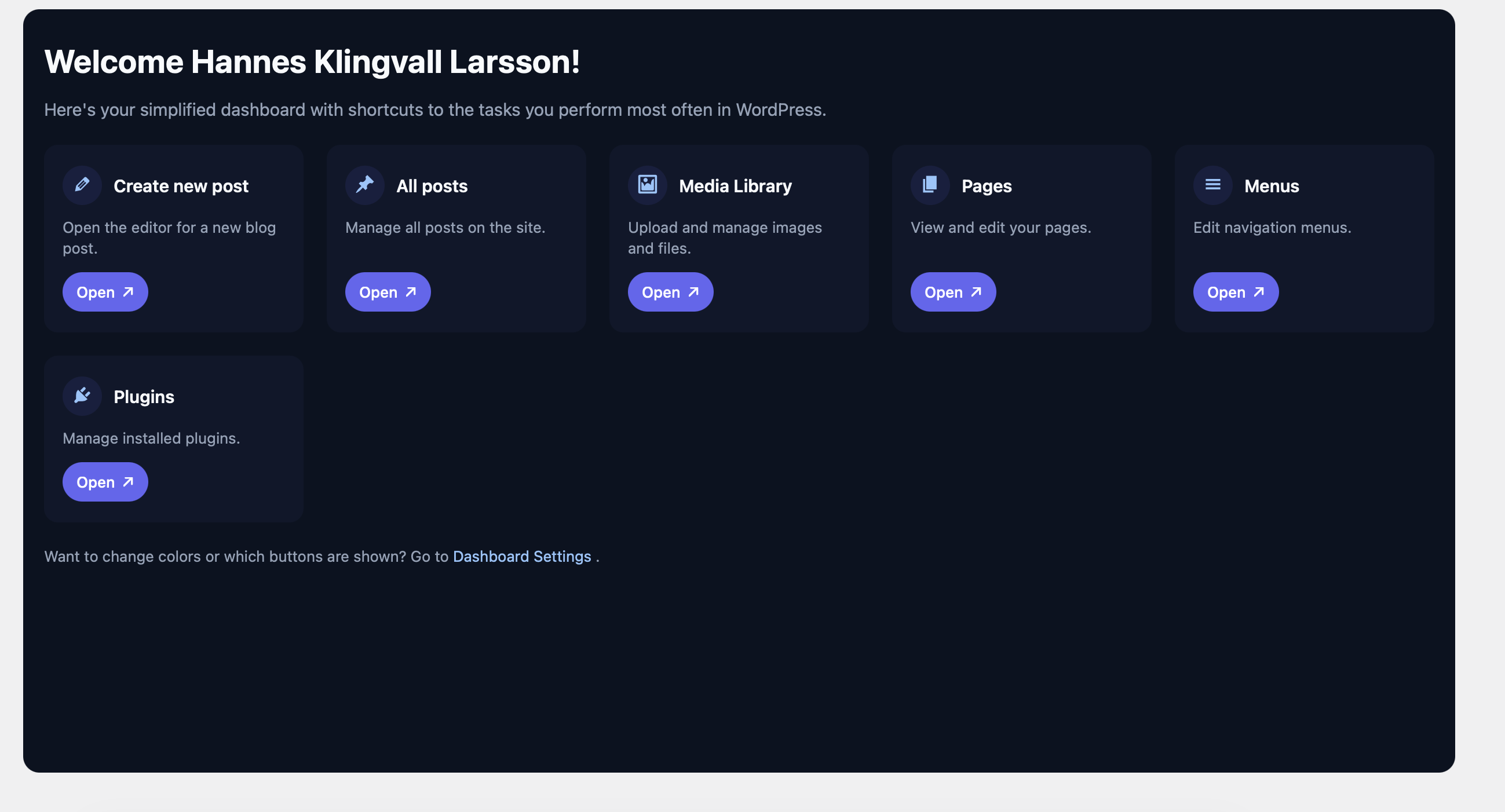
- Custom Dashboard - Replace the default WP dashboard with shortcuts to your most-used admin pages
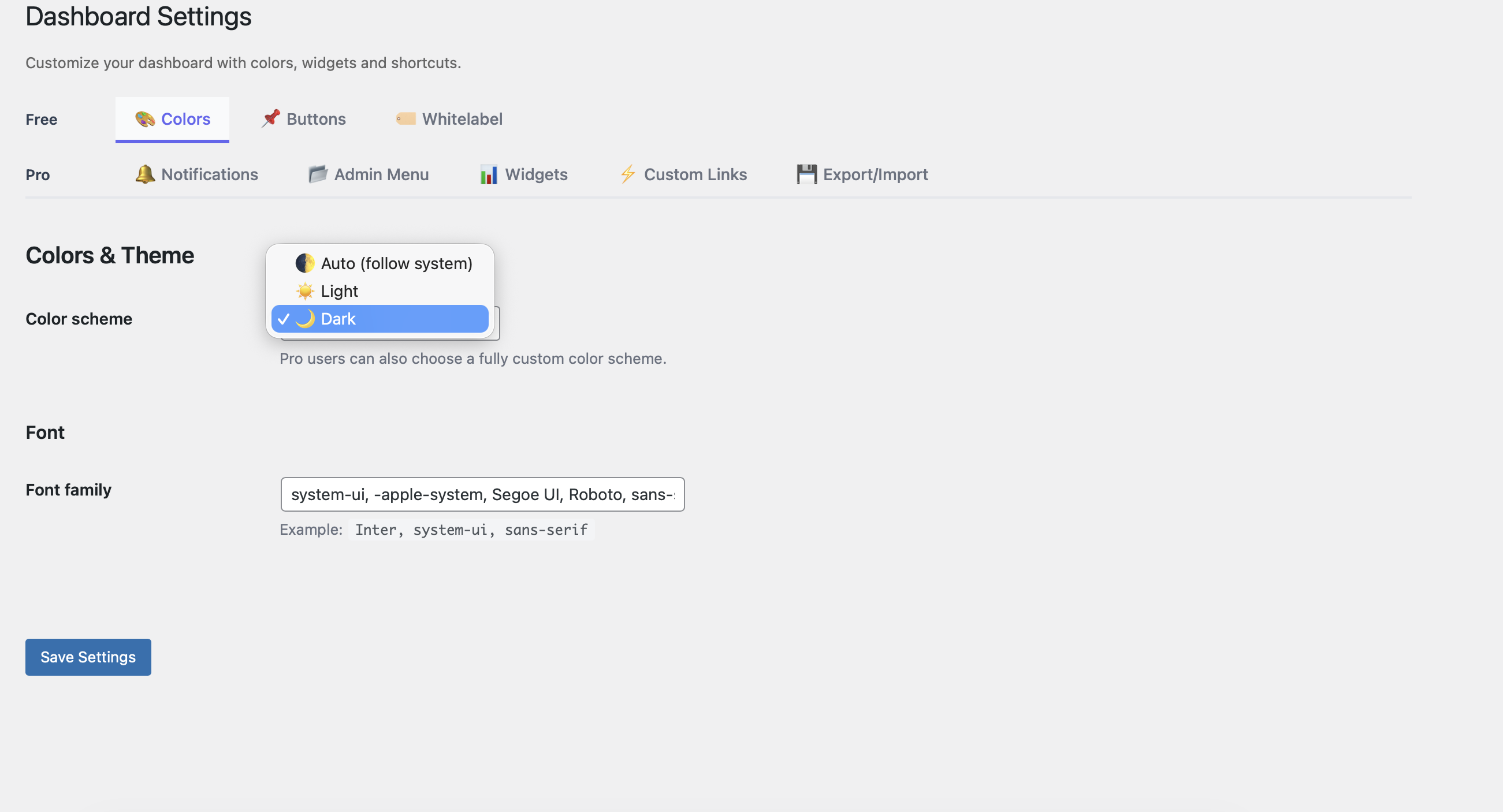
- Modern Design - Clean, professional interface with light/dark/auto color schemes
- Quick Access Cards - One-click shortcuts to Posts, Media, Pages, Comments, WooCommerce, and more
- Fully Responsive - Works perfectly on desktop, tablet, and mobile
- White Label - Customize menu titles and welcome text
- Easy Setup - Works out of the box with sensible defaults
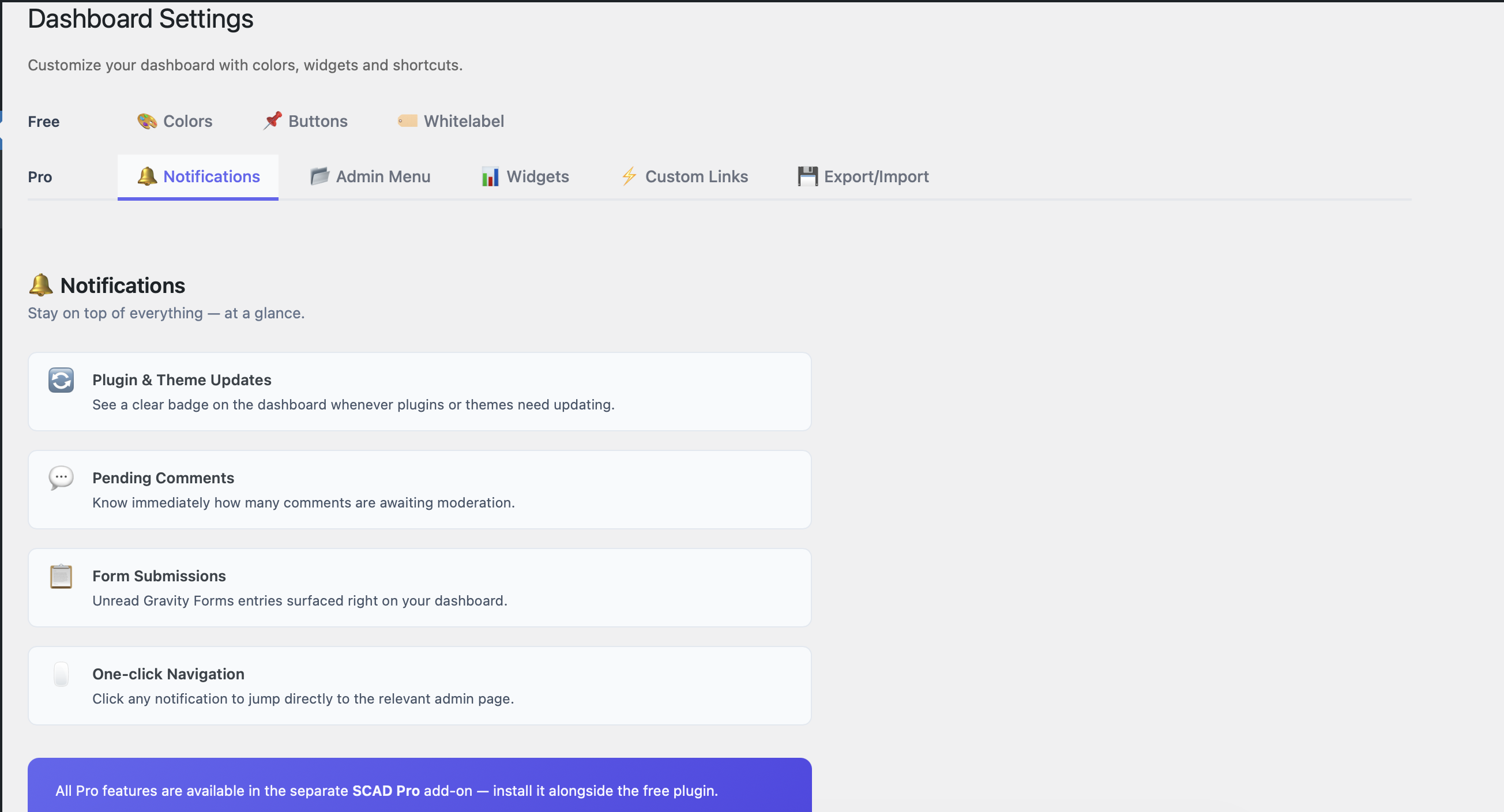
- Notifications - See plugin updates, pending comments and form submissions at a glance
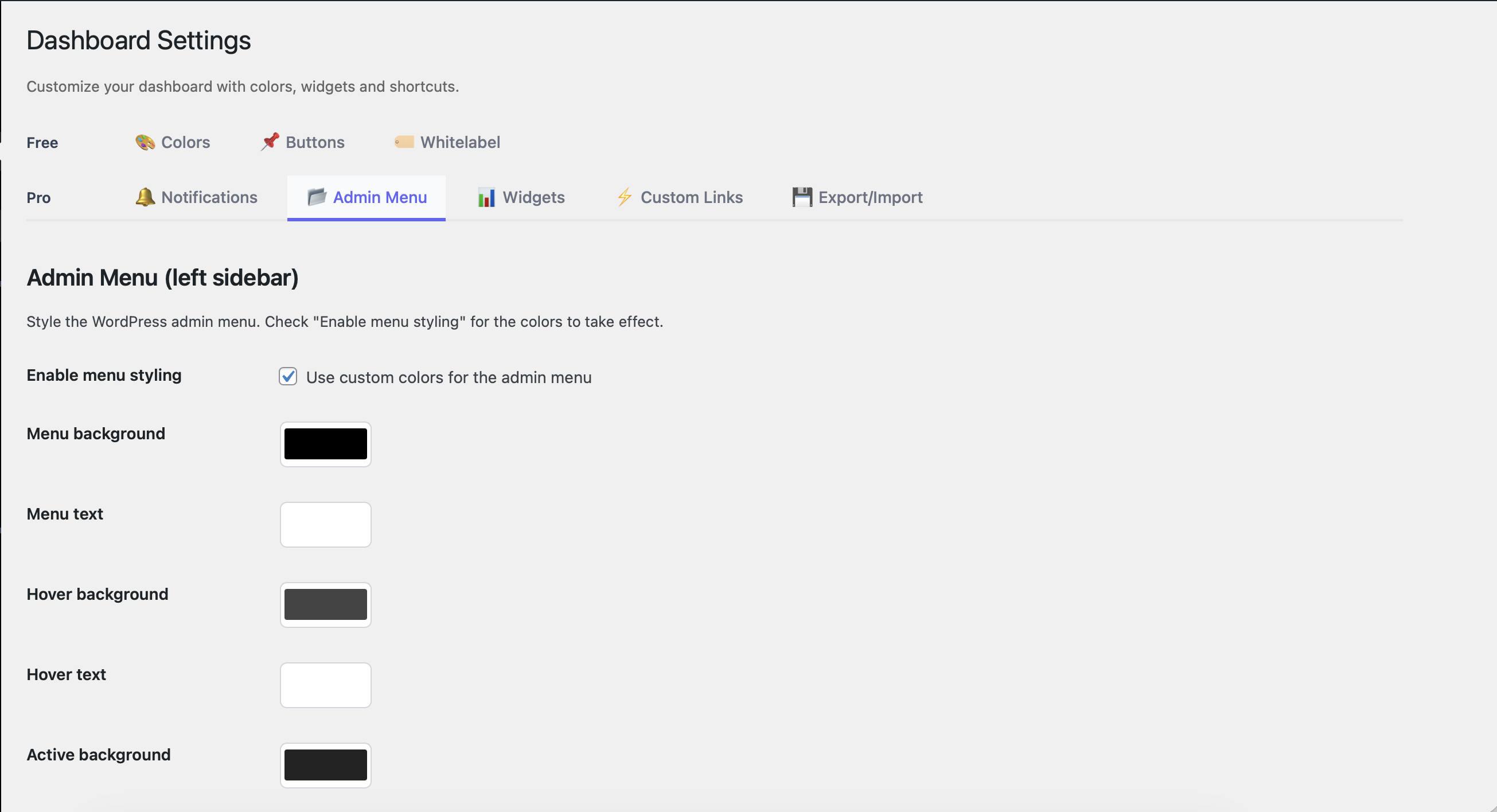
- Admin Menu Styling - Custom background, text, hover and active colors for the sidebar
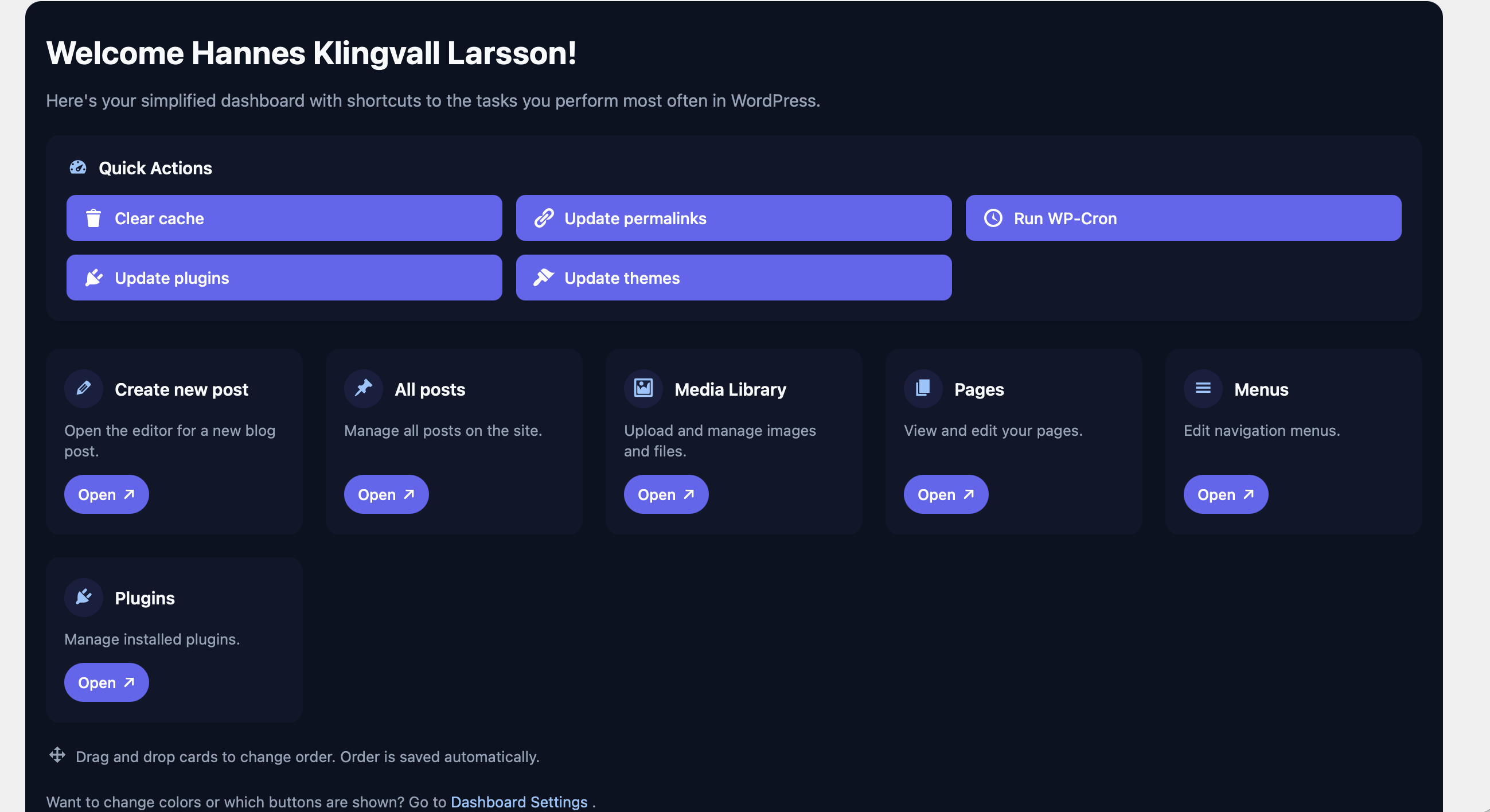
- Widgets - WooCommerce stats and Quick Actions on your dashboard
- Custom Shortcuts - Add your own cards linking to any URL
- Drag & Drop - Reorder cards with drag and drop
- Export / Import - Save your setup and deploy it to any site in seconds
- Custom Color Theme - Create a fully custom color scheme
- WooCommerce
- Gravity Forms
- WP Super Cache / W3 Total Cache / WP Rocket
- Elementor
- Follows WordPress coding standards
- All inputs sanitized and escaped
- Nonce verification on all AJAX requests
- Capability checks throughout
- No data collection or tracking
安装:
Automatic Installation:
- Log in to your WordPress admin panel
- Go to Plugins → Add New
- Search for "SCAD Custom Admin Dashboard"
- Click "Install Now" and then "Activate"
- Download the plugin zip file
- Go to Plugins → Add New → Upload Plugin
- Choose the zip file and click "Install Now"
- Activate the plugin
- Go to "My Dashboard" in your admin menu
- Visit Settings to customize colors and which shortcuts appear
- Enjoy your new dashboard!
屏幕截图:
常见问题:
Is this plugin free?
Yes! The free version includes the custom dashboard with shortcuts, color schemes (light/dark/auto), and white label customization. Pro features are available as a separate add-on.
Will this replace my existing dashboard?
By default, no. You can access your custom dashboard from the new menu item. Pro users can enable auto-redirect in settings to skip the default WP dashboard.
Can I customize which shortcuts appear?
Yes! Go to Settings → Buttons tab and check/uncheck which shortcuts you want to see.
Does it work with WooCommerce?
Yes! The plugin automatically detects WooCommerce and adds relevant shortcuts.
Can I change the colors?
Yes! The plugin includes Light, Dark, and Auto color schemes in the free version.
Does it work on multiple sites?
Yes! The free version can be used on unlimited sites.
Will this slow down my site?
No! The plugin only loads on admin pages. It will not affect your site's front-end performance at all.
更新日志:
1.0.5 - 2026-03-24
- Fixed: Third-party admin notices (e.g. Elementor, plugin update banners) no longer overlay the custom dashboard or settings page
- Fixed: Text domain updated to match plugin slug (klingvall-custom-admin-dashboard)
- Fixed: Removed inline script/style tags — assets now use wp_enqueue/wp_add_inline_style properly
- Fixed: Replaced pro-gating (disabled inputs, lock wrappers) with informational Pro upsell pages
- Fixed: Admin menu styling now correctly only applies when Pro add-on is active
- Fixed: Sanitization file cleaned up — no Swedish strings, debug comments removed
- Improved: Code quality and full WordPress.org guideline compliance
- Fixed: Custom dashboard color scheme now applies correctly
- Fixed: Improved color sanitization for theme settings
- Fixed: Color settings now save correctly
- Fixed: Settings page rendering improvements
- Initial release