
Koinonia Link
| 开发者 | brelandr |
|---|---|
| 更新时间 | 2026年10月5日 13:51 |
| PHP版本: | 7.4 及以上 |
| WordPress版本: | 7.1 |
| 版权: | GPLv2 or later |
| 版权网址: | 版权信息 |
详情介绍:
- Member Management: Keep guest and member records unified so follow-up and care stay consistent.
- Sermon Hosting: Organize sermons and resources in one place for easy discovery and sharing.
- Donation Tracking: Monitor giving activity to support stewardship and fundraising goals.
- Administrative Workflows: Streamline ministry operations so staff and volunteers stay aligned. Unlike standalone ChMS platforms, Koinonia Link lives inside your website, giving you 100% ownership of your data and a unified experience for your staff and congregation.
安装:
- Upload the
koinonia-linkfolder to the/wp-content/plugins/directory. - Activate the plugin through the 'Plugins' menu in WordPress.
- Use the 'Koinonia Link' menu in the admin sidebar to begin setup.
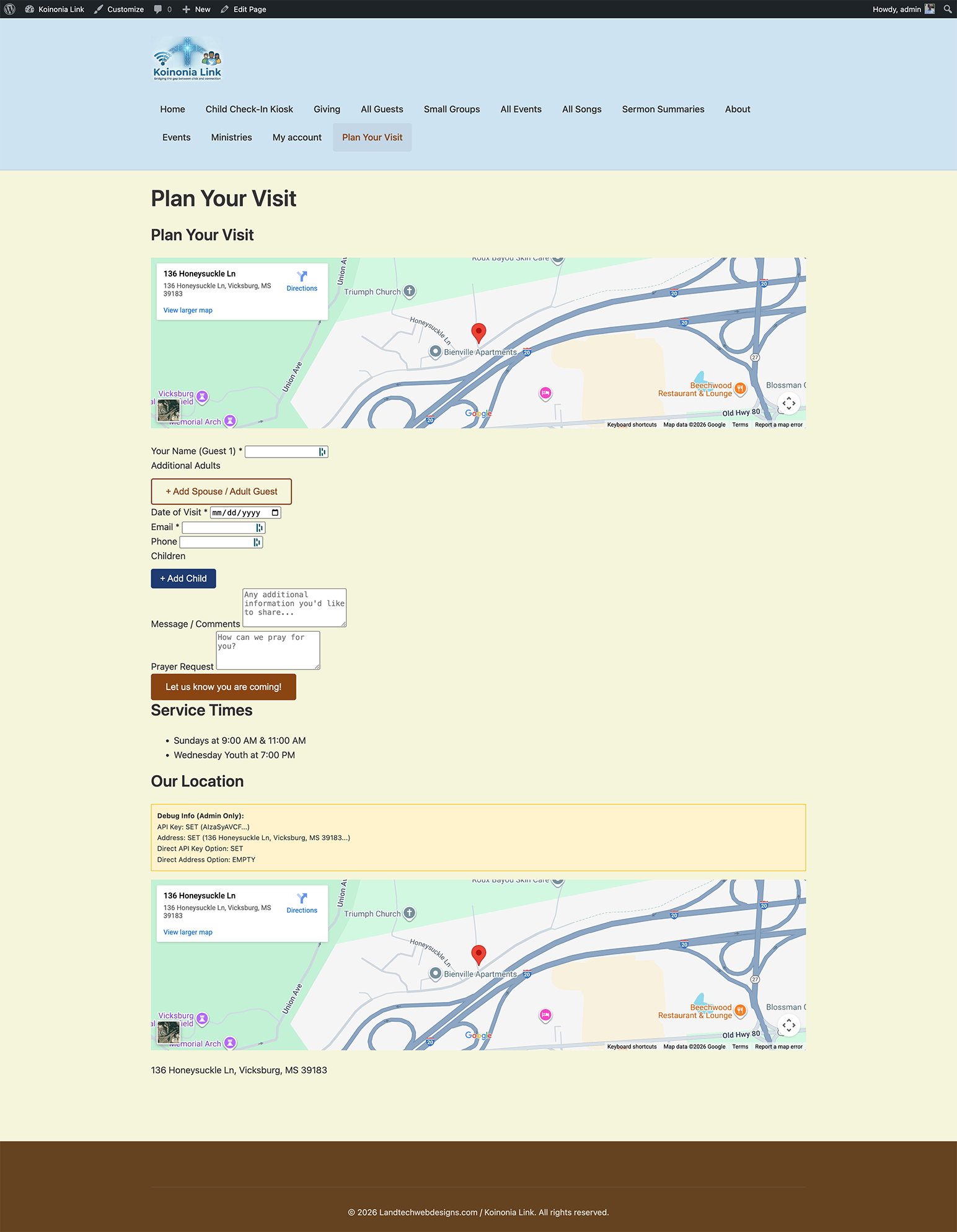
- Add the 'Plan Your Visit' block to any page using the Gutenberg editor.
屏幕截图:
常见问题:
What is Koinonia Link?
Koinonia Link is a church management plugin for WordPress that helps you track guests, manage groups, publish sermons, run events, handle giving workflows, and coordinate volunteers directly from your website.
Does this replace my church management software?
Not necessarily, but it certainly can. Koinonia Link can serve as a lightweight church management system inside WordPress, or it can complement other platforms by powering your public-facing guest and ministry experience.
Is the Check-In Kiosk secure?
Yes. The kiosk runs through secure AJAX handlers and is designed for use on a dedicated kiosk page. Use a locked-down browser or device kiosk mode for best results.
What hardware do I need for the kiosk?
Any modern browser on a tablet or touchscreen monitor works well. Optional barcode scanners often work as keyboard input devices.
Can I use Koinonia Link with Elementor?
Yes. The plugin includes Elementor widgets for sermons and events so your layouts stay consistent with your design system.
Why do I need a Google Maps API key?
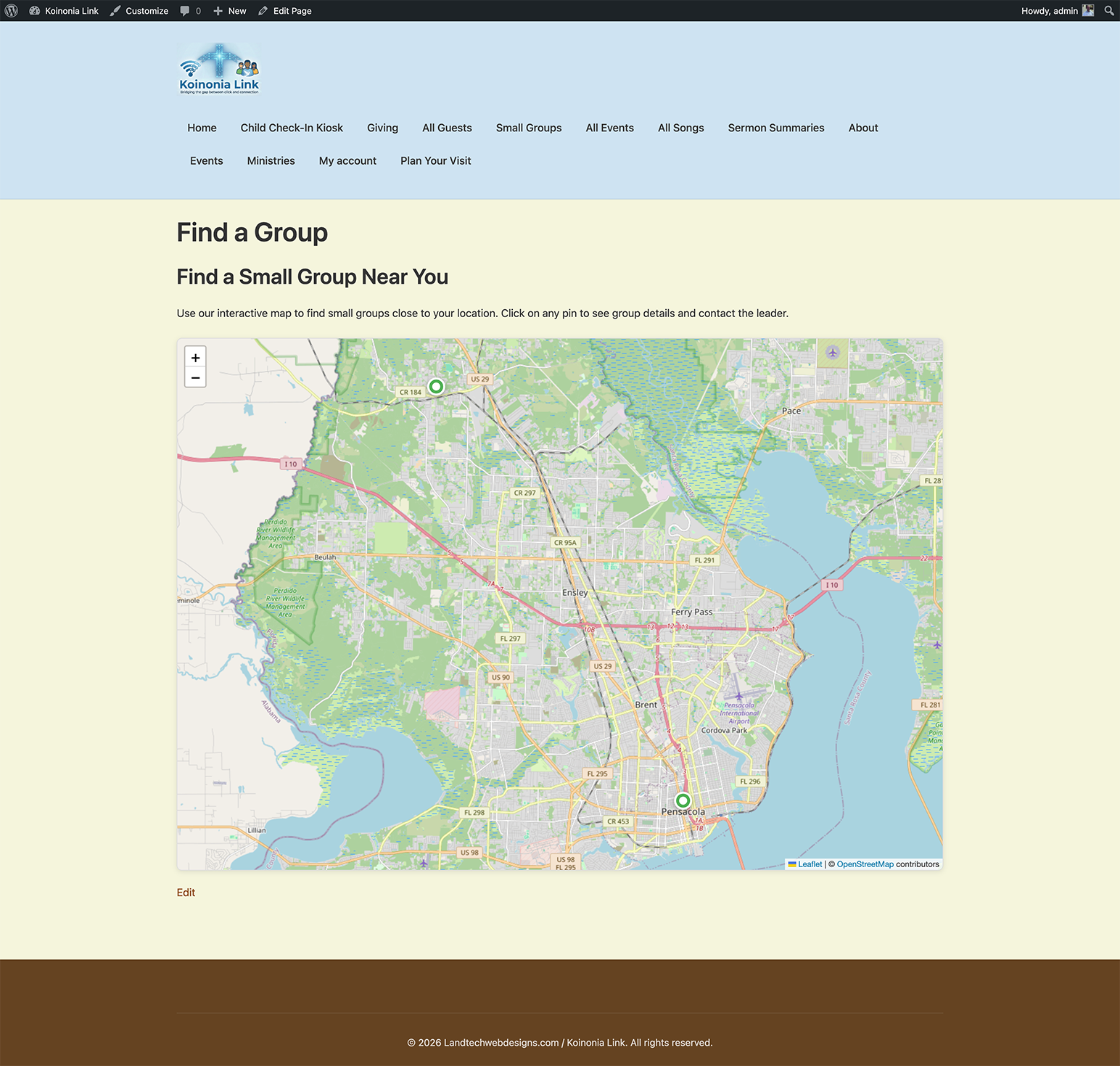
Maps are used in the Plan Your Visit experience and group mapping/geocoding features. A valid key enables map display and location lookup.
更新日志:
- Security: The public check-in kiosk no longer accepts last-4 phone search. Family lookup now requires the full phone number, failed guesses are rate-limited, and JSON responses mask the stored number. Reported by kta1kri.
- Security: Unauthenticated check-in and add-child kiosk actions now verify the submitted phone against the family record.
- Security: Children's allergy notes, names, ages, and dates of birth are now encrypted at rest (AES-256-CBC). Planned-visit child lists are stored as an encrypted JSON blob. Existing plaintext values are migrated on upgrade.
- Security: Kiosk add-child now stores the submitted date of birth (encrypted) instead of keeping only the calculated age.
- Security: Fix privilege escalation where any logged-in user could change their own role from their profile page. Role changes now require the promote_users capability, users can no longer change their own roles, and only roles the acting user is allowed to grant (get_editable_roles) are accepted.
- Security: Group memberships on the user profile can now only be changed by users with the edit_users capability.
- Security: Expired-nonce redirects on event/smart-list screens no longer read unverified request data; they use the core nonce action and require edit_post.
- Security: Kiosk debug output now verifies the check-in nonce before reading the debug flag.
- Fix: Role selector scripts and styles on user screens are now enqueued instead of printed inline.
- Fix: Replace deprecated get_page_by_title() and escape custom table names in Plugin Check flagged queries.
- Fix: Select2 is now bundled locally instead of loading from a CDN.
- Fix: Kiosk login page loaded a QR scanner file that did not exist.
- Fix: Demo sermon series artwork is generated locally instead of downloaded from a remote placeholder service.
- Fix: Debug logging no longer writes a log file into wp-content.
- Fix: Group attendance records list returned nothing when no filters were selected (invalid SQL).
- Security: Removed nonce replacement on the Event and Smart List edit screens, which disabled CSRF protection for those saves. Expired sessions now return you to the edit screen instead.
- Change: Service Planner AI suggestions now use the WordPress AI Client (Settings > Connectors) instead of calling OpenAI directly.
- Dev: New
kc_send_sms_notificationaction for SMS provider integrations. - Minimum WordPress version is now 5.9.
- Add review request prompt for administrators after 7 days.
- Prepared for WordPress 7.0 with Abilities API readiness and improved edit collaboration.
- Improve plugin check compliance for nonce handling and core notices.
- Update premium upgrade list with Guardian Mode medical alerts.
- Add premium upgrade link in plugin row meta.
- Initial release of Koinonia Link Core.
- Added Guest CPT and Interaction logging.
- Added 'Plan Your Visit' Gutenberg block.